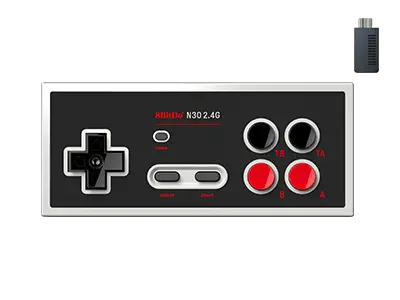
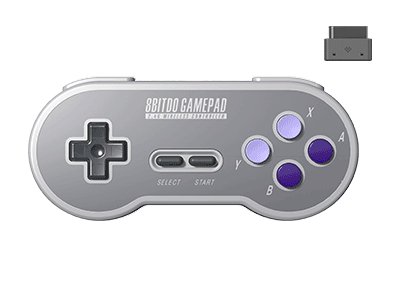
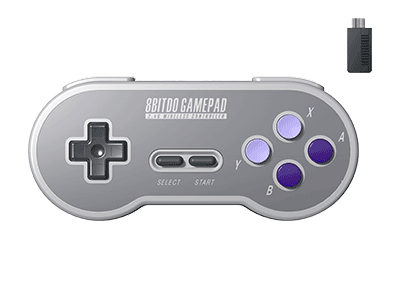
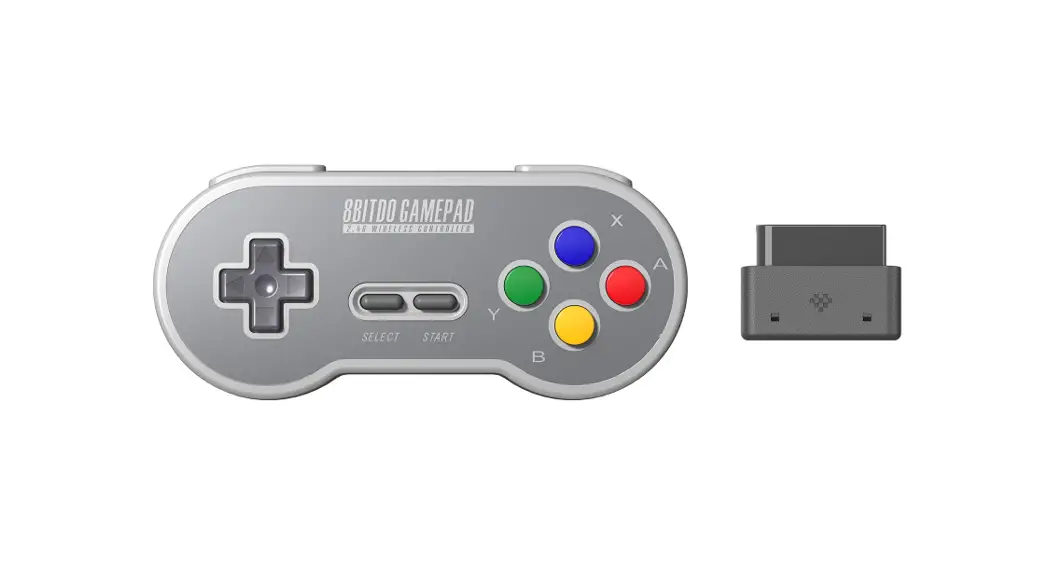
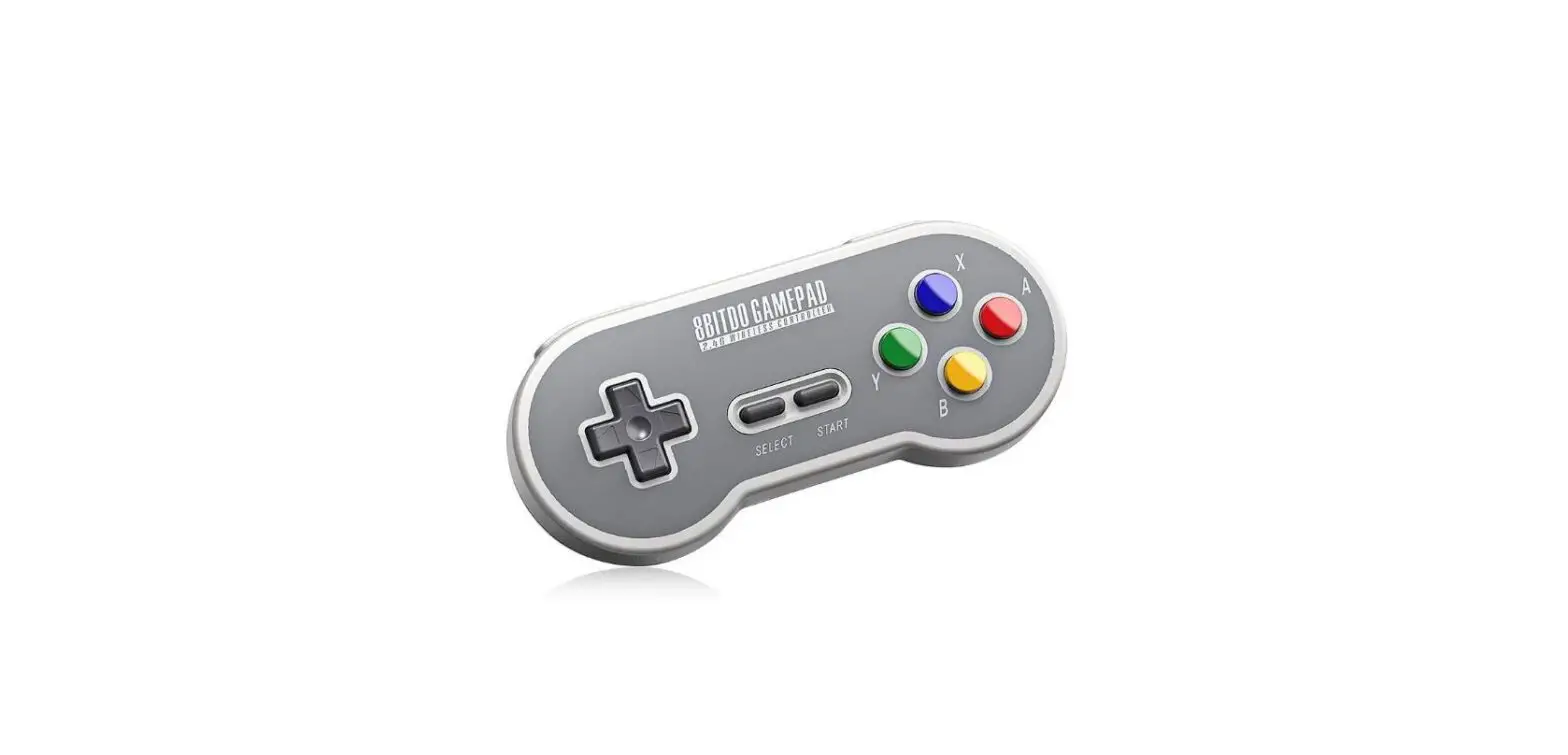
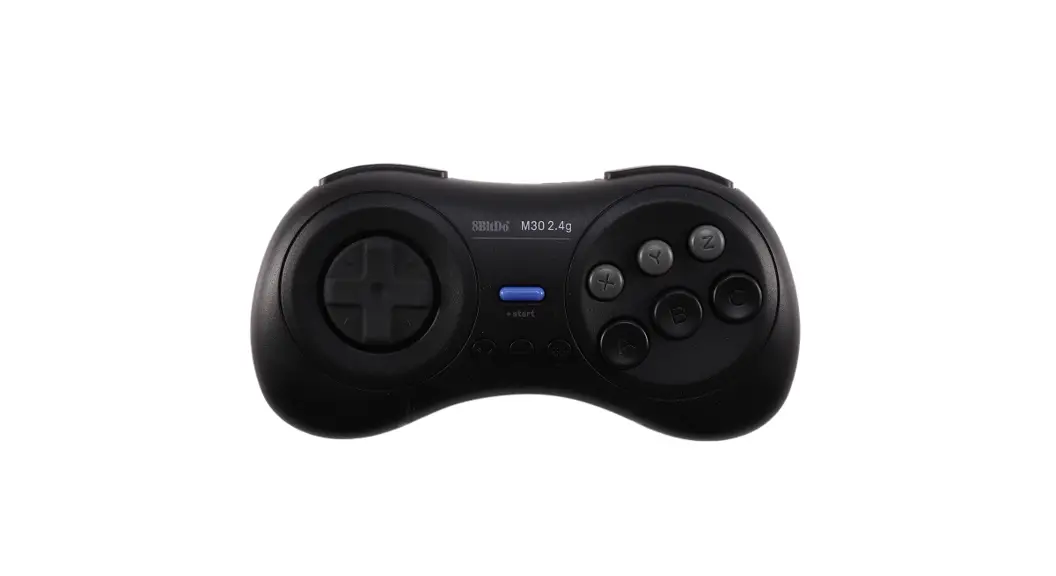
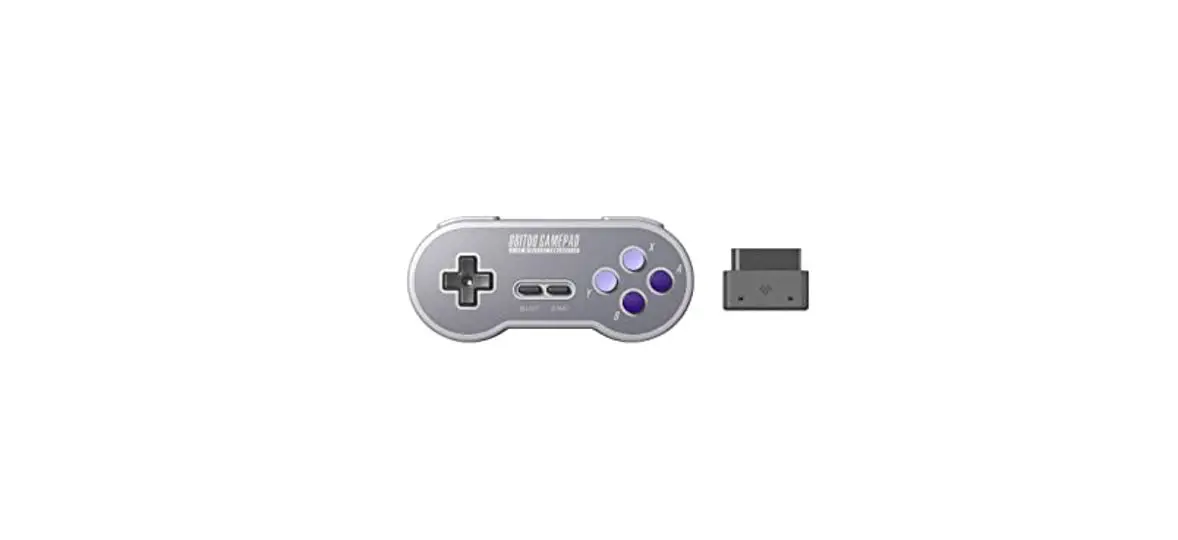
8BitDo N30 2.4G Nt Wireless Controller User Manual
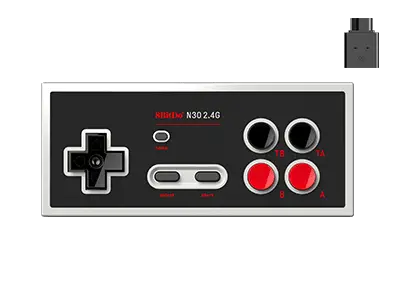
N30 2.4G Nt Wireless Controller Instructions
Nintendo Entertainment System & Nintendo Family Computer (Model HVC-101) & Analogue Nt / Nt mini
1. Plug the receiver to your chosen system, Blue LED blinks once per cycle
2. Press start on the controller to pair
3. Blue LEDs on both the controller and receiver become solid when connection is successful
Battery
| Status | LED Indicator |
| Low battery | Red LED blinks |
| Battery charging | Red LED stays solid |
| Battery fully charged | Red LED turns off |
- Built-in180 mAh Li-on with18 hours of playtime
- Rechargeable via USB cable with 1- 2 hour charging time
- Controller turns off in 1 minute with no connection and 15 minutes with connection but no use
Retrieve a lost connection or connect to a new receiver
1.Turn on the controller then press and hold select button for 3 seconds. Blue LED starts to rapidly blink 2 – Move the controller close to the receiver. Blue LED becomes solid when connection is successful
Support
Please visit support.8bitdo.com for further information & additional support
FAQ – Frequently Asked Questions
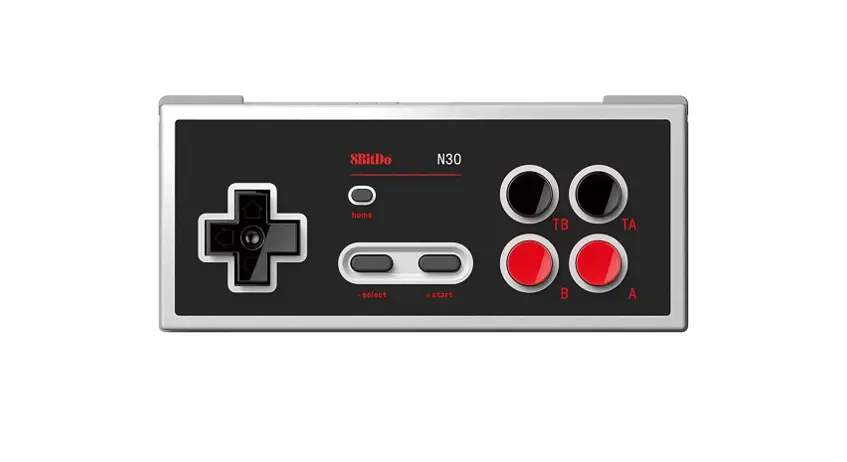
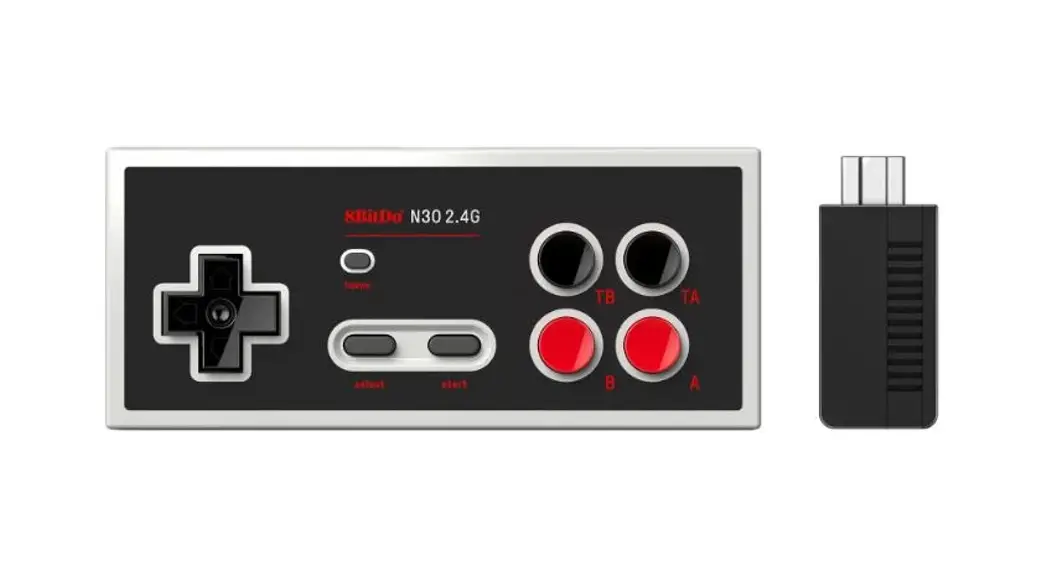
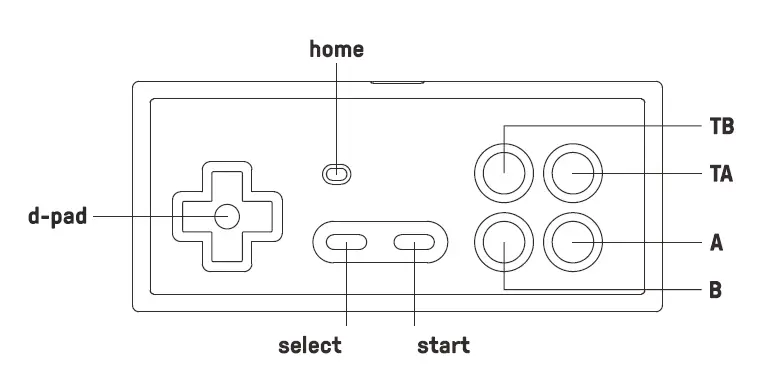
T stands for Turbo. TA is for turbo A, TB is for turbo B.
N30 2.4G NT works with original NES / NFC (Model HVC-101) console.
N30 2.4G works with NES Classic console.
Yes, there is a 2.4g receiver for NES that comes with it.
Yes, you can. One receiver for one controller port. One receiver for one controller.
Yes, you can use it on Windows 10 and Switch wired via USB cable.
No, it does not. It only works with the 2.4g receiver which comes with it.
We suggest you charge it via a phone power adapter and original USB cable.
The controller uses 180mAh rechargeable battery with 1-2 hour charging time. The battery can last up to 18 hours when fully charged.
Download
8BitDo N30 2.4G Nt Wireless Controller User Manual – [ Download PDF ]