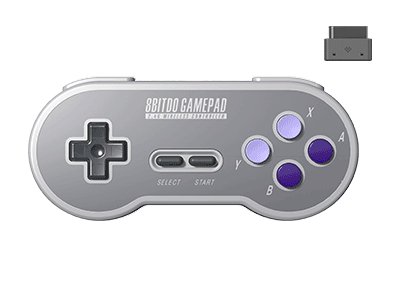
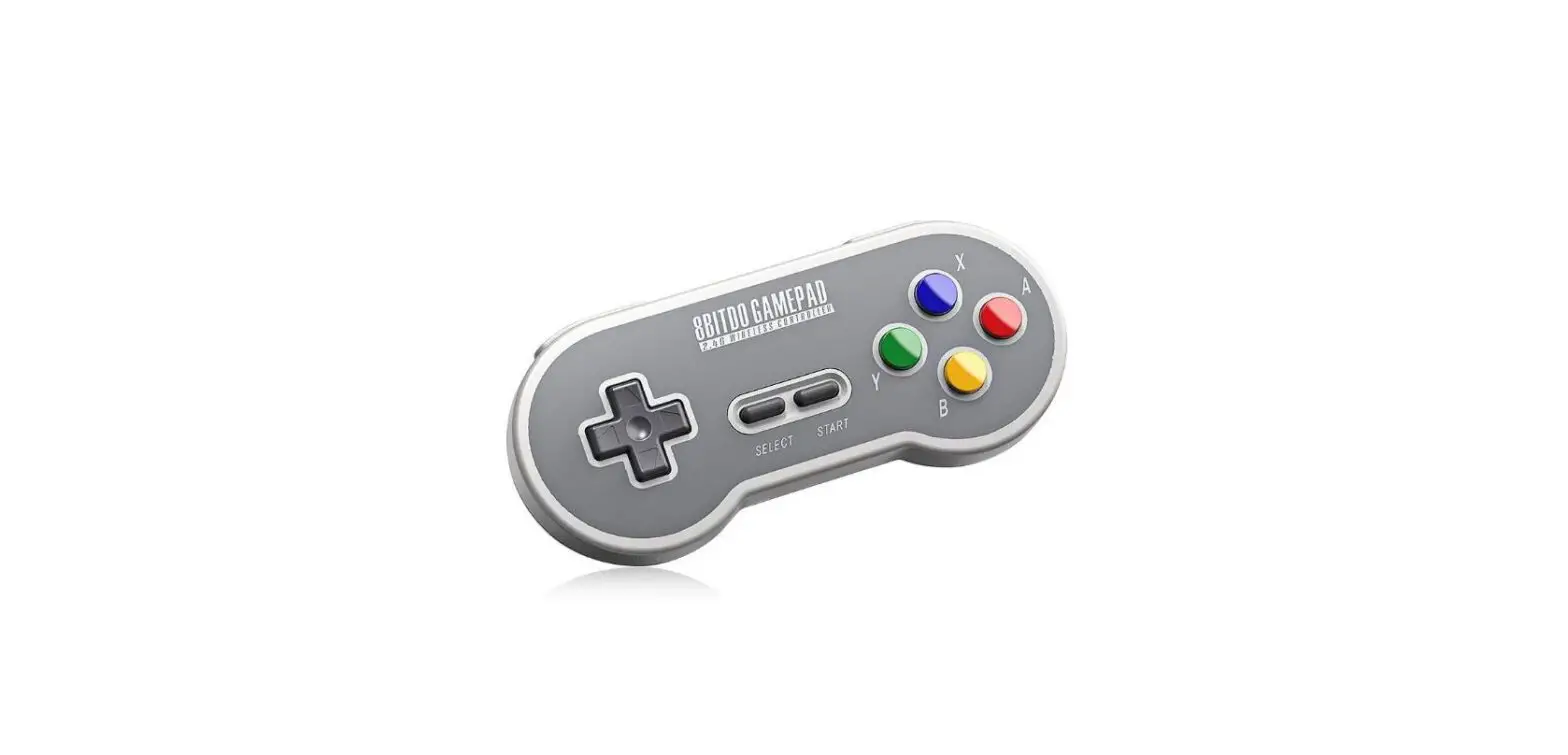
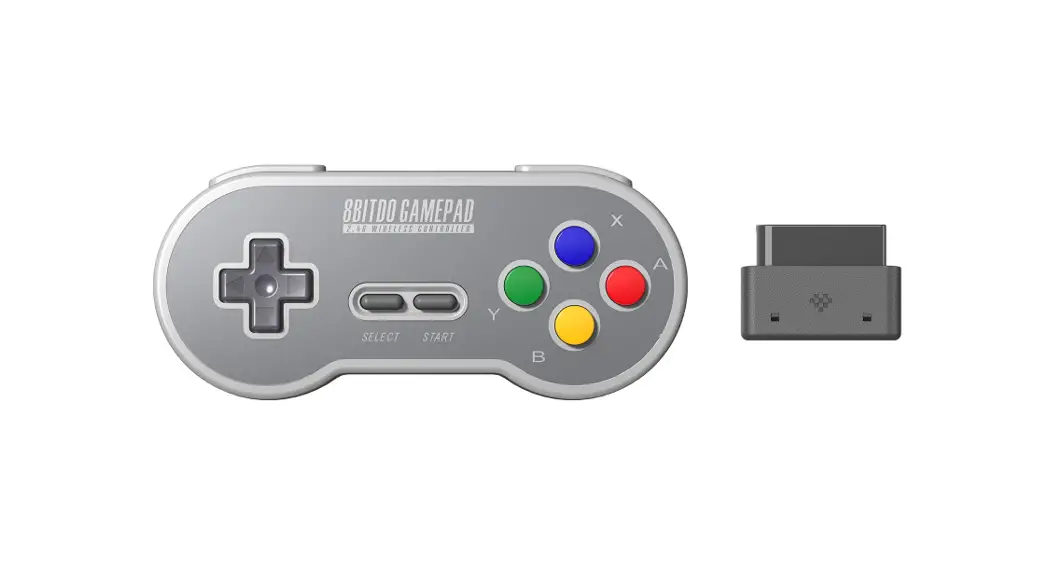
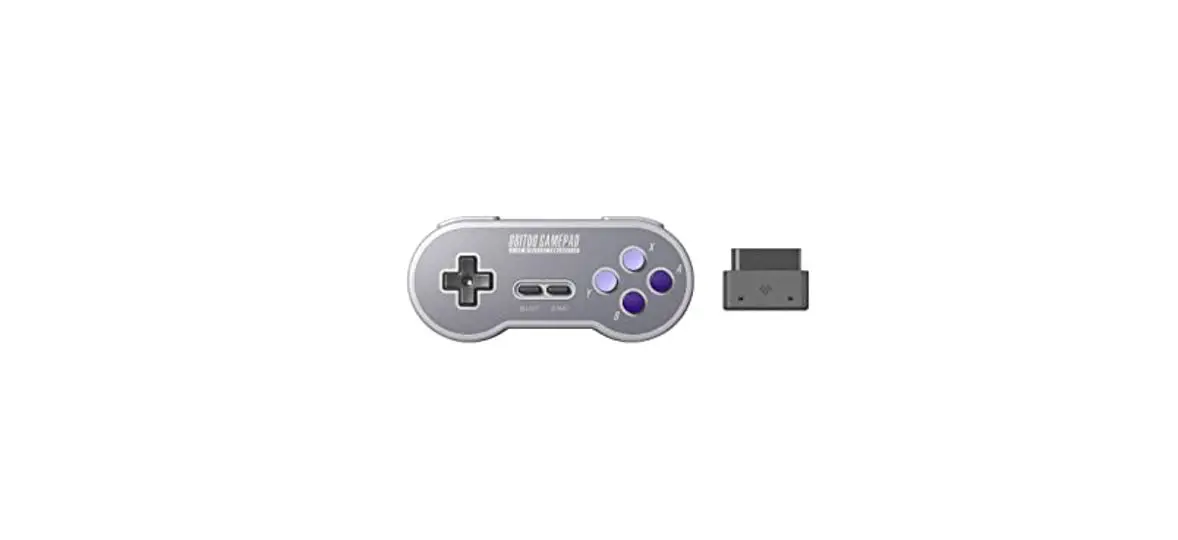
8BitDo N30 2.4G Wireless Controller User Manual
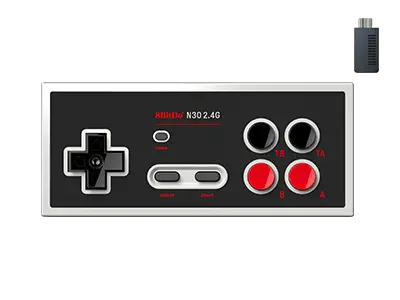
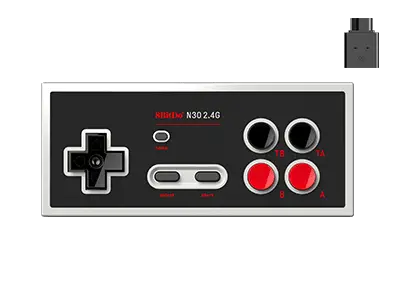
N30 2.4G Instruction
Connection
NES Classic Edition (wireless connection)
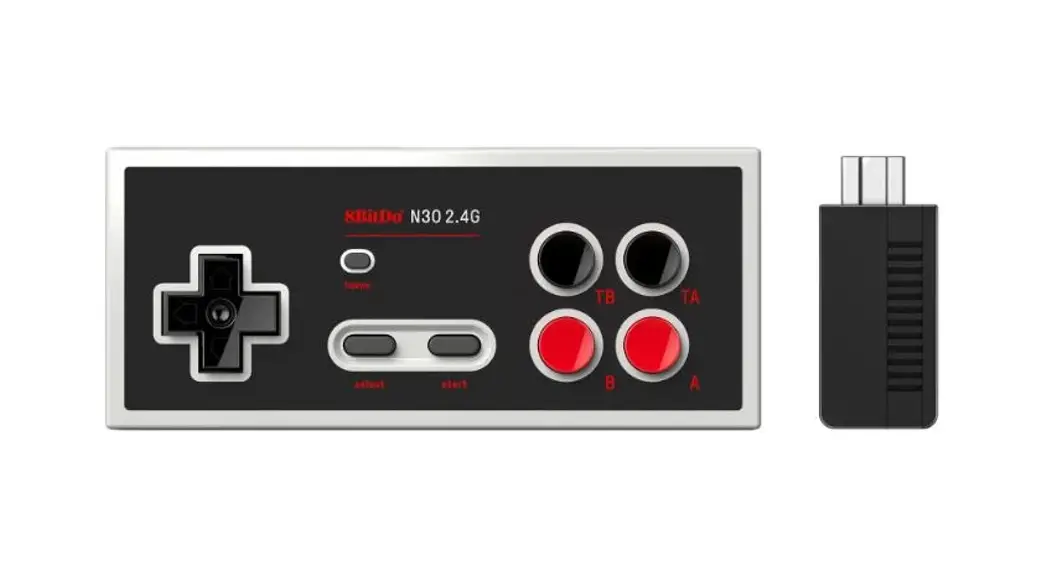
1. Plug the 2.4G Retro Receiver into your NES Classic Edition.
2. Press START on your controller to connect to the Retro Receiver.
3. LED will be solid blue when connection is successful.
- If connection is lost or you wish to pair with a new retro receiver, press and hold SELECT on the controller for 3 seconds. Blue LED will rapidly blink and be solid blue when connection is successful.
Battery
| Status | LED Indicator |
| Low battery mode | Power LED in red |
| Battery charging | Power LED in green |
| Battery fully charged | Power LED turns off |
- Built-in 180 mAh Li-on with 25 hours of play time.
- Rechargeable via USB cable with 60 minutes charging time.
Power Saving
Sleep mode – 15 minutes with no use.
Support
Please visit support.8bitdo.com for further information and additional support.
FAQ – Frequently Asked Questions
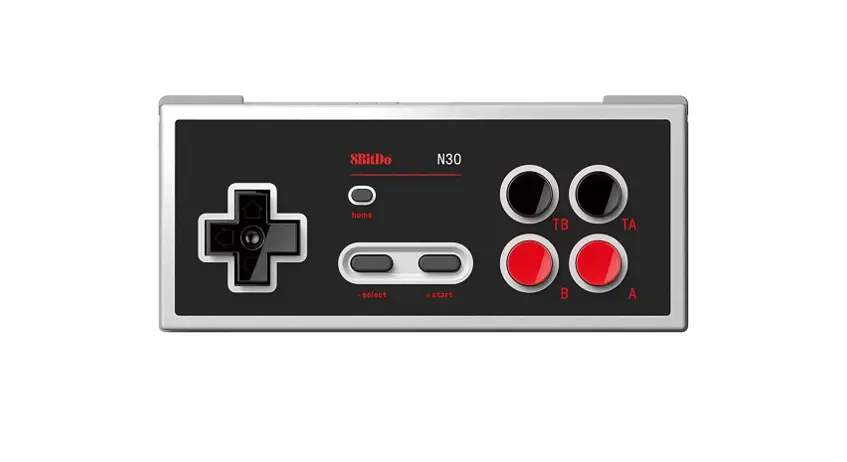
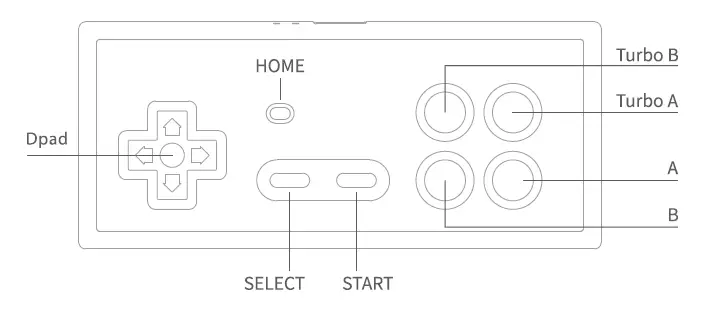
They are turbo buttons. T stands for Turbo. TA is for turbo A, TB is for turbo B.
Home button = NES Reset button.
Yes, it does. It has a dedicated NES Classic 2.4g receiver included in the box.
Yes, you can. One controller port for one receiver. One receiver for one controller.
No, it does not have a USB port on the receiver. It can only work with NES Classic Edition.
No, you can not use it on the original NES console. You can only use it on a NES Classic Edition.
No, it does not. It only works with the 2.4g receiver which comes with it.
We suggest you charge it via a phone power adapter.
The controller uses 180mAh rechargeable battery with 1-2 hour charging time. The battery can last up to 25 hours when fully charged.
The range goes to 10 meters. The best range for playing is within 5 meters.
No, you can not.
Download
8BitDo N30 2.4G Wireless Controller User Manual – [ Download PDF ]