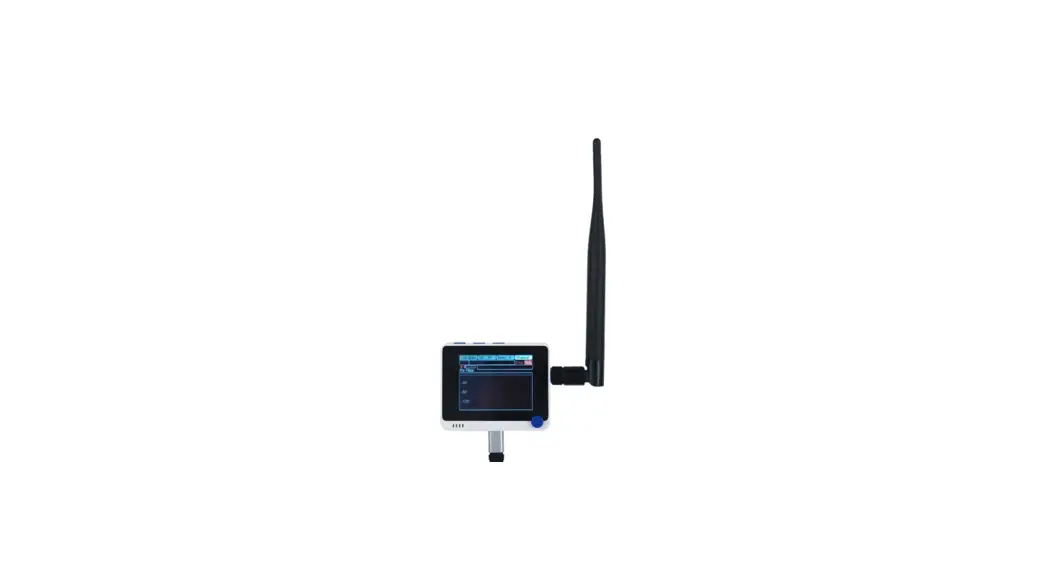
 Wio Helium Monitor
Instructions
Wio Helium Monitor
Installation:
- Update the Wireless Core Firmware on the WioTerminal following the Seeed documentation : https://wiki.seeedstudio.com/Wio-Terminal-Network-Overview/
- Drag & Drop the Wio Helium Monitor firmware on the Wio Terminal. The firmware can be downloaded here : https://github.com/disk91/WioHeliumMonitor/blob/master/bin/WioHeliumMonitor.ino.uf2
Verification
- After the firmware download or power it on
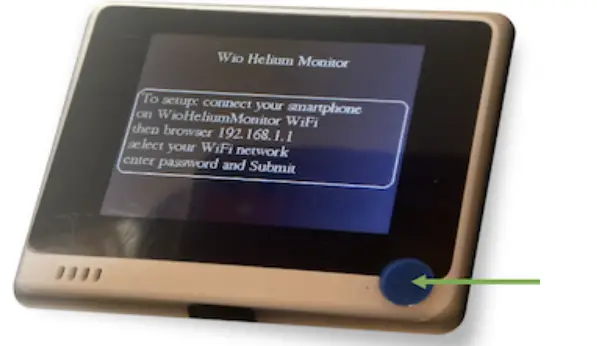
- The Wio Terminal will boot and display the following screen (the screen is a bit different now : there is a QR code displayed on it).

- Check the available WiFi networks and make sure you see WioHeliumMoninetwork listed. Do not connect or anything else, this verification is good enough.
 Overview - Seeed Wiki