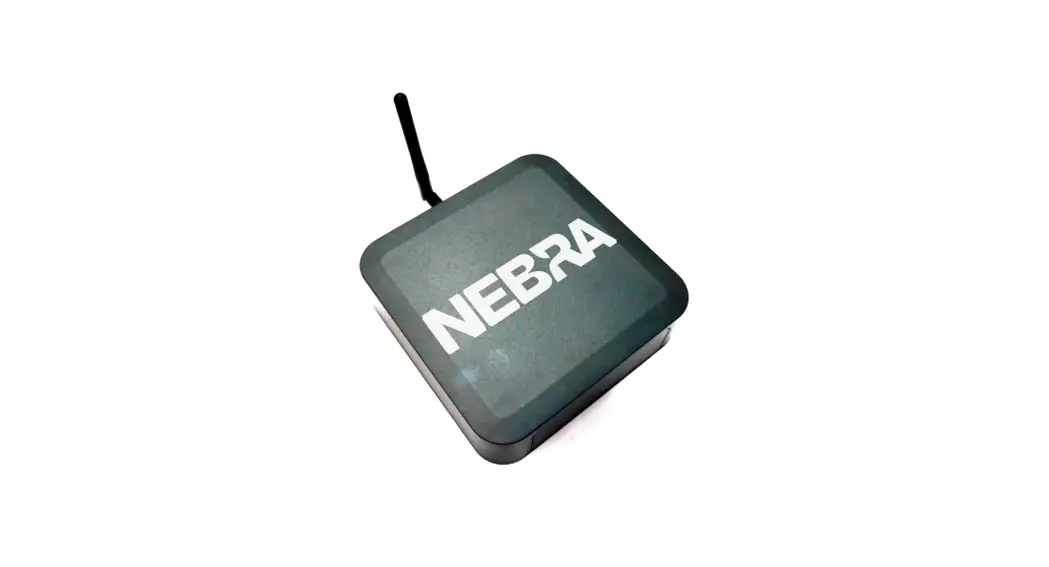
 HNT Indoor Helium Miner
User Guide
HNT Indoor Helium Miner
 Download the Helium or Nebra app and create or restore a Helium wallet
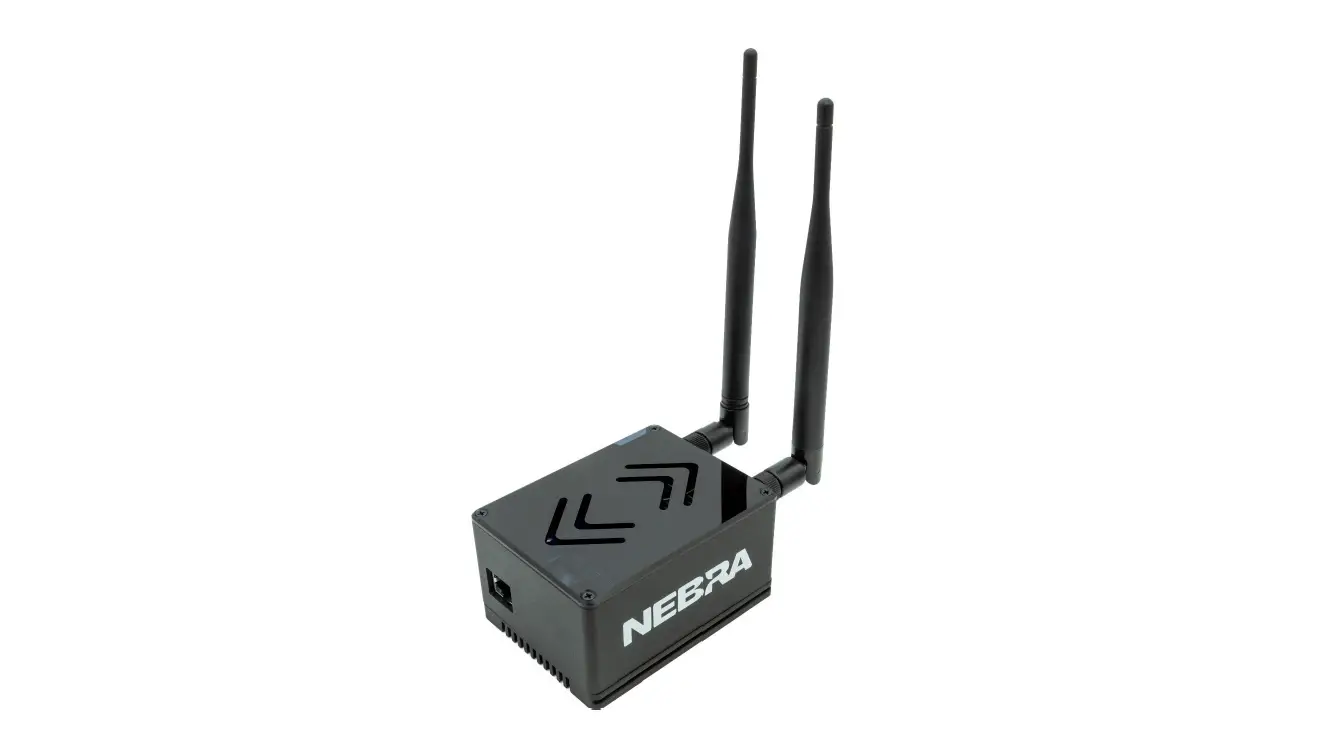
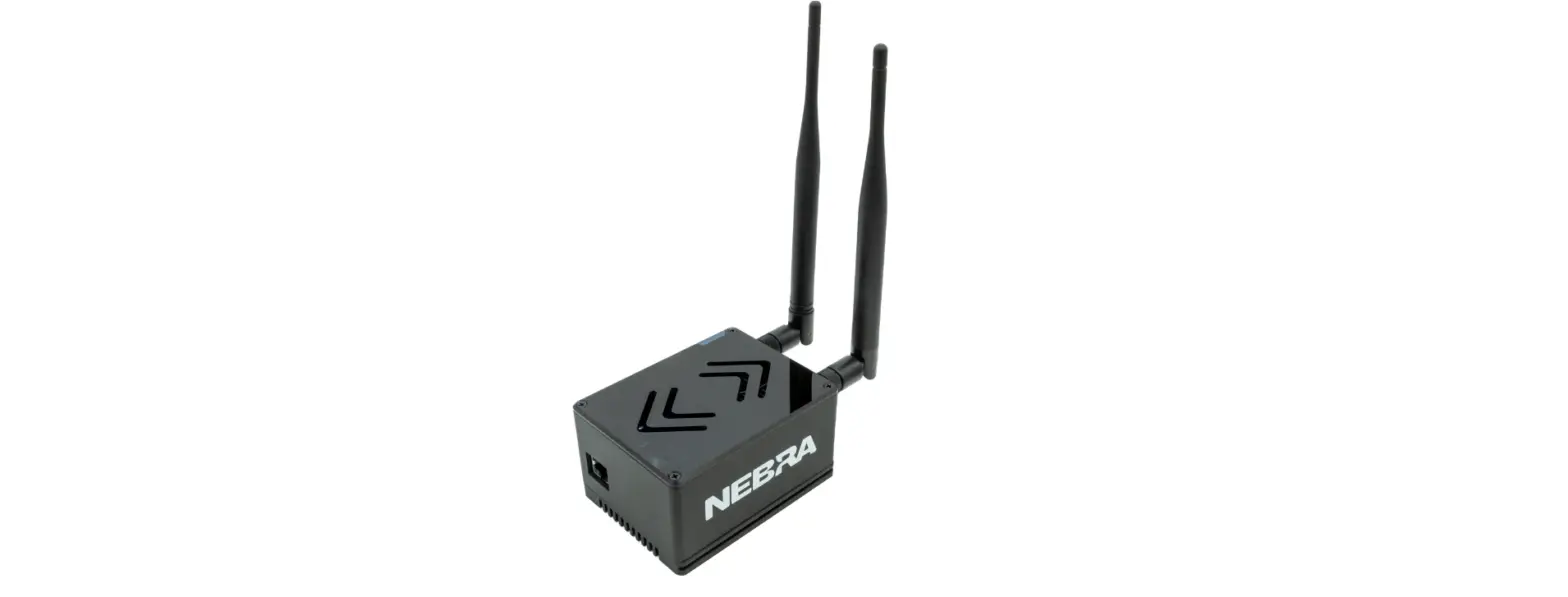
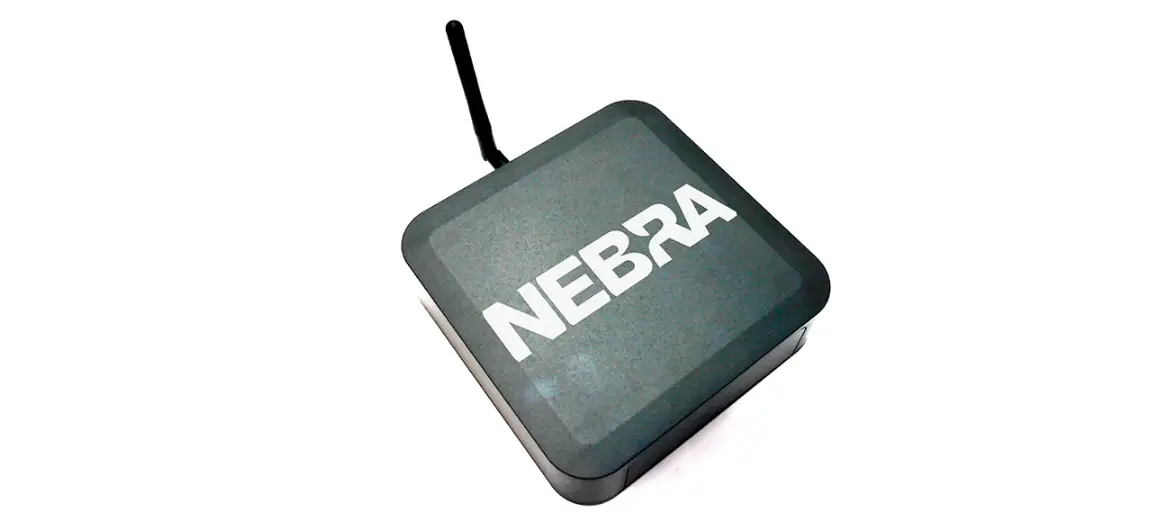
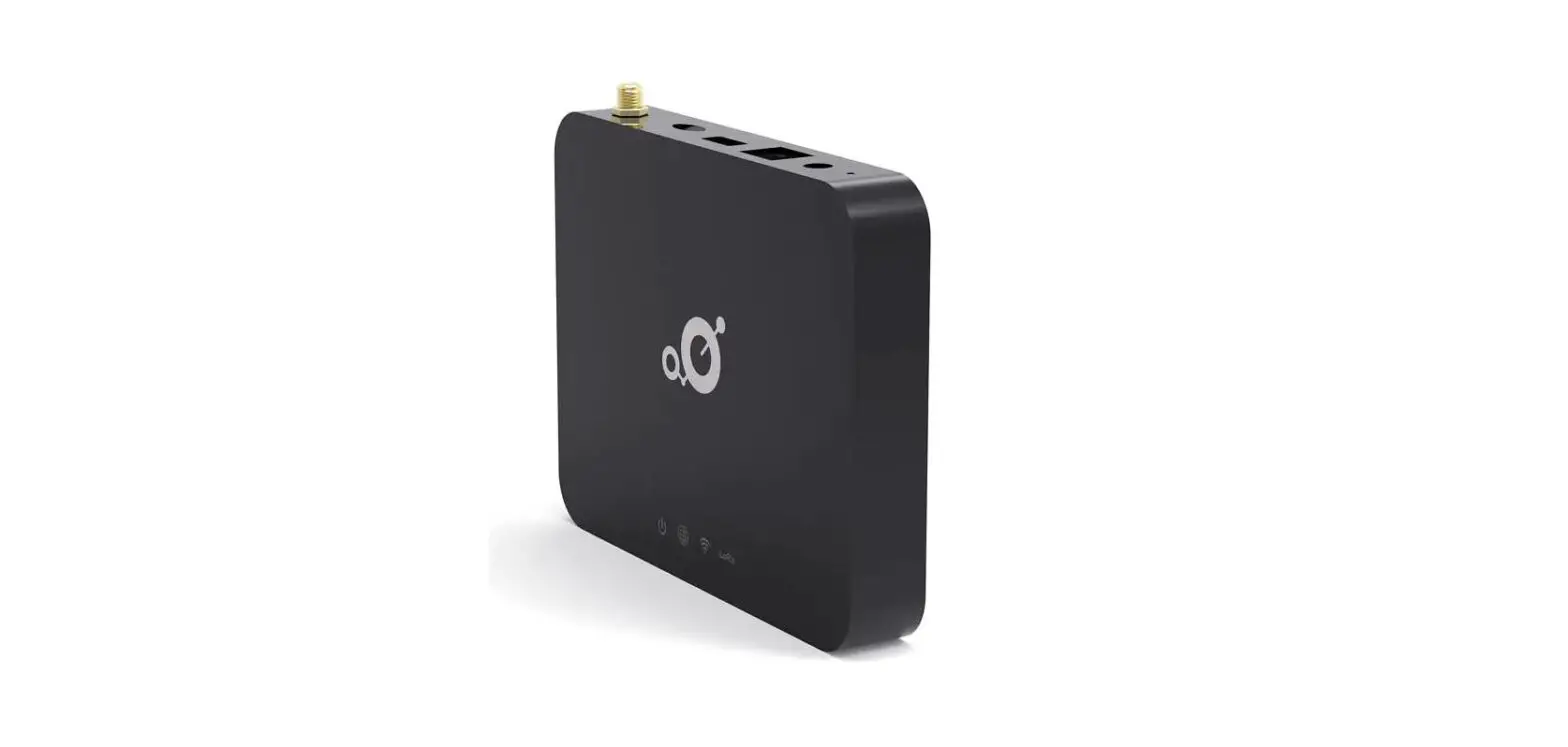
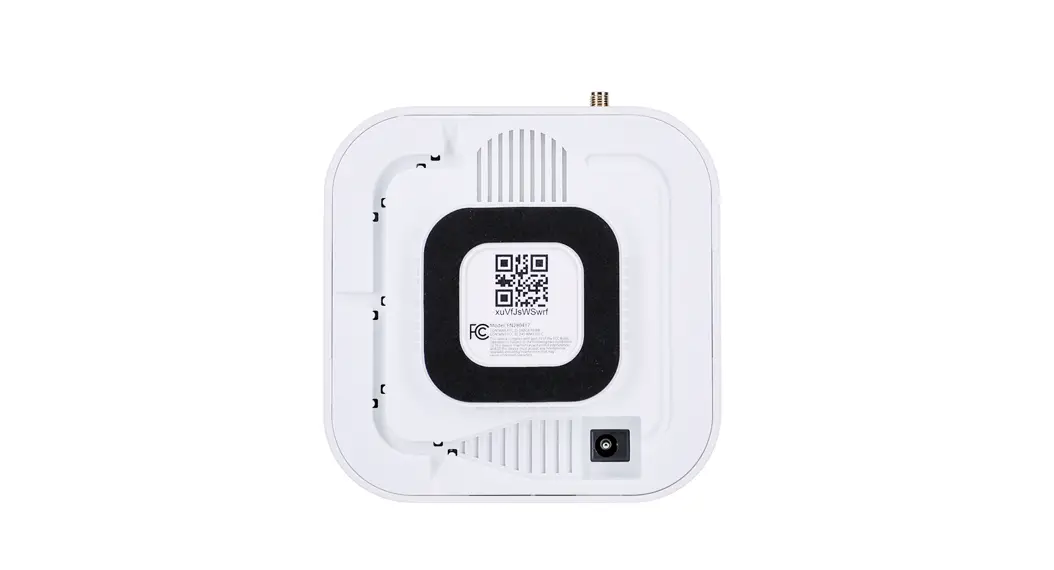
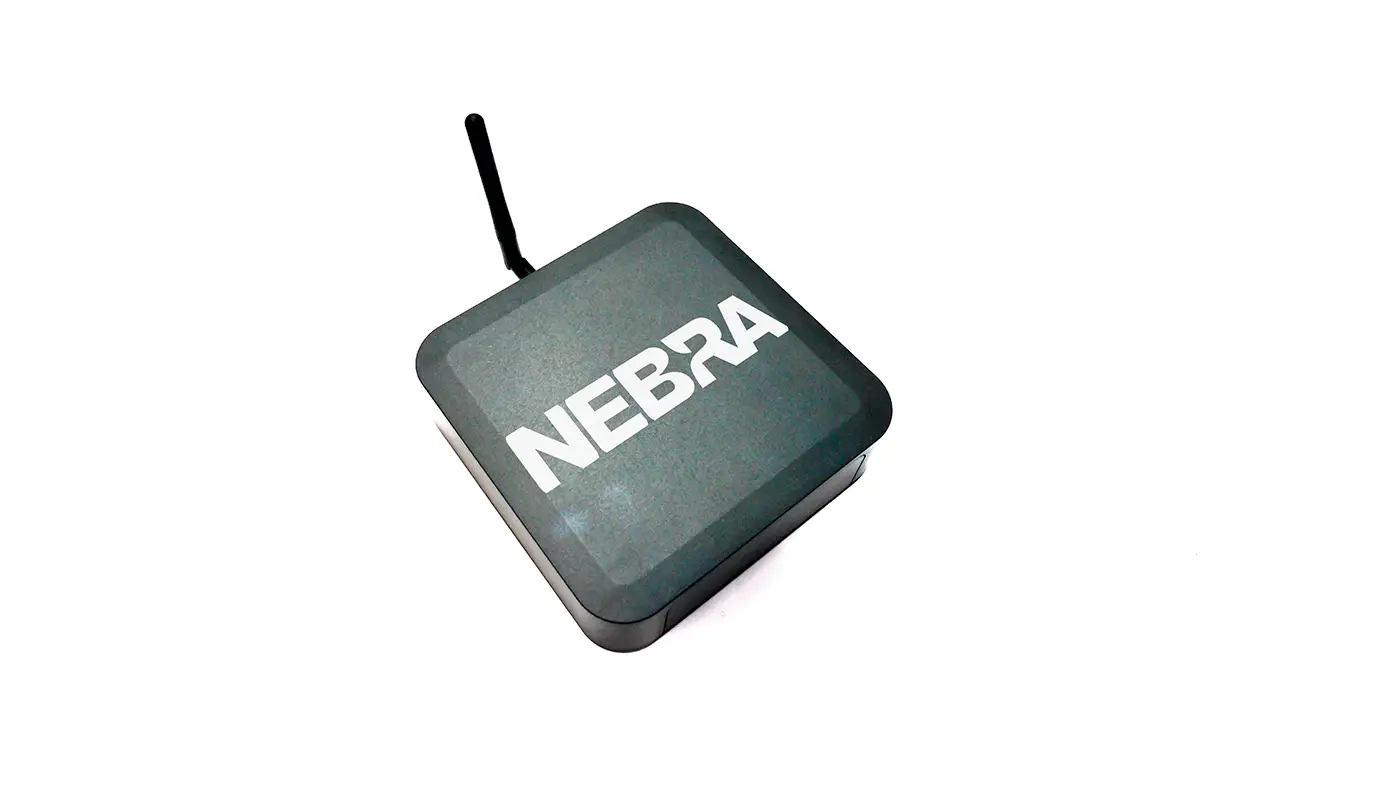
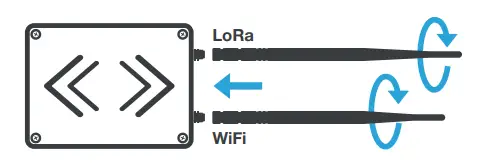 Screw the included antennas into the connectors on the hotspot. For extra help and support visit our detailed setup guides at nebra.io/hnt
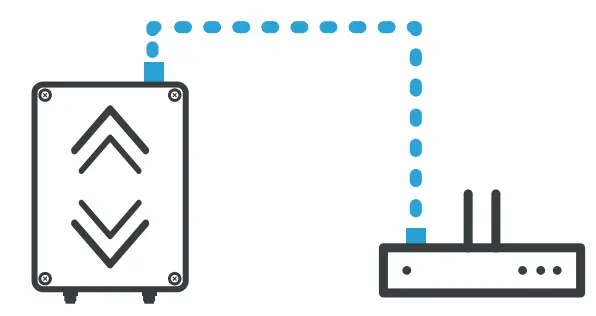 If you are using a wired connection, plug an Ethernet cable in between a router and the Ethernet port on the hotspot
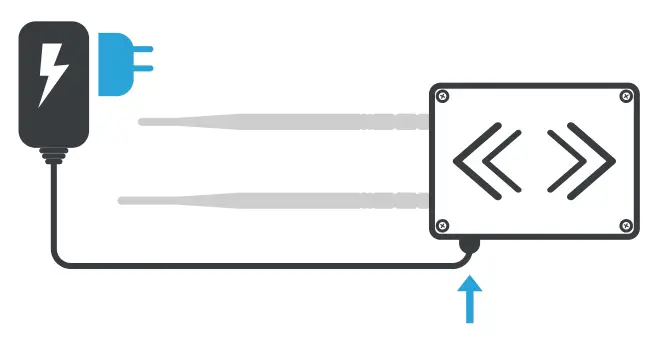 Assemble the appropriate adapter for your country onto the universal power supply, plug into mains power and insert power cable into the hotspot
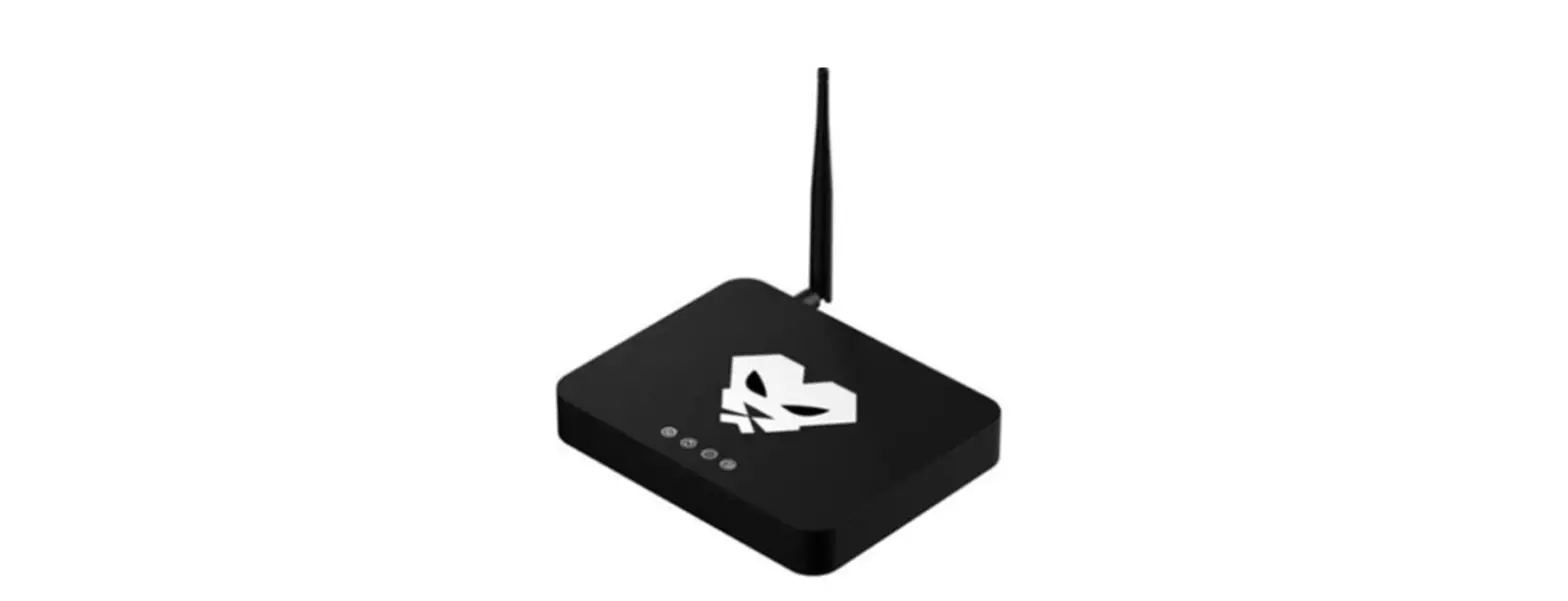
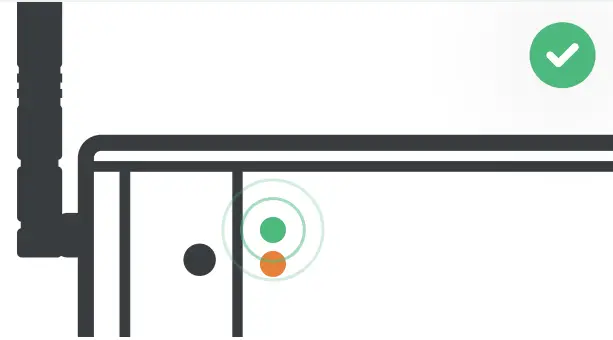
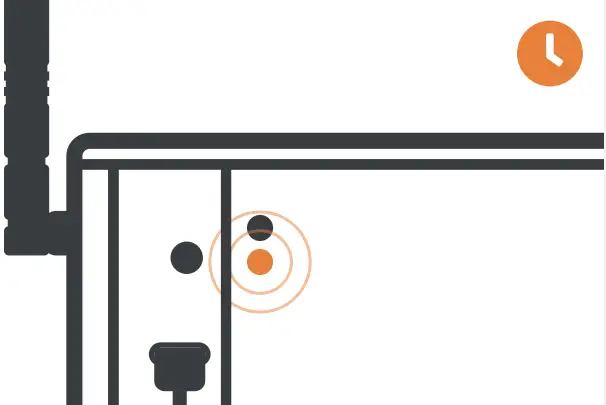 When the hotspot is powered up, the lower orange LED will be on. It will take up to 5 minutes to configure after the first boot
 WRITE DOWN YOUR RECOVERY PHRASE!
During account setup, you will be asked to write down 12 words that must be kept safe in order to recover or move accounts.
FOR MORE DETAILED SETUP GUIDES VISIT NEBRA.IO/HNT
 Nebra Hotspot on the App Store