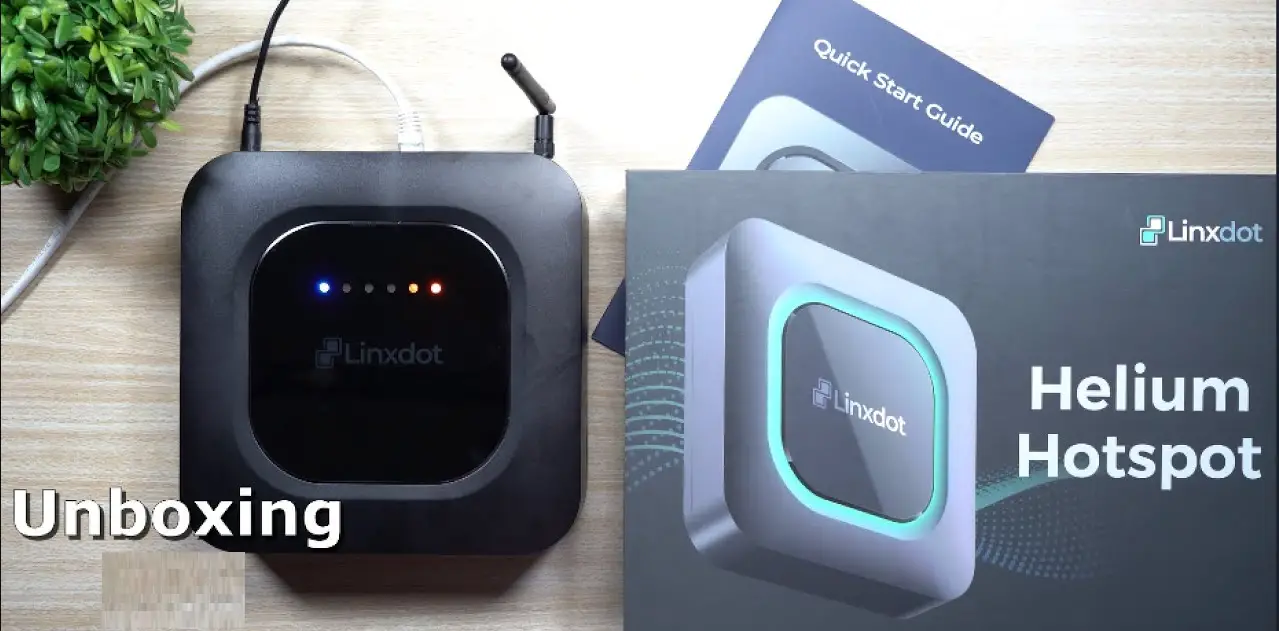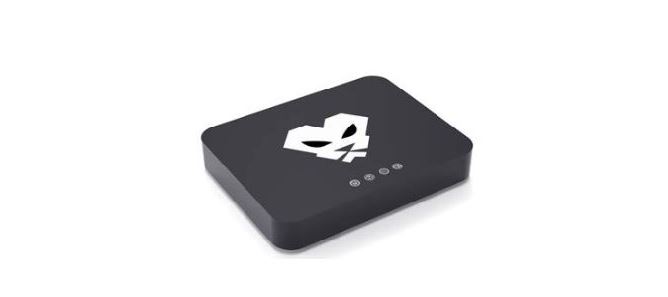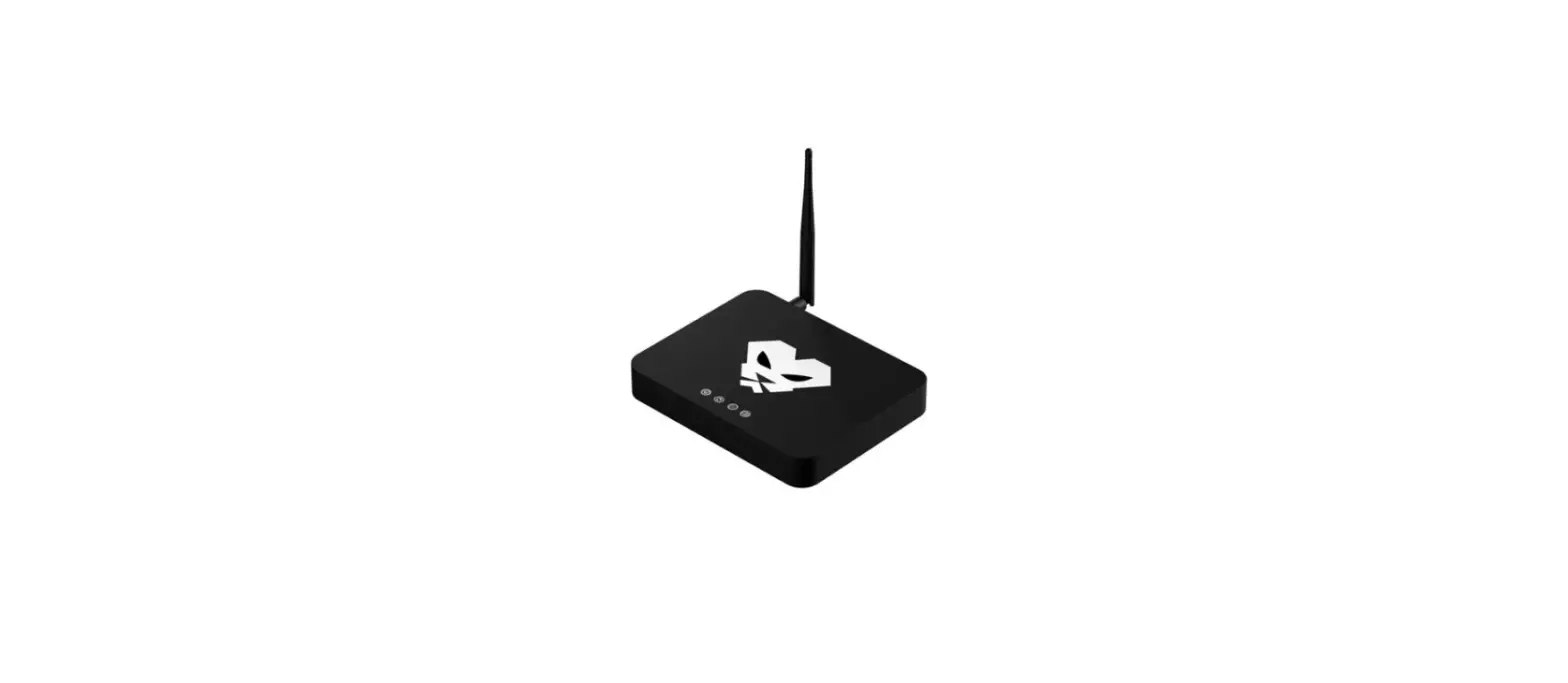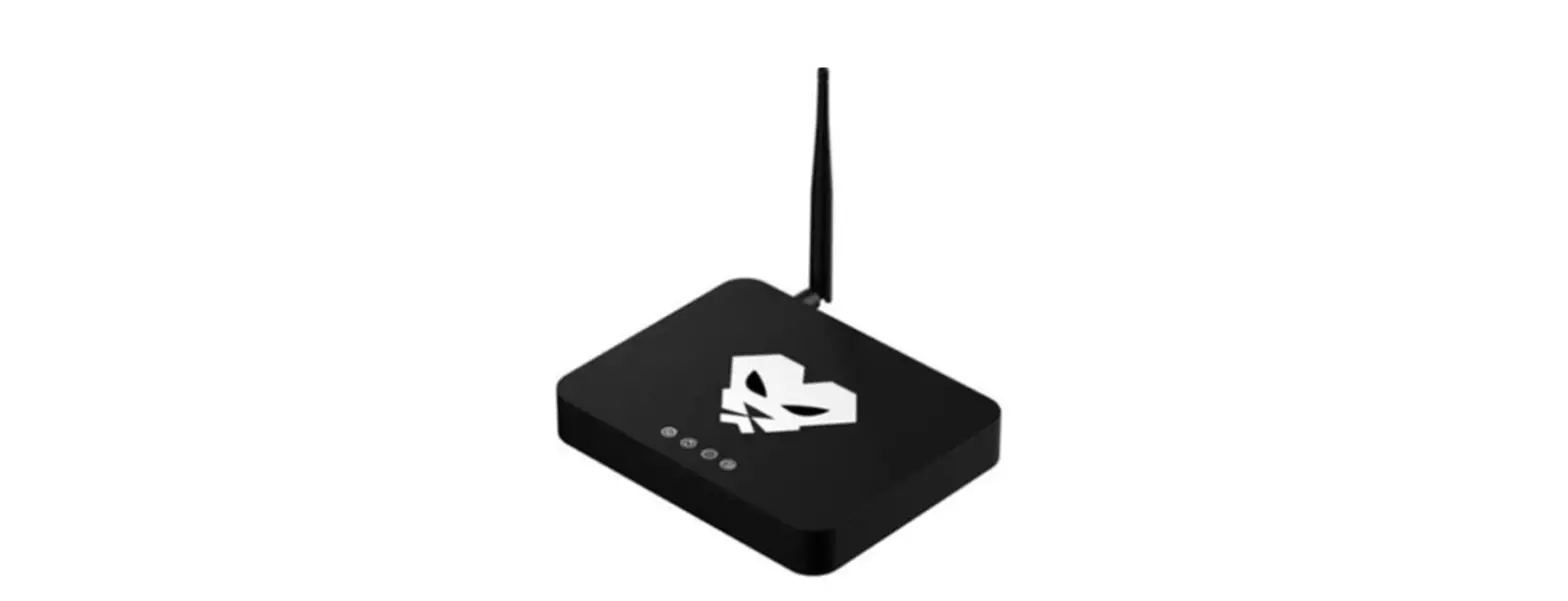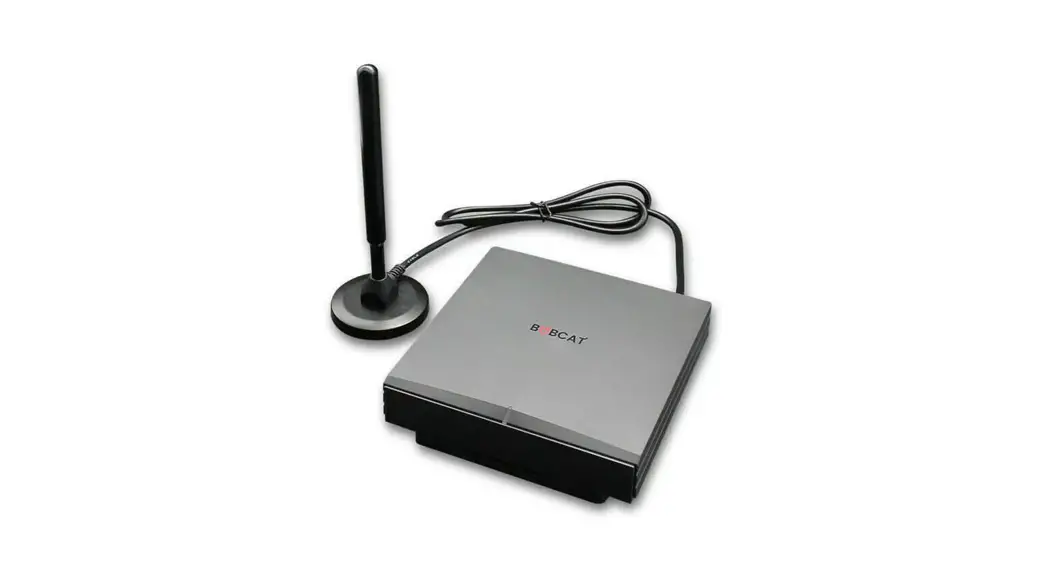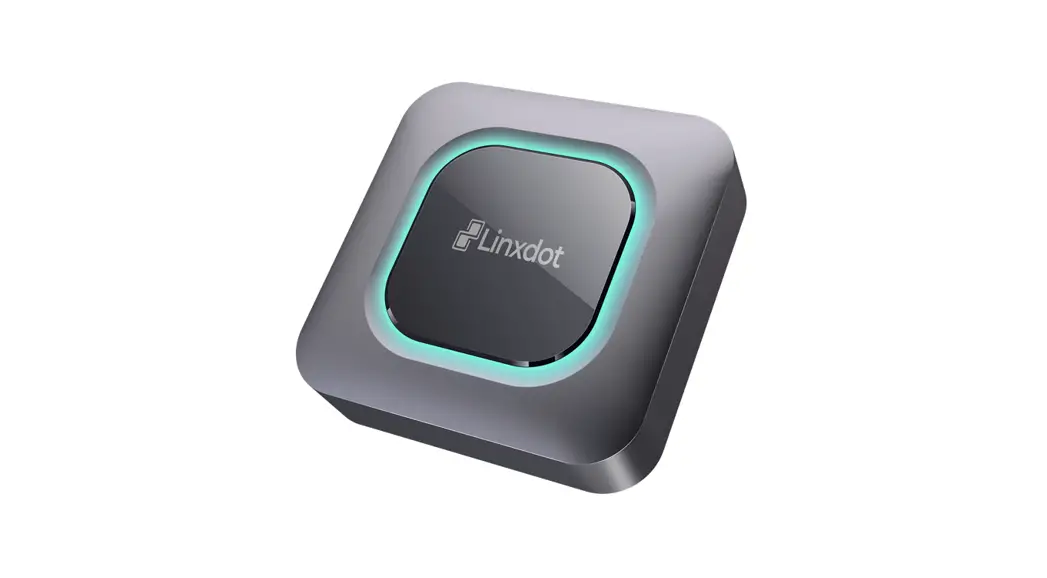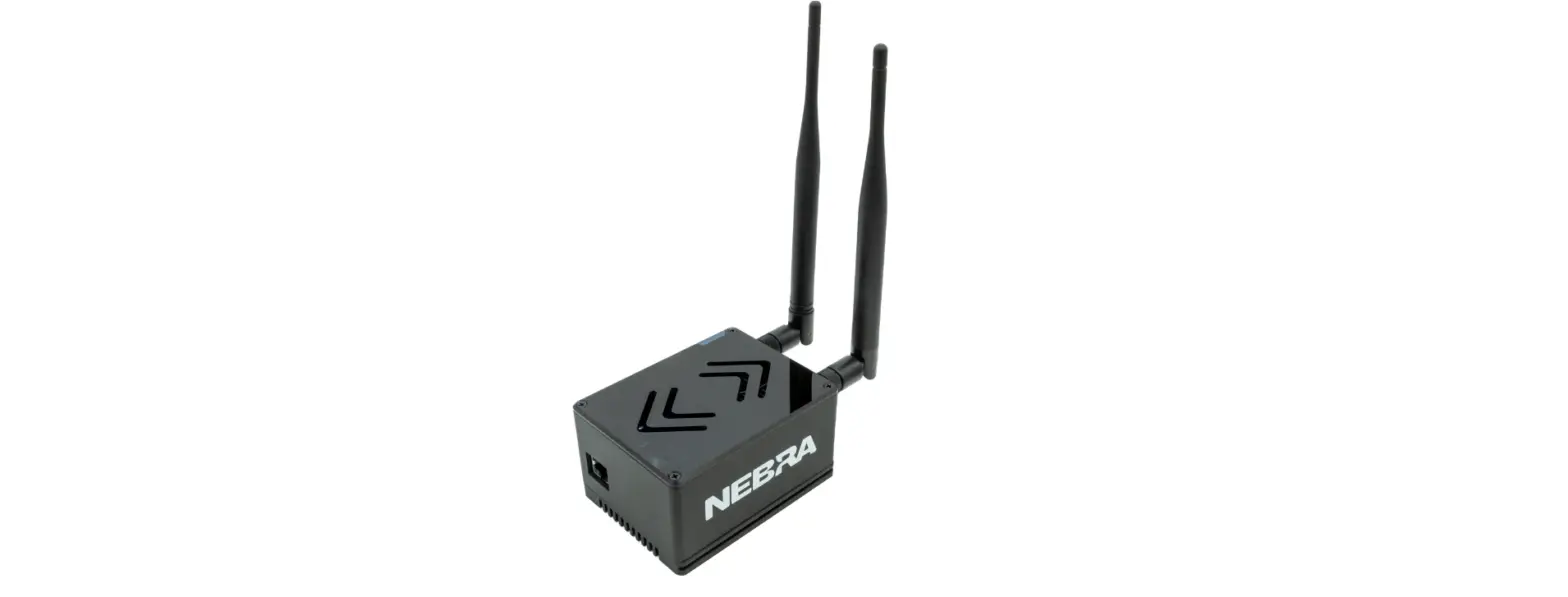

COTX X3 Indoor Helium HNT Hotspot Miner
Introduction
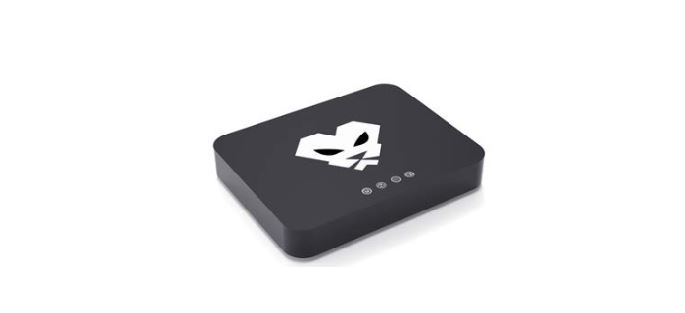
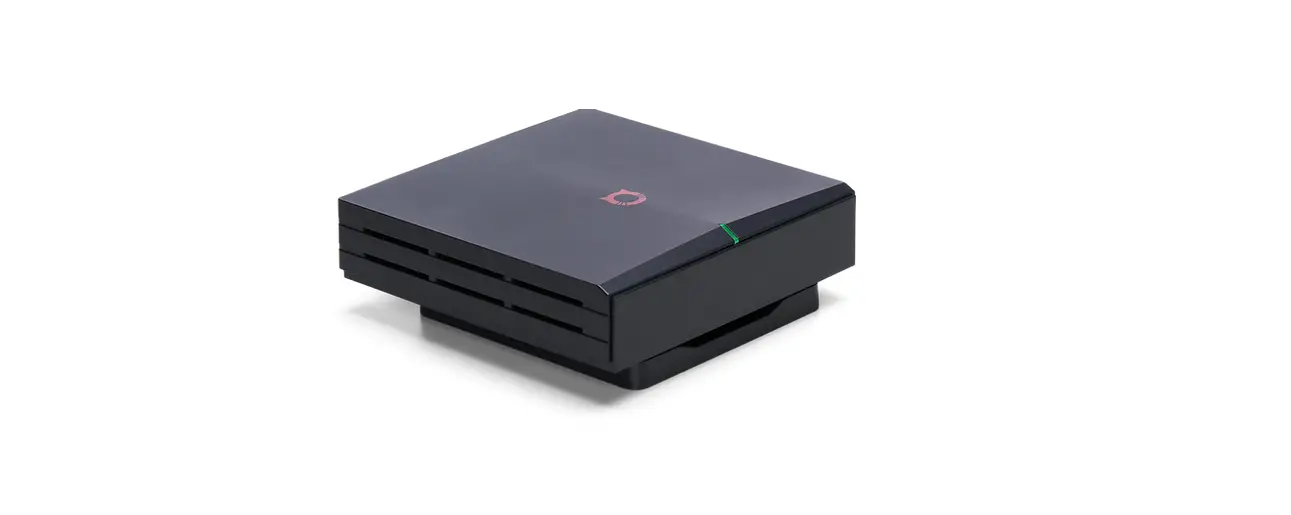
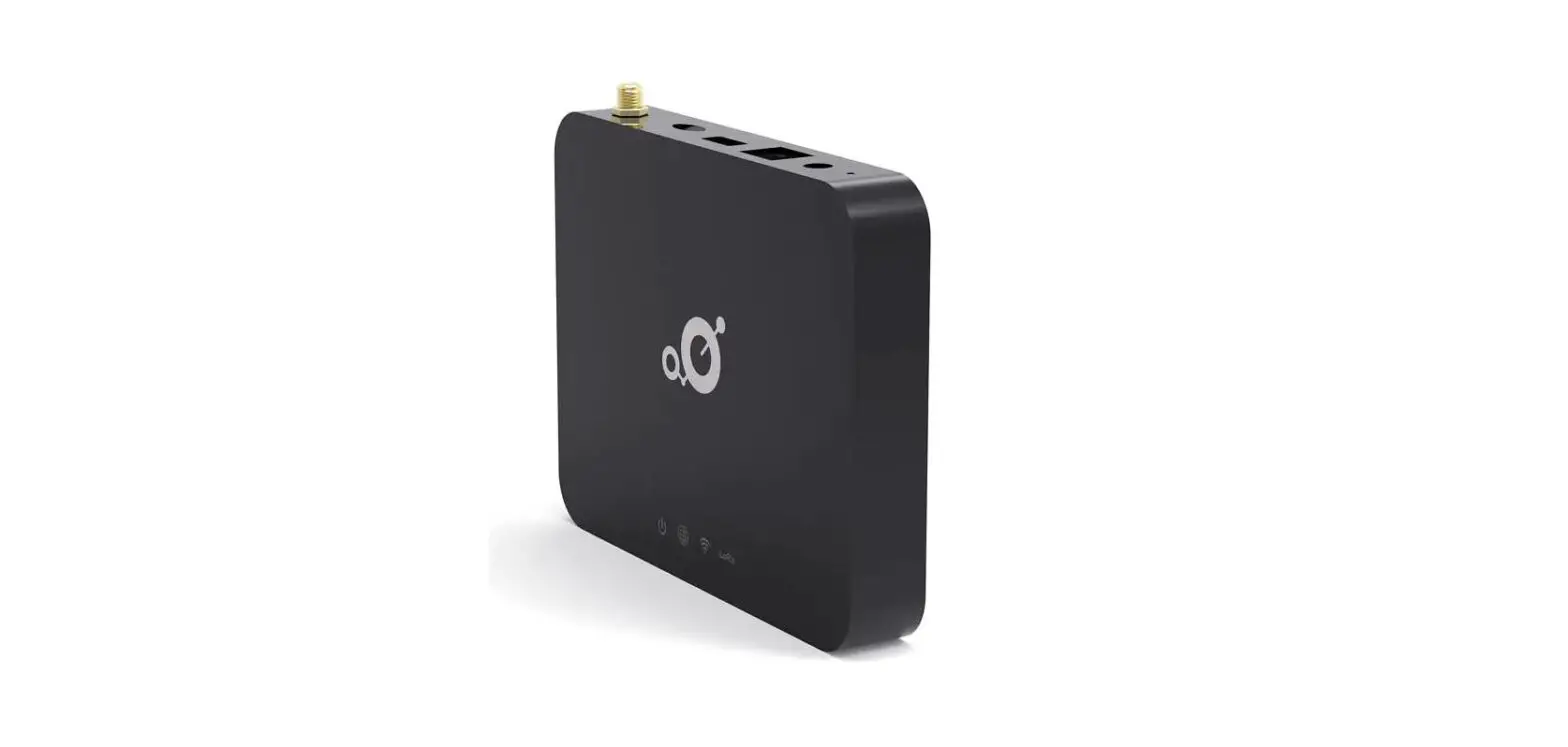
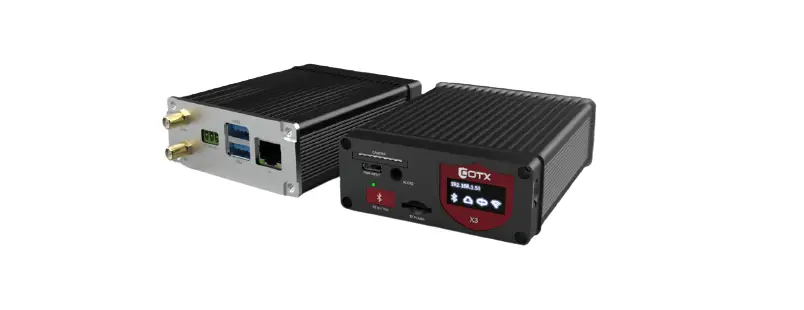
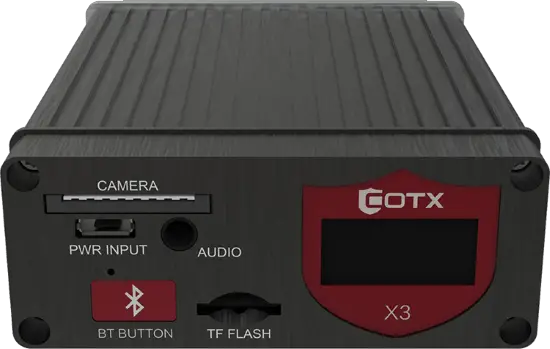
COTX-X3 Hotspot is next generated of low-power IoT smart converged indoor gateway independently developed by Beijing COTX Networks Technology Co. Ltd. (COTX).
It is an indoor gateway that is compatible with Helium LongFi technology. And it also supports the standard LoRaWAN protocol.
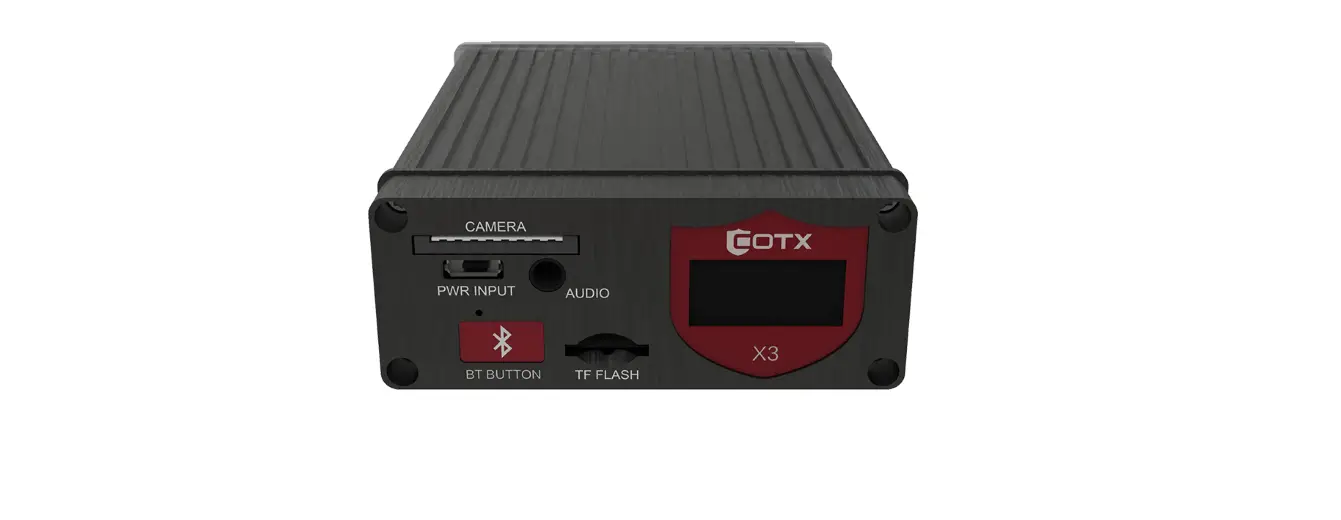
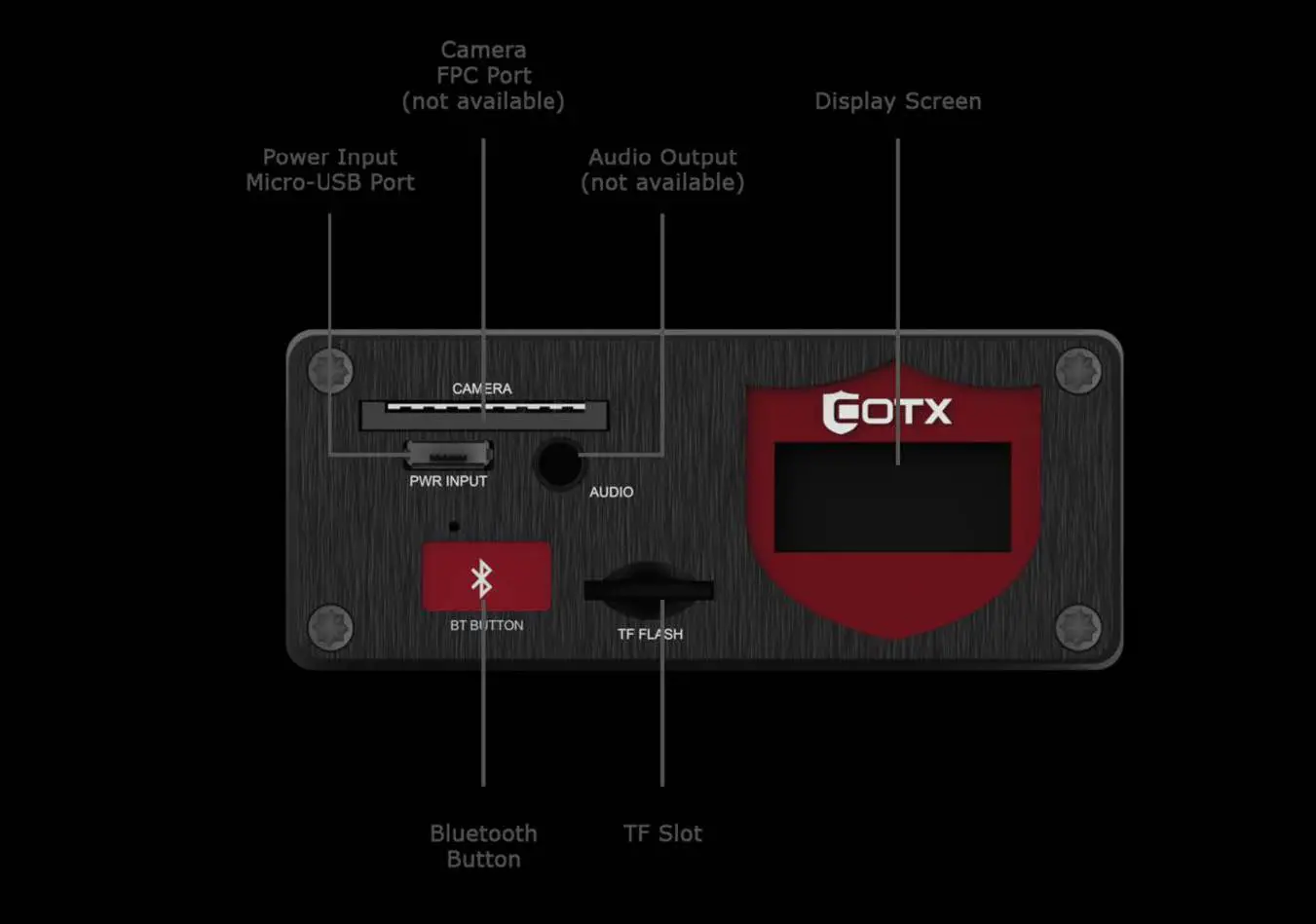
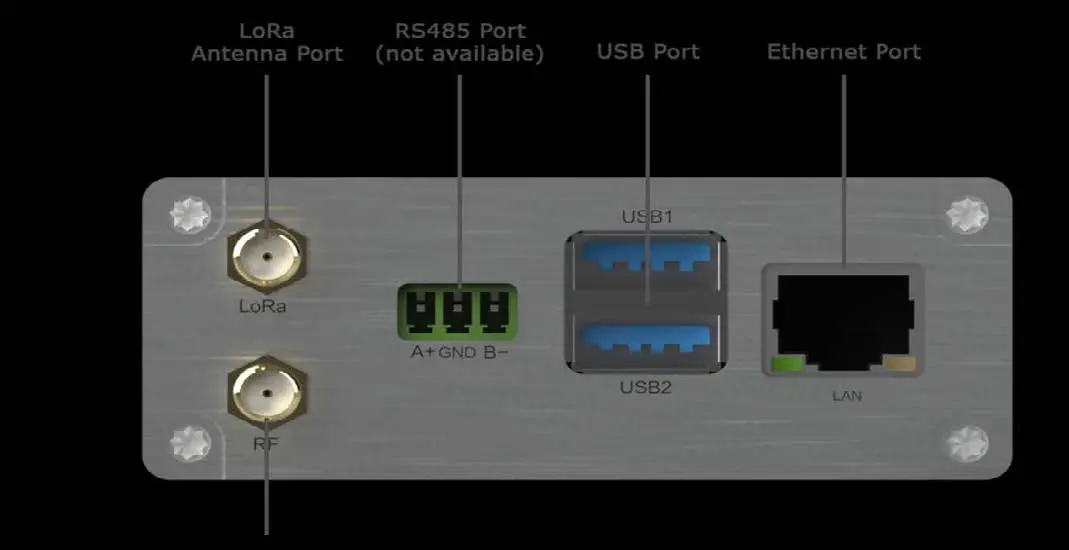
It has rich connectors and a display screens to show different working statuses easily.
Specifications
| Physical Specification | |
| Product weight | 203g |
| Material | Aluminum Alloy + Plastic |
| Fixing way | Desktop |
| Operating temperature | 0℃~50℃ |
| Power | |
| Power supply | 5V DC input power supply |
| Maximum power consumption | <10W |
| Platform Configuration | |
| RAM | 2GB LPDDR4-3200 SDRAM (4G/8G Optional) |
| CPU | Quad-core Cortex-A72 @1.5GHz |
| OS | Ubuntu20.04 |
| Mainboard | Raspberry Pi 4 |
| LEDs | |
| System LED | OFF (Non Power) / Blinking (Start) / On (Operating) |
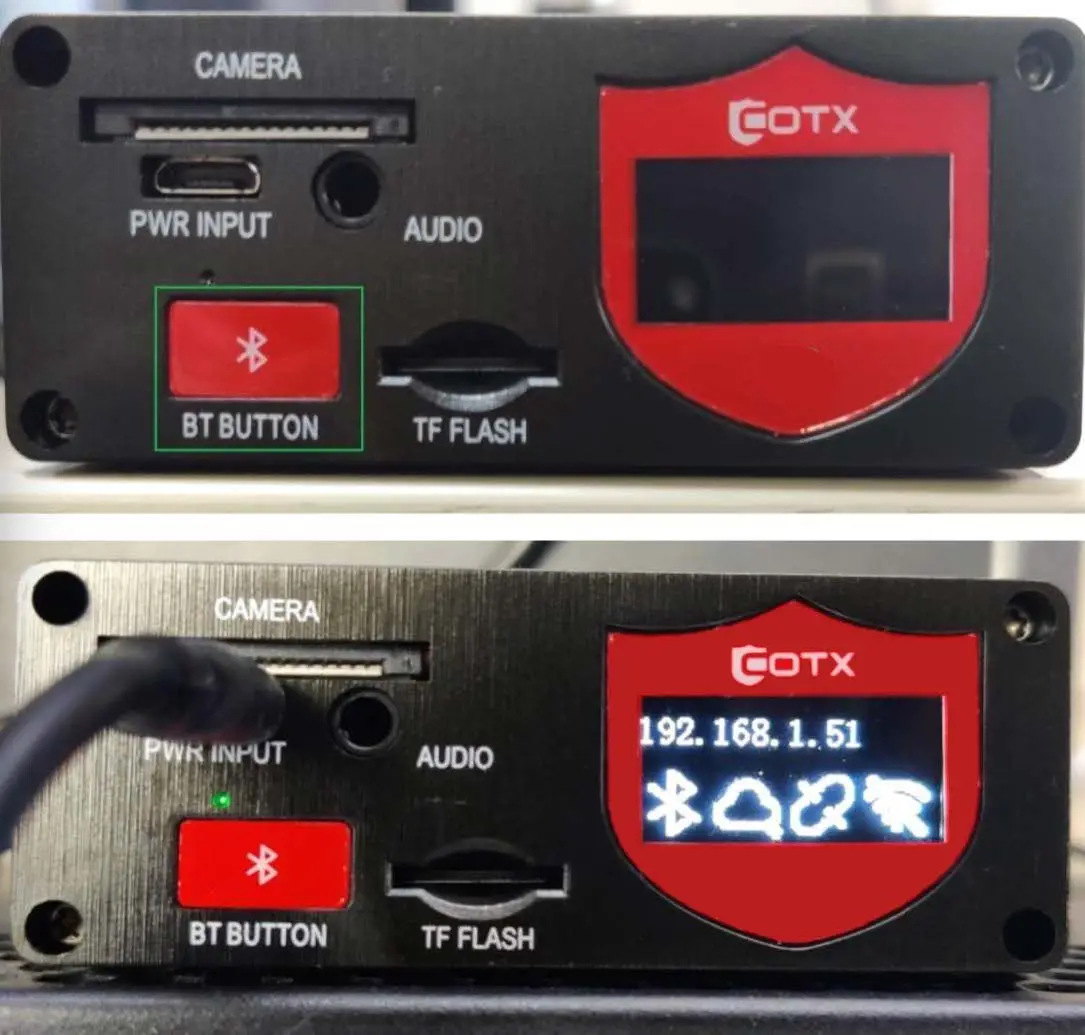
| LED display screen | IP address & the status of BLE, Cloud, Ethernet and WiFi |
Interface description
LED and Screen Indicator Description
| Indicator type | Indicator status | Description |
| LED | OFF | Non Power |
| LED | Blinking | System Start |
| LED | Green | Powern On |
| Screen | IP address BT Cloud and wifi | press BT BUTTON 5 seconds will turn on Bluetooth |
| Screen | IP address BT Cloud and wifi | Click the BT button and the screen will display the Ethernet IP and device status |
Use guide
- Download the Helium App
The application is available for both Android and iOS. You can manually search it or just scan the QR Code provided below:- Android
- iOS

- Power on the Cotx X3 hotspot
Power on X3S device, plug in the cable access to the device , install the antenna. - Turn On Cotx X3 hotspot BT
 Generally speaking, bluetooth will automatically turn on after power on and turn off after five minutes, press BT BUTTON 5 seconds will turn on Bluetooth. Click the BT button and the screen will display the Ethernet IP and device status.
 - Set up X3 hotspot
Choose Cotx X3 hotspot
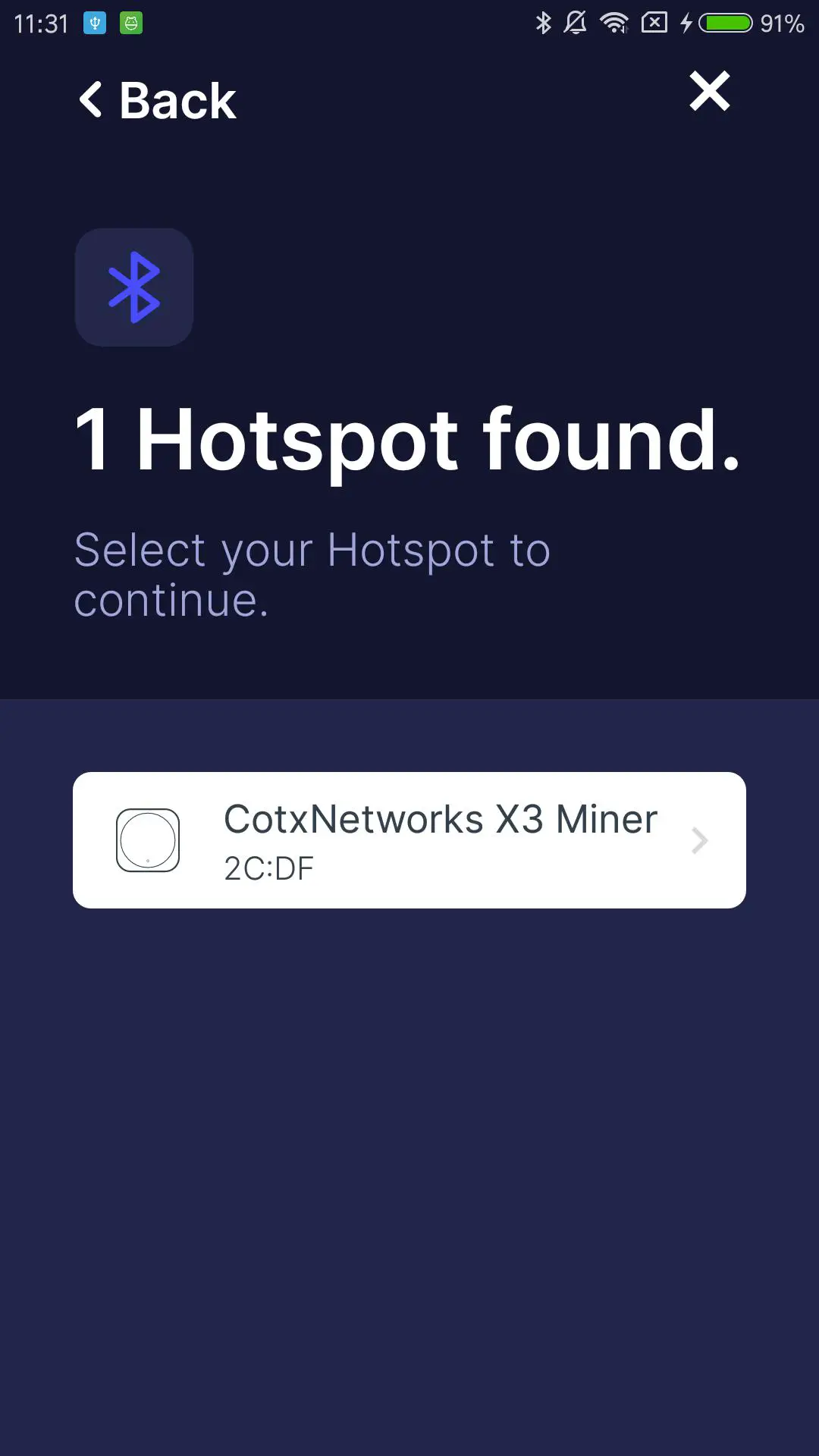
- Bluetooth scan find Cotx hotspot
- onboarding success


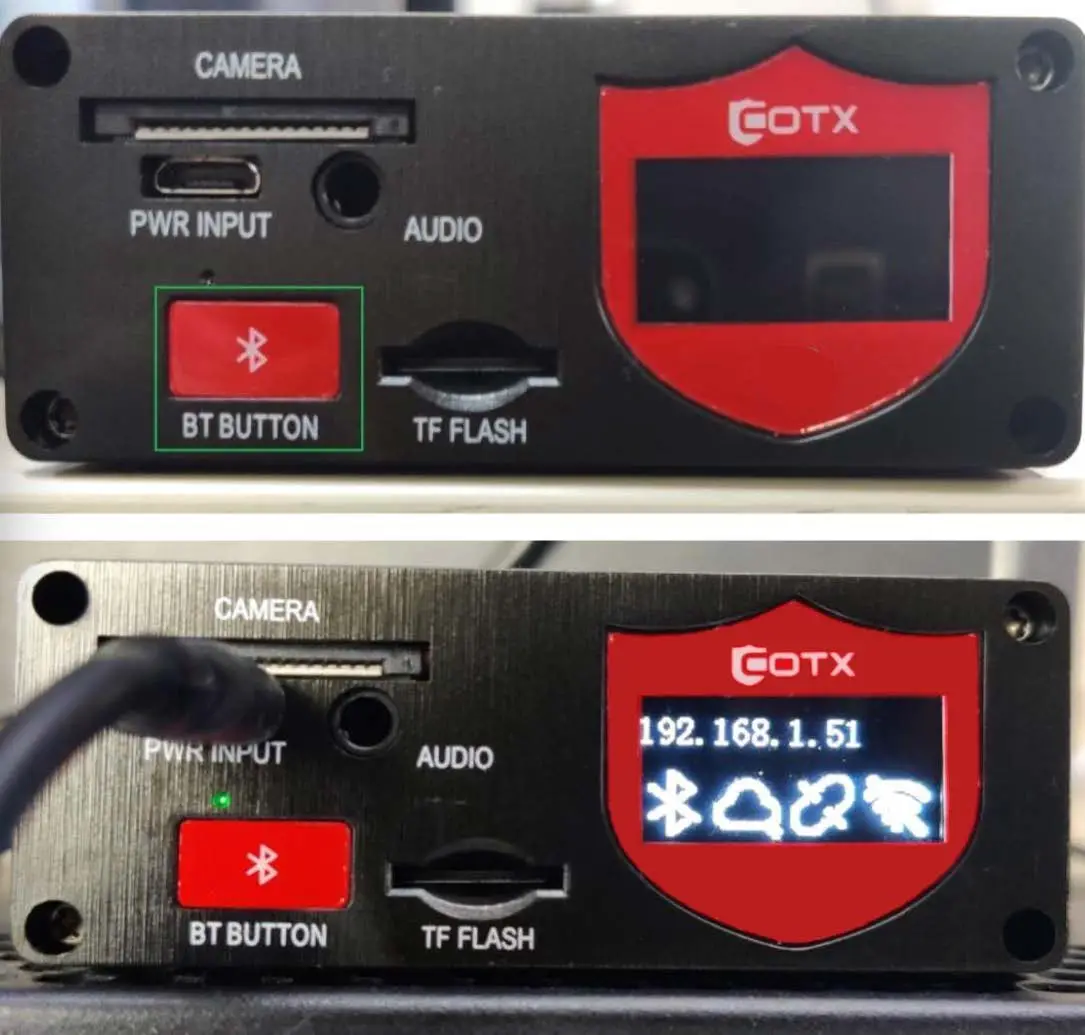 Generally speaking, bluetooth will automatically turn on after power on and turn off after five minutes, press BT BUTTON 5 seconds will turn on Bluetooth. Click the BT button and the screen will display the Ethernet IP and device status.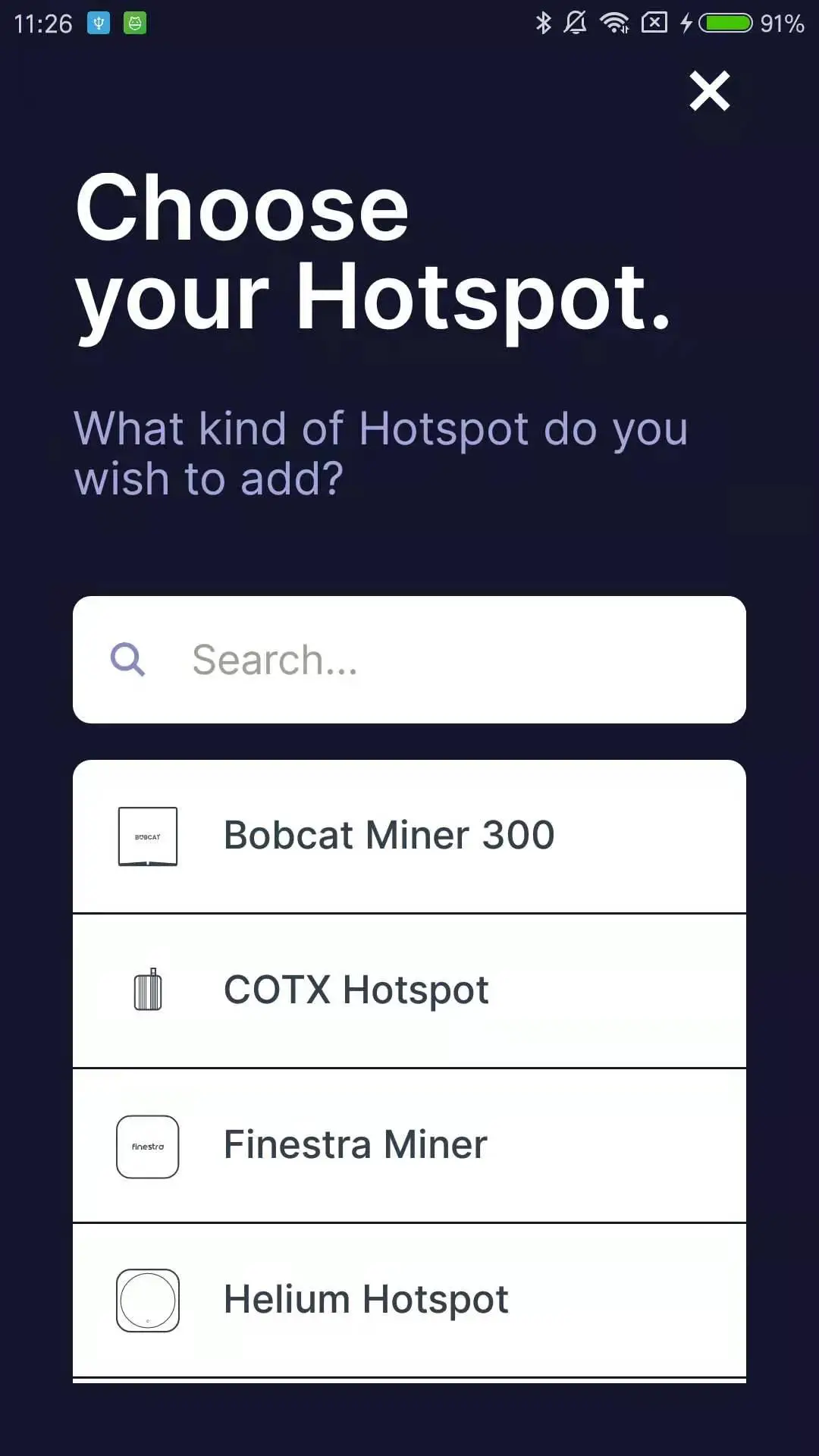

Application scenarios
Hotspot allows lorawan nodes to connect to the network. You can view hotspot device information and manage device configuration through the app.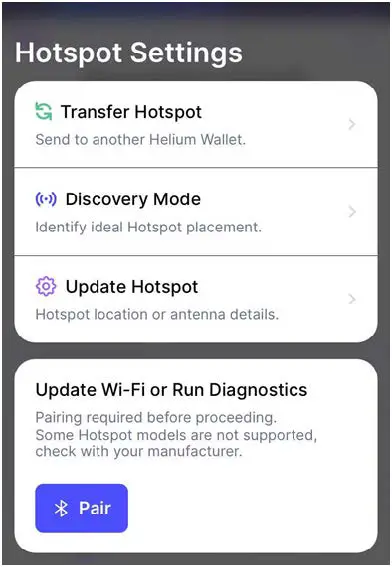
FCC Caution.
This device complies with part 15 of the FCC Rules. Operation is subject to the following two conditions: (1) This device may not cause harmful interference, and (2) this device must accept any interference received, including interference that may cause undesired operation.
Any Changes or modifications not expressly approved by the party responsible for compliance could void the user’s authority to operate the equipment.
Note: This equipment has been tested and found to comply with the limits for a Class B digital device, pursuant to part 15 of the FCC Rules. These limits are designed to provide reasonable protection against harmful interference in a residential installation. This equipment generates uses and can radiate radio frequency energy and, if not installed and used in accordance with the instructions, may cause harmful interference to radio communications. However, there is no guarantee that interference will not occur in a particular installation. If this equipment does cause harmful interference to radio or television reception, which can be determined by turning the equipment off and on, the user is encouraged to try to correct the interference by one or more of the following measures:
- Reorient or relocate the receiving antenna.
- Increase the separation between the equipment and receiver.
- Connect the equipment into an outlet on a circuit different from that to which the receiver is connected.
- Consult the dealer or an experienced radio/TV technician for help.
FCC Radiation Exposure Statement:
This equipment complies with FCC radiation exposure limits set forth for an uncontrolled environment.
This transmitter must not be co-located or operating in conjunction with any other antenna or transmitter.
This equipment should be installed and operated with a minimum distance of 20cm between the radiator & your body.