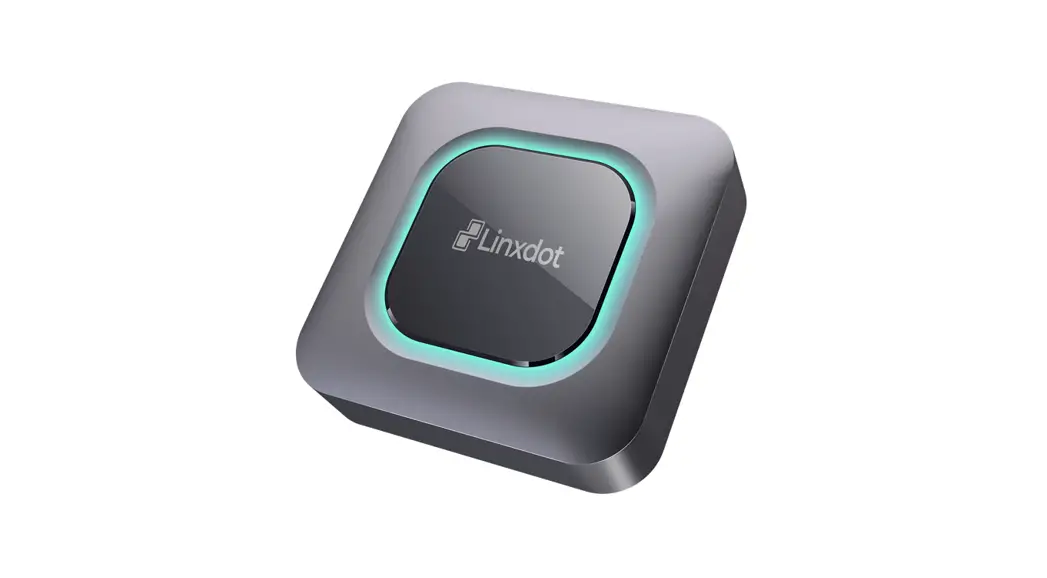
 Quick Start Guide

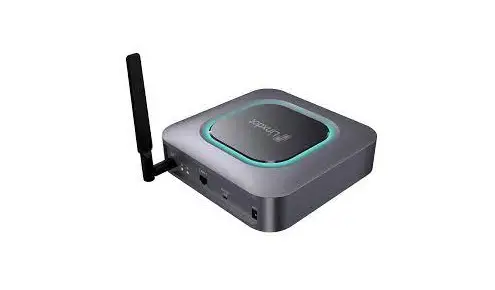
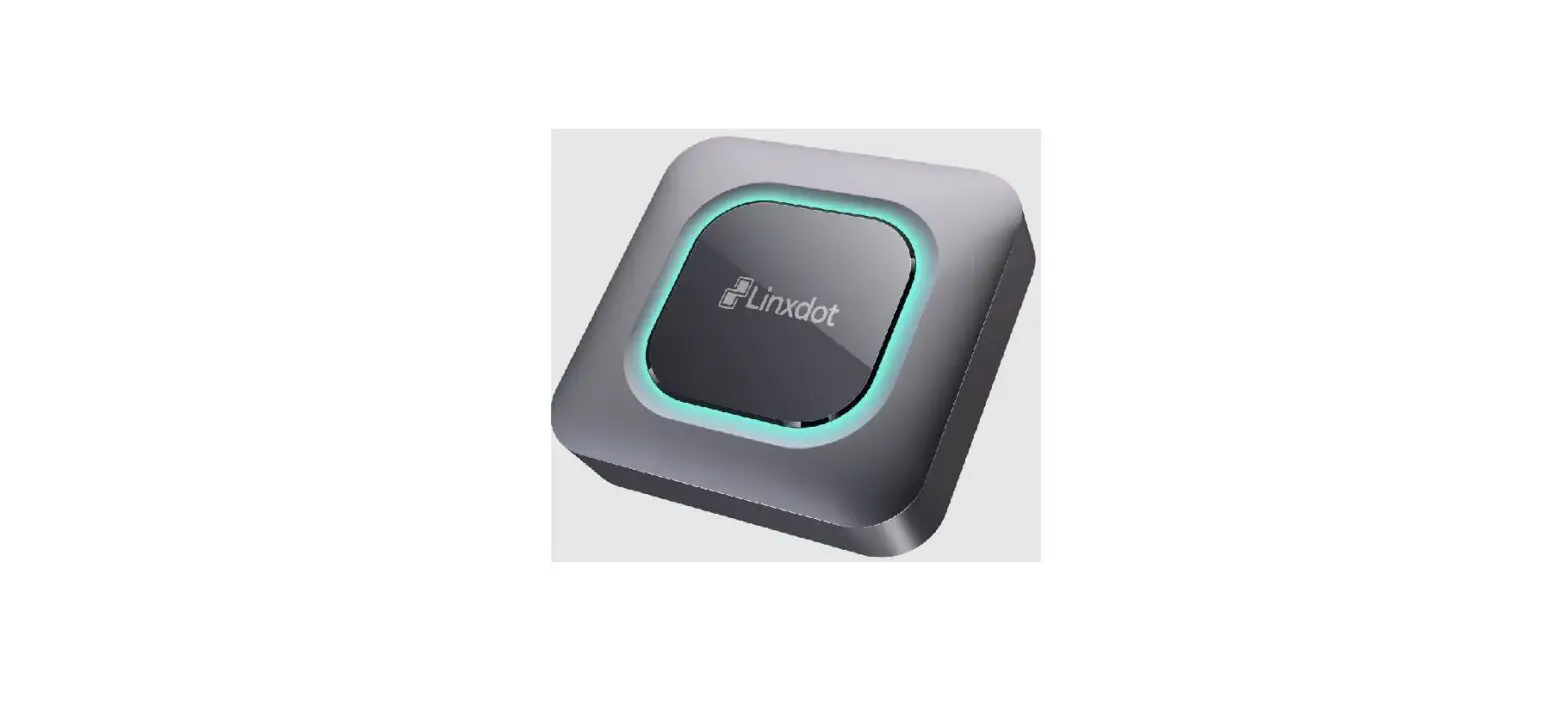
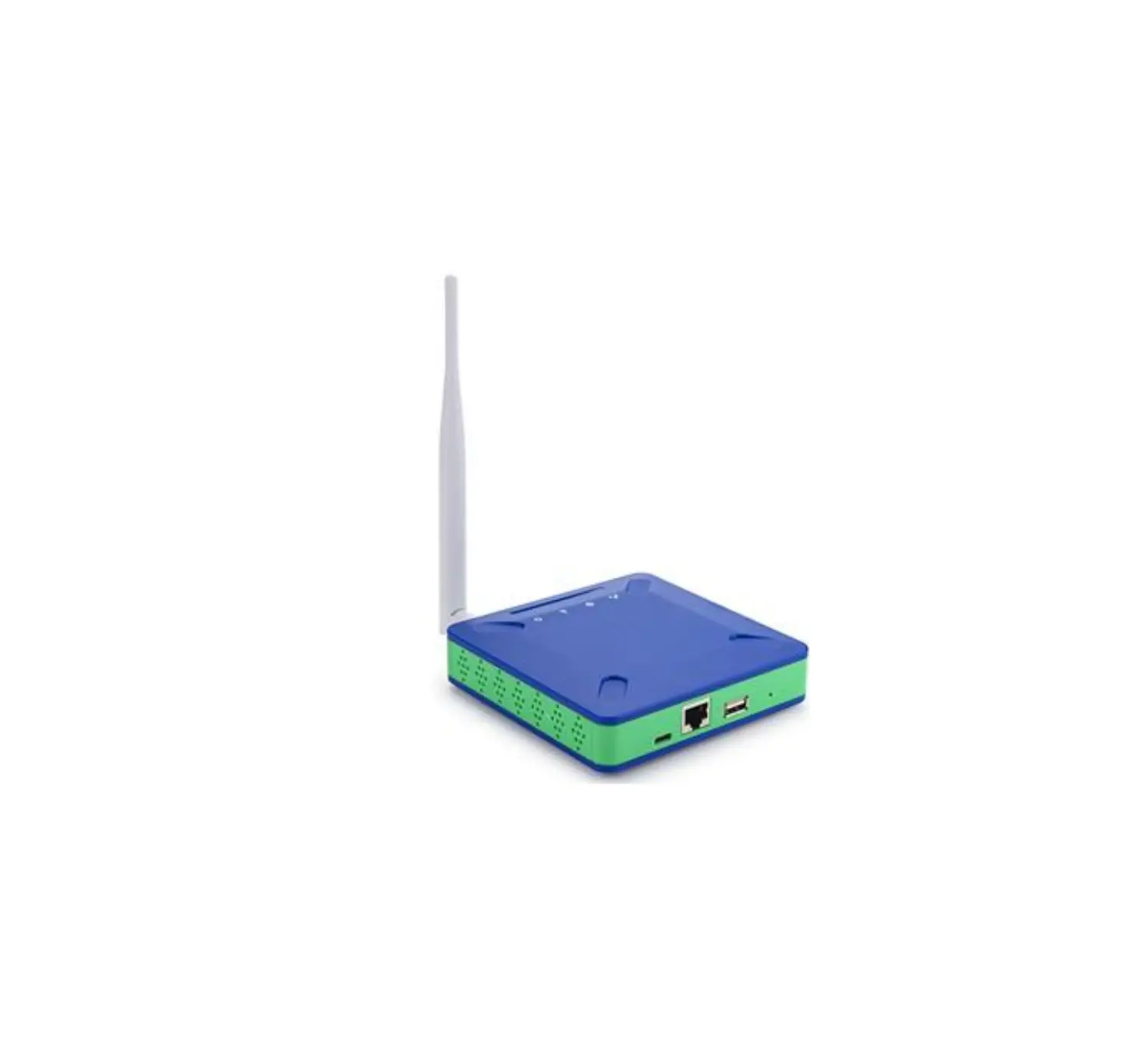
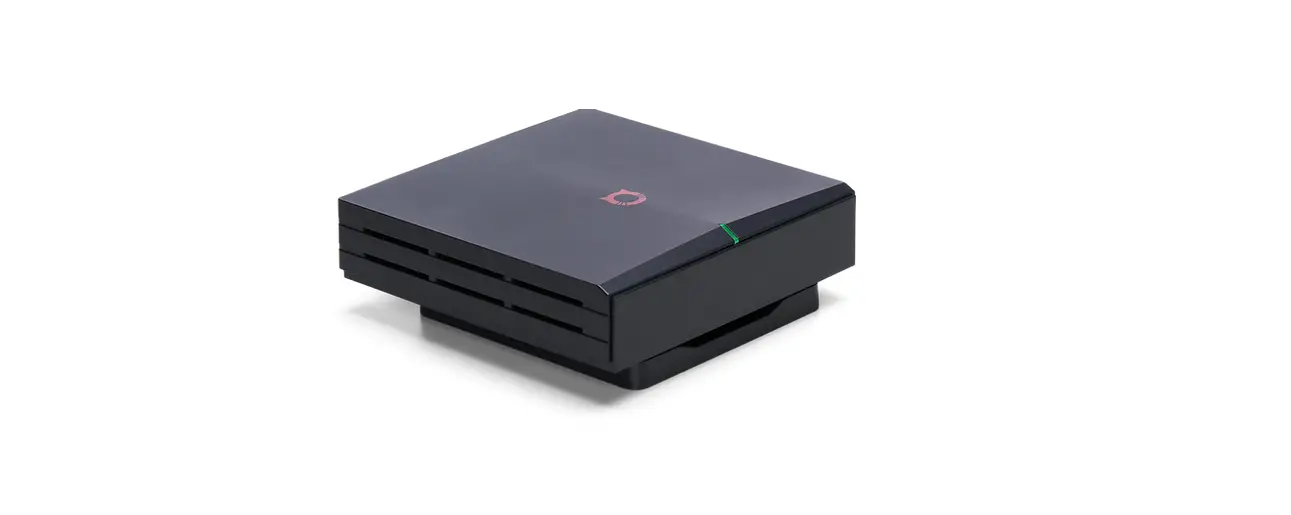
Linxdot Helium Hotspot Device
Step 1
Find a suitable location for your Linxdot.
We suggest positioning the antenna against a window for better coverage.
Step 2
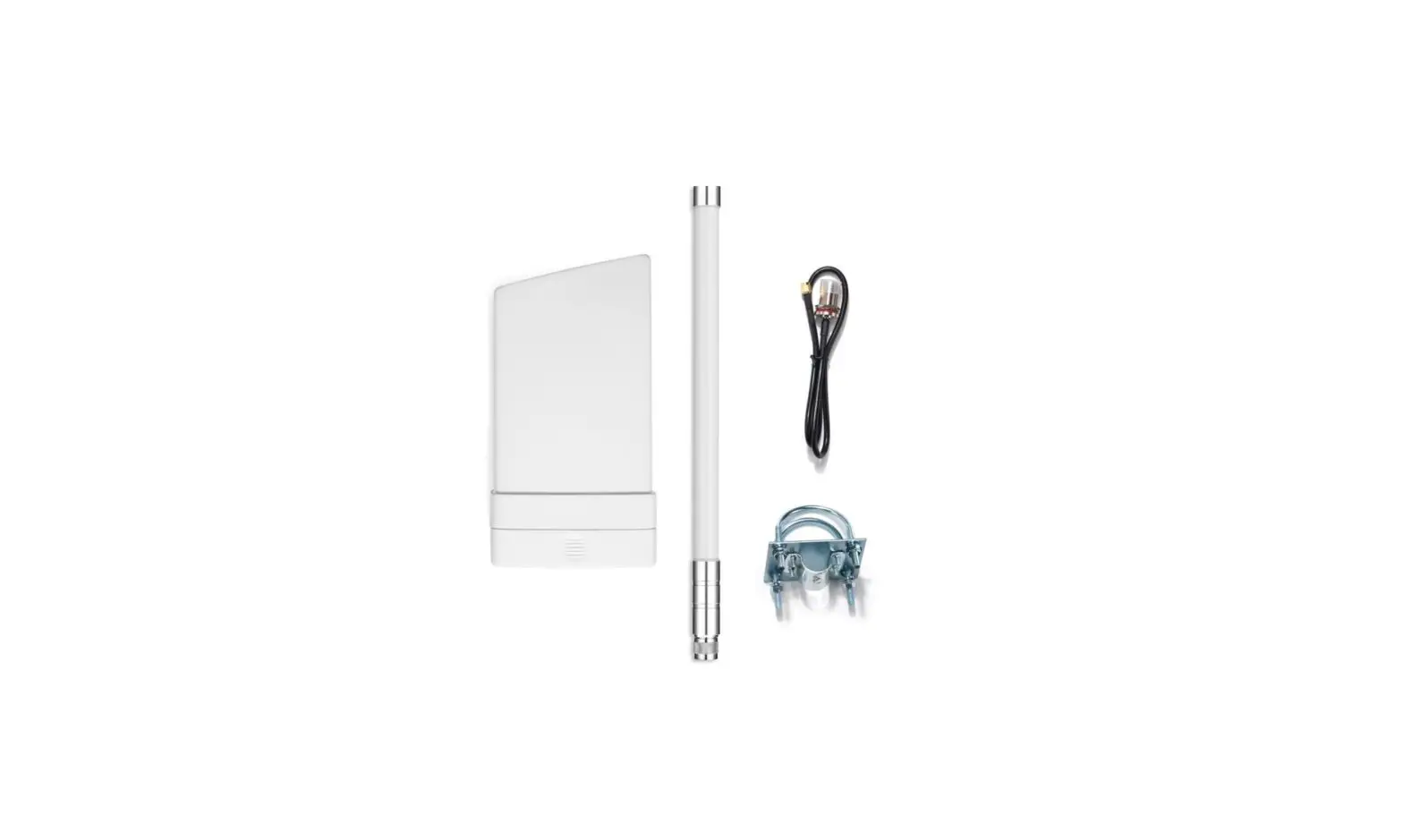
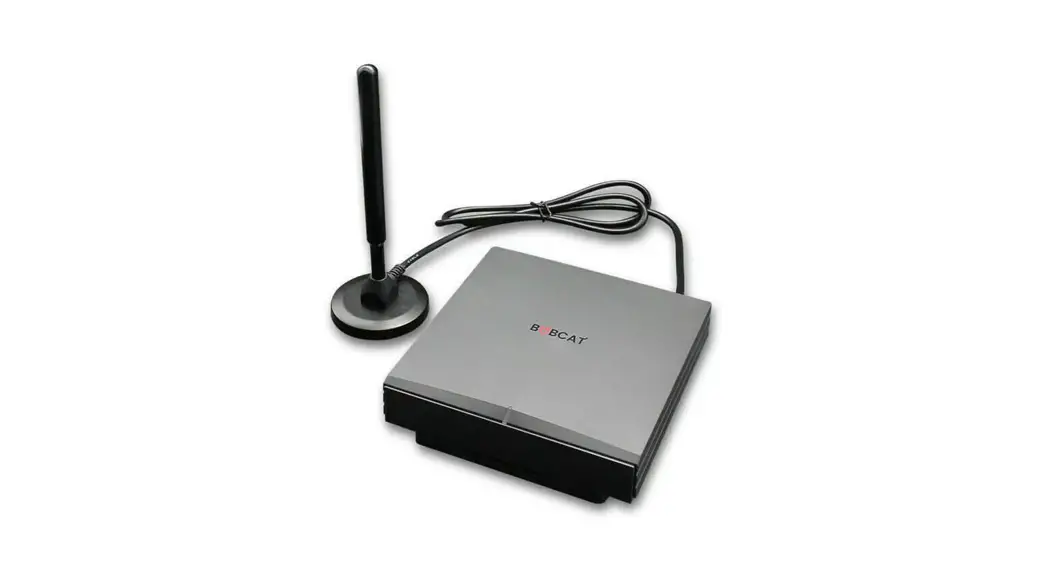
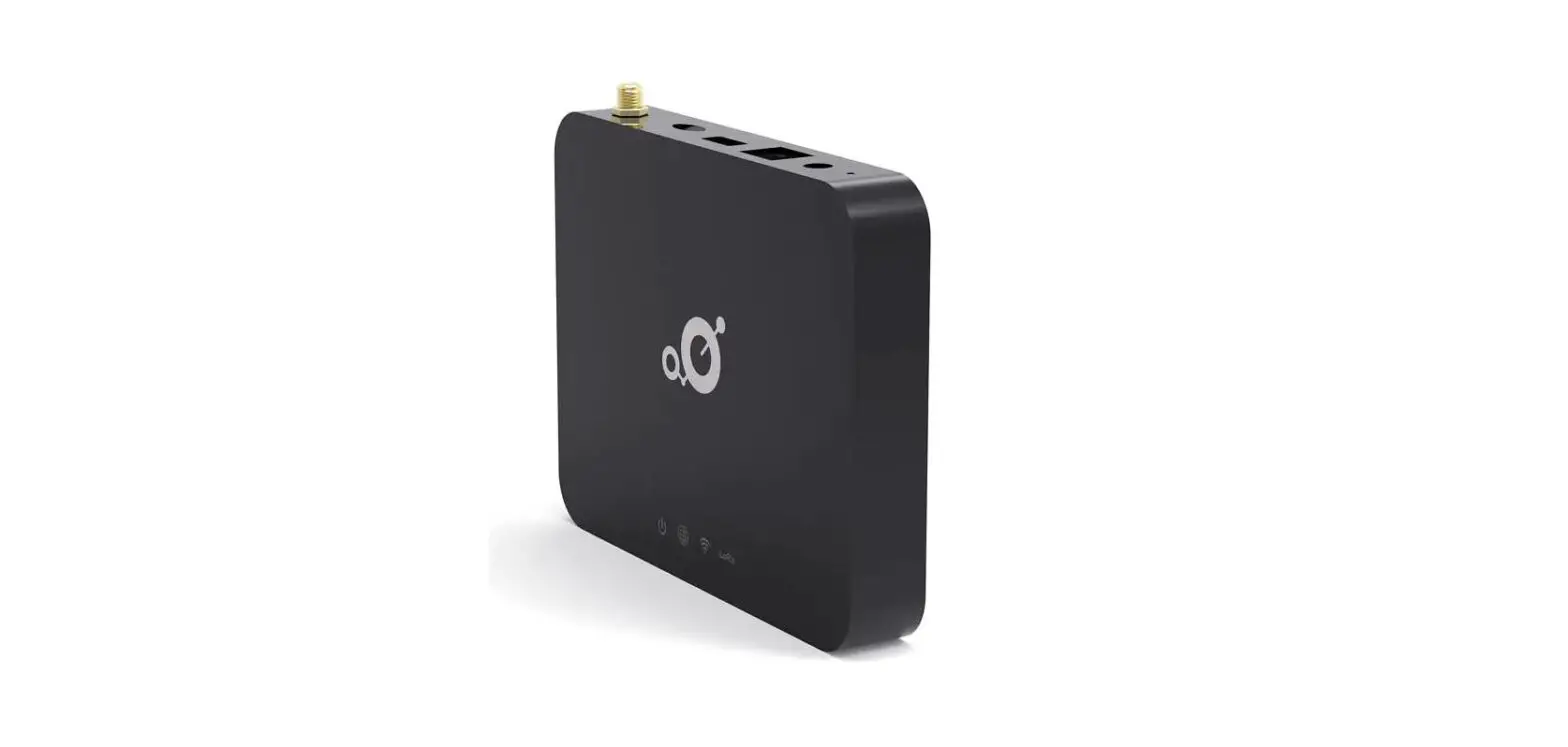
Connect the power supply and the included antenna to your Linxdot but don’t turn it on yet.
We suggest using the optional Ethernet port where possible.
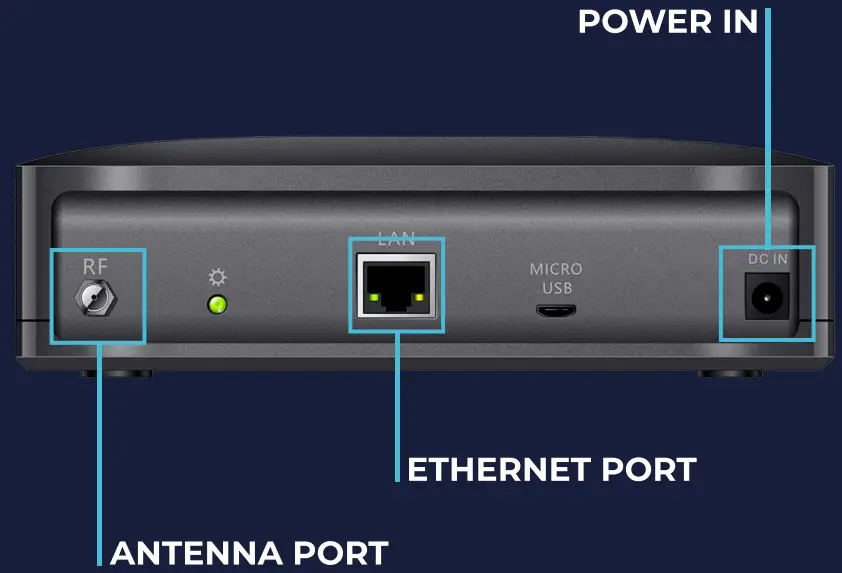
Step 3 Download the Helium Hotspot app.

Step 4
Activate your Linxdot.
Select the Linxdot Hotspot from the list.
Agree to diagnostics and power on your Linxdot.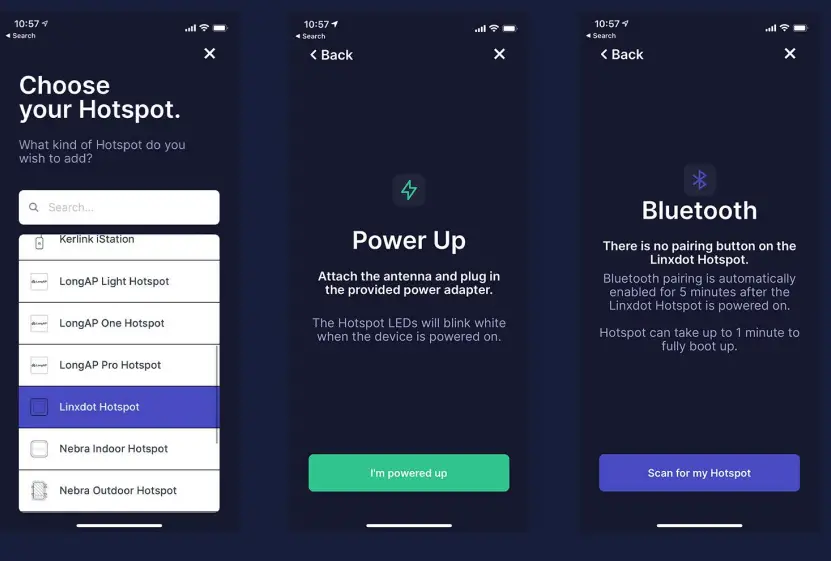
Scan for your Linxdot and select it once found.
Documentation: www.linxdot.com/support Contact us: [email protected]
Designed by Linxdot in London, UK. Assembled in China.