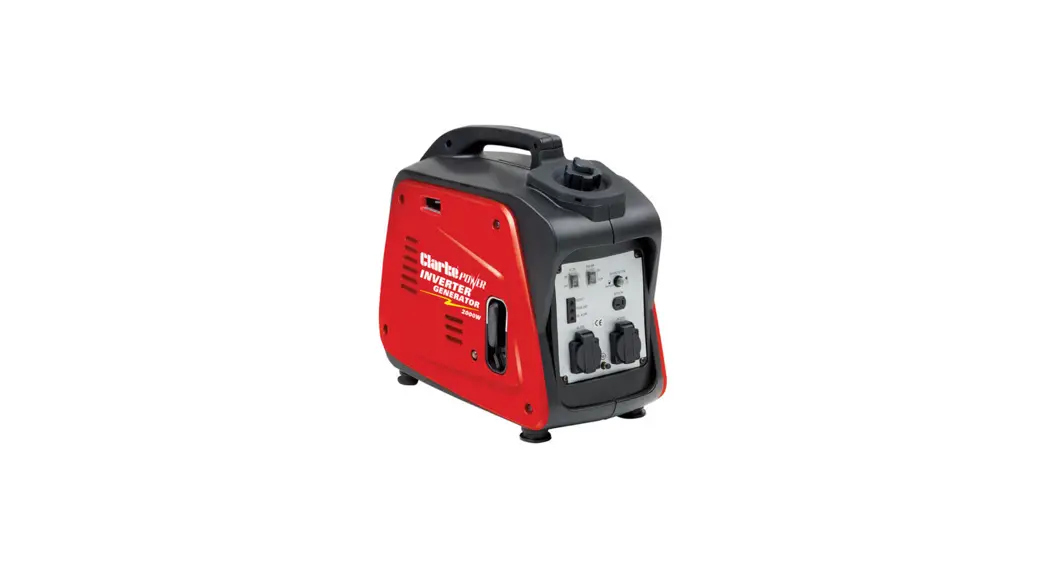
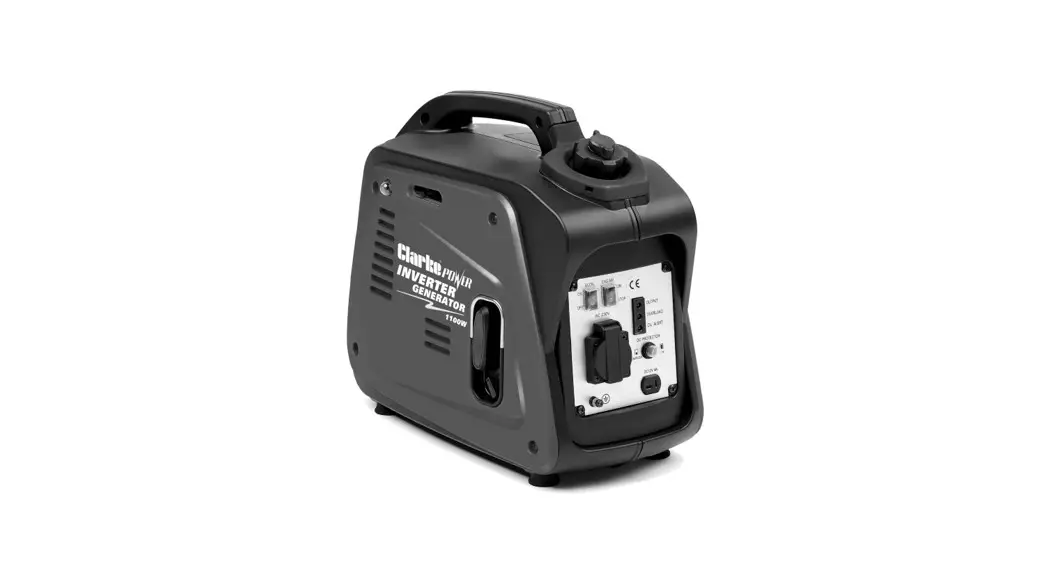
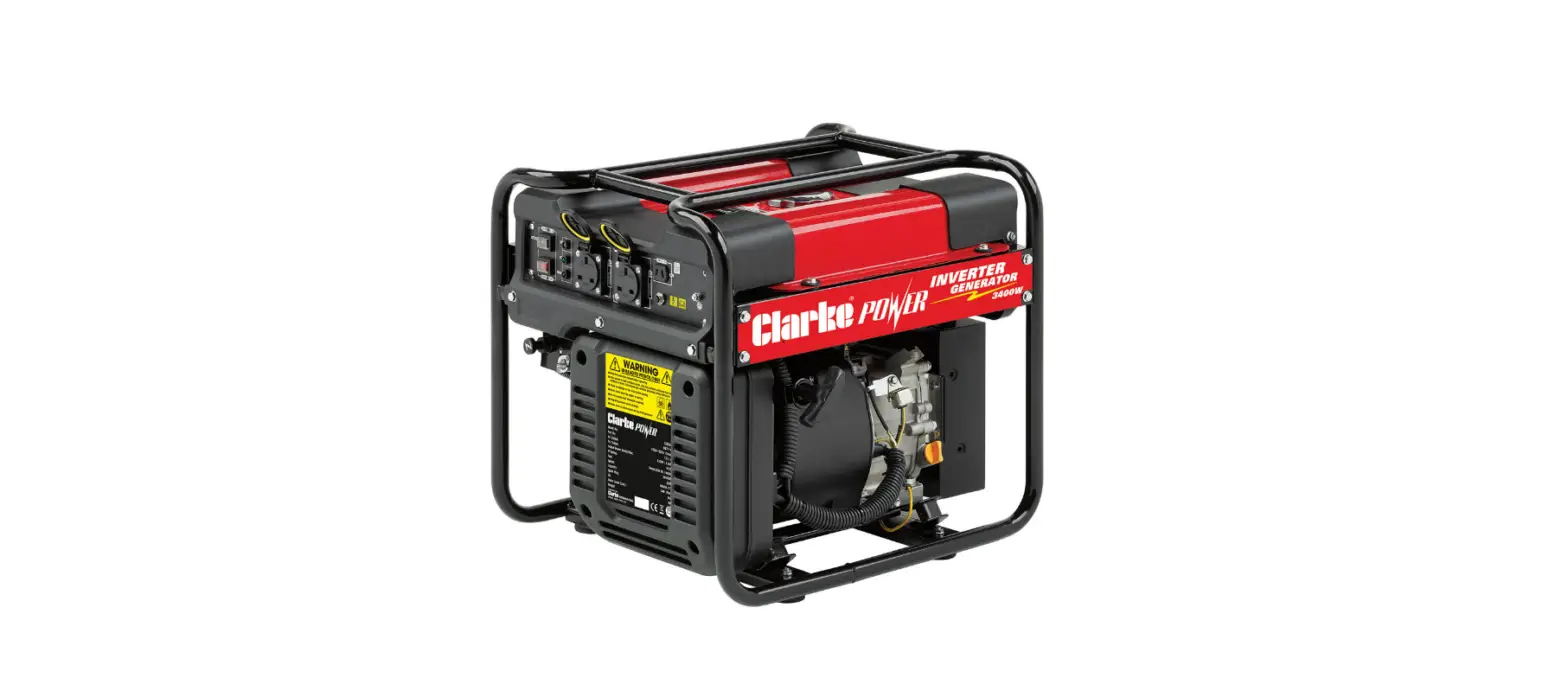
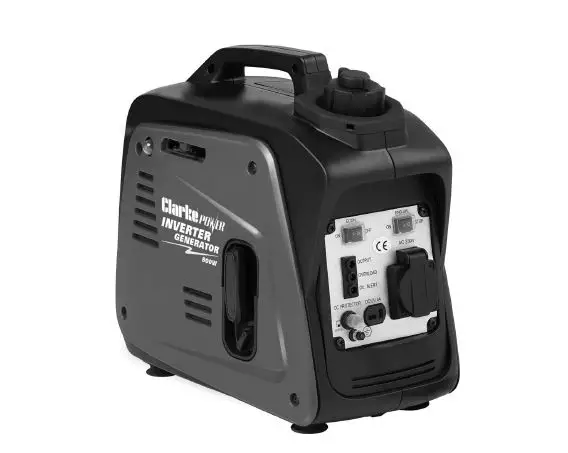
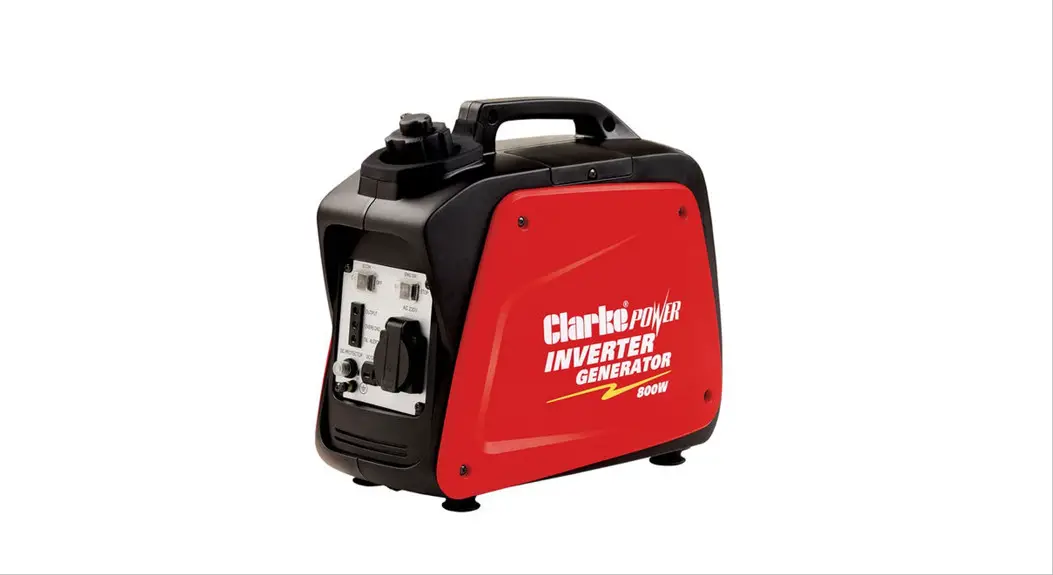
IG2200A 2.2kw Inverter Generator
Product Information: 2.2KW Inverter Generator
- Model No: IG2200A
- Part No: 8877120
- Operation & Maintenance Instructions: DL1022 – ISS 2
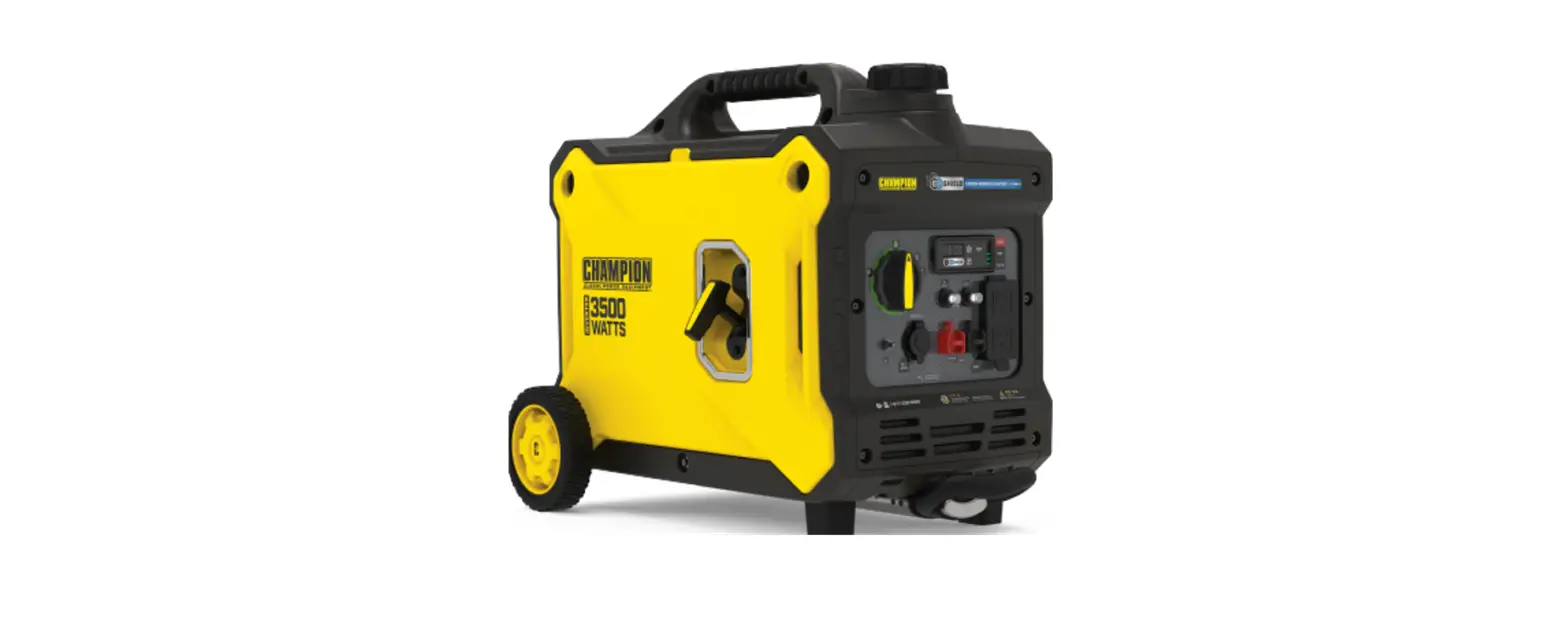
The CLARKE 2.2kW Inverter Generator is a portable power
generator that provides 2.2 kilowatts of continuous power. It is
designed to be compact and lightweight, making it easy to transport
and use in various applications. The generator is equipped with
safety features to ensure the well-being of the user and those
around.
Guarantee
This product comes with a guarantee for long and satisfactory
service. Please refer to the warranty information provided in the
user manual for details.
Safety Symbols
- Read instruction manual before use: It is
important to thoroughly read and understand the user manual before
operating the generator. - Dangerous Voltage: This symbol indicates the
presence of dangerous voltage and warns against contact with live
electrical parts. - Caution – User should be aware of a general
hazard: This symbol alerts the user to potential hazards
and cautions them to exercise caution. - Flammable: Indicates the presence of flammable
materials or substances that can pose a fire hazard. - Hot Surface – DO NOT TOUCH: Warns against
touching hot surfaces that can cause burns. - Poisonous Fumes – DO NOT use generator in an enclosed
space: Indicates that the generator should not be used in
closed or poorly ventilated areas to prevent the accumulation of
toxic fumes.
General Safety Rules
- WARNING: EXHAUST FUMES CAN BE EXTREMELY DANGEROUS IF
INHALED: Caution must be exercised to avoid inhaling
exhaust fumes, as they can be harmful to health. - WORK AREA: Ensure a safe work area by keeping
the generator at least 1 meter (3 feet) away from buildings or
other equipment to prevent overheating. - POSITIONING THE GENERATOR: Place the generator
on a solid, flat surface and ensure the surrounding area is free
from materials that can burn or be damaged by heat. - FIRE PREVENTION: Switch off the engine before
refueling, refuel in a well-ventilated area, avoid overfilling the
tank, never smoke or use a naked flame near the generator. - PREVENTION OF ELECTRIC SHOCK: Avoid using the
generator in wet conditions unless adequately protected/covered,
never operate with wet hands, do not clean with water or other
liquids, and ensure proper grounding (earthing).
Additional Safety Rules for Generators
- Always make sure the applied load does not exceed the
generator rating: Overloading the generator can be
dangerous and cause damage. - Always disconnect the generator when carrying out any
maintenance: Ensure the generator is not connected to any
load or power source during maintenance. - Always allow the generator to reach operating speed
before connecting a load: Wait for the generator to
stabilize before connecting any devices. - Never allow the generator to run out of fuel when a
load is connected: Avoid running the generator on low fuel
when devices are connected. - Never transport the generator with fuel in the
tank: Empty the fuel tank before transporting the
generator. - Never connect the generator to a commercial or
residential power supply: The generator is not designed
for direct connection to mains power. - Never allow the generator air vents to become
blocked: Ensure proper ventilation for the generator to
prevent overheating.
Generator Overview
- Air Vent Knob
- Fuel Cap
- Fuel Valve Knob
- Starting Handle
- Left Side Maintenance Cover
- Top Maintenance Cover
- Muffler
- Choke
- Engine ON/OFF Switch
- Earthing Point
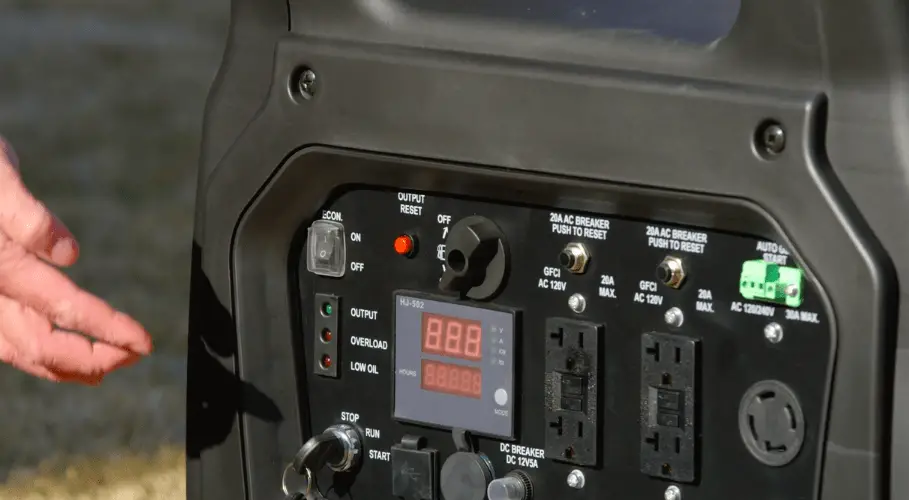
- Economy Control Switch
- AC Sockets
- DC Socket
- DC Circuit Breaker
- Overload Indicator
- Output Indicator
- Oil Alarm Indicator
- Primer Bulb
2.2KW INVERTER GENERATOR
MODEL NO: IG2200A
PART NO: 8877120
OPERATION & MAINTENANCE INSTRUCTIONS
DL1022 – ISS 2
INTRODUCTION
Thank you for purchasing this CLARKE 2.2kW Inverter Generator Before attempting to use this product, please read this manual thoroughly and follow the instructions carefully. In doing so you will ensure the safety of yourself and that of others around you, and you can look forward to your purchase giving you long and satisfactory service.
GUARANTEE
This product is guaranteed against faulty manufacture for a period of 12 months from the date of purchase. Please keep your receipt which will be required as proof of purchase. This guarantee is invalid if the product is found to have been abused or tampered with in any way, or not used for the purpose for which it was intended. Faulty goods should be returned to their place of purchase, no product can be returned to us without prior permission. This guarantee does not effect your statutory rights.
SAFETY SYMBOLS
Read instruction manual before use
Dangerous Voltage
Caution – User should be aware of a general hazard
Flammable
Hot Surface – DO NOT TOUCH
Poisonous Fumes – DO NOT use generator in an enclosed space
2
Parts & Service: 020 8988 7400 / E-mail: [email protected] or [email protected]
GENERAL SAFETY RULES
WARNING: EXHAUST FUMES CAN BE EXTREMELY DANGEROUS IF INHALED
WORK AREA
· Always use in a well ventilated area. · Always position the exhaust outlet away from people. · Read these safety instructions before using the equipment. · Keep children away from the generator
POSITIONING THE GENERATOR
1. Keep the generator at least 1 m (3 ft) from buildings or other equipment, or the engine may overheat.
2. Place the generator on a solid, flat surface.
1M (3ft)
3. Make sure the surrounding area is free from any material that could burn or be damaged by heat.
4. Never move or tilt the generator whilst it is switched on.
FIRE PREVENTION
1. Always switch the engine OFF when refuelling.
2. Always refuel in a well ventilated area.
3. Never overfill the tank, fill to the level specified (See “Check the fuel level” on page 11.).
4. Never smoke whilst refuelling and avoid smoking or using a naked flame near the generator.
1M (3ft)
3
Parts & Service: 020 8988 7400 / E-mail: [email protected] or [email protected]
5. Never start the engine if there is spilled fuel. Any spillage must be wiped clean and the generator allowed to dry before attempting to start the engine.
PREVENTION OF ELECTRIC SHOCK
1. Never use the generator in wet conditions unless it is well protected/ covered. Under these conditions, adequate ventilation MUST be provided
2. Never operate the generator with wet hands
3. Never use water or any other liquids to clean the generator.
4. Make sure you ground (earth) the generator.
ADDITIONAL SAFETY RULES FOR GENERATORS
1. Always make sure the applied load does not exceed the generator rating. Overloading the generator is dangerous and could cause serious damage.
2. Always disconnect the generator when carrying out any maintenance.
3. Always allow the generator to reach operating speed before connecting a load.
4. Never allow the generator to run out of fuel when a load is connected.
5. Never transport the generator with fuel in the tank.
6. Never connect the generator to a commercial or residential power supply; e.g. ring main.
7. Never allow the generator air vents to become blocked.
4
Parts & Service: 020 8988 7400 / E-mail: [email protected] or [email protected]
GENERATOR OVERVIEW
NO DESCRIPTION 1 Air Vent Knob 2 Fuel Cap 3 Fuel Valve Knob 4 Starting Handle 5 Left Side Maintenance Cover 6 Top Maintenance Cover 7 Muffler 8 Choke 9 Engine ON/OFF Switch
NO DESCRIPTION 10 Earthing Point 11 Economy Control Switch 12 AC Sockets 13 DC Socket 14 DC Circuit Breaker 15 Overload Indicator 16 Output Indicator 17 Oil Alarm Indicator 18 Primer Bulb
5
Parts & Service: 020 8988 7400 / E-mail: [email protected] or [email protected]
UNPACKING AND ASSEMBLY
Unpack your Generator and check the following items are present. Should there be any missing or damaged during transit contact your CLARKE dealer immediately.
· 1 x 2kW Inverter Generator · 1 x Spark Plug Box Spanner · 1 x Screwdriver/Tommy Bar · 1 x Container with Spout for Oil Filling · 1 x Operating & Instruction Manual · 1 x 12V Battery Connector Lead · 1 x Oil Drain Tube
BEFORE USING THE GENERATOR
IMPORTANT: Generators should ALWAYS be earthed. Make sure you ground (earth) the generator.
Before using your generator check that:
· The generator is in good condition and free from any damage. · The generator is clean and free from fuel or oil spillage. · The generator is correctly located for use (See page 4). · There is no leakage.
NOTE: To avoid accidental spillage of fuel, always use a funnel to fill the fuel tank. If fuel is spilled it must be removed from the unit before attempting to start the engine.
EARTH POINT
Always connect the generator to an earth point. The earth terminal is shown on the right.
6
Parts & Service: 020 8988 7400 / E-mail: [email protected] or [email protected]
CHECKING THE AIR FILTER
1. Remove the left side maintenance panel.
2. Remove the three air filter cover screws shown on the right.
3. Slide out the air filter cover.
4. Remove the air filter element. 5. If the air filter is damaged contact
CLARKE spare parts department for a replacement. · If the filter is dirty, wash it in a
solution of warm water and mild detergent and rinse thoroughly. Leave the filter to dry completely, once it is dry immerse the filter in clean engine oil and sqeeze the filter to remove excess oil. WARNING: DO NOT USE FLAMMABLE SOLVENTS OR PETROL TO CLEAN THE AIR FILTER.
6. Replace the filter into its original position and replace and secure the air filter cover then replace the left side maintenance panel. 7
Parts & Service: 020 8988 7400 / E-mail: [email protected] or [email protected]
CHECK THE ENGINE OIL LEVEL
WARNING: YOUR GENERATOR MAY NOT BE SUPPLIED WITH OIL, ALWAYS ENSURE THAT THERE IS SUFFICIENT OIL BEFORE USE. WARNING: TO CARRY OUT THIS CHECK, THE ENGINE MUST BE OFF.
NOTE: Place the generator on a level surface and check the oil level as follows.
1. Remove the maintenance panel shown on the right.
2. Turn the oil filler cap anticlockwise and remove from the oil reservoir, wipe the dipstick with a clean cloth.
3. Insert the dipstick back into the oil filler tube and then remove it again.
4. If the oil is below the Min. level on the dipstick, Fill the oil reservoir with fresh oil.
· Do not fill above the max level mark (0.45 litres)
· We recommend the use of SAE15W-40 oil in this generator.
· Do not tilt the generator when adding engine oil. This could result in overfilling and damage to the engine.
Max Level Min. Level
5. Replace the oil filler cap.
6. Replace the left side maintenance panel.
8
Parts & Service: 020 8988 7400 / E-mail: [email protected] or [email protected]
CHECK THE FUEL LEVEL
WARNING: MAKE SURE THERE IS FUEL IN THE TANK WHEN USING THE GENERATOR. RUNNING OUT OF FUEL OR STOPPING THE ENGINE SUDDENLY WITH A LOAD CONNECTED COULD CAUSE SERIOUS DAMAGE.
1. To check the fuel level, open the fuel filler cap.
2. Slowly add fuel to the fuel tank (maximum 6.1L)
· Do not overfill the fuel tank.
3. Replace the fuel filler cap securely.
Fuel filler cap
WARNING: FUEL IS HIGHLY FLAMMABLE AND POISONOUS.
WARNING: SEE “GENERAL SAFETY RULES” ON PAGE 4 AND READ THEM CAREFULLY BEFORE REFUELING.
WARNING: DO NOT FILL ABOVE THE TOP OF THE FUEL FILTER OR IT MAY OVERFLOW WHEN THE FUEL HEATS UP AND EXPANDS.
WARNING: WIPE UP ANY SPILLED FUEL IMMEDIATELY.
WARNING: AFTER REFUELING, MAKE SURE THE FUEL FILLER CAP IS TIGHTENED SECURELY.
RECOMMENDED FUEL Your generator has been designed to use regular unleaded petrol with a octane number of 86 or higher.
9
Parts & Service: 020 8988 7400 / E-mail: [email protected] or [email protected]
USING YOUR GENERATOR
STARTING THE ENGINE
1. Remove all connections from the AC sockets.
2. Hold the fuel tank cap so that it will not move, and turn the air vent knob to the ON position.
Air vent knob
3. Turn fuel valve to the ON position (pointing downwards).
4. Set the engine switch to `ON’.
5. Move the choke to the left.
10
Parts & Service: 020 8988 7400 / E-mail: [email protected] or [email protected]
6. If this is the first time you are using the generator or if the generator had run out of fuel the last time you used it, pump the primer bulb a minimum of 10 times to introduce fuel into the carburetter.
7. Hold the generator handle firmly and pull the starting handle lightly until you start to feel resistance and then pull up sharply to start the engine.
NOTE: You may have to do this more than once.
. WARNING: ONCE THE GENERATOR HAS STARTED, RELEASE THE STARTING HANDLE SLOWLY TO AVOID INJURY/DAMAGE AS IT WHIPS BACK.
NOTE: When you first start the generator, the overload indicator may light up for a few seconds, this is normal. If the overload indicator is still lit after 5 seconds, stop the engine and contact your CLARKE dealer.
8. Once the engine has warmed up, move the choke to the right.
11
Parts & Service: 020 8988 7400 / E-mail: [email protected] or [email protected]
CONNECTING ELECTRICAL DEVICES
The generator can supply both 230V AC and 12V DC AC POWER 1. Start the engine. See page 10 2. Make sure the appliance is turned
off before connecting it to the generator. 3. Connect the appliance to the generator.
CAUTION: MAKE SURE THAT THE APPLIANCE BEING CONNECTED IS IN GOOD WORKING ORDER, IF IT BEGINS TO ACT ABNORMALLY OR STOPS SUDDENLY, DISCONNECT IT FROM THE GENERATOR CAUTION: MAKE SURE THE APPLIANCE DOES NOT EXCEED THE MAXIMUM RATED LOAD FOR THE GENERATOR. CAUTION: ANY DEVICE WHICH CONTAINS AN INDUCTIVE LOAD E.G. DEVICES THAT CONTAIN A MOTOR MAY REQUIRE MORE CURRENT ON STARTUP.
12
Parts & Service: 020 8988 7400 / E-mail: [email protected] or [email protected]
DC POWER (FOR CHARGING CAR BATTERIES ONLY) WARNING: FOR YOUR SAFETY PERFORM THE FOLLOWING INSTRUCTIONS IN THE ORDER SHOWN.
1. Set the economy control switch to `OFF’.
2. Start the generator. See page 10
3. Connect the battery charging leads to the battery. · Make sure you clamp the red wire to the positive (+) terminal and the black wire to the negative (-) terminal of the battery.
4. Connect the battery charging leads to the generator. · The battery will begin to charge.
5. Monitor the voltage across the battery regularly during charging and disconnect the battery when the voltage reaches 14.4 volts. CAUTION: WHEN DISCONNECTING THE BATTERY, ALWAYS DISCONNECT THE NEGATIVE LEAD FIRST.
DC OVER LOAD PROTECTOR If the DC overload protector activates, wait for a few minutes and then press the reset button shown on the right.
13
Parts & Service: 020 8988 7400 / E-mail: [email protected] or [email protected]
ECONOMY SWITCH
When the economy control switch is turned on, the engine speed varies according to the load connected. This results in decreased fuel consumption and less noise. When the economy control switch is turned off, the engine runs at the 5,000 r/min. regardless of whether there is a load connected or not.
CAUTION: THE ECONOMY CONTROL DOES NOT WORK EFFECTIVELY IF THE ELECTRICAL APPLIANCE REQUIRES `BURSTS’ OF POWER.
CAUTION: TURN THE ECONOMY CONTROL FEATURE OFF WHEN CONNECTING HIGH LOAD APPLIANCES OR WHEN CONNECTING TO THE DC OUTPUT.
INDICATOR LIGHTS
PILOT LIGHT The pilot light (Green) will remain on during normal operation.
OVERLOAD INDICATOR The overload indicator (Red) will light up if there is an overload or a short circuit in the connected appliance. If this happens, proceed as follows: 1. Turn off any connected electrical
devices and stop the engine. 2. Reduce the total wattage of connected electric devices to within the
rated output of the generator. 3. Check air inlet and around the control unit. If any blockages are found,
remove them.
4. After checking, restart the engine.
LOW OIL INDICATOR The oil indicator will light up when the oil level is low. To add oil, follow the instructions on page 10
14
Parts & Service: 020 8988 7400 / E-mail: [email protected] or [email protected]
SHUTTING DOWN THE GENERATOR
To stop the generator in an emergency simply set the engine switch to `OFF’. NOTE: Turn off any electric devices. NOTE: Set the economy control switch to the `0′ (OFF) position.
1. Disconnect any electric devices. 2. Turn the fuel valve knob to “OFF”
(pointing left).
3. Turn the air vent knob to the off position.
Air vent knob
4. Set the engine switch to the “0” (OFF) position.
15
Parts & Service: 020 8988 7400 / E-mail: [email protected] or [email protected]
MAINTENANCE
ENGINE OIL (EVERY 20 HOURS OF USE)
CAUTION: PROLONGED EXPOSURE TO USED ENGINE OIL IS DANGEROUS, ALWAYS WASH YOUR HANDS THOROUGHLY AFTER HANDLING USED ENGINE OIL.
1. Remove the maintenance panel shown on the right.
2. Turn the oil filler cap anticlockwise and remove from the oil tank.
3. Screw the oil drain tube into the oil tank as shown.
4. Tilt the generator to allow the oil to drain out of the oil reservoir into a suitable container.
NOTE: You may need assistance with this step as the generator is heavy.
5. Fill the oil reservoir with fresh oil.
· Do not fill above the max level mark (0.45 litres)
· We recommend the use of SAE15W-40 oil in this generator.
6. Replace the oil filler cap and maintenance panel.
Max Level Min. Level
16
Parts & Service: 020 8988 7400 / E-mail: [email protected] or [email protected]
AIR FILTER (EVERY 50 HOURS OF USE)
1. Remove the maintenance panel shown on the right.
2. Remove the three air filter cover screws .
3. Pull out the air filter cover.
4. Remove the air filter element. 5. If the air filter is damaged contact
CLARKE spare parts department for a replacement. · If the filter is dirty, wash it in a
solution of warm water and mild detergent and then rinse thoroughly. · Leave the filter to dry completely, once it is dry immerse the filter in clean engine oil and sqeeze the filter to remove excess oil. WARNING: DO NOT USE FLAMMABLE SOLVENTS OR PETROL TO CLEAN THE AIR FILTER.
6. Replace the filter into its original position and replace and secure the air filter cover. 17
Parts & Service: 020 8988 7400 / E-mail: [email protected] or [email protected]
SPARK PLUG (EVERY 50 HOURS OF USE)
CAUTION: ALLOW THE ENGINE TO COOL BEFORE REMOVING THE SPARK PLUG. 1. Remove the top maintenance panel. 2. Remove the spark plug cap from the spark plug.
3. Assemble the spark plug spanner as shown.
4. Use the spark plug spanner (supplied) to remove the spark plug.
5. Check for discoloration and use a wire brush to remove any carbon build up.
18
Parts & Service: 020 8988 7400 / E-mail: [email protected] or [email protected]
6. Check the spark plug gap (a) with a feeler guage, it should be between 0.6 and 0.7 mm.
· Adjust if necessary.
7. Check the overall condition of the spark plug and replace if damaged.
NOTE: Spark plugs are available from CLARKE Spare Parts department 020 8988 7400.
8. Reinstall the spark plug and replace the spark plug cap.
FUEL TANK FILTER
Just inside the fuel tank is a fuel filter, check this filter periodically and remove any contaminants which may have accumulated.
1. Remove the fuel tank cap 2. Lift out the filter inside.
Fuel filler cap
3. Clean the filter with solvent. If damaged, replace.
4. Relace the filter and fuel tank cap.
Fuel filter
19
Parts & Service: 020 8988 7400 / E-mail: [email protected] or [email protected]
TROUBLESHOOTING
PROBLEM
CAUSE
SOLUTION
The generator fails to start
Engine switch is off
Not enough oil in the generator
Set the engine switch to `on’ Add more oil, See page 10
No fuel
Add more fuel, See page 11
Spark plug not working correctly
Change the spark plug, See page 20
The generator fails to generate electricity
The device you are trying to power is faulty
The overload indicator is on
Make sure the device you want to power is working properly
Remove the appliance immediately, do not connect any appliance that requires more than 2.2 KVA.
(DC supply only) The DC Overload protector has activated.
Press the reset button. See page 15
The generator is The air filter is dirty difficult to start
Clean the air filter. See page 19
If this does not solve your problem, please contact the CLARKE service department. see below.
ENVIRONMENTAL RECYCLING POLICY
Through purchase of this product, the customer is taking on the obligation to deal with the WEEE in accordance with the WEEE regulations in relation to the treatment, recycling & recovery and environmentally sound disposal of the WEEE.
In effect, this means that this product must not be disposed of with general household waste. It must be disposed of according to the laws governing Waste Electrical and Electronic Equipment (WEEE) at a recognised disposal facility.
20
Parts & Service: 020 8988 7400 / E-mail: [email protected] or [email protected]
SPECIFICATIONS
ENGINE
Engine Model Type
GENERATOR DIMENSIONS
Displacement (cm3) Ignition type Fuel tank capacity (L) Maximum run time at 3/4 load (h) Engine oil capacity (L) Guaranteed sound power (LWA dB) Rated Frequency (Hz) Rated AC Voltage (V) Rated Power (kW) Maximum Power (kW) DC Output Voltage (V) DC Output Current (A) Length (mm) Width (mm) Height (mm) Unpacked Weight (kg)
IG2200A 152F
Forced air cooled 4-stroke gasoline OHV
125
T.D.I 6.1 7 0.45 92dB 50 230 2 2.2 12 8.3 542 288 486 26.6
21
Parts & Service: 020 8988 7400 / E-mail: [email protected] or [email protected]
DECLARATION OF CONFORMITY – UKCA
22
Parts & Service: 020 8988 7400 / E-mail: [email protected] or [email protected]
DECLARATION OF CONFORMITY – CE
23
Parts & Service: 020 8988 7400 / E-mail: [email protected] or [email protected]
24
Parts & Service: 020 8988 7400 / E-mail: [email protected] or [email protected]