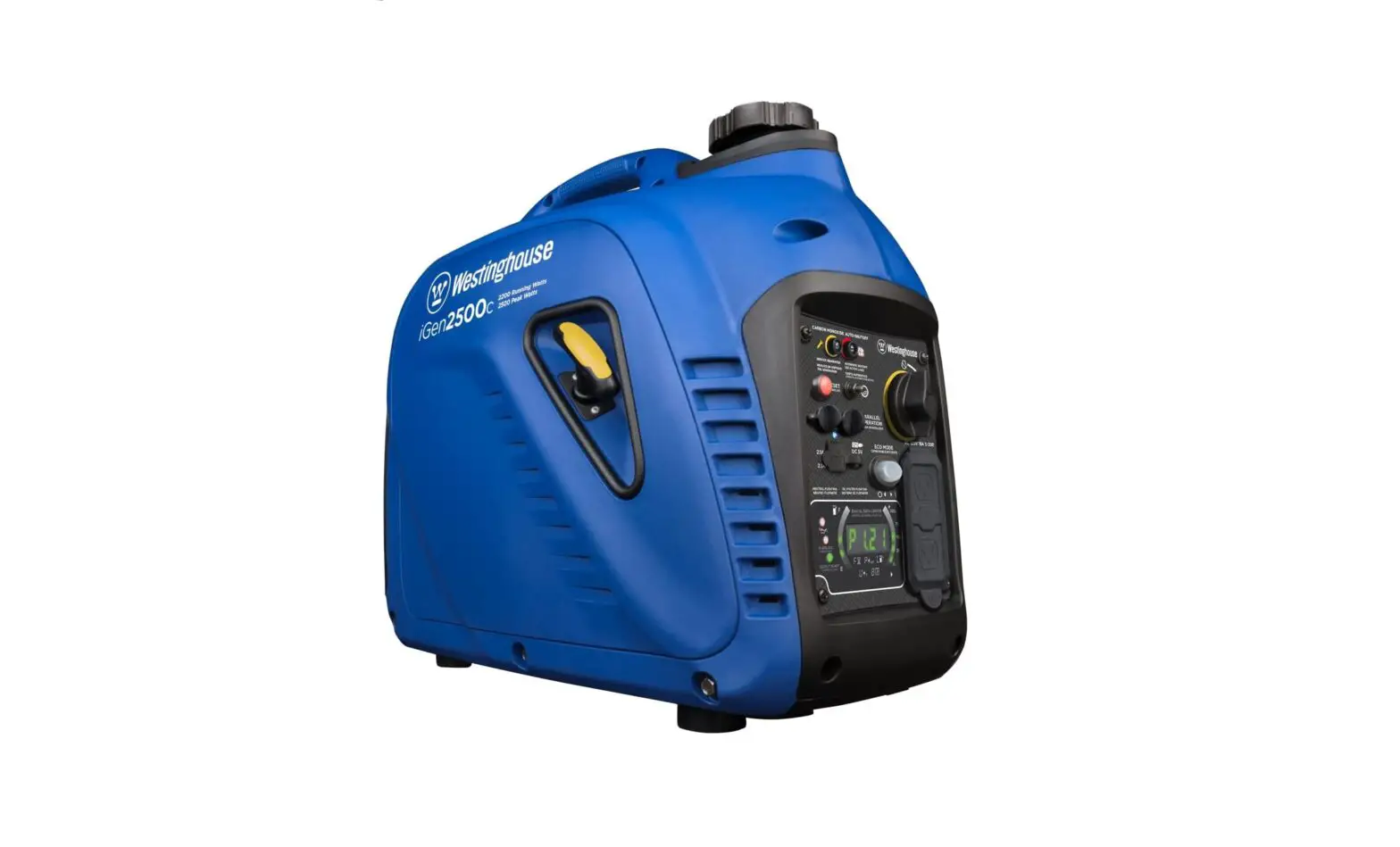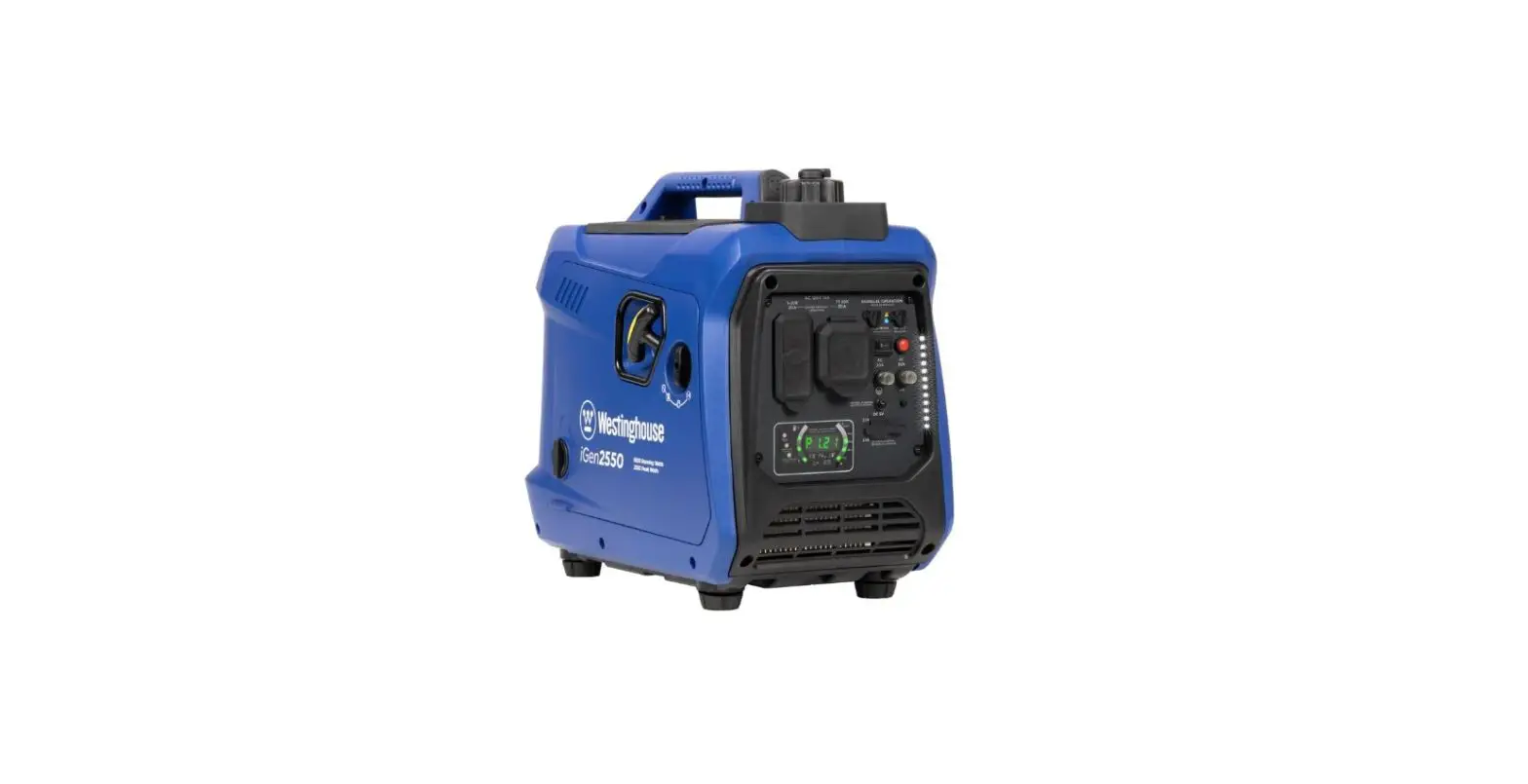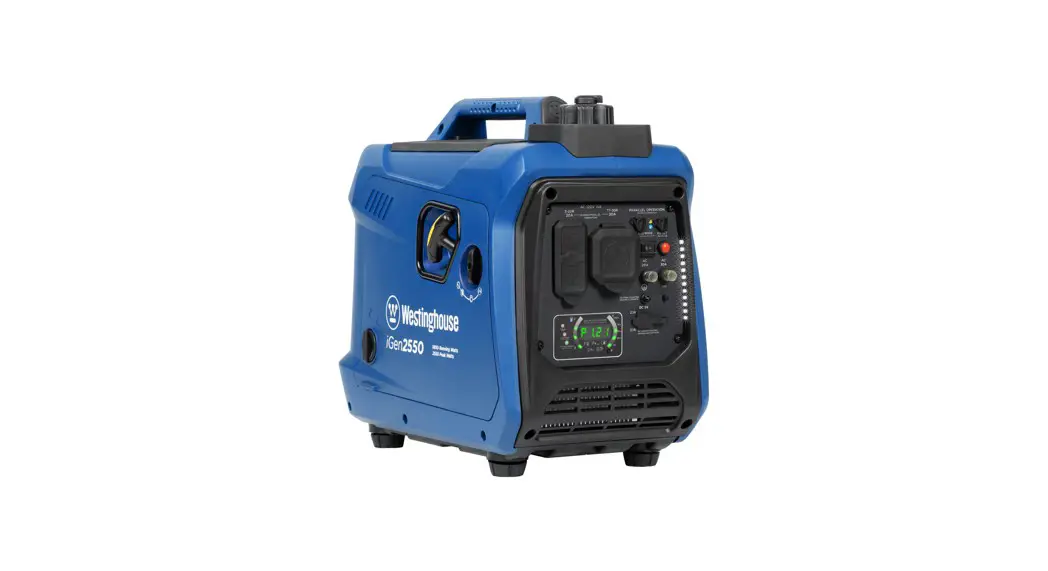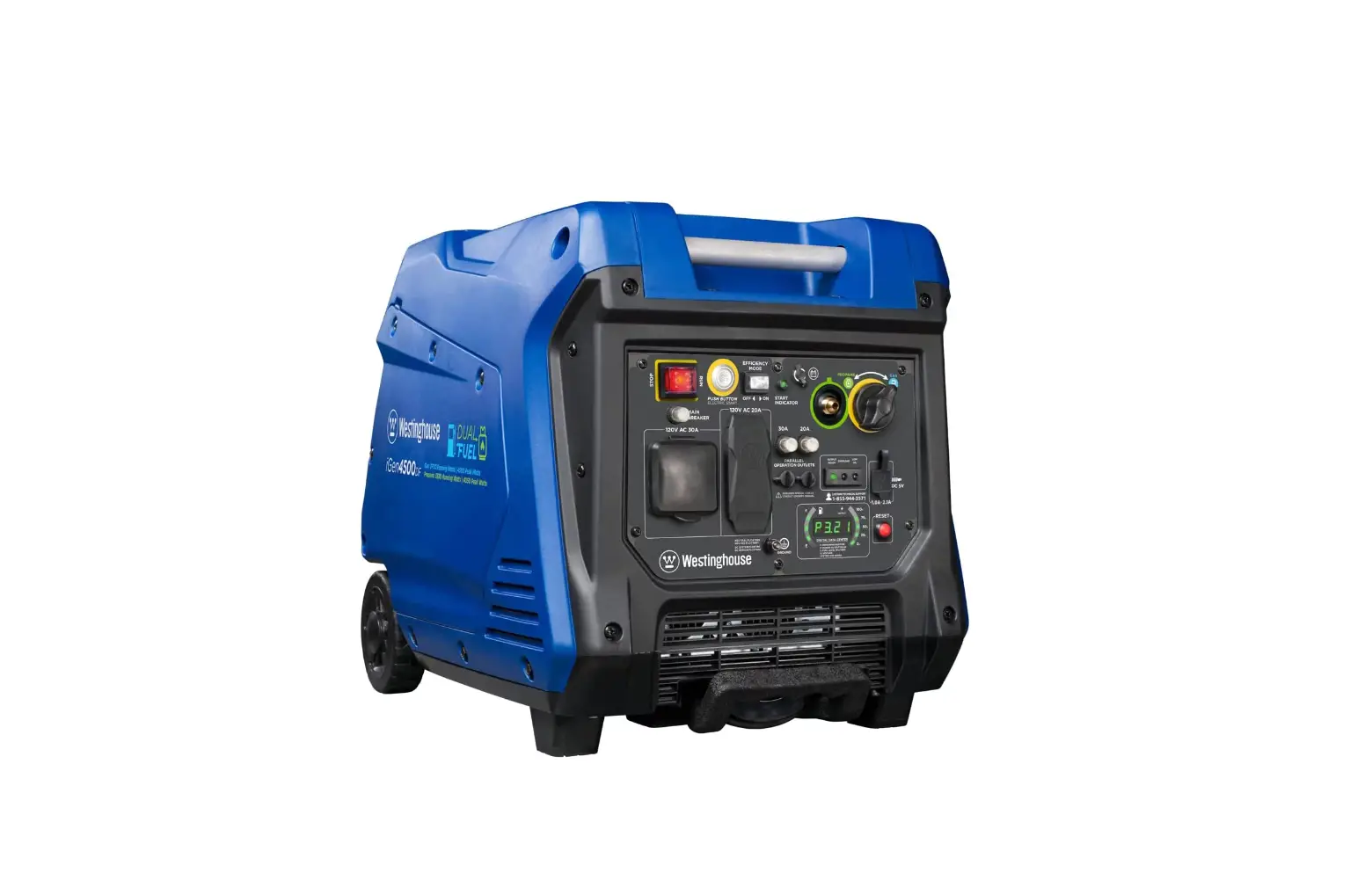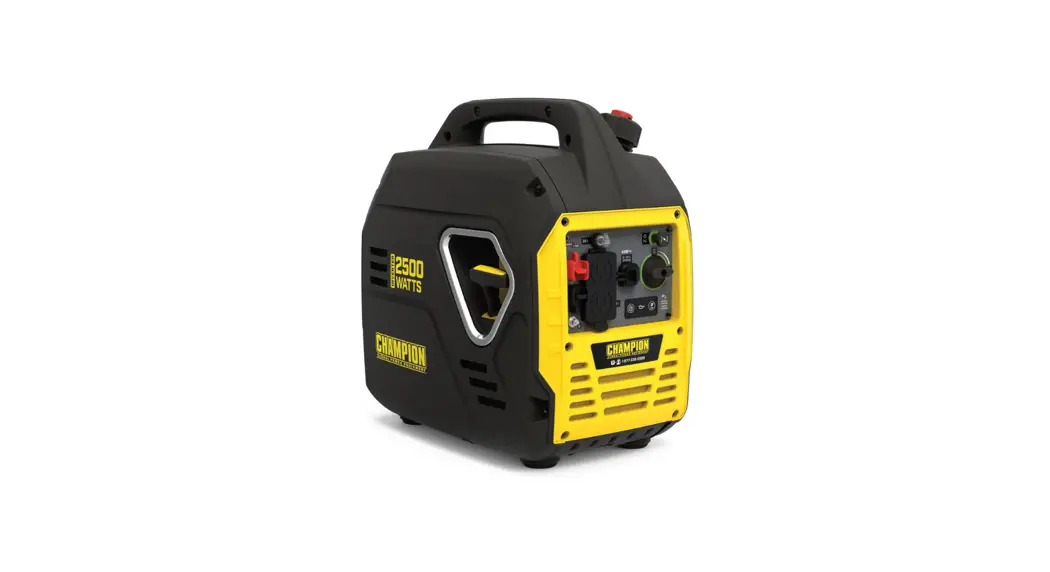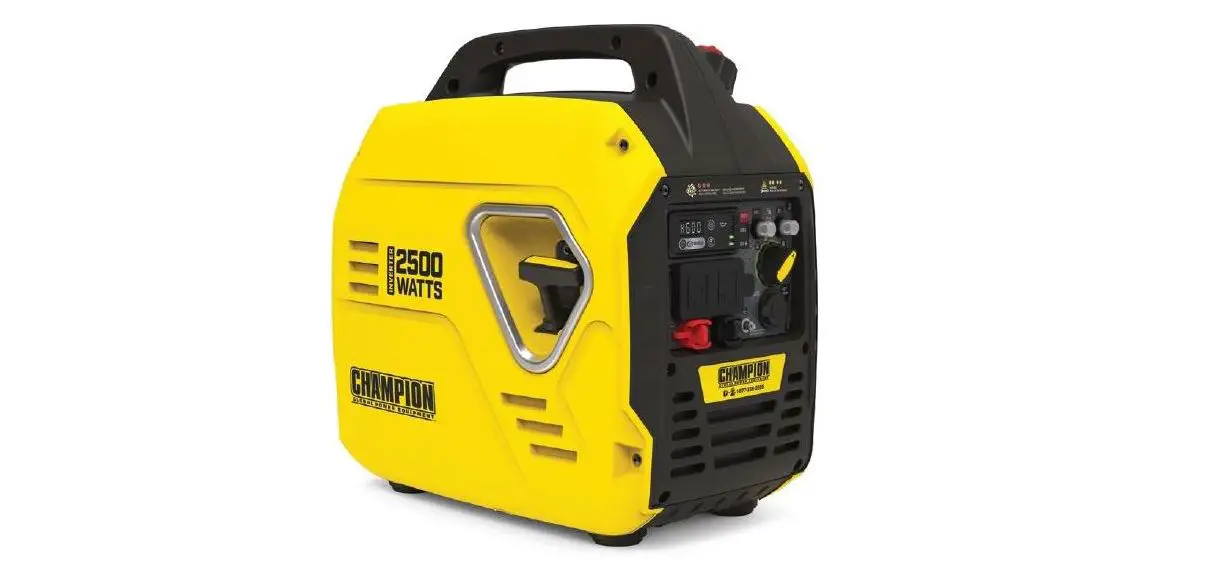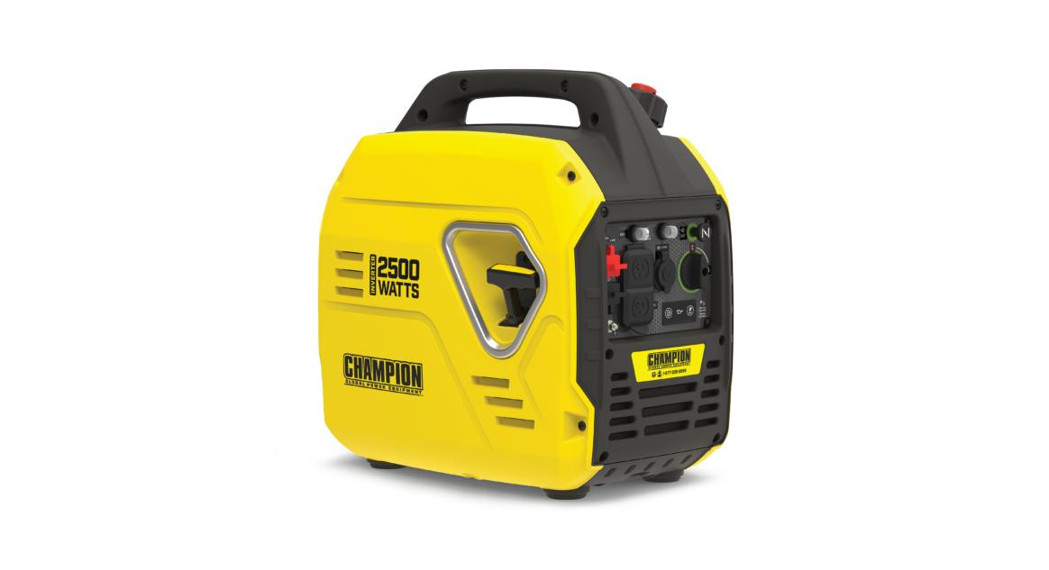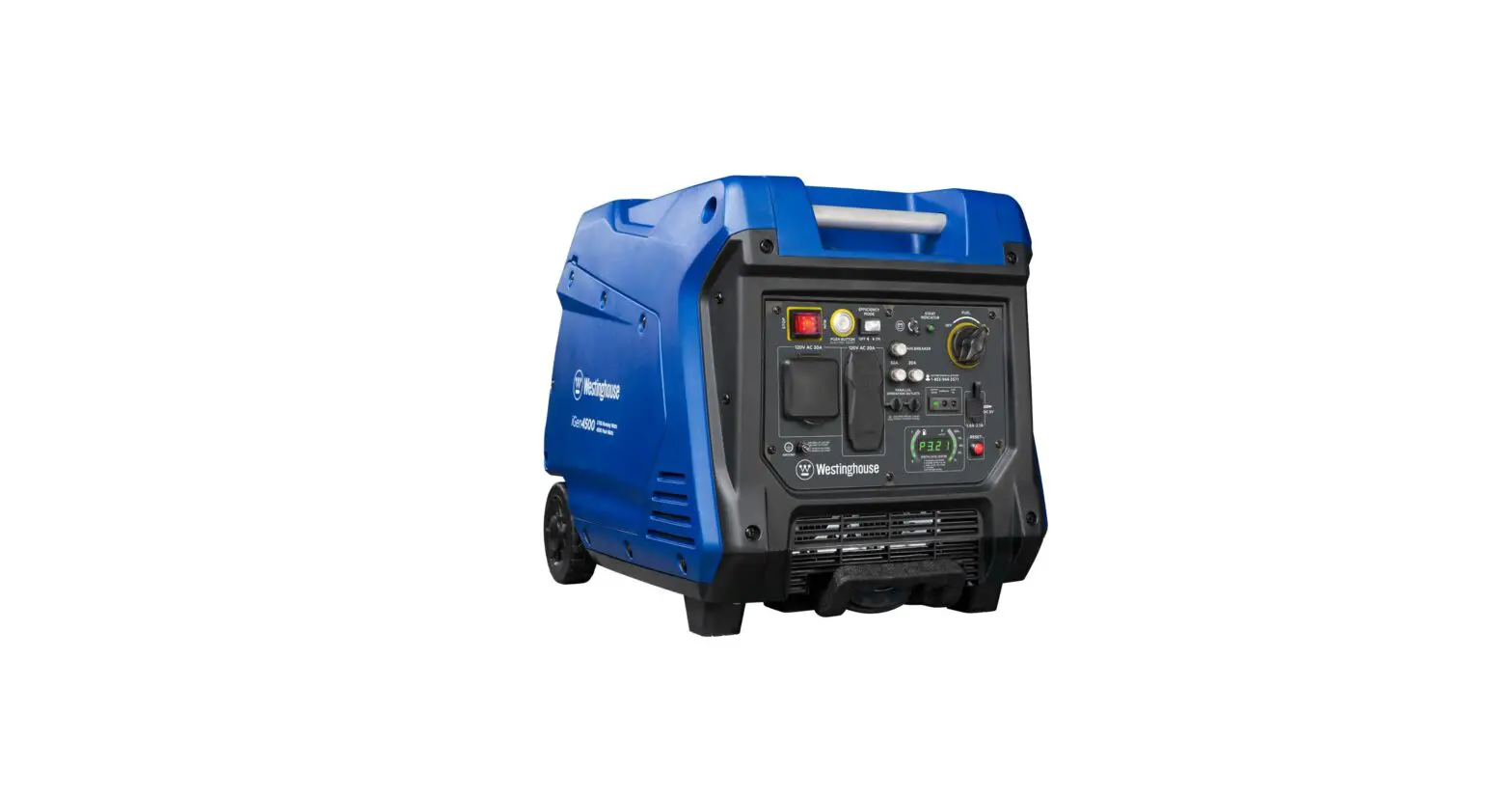
 ROBOT TROLLEY
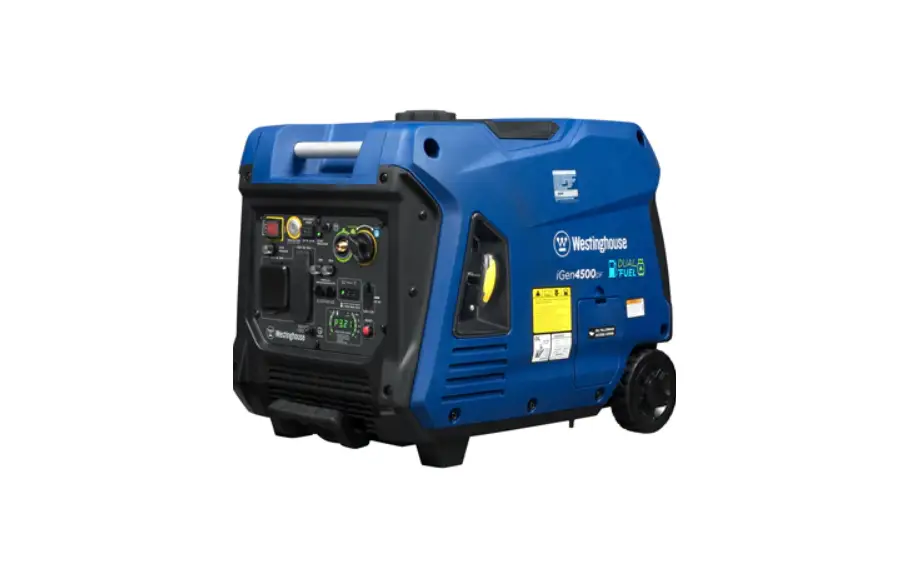
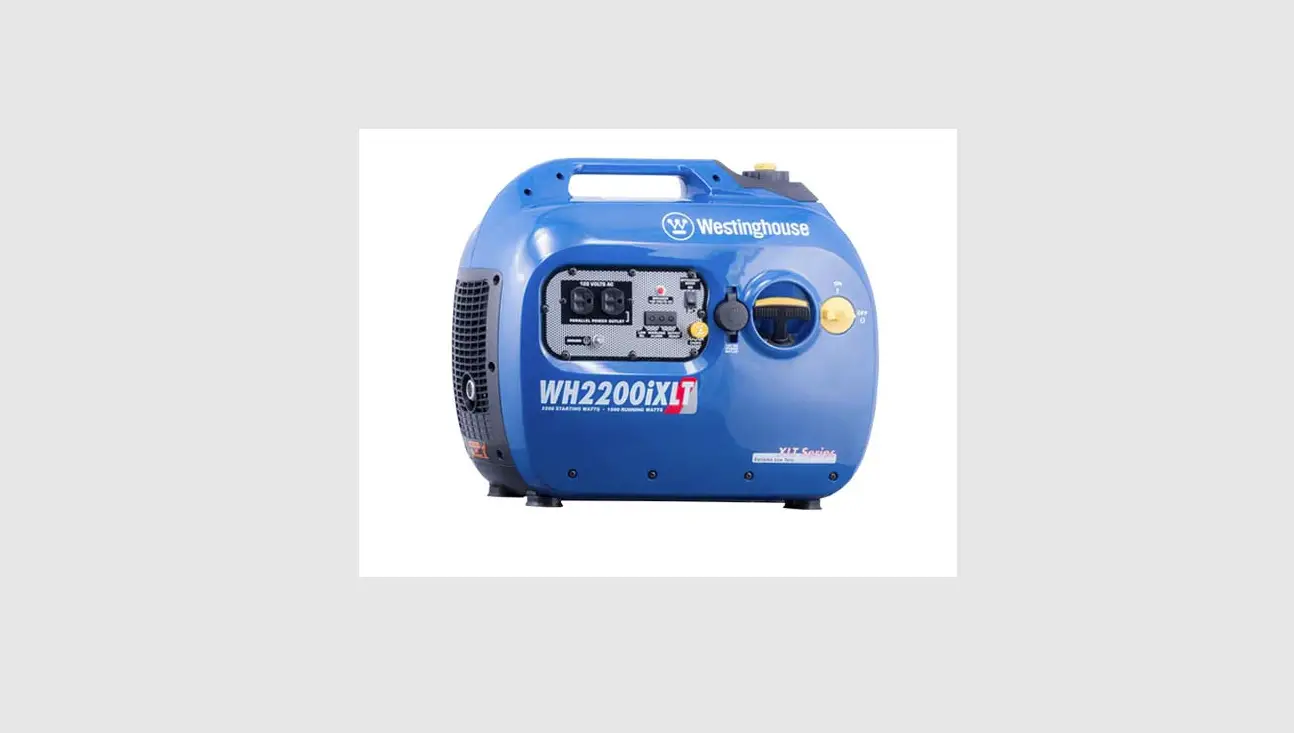
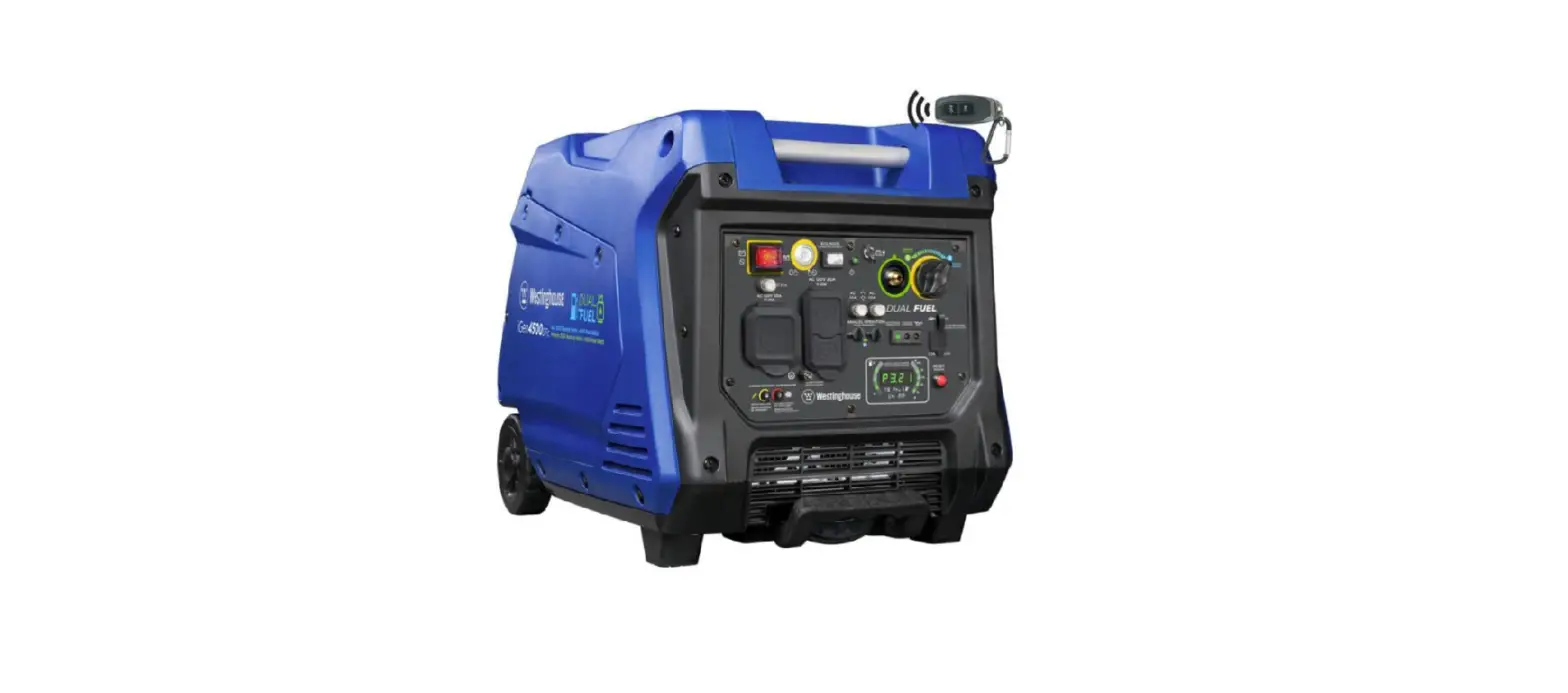
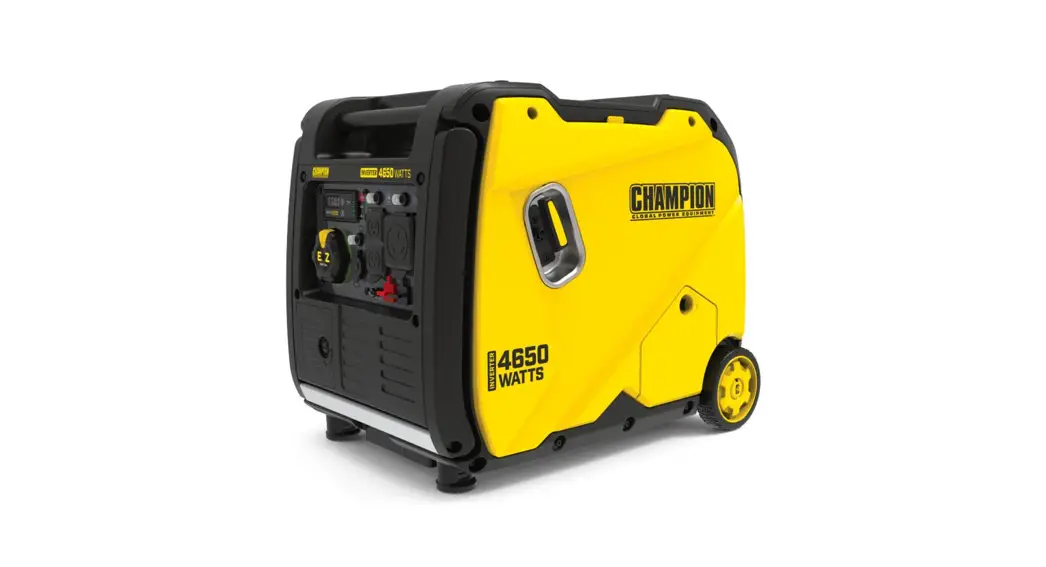
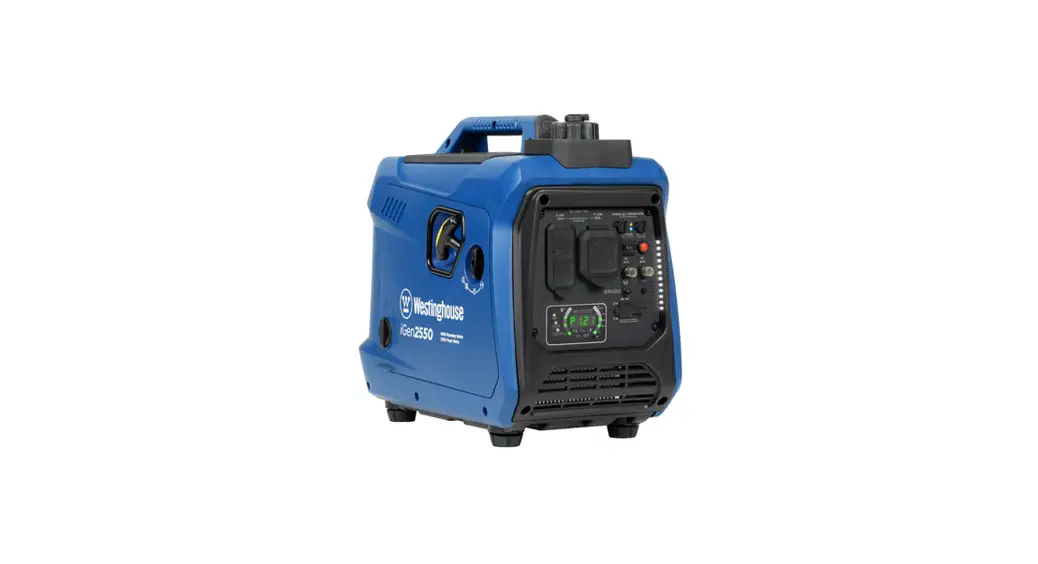
Model 4500 and 2500RS
User Manual
 WARNING
This Quick Start Guide is not a substitute for reading the operator’s manual. To reduce the risk of injury or death, user must read and understand operator’s manual before using this product.
 | Fresh clean unleaded gasoline (not included) |
 | Funnel (included) |
 | 4-stroke engine oil (included) |
BEFORE STARTING
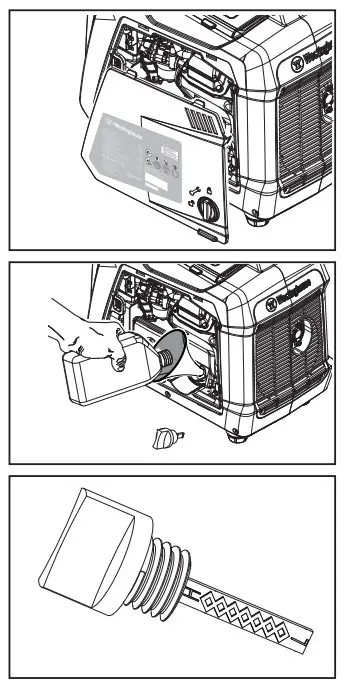
- Add Engine Oil
a. Unlock and remove the engine service cover to access the oil dipstick.
b. Remove oil dipstick.
c. Using the supplied 4-cycle engine oil and funnel, slowly add engine oil to the engine until full.
d. Do not overfill. If oil level is too high, oil will drain out through the fill plug.
Add Unleaded Gasoline to Gas Tank
a. Unscrew gas cap on top of tank
b. Slowly add gasoline into the fuel tank. The gasoline level should NOT be higher than the red maximum fill ring.
c. Secure gas cap 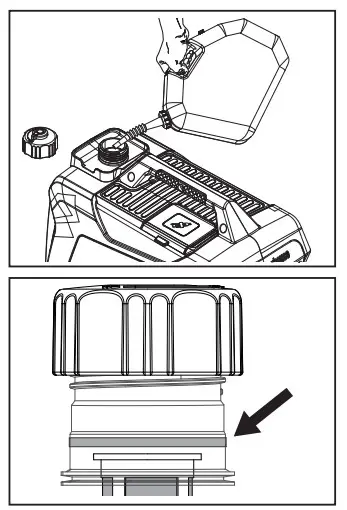
Using a generator indoors
CAN KILL YOU IN MINUTES.
Generator exhaust contains carbon monoxide.
This is a poison you cannot see or smell.

NEVER use inside a home or garage, EVEN IF doors and windows are open.
Only use OUTSIDE and far away from windows, doors, and vents.
Avoid other generator hazards.
READ MANUAL BEFORE USE.
STARTING PROCEDURE
- Make sure all loads are disconnected from the generator and ensure the ECO mode switch is in the OFF position.

- Turn the fuel cap vent knob to the ON position
- Turn the engine/fuel control switch to the N CHOKE position
- Firmly grasp and pull the recoil handle slowly until you feel increased resistance.
At this point, apply a rapid pull while pulling out from the inverter - After the engine starts turn the engine/fuel control switch to the RUN position
- Connect loads to the control panel receptacles
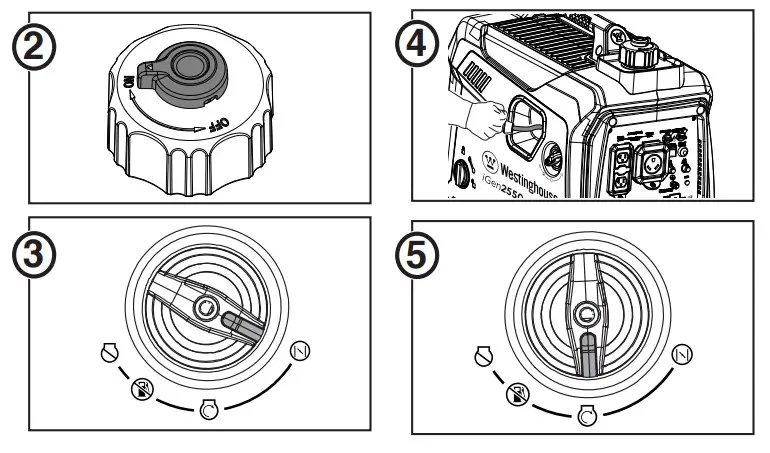
SHUTDOWN PROCEDURE
- Make sure all loads are disconnected from the generator

- Turn the engine/fuel control switch to the OFF position
- Turn the vent knob on the fuel cap to the OFF position
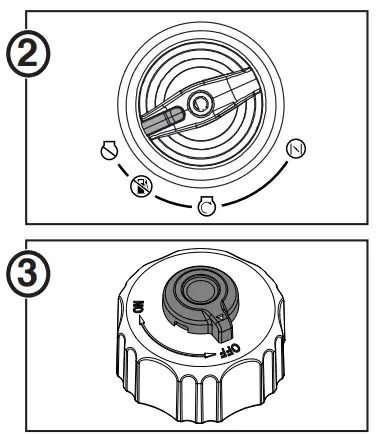
NOTE: This unit has a GASOLINE OFF setting that can be used before storing the unit for long periods of time.
Refer to the user manual for details.
INVERTER MECHANICAL SPECIFICATIONS
| Model Number | Running Watts | Peak Watts | Fuel Tank Size (L/G) | Rated Speed (RPM) | Ignition Type | Engine Disp (cc) | Oil Capacity (L) | Oil Type | THD |
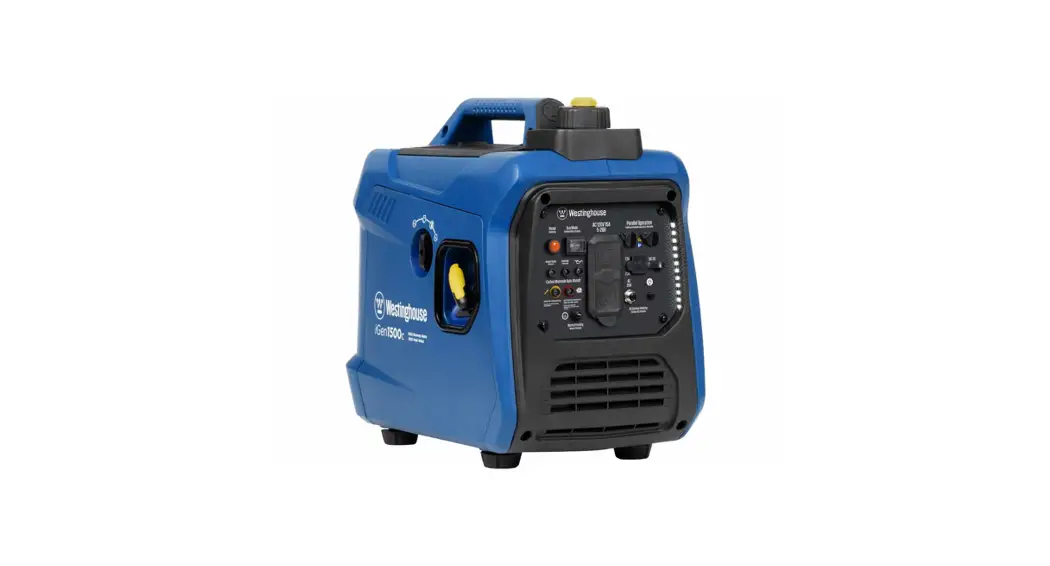
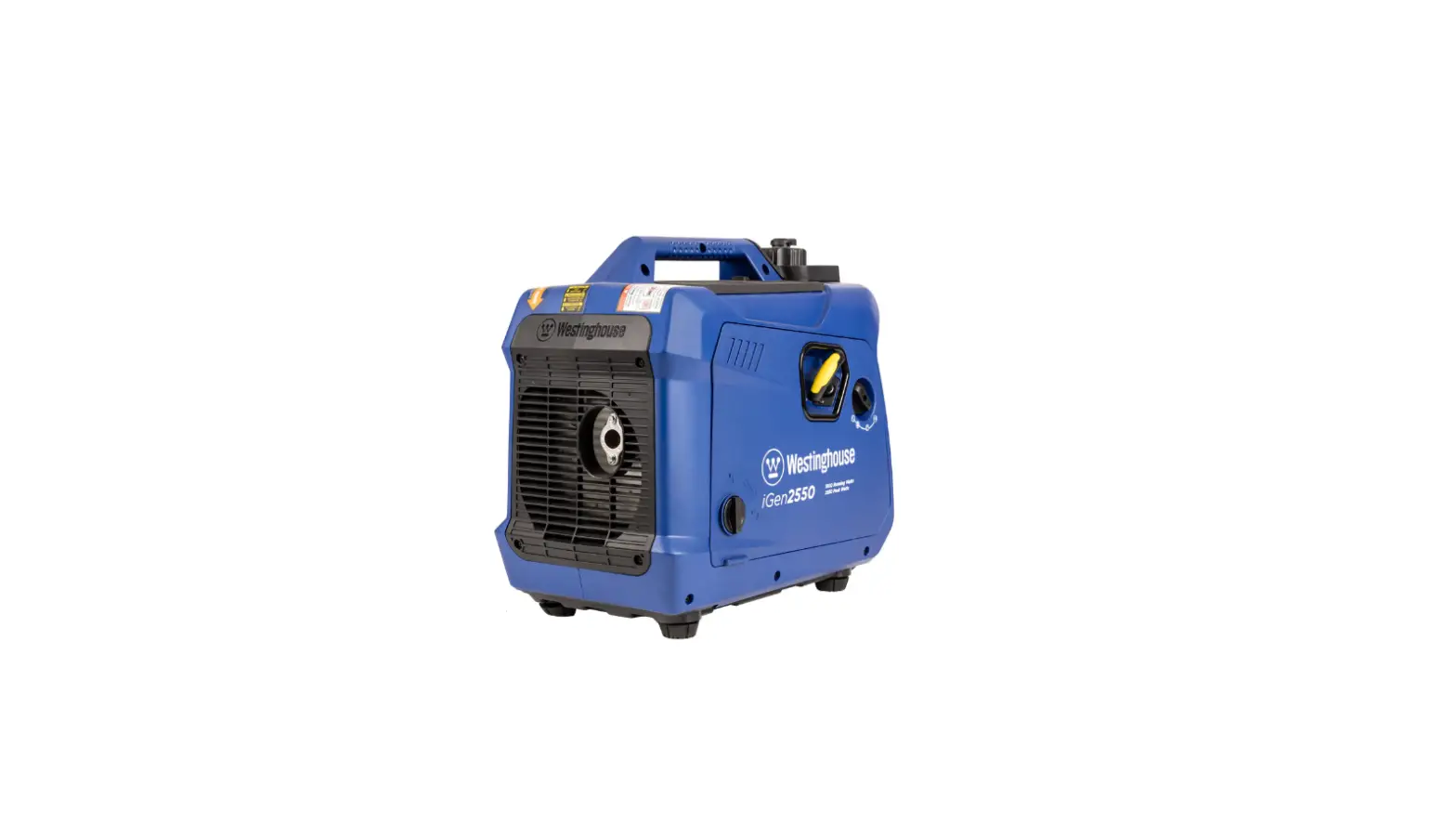
| iGen2550c | 1800 | 2550 | 4.2/1.11 | 5000 | TCI | 79 | 0.35 | 10W30 | ≤ 3% |
MAINTENANCE SCHEDULE
Following the maintenance schedule is important to keep the inverter in good operating condition. The following is a summary of maintenance items by periodic maintenance intervals. Refer to the Maintenance section in the Owners Manual to find out how to properly perform maintenance.
TABLE 1: MAINTENANCE SCHEDULE
| Maintenance Item | Before Every Use | After First 25 Hours or First Month of Use | After 50 Hours of Use or Every 6 Months | After 100 Hour of Use or Every 6 Months | After 300 Hours of Use or Every Year |
| Engine Oil | Check Level | Change | Change | – | – |
| Air Filter | – | – | Clean | – | Replace |
| Spark Plug | – | – | – | Check/Clean | Replace |
| Spark Arrestor | – | – | – | Check/Clean | – |
| Fuel Filter | – | – | – | Replace | – |
| Valve Clearance | – | – | – | Inspect/Adjust | – |
- Change oil every month when operating under heavy load or in high temperatures.
- Clean more often under dirty or dusty conditions.
- Recommended service by authorized Westinghouse dealer.
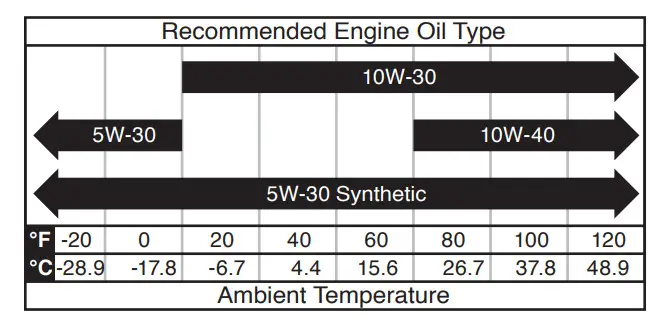
ACEITE DEL MOTOR
Only use 4-stroke.
SPARK PLUG REPLACEMENT
Model Number: Torch
For customer support, scan the QR code.
 125355 Rev01 09/22
iGen2550 Rev 01
Questions? Call 855.944.3571 or
visit wpowereq.com/pages/support
 Support | Westinghouse Outdoor Equipment