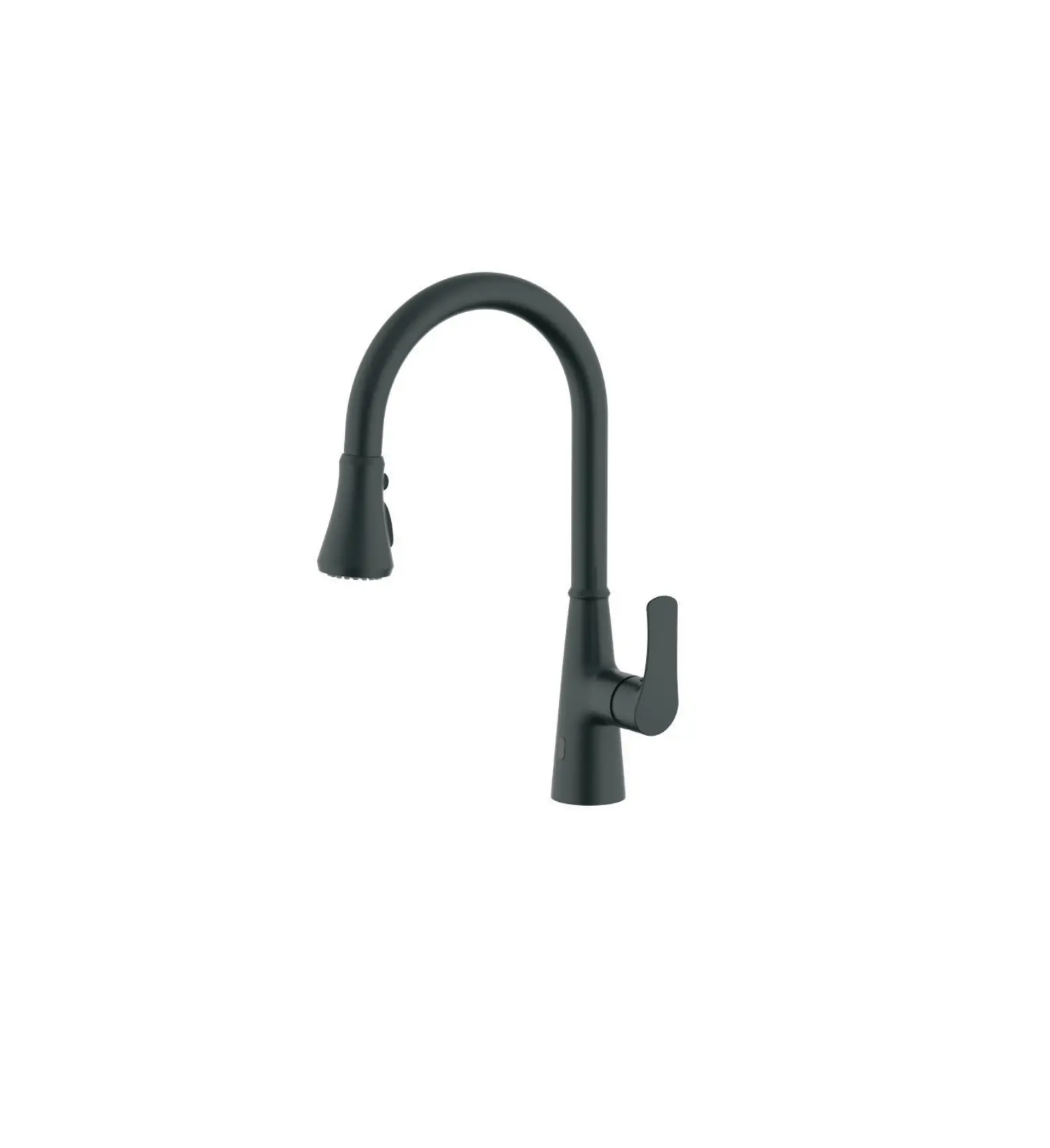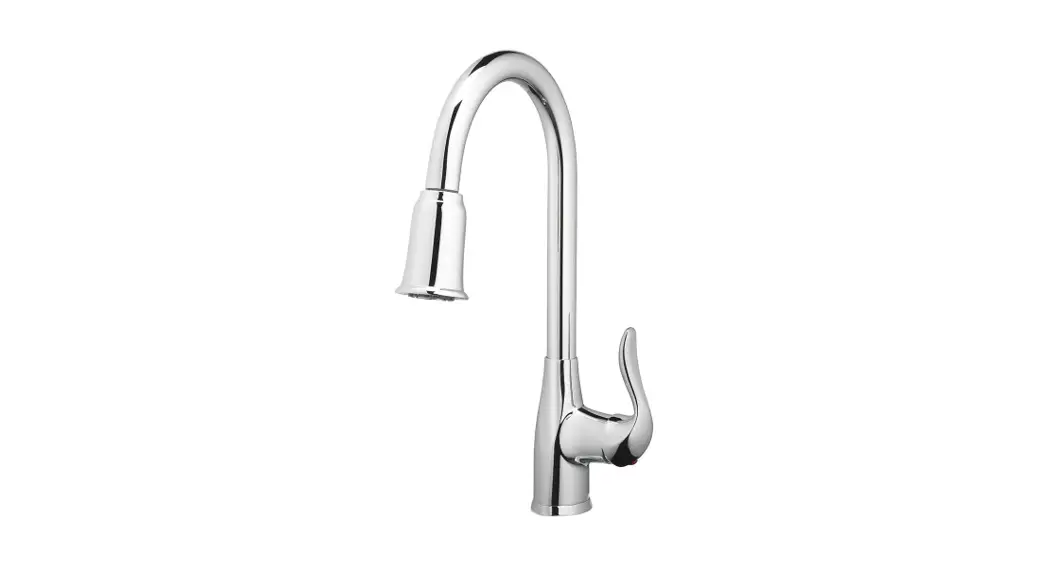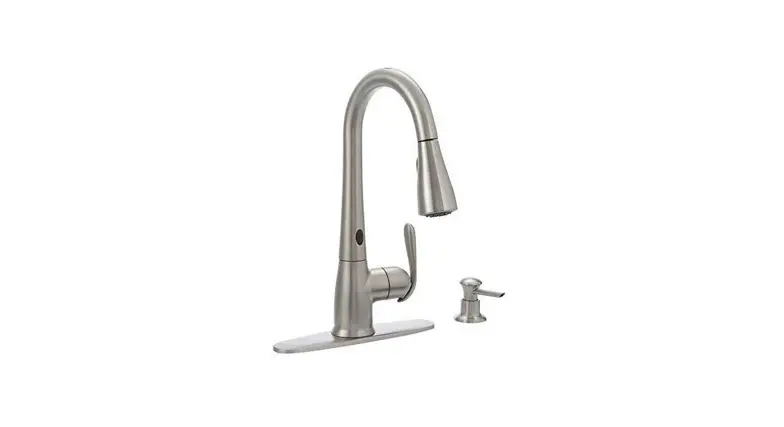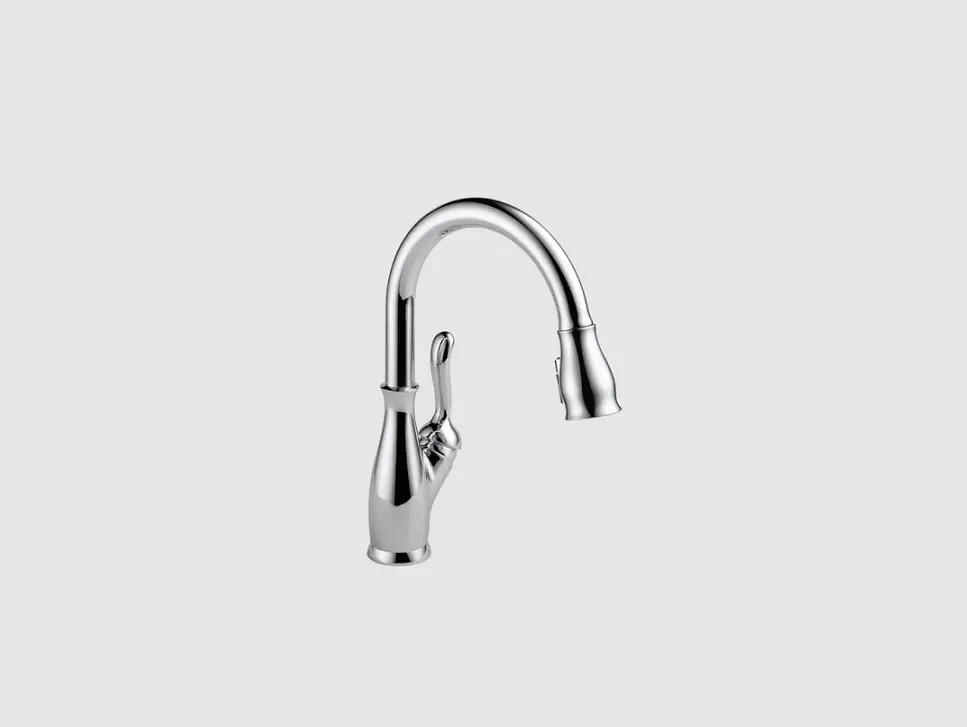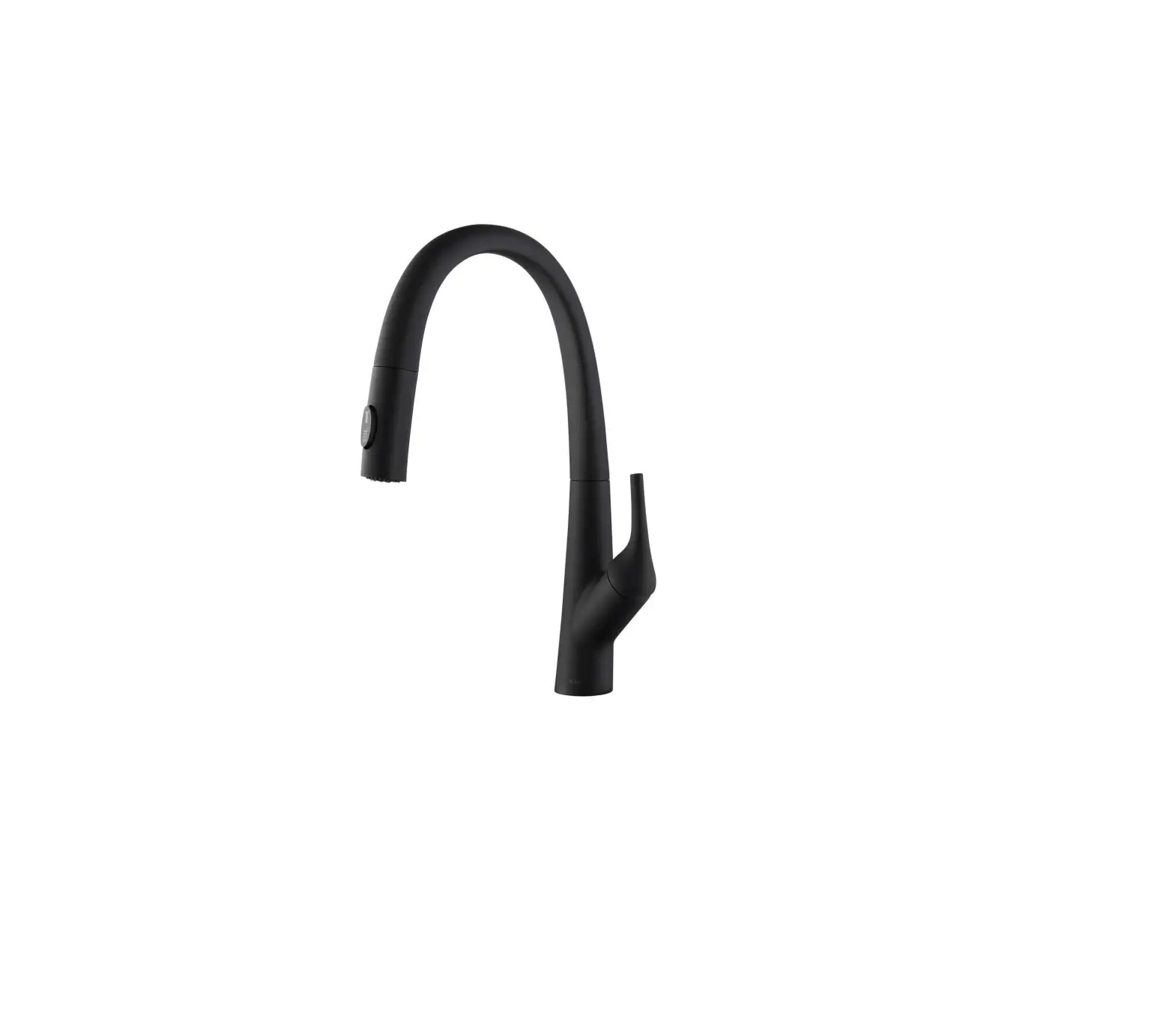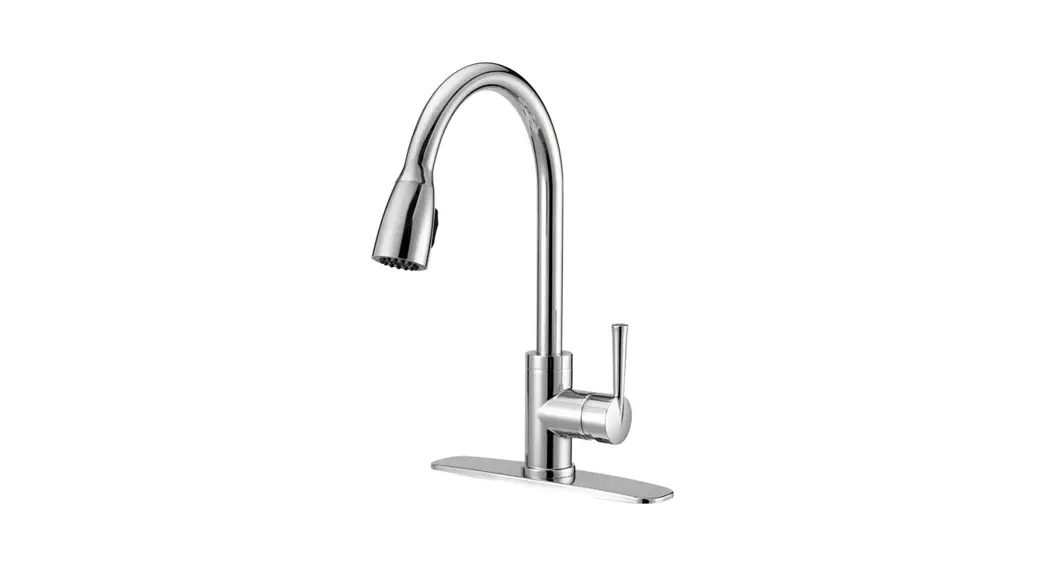

SMART FAUCET ™
Smart Feature Set-up
This smart faucet is designed to work with your home’s smart assistant. In order to use all of its features, including voice control, there are several key set-up steps you must take after the faucet is physically installed.
Complete installation instructions included in the box. Find instructional videos and guides in the app or at moen.com. Don’t have a smart assistant? That’s ok too. You can still use the faucet with the sensor, the handle and the app.
STEP 1
Download the App
Get the free Moen app from the Apple App Store or Google Play Store, or scan the QR code below.

STEP 2
Guided Set-up
Use the app to guide you through a step-by-step process that prepares your U by MoenTM Smart Faucet for optimal performance.
The app will help you:
- Connect your device to wireless Internet
- Link your faucet to your Amazon Alexa or Google Home account in order to use voice controls
- Learn how to add a custom preset (Such as, “Tell Moen to fill coffee pot”)
 Voice assistant device sold separately
STEP 3
Get Started
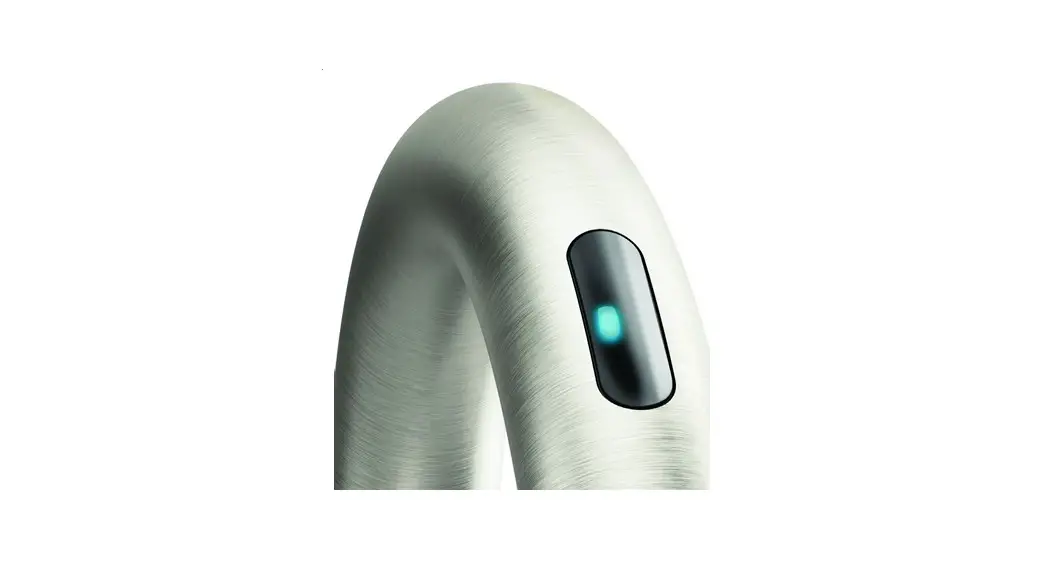
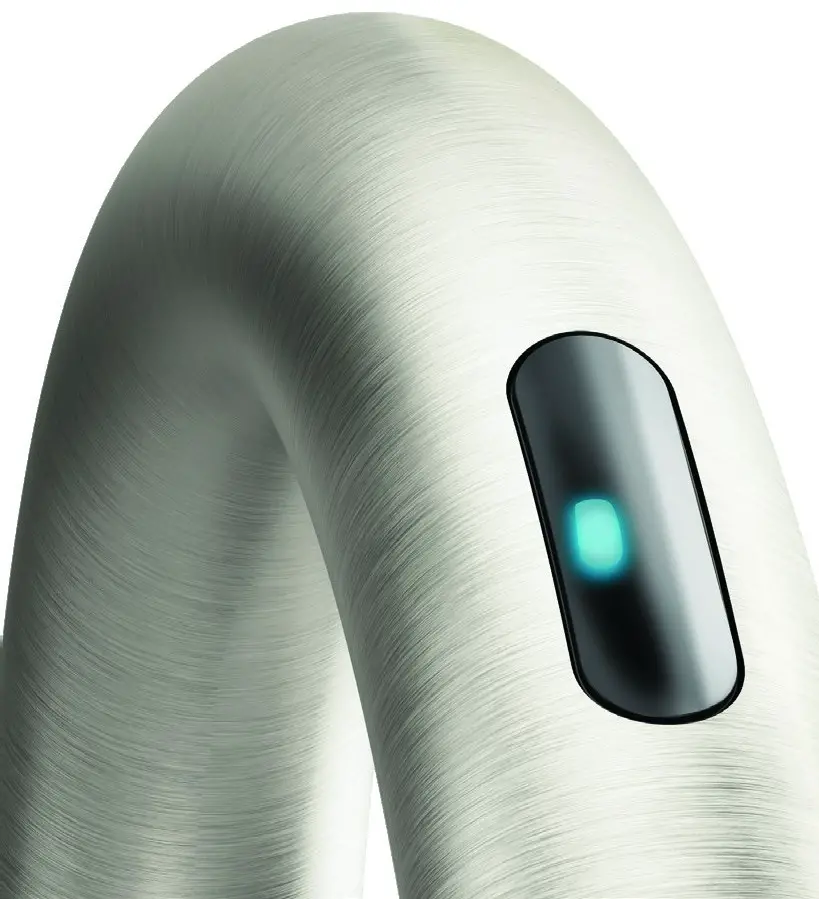
Turn water off and on using the sensor, the app, the handle and your voice.
Use a command such as “Alexa, tell Moen to run water at 97 degrees” or “Hey Google, tell Moen to pour one cup of water.”
Program a custom preset into the app, and try it out for yourself. Consider creating a preset for your dog bowl, water bottle or a favorite recipe.
© 2020 Moen Incorporated | MAIN20-468 | QSG00004 | RBU8925
Amazon, Alexa and all related logos are trademarks of Amazon.com, Inc. or its affiliates.
Apple and the Apple logo are registered trademarks of Apple Inc. Google is a trademark of Google LLC.
 Amazon.com. Spend less. Smile more.
 MOEN | Bathroom & Kitchen Faucets