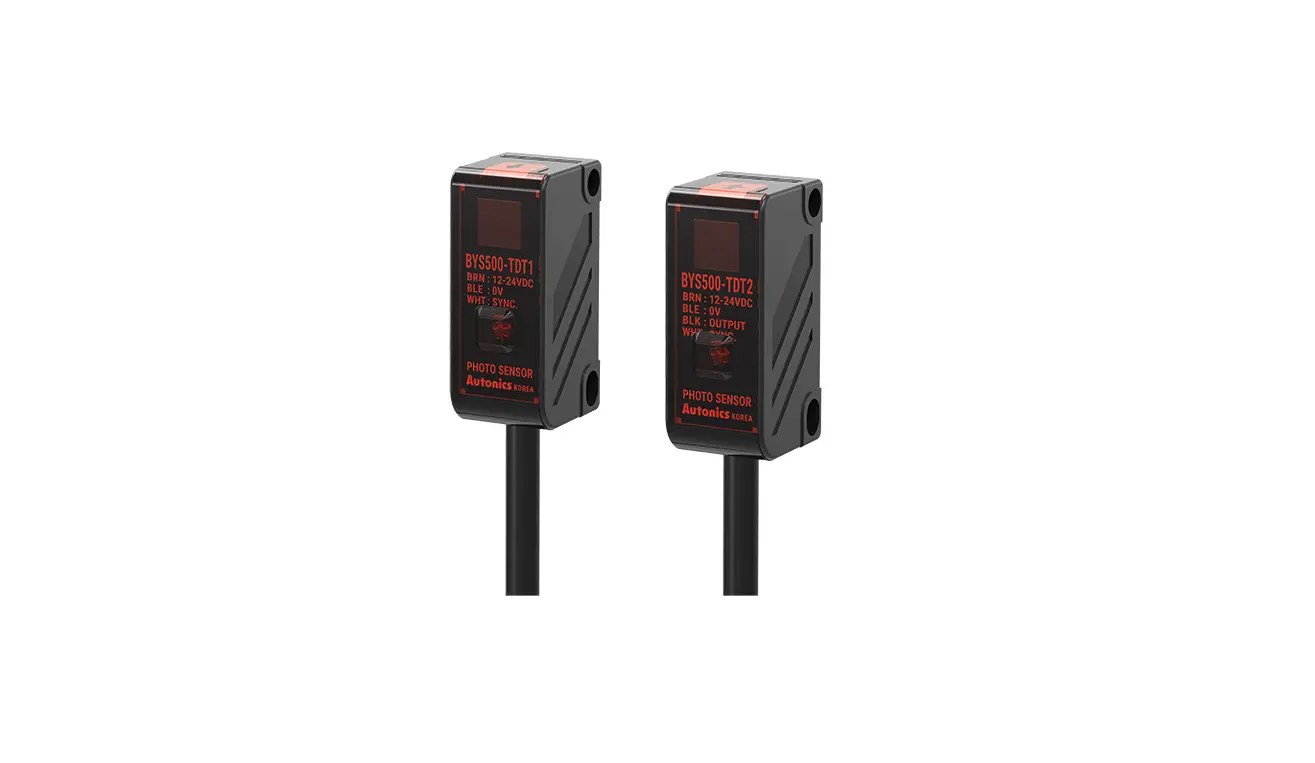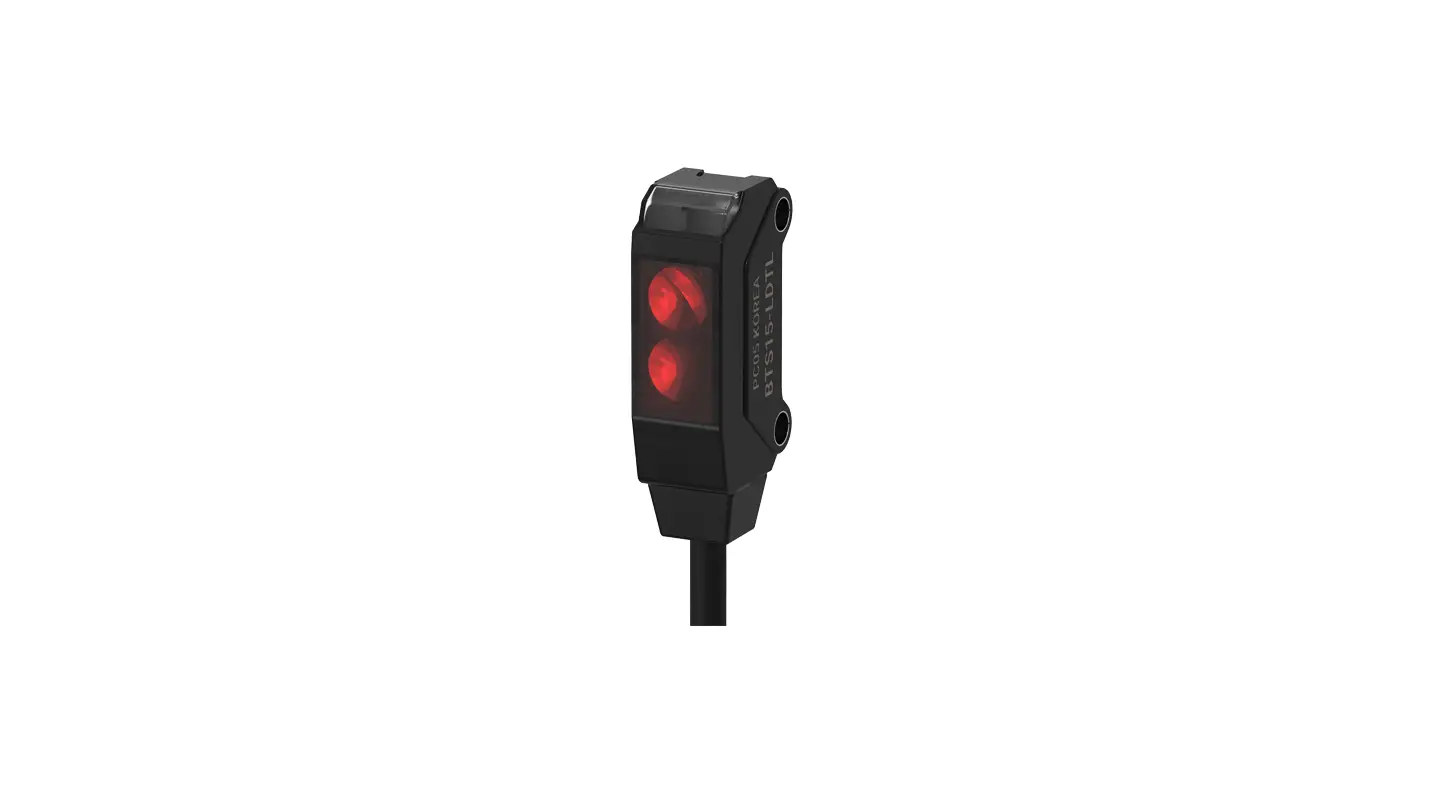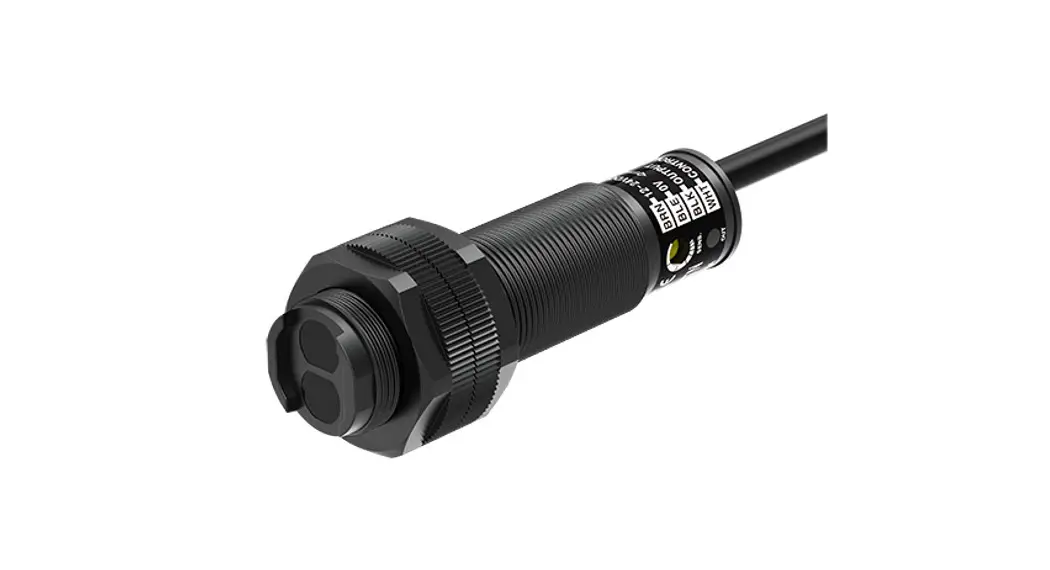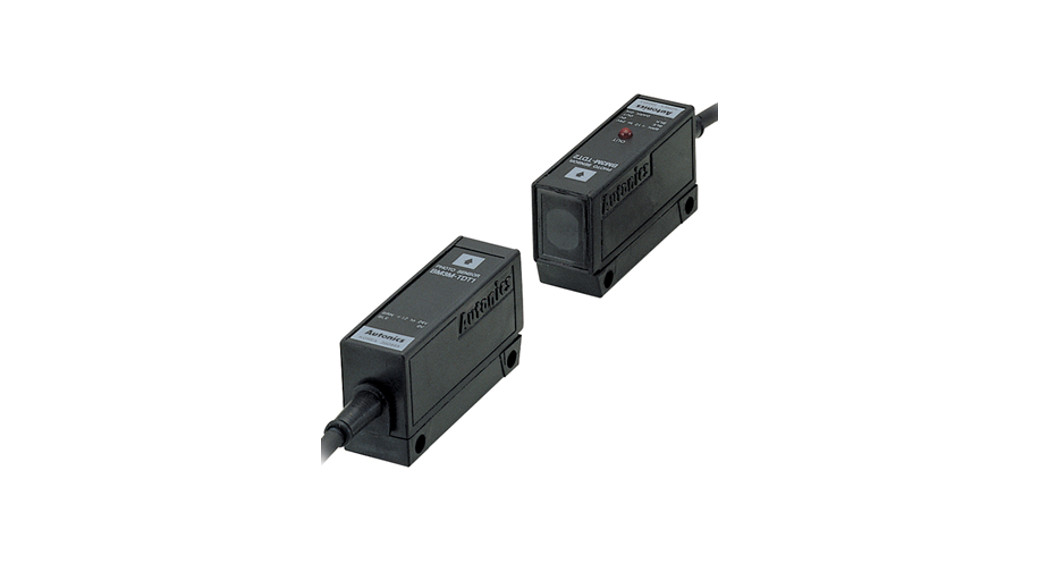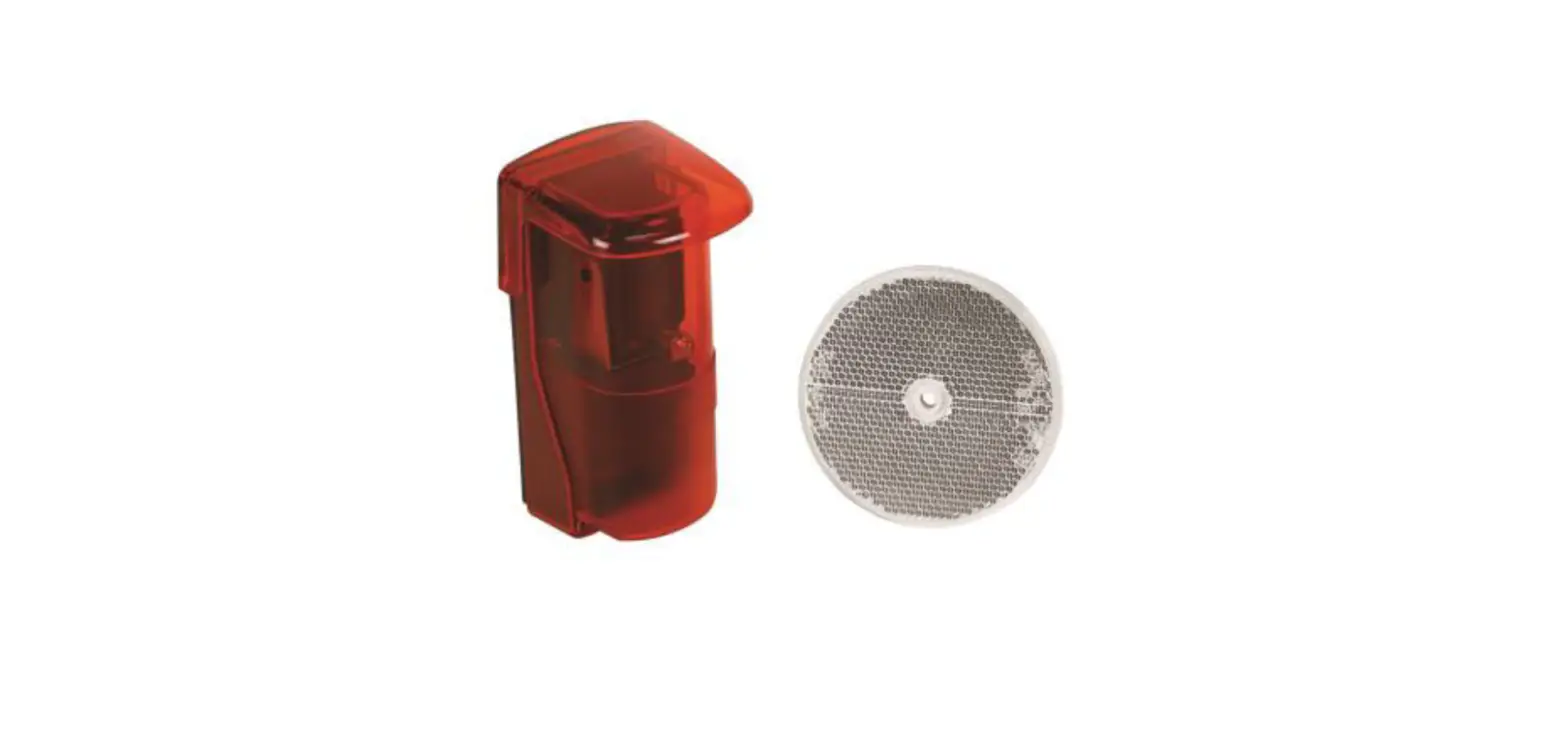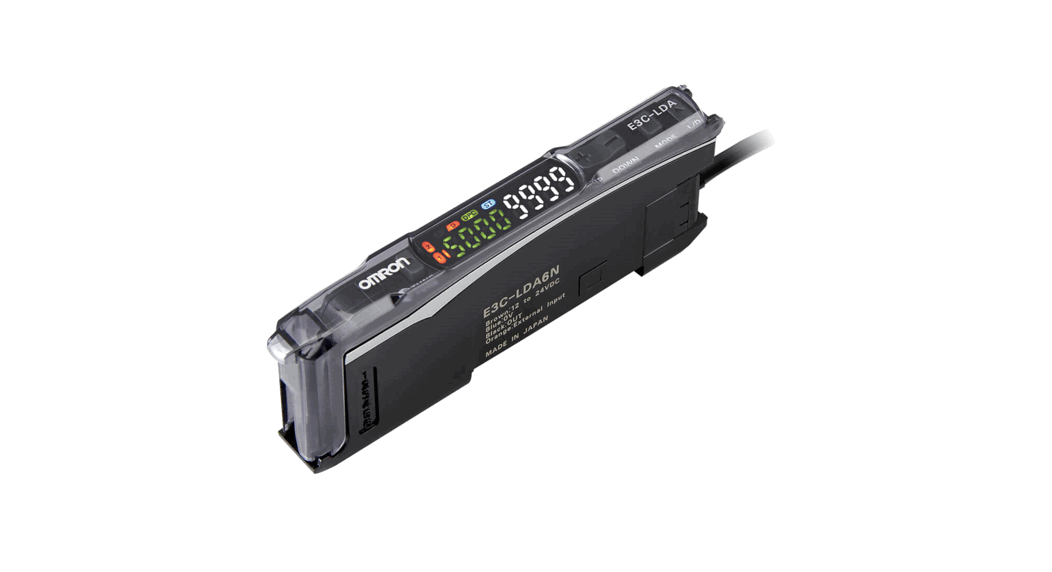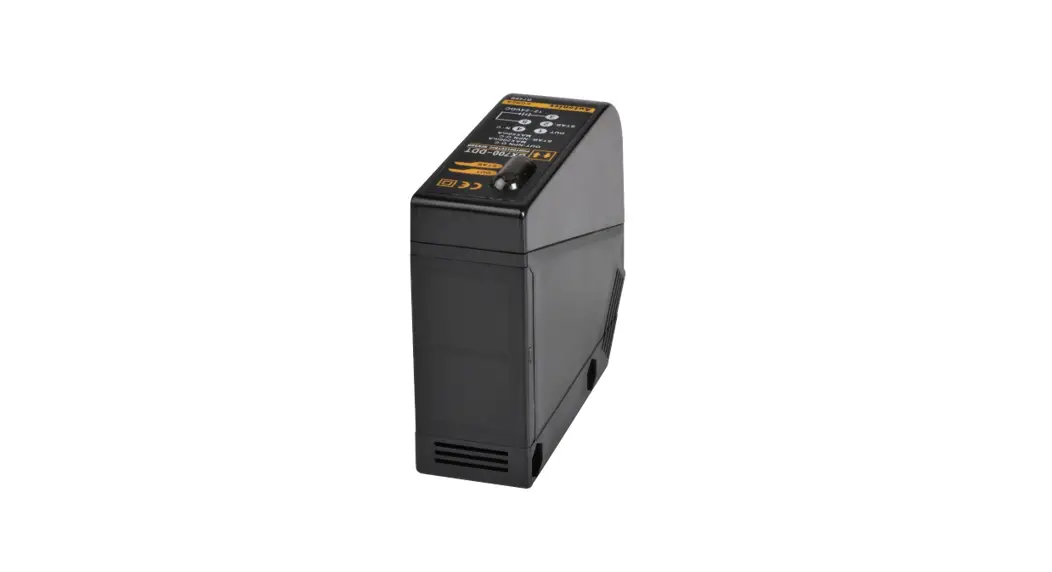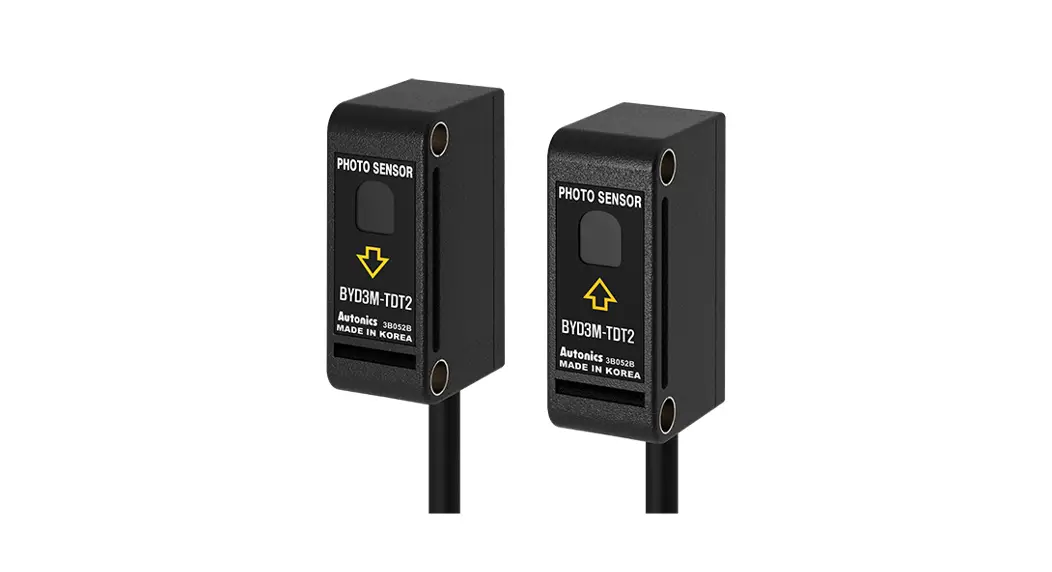

Photoelectric Sensors with Built-in Timer
Ordering Information
BYD Series
INSTRUCTION MANUAL
TCD210050AB
BYD3M-TDTP BYD Series Photoelectric Sensors with Built In Timer
Thank you for choosing our Autonics product.
Read and understand the instruction manual and manual thoroughly before using the product.
For your safety, read and follow the below safety considerations before using.
For your safety, read and follow the considerations written in the instruction manual, other manuals and Autonics website.
Keep this instruction manual in a place where you can find easily.
The specifications, dimensions, etc. are subject to change without notice for product improvement. Some models may be discontinued without notice.
Follow Autonics website for the latest information.
Safety Considerations
- Observe all ‘Safety Considerations’ for safe and proper operation to avoid hazards.
 symbol indicates caution due to special circumstances in which hazards may occur.
Warning Failure to follow instructions may result in serious injury or death.
- Fail-safe device must be installed when using the unit with machinery that may cause serious injury or substantial economic loss. (e.g., nuclear power control, medical equipment, ships, vehicles, railways, aircraft, combustion apparatus, safety equipment, crime/disaster prevention devices, etc.) Failure to follow this instruction may result in personal injury, economic loss or fire.
- Do not use the unit in the place where flammable/explosive/corrosive gas, high humidity, direct sunlight, radiant heat, vibration, impact or salinity may be present.
Failure to follow this instruction may result in explosion or fire. - Do not disassemble or modify the unit.
Failure to follow this instruction may result in fire. - Do not connect, repair, or inspect the unit while connected to a power source.
Failure to follow this instruction may result in fire. - Check ‘Connections’ before wiring.
Failure to follow this instruction may result in fire.
Caution Failure to follow instructions may result in injury or product damage.
- Use the unit within the rated specifications.
Failure to follow this instruction may result in fire or product damage. - Use a dry cloth to clean the unit, and do not use water or organic solvent.
Failure to follow this instruction may result in fire.
Cautions during Use
- Follow instructions in ‘Cautions during Use’. Otherwise, It may cause unexpected accidents.
- When connecting an inductive load such as DC relay or solenoid valve to the output, remove surge by using diodes or varistors.
- Use the product after 0.5 sec of the power input. When using a separate power supply for the sensor and load, supply power to the sensor first.
- 12-24 VDC
 power supply should be insulated and limited voltage/current or Class 2, SELV power supply device.
 - Wire as short as possible and keep it away from high voltage lines or power lines to prevent surge and inductive noise.
- When using switching mode power supply (SMPS), ground F.G. terminal and connect a condenser between 0V and F.G. terminal to remove noise.
- When using a sensor with a noise-generating equipment (e.g., switching regulator, inverter, and servo motor), ground F.G. terminal of the equipment.
- This unit may be used in the following environments.
– Indoors (in the environment condition rated in ‘Specifications’)
– Altitude max. 2,000 m
– Pollution degree 3
– Installation category II
Product Components
| Sensing type | Through-beam | Diffuse reflective | Convergent reflective |
| Product components | Product, instruction manual | ||
| Adjustment screwdriver | – | x 1 | x 1 |
| Bracket A | x 2 | x 1 | x 1 |
| M3 bolt/ nut | x4 | x2 | x2 |
Ordering Information
This is only for reference, the actual product does not support all combinations.
For selecting the specified model, follow the Autonics website.
BYD ❶ – ❷ D T – ❸ – ❹
❶ Sensing distance
Number: Sensing distance (unit: mm)
Number+M: Sensing distance (unit: m)
❷ Sensing type
T: Through-beam
D: Diffuse reflective
D: Convergent reflective
❸ Control output
No mark: NPN open collector output
P: PNP open collector output (Through-beam type)
❹ Feature of convergent reflective type
No mark: Front operation indicator
U: Upper operation indicator
T: Built-in timer (OFF delay mode)
Sold Separately
- Bracket B
- Slit for through-beam type: BYD3M-ST (sticker)
Cautions during Installation
- Be sure to install this product by following the usage environment, location, and specified ratings. Consider the listed conditions below.
– Installation environment and background (reflected light)
– Sensing distance and sensing target
– Direction of target’s movement
– Feature data - When installing multiple sensors closely, it may result in malfunction due to mutual interference.
- For installation, tighten the screw with a torque of 0.5 N m. Mount the brackets correctly to prevent the twisting of the sensor’s optical axis.
- Do not impact with a hard object or bend the cable excessively. That could decrease the product’s water resistance.
- Use this product after the test. Check whether the indicator works appropriately for the positions of the detectable object.
| Through-beam | Reflective |
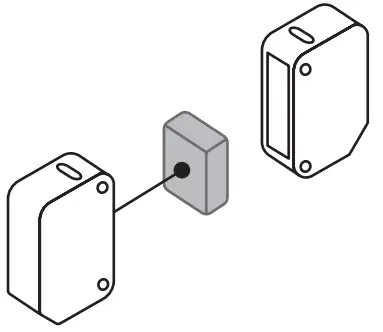 | 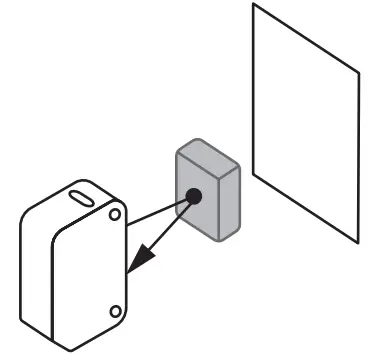 |
| Emitter – Receiver: Install to face each other | Sensor – Sensing target: Install to face each other (parallel with the sensing side of the unit) |
Timer Setting
- In case of the built-in timer model, you can set the OFF Delay timer.
(adjustable time: 0.1 to 2 sec) - Use the offered adjustment screwdriver. Do NOT turn with excessive force to prevent product damage.

Operation Timing Chart
■ Standard type
| Operation mode | Light ON | Dark ON |
| Received light | 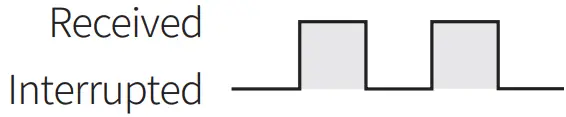 | |
| Operation indicator (red) | 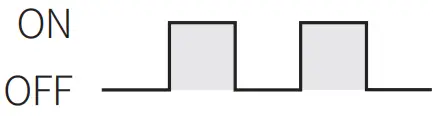 | 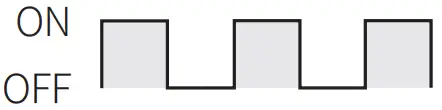 |
| Transistor output | | |
- In case of the through-beam type, to prevent malfunction, output of units keeps the state of OFF for 0.5 sec after power ON.
■ Built-in timer type
| Operation mode | Light ON |
| Received light |  |
| Operation indicator (red) |  |
| Transistor output |  |
- T: Setting time by the adjuster (setting time: 0.1 to 2 sec)
- t: ≤ 3 ms (When the adjuster is set to Min (0.1 sec))
- If the interrupted time (Ta) after receiving the light is shorter than the setting time (T), the transistor output maintains the ON state.
Connections
■ Emitter
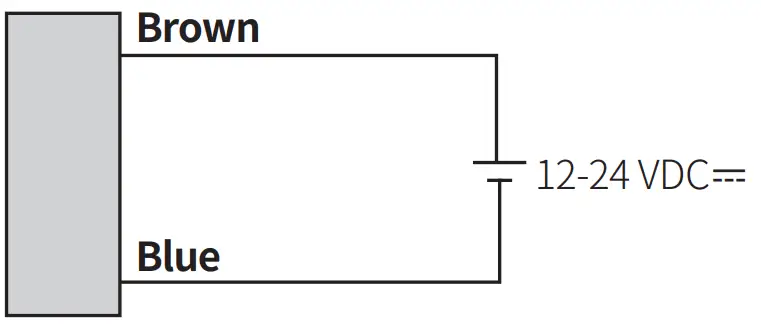
■ Receiver, Diffuse reflective, Convergent reflective type
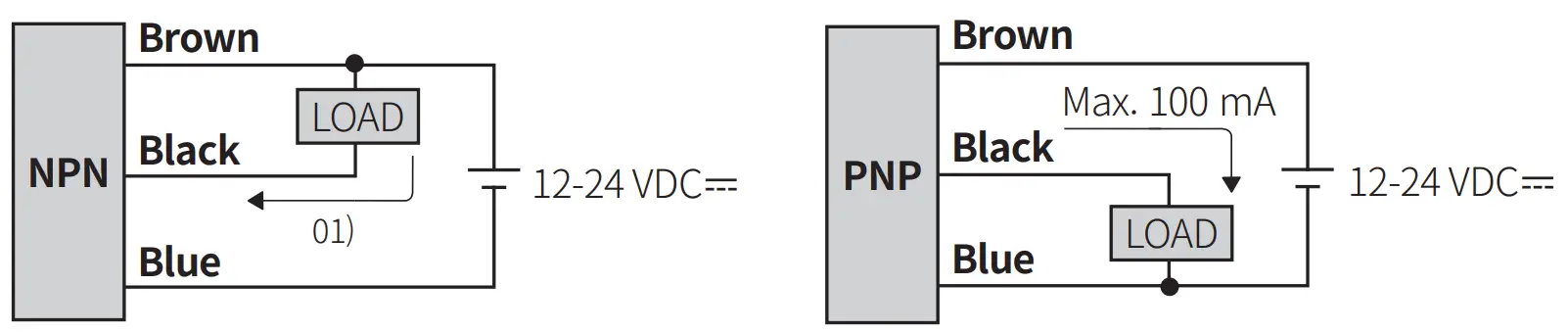
01) Through-beam type: max. 100 mA, diffuse reflective or convergent reflective type: max. 50 mA
Circuit
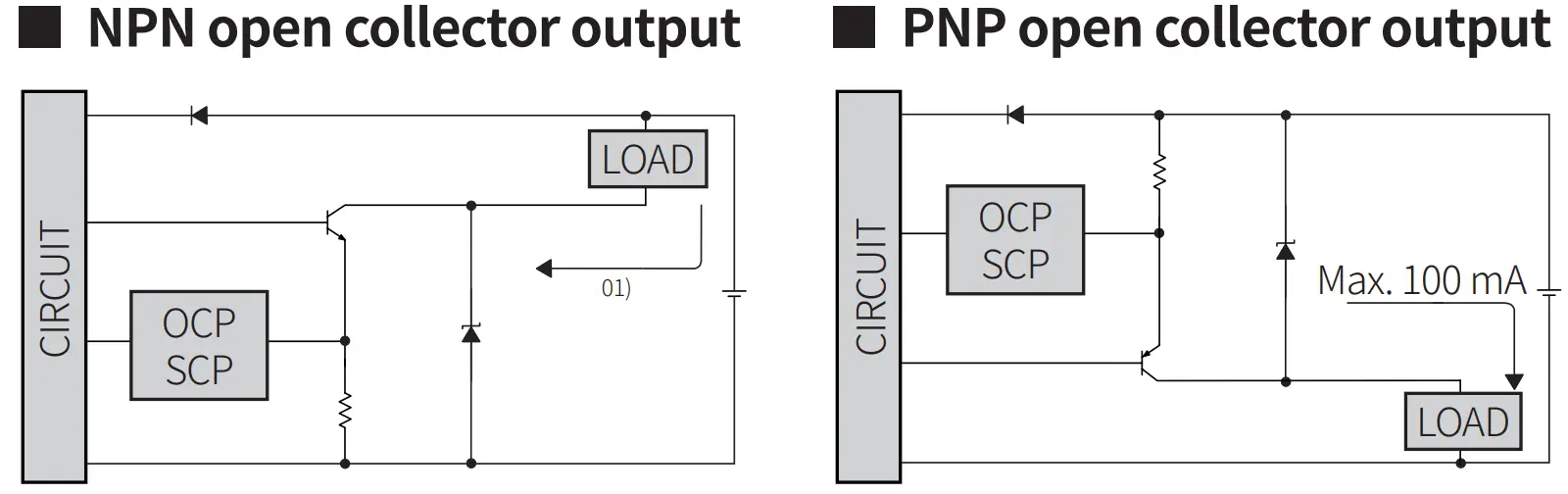
01) Through-beam type: max. 100mA, diffuse reflective or convergent reflective type: max. 50 mA
- OCP (over current protection), SCP (short circuit protection)
- If short-circuit the control output terminal or supply current over the rated specification, normal control signal is not output due to the protection circuit.
Sensitivity Adjustment
- Set the adjuster for stable Light ON area, minimizing the effect of the installation environment.
- Use the offered adjustment screwdriver. Do NOT turn with excessive force to prevent product damage.
- The steps below are based on Light ON mode.
| STEP | Status | Description | |
| 1 | Received |  | Turn the adjuster from MIN to MAX sensitivity and check the position (A) where the operation indicator activates under the light ON area. |
| 2 | Interrupted | | Turn the adjuster from (A) to MAX and check the position (B) where the operation indicator activates under the light OFF area. If the operation indicator does NOT activate at the MAX (maximum sensitivity): MAX = (B). |
| 3 | – | 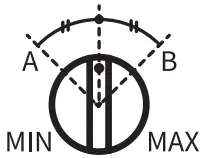 | Set the adjuster at the mid position between (A) and (B) for optimal sensitivity. |
Dimensions
- Unit: mm, For the detailed drawings, follow the Autonics website.
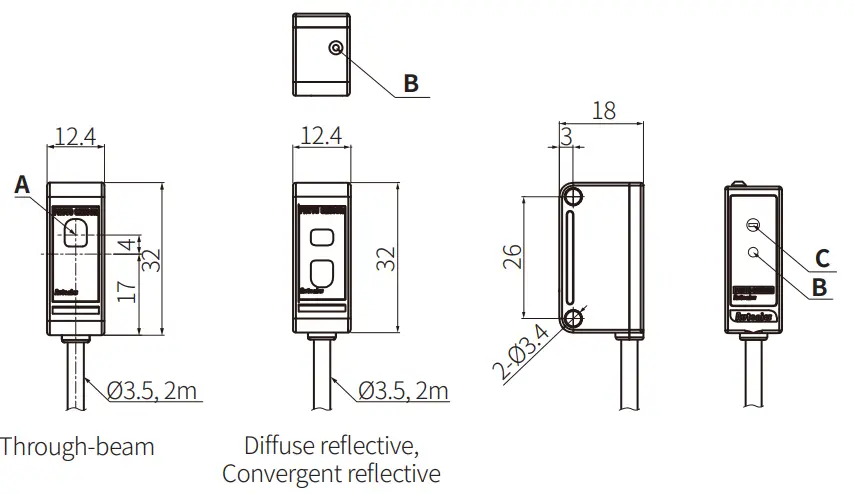
| A | Optical axis |
| B | Upper operation indicator of convergent reflective type (red) |
| C | Sensitivity adjustment adjuster or timer adjuster of built-in timer model |
■ Bracket A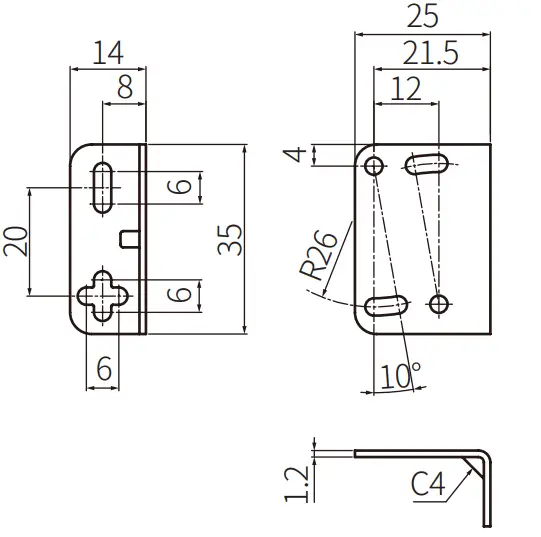
Specifications
| Model | BYD3M-TDT– : | BYD100-DDT | BYD • DDT-1:1 | |
| Sensing type | Through-beam | Diffuse reflective | Convergent reflective | |
| Sensing distance | 3m | 100 mm°1′ | 10 to 30 mm +1046 0 | 10 to 50 +1046Dmm |
| Sensing target | Opaque materials | Opaque materials, translucent materials | Opaque materials, translucent materials | |
| Min. sensing target | ≤ Ø6 mm | – | – | |
| Hysteresis | ≤25% of sensing distance | 10% of sensing d stance | ||
| Response time | ≤ 1 ms | Operation: ≤ 3 ins Return: ≤ 100 ms | Operation: ≤ 3 ms Return: ≤ 100 ms 02 | |
| Light source | Infrared | Infrared | Infrared | |
| Sensitivity adjustment | – | YES (Adjuster) | – | |
| Timer function | – | – | OFF delay mode: 0.1 to 2 sec (Adjuster) | |
| Operation mode | Dark ON mode | Light ON mode | Light ON mode | |
| Indicator | Front | Front | Front / Upper opera ion indicator model | |
| Operation indicator (red) | ||||
| Approval |  | | | |
| Unit weight (packaged) | ≈ 80 g (≈ 105 g) | ≈ 38 g (≈ 75 g) | ≈ 38 g (≈ 75 g) | |
01) Non-glossy white paper 50 × 50 mm
02) When the timer adjuster is set to min (0.1 sec).
| Power supply | 12-24 VDC ± 10 % (ripple P-P: ≤10%) |
| Current consumption | It depends on the sensing type |
| Through-beam | Emitter: ≤ 30 mA, receiver: ≤ 30mA |
| Reflective | ≤ 35 mA |
| Control output | Through-beam type : NPN open collector output / PNP open collector output model Diffuse reflective, convergent reflective type : NPN open collector output |
| Load voltage | ≤30VDC |
| Load current | Through-beam type : ≤100 mA Diffuse reflective, convergent reflective type : ≤50 mA |
| Residual voltage | NPN: ≤ 1 VDC, PNP: ≤ 2.5 VDC |
| Protection circuit | Reverse power protection circuit, output short overcurrent protection circuit |
| Insulation resistance | ≥ 20 MΩ (500 VDC megger) |
| Noise immunity | ± 240 VDC= the square wave noise (pulse width: 1 ps) by the noise simulator |
| Dielectric strength | 1,000 VAC– 50/60 Hz for 1 min |
| Vibration | 1.5 mm double amplitude at frequency of 10 to 55 Hz (for 1 min) in each X, Y, Z direction fort hours |
| Shock | 500 m/s’ (“– 50 G) in each X, Y, Z direction for 3 times |
| Ambient illuminance (receiver) | Sunlight: ≤11,000 lx, incandescent lamp: ≤3,000 lx |
| Ambient temperature | -20 to 65 °C, storage: -25 to 70 °C (no freezing or condensation) |
| Ambient humidity | 35 to 85 %RH, storage: 35 to 85 %RH (no freezing or condensation) |
| Protection rating | Through-beam, convergent reflective type (front operation indicator model) : IP64 (IEC standard), Others: IPSO (IEC standard) |
| Connection | Cable type |
| Cable spec. | Ø 3.5 mm, 3-wire (Emitter: 2-wire), 2 m |
| Wire spec. | AWG24 (0.08 mm, 40-core), insulator outer diameter: 01 mm |
| Material | Case: ABS, sensing part: Acrylic, bracket: SPCC, bolt: SCM, nut: SCM, sleeve: Brass, Ni-plate |
18, Bansong-ro 513Beon-gil, Haeundae-gu, Busan, Republic of Korea, 48002
www.autonics.com | +82-2-2048-1577 | [email protected]
 autonics.com