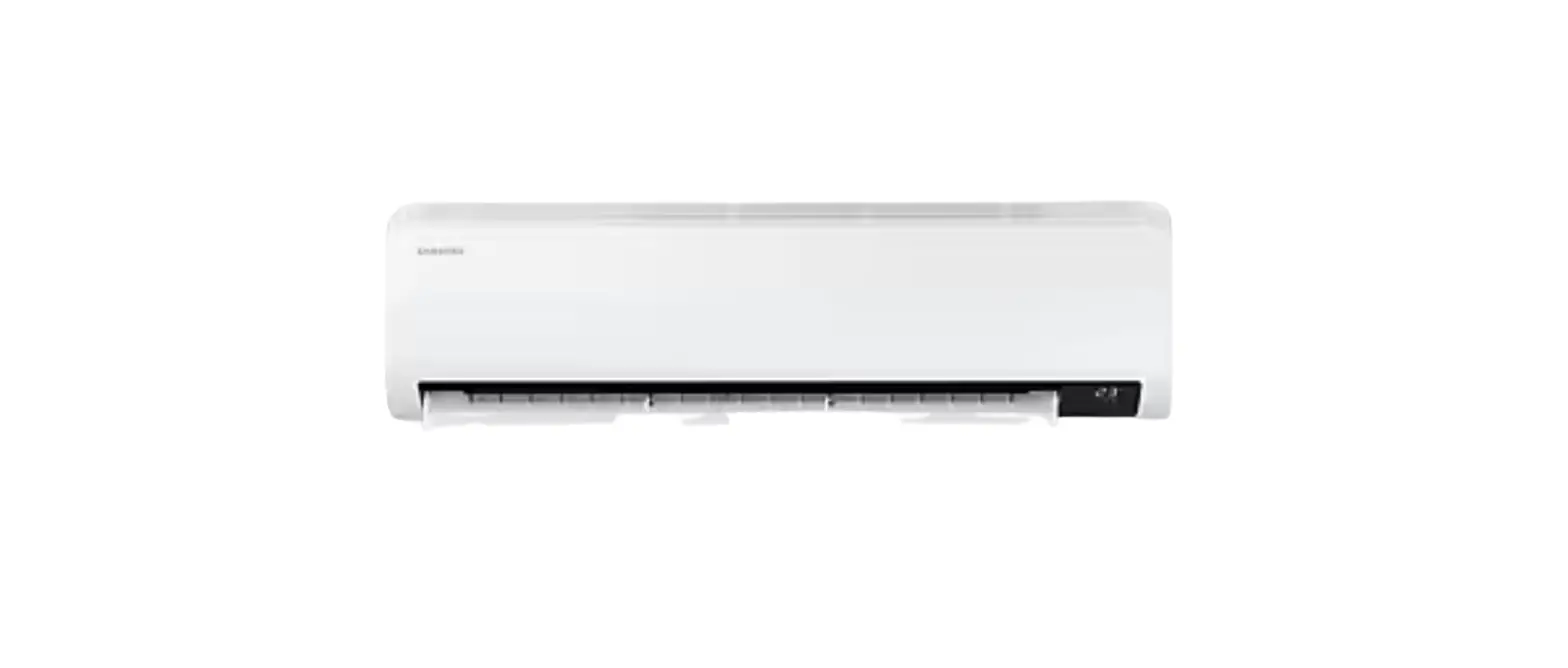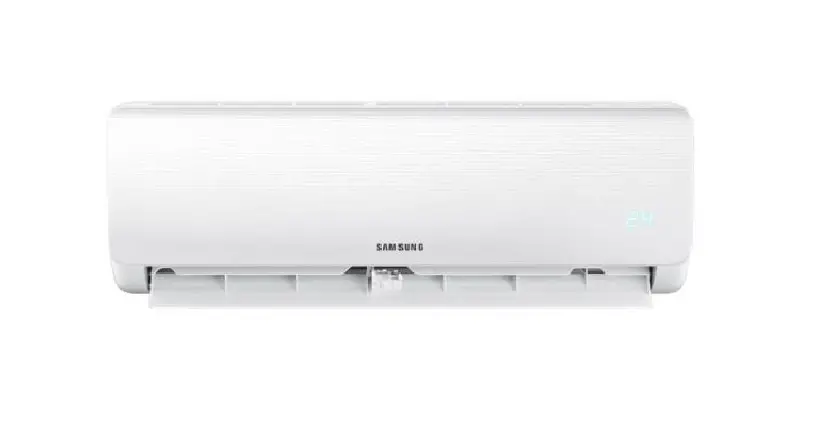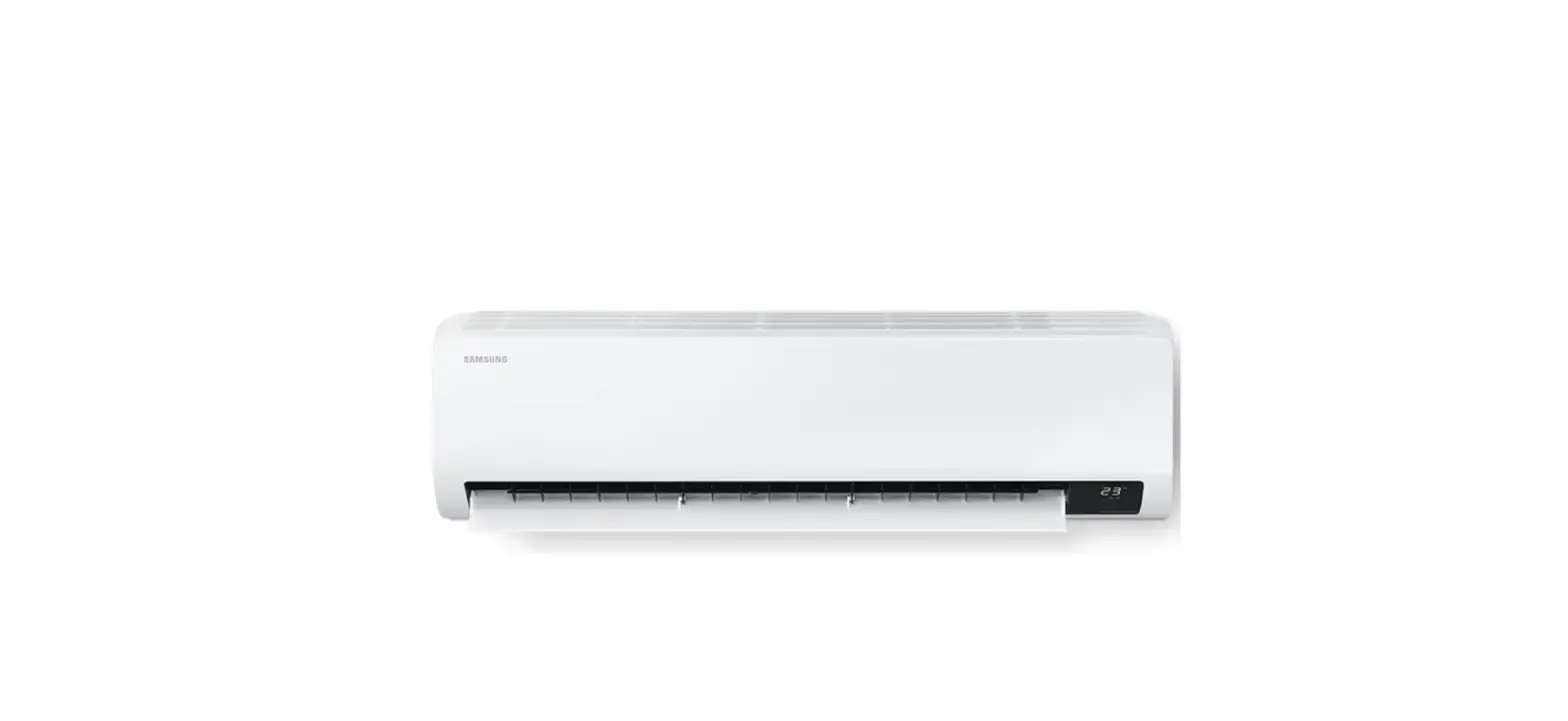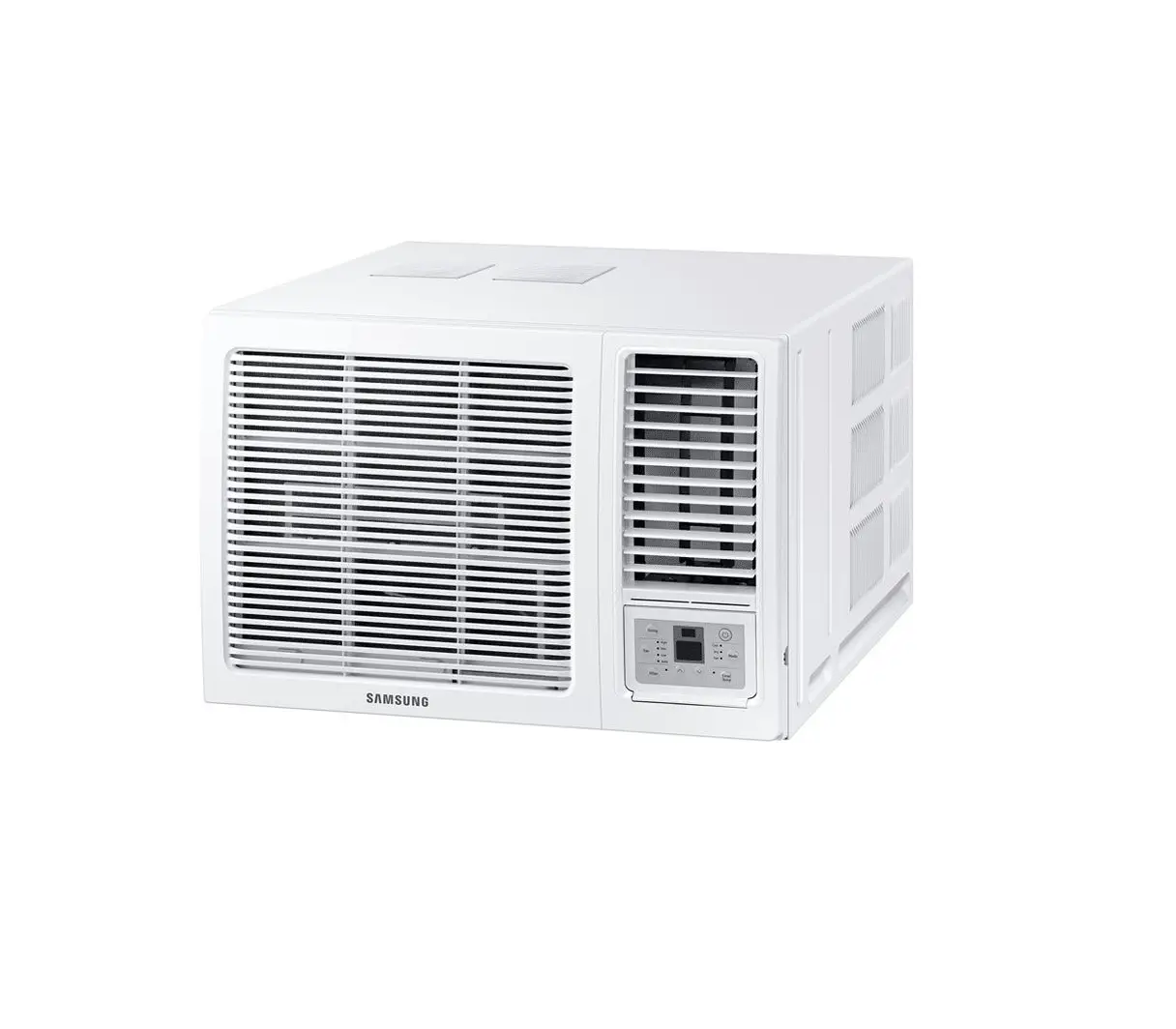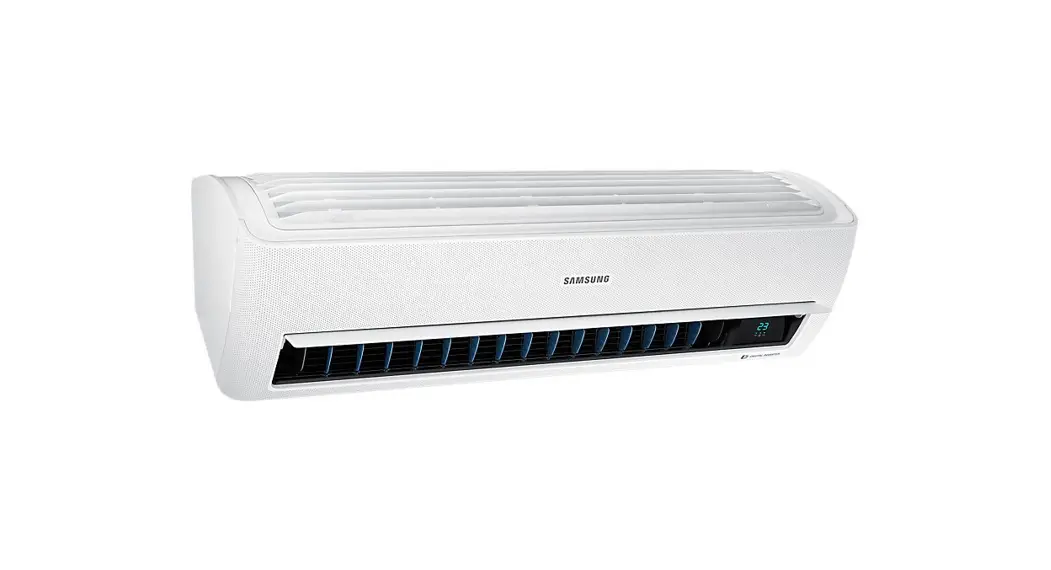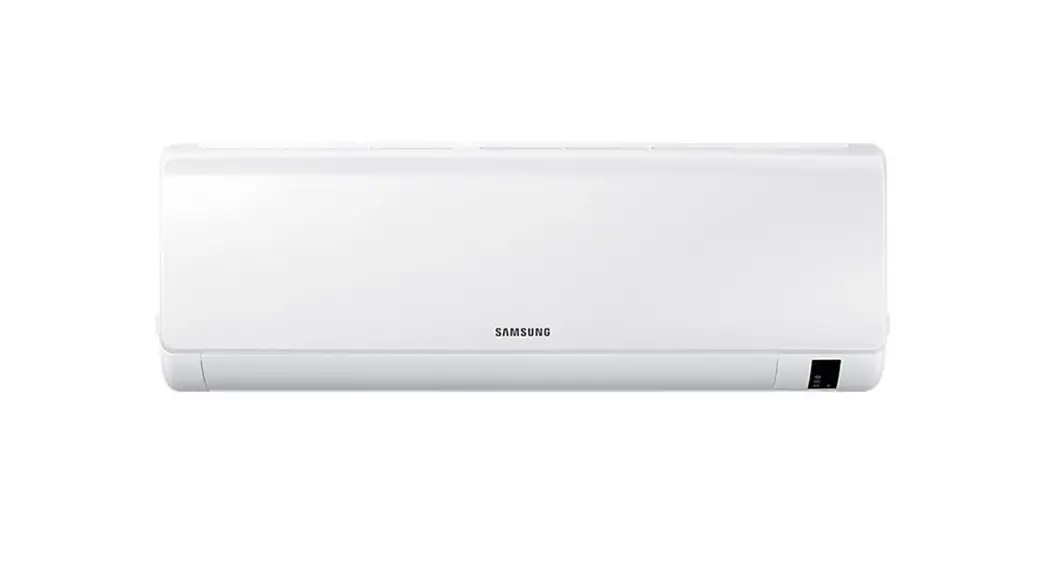

SAMSUNG AR9500T Air Conditioner
Air Conditioner
Quick Guide
AR**BSEA****/ AR**BVEA****
Detailed User Manual
Checking on the website
Checking in Service Centre
Product Usage Instructions
STEP 1 Check the model name.
STEP 2 Go to the Samsung website (http://www. samsung.com) or Read the QR code.
STEP 3 Search and check User manual. SUPPORT > Manuals & Downloads > Search model
STEP 1 Check the model name.
STEP 2 Contact Service Centre.
STEP 3 Ask for the user manual of your product model.
SmartThings app
code on the attached label.
Indoor Unit Overview
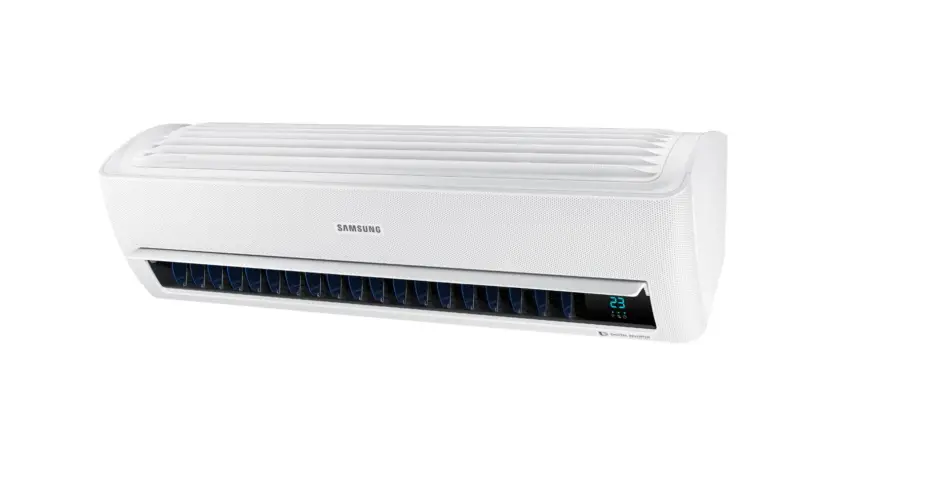
The appearance of the actual product may differ slightly from the image below.
| Function | Button and Selection | Display |
|---|---|---|
| Power On/Off | Select On/Off. | |
| WindFree Cooling | In Cool/Dry/Fan mode Select Auto. Select Cool. Select Dry. Select Fan. Select Heat. | |
| AI Auto | Select Auto. | |
| Fast | In Cool or Heat mode Select Eco. Select Quiet. | |
| Beep | Select Beep. Select Display. | Display lighting |
| Wi-Fi | Press and hold for 5 or more seconds. Press and hold for Wi-Fi (On/Off) 5 or more seconds. | |
| Timed on/off | Select On or Off (Set the duration.) | |
| good’sleep | In Cool or Heat mode (Select .) (Set the duration.) |
Cleaning
Auto clean function
Use the Auto clean function if the indoor unit produces odors.
Activating Auto clean
To activate Auto clean, press the The indoor unit display shows:
(Options) button for at least 3 seconds.
Canceling Auto clean
To cancel Auto clean while it is running, follow the procedure below:
Press and hold for 3 or more seconds.
Deactivating Auto clean
To deactivate Auto clean, follow the procedure below while the air conditioner is in operation or turned off:
Select Clean.
Cleaning the filter
Clean the air filter every two weeks or when the (filter-cleaning reminder) appears on the indoor unit display. The time between cleanings may vary, depending on the usage and environmental conditions.
- Slide the filter off of the unit.
- Use a soft brush or vacuum cleaner to remove any dust or debris on the filter.
- Soak the filter in a solution of water and mild detergent for 30 minutes.
- Rinse the filter and let it air dry in a well-ventilated area that is out of direct sunlight.
- Reinstall the filter.
- Reset the filter-cleaning reminder:
- In operation
- Select Filter Reset.
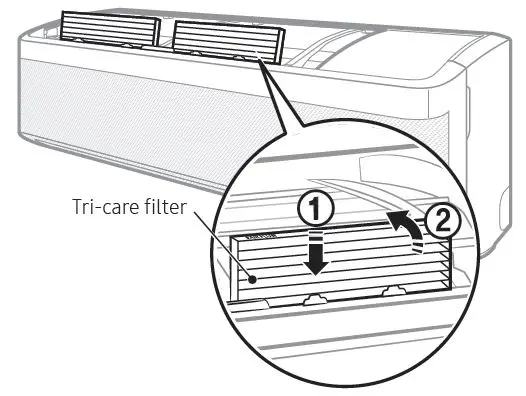
Replacing the Tri-care filter
Slide a new Tri-care filter in the direction of arrow 2. Replace Tri-care filters once every three years. Replacement cycle may differ depending on the environment and usage time.
Thank you for purchasing this Samsung air conditioner.
Before operating this unit, please read this manual carefully and retain it for future reference.
Detailed User Manual
Checking on the website
STEP 1 Check the model name.
STEP 2 Go to the Samsung website (http://www.samsung.com) or Read the QR code.

STEP 3 Search and check User manual. SUPPORT > Manuals & Downloads > Search model
Checking in Service Centre
STEP 1 Check the model name.
STEP 2 Contact Service Centre.
STEP 3 Ask for the user manual of your product model.
SmartThings app
Use the SmartThings app on your smartphone to control the air conditioner via the wireless Internet. To remotely control the air conditioner, you need to connect your smartphone to the air conditioner.
- Checking the requirements for connection
- Connecting your smartphone to the Wi-Fi network
- Installing the SmartThings app
- Configuring the SmartThings app
- Connecting your smartphone to the air conditioner
- Controlling the air conditioner with your smartphone
NOTE
- For more information about how to install the SmartThings app, connect it to the product, and control the product with it, read the QR code above and refer to detailed instructions in the user manual.
- You can easily install the SmartThings app or use the product with your smartphone by scanning the QR code on the attached label.
Indoor Unit Overview
The appearance of the actual product may differ slightly from the image below.
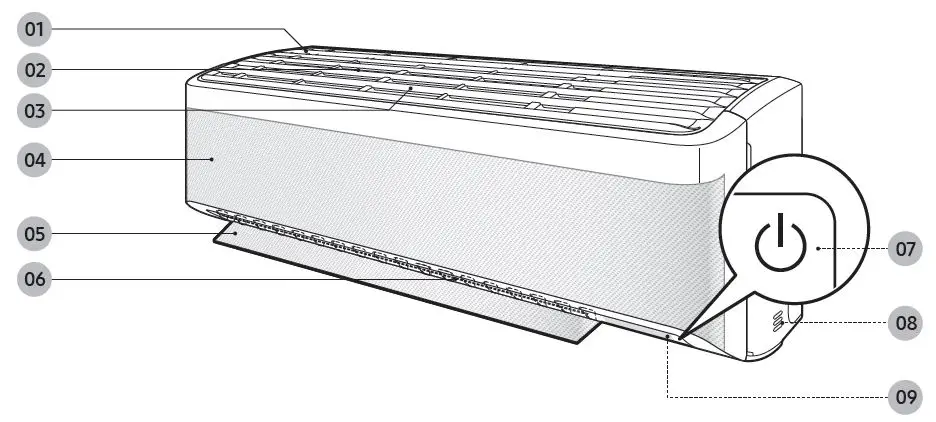
- Air intake
- Air filter
- Tri-care filter
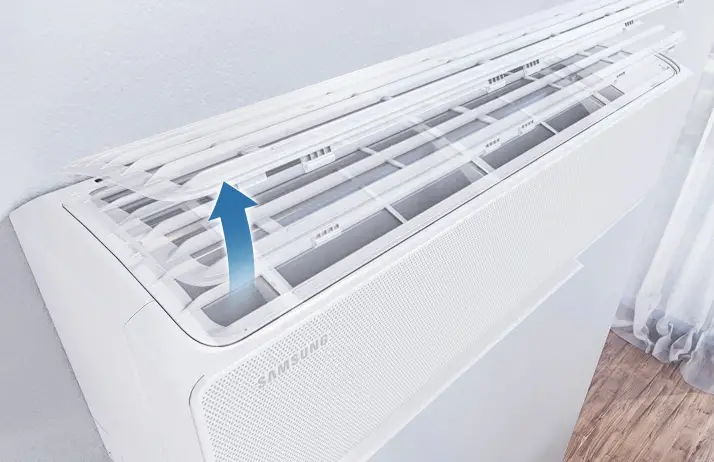
- WindFree panel
- Airflow blade (up and down)
- Airflow blade (left and right)
- Power button/Remote control receiver 08 Room temperature sensor
- Display
NOTE
- The product ships with two Tri-care filters and the manual included.
Display
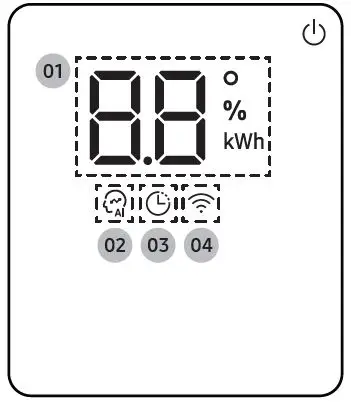
- Temperature indicator (numeric)
- Filter reset indicator (
 ) Auto clean indicator (
 ) Defrost indicator (
 )
)
- Filter reset indicator (
- AI Auto indicator
- Timer indicator good’sleep indicator
- Wi-Fi indicator
NOTE
- When the Wi-Fi is turned on, the indicator blinks three times and then turns on.
Operating the Air Conditioner
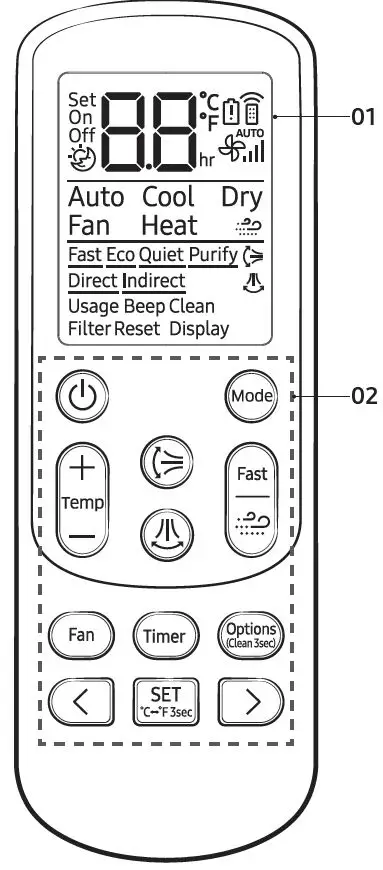
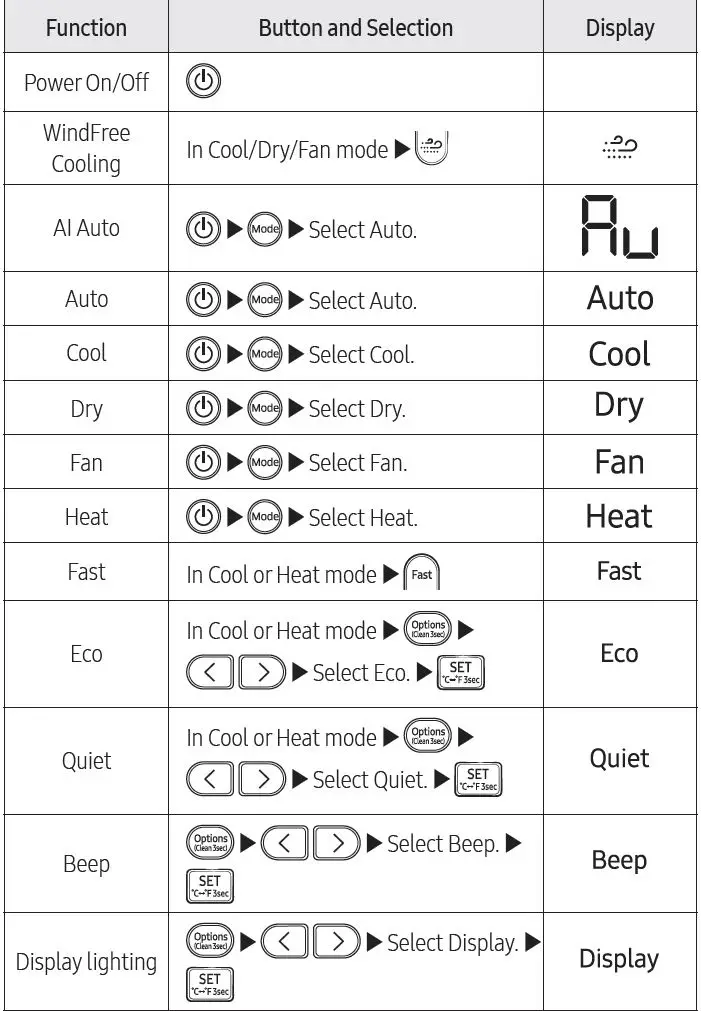
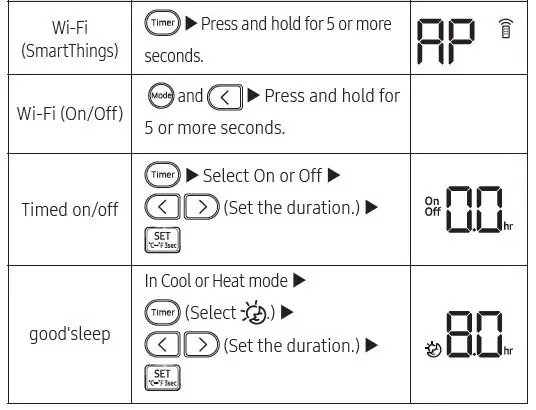
- Display
- Button
NOTE
- Although Purify, Direct, Indirect and Usage is displayed on the remote control display, it is not available on this model.
- Features may differ depending on models.
Cleaning
Auto clean function
Use the Auto clean function if the indoor unit produces odors.
Activating Auto clean
To activate Auto clean, press the (Options) button for at least 3 seconds.
The indoor unit display shows:
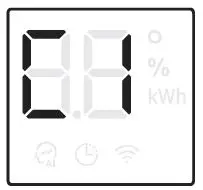
Canceling Auto clean
To cancel Auto clean while it is running, follow the procedure below:
Press and hold for 3 or more seconds.
Deactivating Auto clean
To deactivate Auto clean, follow the procedure below while the air conditioner is in operation or turned off:
 Select Clean.
Cleaning the filter
Clean the air filter every two weeks or when the (filter‑cleaning reminder) appears on the indoor unit display. The time between cleanings may vary, depending on the usage and environmental conditions.
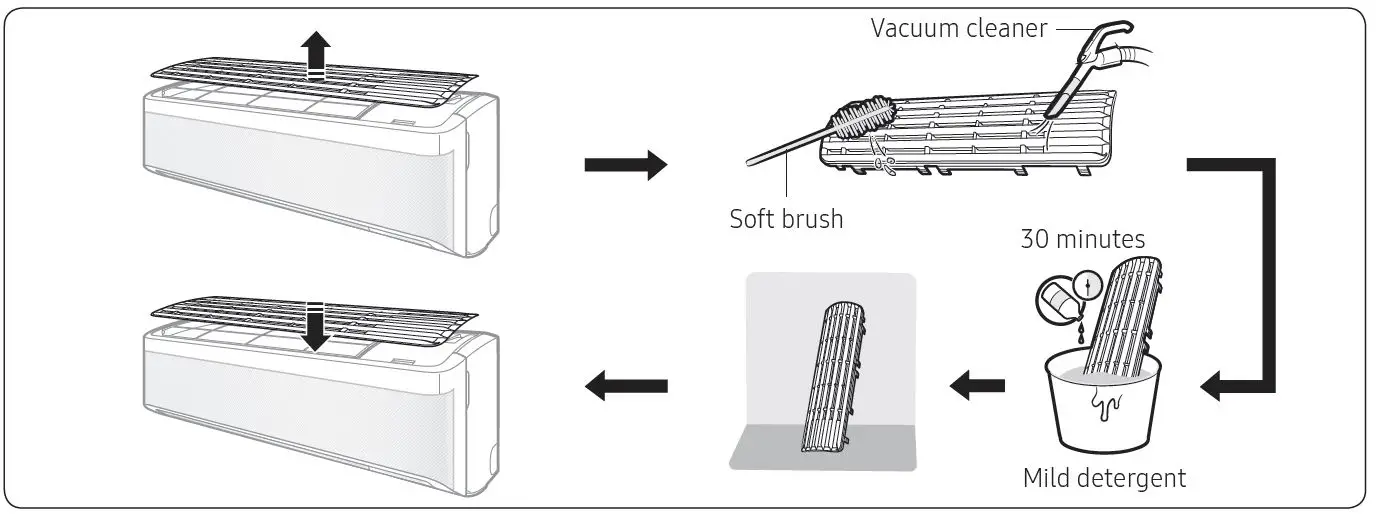
- Slide the filter off of the unit.
- Use a soft brush or vacuum cleaner to remove any dust or debris on the filter.
- Soak the filter in a solution of water and mild detergent for 30 minutes.
- Rinse the filter and let it air dry in a well‑ventilated area that is out of direct sunlight.
- Reinstall the filter.
- Reset the filter-cleaning reminder:
In operationSelect Filter Reset.
Replacing the Tri-care filter
Slide a new Tri-care filter in the direction of arrow 2.
Replace Tri-care filters once every three years. Replacement cycle may differ depending on the environment and usage time.
CAUTION
- Do not clean the Tri-care filter with water. Failing to do so may result in damage to the filter.
NOTE
- To replace a Tri-care filter, purchase a new one at a service centre.
- To use the Tri-care filter for a long time in an environment where fish cooking and smoking cause odour, ventilate the place by opening a window.
QUESTIONS OR COMMENTS?
| COUNTRY | CALL | OR VISIT US ONLINE AT |
| SOUTH AFRICA | 0860 SAMSUNG (726 7864) | www.samsung.com/za/support |
| NAMIBIA | 08 197 267 864 | www.samsung.com/africa_en/support |
| ZAMBIA | 0211 350 370 | www.samsung.com/africa_en/support |
| MAURITIUS | 800 5050 | www.samsung.com/africa_en/support |
| REUNION | 0262 50 88 80 | www.samsung.com/africa_fr/support |
| MOZAMBIQUE | 84 726 7864 | www.samsung.com/africa_pt/support |
| NIGERIA | 0800 726 7864 | www.samsung.com/africa_en/support |
| Ghana | 0800 100 077 | www.samsung.com/africa_en/support |
| Cote D’Ivoire | 8000 0077 | www.samsung.com/africa_fr/support |
| SENEGAL | 800 00 0077 | www.samsung.com/africa_fr/support |
| CAMEROON | 67095 0077 | www.samsung.com/africa_fr/support |
| KENYA | 0800 545 545 | www.samsung.com/africa_en/support |
| UGANDA | 0800 300 300 | www.samsung.com/africa_en/support |
| TANZANIA | 0800 780 089 | www.samsung.com/africa_en/support |
| SUDAN | 1969 | www.samsung.com/eg/support |
 Samsung US | Mobile | TV | Home Electronics | Home Appliances | Samsung US
 Product Help & Support | Samsung Africa