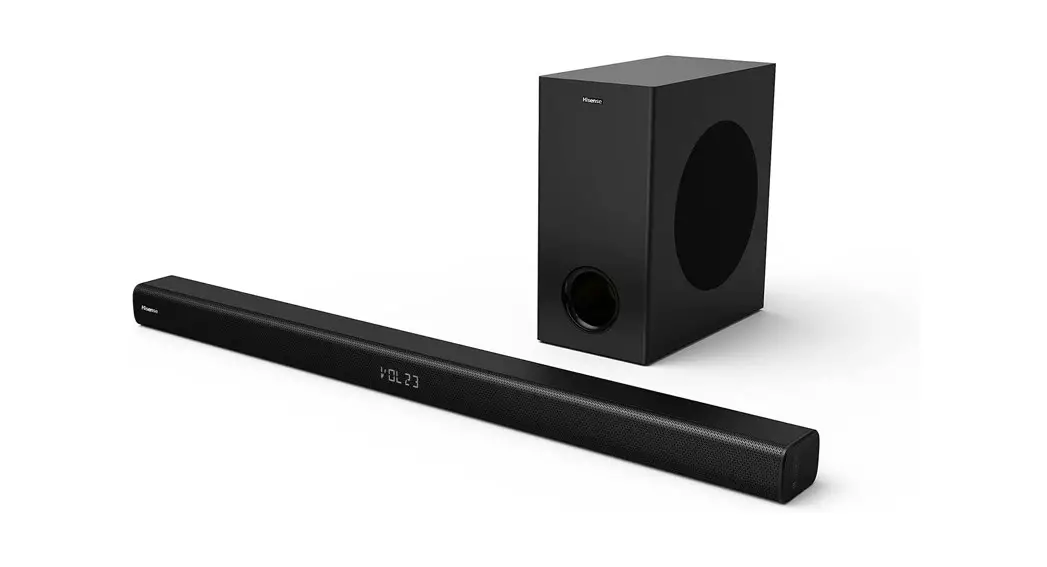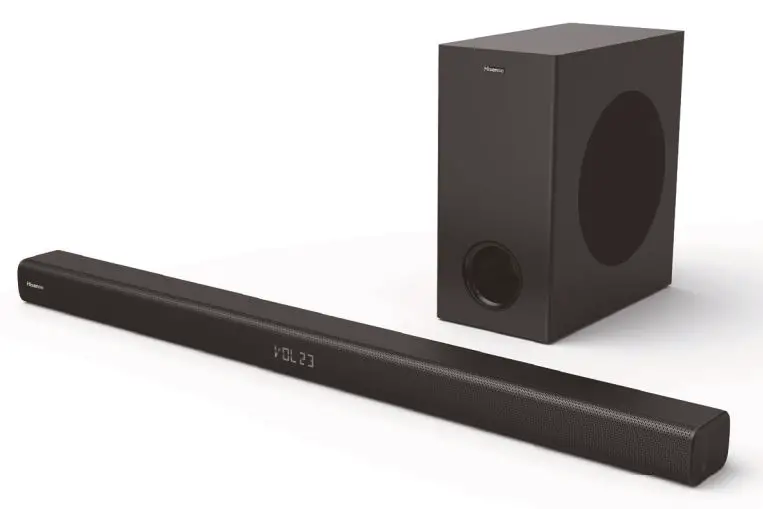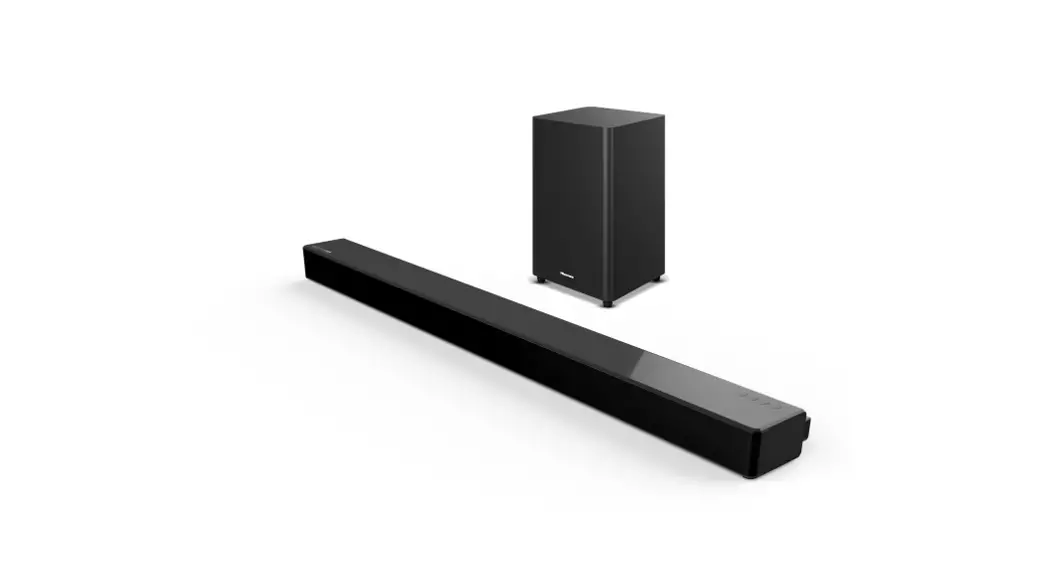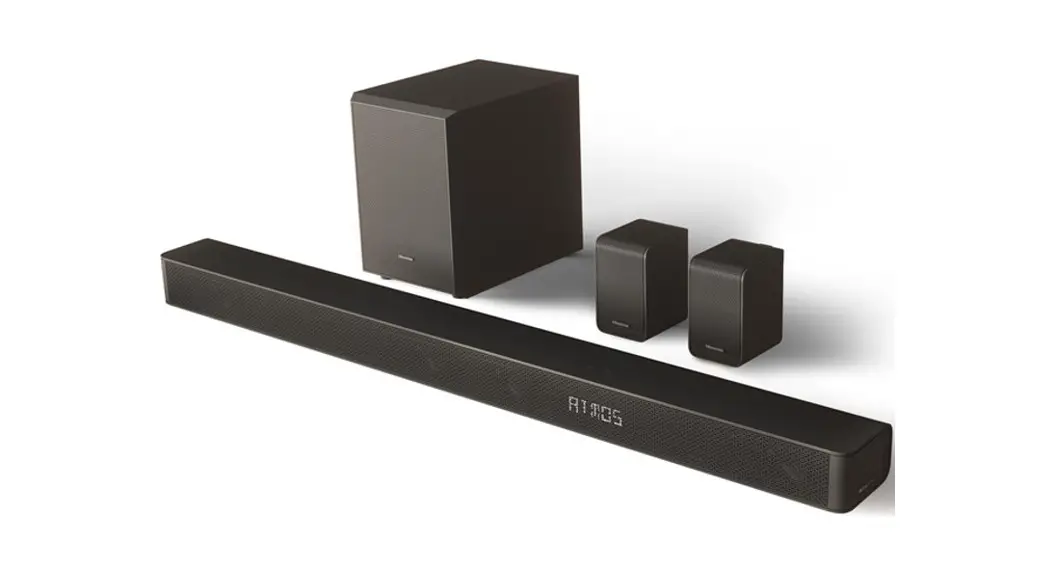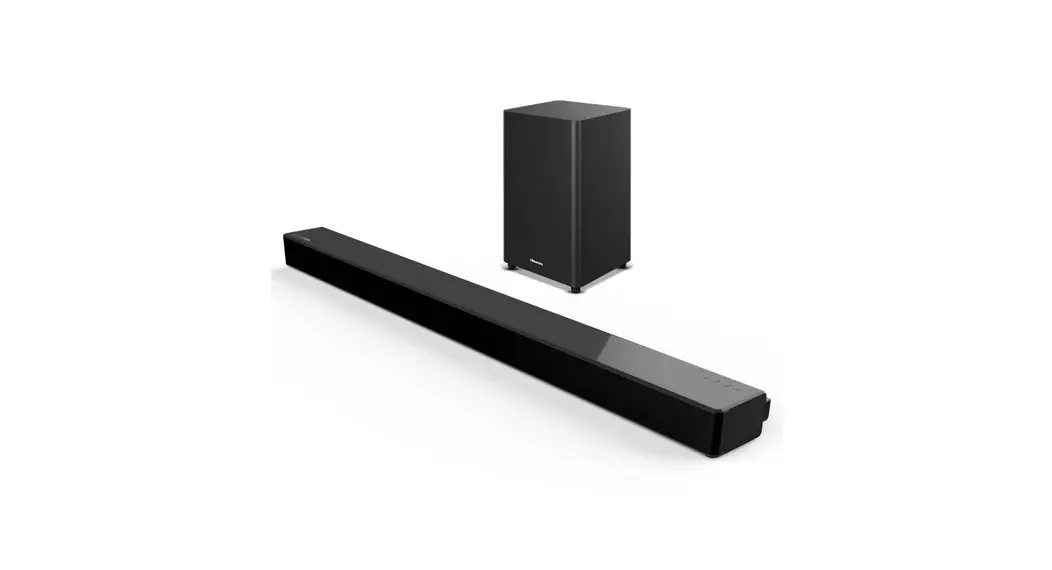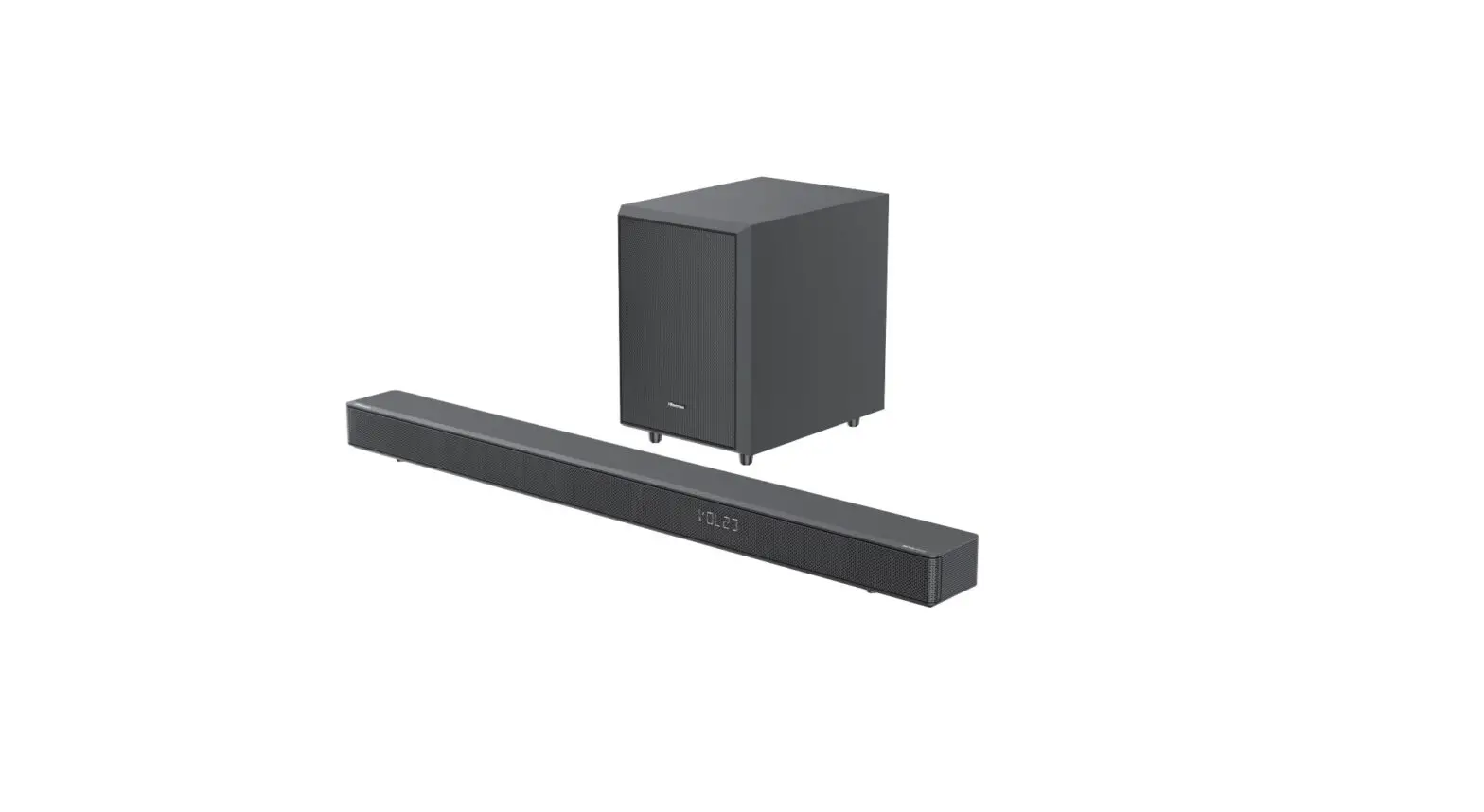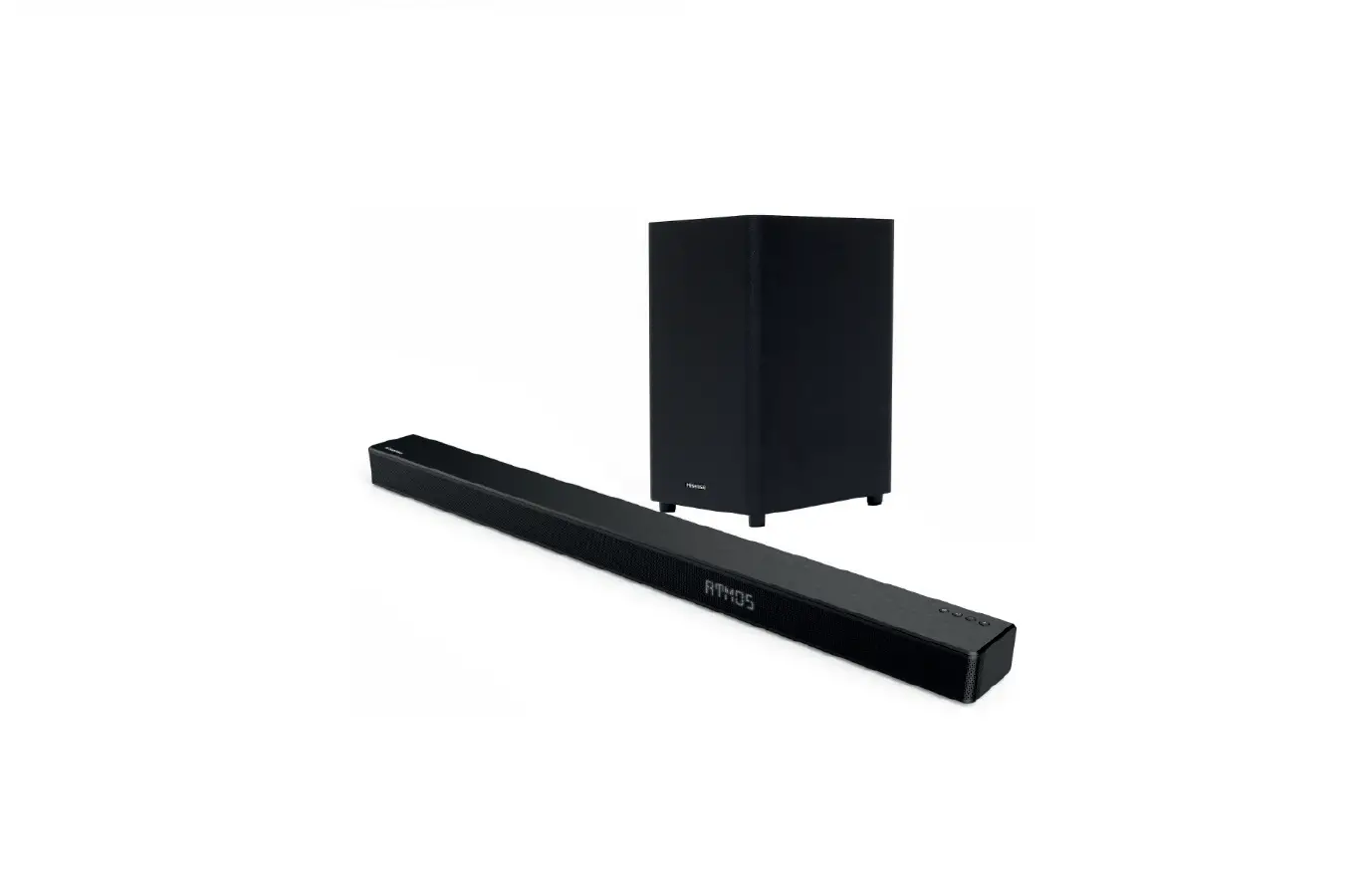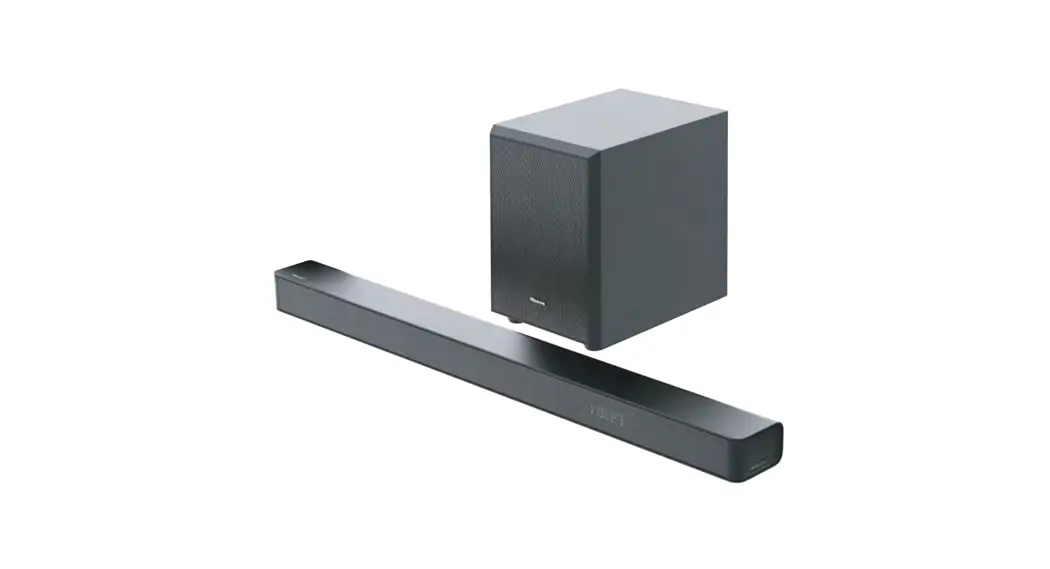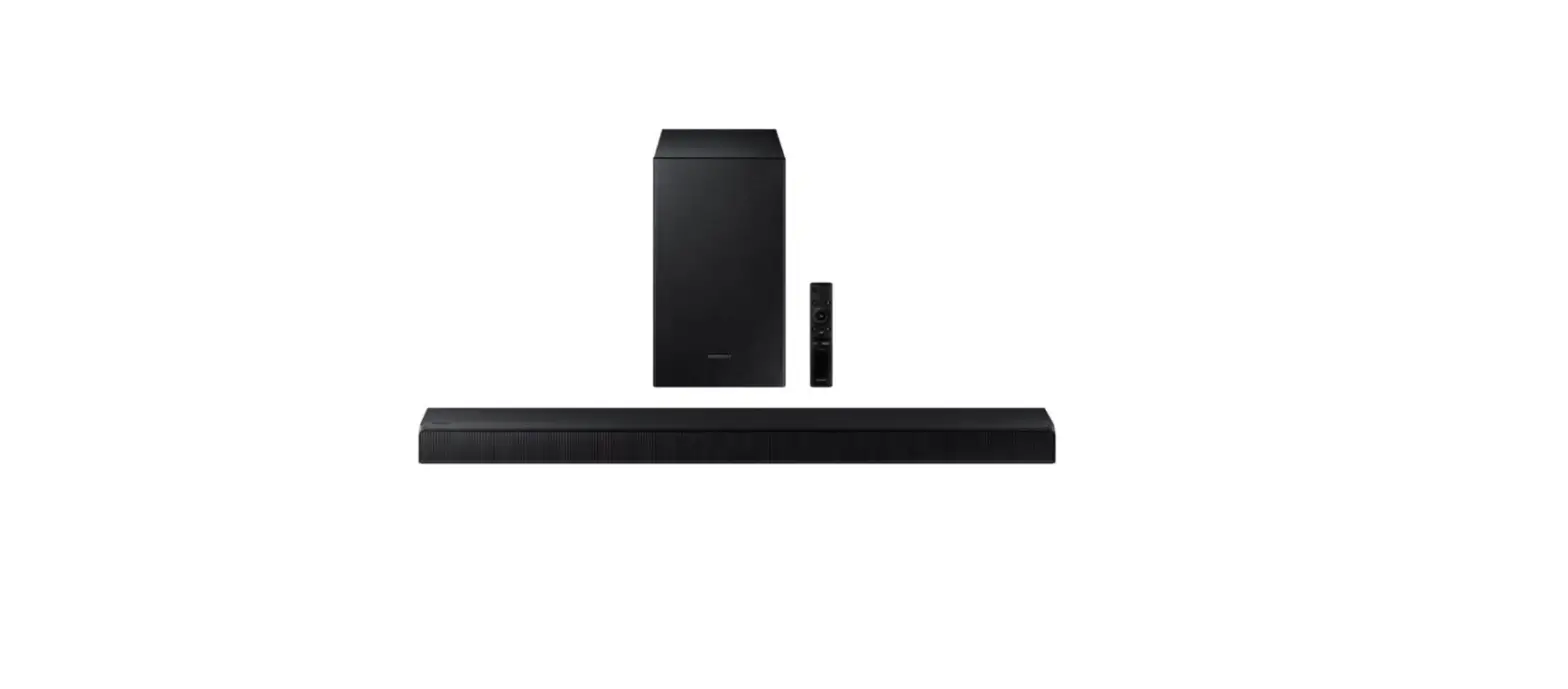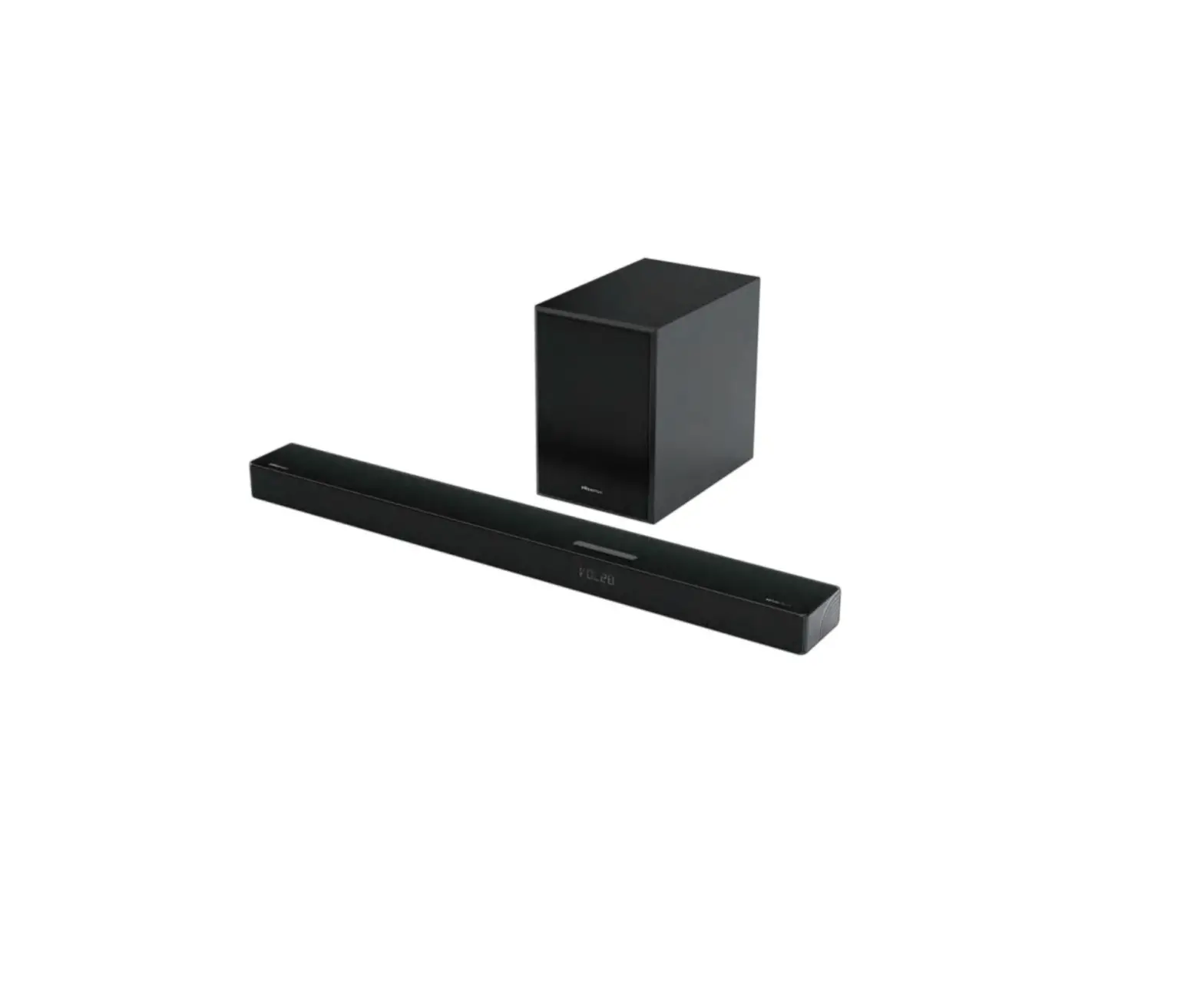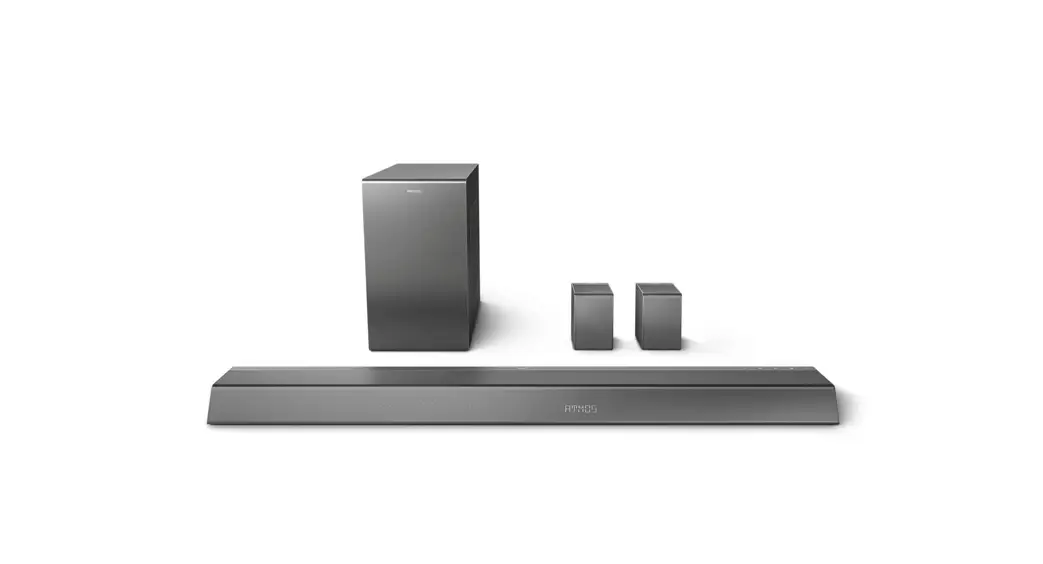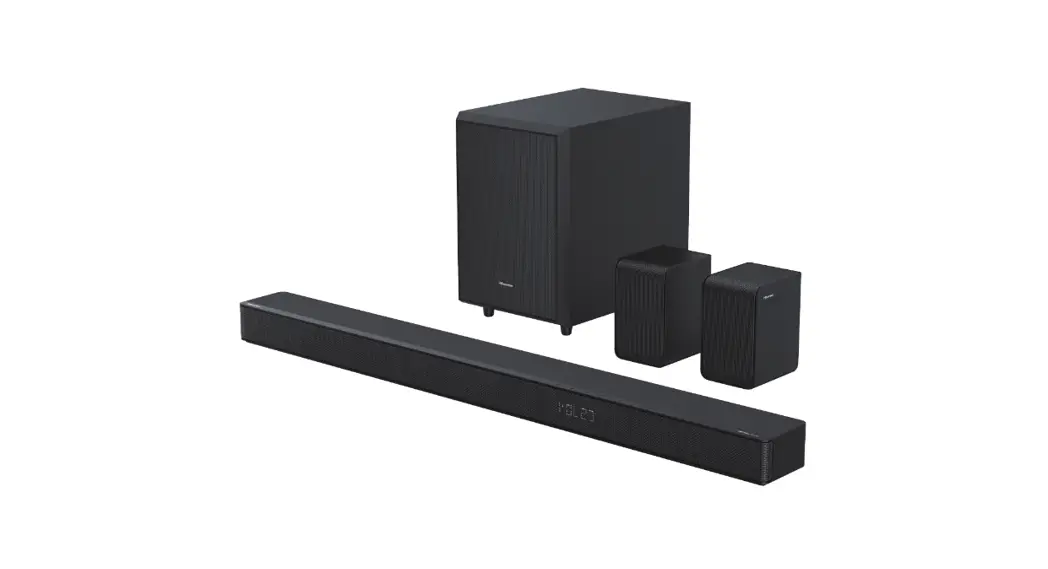
 HS512H 5.1.2 CH Soundbar with Wireless Subwoofer
User Guide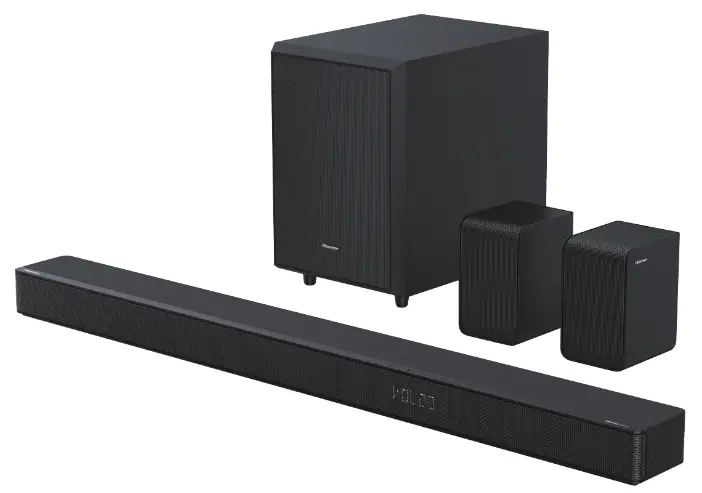

HS512H 5.1.2 CH Soundbar with Wireless Subwoofer
Roku, the Roku logo, Roku TV, Roku TV Ready, and the Roku TV Ready logo are trademarks and/or registered trademarks of Roku, Inc. This product is Roku TV Ready-supported in the United States, United Kingdom, Mexico and Canada. Countries are subject to change. For the most current list of countries in which this product is Roku TV Ready-supported, please email [email protected]. What’s in the Box
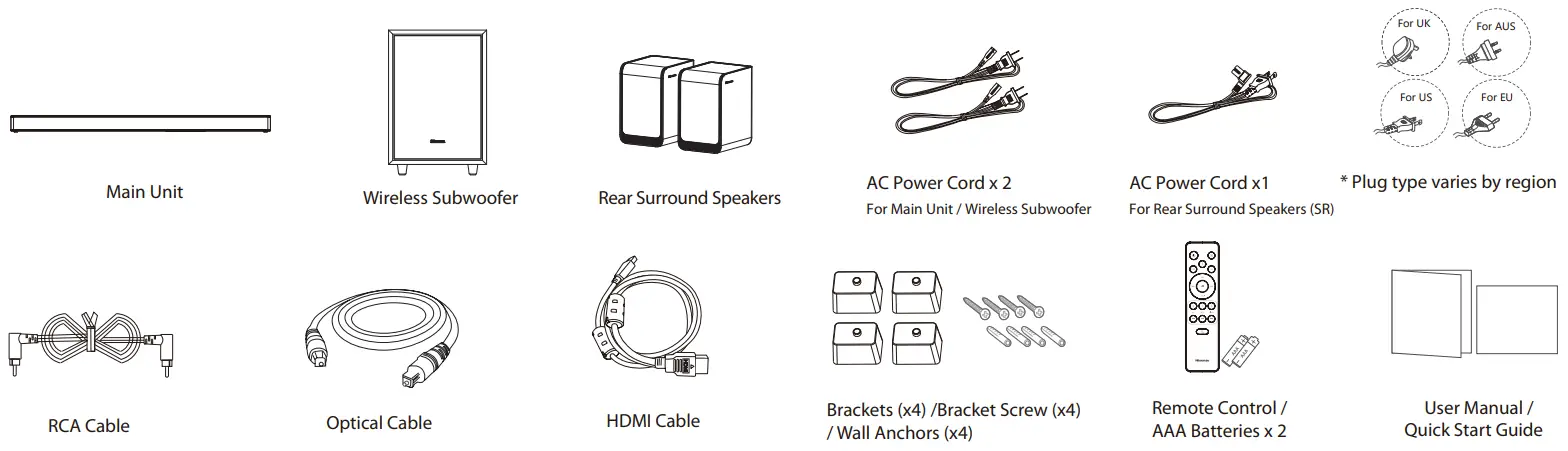
* Power cord quantity and plug type vary by regions.
Remote Control
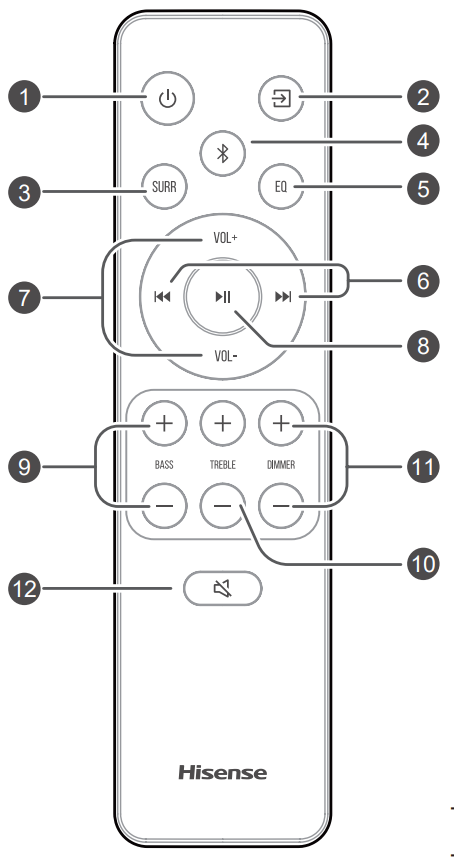
 | Switch the unit between ON and STANDBY mode. |
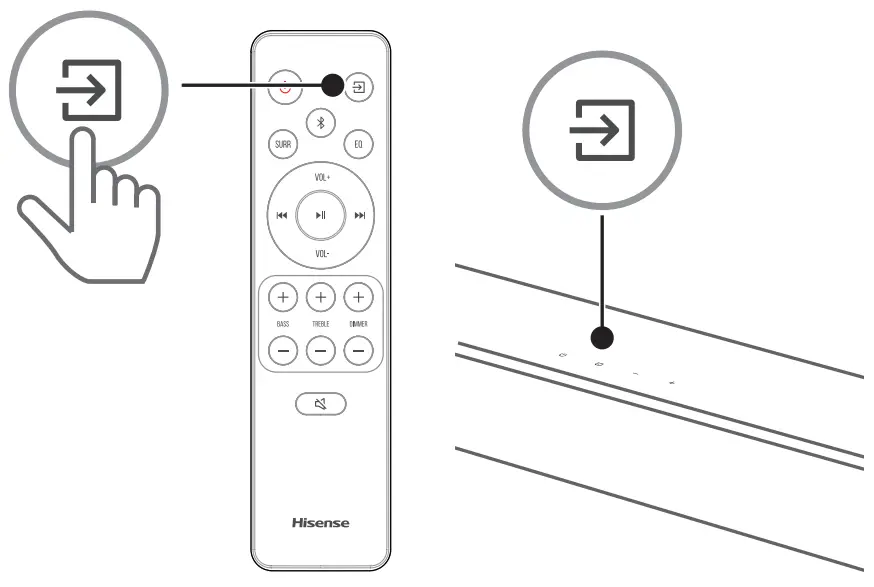
 (SOURCE) (SOURCE) | Select the play mode. |
| SURR | Adjust the surround ON/OFF. |
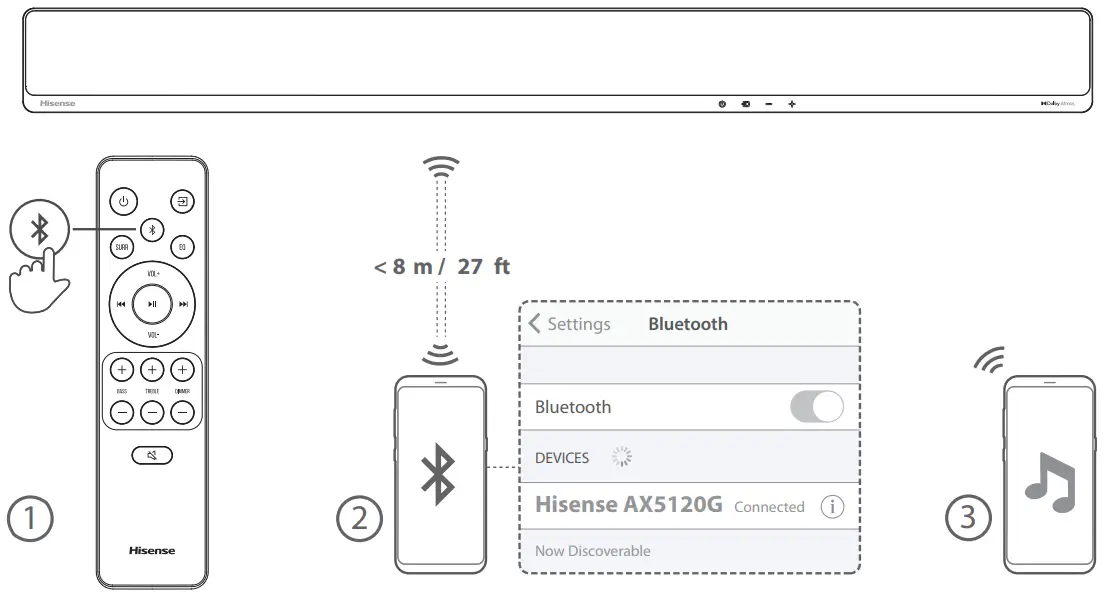
 (Bluetooth) (Bluetooth) | Select the Bluetooth mode. Press and hold the (Bluetooth) button to activate the pairing function in Bluetooth mode or disconnect the existing paired Bluetooth device. |
| EQ | Select MUSIC/MOVIE/NEWS/SPORT/NIGHT/GAME/AI |
 / / | Skip to previous/next track in Bluetooth/USB mode. |
| VOL+/VOL- | Increase/decrease the volume level. |
 | Play/pause/resume playback in Bluetooth/USB mode. Press and hold the button for 3s to enter setup menu. Confirm a selection. |
| BASS+/- | Adjust bass level. |
| TREBLE+/- | Adjust treble level. |
| DIMMER+/- | Adjust display brightness. |
 (MUTE) (MUTE) | Mute or resume the sound. |
Replace the Remote Control Battery
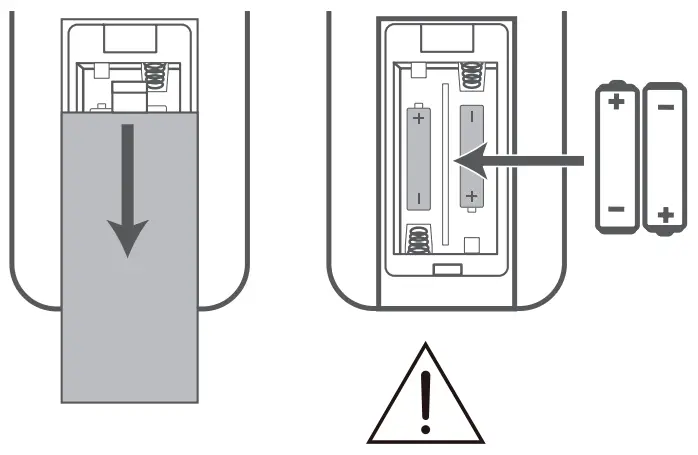
- Press and slide the back cover to open the battery compartment of the remote control.
- Insert two AAA size batteries.
Make sure the (+) and (–) ends of the batteries match the (+) and (–) ends indicated in the battery compartment. - Close the battery compartment cover.
 – Do not mix old and new batteries;
– Do not mix alkaline, standard (Carbon-Zinc) or rechargeable (Ni-Cd, Ni- MH, etc.) batteries.
 – Do not mix old and new batteries;
Identifying the Parts
Main Unit
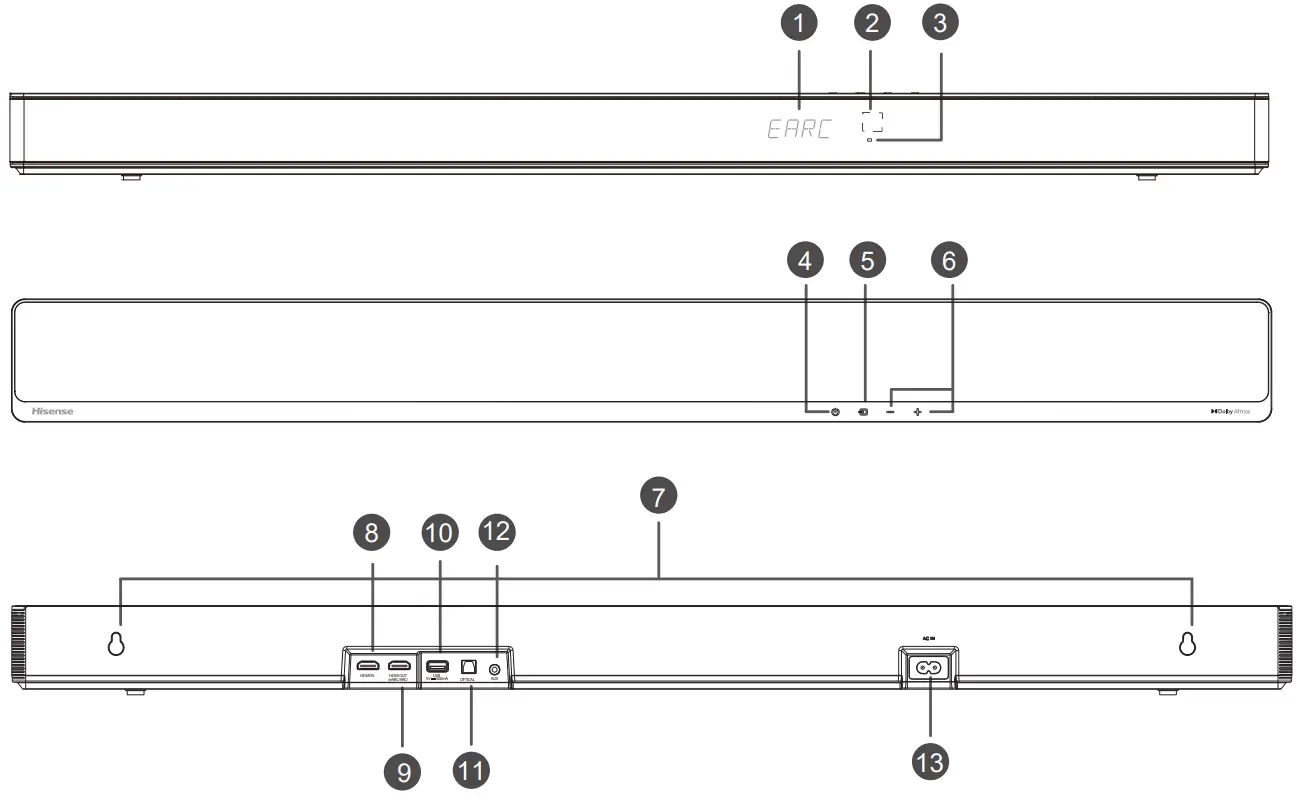
- Display Window
Show the current status. - Remote Control Sensor
Receive signal from the remote control. - Red Standby Indicator
• Constant on In Standby mode  (ON/OFF) Button
Switch the unit between ON and STANDBY mode. (SOURCE) Button
Select the play mode.- +/-(VOL+/VOL-) Button
Increase/decrease the volume level. - Wall Mount
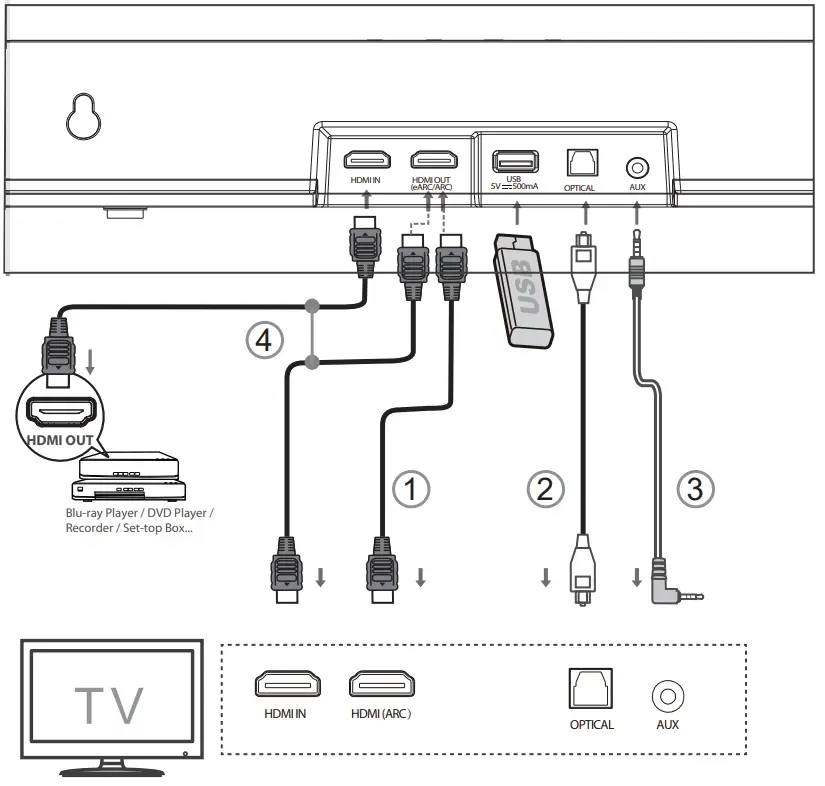
Install the wall mounting screws into the wall mount of the unit. - HDMI IN Socket
For connecting HDMI source devices, such as a DVD player, Blu-ray Disc™ player, or gaming console. - HDMI OUT (TV eARC/ARC) Socket The port for connecting a TV. The port supports the eARC/ARC HDMI feature, which allows the soundbar to play audio that originates on the connected TV.
- USB Socket
Insert the USB device to play music. - OPTICAL Socket
Connect to the OPTICAL OUT socket on an external device. - AUX Socket
Connect to an external audio device. - AC IN Socket
Connect to the power supply.
 (ON/OFF) Button
Wireless Subwoofer
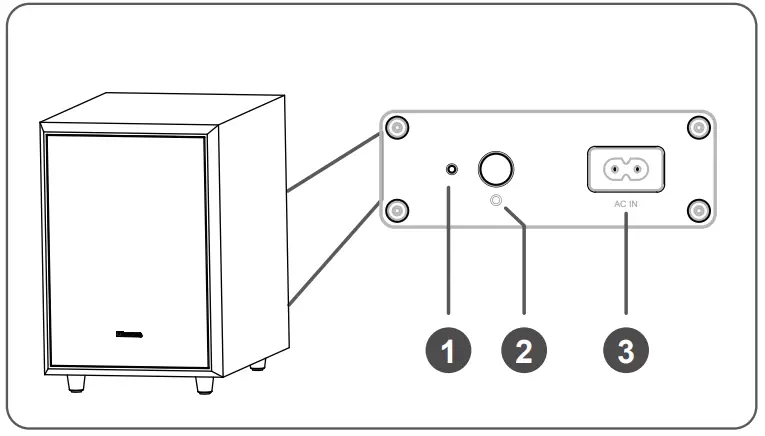
- Indicator
• Fast blink The subwoofer in pairing mode • Constant on Connected / Paired successfully • Slow blink Connection / Pairing failed - PAIR Button
2 seconds Clear the pairing record and enter to pairing mode - AC IN Socket
Connect to power supply.
3.3 Wireless Rear Surround Speakers
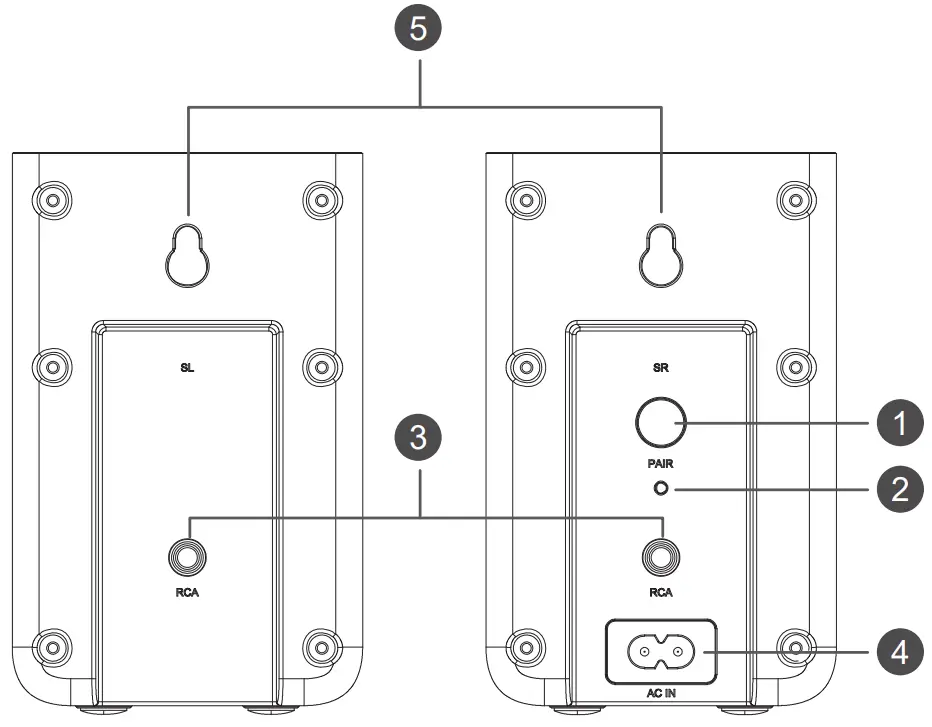
- PAIR Button
2 seconds Clear the pairing record and enter to pairing mode - Indicator
• Fast blink Rear speakers in pairing mode • Constant on Connected/Paired successfully • Slow blink Connection/Pairing failed - RCA Socket
Connect the left and right rear surround speakers. - AC IN Socket
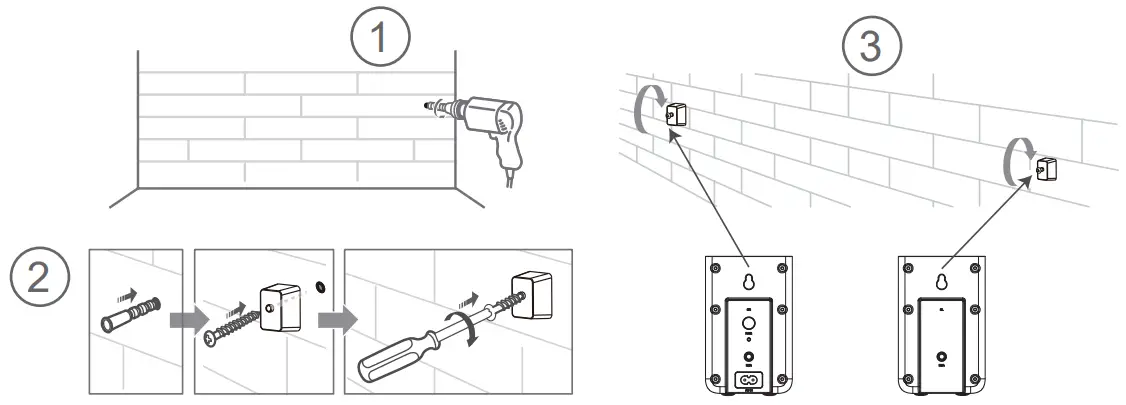
Connect to power supply. - Wall Mount
Install the wall screws and brackets into the back of the rear surround speakers.
Pair up with the Subwoofer and Rear Surround Speakers
The subwoofer, rear surround speakers and soundbar will be automatically paired when they are powered on.
* If no audio from the wireless subwoofer and the rear surround speakers can be heard, manually pair up them.
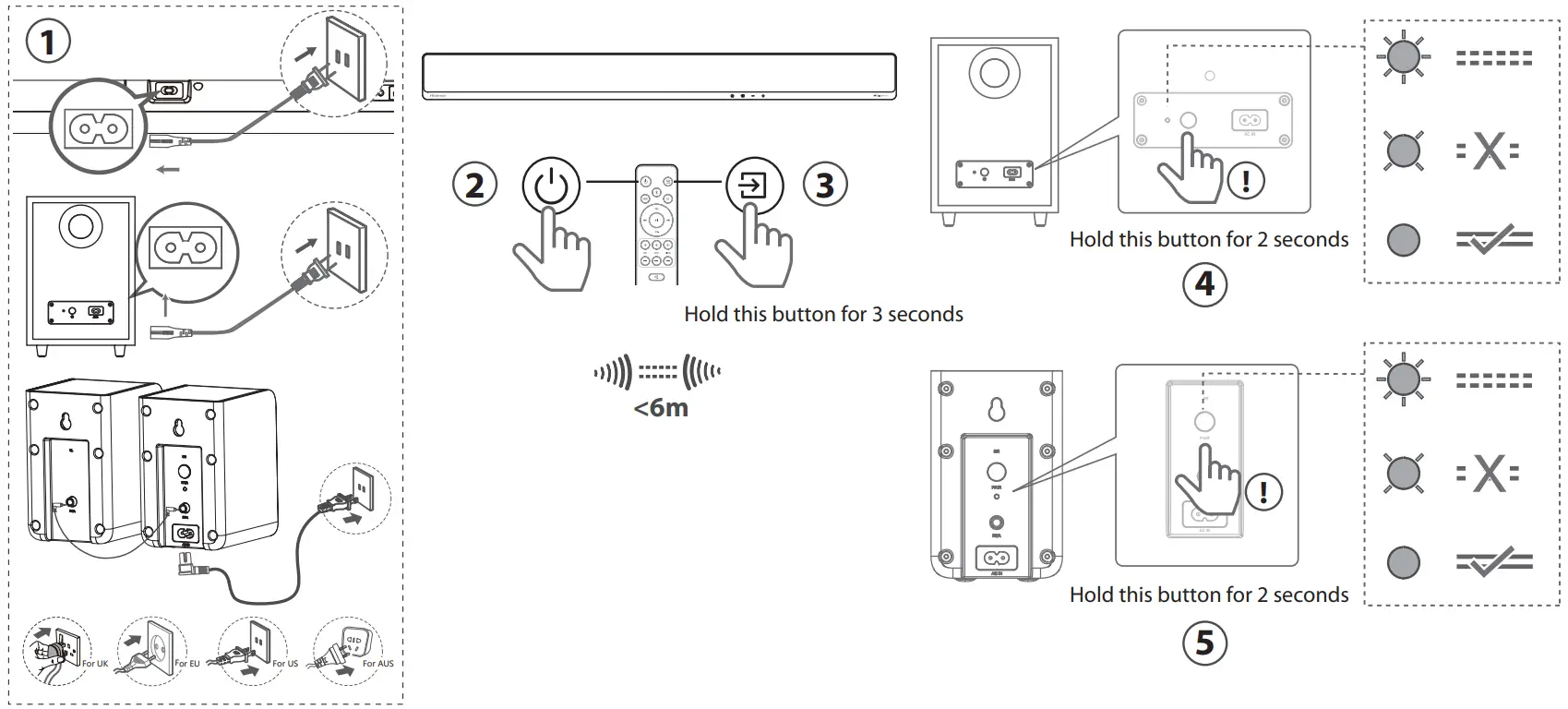
* Power cord quantity and plug type vary by regions.
Bluetooth(  ) Operation
Select the play function ( )
| Display | Mode |
 | HDMI eARC |
 | HDMI ARC |
 | HDMI IN |
 | OPTICAL |
 | AUX |
 | USB No USB connected No Music Or No File Supported |
 | Bluetooth Connected Not Connected |
 12.005.0004.06525
Made in China
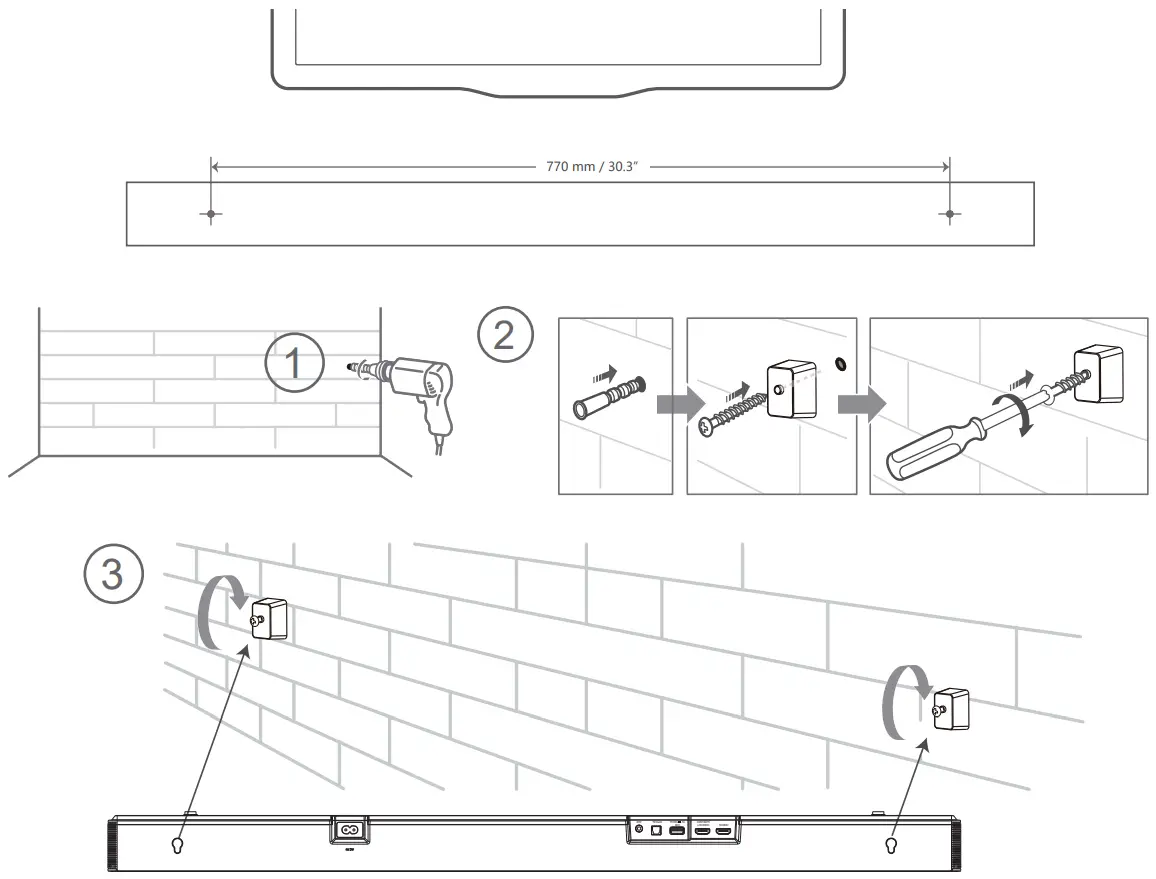
Wall Mounting
Mounting the Soundbar on the Wall
Mounting the Rear Surround Speakers on the Wall