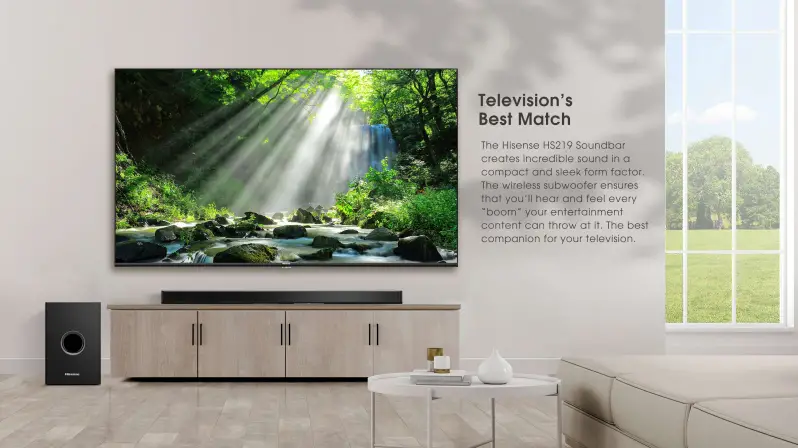
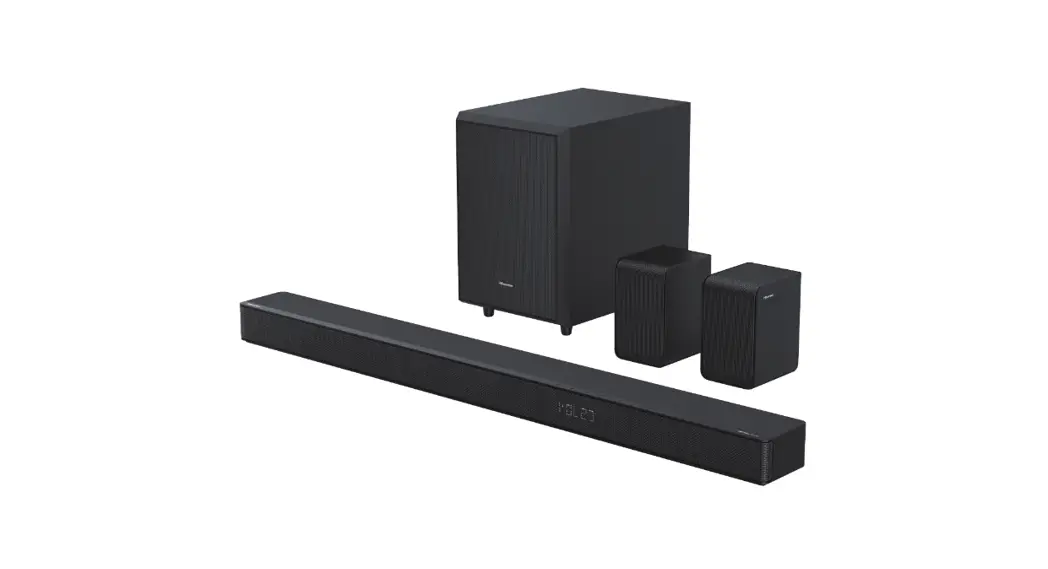
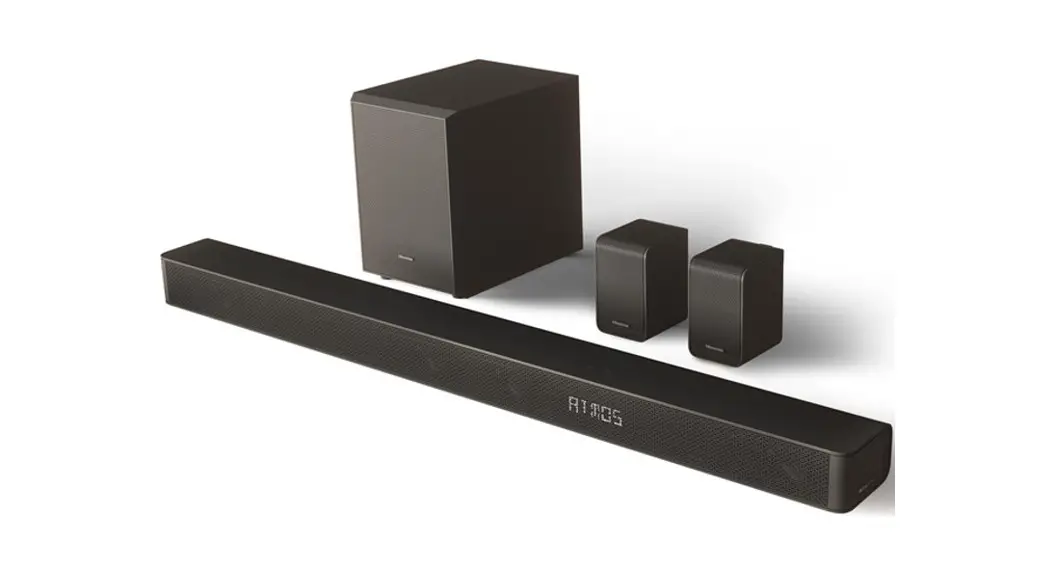
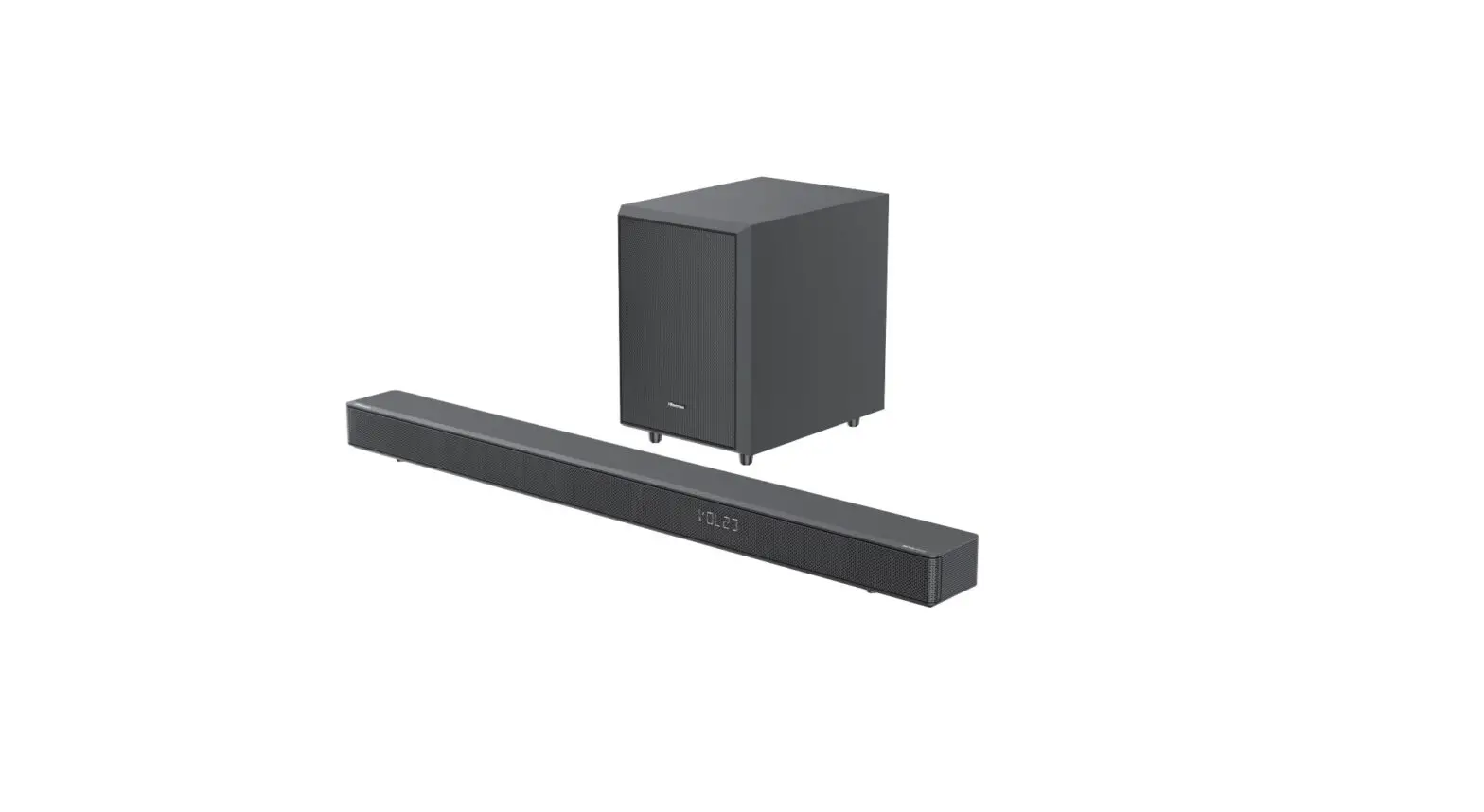
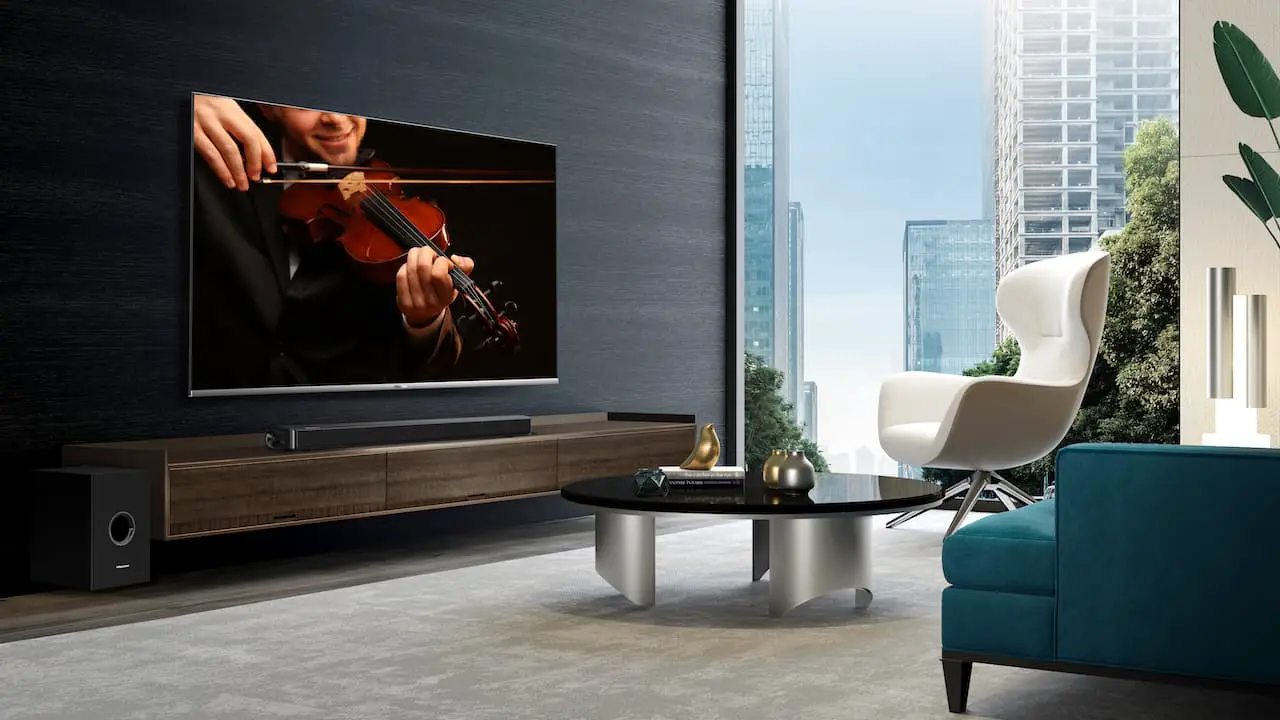
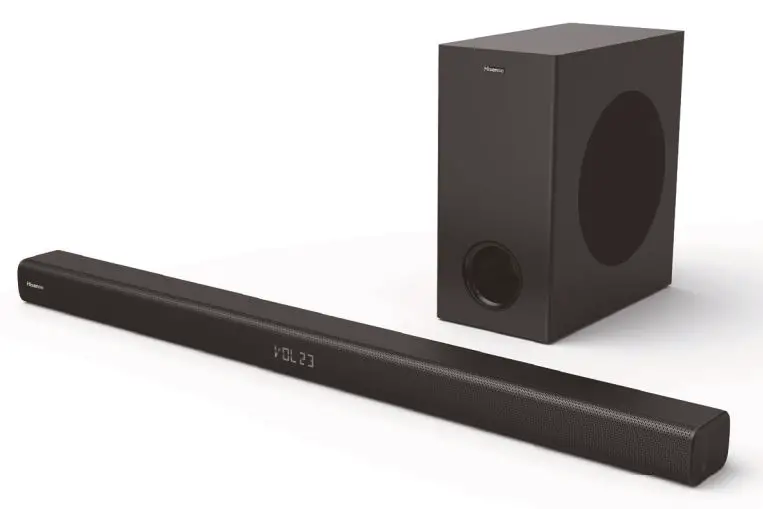
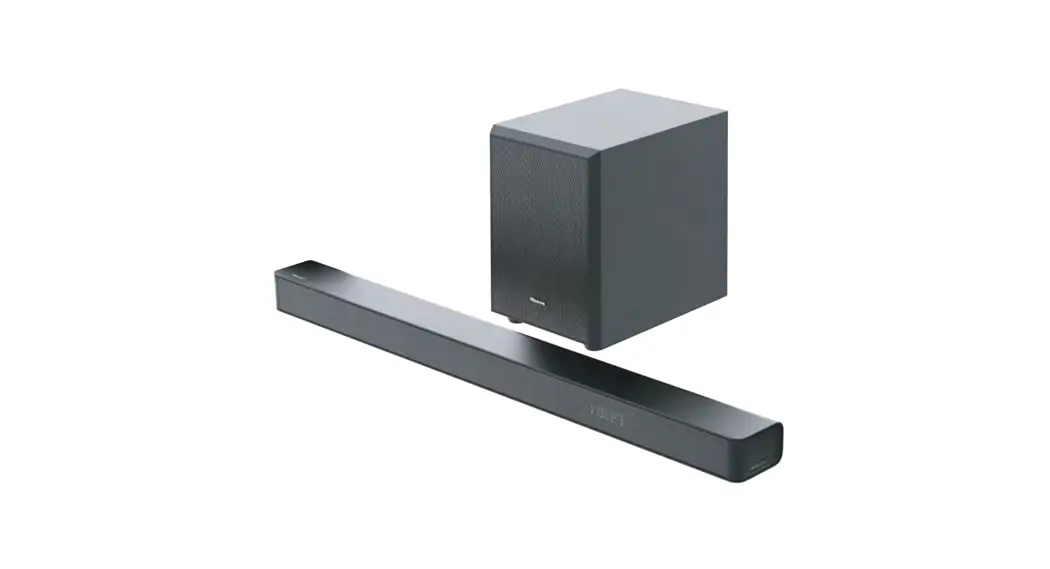
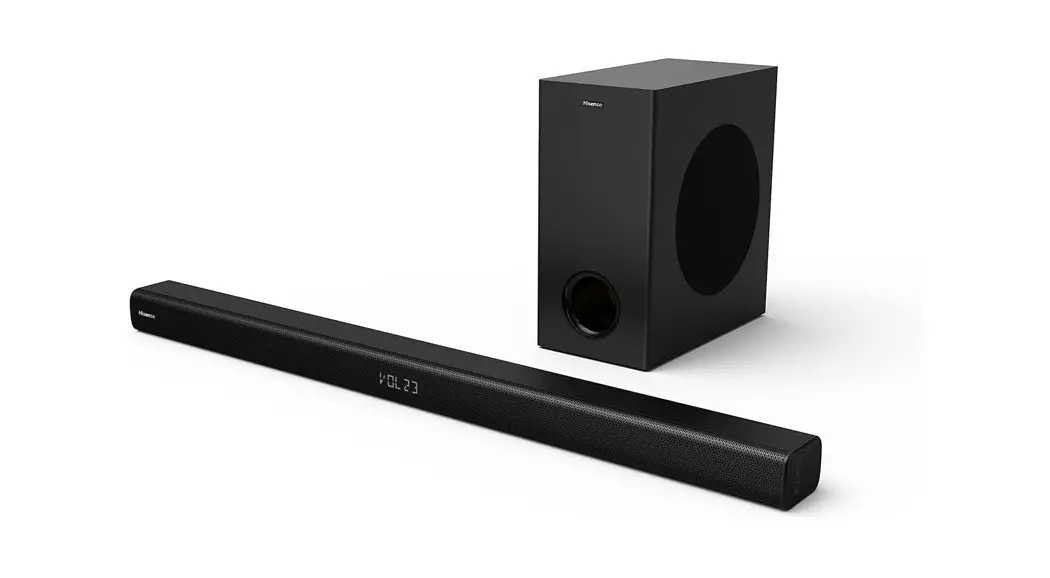
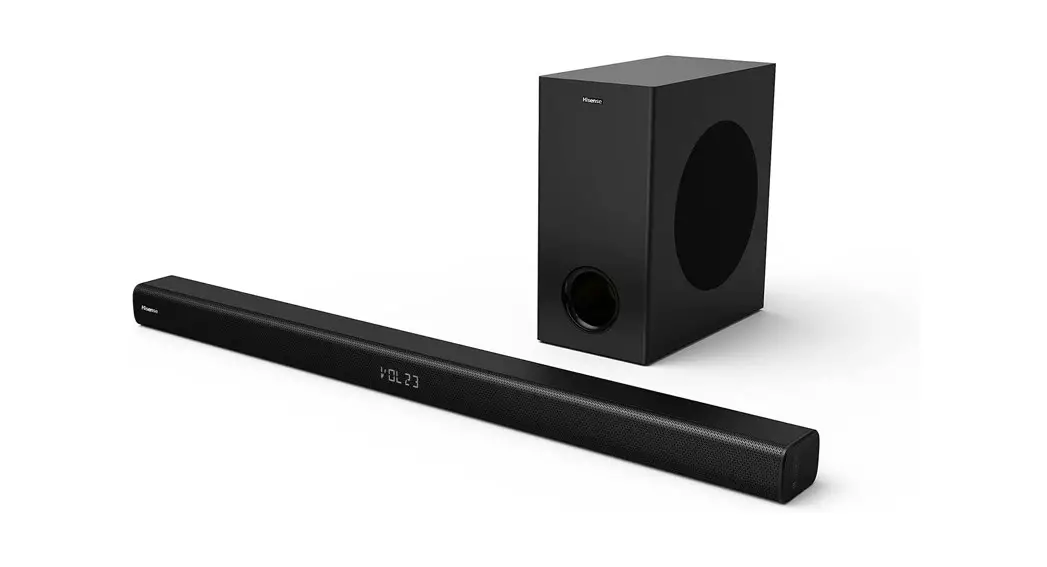
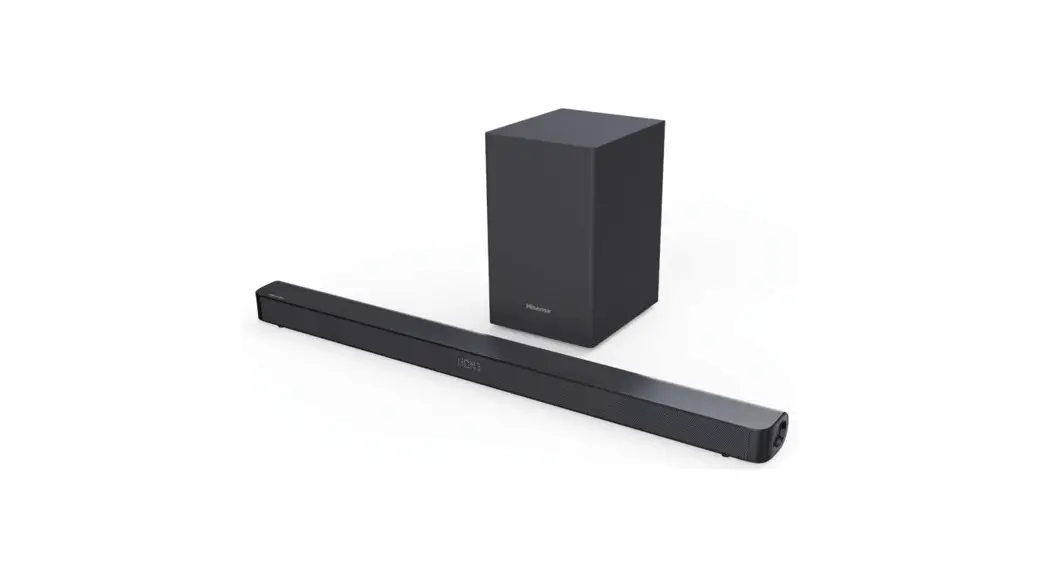
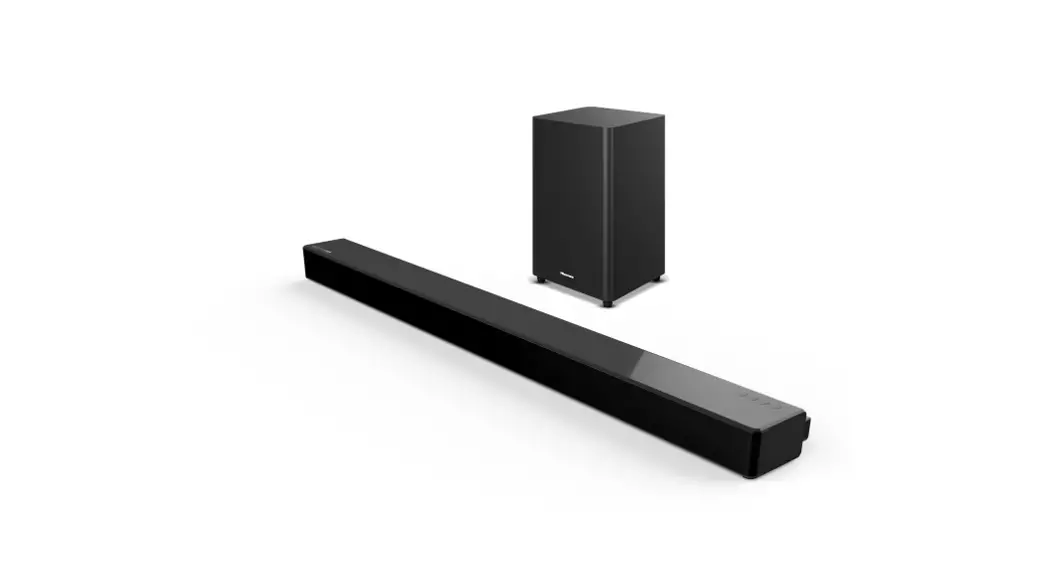
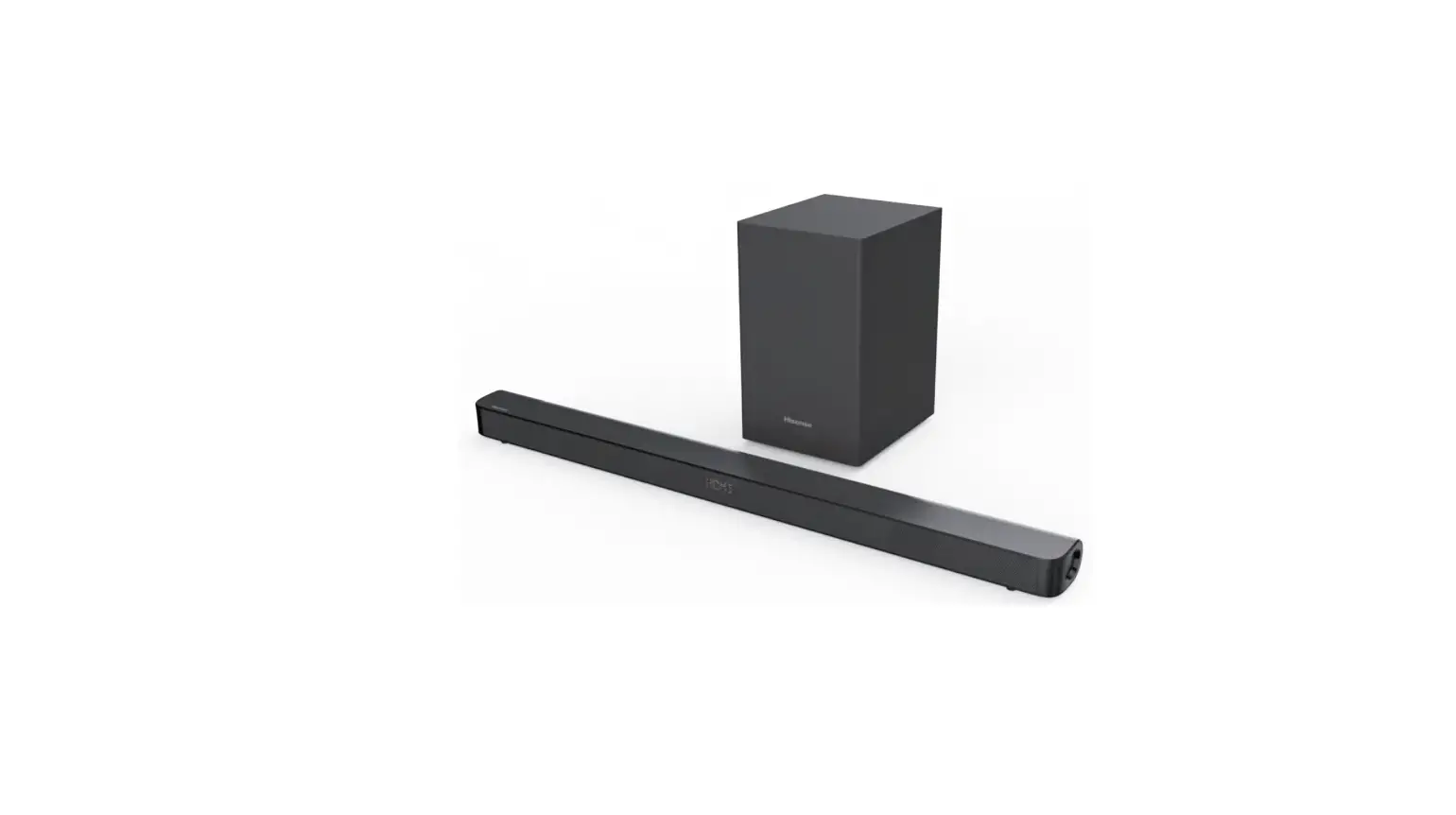
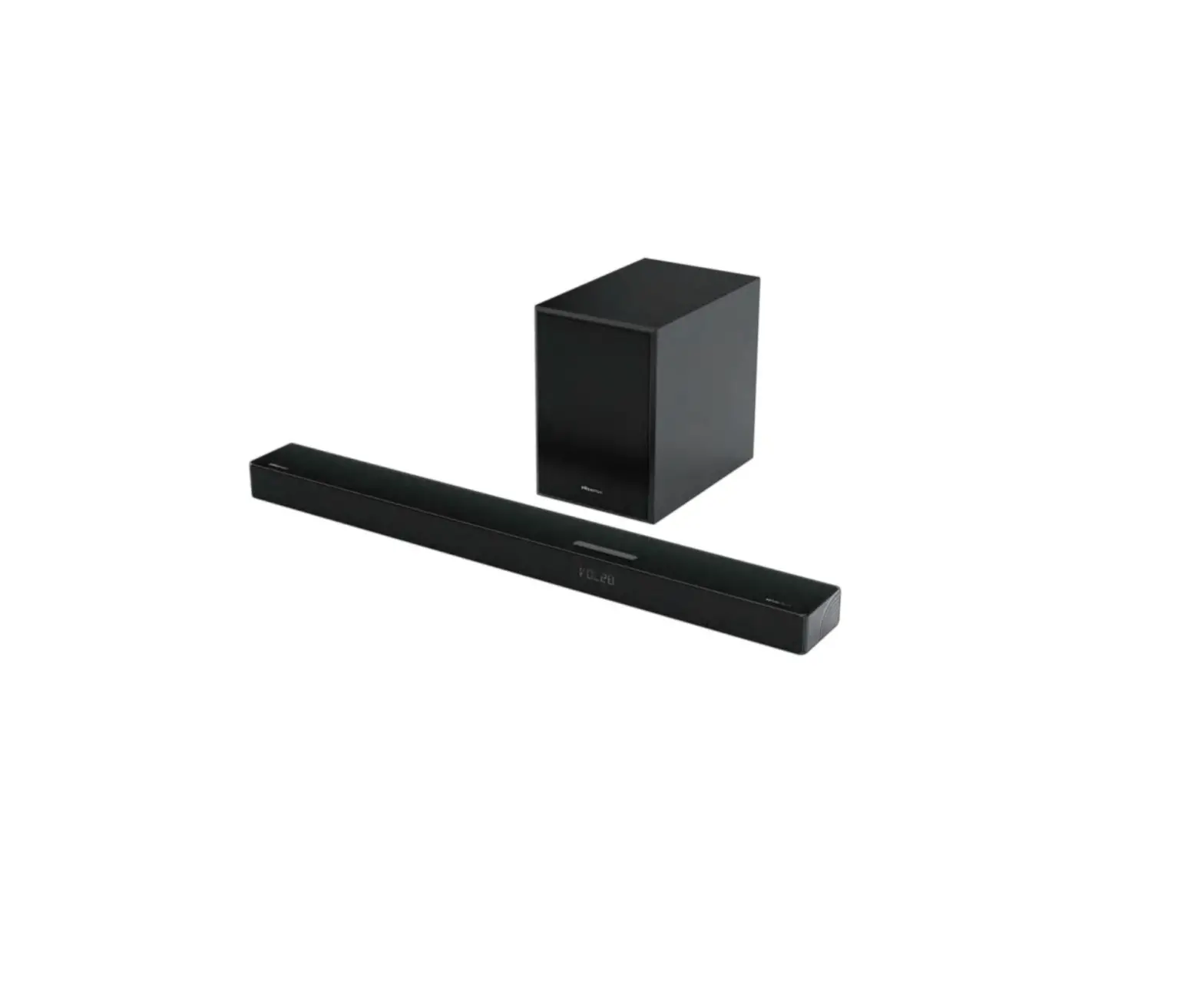
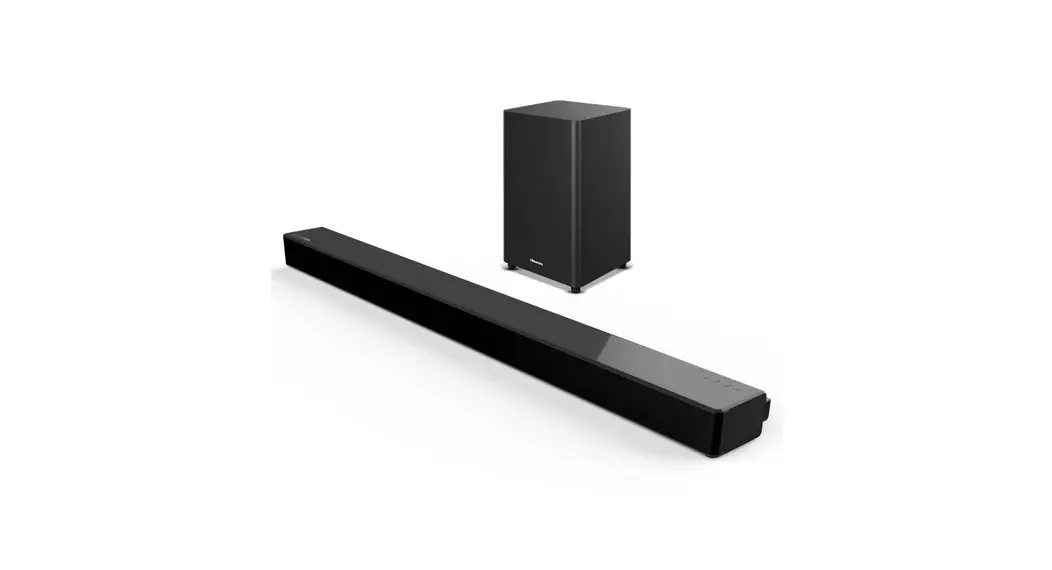
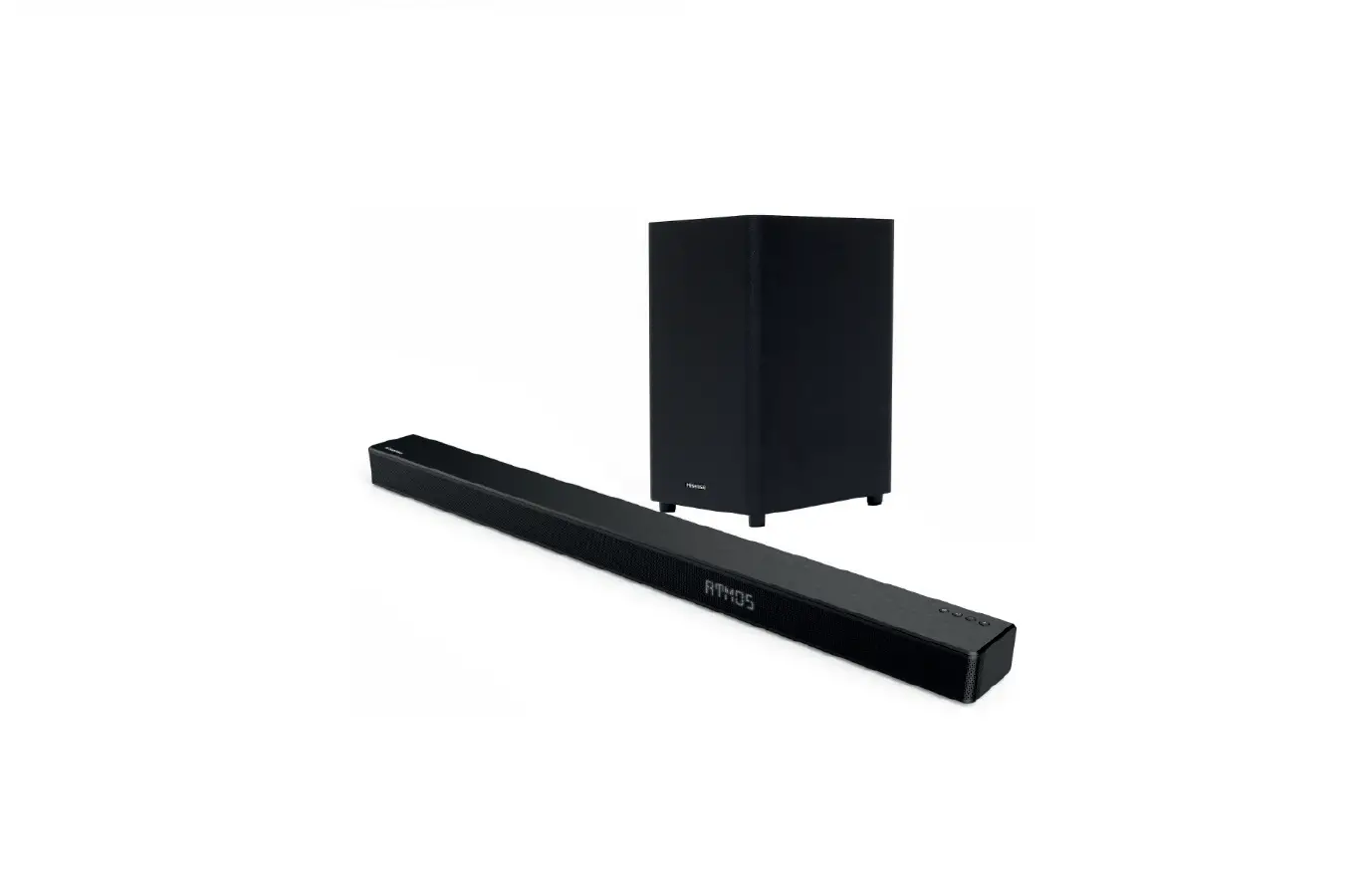
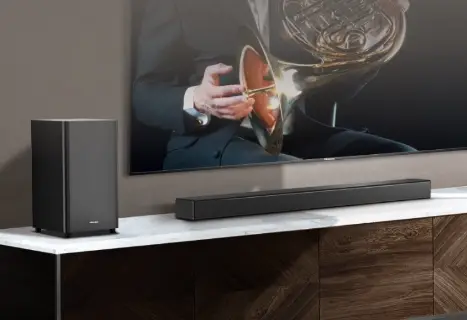
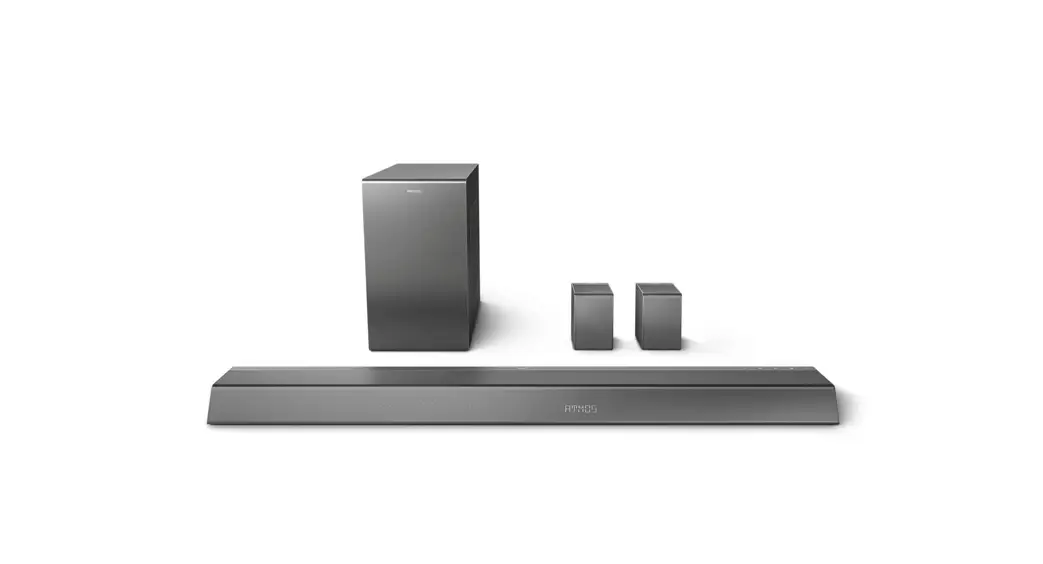
U5120G Soundbar with Wireless Subwoofer
Product Information
The 5.1.2CH Soundbar with Wireless Subwoofer, model U5120G, is a
high-quality audio system designed to enhance your home
entertainment experience. It includes a main unit, a wireless
subwoofer, and various accessories for easy setup and use.
The soundbar features a sleek design and powerful sound output
with a 5.1.2 channel configuration, providing immersive surround
sound. The wireless subwoofer delivers deep bass for a more
impactful audio experience. The soundbar also supports Bluetooth
connectivity, allowing you to wirelessly stream audio from your
compatible devices.
The product comes with a remote control for convenient operation
and includes multiple connectivity options, such as HDMI, optical,
and coaxial inputs, making it compatible with a wide range of audio
sources.
Product Usage Instructions
1. Initial Setup
- Unbox the product and ensure that all the components are
present, including the main unit, wireless subwoofer, power cords,
HDMI cable, remote control, batteries, wall mounting screws,
brackets, and wall anchors. - Connect the main unit to your TV using the HDMI cable. Use the
HDMI OUT (TV eARC/ARC) socket on the soundbar and the corresponding
HDMI ARC/ eARC port on your TV. - Connect other audio sources, such as a DVD player or gaming
console, to the soundbar using the available HDMI IN ports. - Plug in the power cords for both the main unit and the wireless
subwoofer into AC power outlets. - Power on both the main unit and the subwoofer. They will
automatically pair with each other. If there is no audio from the
subwoofer, manually pair it with the soundbar by pressing the PAIR
button on the subwoofer.
2. Basic Operation
- To power on/off the soundbar, press the (ON/OFF) button on the
main unit. - Use the (SOURCE) button to select the desired play function,
such as Bluetooth mode or USB mode. - Adjust the volume level using the VOL+/VOL- buttons on the main
unit or remote control. - Customize the sound output by selecting a preset sound effect
with the EQ button. - In Bluetooth or USB mode, use the / buttons to skip to the
previous/next track. - Press and hold the (BT) button to activate the pairing function
in Bluetooth mode or disconnect from a paired Bluetooth
device. - Adjust the bass and treble levels using the BASS+/- and
TREBLE+/- buttons. - Control the display brightness with the DIMMER+/- buttons.
- Mute or resume the sound by pressing the (MUTE) button.
3. Remote Control Battery Replacement
- Press and slide the back cover of the remote control to open
the battery compartment. - Insert two AAA size batteries, ensuring that the positive (+)
and negative (-) ends of the batteries match the compartment
markings. - Close the battery compartment cover.
Note:
- Do not mix old and new batteries.
- Do not mix different types of batteries (alkaline, standard, or
rechargeable).
4. Identifying the Parts
Main Unit:
- (ON/OFF) button: Switch the unit between ON and Standby
mode. - (SOURCE) button: Select the play function.
- VOL+/VOL- buttons: Increase/decrease the volume level.
- Display Window: Show the current status.
- Remote Control Sensor: Receive signal from the remote
control. - Screws: Remove the screws then install the wall mounting screws
into the back of the unit. - USB Socket: Insert a USB device to play music.
- TYPE-C Socket: For the Dongle of wireless rear surround speaker
(surround kit needs to be purchased separately). - OPTICAL Socket: Use to connect to the OPTICAL OUT socket on an
external device. - COAXIAL Socket: Use to connect to the COAXIAL OUT socket on an
external device. - HDMI OUT (TV eARC/ARC) Socket: Connect to a TV with eARC/ARC
HDMI feature for audio playback. - HDMI IN (1/2) Sockets: Two HDMI ports for connecting HDMI
source devices. Only one input can be used at a time. - AC~ Socket: Connect to power supply.
Wireless Subwoofer:
- AC~ Socket: Connect to power supply.
- PAIR button: Press to activate the pairing function between the
main unit and the subwoofer. - PAIR Indicator Light: Stops blinking once the subwoofer is
paired with the soundbar.
5. Connections
Refer to the provided diagram for connecting the soundbar and
subwoofer to your audio sources.
Surround:
- OPTICAL, COAXIAL, HDMI eARC: Use these sockets to connect to
the corresponding output sockets on an external device. - HDMI IN: Connect HDMI source devices, such as a DVD player or
gaming console, to these ports. - HDMI OUT: Connect the soundbar to your TV using this port.
Pair up with the subwoofer:
The subwoofer and the soundbar will be paired automatically when
both are powered on. If there is no audio from the wireless
subwoofer, manually pair it with the soundbar by pressing the PAIR
button on the subwoofer.
Quick Start Guide
5.1.2CH Soundbar with Wireless Subwoofer
Model: U5120G
What’s in the Box
Main Unit
Wireless Subwoofer
AC power Cord * x 2
HDMI Cable
Remote Control / AAA Batteries x 2
Wall Mounting Screws (x2) / Brackets (x2) / Bracket Screw (x4) / Wall Anchors (x4)
* Power cord quantity and plug type vary by regions.
User Manual / Quick Start Guide
OPTICAL Cable
1 Remote Control
1
Switch the unit between ON and
STANDBY mode.
2
Select the play function.
1
3 SURR
Adjust the surround ON/OFF.
4 (BT)
Select the Bluetooth mode. Press
3
and hold the (BT) button to
activate the pairing function in
Bluetooth mode or disconnect the 7
existing paired Bluetooth device.
5 EQ
Select a preset sound effect.
6
/
Skip to previous/next track in BT /
USB mode.
9
7 VOL+/- Increase/decrease the volume level.
8
Play/pause/resume playback in BT
/ USB mode. Press and hold the
12
button for 3s to enter setup menu.
Confirm a selection.
9 BASS+/- Adjust bass level.
10 TREBLE+/- Adjust treble level.
11 DIMMER+/- Adjust display brightness.
12 (MUTE) Mute or resume the sound.
Replace the Remote Control Battery
1 Press and slide the back cover to
open the battery compartment of the
2
remote control.
4
2 Insert two AAA size batteries
(included). Make sure the (+) and ()
5
ends of the batteries match the (+)
and () ends indicated in the battery
6
compartment.
3 Close the battery compartment cover.
8
11 10
– Do not mix old and new batteries;
– Do not mix alkaline, standard (Carbon-Zinc) or rechargeable (Ni-Cd, Ni- MH, etc.) batteries.
2 Identifying the Parts
1
2
3
6 45
7 8 9 10 11
12
Main Unit
1
(ON/OFF) button
Switch the unit between ON and Standby mode.
2
(SOURCE) button
Select the play function.
3 VOL+/VOL- buttons
Increase/decrease the volume level.
4 Display Window
Show the current status.
5 Remote Control Sensor
Receive signal from the remote control.
6 Screws
Remove the screws then install the wall mounting screws into the back of the unit.
7 USB Socket
Insert the USB device to play music.
8 TYPE-C Socket
For the Dongle of wireless rear surround speaker.
The surround kit needs to be purchased separately. This port can’t be used to connect to other Type C devices.
9 OPTICAL Socket
Use to connect to the OPTICAL OUT socket on an external device.
10 COAXIAL Socket
Use to connect to the COAXIAL OUT socket on an external device.
11 HDMI OUT (TV eARC/ARC) Socket
The port for connecting a TV. The port supports the eARC/ARC HDMI feature, which allows the soundbar to play audio that originates on the connected TV.
13
12 HDMI IN (1/2) Sockets Two HDMI ports for connecting HDMI source devices, such as a DVD player, Blu-ray DiscTM player, or gaming console. Note that only one HDMI input is usable at a time.
13 AC~ Socket Connect to power supply.
1
23
Wireless Subwoofer
1 AC~ Socket Connect to power supply.
2 PAIR button Press activate the pairing function between the main unit and the subwoofer.
3 PAIR Indicator Light stops blinking once the Subwoofer is paired with the Soundbar.
3 Connections
Surround
3
4
1
2
OPTICAL COAXIAL HDMI eARC
HDMI IN
HDMI OUT
Pair up with the subwoofer
The subwoofer and the soundbar will be paired automatically when both are powered on. If no audio from the wireless subwoofer can be heard, manually pair up the subwoofer.
Blu-ray Player / DVD Player / Recorder / Set-top Box…
2
1
<6m
!
4 Bluetooth Operation ( )
Settings Bluetooth
Bluetooth
DEVICES
1
Hisense U5120G Connected
8m
Now Discoverable
2
5 Setup Menu
1. During ON mode, press and hold the button for 3 seconds to open the menu. 2. Select the content with / buttons. 3. Change the initial values for each of the settings with VOL +/- buttons. 4. Press the button to confirm your selection and exit the settings. · If no button is pressed within 15 seconds, the system will automatically exit the menu.
Display (press / )
1
2 3 4 5 6 7
Description (press VOL + / – )
Select Equalizer (EQ) Effect. (MUSIC, MOVIE, NEWS, SPORT, NIGHT, GAME, AI EQ) Switch Surround Sound [ON / OFF]
Adjust the Bass Level
Adjust the Treble Level
Adjust the Brightness (Exit menu to take effect) Switch Auto Wake [ON / OFF] Switch Auto Standby [ON / OFF]
Display (press / )
8
9 10 11 12 13
Description (press VOL + / – )
If there is no surround connection. Not adjustable.
If there is surround connected. Adjust the surround speakers Volume
Set the Audio Delay (AV SYNC)
Switch: HI-RES Remaster [ON / OFF]
Switch: Dts Neural [ON / OFF]
Switch: Dts Drc Heavy / Dts Drc Mid / Dts Drc Min
Dts Dialog Control Value
6 Wall Mounting
1156mm
SS
SS
1
2
3 4
Hisense_U5120G_QSG_US_V1 _220310