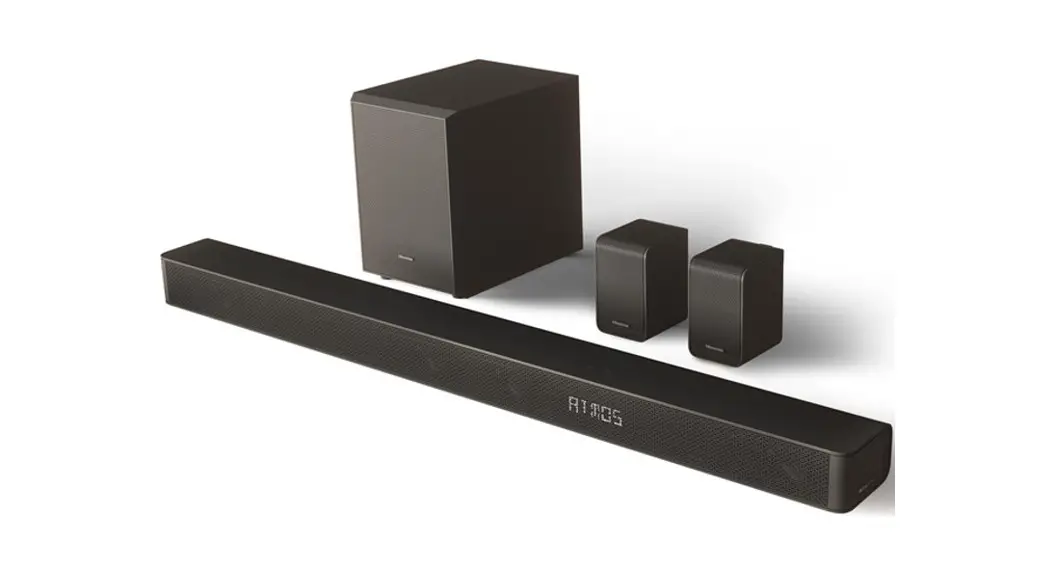
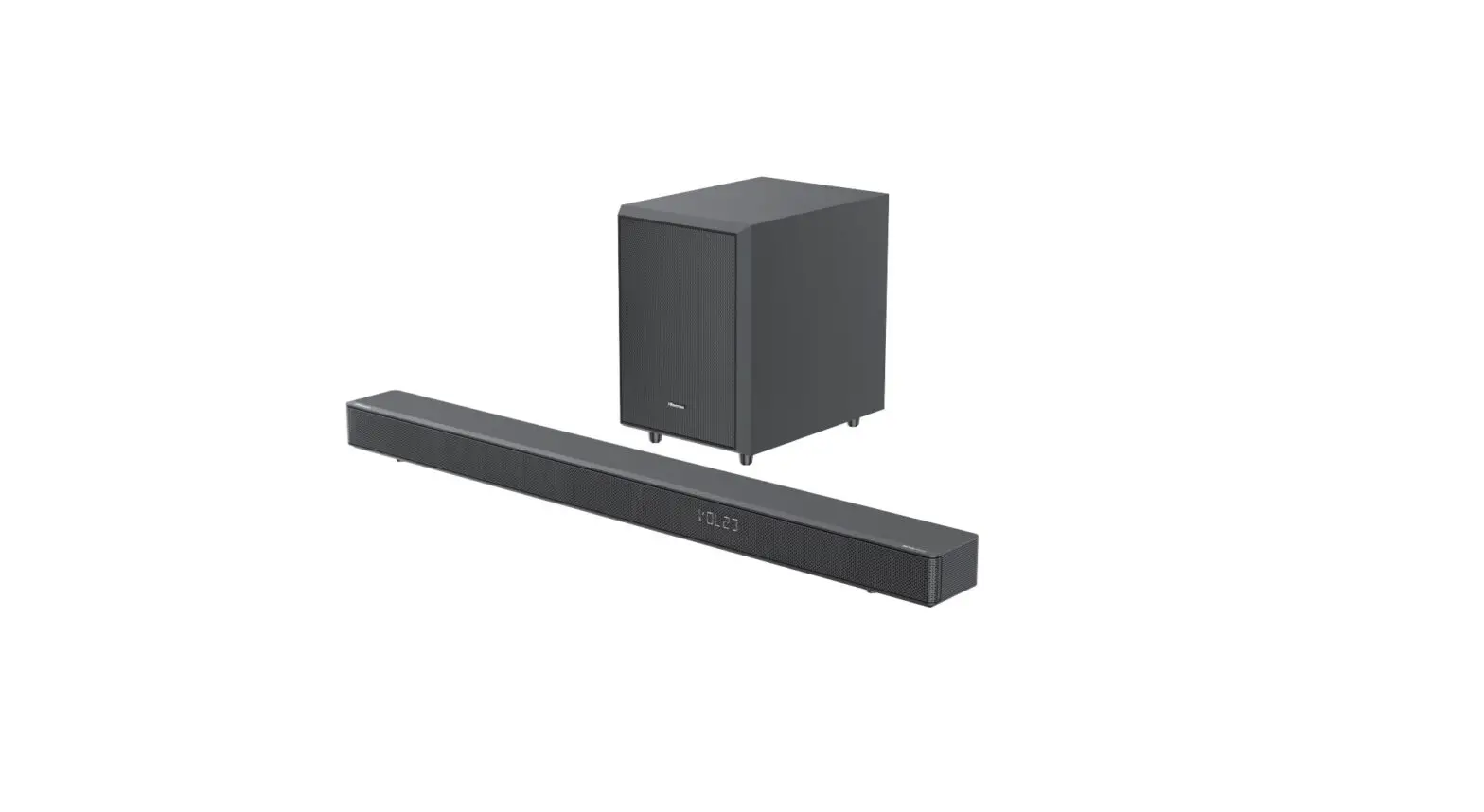
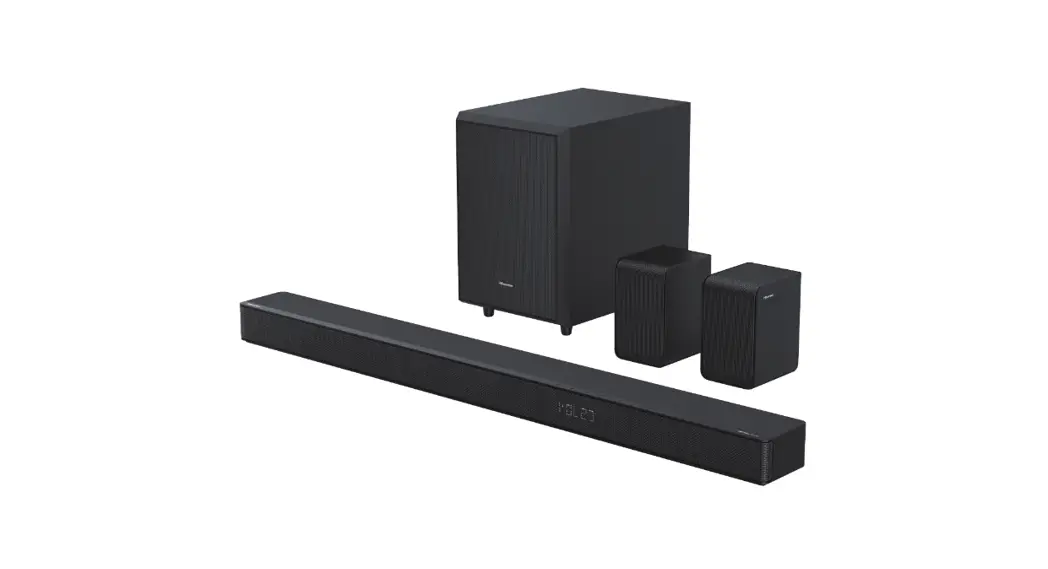
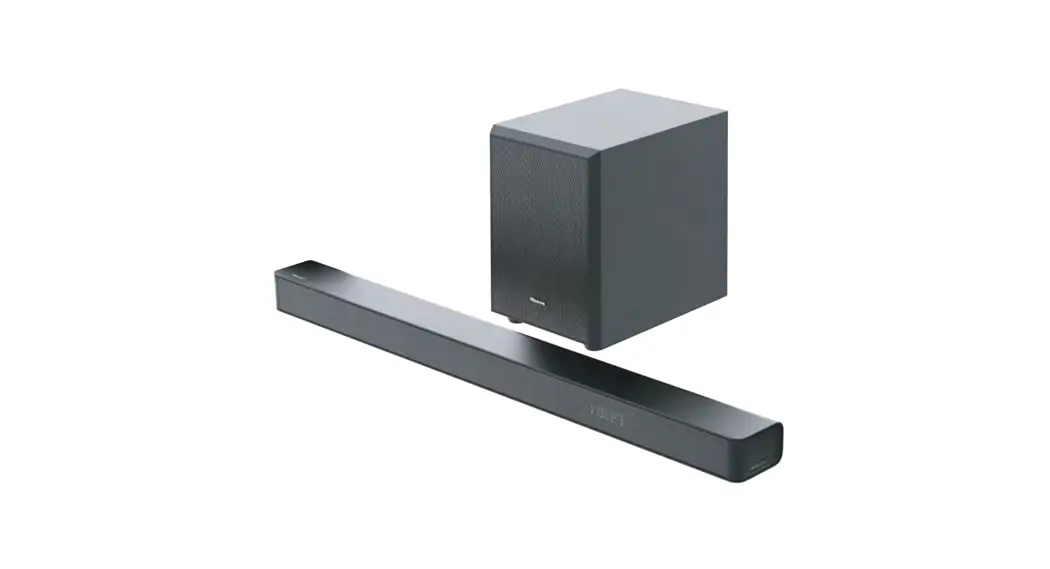
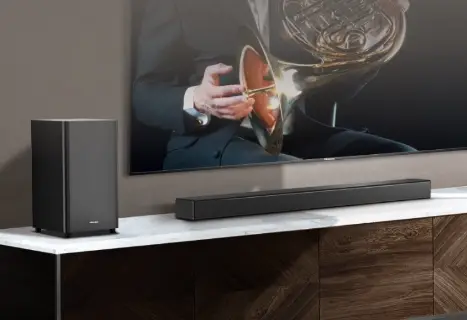
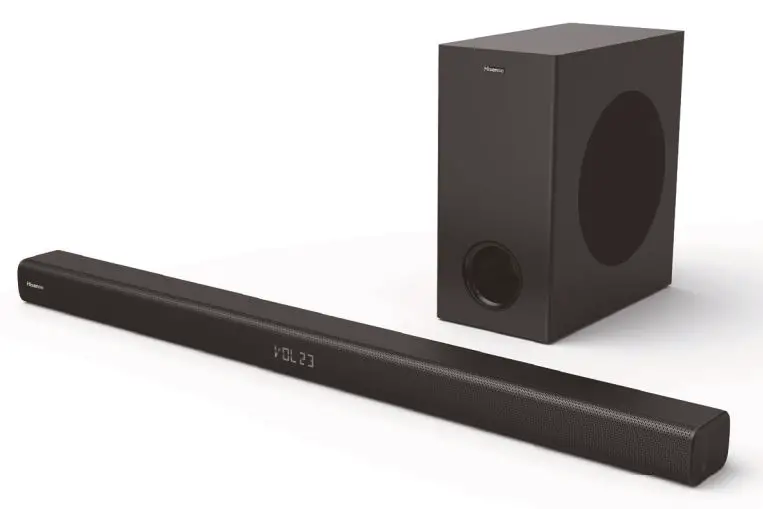
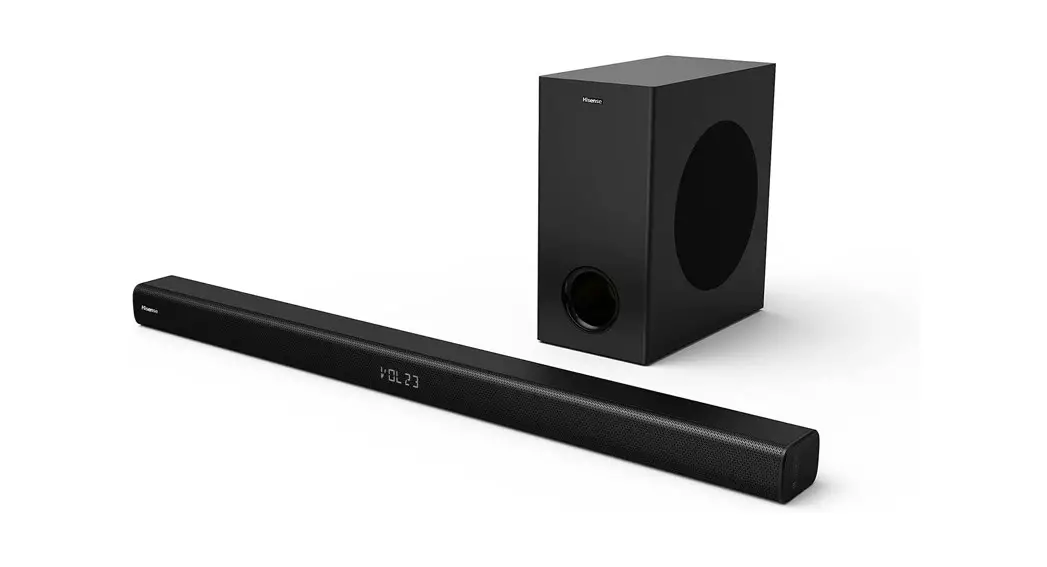
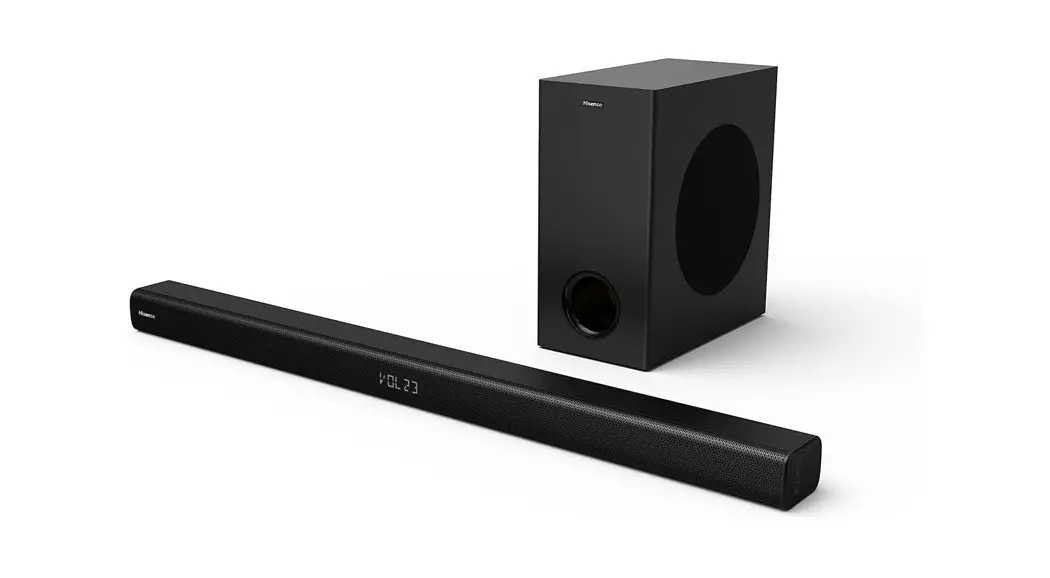
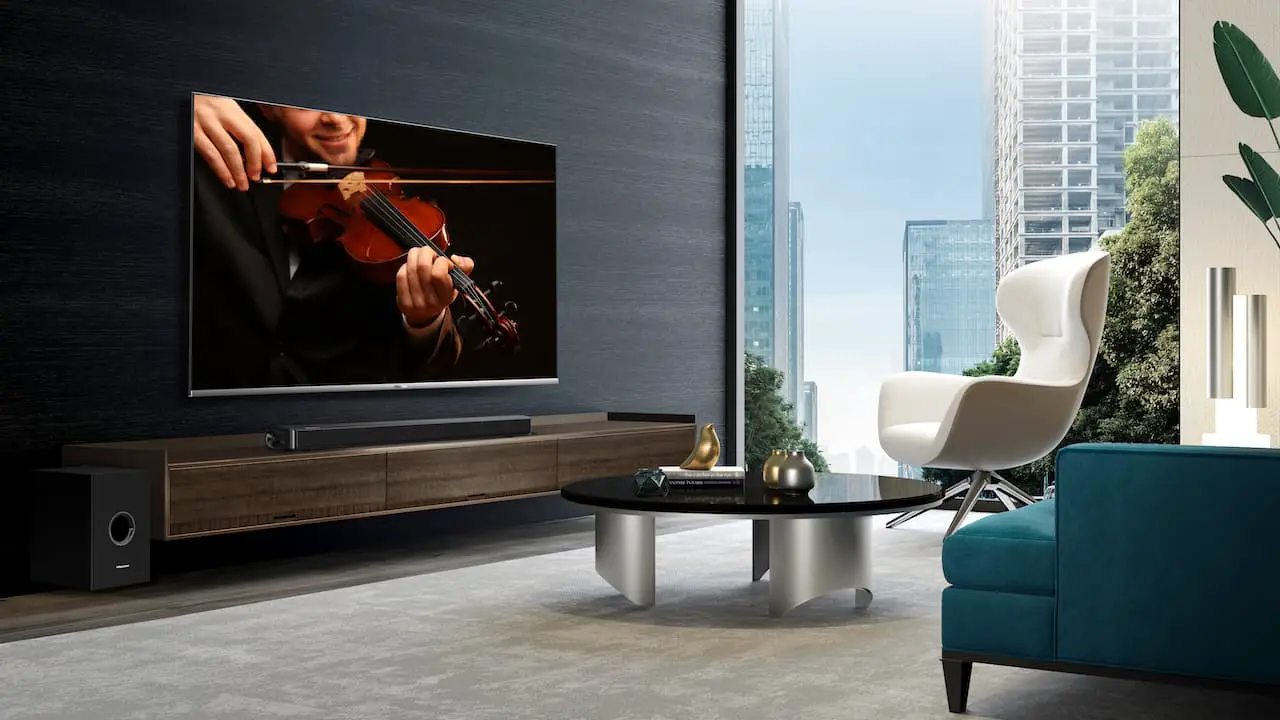
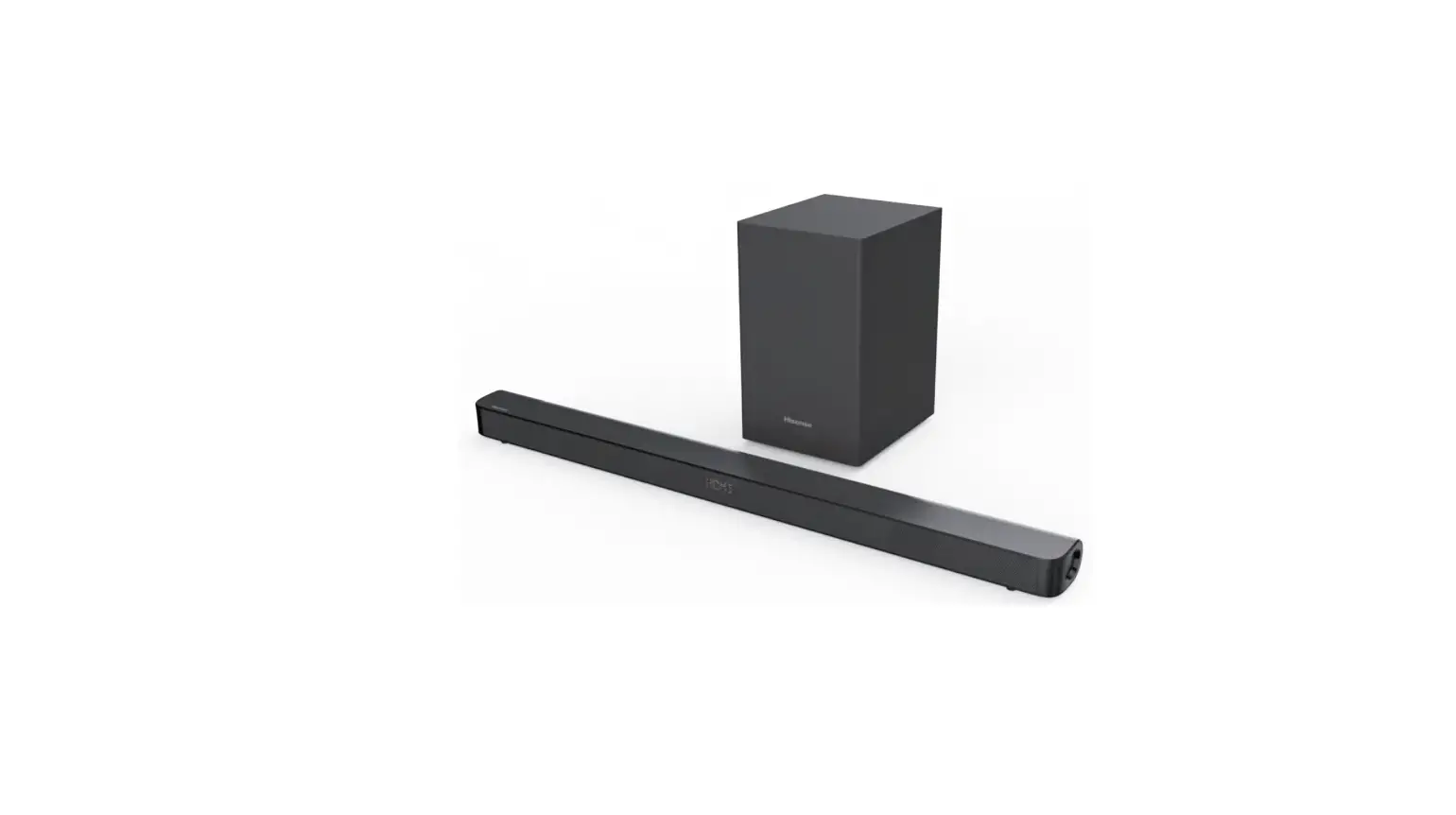
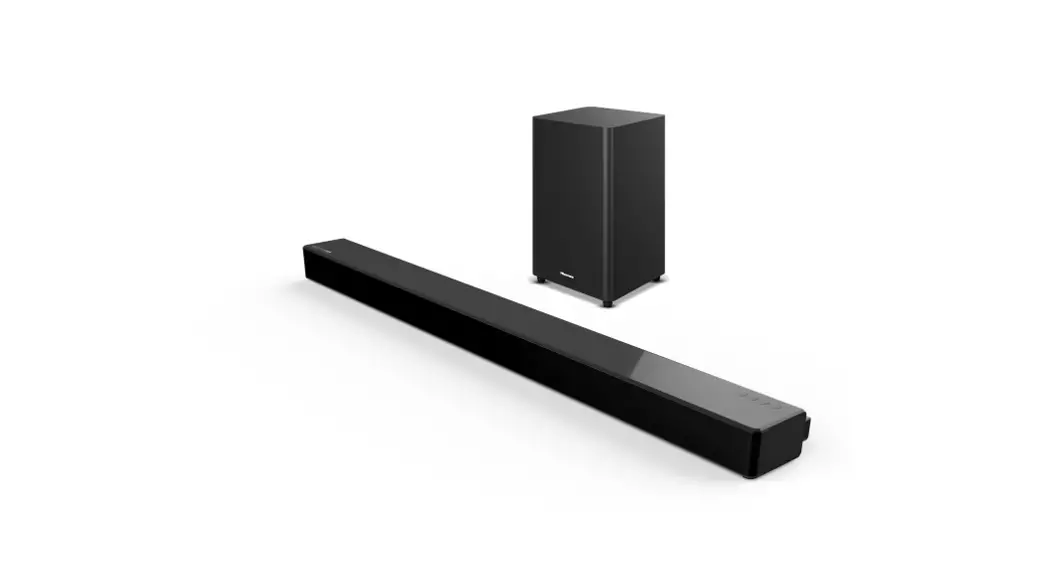
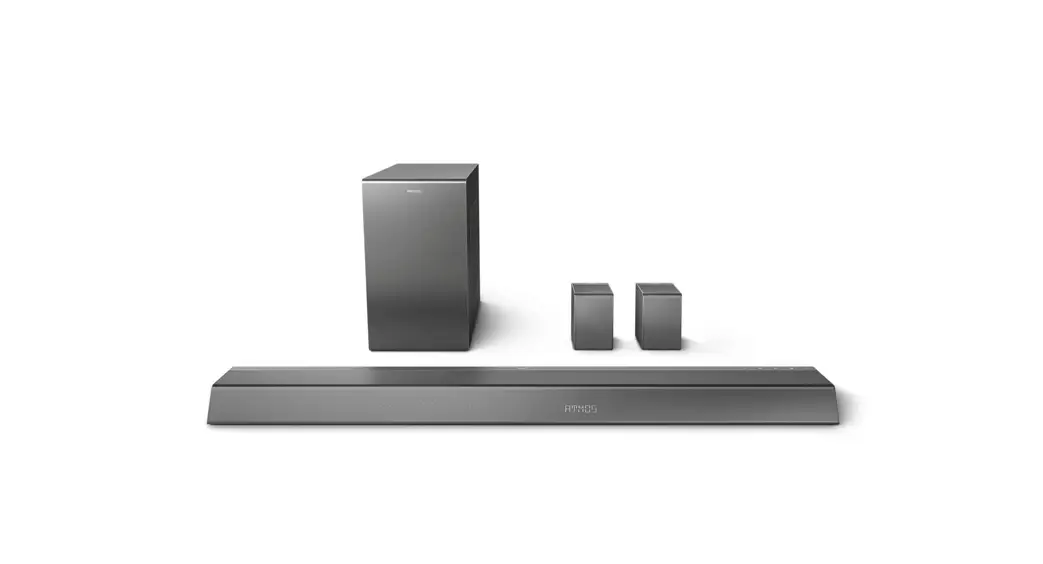
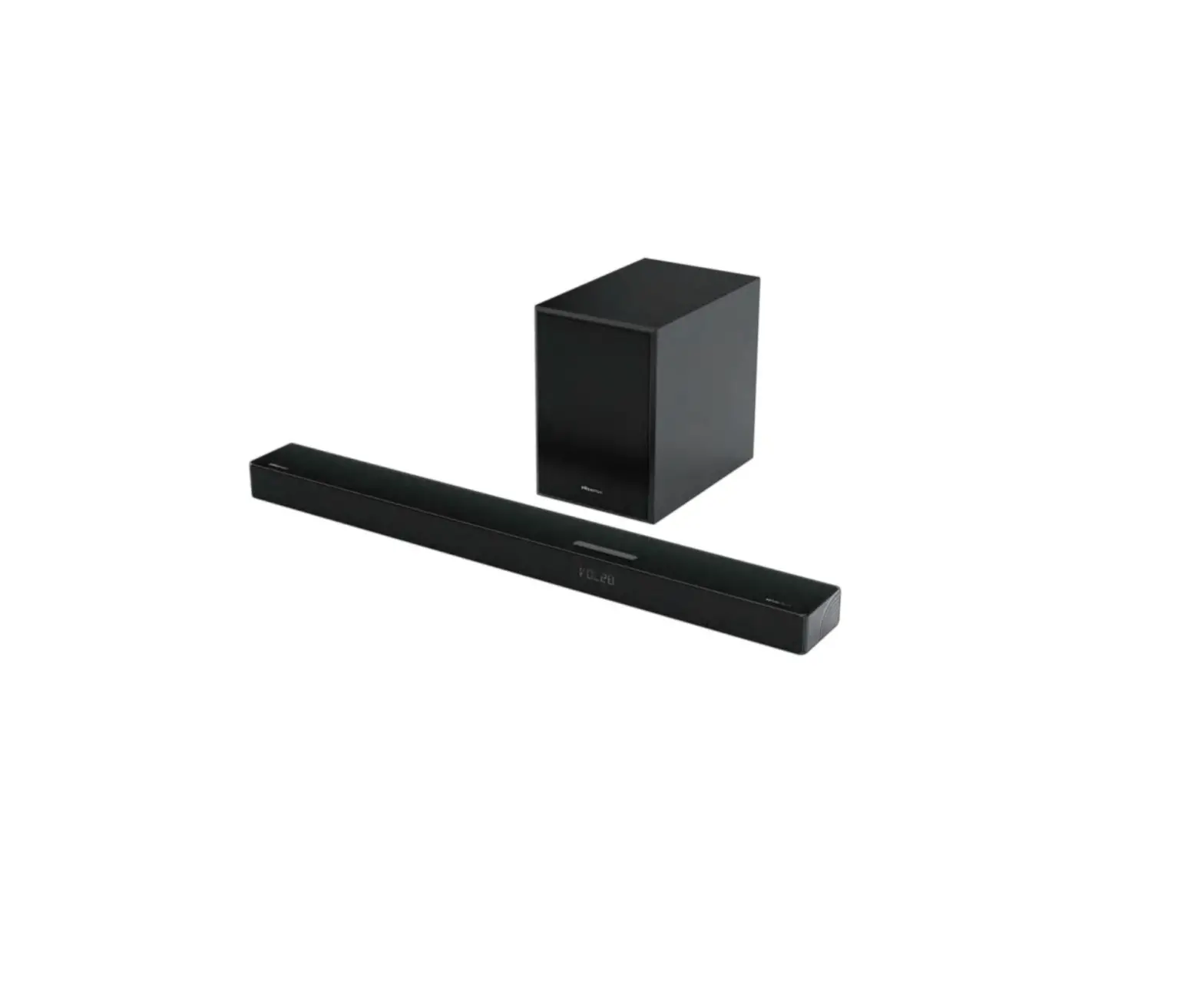
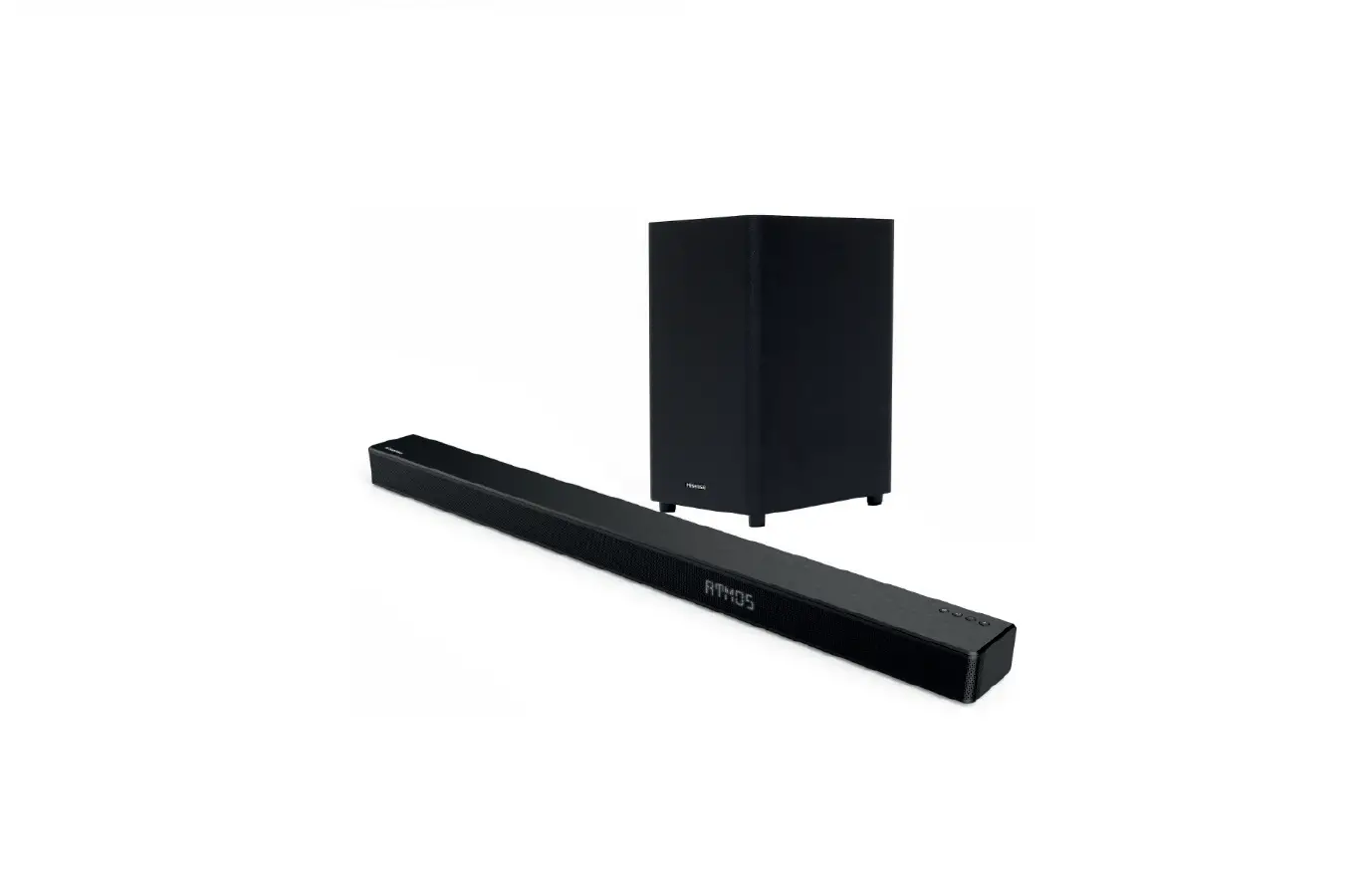
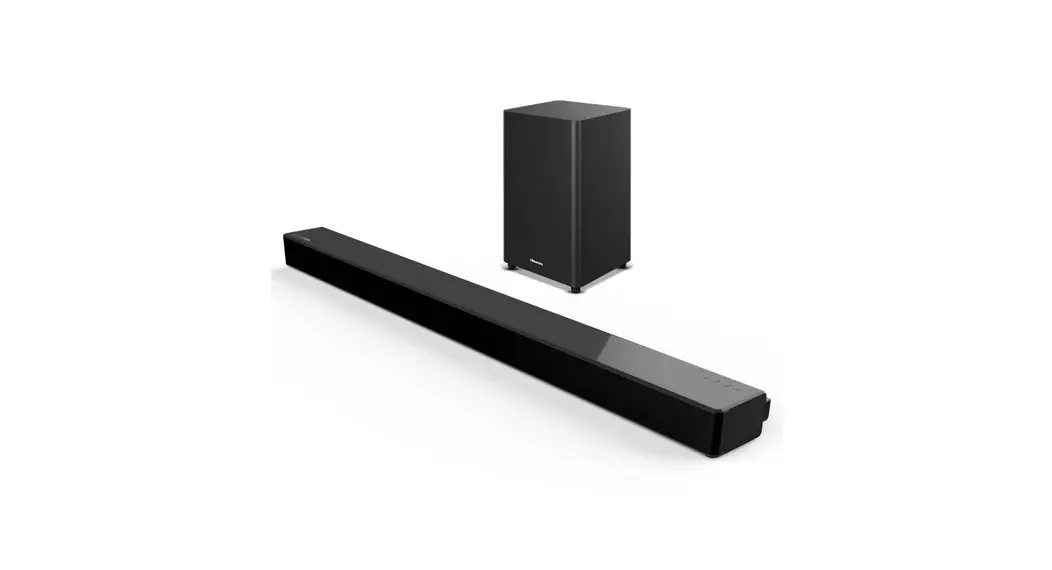
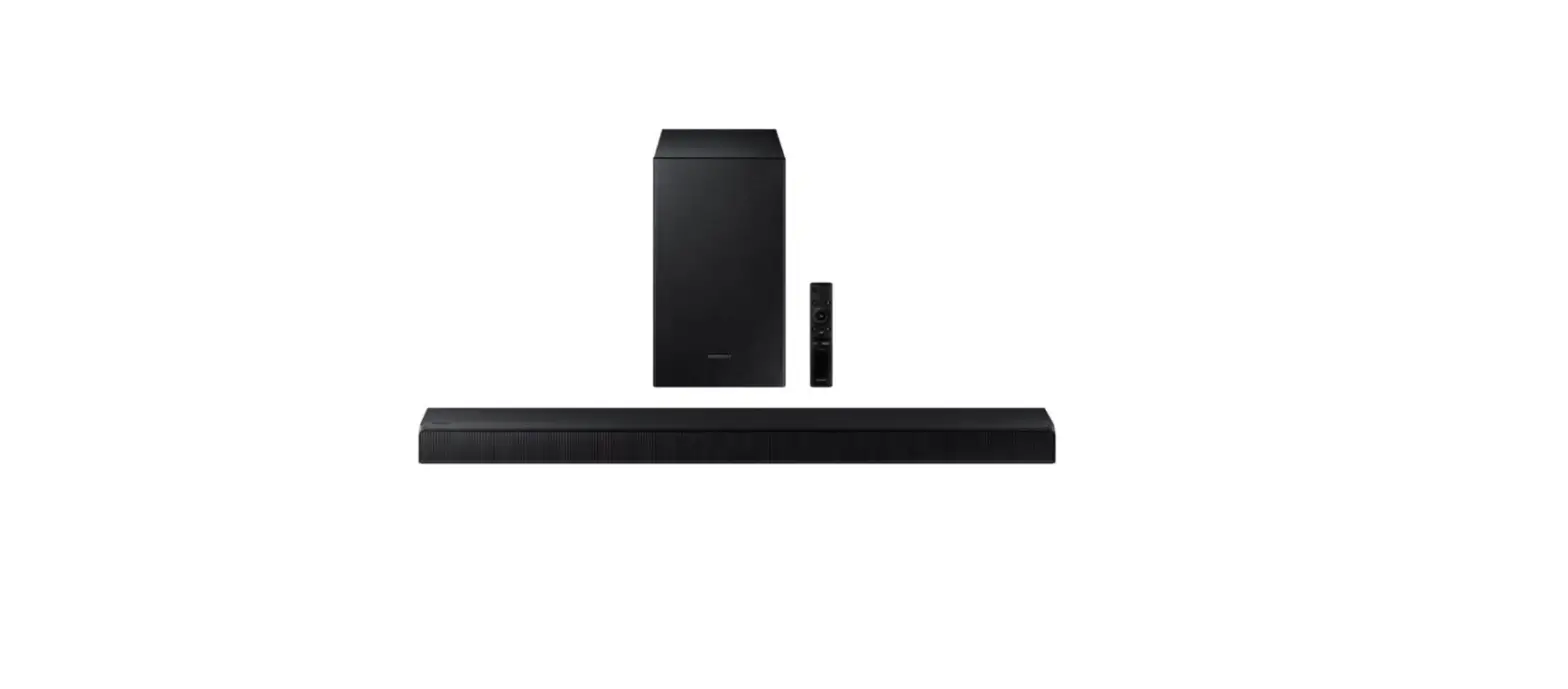
AX5125H 5.1.2 CH Soundbar with Wireless Subwoofer
Product Information:
The CH Soundbar with Wireless Subwoofer Model AX5125H is a
comprehensive audio system that includes a main unit, wireless
subwoofer, and rear surround speakers. It comes with a remote
control, user manual, and various accessories such as brackets,
bracket screws, wall anchors, HDMI cable, and optical cable. The
power cords and plug types may vary depending on the region.
The main unit features a display screen and various ports
including HDMI IN, HDMI OUT (eARC/ARC), USB, OPTICAL, and AUX. It
also has volume control buttons and a power source button. The
wireless subwoofer has a PAIR button, an indicator, an AC IN
socket, and can be wall-mounted. The rear surround speakers also
have a PAIR button, an indicator, an AC IN socket, and can be
wall-mounted.
Product Usage Instructions:
- Identifying the Parts: Familiarize yourself
with the main unit’s ports and buttons, including HDMI IN, HDMI OUT
(eARC/ARC), USB, OPTICAL, AUX, and the power source button. Take
note of the wireless subwoofer’s PAIR button, indicator, AC IN
socket, and wall mount capability. Similarly, familiarize yourself
with the rear surround speakers’ PAIR button, indicator, AC IN
socket, and wall mount capability. - Powering On and Pairing: Plug the main unit,
wireless subwoofer, and rear surround speakers into power sockets.
The three units will automatically pair when turned on. No cables
are needed for this connection. - Selecting the Play Function: Depending on your
audio source, choose the appropriate connection method. Use HDMI
(ARC) for TV, HDMI IN for devices like Blu-ray players or set-top
boxes, OPTICAL for TV with optical output, or AUX for devices like
PAD, mobile phones, or PCs. Connect the corresponding cables to the
respective ports. - Remote Control: Use the remote control to
operate the soundbar system. The remote control has various buttons
for functions such as power control, source selection, surround
adjustment, Bluetooth operation, EQ selection, track skipping,
volume control, bass and treble adjustment, display brightness
adjustment, and mute control. - Bluetooth Operation: To use the soundbar
system in Bluetooth mode, press and hold the Bluetooth button on
the remote control to activate the pairing function or disconnect
from a previously paired Bluetooth device. You can also skip tracks
and control playback using the remote control. - Replacing Remote Control Battery: To replace
the battery of the remote control, press and slide the back cover
to open the battery compartment. Insert a new battery following the
correct polarity.
5.1.2 CH Soundbar with Wireless Subwoofer Model: AX5125H
What’s in the Box
Main Unit
Wireless Subwoofer
Rear Surround Speakers
Remote Control / AAA Batteries x 2
1
2
3
User Manual / Quick Start Guide
4
For UK
For AUS
For US
For EU
* Plug type varies by region
Brackets (x4) /Bracket Screw (x4) / Wall Anchors (x4)
HDMI Cable
Optical Cable
* Power cord quantity and plug type vary by regions.
1 Identifying the Parts
Main Unit
AC Power Cord x 2 For Main Unit / Wireless Subwoofer
AC Power Cord x2 For Rear Surround Speakers
Display Screen
HDMI IN
HDMI OUT (eARC/ARC)
USB
5V 500mA
OPTICAL
AUX
Wall Mount
HDMI IN HDMI OUT USB OPTICAL AUX
Power
Source Volume Volume
Down
Up
AC IN
AC IN
Wall Mount
1 Indicator · Fast blink The subwoofer in pairing mode · Constant on Connected / Paired successfully · Slow blink Connection / Pairing failed
2 PAIR Button
2 seconds
Clear the pairing record and enter to pairing mode
3 AC IN Socket Connect to power supply.
AC IN
Indicator PAIR Button AC IN Socket
Wireless Rear Surround Speakers
1 PAIR Button 2 seconds
2 Indicator
Clear the pairing record and enter to pairing mode
· Fast blink Rear speakers in pairing mode · Constant on Connected / Paired successfully · Slow blink Connection / Pairing failed
3 AC IN Socket Connect to power supply.
4 Wall Mount Install the wall screws and brackets into the back of the rear surround speakers.
Wall Mount
PAIR
But1ton
SL
SR
AC IN Socket
Indicator
2 Power to Soundbar, Subwoofer and Rear Surround Speakers.
The subwoofer, rear surround speakers and soundbar will automatically pair when they are plugged into the mains sockets and turned on. No cable is needed for connecting the three unitsb
SR SL
3
AC Power Cord For Main Unit
3
AC Power Cord For Wireless Subwoofer
Or
4
AC Power Cord x2 For Rear Surround Speakers
For UK
For EU
For US
For AUS
* Power cord quantity and plug type vary by regions.
* If no audio from the wireless subwoofer can be heard, manually pair up them. refer to use manual page 14 “Manual Pairing” description.
3 Select the play function ( )
TV(HDMI ARC)
HDMI IN
HDMI OUT (eARC/ARC)
USB
5V 500mA
OPTICAL
AUX
AC IN
TV(OPTICAL)
1 HDMI (ARC)
HDMI IN
HDMI OUT (eARC/ARC)
USB
5V 500mA
OPTICAL
AUX
AC IN
2 OPTICAL
TV(HDMI ARC)
HDMI IN
HDMI OUT (eARC/ARC)
USB
5V 500mA
OPTICAL
AUX
AC IN
*
Blu-ray Player / DVD Player / Recorder / Set-top Box…
HDMI OUT
1 HDMI (ARC)
PAD, Mobilephone, PC etc.(AUX)
HDMI IN
HDMI OUT (eARC/ARC)
USB
5V 500mA
OPTICAL
AUX
AC IN
Display
Mode HDMI eARC HDMI ARC
Display
Mode OPTICAL
Display
Mode HDMI IN
Display
Mode AUX
4 Remote Control
1
Switch the unit between ON and STANDBY
mode.
1
2 (SOURCE) Select the play mode.
3 SURR
Adjust the surround ON/OFF.
3
4 (Bluetooth) Select the Bluetooth mode. Press and hold the
(Bluetooth) button to activate the pairing function
in Bluetooth mode or disconnect the existing
7
paired Bluetooth device.
5 EQ
Select MUSIC/MOVIE/NEWS/SPORT/NIGHT/GAME/AI
6
/
Skip to previous/next track in Bluetooth / USB mode.
9
7 VOL+/VOL- Increase/decrease the volume level.
8
Play/pause/resume playback in Bluetooth / USB mode.
Press and hold the button for 3s to enter
12
9 BASS+/- Adjust bass level. 10 TREBLE+/- Adjust treble level. 11 DIMMER+/- Adjust display brightness. 12 (MUTE) Mute or resume the sound.
5 Bluetooth( ) Operation
Replace the Remote Control Battery
1 Press and slide the back cover to
open the battery compartment of the
2
remote control.
4
2 Insert two AAA size batteries .
5
Make sure the (+) and () ends of the
batteries match the (+) and () ends
6
indicated in the battery compartment.
8 3 Close the battery compartment cover.
11 10
– Do not mix old and new batteries; – Do not mix alkaline, standard (Carbon-Zinc) or
rechargeable (Ni-Cd, Ni- MH, etc.) batteries.
Display
Mode
Bluetooth Not Connected
< 8 m / 27 ft
Settings Bluetooth
Bluetooth DEVICES Hisense AX5125H Connected Now Discoverable
1
2
6 Wall Mounting
1
2
Display
Mode
3
Bluetooth Connected
3
500W
Max Audio Power
Wall Mount
Roku, the Roku logo, Roku TV, Roku TV Ready, and the Roku TV Ready logo are trademarks and/or registered trademarks of Roku, Inc. This product is Roku TV Ready-supported in the United States, United Kingdom, Mexico and Canada. Countries are subject to change. For the most current list of countries in which this product is Roku TV Ready-supported, please email [email protected].
06944
Made in China
12.005.0004.06944
(mm) 145×210
23A*S525H
AX5125H
80
2023/06/02
P 6/p
LIHONG
UV
UV
A0
12.005.0004.05984
RoHS2.0Reach 94/62/EC
1mm0<a50+0.3/-0.2 50<a150+1/-0.5>150
+1.5/-1
2
3
TPCH
A/4
()
06944
Made in China