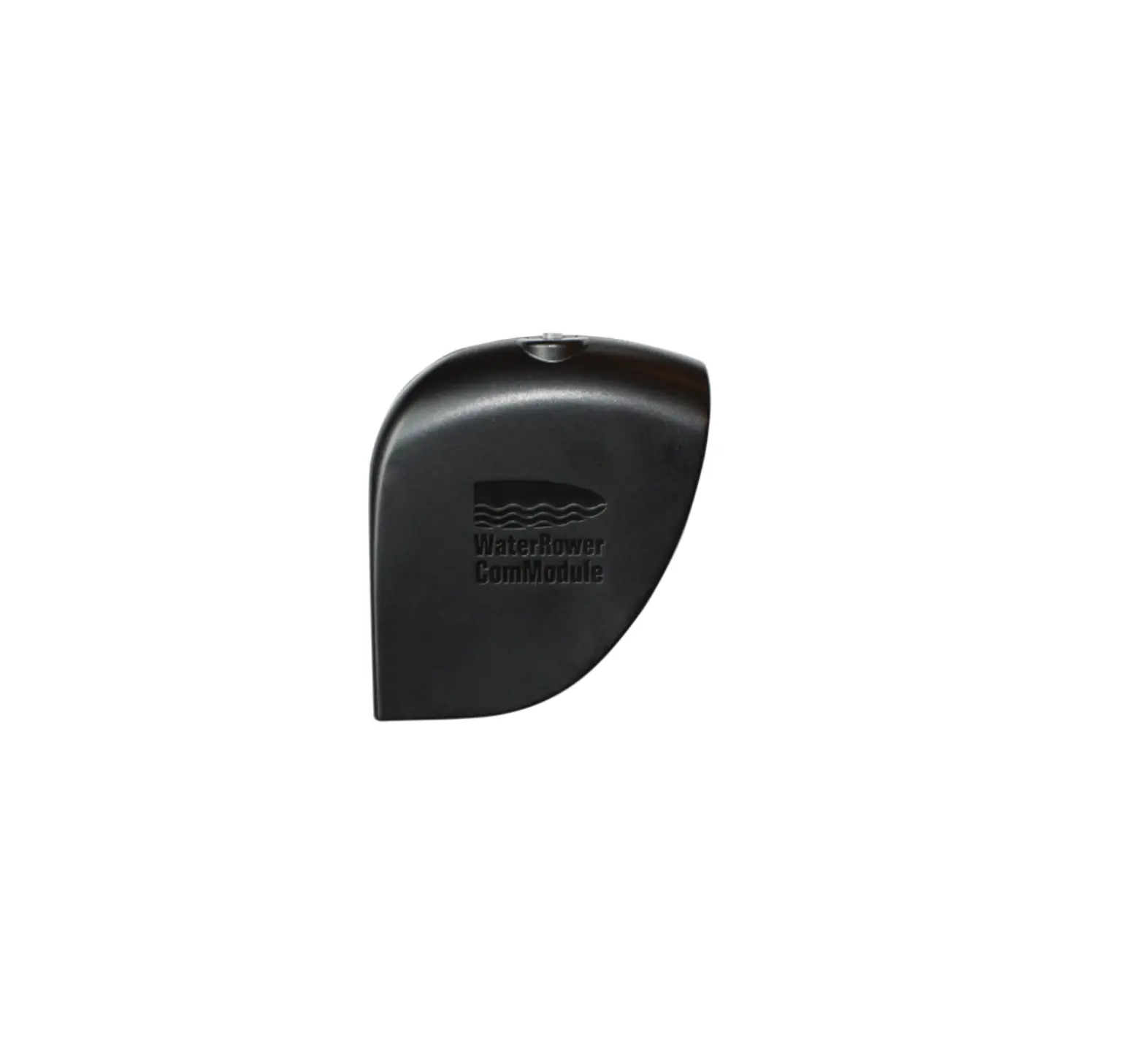
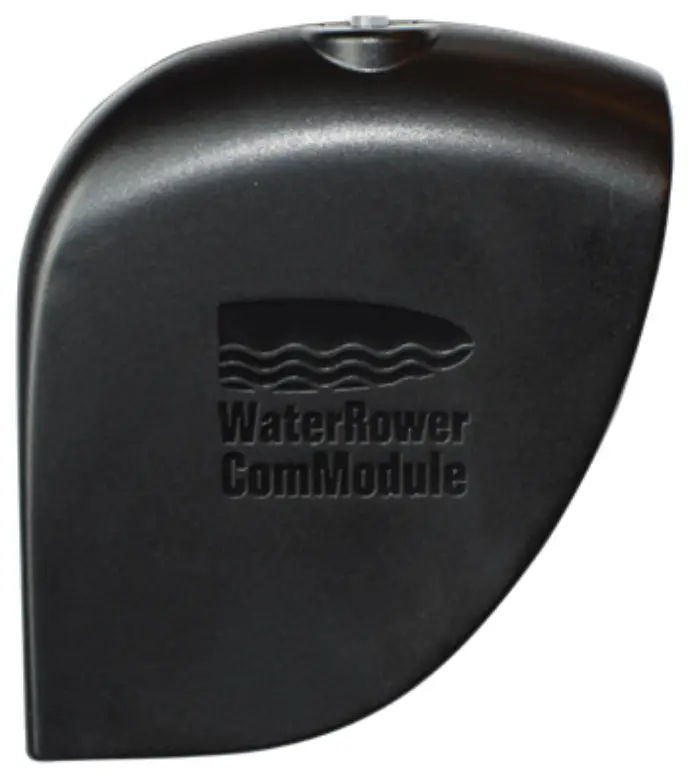
WaterRowe WRM7701 Bluetooth ComModule
Introduction
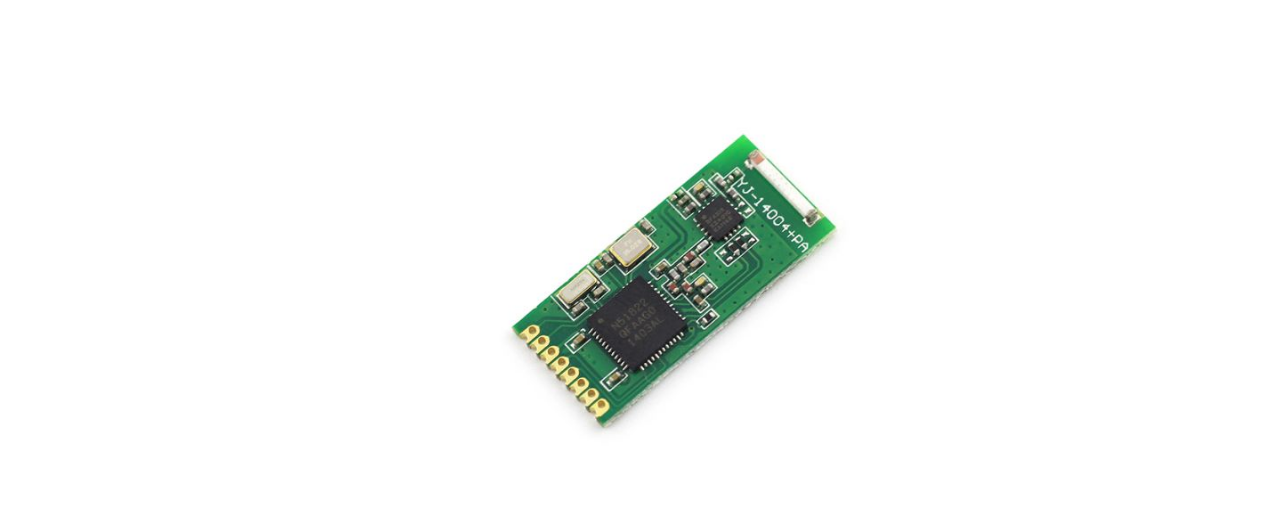
The WaterRower ComModule enables an interactive rowing experience by turning your S4 Performance Monitor into a Bluetooth enabled device. Enjoy connecting to WaterRower and Third-Party developed Apps for both iOS and Android devices.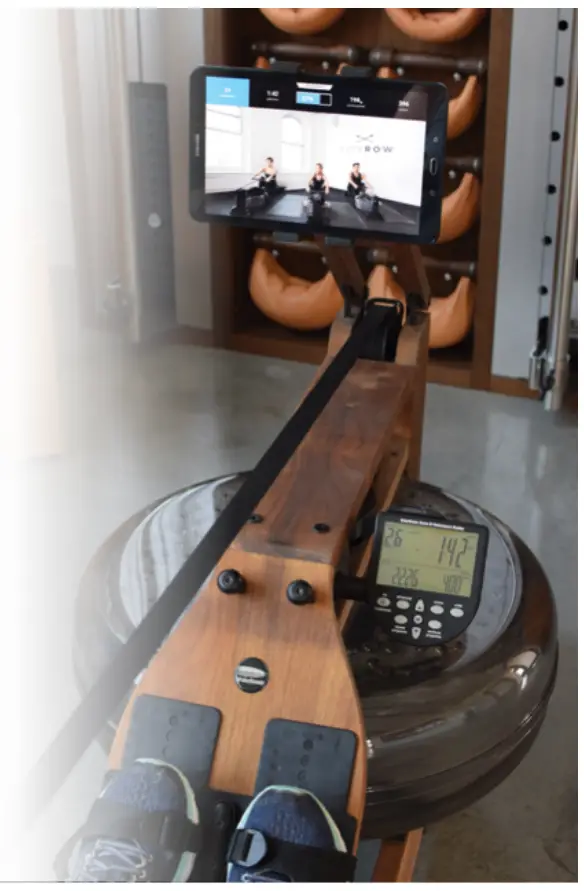
To learn more about our digital offering and to obtain a PDF of this manual, visit https://www.waterrower.com/digital
ComModule Components
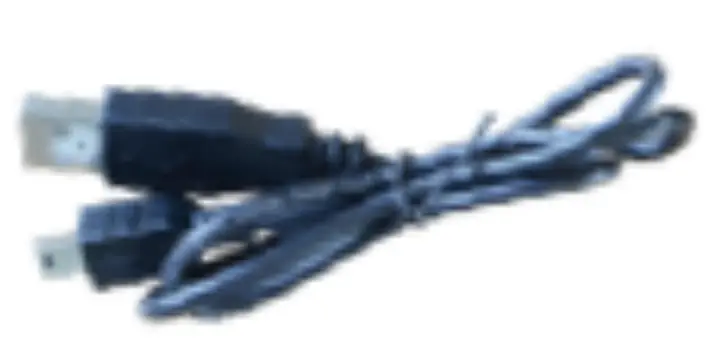
- usb Cable
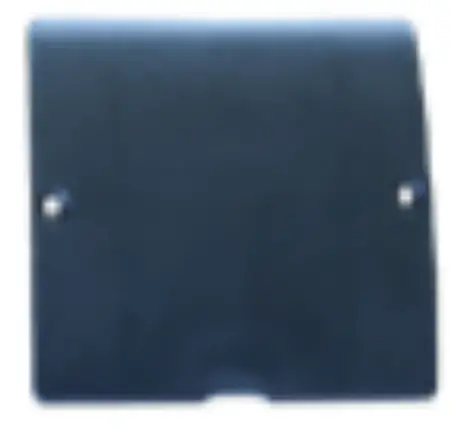
- ComModule Battery Cover
- Philtips Screwdriver

Charging the ComModule
Before installing your Com Module, please ensure that you have fully charged your new device. The initial charge may take up to 8 hours.
- Connect the provided Mini USB Cable into the Mini USB Charging Port on the side of the Com Module.
- Connect the opposite side of USB Cable into a 5v USB power source*.
- The ComModule LED will indicate charge-mode by flashing yellow.
- When fully charged, the ComModule LED will remain solid green.
- Once fully charged, remove the Mini USB Cable and store.
Note: The Com Module requires a supply of 5V with <150mA; a 5V USB socket designed to charge a phone or USB device is advised.
Downloading the Apps
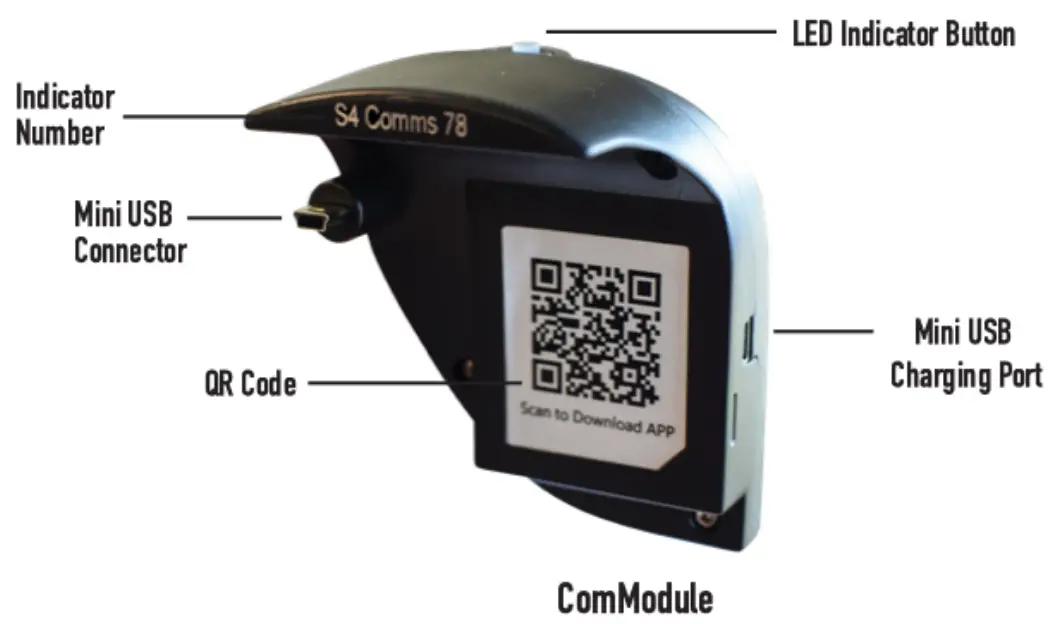
Before installing on your S4 Performance Monitor, use the camera on your smartphone to capture the QR Code on the inside of the ComModule; this will bring you directly to our digital offerings. You may also review and download our App assortment by visiting www.waterrower.com/dlgltal.
ComModule Installation Instructions
step1
Using the provided Phillips Screwdriver, remove the two (2) battery cover screws on the back of your S4 Performance Monitor.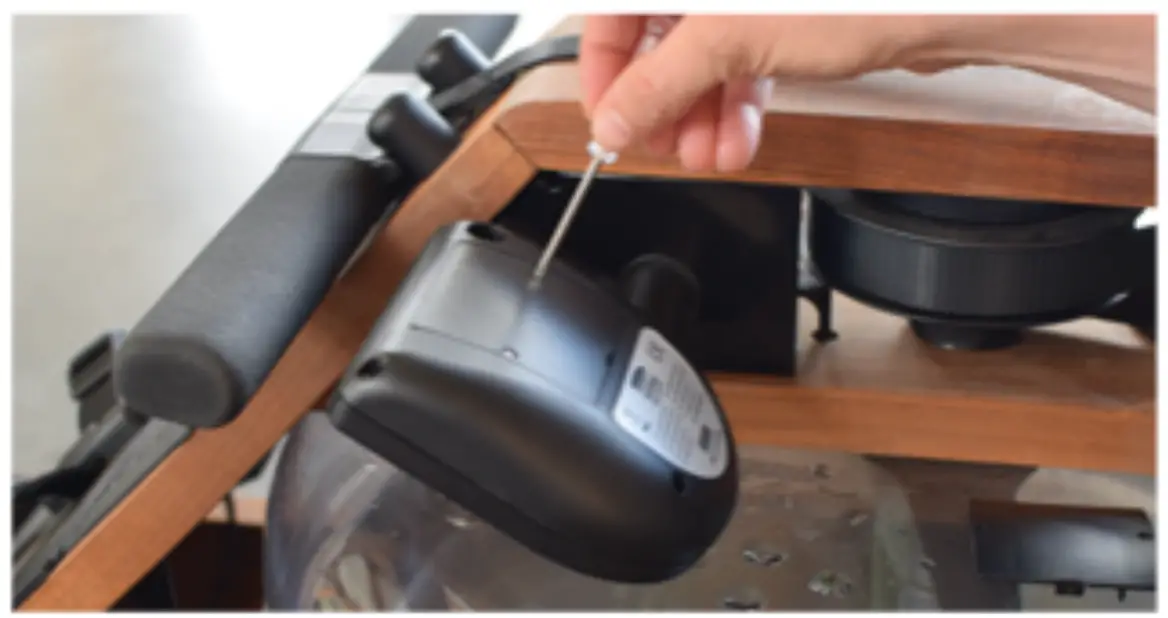
step2
Remove the current battery cover; replace it with the ComModule Battery Cover. Use the original battery cover screws to attach the GomModule Battery Gover.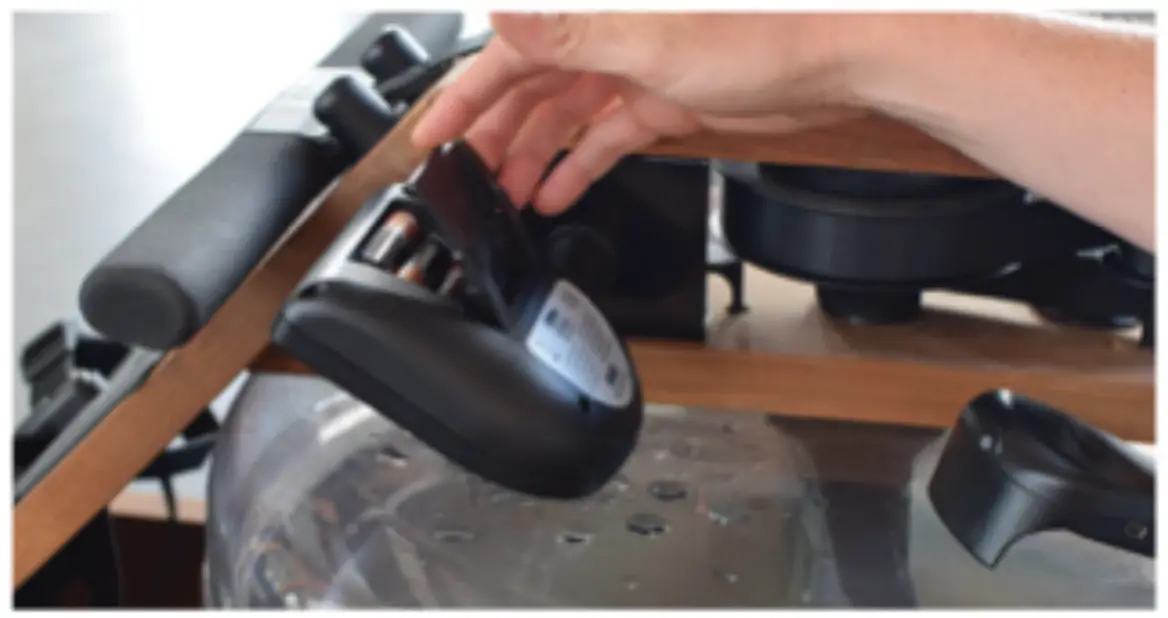
step3
Insert the fully charged ComModule on the back of the S4 Performance Monitor. Ensure the USB from the ComModule clicks into place when connecting to the S4 Performance Monitor Mini USB Port.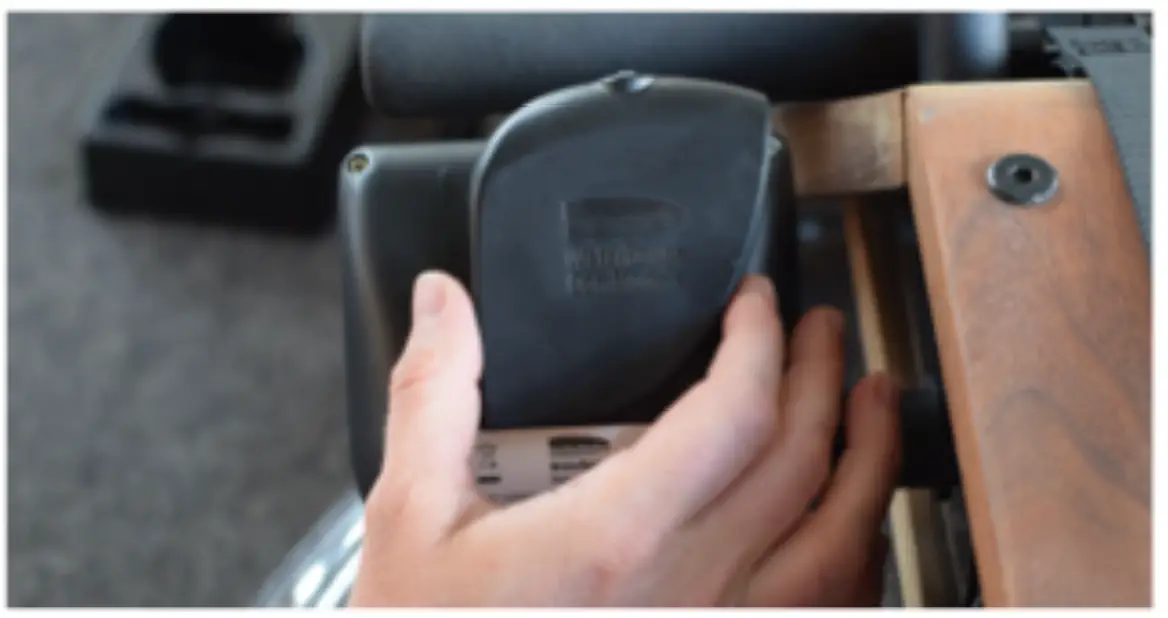
Using the ComModule
- Open your desired WaterRower or Third Party App.
- Power on your S4 Performance Monitor.
- Power on your ComModule by pressing the top LED Indicator Button, once; the LED will begin to quickly flash blue. When the LED begins to flash more slowly, the ComModule is ready to pair. Once connected, the ‘PC’ symbol will appear in the center of your S4 Performance Monitor-.
- Find your ComModule Indicator Number on your open App and connect. You are now ready to begin your digital rowing experience.
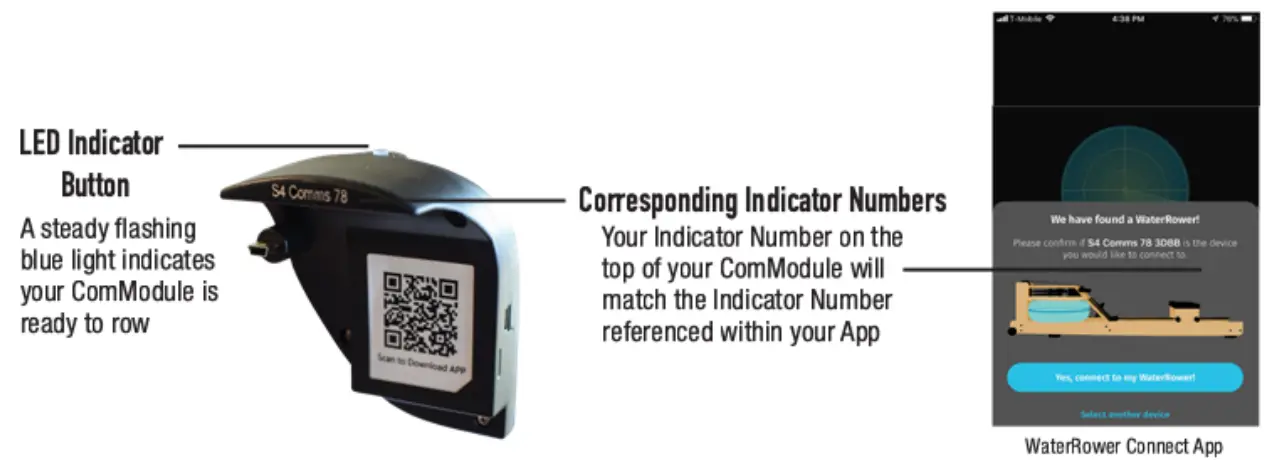
- When finished with your workout, tum off the ComModule by pressing and holding the LED Indicator Button for four (4) seconds, then release. The light will turn off, confirming the Com Module is powered down.
*Note: If there is no initial connection, the S4 Performance Monitor “On Button” may need to be pressed, once, to communicate with the ComModule.
LED Reference Guide
| LED Color | Flashing state | Meaning: |
| Blue | Solid/ Fast Flashing | Power on: Connect to S4 Performance Monitor |
| Blue | Steady Flashing | Connected to S4 Performance Monitor ; Pairing or Paired with App |
| Orange | Steady Flashing | Charging |
| Green | Solid | Fully Charged |
Troubleshooting
| LED Color: | Flashing state | Meaning: | Fix: |
| Blue | Continue Fast Flashing | Unable to Connect to the S4 Performance Monitor | Ensure the ComModule is charged and connected to the S4 Performance Monitor (PC symbol on). Turn off the Com Module by holding the LED Button for > 4 seconds. Restart the ComModule. Restart the S4 Performance Monitor. |
| Red | 3-4 Flashes | Communication error | Turn off the Com Module by holding the LED Button for > 4 seconds. Restart the ComModule. |
| Red | One Slow Flash | Firmware Issue | ContactWaterRower for latest firmware update. |
| Red | 5 Quick Flashes | USB connect error | Ensure the Com Module is charged and connected to the S4 Performance Monitor (PC symbol on). |
ComModule and Battery Safety
Your ComModule makes use of lithium-ion batteries. Although lithium-ion batteries are quite popular in everyday consumer products, such as computers and phones, it remains important to take proper safety precautions when charging and using the provided batteries.
Your ComModule has been designed to stay enclosed as one unit. Disassembling the ComModule to expose the battery, without consent from the WaterRower service team, is strictly prohibited and may void warranty.
Please note the following user safety information regarding your ComModule:
Avoid exposure to moisture and humidity.
Refrain from usage or storage in extreme temperatures.
Do not disassemble without authorization.
Should you experience any of the following issues with the ComModule functionality, {1) please discontinue use, (2) remove the ComModule and (3) contact our customer service team at [email protected] to review your service options.
The Com Module does not tum on, even when fully powered.
The ComModule does not recognize charge.
The ComModule emits a metallic odor.
The Com Module becomes hot to the touch.
The ComModule shows signs of liquid discharge.
Note: In the event you are advised to dispose of the ComModule, please follow your local guidelines and regulations for lithium-ion battery disposal.
Before starting, please review the user instructions found in this booklet.
Should you misplace this booklet or require additional information, please contact our team at [email protected].