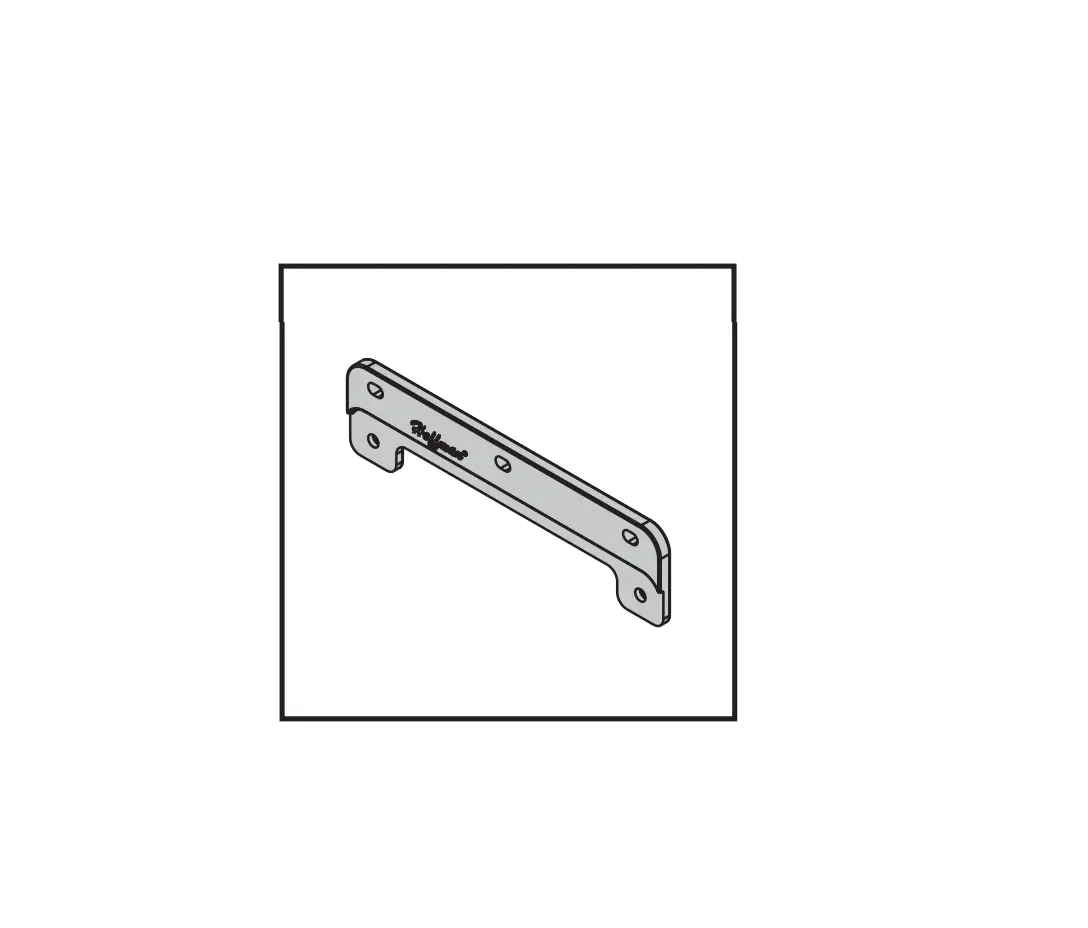
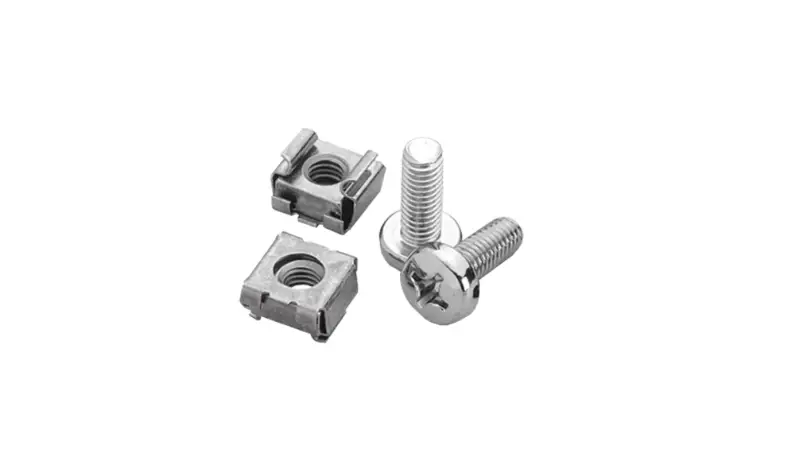
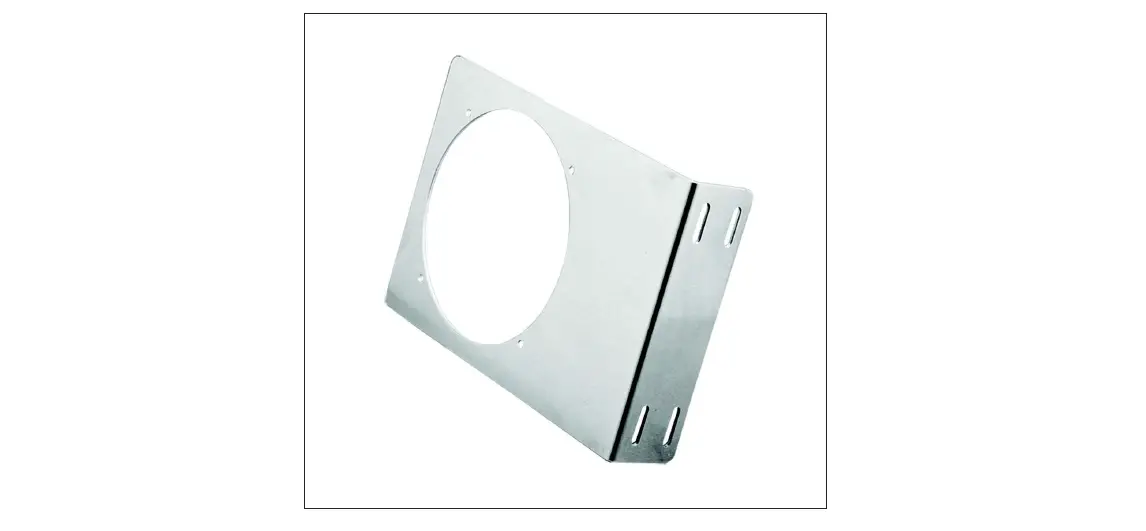
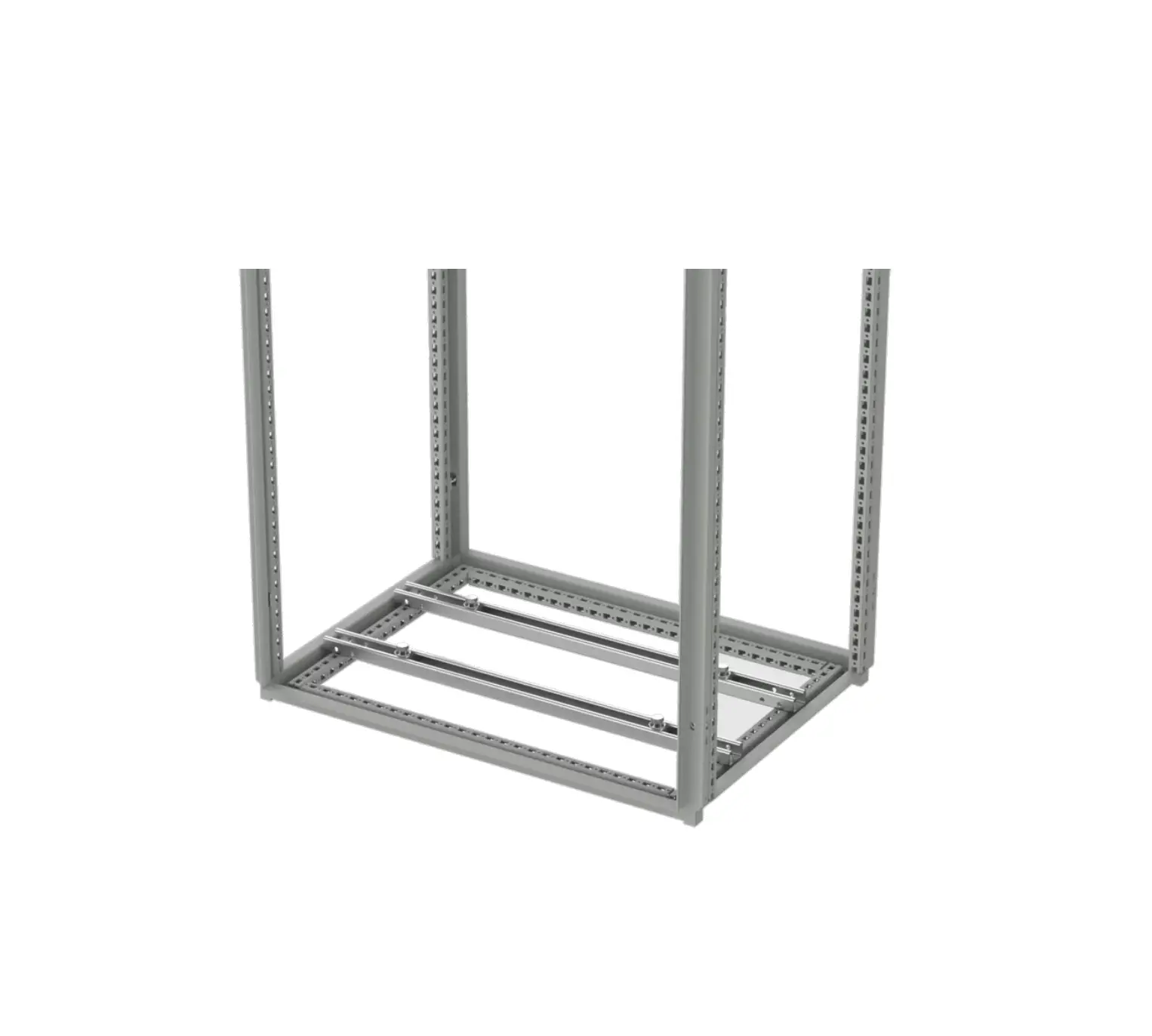
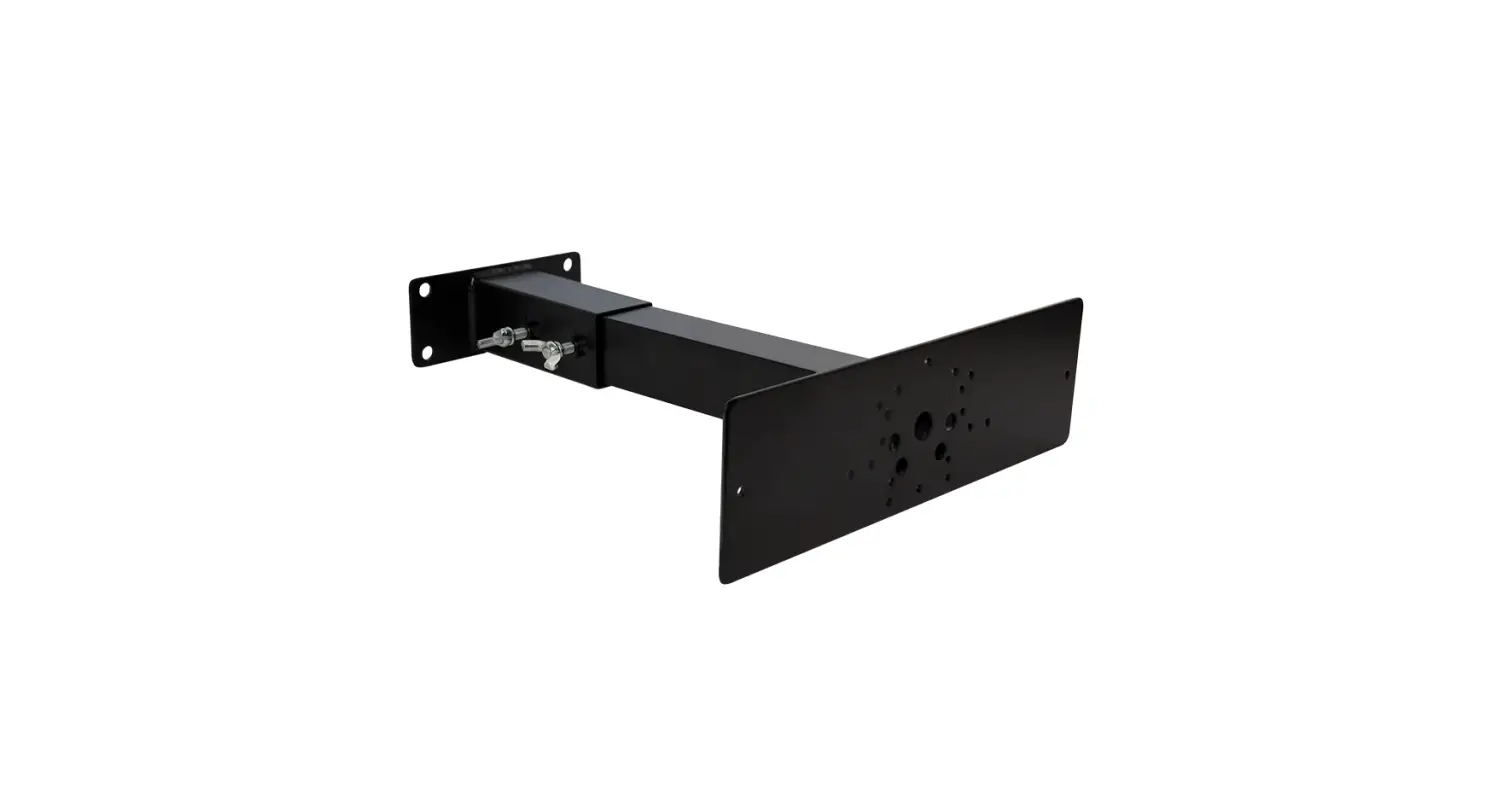
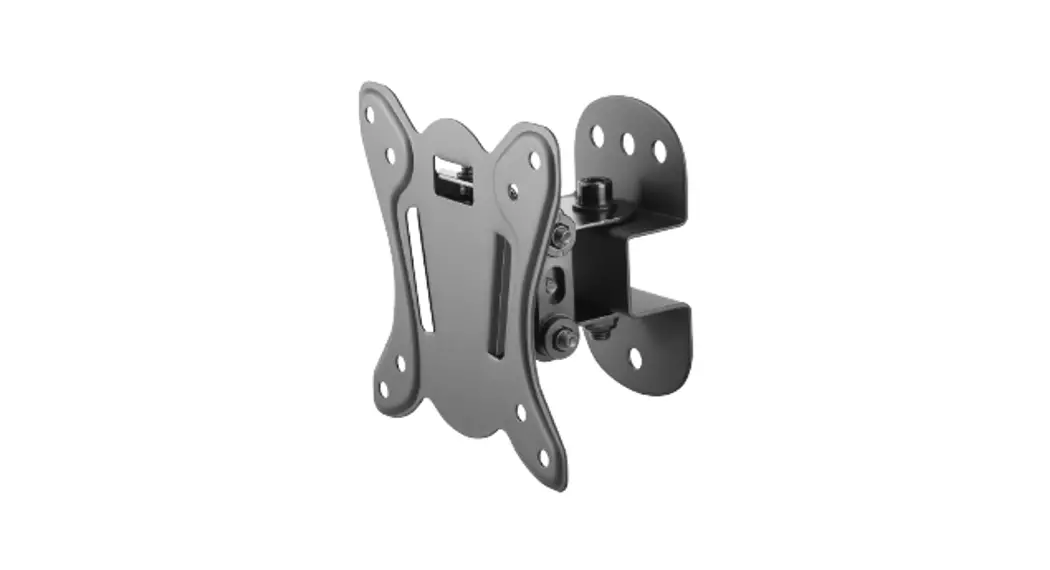
INLINE Mounting Bracket
Product Information:
Product Name: P/N 47341001
Model Number: 87568583
Product Usage Instructions:
- Ensure that the product is in good condition and all parts are
included. - Connect the product to a power source using the provided
cable. - Turn on the product using the power button located on the front
panel. - Wait for the product to initialize and display the main
menu. - Use the navigation buttons to select the desired function or
feature. - Follow the on-screen prompts or refer to the user manual for
further instructions on using specific features. - To adjust settings, navigate to the settings menu and make the
desired changes. - For maintenance and cleaning, refer to the user manual for
recommended procedures. - When finished using the product, turn it off and disconnect it
from the power source.
Please refer to the full user manual for detailed information on
all product features and usage guidelines.
INLINE®
Rev. C © 2018 Hoffman Enclosures Inc.
PH 763 422 2211 · nVent.com/HOFFMAN
P/N 47341001
87568583
– 2 –
© 2018 Hoffman Enclosures Inc.
PH 763 422 2211 · nVent.com/HOFFMAN
87568583
– 3 –
© 2018 Hoffman Enclosures Inc.
PH 763 422 2211 · nVent.com/HOFFMAN
87568583
Rev. C © 2018 Hoffman Enclosures Inc.
PH 763 422 2211 · nVent.com/HOFFMAN
P/N 47341001
87568583
 We connect and protect | nVent