MXconfig Series Industrial Network Configuration Tool
Product Information:
The MXconfig Series is an industrial network configuration tool.
It is designed to simplify the process of configuring and deploying
network devices. The tool offers features such as device discovery,
fast group configuration, link sequence detection, unlocking
devices, and user privilege management. MXconfig supports various
Moxa device series, including AWK, EDR, EDS, ICS, IEX, IKS,
ioLogik, ioThinx, MDS, and MGate.
Specifications:
- Hardware Requirements:
- RAM: 2 GB
- Hardware Disk Space: 10 GB
- Operating System: Windows 7 (32/64-bit), Windows 10
(32/64-bit), Windows Server 2012 (32/64-bit) - CPU: 2 GHz or faster dual-core CPU
Supported Devices:
The supported devices vary based on the Java and non-Java
versions of MXconfig. Please refer to the following lists for
compatibility:
Java Version:
- AWK Products
- EDR Products: EDR-810 Series (v3.2 or higher), EDR-G902 Series
(v4.2 or higher), EDR-G903 Series (v4.2 or higher) - ICS Products: ICS-G7526/G7528 Series (v3.1 or higher),
ICS-G7826/G7828 Series (v3.1 or higher), ICS-G7748/G7750/G7752
Series (v3.1 or higher), ICS-G7848/G7850/G7852 Series (v3.1 or
higher), ICS-G7526A/G7528A Series (v4.0 or higher),
ICS-G7826A/G7828A Series (v4.0 or higher), ICS-G7748A/G7750A/G7752A
Series (v4.0 or higher), ICS-G7848A/G7850A/G7852A Series (v4.0 or
higher) - IEX Products: IEX-402 Series (v1.0 or higher), IEX-408E Series
(v4.0 or higher) - IKS Products: IKS-G6524 Series (v3.1 or higher), IKS-G6824
Series (v3.1 or higher), IKS-6726A/6728A Series (v4.0 or higher),
IKS-G6524A Series (v4.0 or higher), IKS-G6824A Series (v4.0 or
higher), IKS-6728A-8PoE Series (v4.0 or higher) - ioLogik Products: ioLogik E1200 Series (v3.2 or higher)
- ioThinx Products: ioThinx 4510 Series (v1.3 or higher)
- MDS Products: MDS-G4012 Series (v1.1 or higher), MDS-G4020
Series (v1.1 or higher), MDS-G4028 Series (v1.1 or higher) - MGate Products: MGate MB3170/MB3270 Series (v4.2 or higher),
MGate MB3180 Series (v2.2 or higher), MGate MB3280 Series (v4.1 or
higher), MGate MB3480 Series (v3.2 or higher), MGate MB3660 Series
(v2.5 or higher), MGate EIP3170 Series (v2.0 or higher), MGate
EIP3270 Series (v2.0 or higher), MGate 5101-PBM-MN Series (v2.2 or
higher), MGate 5102-PBM-PN Series (v2.3 or higher), MGate 5103
Series (v2.2 or higher)
Non-Java Version:
- EDR Products: EDR-810 Series (v3.2 or higher), EDR-G902 Series
(v4.2 or higher), EDR-G903 Series (v4.2 or higher), EDR-G9010
Series (v1.0 or higher) - ICS Products: ICS-G7826/G7828 Series (v3.1 or higher),
ICS-G7748/G7750/G7752 Series (v3.1 or higher),
ICS-G7848/G7850/G7852 Series (v3.1 or higher), ICS-G7526A/G7528A
Series (v4.0 or higher), ICS-G7826A/G7828A Series (v4.0 or higher),
ICS-G7748A/G7750A/G7752A Series (v4.0 or higher),
ICS-G7848A/G7850A/G7852A Series (v4.0 or higher) - IKS Products: IKS-G6524 Series (v3.1 or higher), IKS-G6824
Series (v3.1 or higher), IKS-6726A/6728A Series (v4.0 or higher),
IKS-G6524A Series (v4.0 or higher), IKS-G6824A Series (v4.0 or
higher), IKS-6728A-8PoE Series (v4.0 or higher) - MDS Products: MDS-G4012 Series (v1.1 or higher), MDS-G4020
Series (v1.1 or higher), MDS-G4028 Series (v1.1 or higher),
MDS-G4012-L3 Series (v2.0 or higher), MDS-G4020-L3 Series (v2.0 or
higher), MDS-G4028-L3 Series (v2.0 or higher)
Product Usage Instructions:
To use the MXconfig industrial network configuration tool,
follow these steps:
- Ensure that your computer meets the hardware requirements
specified in the user manual. - Download and install the Java-supported or non-Java version of
MXconfig from the official Moxa website (www.moxa.com). - Launch MXconfig on your computer.
- If using the Java-supported version, make sure you have Java
installed on your computer. - Use the device discovery feature to detect the network devices
you want to configure. - Perform fast group configuration by selecting multiple devices
and applying configurations simultaneously. - If needed, unlock devices and manage user privileges to ensure
secure configuration access. - Refer to the configuration overview and documentation for
detailed instructions on configuring specific devices.
Note: Some features mentioned in the user manual are only
available in the Java-supported version of MXconfig.
MXconfig Series
Industrial network configuration tool
Features and Benefits · Mass managed function configuration increases deployment efficiency and
reduces setup time · Mass configuration duplication reduces installation costs · Link sequence detection eliminates manual setting errors · Configuration overview and documentation for easy status review and
management · Three user privilege levels enhance security and management flexibility1
Introduction
Moxa’s MXconfig is a comprehensive Windows-based utility that is used to install, configure, and maintain multiple Moxa devices on industrial networks. This suite of useful tools helps users set the IP addresses of multiple devices with one click, configure the redundant protocols and VLAN settings, modify multiple network configurations of multiple Moxa devices, upload firmware to multiple devices, export or import configuration files, copy configuration settings across devices, easily link to web and Telnet consoles, and test device connectivity. MXconfig gives device installers and control engineers a powerful and easy way to mass configure devices, and it effectively reduces the setup and maintenance cost.
Device Discovery and Fast Group Configuration
· Easy broadcast search of the network for all supported Moxa managed Ethernet devices
· Mass network setting (such as IP addresses, gateway, and DNS) deployment reduces setup time
· Deployment of mass managed functions increases configuration efficiency
· Security wizard for convenient setup of security-related parameters · Multiple grouping for easy classification1 · User-friendly port selection panel provides physical port
descriptions1 · VLAN Quick-Add Panel speeds up setup time1 · Deploy multiple devices with one click using CLI execution
Fast Configuration Deployment
· Quick configuration: copies a specific setting to multiple devices and changes IP addresses with one click
1. This feature is only available in the Java-supported version of MXconfig. 1
www.moxa.com
Link Sequence Detection
· Link sequence detection eliminates manual configuration errors and avoids disconnections, especially when configuring redundancy protocols, VLAN settings, or firmware upgrades for a network in a daisy-chain topology (line topology).
· Link Sequence IP setting (LSIP) prioritizes devices and configures IP addresses by link sequence to enhance deployment efficiency, especially in a daisy-chain topology (line topology).
Unlock Devices and User Privileges
· Mass device unlocking and password file export for quick unlocks. · Three user privilege levels to enhance management flexibility and security: Admin, Supervisor, and Operator.2
Configuration Overview and Documentation
· Useful mass status overview and configuration check for each managed function.
· Generate reports on each managed function for multiple devices in the network.2
· Export multiple configuration files with flexible filenames and import multiple configuration files to multiple devices.
· Export device list for easy backup, and import device list for quick searching2
Specifications
Hardware Requirements RAM Hardware Disk Space OS CPU
2 GB 10 GB Windows 7 (32/64-bit), Windows 10 (32-64-bit), Windows Server 2012 (32/64-bit) 2 GHz or faster dual-core CPU
2. This feature is only available in the Java-supported version of MXconfig. 2
www.moxa.com
Supported Devices AWK Products
EDR Products EDS Products
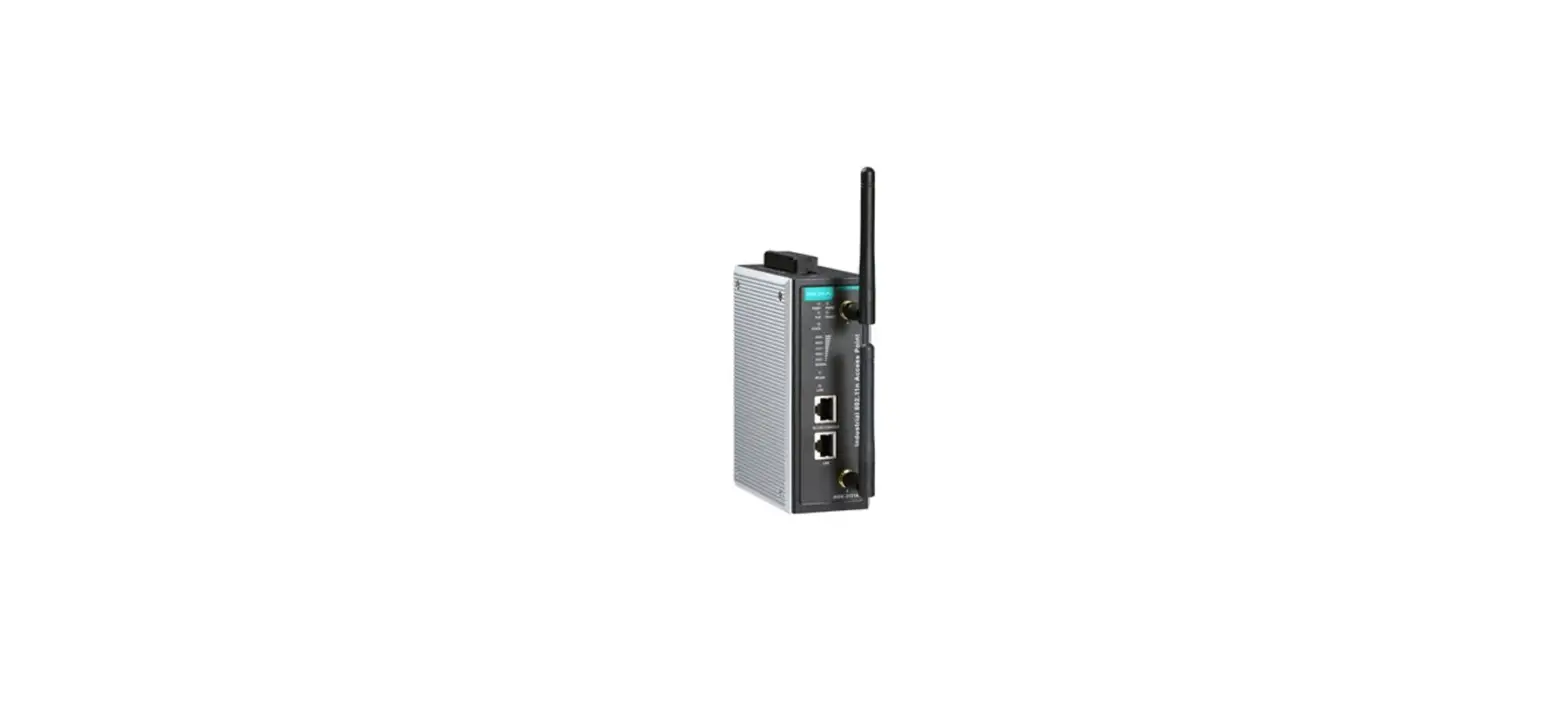
MXconfig Java Version: AWK-1121 Series (v1.4 or higher) AWK-1127 Series (v1.4 or higher) AWK-1131A Series (v1.11 or higher) AWK-1137C Series (v1.3 or higher) AWK-3121 Series (v1.10 or higher) AWK-3121-SSC-RTG Series (v1.4 or higher) AWK-3121-M12-RTG Series (v1.4 or higher) AWK-3131 Series (v1.2 or higher) AWK-3131-M12-RCC Series (v1.0 or higher) AWK-3131A Series (v1.3 or higher) AWK-3131A-RTG Series (v1.8 or higher) AWK-4121 Series (v1.10 or higher) AWK-4131 Series (v1.2 or higher) AWK-4131A Series (v1.3 or higher) AWK-5222 Series (v1.7 or higher) AWK-5232 Series (v1.3 or higher) AWK-6222 Series (v1.7 or higher) AWK-6232 Series (v1.3 or higher)
MXconfig Java Version: EDR-810 Series (v3.2 or higher) EDR-G902 Series (v4.2 or higher) EDR-G903 Series (v4.2 or higher)
MXconfig Non-Java Version: EDR-810 Series (v3.2 or higher) EDR-G902 Series (v4.2 or higher) EDR-G903 Series (v4.2 or higher) EDR-G9010 Series (v1.0 or higher)
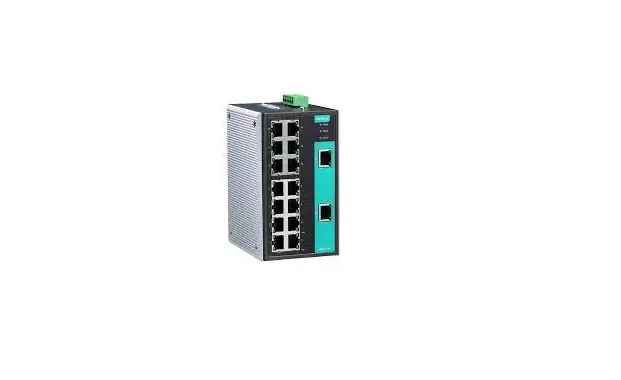
MXconfig Java Version: EDS-405A/408A Series (v3.1 or higher) EDS-405A/408A-EIP Series (v3.1 or higher) EDS-405A/408A-PN Series (v3.1 or higher) EDS-405A-PTP Series (v3.3 or higher) EDS-505A/508A/516A Series (v3.1 or higher) EDS-510A Series (v3.1 or higher) EDS-518A Series (v3.1 or higher) EDS-510E/518E Series (v4.0 or higher) EDS-528E Series (v5.0 or higher) EDS-G508E/G512E/G516E Series (v4.0 or higher) EDS-G512E-8PoE Series (v4.0 or higher) EDS-608/611/616/619 Series (v3.1 or higher) EDS-728 Series (v3.1 or higher) EDS-828 Series (v3.1 or higher) EDS-G509 Series (v3.1 or higher) EDS-P510 Series (v3.1 or higher) EDS-P510A-8PoE Series (v3.1 or higher) EDS-P506A-4PoE Series (v3.1 or higher) EDS-P506E-4PoE Series (v5.5 or higher)
MXconfig Non-Java Version: EDS-405A/408A Series (v3.1 or higher) EDS-405A/408A-EIP Series (v3.1 or higher) EDS-405A/408A-PN Series (v3.1 or higher) EDS-405A-PTP Series (v3.3 or higher) EDS-505A/508A/516A Series (v3.1 or higher) EDS-510A Series (v3.1 or higher) EDS-518A Series (v3.1 or higher) EDS-510E/518E Series (v4.0 or higher) EDS-528E Series (v5.0 or higher) EDS-G508E/G512E/G516E Series (v4.0 or higher) EDS-G512E-8PoE Series (v4.0 or higher) EDS-608/611/616/619 Series (v3.1 or higher) EDS-728 Series (v3.1 or higher) EDS-828 Series (v3.1 or higher) EDS-G509 Series (v3.1 or higher) EDS-P510 Series (v3.1 or higher) EDS-P510A-8PoE Series (v3.1 or higher) EDS-P506A-4PoE Series (v3.1 or higher) EDS-P506E-4PoE Series (v5.5 or higher)
3
www.moxa.com
ICS Products
IEX Products IKS Products
ioLogik Products ioThinx Products MDS Products
MGate Products
MXconfig Java Version: ICS-G7526/G7528 Series (v3.1 or higher) ICS-G7826/G7828 Series (v3.1 or higher) ICS-G7748/G7750/G7752 Series (v3.1 or higher) ICS-G7848/G7850/G7852 Series (v3.1 or higher) ICS-G7526A/G7528A Series (v4.0 or higher) ICS-G7826A/G7828A Series (v4.0 or higher) ICS-G7748A/G7750A/G7752A Series (v4.0 or higher) ICS-G7848A/G7850A/G7852A Series (v4.0 or higher)
MXconfig Non-Java Version: ICS-G7826/G7828 Series (v3.1 or higher) ICS-G7748/G7750/G7752 Series (v3.1 or higher) ICS-G7848/G7850/G7852 Series (v3.1 or higher) ICS-G7526A/G7528A Series (v4.0 or higher) ICS-G7826A/G7828A Series (v4.0 or higher) ICS-G7748A/G7750A/G7752A Series (v4.0 or higher) ICS-G7848A/G7850A/G7852A Series (v4.0 or higher)
MXconfig Java Version: IEX-402 Series (v1.0 or higher) IEX-408E Series (v4.0 or higher)
MXconfig Non-Java Version: IEX-402 Series (v1.0 or higher) IEX-408E Series (v4.0 or higher)
MXconfig Java Version: IKS-G6524 Series (v3.1 or higher) IKS-G6824 Series (v3.1 or higher) IKS-6726A/6728A Series (v4.0 or higher) IKS-G6524A Series (v4.0 or higher) IKS-G6824A Series (v4.0 or higher) IKS-6728A-8PoE Series (v4.0 or higher)
MXconfig Non-Java Version: IKS-G6524 Series (v3.1 or higher) IKS-G6824 Series (v3.1 or higher) IKS-6726A/6728A Series (v4.0 or higher) IKS-G6524A Series (v4.0 or higher) IKS-G6824A Series (v4.0 or higher) IKS-6728A-8PoE Series (v4.0 or higher)
MXconfig Java Version: ioLogik E1200 Series (v3.2 or higher)
MXconfig Java Version: ioThinx 4510 Series (v1.3 or higher)
MXconfig Java Version: MDS-G4012 Series (v1.1 or higher) MDS-G4020 Series (v1.1 or higher) MDS-G4028 Series (v1.1 or higher)
MXconfig Non-Java Version: MDS-G4012 Series (v1.1 or higher) MDS-G4020 Series (v1.1 or higher) MDS-G4028 Series (v1.1 or higher) MDS-G4012-L3 Series (v2.0 or higher) MDS-G4020-L3 Series (v2.0 or higher) MDS-G4028-L3 Series (v2.0 or higher)
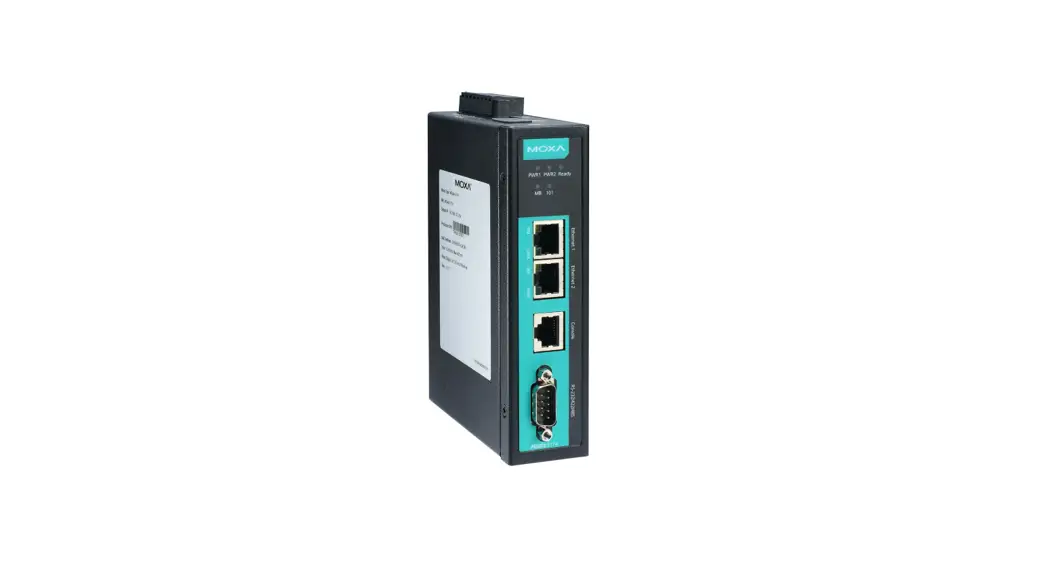
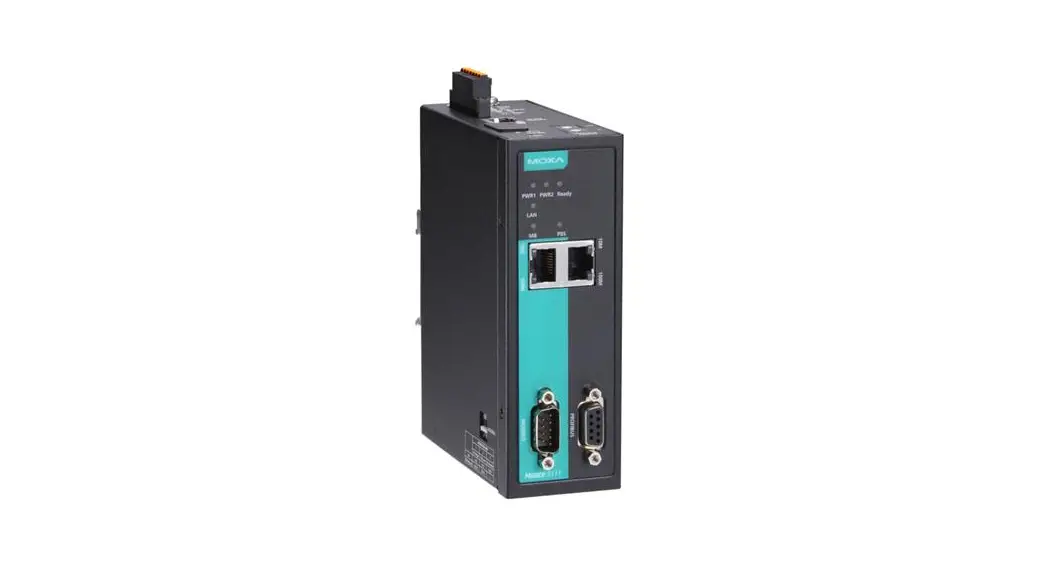
MXconfig Java Version: MGate MB3170/MB3270 Series (v4.2 or higher) MGate MB3180 Series (v2.2 or higher) MGate MB3280 Series (v4.1 or higher) MGate MB3480 Series (v3.2 or higher) MGate MB3660 Series (v2.5 or higher) MGate EIP3170 Series (v2.0 or higher) MGate EIP3270 Series (v2.0 or higher) MGate 5101-PBM-MN Series (v2.2 or higher) MGate 5102-PBM-PN Series (v2.3 or higher) MGate 5103 Series (v2.2 or higher)
4
www.moxa.com
NPort Products
PT Products
SDS Products TAP Products TN Products
MGate 5105-MB-EIP Series (v4.3 or higher) MGate 5108 Series (v2.4 or higher) MGate 5208 Series (v2.4 or higher) MGate 5109 Series (v2.3 or higher) MGate 5111 Series (v1.3 or higher) MGate 5114 Series (v1.3 or higher) MGate 5118 Series (v2.2 or higher) MGate 5217 Series (v1.0 or higher)
MXconfig Java Version: NPort S8000 Series (v1.3 or higher) NPort S9000 Series (v1.0 or higher) NPort 5110 Series (v3.8 or higher) NPort 5130/5150 Series (v3.8 or higher) NPort 5000AI-M12 Series (v1.4 or higher) NPort 5200 Series (v2.10 or higher) NPort 5400 Series (v3.13 or higher) NPort 5600 Series (v3.9 or higher) NPort 5100A Series (v1.5 or higher) NPort 5200A Series (v1.5 or higher) NPort 5610-8-DT/5610-8-DT-J/5650-8-DT/5650I-8-DT/5650-8-DT-J Series (v2.6 or higher) NPort 5610-8-DTL/5650-8-DTL/5650I-8-DTL Series (v1.5 or higher) NPort IA5000 Series (v1.6 or higher) NPort IA5150A/IA5150AI/IA5250A/IA5250AI Series (v1.4 or higher) NPort IA5450A/IA5450AI Series (v1.6 or higher) NPort 6000 Series (v1.21 or higher)
MXconfig Java Version: PT-7528 Series (v3.1 or higher) PT-7710 Series (v3.1 or higher) PT-7728 Series (v3.1 or higher) PT-7828/7828-PTP Series (v3.1 or higher) PT-G7509 Series (v3.1 or higher) PT-508/510 Series (v3.1 or higher) PT-G7728 Series (v5.4 or higher) PT-G7828 Series (v5.4 or higher)
MXconfig Non-Java Version: PT-7528 Series (v3.1 or higher) PT-7710 Series (v3.1 or higher) PT-7728 Series (v3.1 or higher) PT-7828/7828-PTP Series (v3.1 or higher) PT-G7509 Series (v3.1 or higher) PT-508/510 Series (v3.1 or higher) PT-G7728 Series (v5.4 or higher) PT-G7828 Series (v5.4 or higher)
MXconfig Non-Java Version: SDS-3008 Series (v2.1 or higher) SDS-3016 Series (v2.1 or higher)
MXconfig Java Version: TAP-213 Series (v1.2 or higher) TAP-323 Series (v1.8 or higher)
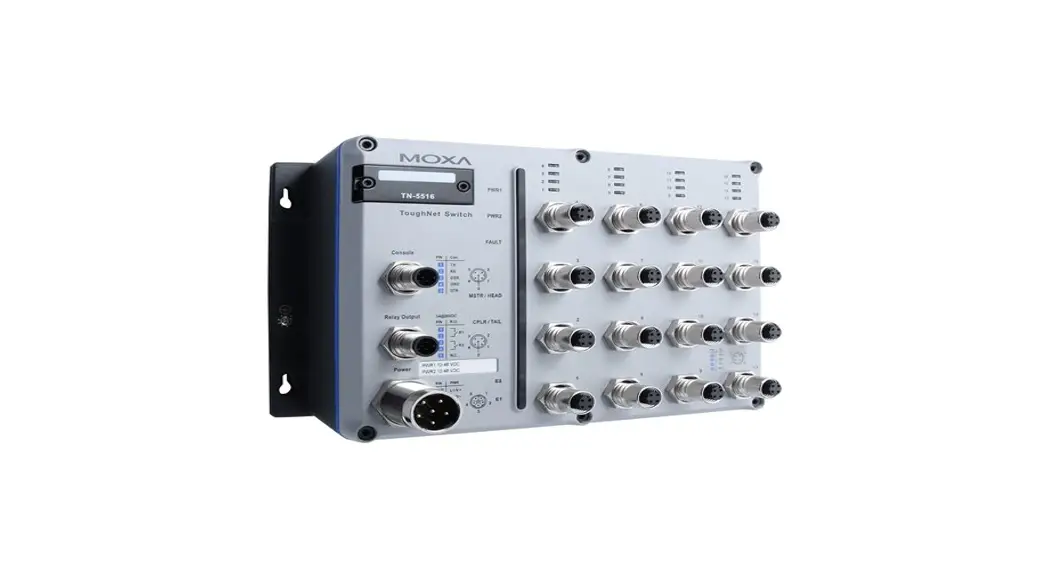
MXconfig Java Version: TN-4500A Series (v3.5 or higher) TN-5508/5510 Series (v3.1 or higher) TN-5516/5518 Series (v3.1 or higher) TN-5916 Series (v1.2 or higher)
MXconfig Non-Java Version: TN-4500A Series (v3.5 or higher) TN-4908 Series (v1.0 or higher) TN-5508/5510 Series (v3.1 or higher) TN-5516/5518 Series (v3.1 or higher) TN-5916 Series (v1.2 or higher) TN-G6500 Series (v5.0 or higher)
5
www.moxa.com
VPort Products WAC Products
MXconfig Java Version: VPort 26A-1MP Series (v1.2 or higher) VPort 36-1MP Series (v1.1 or higher) VPort P06-1MP-M12 Series (v2.2 or higher)
MXconfig Java Version: WAC-1001 Series (v2.1 or higher) WAC-2004 Series (v1.6 or higher)
© Moxa Inc. All rights reserved. Updated Jan 09, 2023.
This document and any portion thereof may not be reproduced or used in any manner whatsoever without the express written permission of Moxa Inc. Product specifications subject to change without notice. Visit our website for the most up-to-date product information.
6
www.moxa.com
 Moxa - Your Trusted Partner in Automation