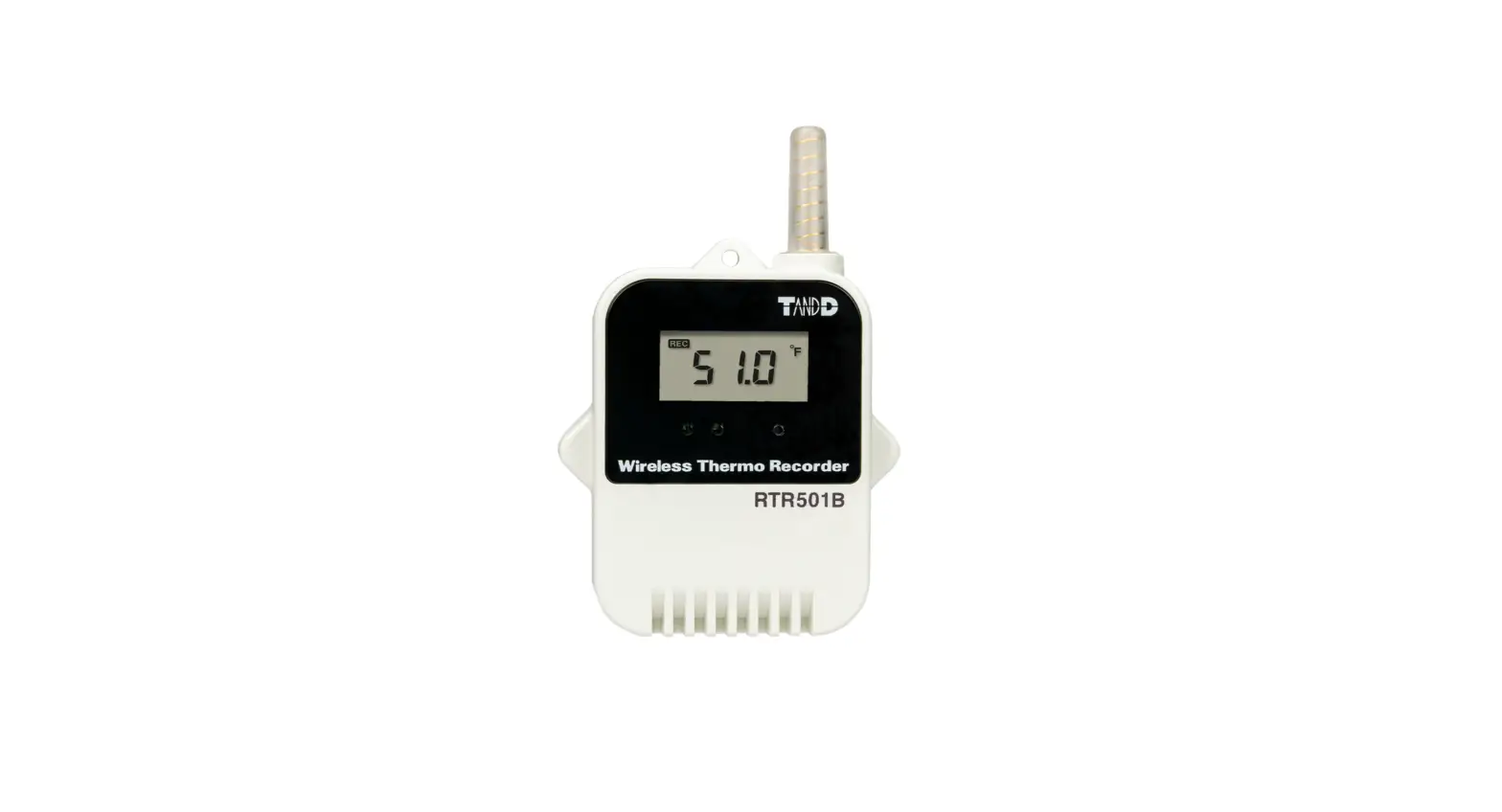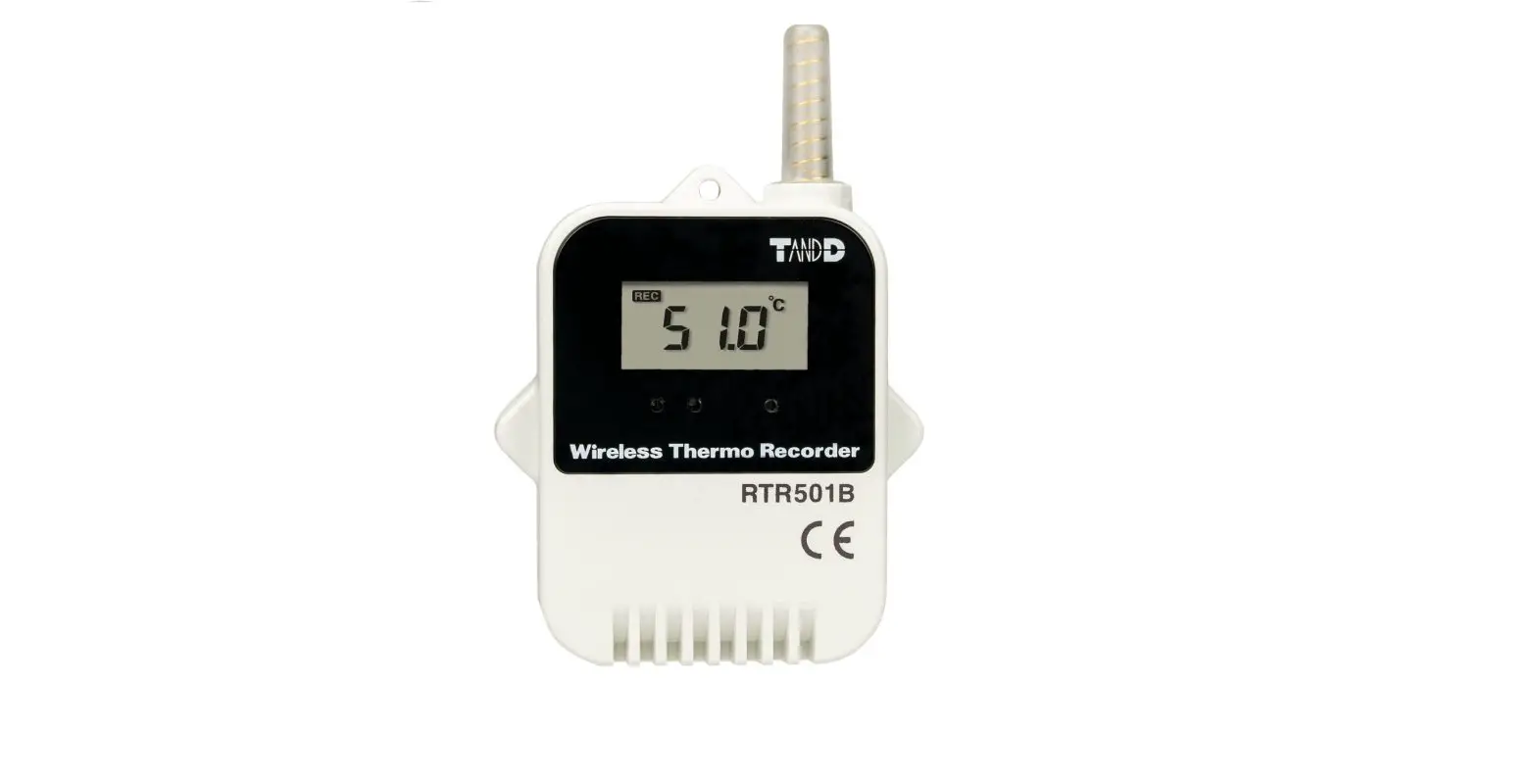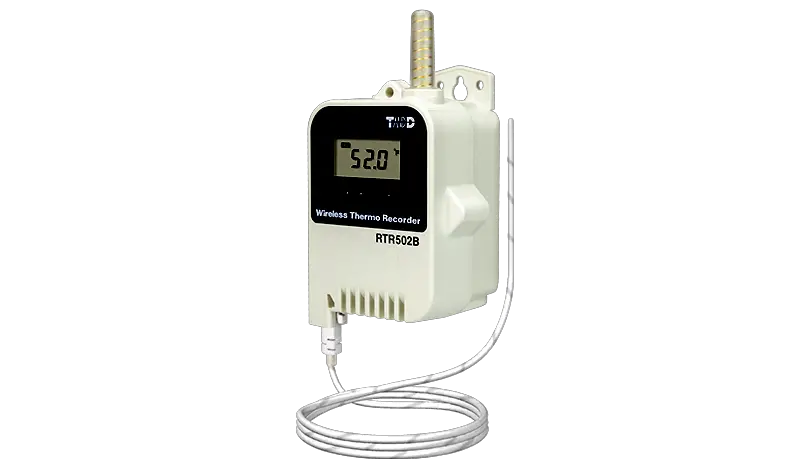
Wireless Thermo Recorder
RTR501B / 502B / 503B / 507B
User’s Manual
Thank you for purchasing our product. To ensure safe and proper operation, please read this guide thoroughly before use.
Overview
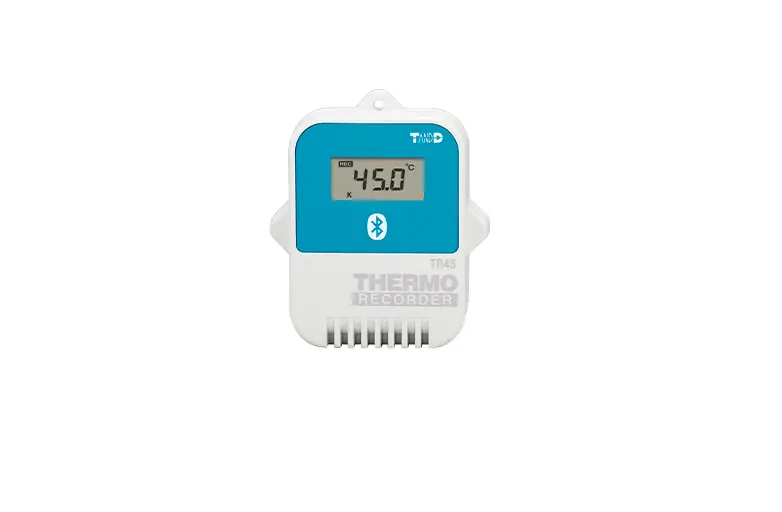
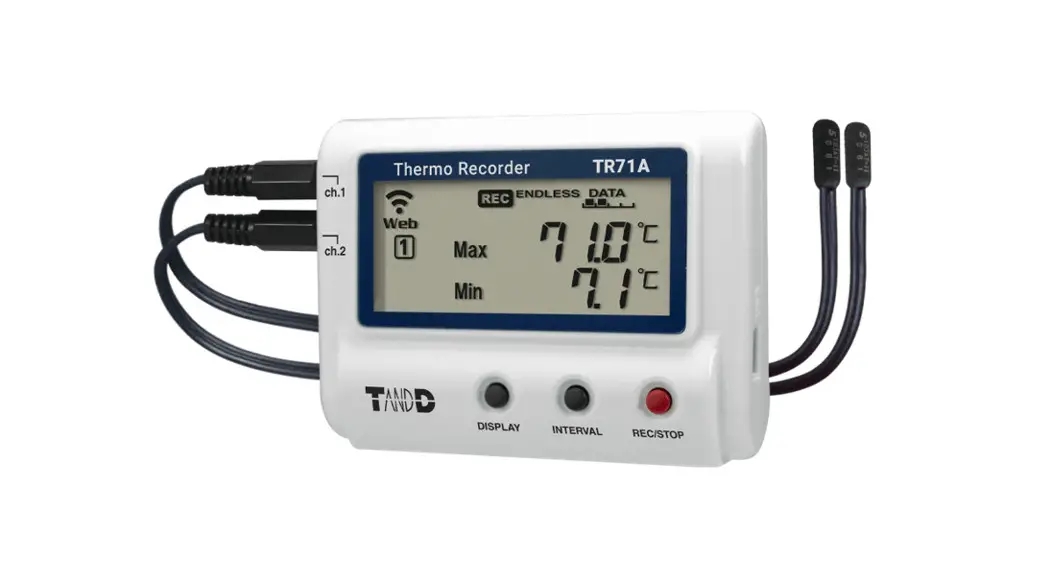
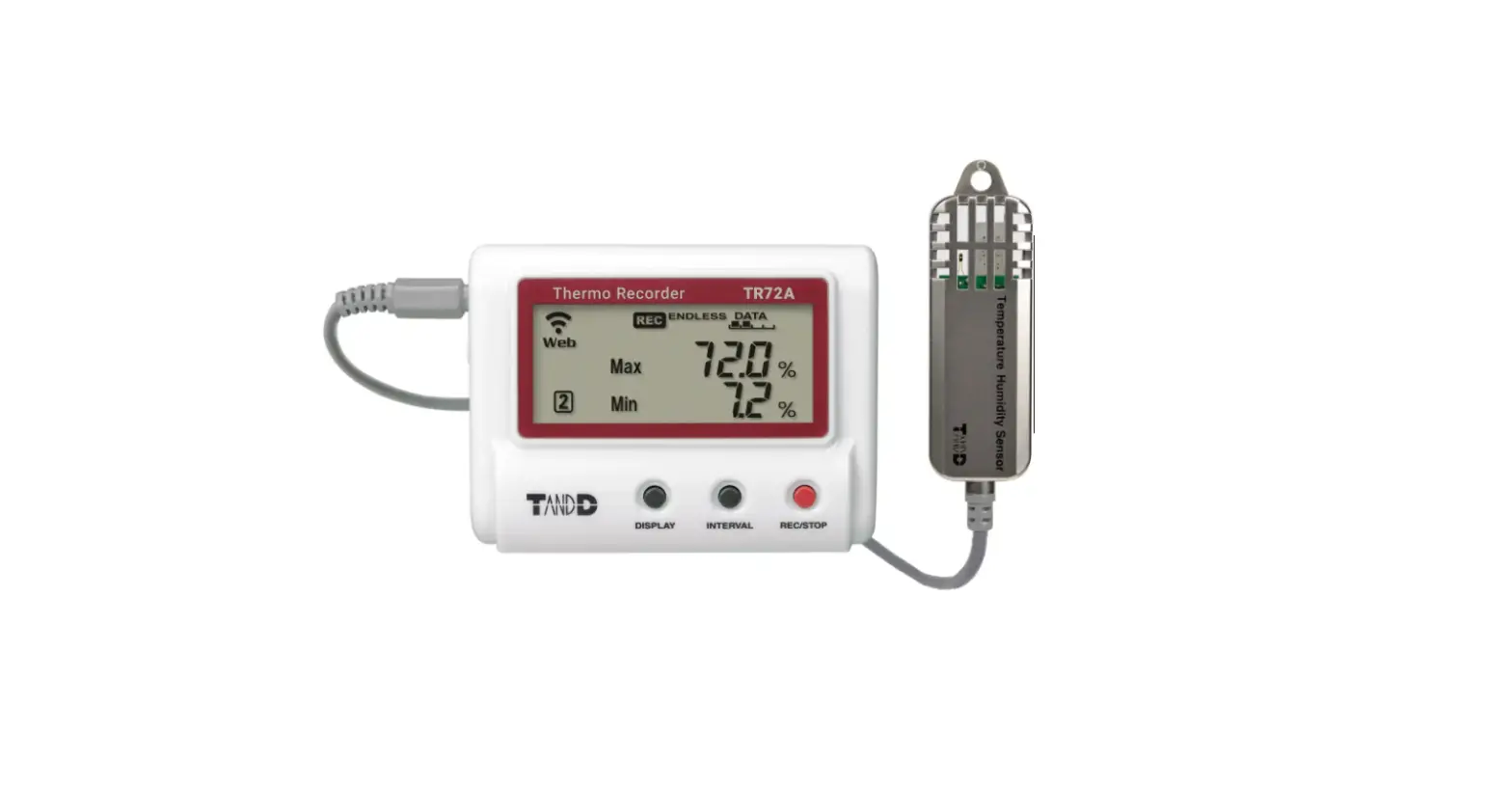
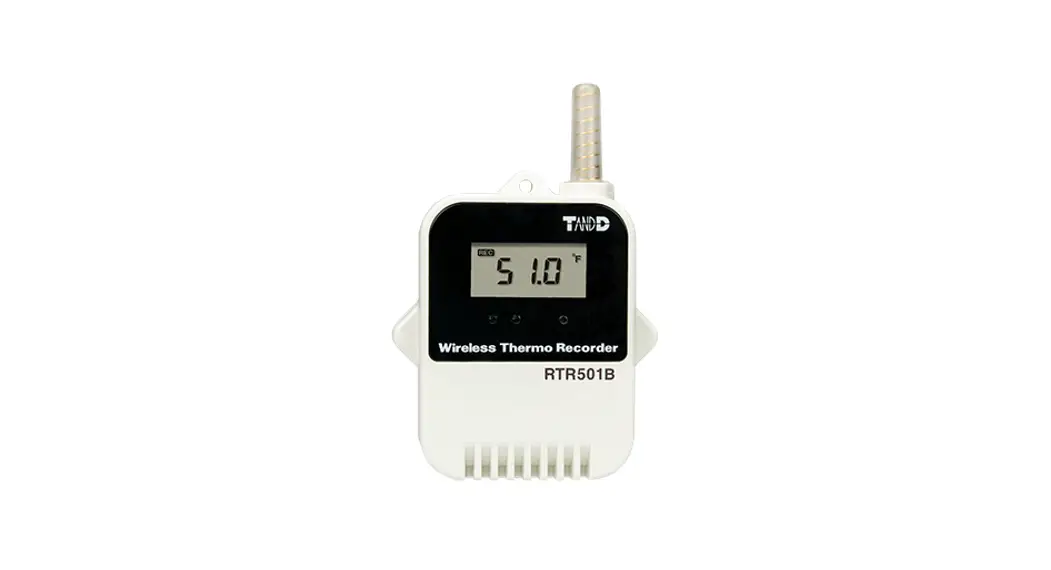
The RTR501B, RTR502B, RTR503B and RTR507B are wireless data loggers designed to measure and record temperature and humidity.
Recorded data is then automatically collected by the Base Unit via wireless communication and downloaded for archive and analysis.
RTR501B / 502B / 503B / 507B require a Base Unit to carry out wireless communication. (Compatible Base Units: RTR500BC, RTR500BW, RTR500BM, RTR500MBS-A, RTR-500DC, RTR-500, RTR-500NW/AW) For the operation and configuration of the Base Unit, refer to the instruction manual attached to the Base Unit or the RTR500B Series Help available on T&D Website.
Wireless Thermo Recorder RTR501B / 502B / 503B / 507B is referred to as the “(data) logger” or “device” in this manual.
T&D Corporation
tandd.com
© Copyright T&D Corporation. All rights reserved. 2020.11 16508160002 (1st Edition) Printed on recycled paper.
Package Contents
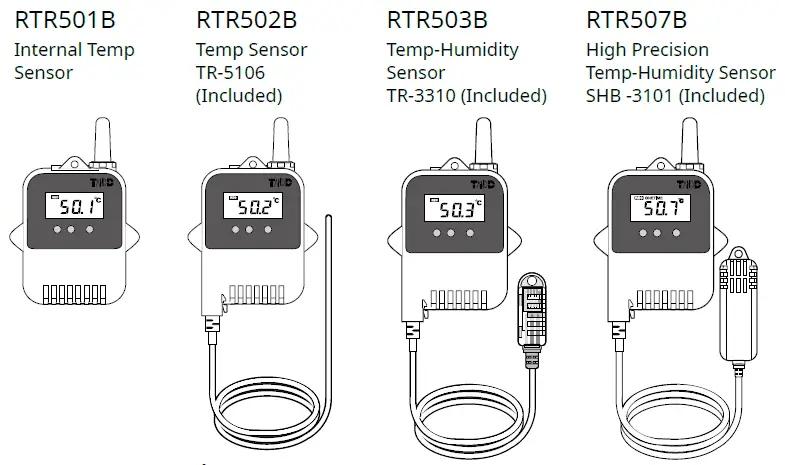
Common Accessories
- Lithium Battery LS14250 (or Large Capacity Battery Kit RTR-500B1 for L type model)
- Strap (Not included with L type model)
- Manual Set (Warranty Included)
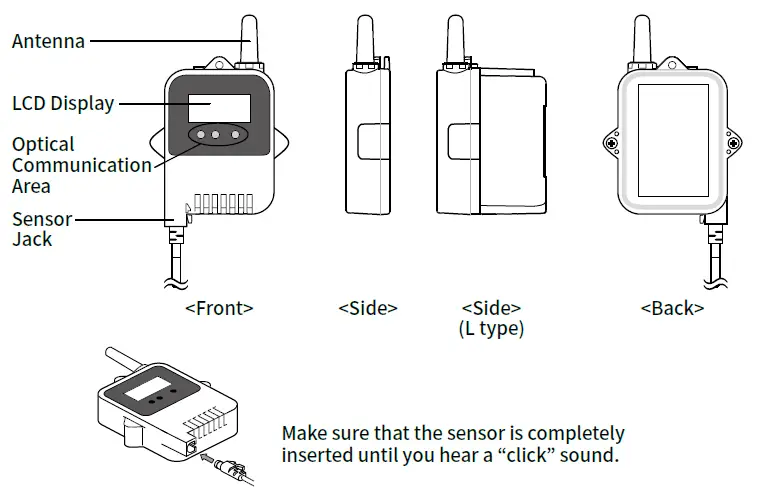
Part Names
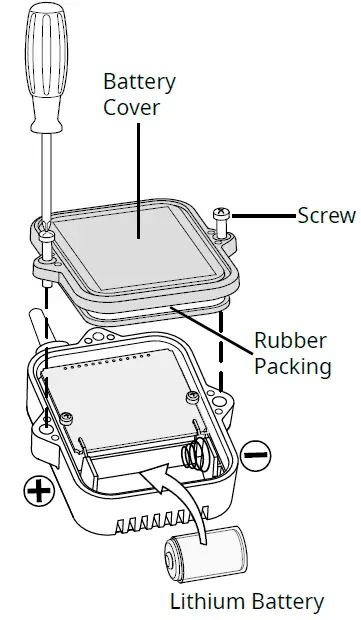
Battery Installation
Install the battery as shown below. Recording will start automatically with the default or previous settings.
Default Settings
Recording Mode : Endless
Recording Interval: 10 minutes
Recording Start Method : Immediate Start
- Make sure to use the proper type and size screwdriver. (Phillips head #1 screwdriver is recommended.)
- Insert the supplied battery with the tube attached. When using a CR2 lithium battery, the tube is not necessary.
- Before closing the cover, check the rubber packing for dust or scratches, as they can reduce the water resistance of the rubber.
- Be sure to completely close the cover. Make sure not to over tighten the screws.
- Appropriate Tightening Torque: 20N·cm to 30N·cm (2Kgf·cm to 3Kgf·cm)
Battery Replacement
When it is time for the battery to be replaced, a battery warning mark will appear. Please change the battery as soon as possible if this mark appears.
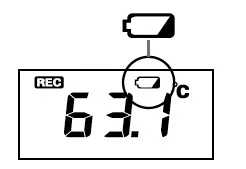
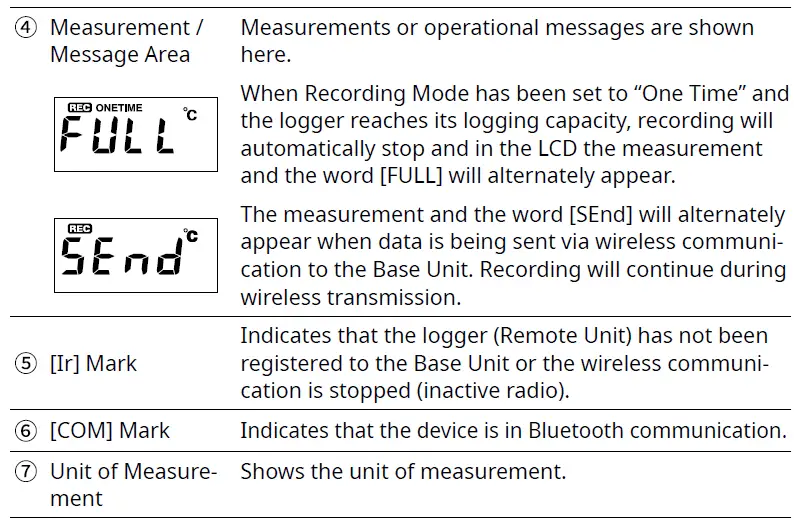
If you continue to use the logger without changing the battery, the current temperature and [bAtt] will be displayed alternately and wireless communication will stop. (Recording will continue.)
Alternating Display
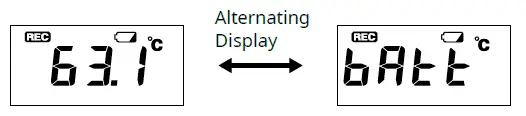
- If the battery is further left unchanged, the display will automatically shut off and all previously recorded data will be lost.
- Although the logger continues to work for a period after the battery has been removed, leaving the device without a battery until the LCD display goes blank will cause all recorded data to be lost.
Remote Unit Registration and Settings
Via Software and Optical Communication
Connect the Base Unit to a PC with a USB cable, and place the data logger face down to align the communication areas as shown below.
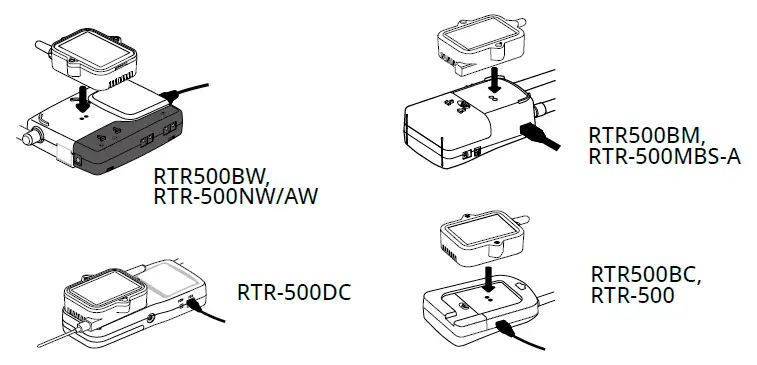
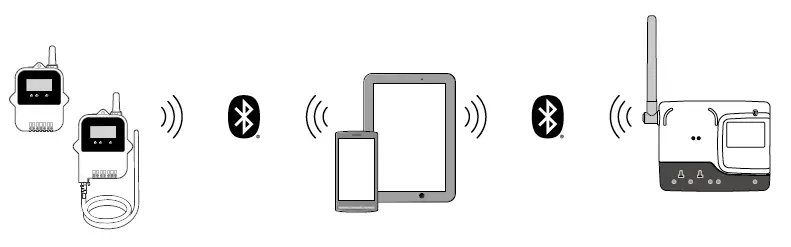
Via Mobile App and Bluetooth® Communication
When the Base Unit is a RTR500BW, it is possible to make Base Unit and Remote Unit settings from nearby mobile devices using Bluetooth.
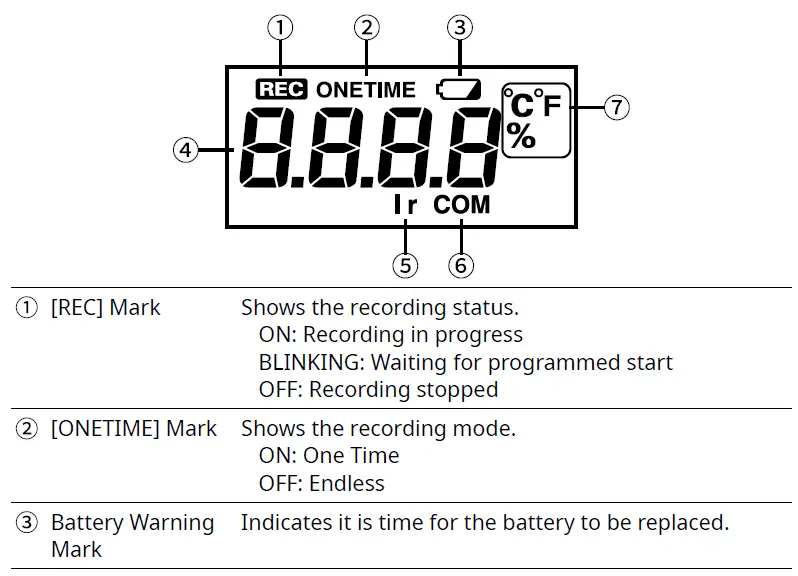
How to Read the LCD Display
When being used in very hot or cold environments the display may become difficult to read. This is not a malfunction.
Specifications
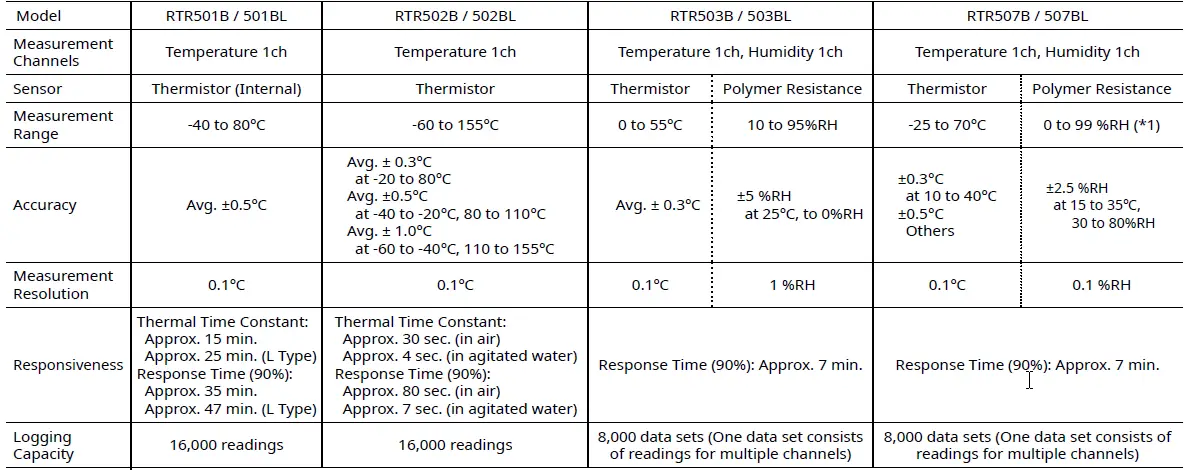
- When continually used in environments with temperatures above 60 C, accuracy of humidity measurements will decrease over time. Also, humidity cannot be measured at temperatures below -20 C.
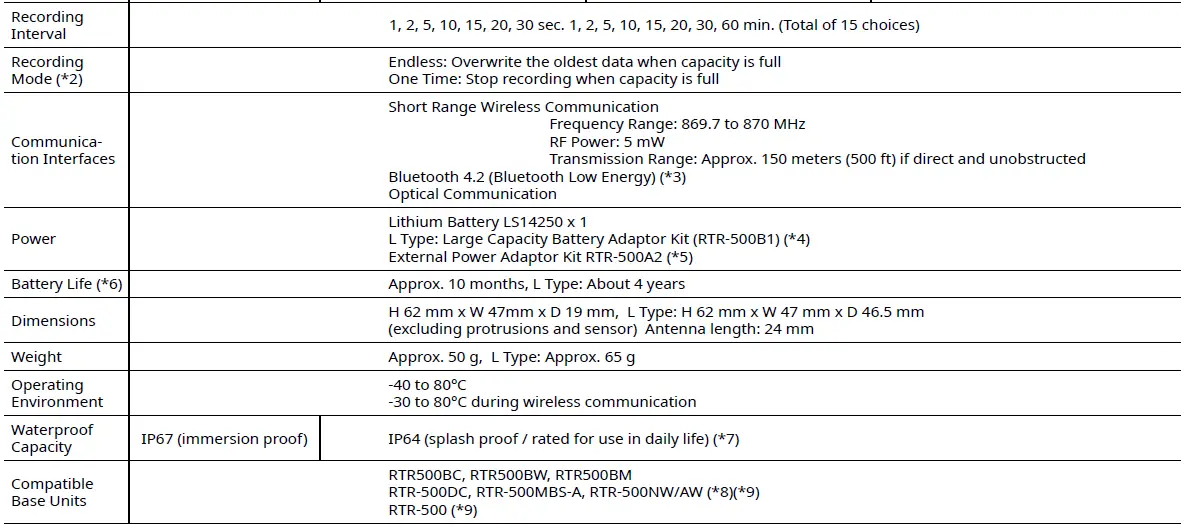
- Only “Endless” is available when using the RTR500BW, RTR500BM, RTR-500NW/AW or RTR-500MBS-A as a Base Unit.
- Bluetooth is available when using the RTR500BW as a Base Unit and making device settings in the mobile app (T&D 500B Utility).
- When using RTR-500B1 it is necessary to purchase Lithium Battery (LS26500). For details, contact your local authorized distributor.
- RTR-500A2 should not be used with the RTR501B, as it will cause the RTR-501 to display a higher than actual temperature reading of up to 3°C.
- Battery life depends on several factors, including ambient temperature, radio environment, frequency of communication, recording interval, and quality of the battery being used. All esti-
mates are based on operations carried out with a new battery and are in no way a guarantee of actual battery life. - This is the waterproof capacity of the data logger with the sensor connected. Note that the temperature-humidity sensor is not water resistant.
- A firmware update is required to a RTR500B series compatible version.
- A software update is required to a RTR500B series compatible version. The specifications listed above are subject to change without notice.