61.017
User manual
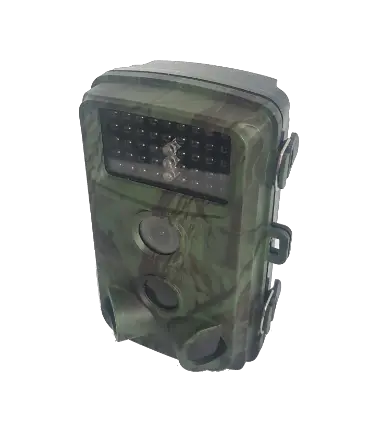
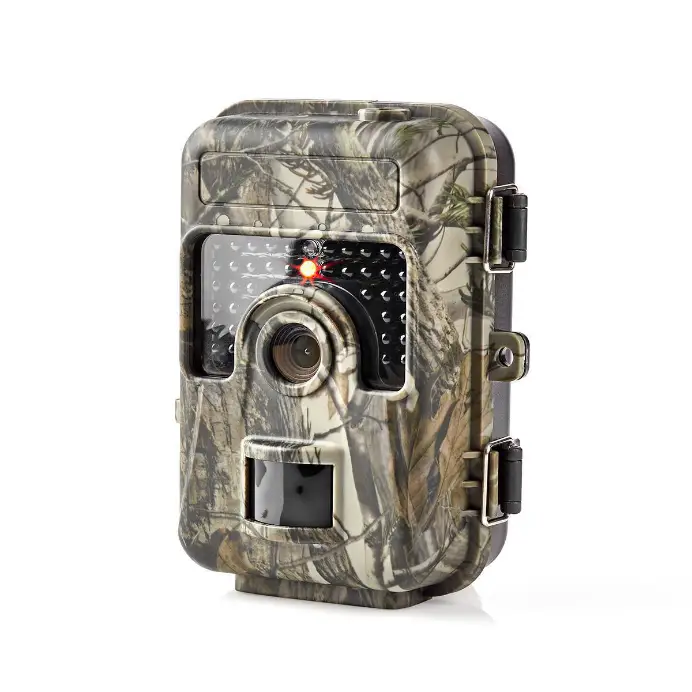
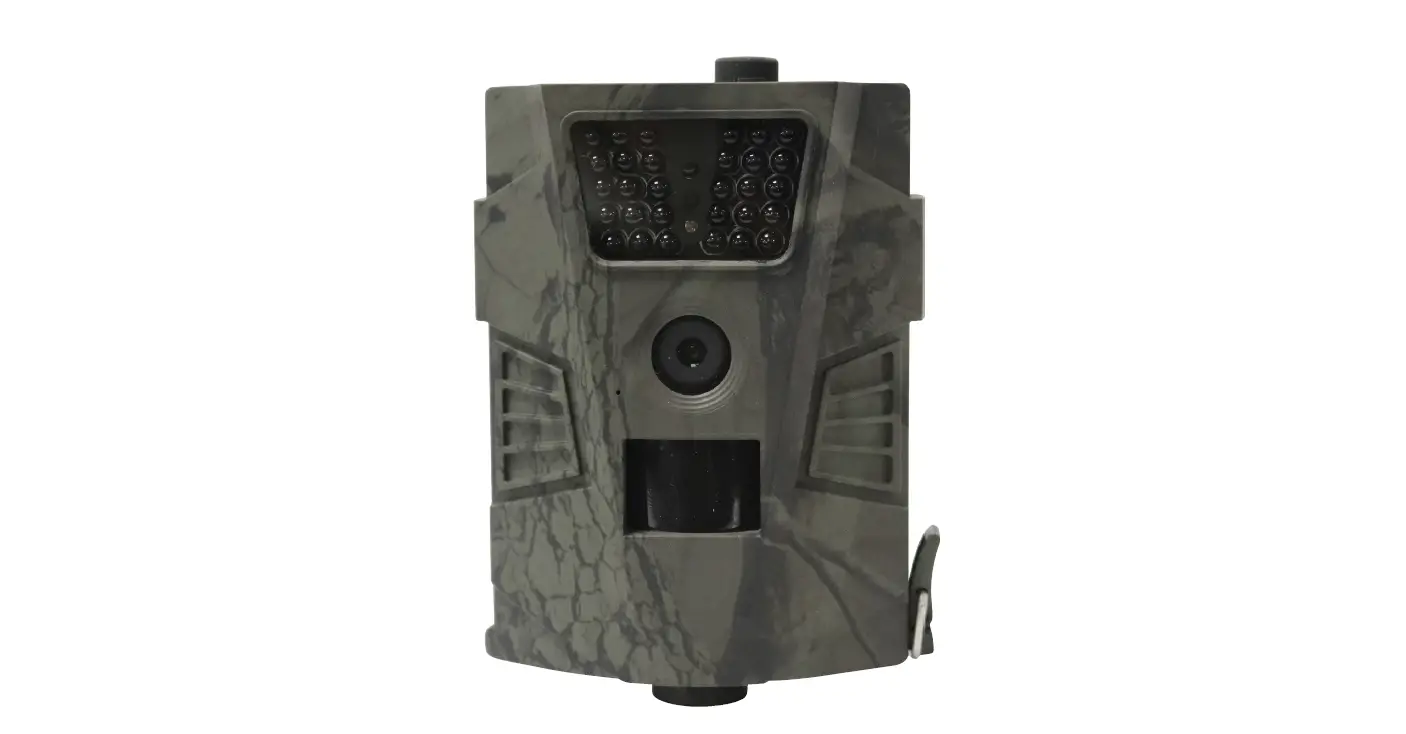
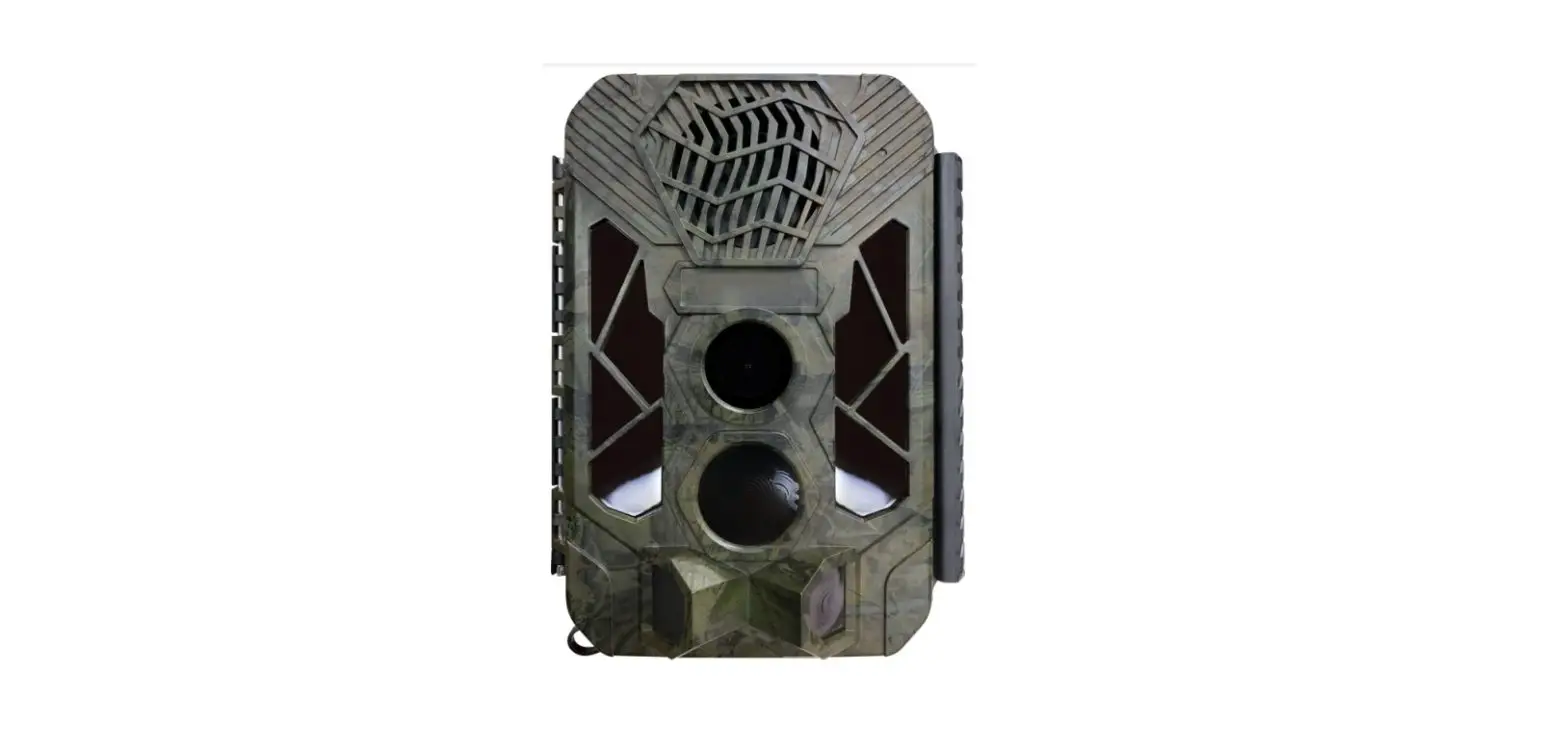
Wildlife camera
Introduction
Thank you for choosing this wildlife camera. Read the instructions thoroughly before assembling and using the device.
Please save the instructions for later reference.
Key
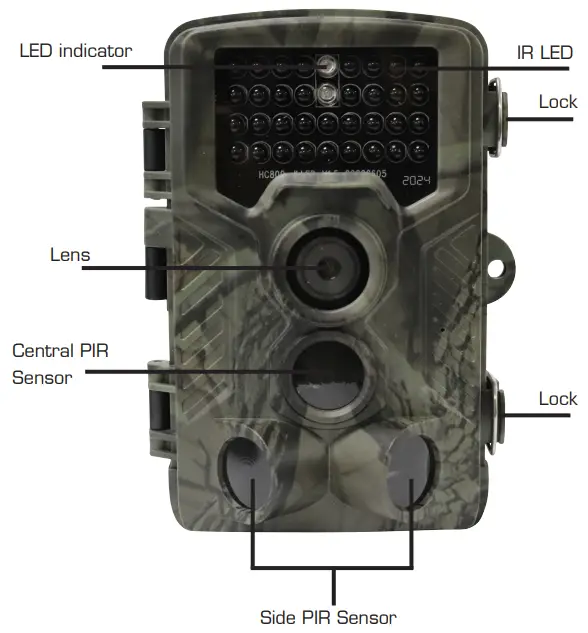
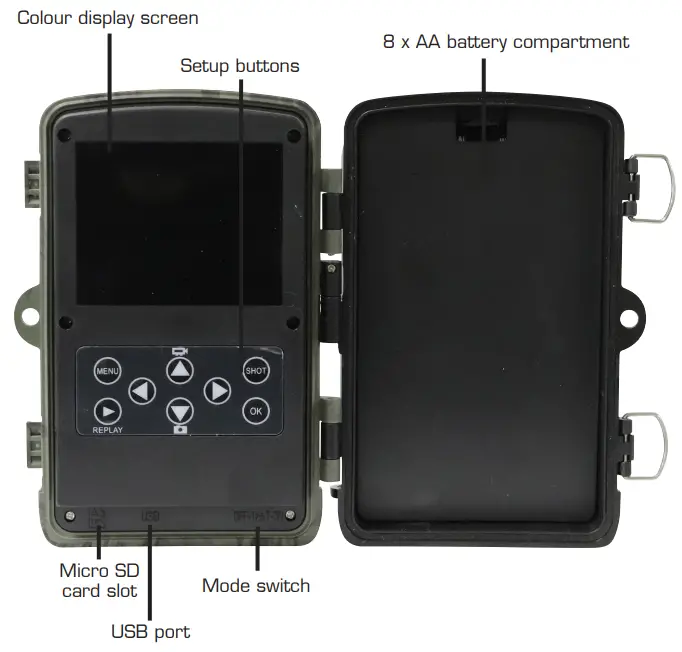
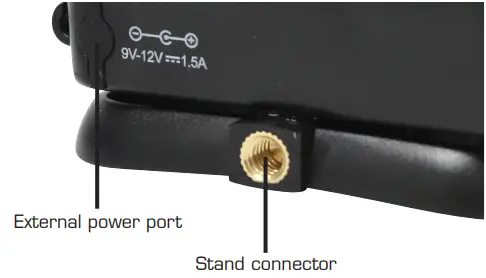
| PHOTO RECORDING | |
| Photo resolution + format | 24 MP + JPEG |
| Multi-shot mode | Up to 9 photos per detection |
| Stamp (photos and video) | Date, time-temperature (°C/°F), and moon phase |
| Capture mode | Color by day, black and white by night |
| VIDEO RECORDING | |
| Video resolution | 2.7 K |
| File format | AVI/H. 264 |
| Sequence length | Adjustable from 3 to 10 s |
| Capture mode | Color by day, black and white by night |
| AUDIO | |
| Sound recording (automatically recorded in video mode) | N/A |
| MEMORY STORAGE | |
| Support | Internal memory: none External memory: SD/SDHC card (up to 32 GB) |
| VIEWING | |
| Built-in screen | TFT 2.0″ |
| POWER SOURCE | |
| Alkaline or lithium batteries | 4 x AA/8 x AA |
| External (3.5×1.5 mm jack) | DC 6V, (6V-9V) |
| DETECTION SYSTEM | |
| Motion sensor | 3xPIR |
| Detection angle | 120° |
| Detection range | Adjustable from 1 to 80 ft |
| Trigger speed | 0.3 sec |
| The delay between each detection | Adjustable from instant to 30 min |
| NIGHTTIME ILLUMINATION SYSTEM | |
| LEDs | Infrared LEDs |
| Flash range | < 90 ft |
| Exposure | Automatic infrared level adjustment |
| RECOMMENDATIONS | |
| Operating temperature | (-30 °C to + 50 °C) (-22 °F to +122 °F) |
| Storage temperature | (-40 °C to + 60 °C) (-40 °F to +140 °F) |
MENU SETTINGS | ||
| Camera | Submenu | Description |
| Resolution | 24/20/16/12/8/5/3/1 MP | Photo size |
| Sequence | 1/3/6/9 | No. of photos taken each time |
| ISO | Auto, 100/200/400 | Camera exposure level |
| Delay | 1/5/10/30 sec/min | Waiting time from last exposure |
| Camera ID | 0-0-0-0-0-0 | Camera ID |
| Resolution | 2.7K/1080P/720P/480P/240P | Video size |
| Video length | 3s to 1 Os | Duration of video |
| Record audio | On/Off | If On, video sound is recorded |
| Mode | Camera, video, camera & video | Photo, video, photo, and video |
| Language | English, Danish, Swedish, etc. | Camera menu language |
| TV mode | NTSC, PAL | TV play mode |
| Date/Time | 2018-09-0316:37:25 | Year-Month-Date Hour:Minute: Second |
| Timer | ON/OFF | If ON, the camera only works during a set period |
| Password | **** | 4 digital numbers (1314 universal password) |
| Format | Micro SD card | All files on the memory card will be deleted |
| Default setting | Returns menu settings to defaults | Cancel/OK |
| Version | 03/09/2018 16:37:25 | Camera version |
Use
- Insert 8 x AA batteries (not included) under the battery cover.
- Insert a micro SD card (8MB-32GB not included).
- First, turn the camera on by sliding the switch to ‘TEST’.
You can now adjust the camera’s setting under settings. - Start recording by sliding the switch to ‘ON’.
In this mode, the indicator light flashes for 15 seconds to indicate buffering. The camera will then automatically function through motion detection.
NOTE! Of the 3 modes above, ‘OFF’ is the safest when inserting batteries and micro SD cards, as well as when transporting the camera.
You can choose between two methods of taking photos and videos.
- Automatic recording and photography
Slide the power switch over to ‘ON’. The LED lights then flash for 15 seconds, after which the camera takes video or starts taking photos once movement is registered. - You can use the ‘shot’ button to manually take videos or photos.
You do this by sliding the power switch over to ‘TEST’ (without any menu on the display). Then press ‘SHOT’ to take a photo or video.
NOTE! The best position to set the camera to is by having ‘TEST’ on, as the camera shows a preview of what it is recording.
Transferring and reviewing photos and video recordings
Connect the camera to a computer using the USB cable or an SD card reader.
The camera will now function like a removable device.
Reviewing the material on the display in the camera:
Turn the camera off, then slide the power switch over to ‘TEST’ and use the keys to navigate.
NOTE! Heavy rain, fog, or drizzle in the dark will cause white photos with no subject. This is not a fault with the camera.
Troubleshooting
The camera does not take photos of the desired subject.
- If a person or animal moves quickly in front of the camera, the photo may not feature the subject.
Move the camera back to increase the field of view. - Water in movement can activate the sensor, which will result in photos with no subject.
- Attach the camera to a surface which does not move.
The camera stops taking photos - Make sure that the SD card has enough space. If the card is full, the camera will stop taking photos and video.
- Check if the batteries are flat.
- Check if the switch on the camera is set to ‘ON’.
NOTE!
It is recommended to use high-quality 1.5 V NiMH or lithium rechargeable batteries instead of alkaline batteries, as these give a much better range.
Environment

This symbol on the product or in the user manual means that you must dispose of your electric and electronic waste separately from your household waste.
There are separate collection systems for recycling in the EU.
For more information contact your local authority or the retailer where you purchased the product.
SERVICE AND REPAIRS
We provide a warranty on our products in accordance with the legal provisions applicable in each country. (Proof of purchase must be presented/submitted)
Service and repairs are offered free of charge within the warranty period in accordance with the Danish Sale of Goods Act on the following conditions:
- The fault is a design or material fault (normal wear and tear and misuse excluded).
- Repairs have not been attempted by anyone other than Millarco’s approved service workshops.
- Non-original spare parts have not been used with the product.
Free-of-charge servicing includes replacement of defective parts and labor.
The product must be taken to the point of sale, which will forward it to us. We do not accept repairs or warranty obligations direct from customers.
In the event of technical questions, you are welcome to contact our service workshop:
Millarco International A/S, Rokhøj 26, DK-8520 Lystrup, Denmark
Service telephone: +45 8743 4233
E-mail: [email protected]