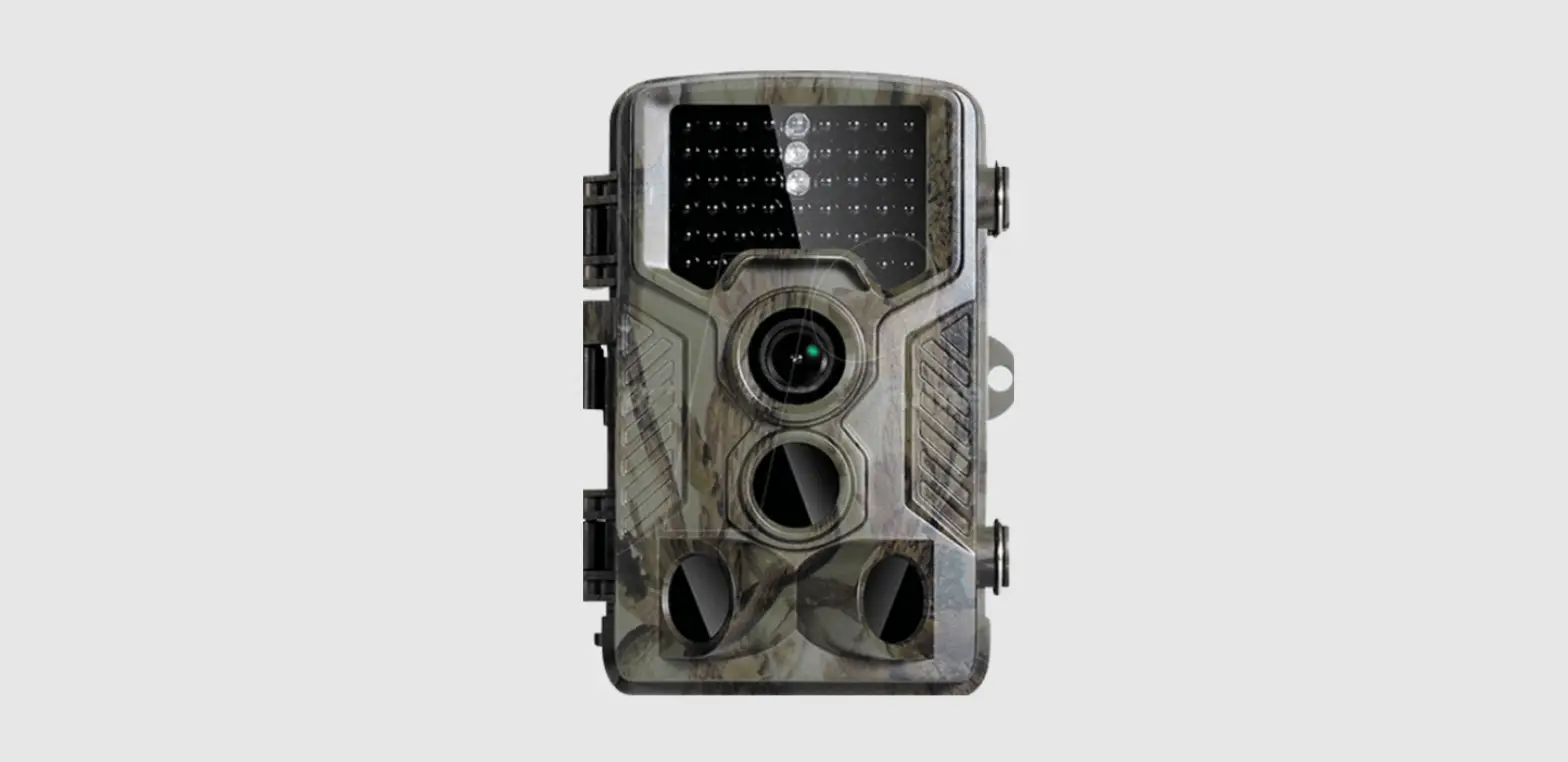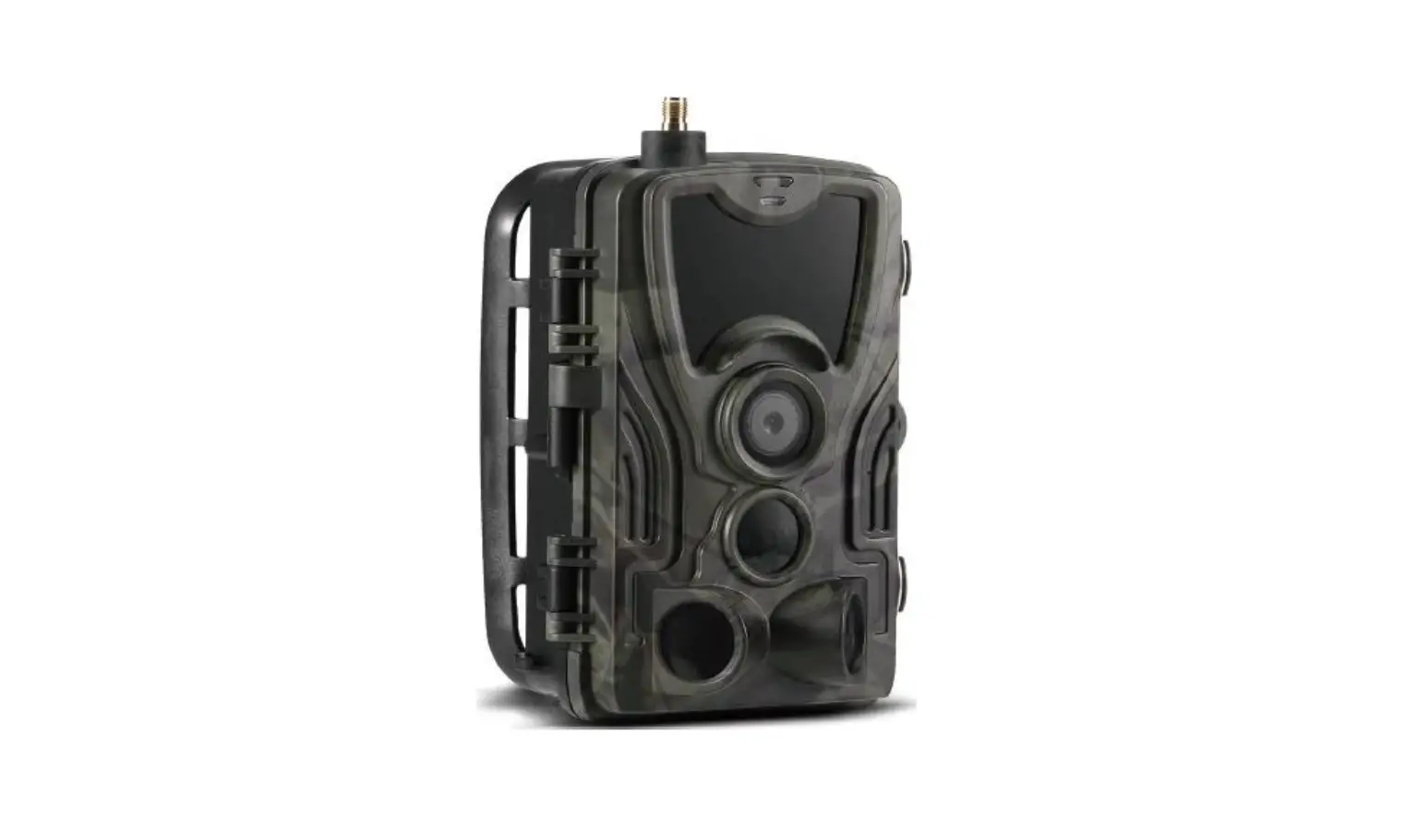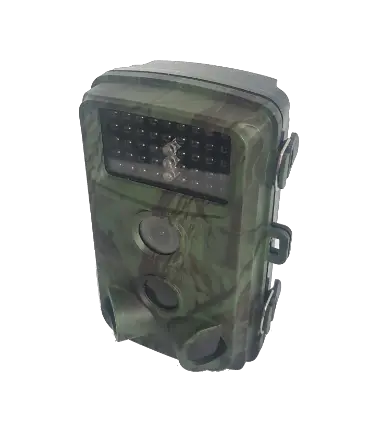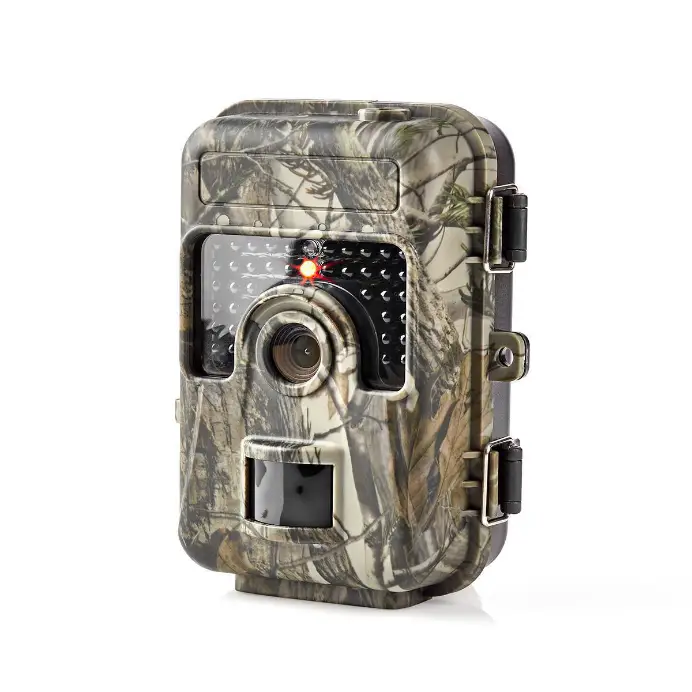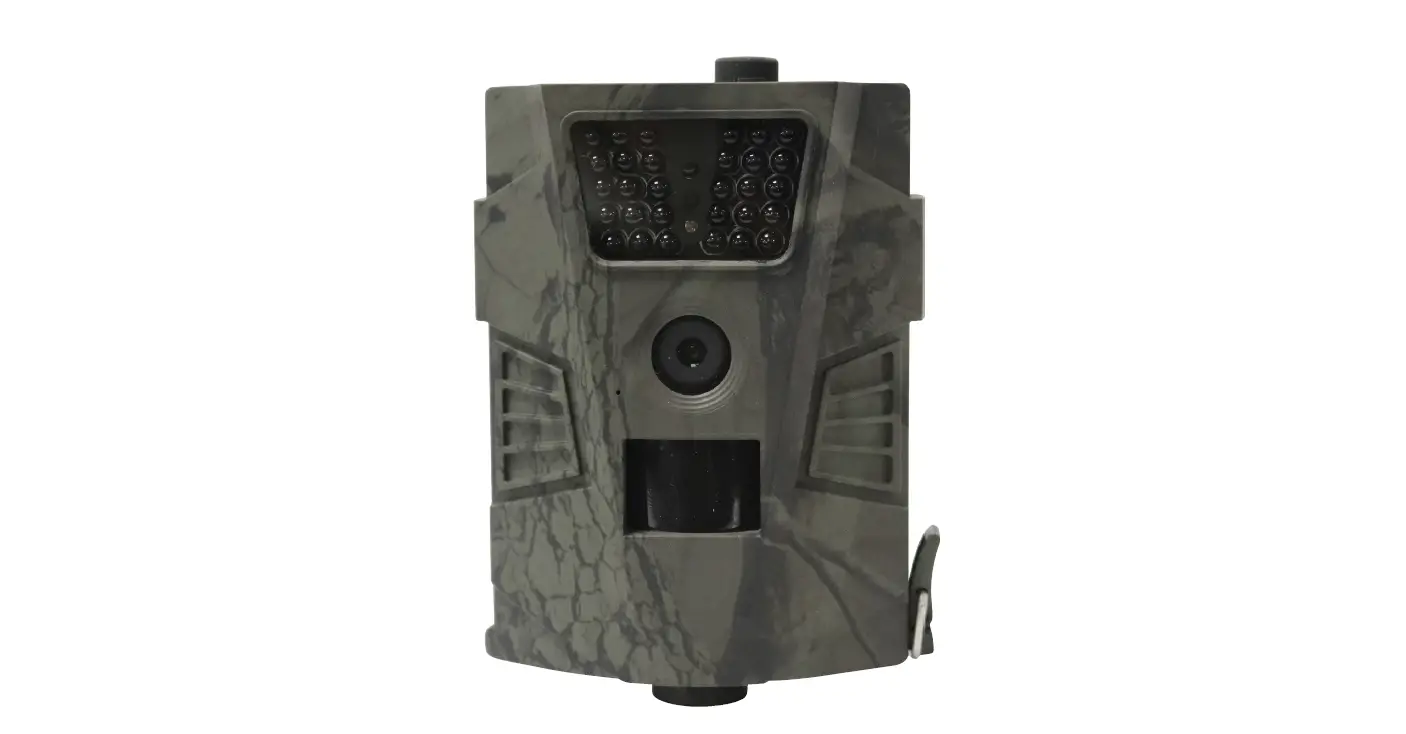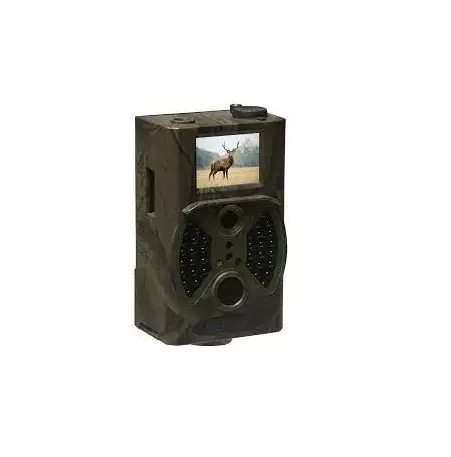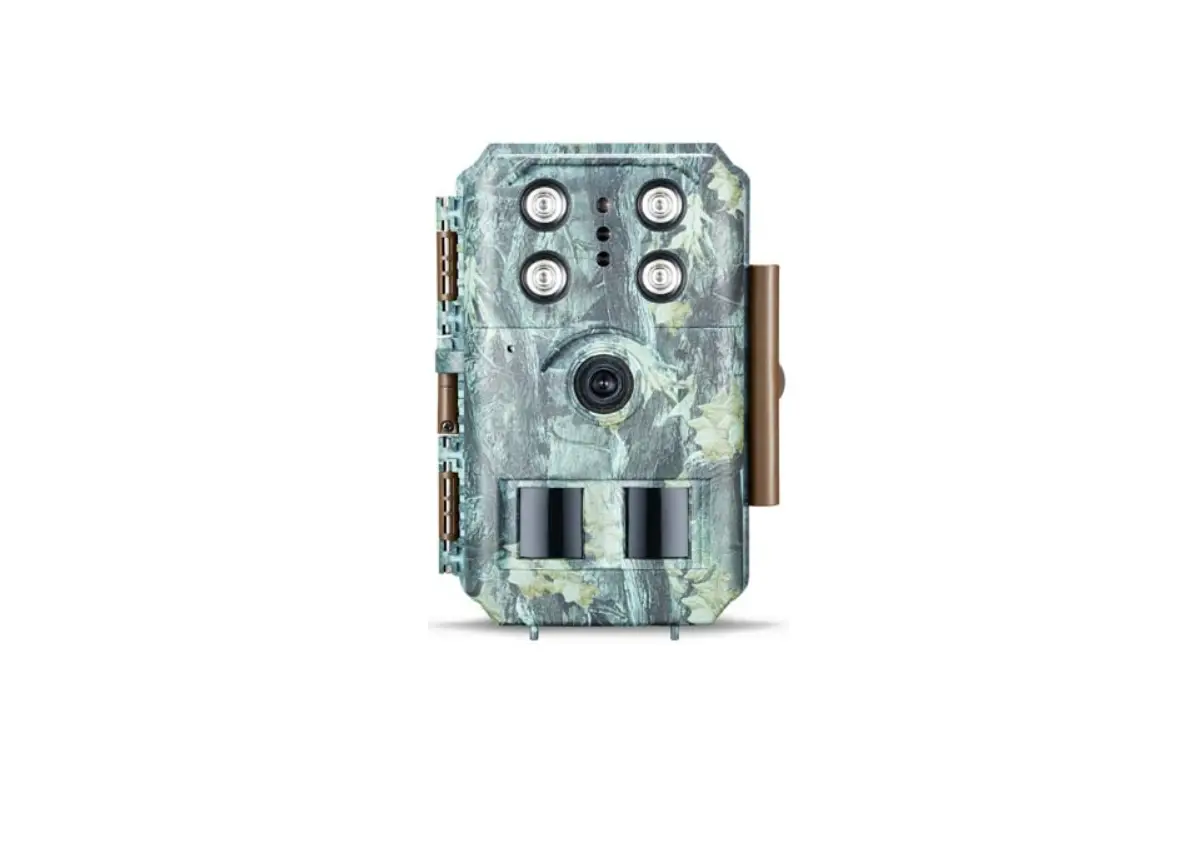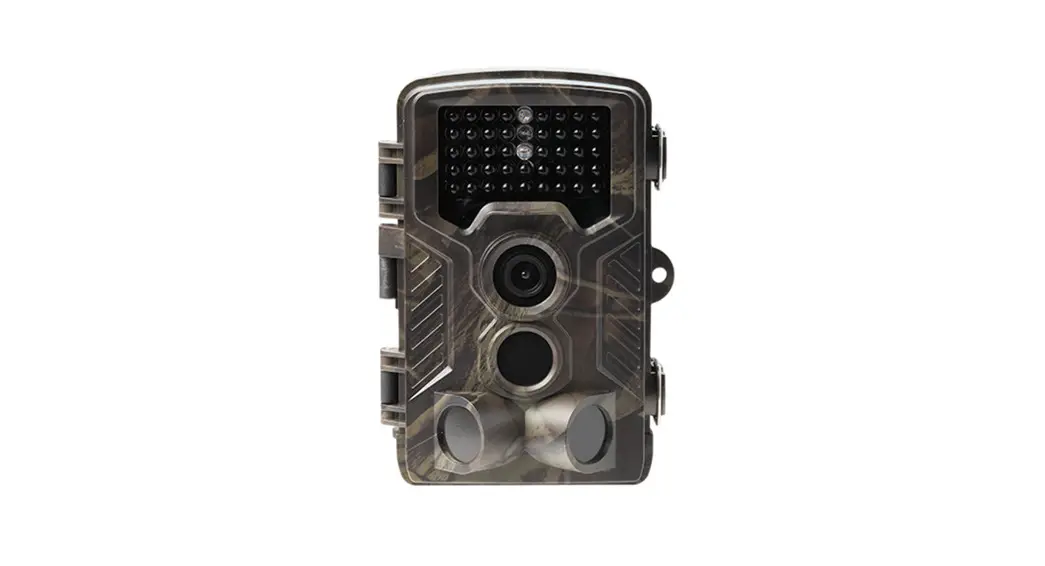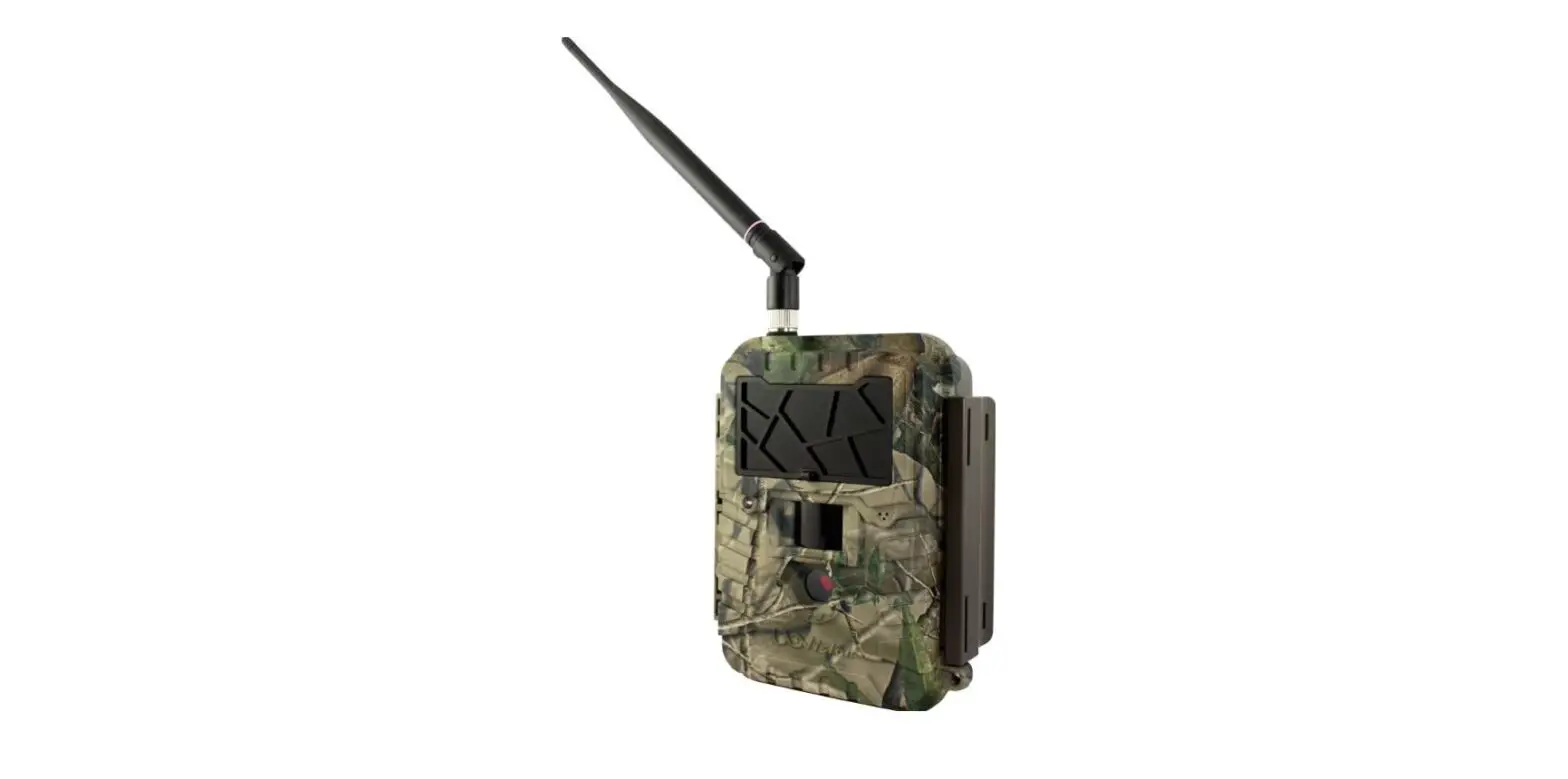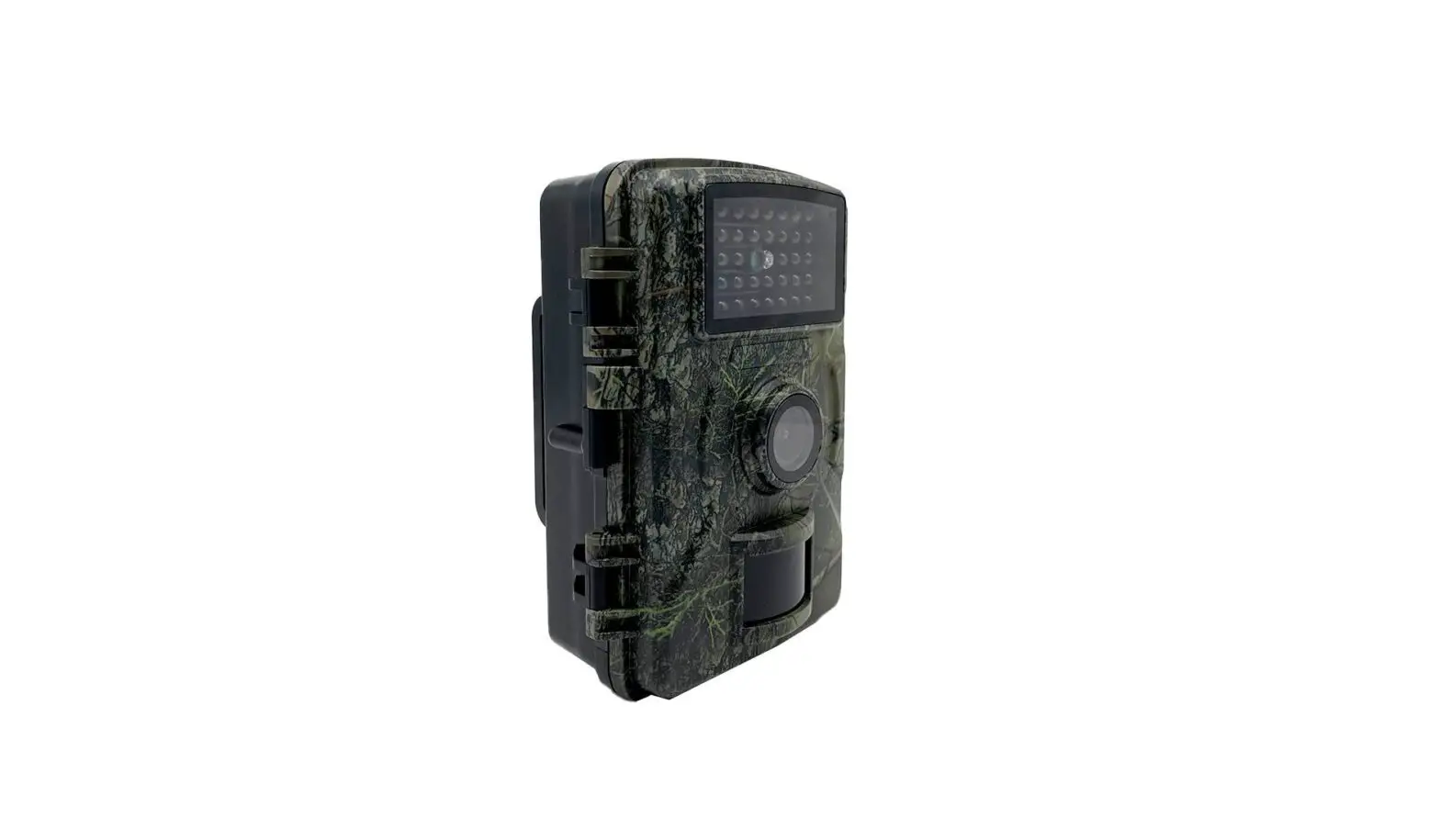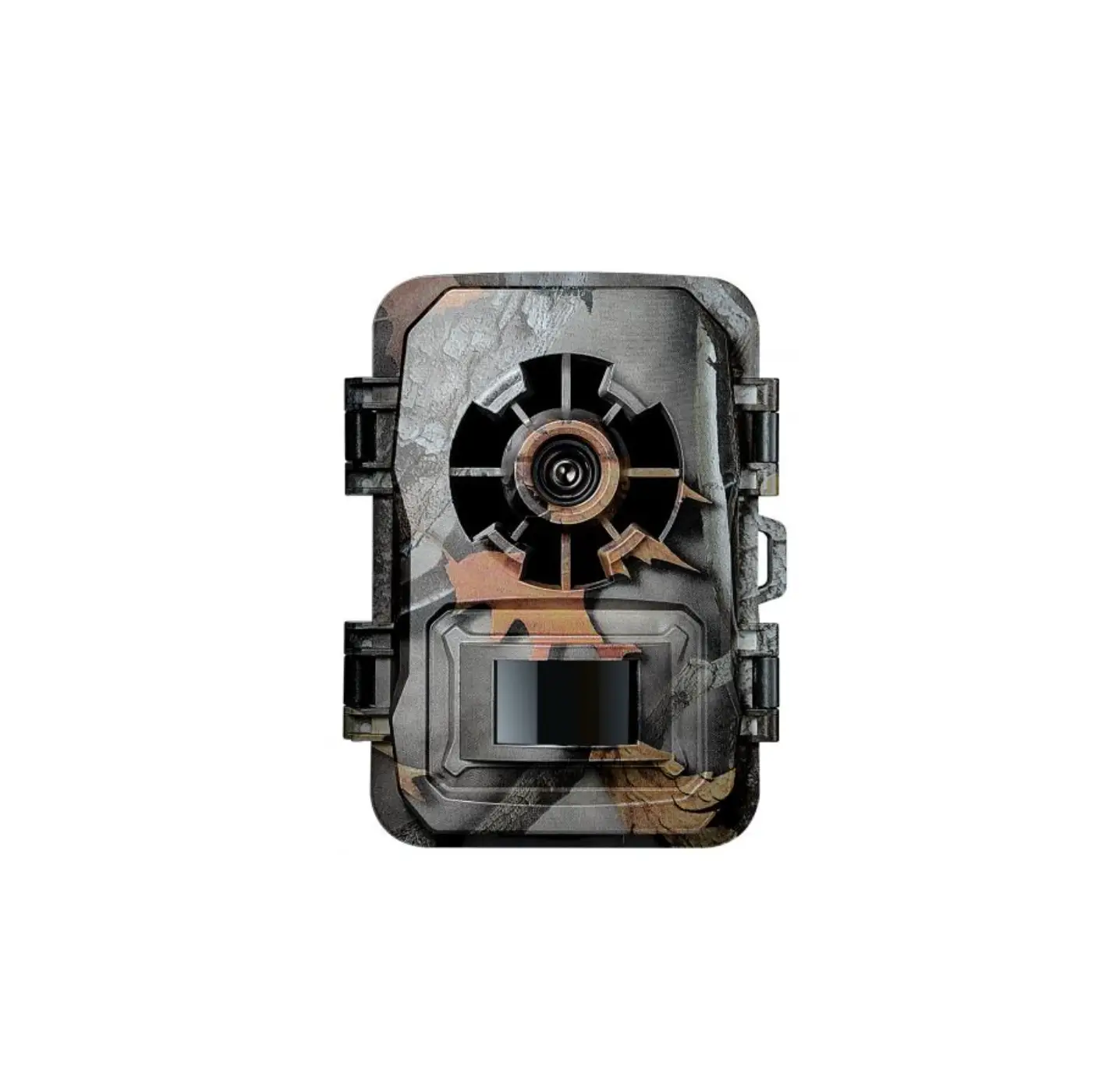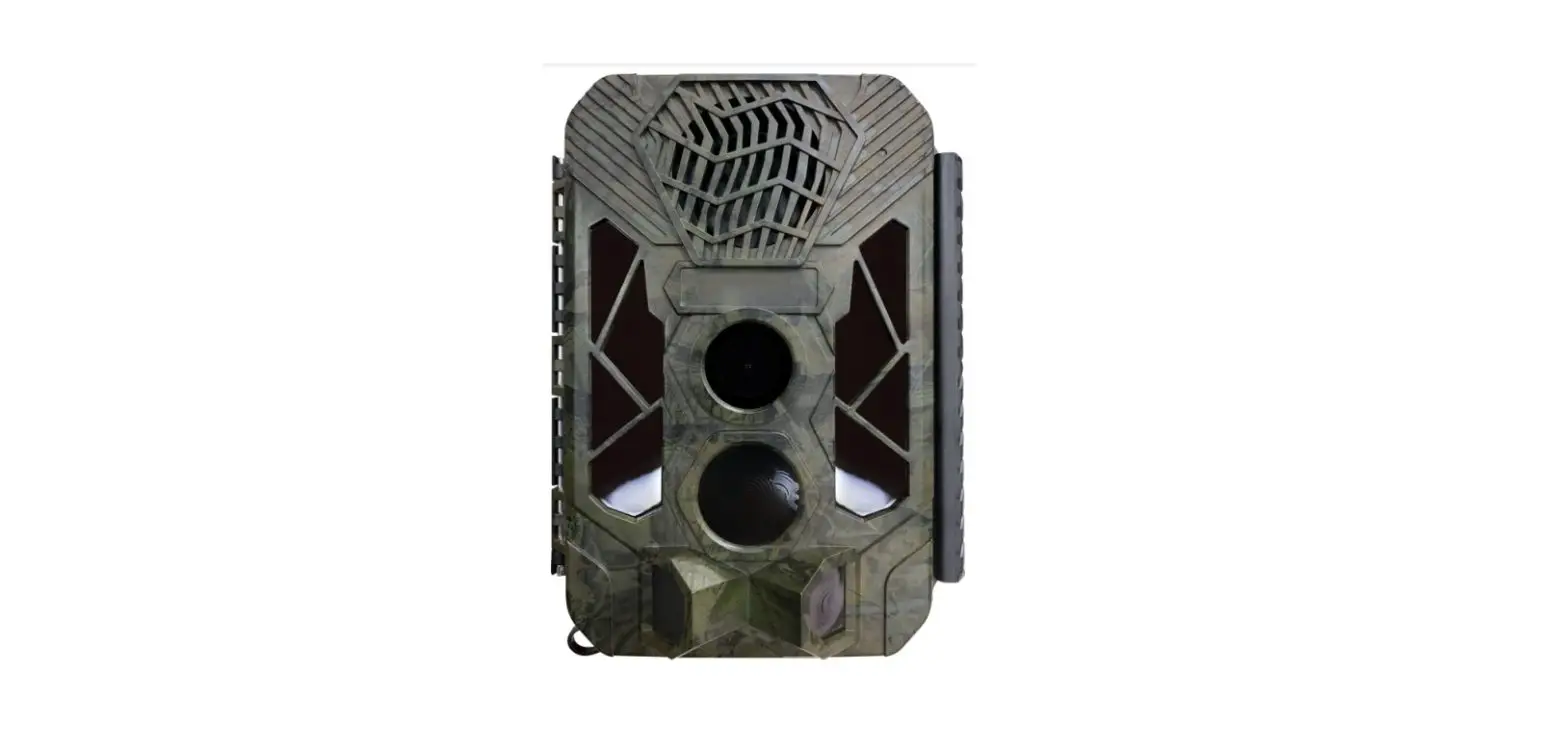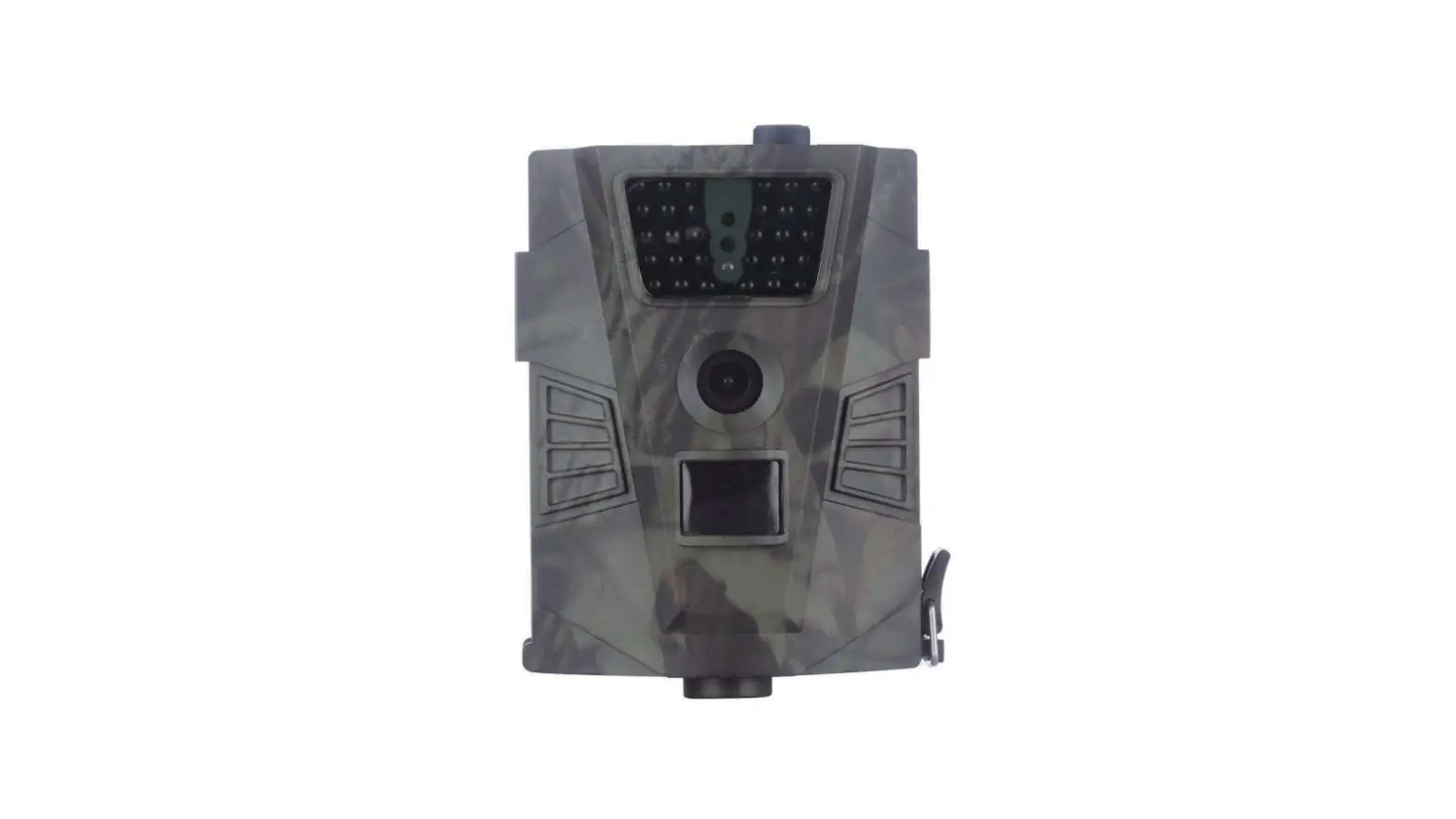

denver WCT-5002 Digital Wildlife Camera
Safety information
Please read the safety instructions carefully before using the product for the first time and keep the instructions for future reference.
- This product is not a toy. Keep it out of reach of children.
- Keep product out of the reach of children and pets to avoid chewing and swallowing.
- Never use old and new batteries or different types of batteries together in main unit. Remove the batteries when you are not using the system for a longer period oftime. Check the polarity(+/-) of the batteries when inserting them in the product. Wrong positioning can cause an explosion. Batteries are not included.
- Product operating and storage temperature is from -10 degree Celsius to 60 degree Celsius. Under and over this temperature might affect the function.
- Never open the product. Repairs or service should only be performed by qualified personnel.
- Do not expose to heat or direct sunlight!
- Do not use non original accessories together with the product as this can make the product functionality abnormal.
Introduction
- This digital trail camera is a surveillance camera working automatically. It can be triggered at once by any movement of human (or animals) in a certain region of interested (ROI) monitored by a high sensitive Passive Infrared (PIR) motion sensor. and then automatically captures high quality pictures (up to 12M pixels) or records 1080p HD video clips.
- At sunrise the unit begins to take color photos and video until there is insufficient light (dusk) when it begins to take infrared (monochrome) photos and video.
- It is easy to use, the camera mode was preset the 3 multi pictures+ lOs video mode (means it will capture 3 pictures and a lOs length video).
- So you just need to turn the power switch from OFF to TEST and then to ON directly.
- It is resistant against water and snow for outside uses.
Application
- Instant surveillance camera for home. office. construction site. and warehouse. etc
- Animal observation and hunting;
- Plant observation
Power Supply
AA Alkaline batteries
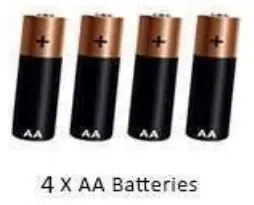
4 PCS AA Alkaline batteries (included). rechargeable AA batteries are available on this camera but can not be charged by external power
Caution
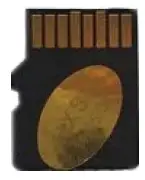
- Please insert the Micro SD card (included) when the camera Power OFF.
- Please do not insert or take out the Micro SD card when the camera Power On.
- Recommended to format the Micro SD card by the camera when used at the first time.
- Thecamera will be in USB mode when connected to a USB port of a computer. In this case. the Micro SD card functions as a removable disk.
- Please ensure sufficient power when having firmware upgrade, otherwise the upgrade process could be interrupted incorrectly. If any fault occurs after improper upgrading process. the camera may stop function properly.
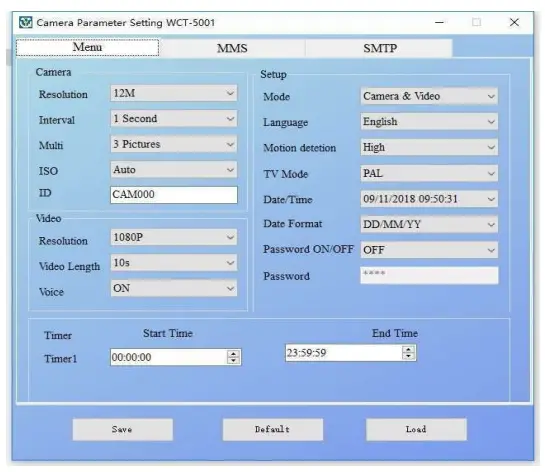
MMSCONFIG setting in CD
There is a MMSCONFIG setting software in CD. you can change the time. working mode, camera ID. etc and then click “SAVE”, it will produce a “parameter.dat” file. save it to your Micro SD card and then insert to camera. all settings will be recognized by camera.
Key Features
| 30pcs IR LEDs for flash range as 20meters | |
| 2 | l2MP/8MP/SMP resolution optional |
| 3 | Color pictures during daylight; black and white at night |
| 4 | Trigger time:l.ls |
| 5 | Multi-shot pictures: l,3,6,9 |
| 6 | l/5/10/30 seconds/minutes Interval between motions optional |
| 7 | video length: 10/30/60/90 secondsoptional |
| 8 | With 4 AA alkaline batteries. the longest standby time is up to 6 months |
| 9 | operation temperature: -1 °( to 60°( |
| l 0 | With specified Timer, camera can be programmed to work only during preset time period every day |
| l | Stamp the date, time, temperature on each picture |
| l 2 | Sound Recording |
Whole View and Details of Camera
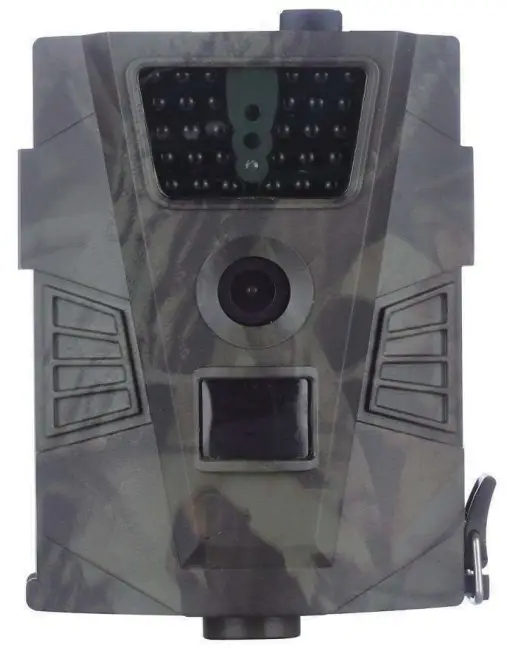
Front View of Camera
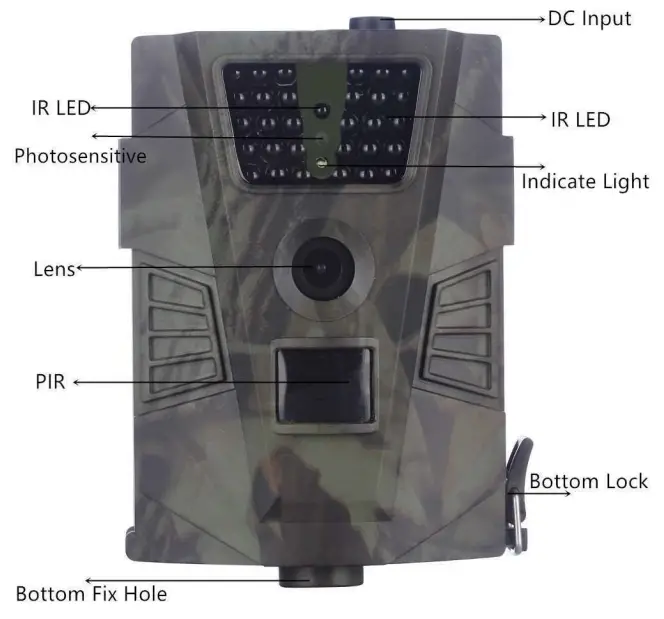
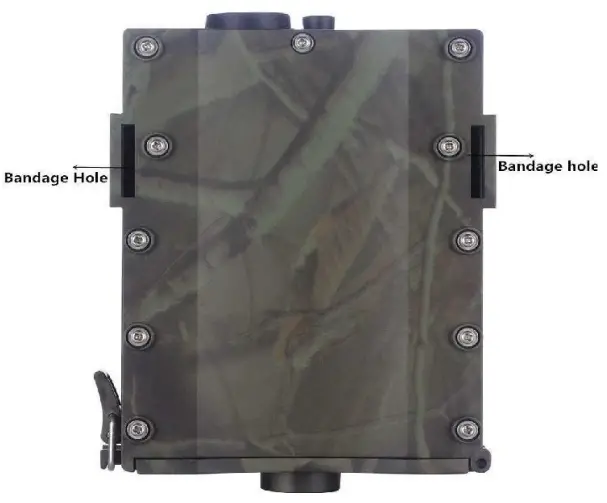
Back View of Camera
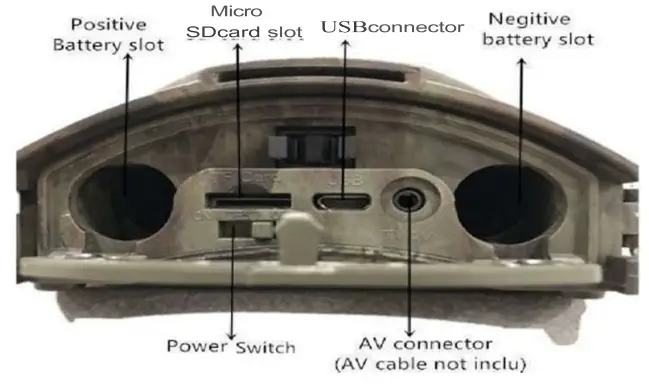
Bottom View of Camera
Operation
Load Batteries (included)
Insert Micro SD Card (8MB~32GB) (included 8GB storage card)
Power on
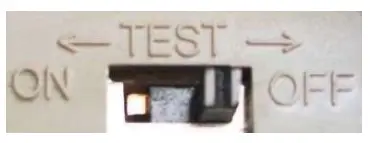
Slide Power Switch from OFF to Test (the indicator light will flash twice once the micro SD card was detected. and flash l time if no
micro SD card in it) then turn to ONposition. the camera powers on. (Please don’t slide the power switch from OFF to ON directly) After you inserted the Micro SD card (included) to camera. connect with the computer by USB cable (under TEST mode). and then the camera will be a removable disk.
ON
In this mode. the camera works automatically by motion detection. The indicator lamp will flash approx lOs for buffering.
Specification
| Image Sensor | 5 Mega Pixels Colo |
| Memory | Micro SD Card to 32GB |
| Lens | F=3.l: FOV=90° |
| Size | 129mmx93mmx39mm |
| LED | Bla IR |
| Motion Detection | High/Normal/Low |
| PI SensSig Angle | 90 Degrees |
| Number of IR LED | 30LE |
| Max Night Vision Lighting Distance | 65ft/20 meters |
| Trigger Speed | 1.1 second |
| Delay | l/5/l0/30sec/min (defaulltsec) |
| Image Resolution: | 12MP/8MP/5MP |
| Multiple Photo on one detection | 1/3/6/9 |
| Video Resolution | l080P/720PNGA |
| File Format | JPEG/A VI |
| Date Time Imprint | Yes |
| PasswoSredcurity | 4 digital PI codes |
| Stand-by current | 0.2mA |
| Stand-by current | 0.2mA |
| Stand-by time | 6Months |
| Power Supply | 4xA batteries. External 6V DC |
| Water proof | IP6 |
| Security authentication | FCC. CER.oHS |
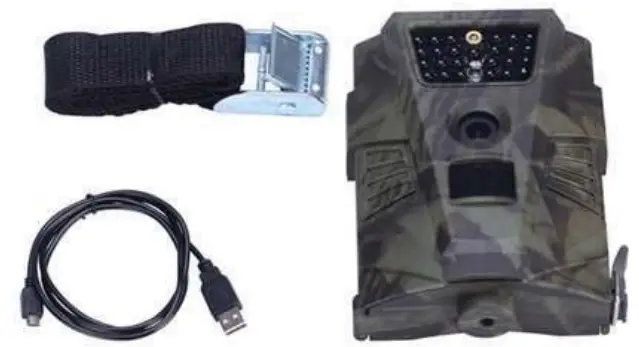
Packing List
ALL RIGHTS RESERVED
COPYRIGHT DENVER A/S
- Electric and electronic equipment included batteries contains materials. components and substances that can be hazardous to your health and the environment. if the waste material (discarded electric and electronic equipment) is not handled correctly.
- Electric and electronic equipment and batteries is marked with the crossed out trash can symbol. seen above. This symbol signifies that electric and electronic equipment and batteries should not be disposed of with other household waste. but should be disposed of separately.
- As the end user it is important that you submit your used batteries to the appropriate and designated facility. In this manner you make sure that the batteries are recycled in accordance with legislature and will not harm the environment.
- All cities have established collection points. where electric and electronic equipment and batteries can either be submitted free of charge at recycling stations and other collection sites. or be collected from the households.
- Additional information is available at the technical department of your city.
- DENVER A/S
- Omega SA Soeften
- DK-8382 Hinnerup
- Denmark
- www.facebook.com/denver.eu
ABOUT COMPANY
- Nordics
- Headquarter Denver A/S
- Omega SA. Soeften
- DK-8382 Hinnerup
- Denmark
- Phone: +45 86 22 51 00
- (Push ·2· for support)
- For technical questions.
- please write to: [email protected]
- For all other questions
- please write to: [email protected]
- Austria
- Lurf Premium Service
- GmbH
- Deutschstrasse l
- 1230 Wien
- Phone: +43 l 904 3085
- EMail: [email protected]
- Benelux/France
- Denver Benelux BV
- Barvvoutswaarderl3C+D
- 3449 HE Woerden
- The Netherlands
- Phone: +31 348 420 029
- E-Mail: [email protected]
- Germany
- Denver Germany GmbH Service
- Gutenbergstrassel
- 94036 Passau
- Phone: +49 851 379 369 40
- E-Mail [email protected]
- FairfixxGmbH
- Repair and service
- Rudolf-Diesel-Str.3 TOR 2
- 53859 Niederkassel
- (for TV. E-Mobility/Hoverboards/
- Balanceboards. Smartphones &
- Tablets)
- Tel.: +49 851 379 369 69
- E-Mail: [email protected]
- Spain/Portugal
- Denver AS Spain SA
- C/ Moscu. l Pol.Ind.Mas de Tous
- 46185 La Pobla de Vallbona
- Valencia (Spain)
- Spain
- Phone: +34 960 046 883
- Mail: [email protected]
- Portugal:
- Phone: +351255 240 294
- EMail: [email protected]
 Welcome!
 Denver A/S
 The domain name enver.eu is for sale