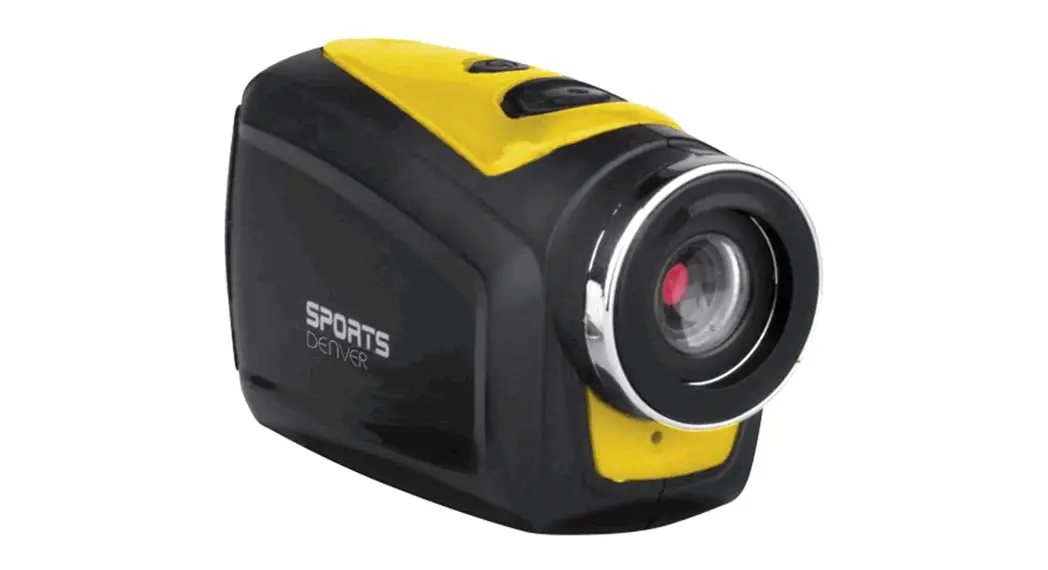

AC-1300 Quick
Start Guide
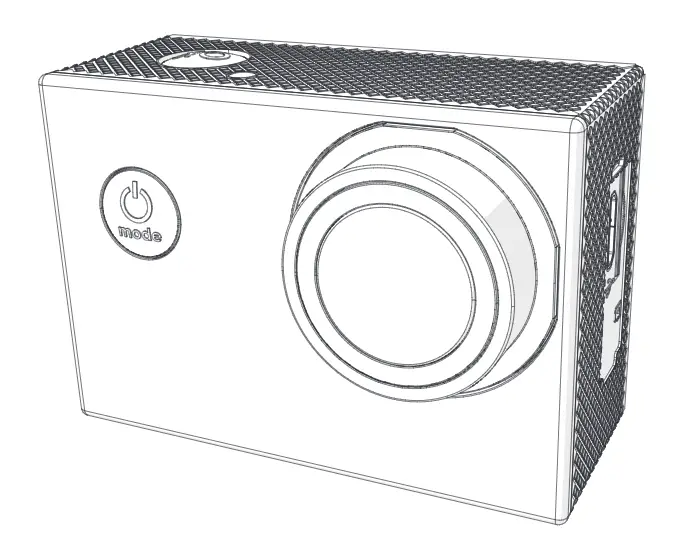
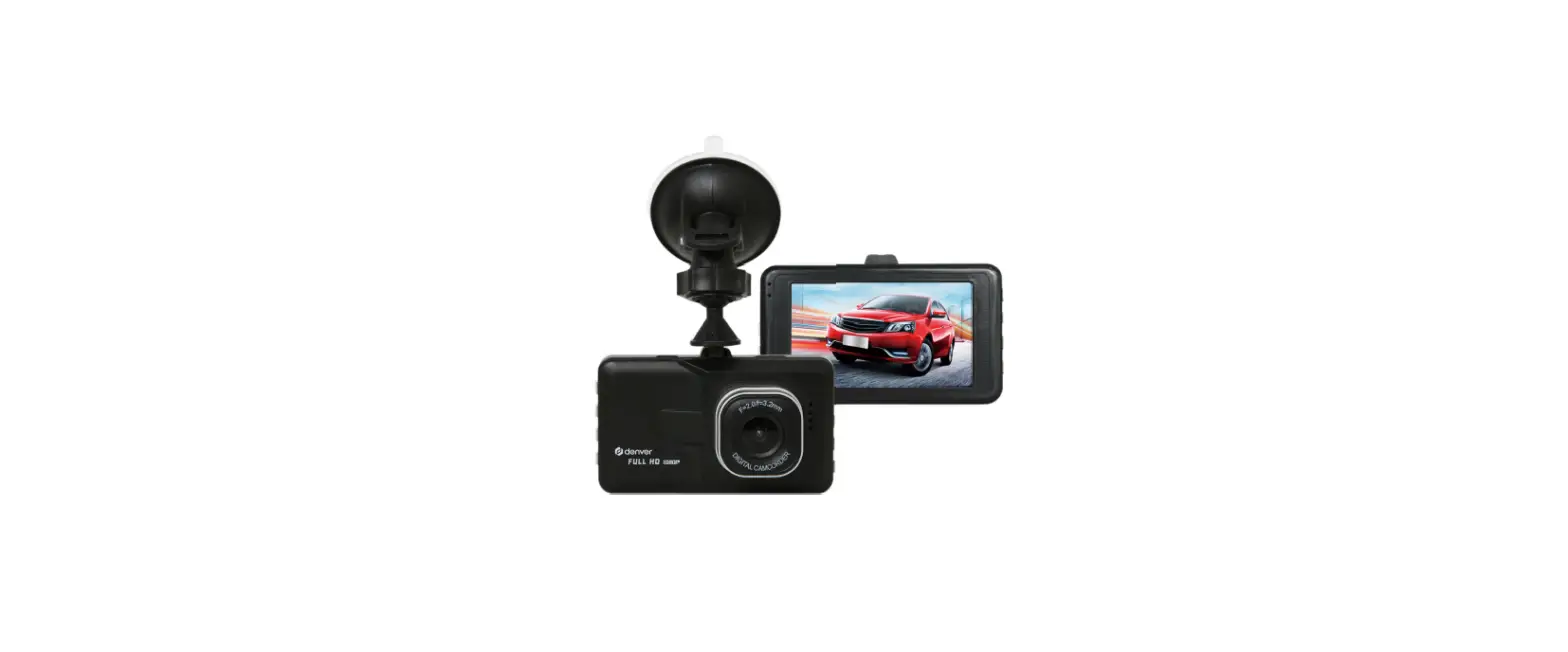
Appearance
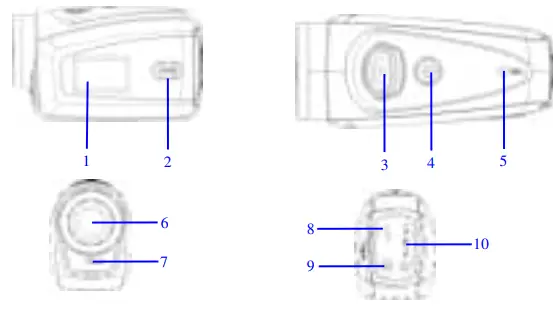
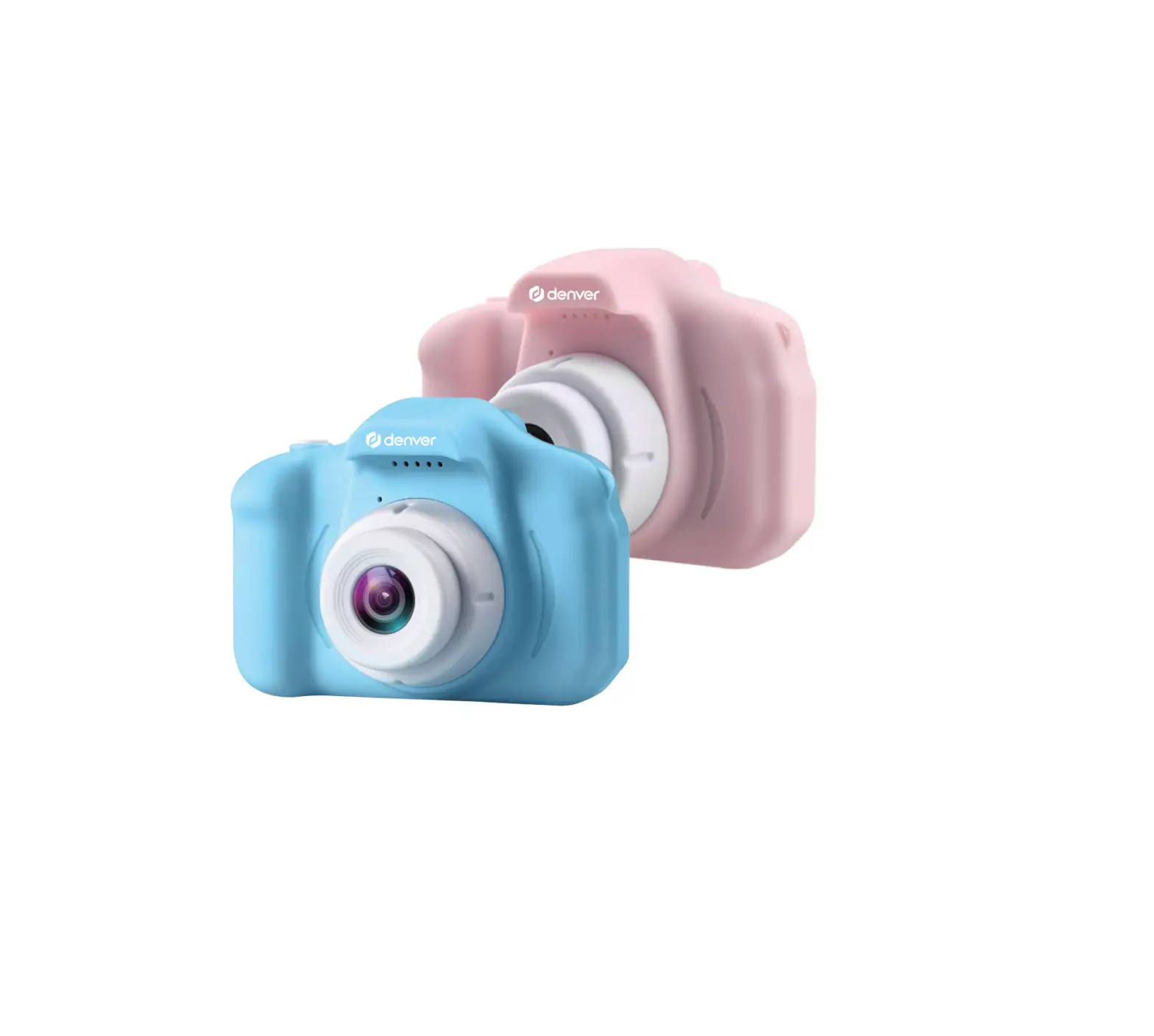
- Black and white digital screen
- MODE key
- Shutter
- Power
- Microphone
- Lens
- Reset
- USB port
- TV port
- TF card slot
Key Functions and Indictors
| Key/Indicator | Function |
| Power | Power On/Off |
| Shutter | Video recording mode, Recording/Stop Capture mode, taking pictures Replay mode; after connecting to a TV, short press to play the recorded video; long press to enter shortcut for deletion; short press to confirm the file deletion. |
| MODEkey | Switchover of video recording and capture modern circle and change image size; In capture mode, long press MODE key to format card; Replay mode: after connecting to a TV, it is used for the next or previous photo or exit from deletion mode. |
Start Operation
Battery
This camera uses the original packaged built-in rechargeable 3.7V lithium battery.
Battery disassembly is prohibited.
Memory card installation
Following instructions by the card slot, it is plugged the TF memory card into the card slot with metal pins inwards.
To take the memory card out, please press the TF card downward and take it out.
Power-on
Press and hold the power key for 2 seconds and release it for the power-o of the camera.
Mode switchover
After power-on, the camera enters the default mode of video recording at a default size of Lo. In video recording mode at Lo size, click the MODE key to switch the size to HI; in video recording mode at HI size, click the MODE key to enter capture mode at Lo size, and in capture mode at Lo size, click the MODE key to return to video recording mode at Lo size.
Video recording
In video recording mode, click the Shutter key to start the video recording and click it again to stop recording.
Capture
In capture mode, press the Shutter key to take pictures.
TV output
When the output of image and audio from the camera to the TV is needed, please plug the common end of the TV cable into the TV port of the camera.
The yellow port is for video input, and the red/white port is for audio.
Replay
After connecting to a TV, the camera enters replay mode. In replay mode, press the MODE key to select a photo or recorded video.
After selecting the recorded video file, press the Shutter key to play the file.
During playing the recorded video, press the Shutter key to stop playing.
In replay mode, long press Shutter key to enter shortcut deletion prompt, press Shutter key to confirm the deletion, and press MODE key to exit from deletion.
Power-off
In power-on mode, long-press the Power key to power the camera off.
Connection to computer
Firstly power the camera on, and then connect the camera with attached USB cable to the USB port of the computer. After connecting to the computer, the camera automatically enters portable disc mode.
Advanced Operation
Video recording, capture mode
( With a maximum of 29 minutes of video recording per sequence) After power-on, the camera automatically enters video recording mode. In video recording mode at Lo size, click the MODE key to switch the size to HI; in video recording mode at HI size, click the MODE key to enter capture mode at Lo size, and in capture mode at Lo size, click the MODE key to return to video recording mode at Lo size.
In video recording mode, press the Shutter key to start recording and press it again to stop recording, press the MODE key to switch to Lo size. In capture mode, press the Shutter key to start shooting, and press MODE key to switch to Lo size.
◆ In video recording mode, information is displayed on the screen as below:
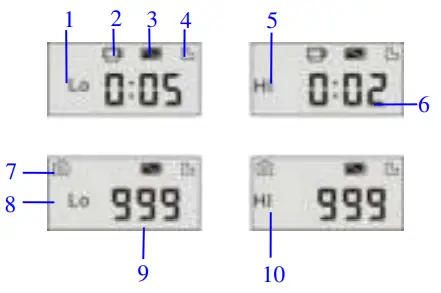
| No. | Icon | Description |
| 1 | Video recording HI | Indicates high resolution in current video recording mode |
| 2 | Video recording icon | Indicates currently in video recording mode (Flashing icon means in the process of video recording) |
| 3 | Battery level | Indicates the level of battery |
| 4 | TF card | Indicates a memory card available |
| 5 | Recording Lo | Indicates low resolution in current video recording mode |
| 6 | Time left for recording | Indicates time left in FT card for video recording |
| 7 | Capture mode | Indicates currently in capture mode |
| 8 | Capture HI | Indicates high resolution in current capture mode |
| 9 | Photo to be captured | Indicates the number of photos to be captured in current internal memory |
| 10 | Capture Lo | Indicates low resolution in current capture mode |
Replay Mode
After power-on and connecting to a TV, the camera enters the replay mode. In replay mode, press the MODE key to select the photo and recorded video. After selecting the video file, press the Shutter key to play it. During play, press the Shutter key to Stop playing.
In replay mode, long-press the Shutter key to enter file deletion mode.
In file deletion mode, press the Shutter key to confirm the deletion, and press the MODE key to exit from deletion.
◆ In replay mode, information is displayed on the screen as below:
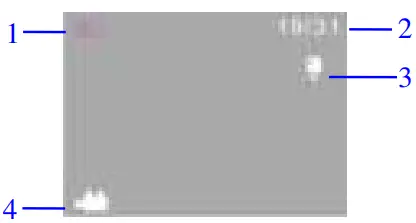
| No. | Icon | Description |
| 1 | Replay mode | Indicates reply mode |
| 2 | File quantity | This indicates there is a total of 31 files, and the 19th file is being browsed currently. |
| 3 | TF card | Indicates a memory card available |
| 4 | Icon for video recording | This indicates the current file is a video recording file. |
File Deletion
After connecting to a TV, the camera enters replay mode. replay mode, long press Shutter key to enter file deletion mode press Shutter key to confirm the deletion, and press MODE key to exfrom deletion.

ALL RIGHTS RESERVED, COPYRIGHT DENVER ELECTRONICS A/S
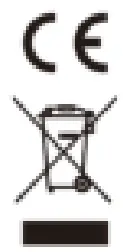
Electric and electronic equipment contains materials, components, and substances that can be hazardous to your health and the environment if the waste material (discarded electric and electronic equipment) is not handled correctly.
Electric and electronic equipment is marked with the crossed-out trash can symbol, seen below. This symbol signifies that electric and electronic equipment should not be disposed of with other household waste, but should be disposed of separately.
All cities have established collection points, where electric and electronic equipment can either be submitted free of charge at recycling stations and other collection sites or be collected from households. Additional information is available at the technical department of your city.
Fill in the blank with the model number of this player, so you can find it again later.
Imported by:
DENVER ELECTRONICS A/S
Stavneagervej 22
DK-8250 EGAA
Denmark
www.facebook.com/denverelectronics