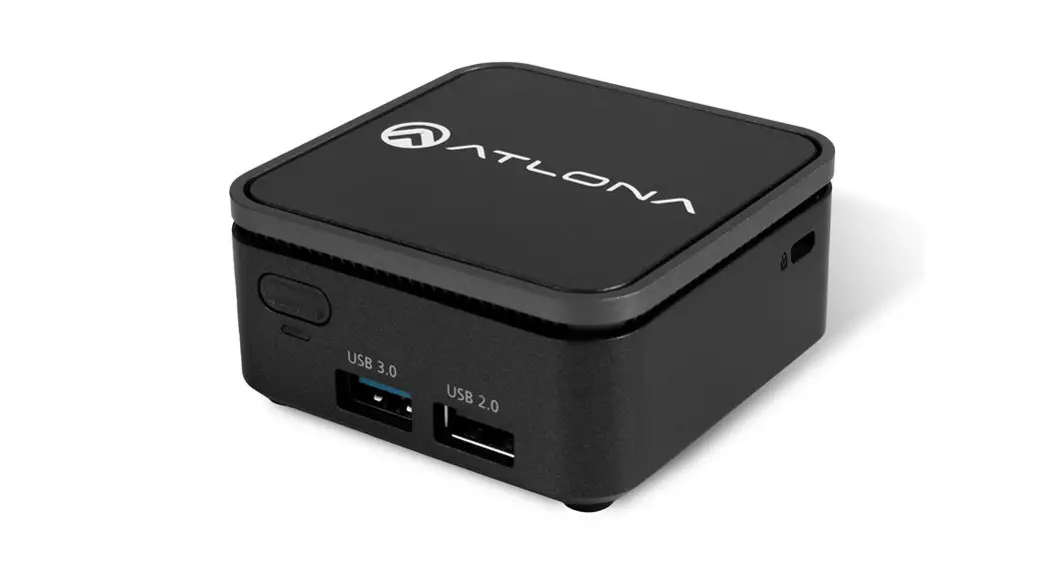
 QUICK GUIDE
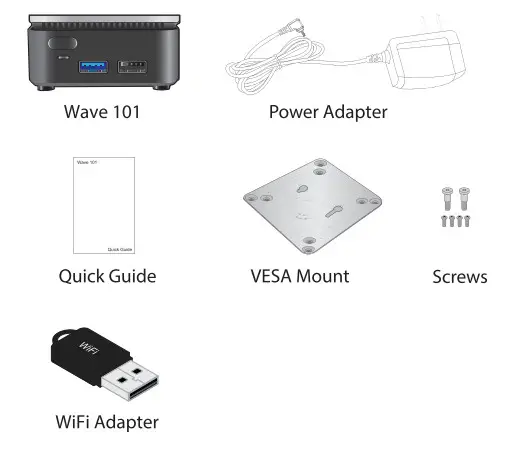
Package Contents
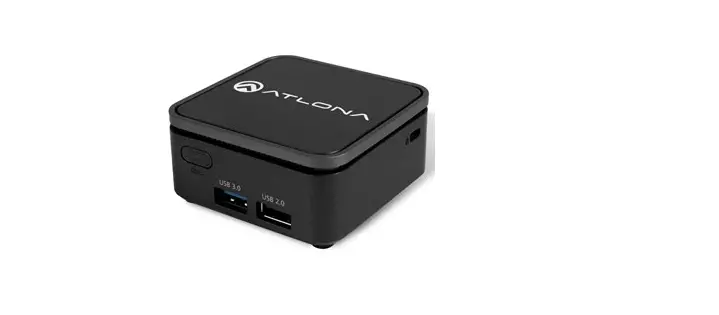
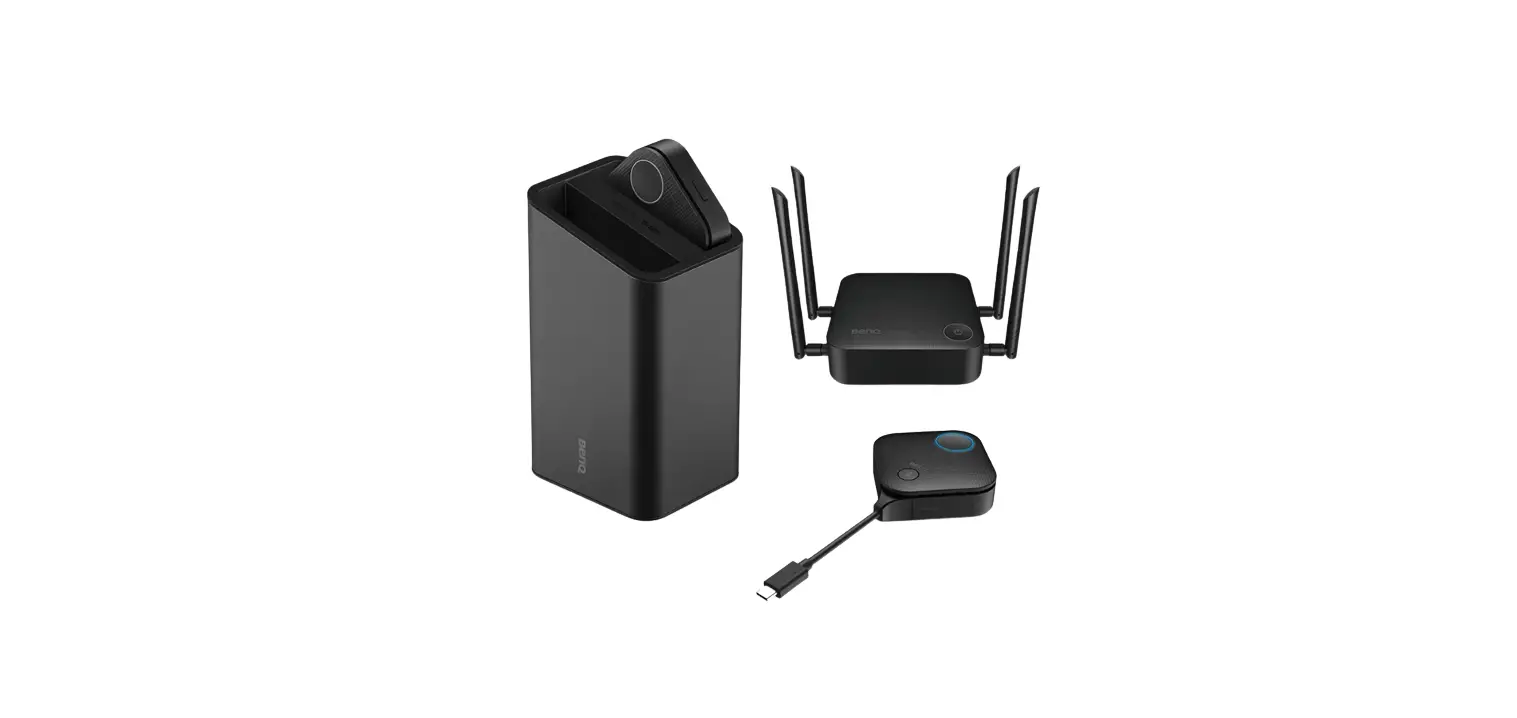
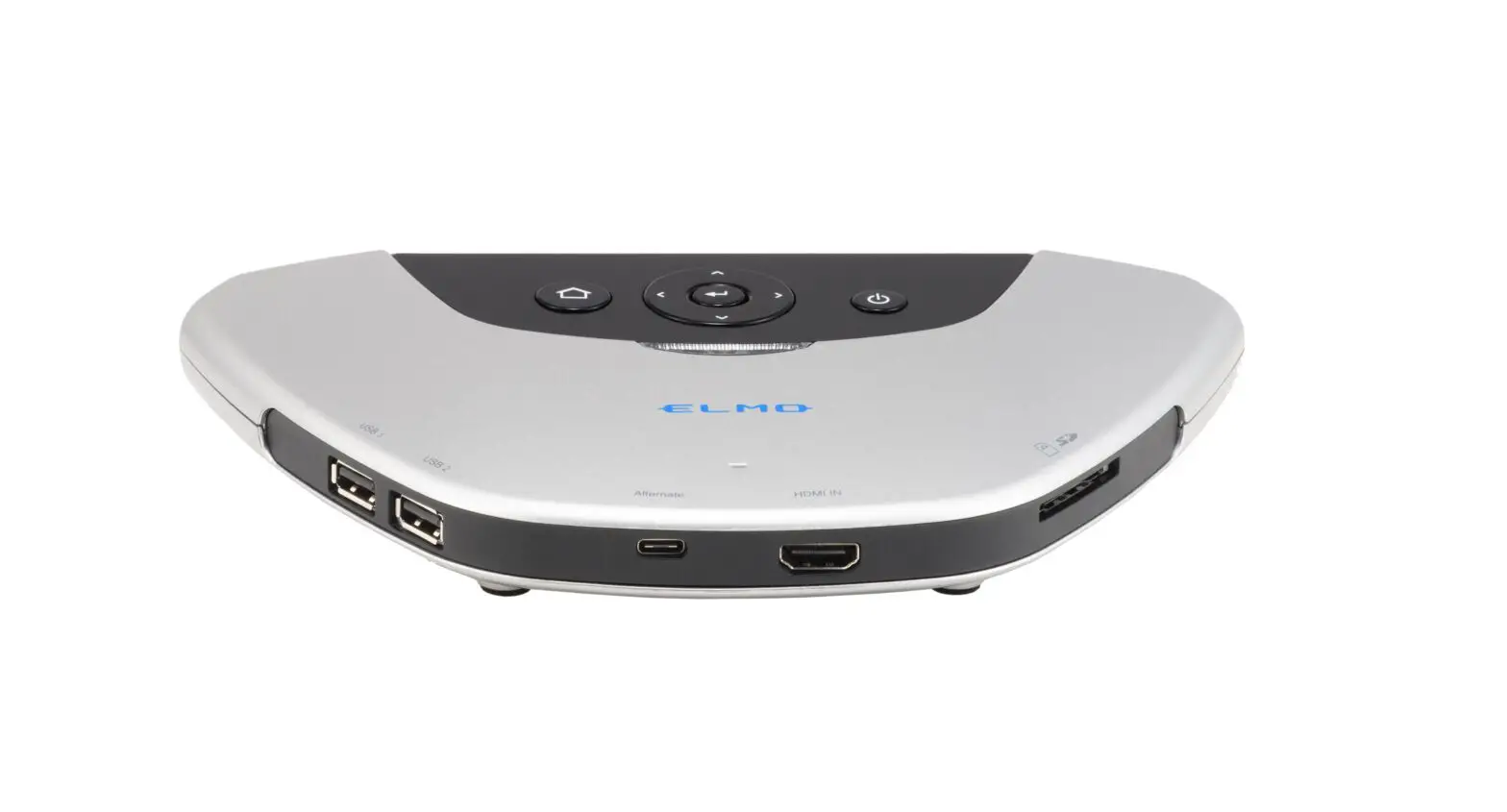
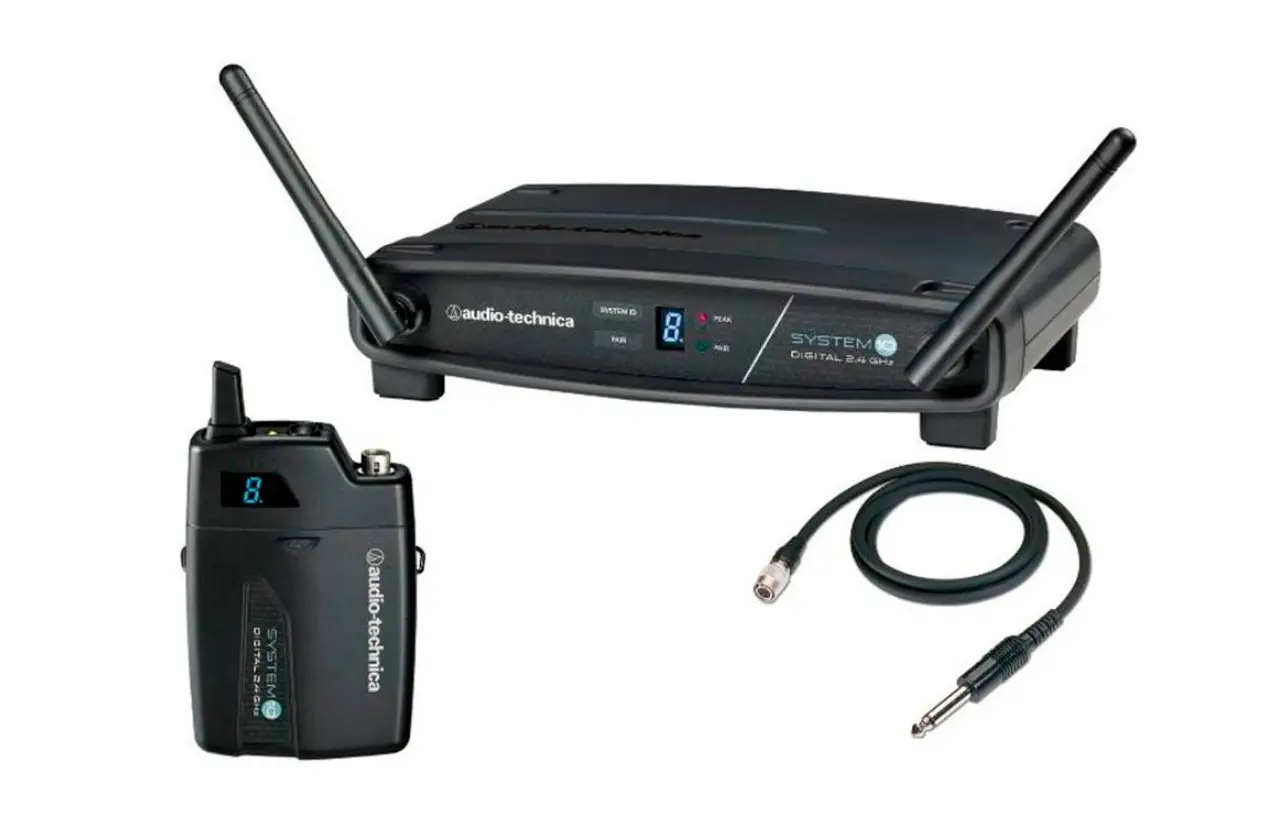
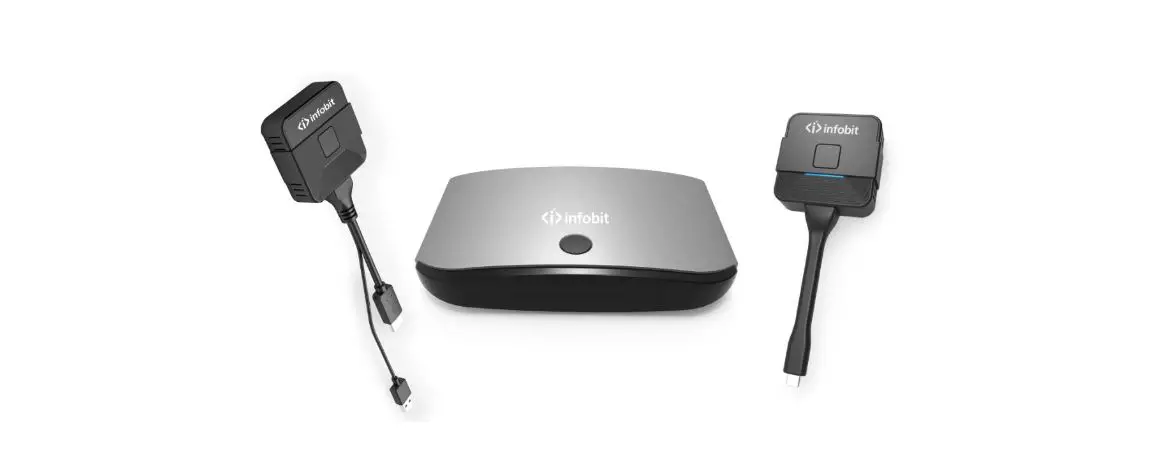
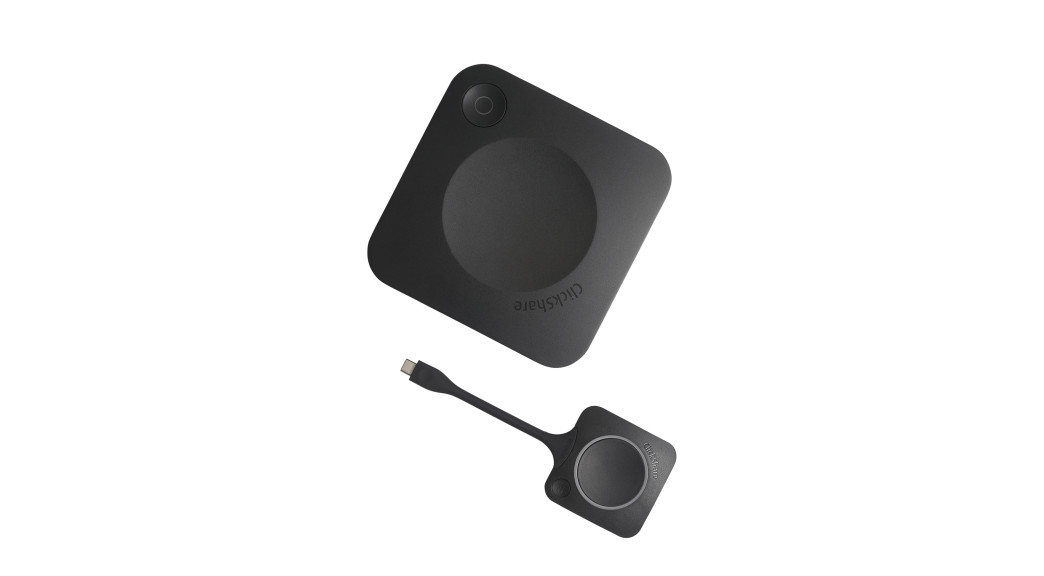
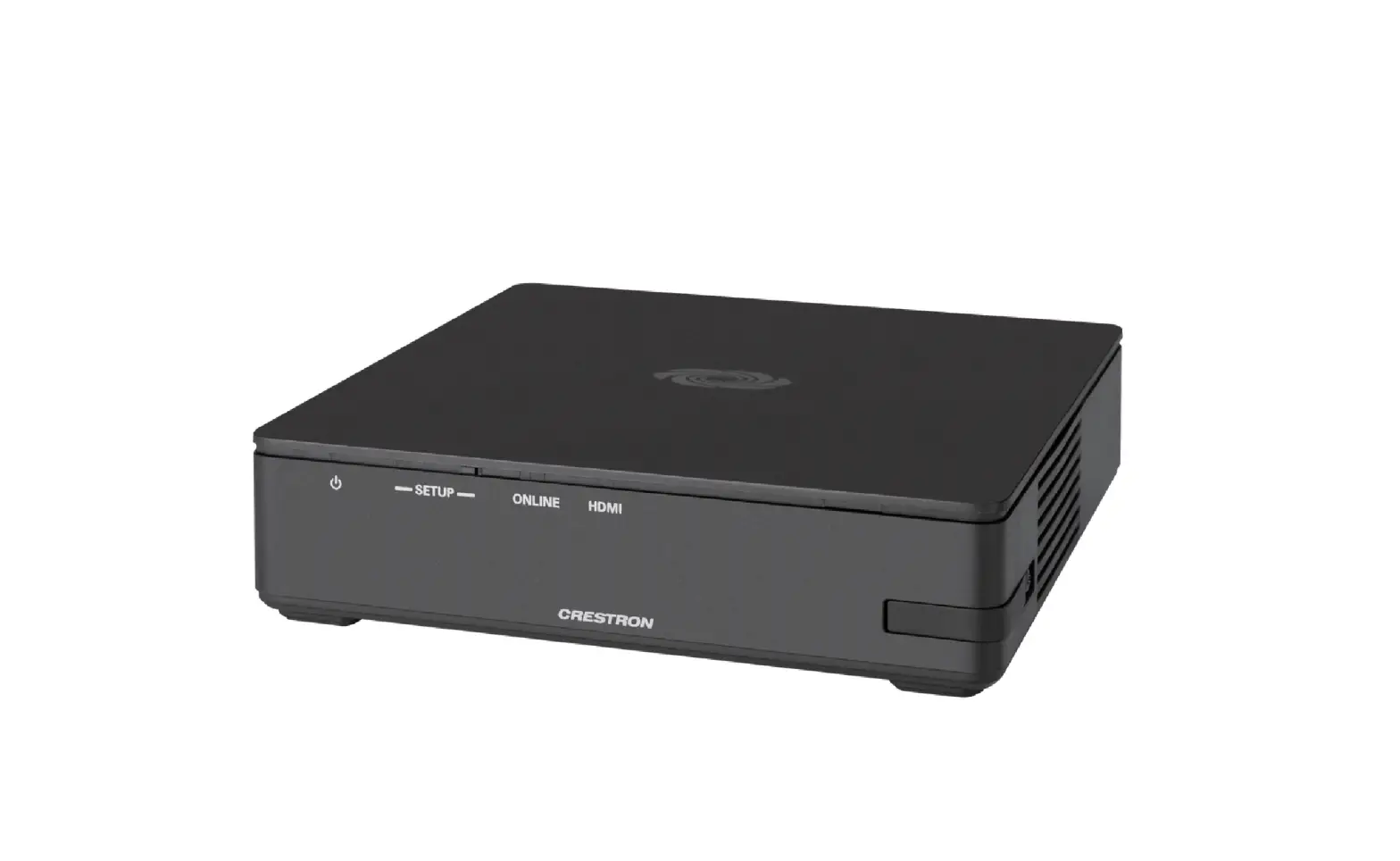
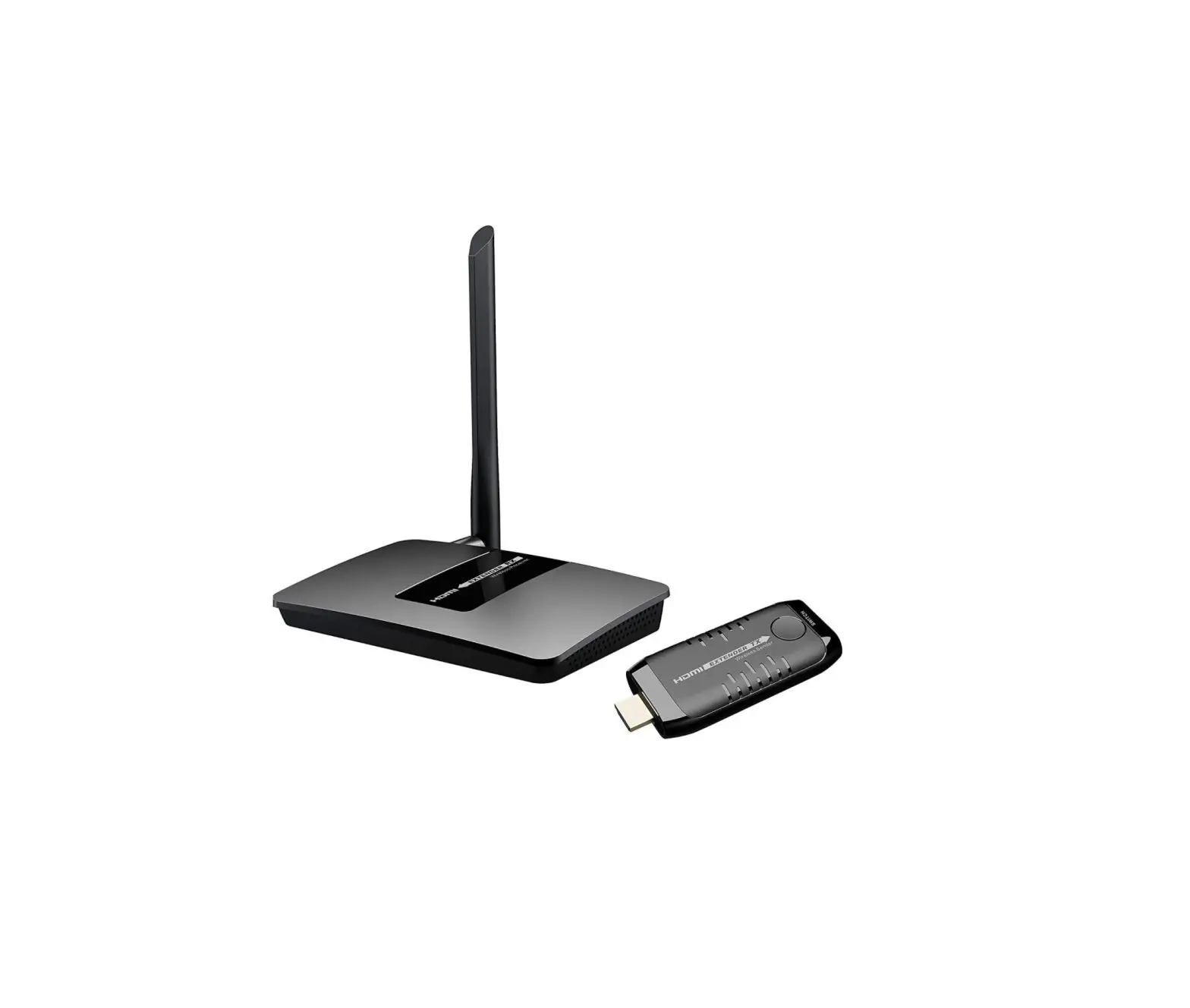
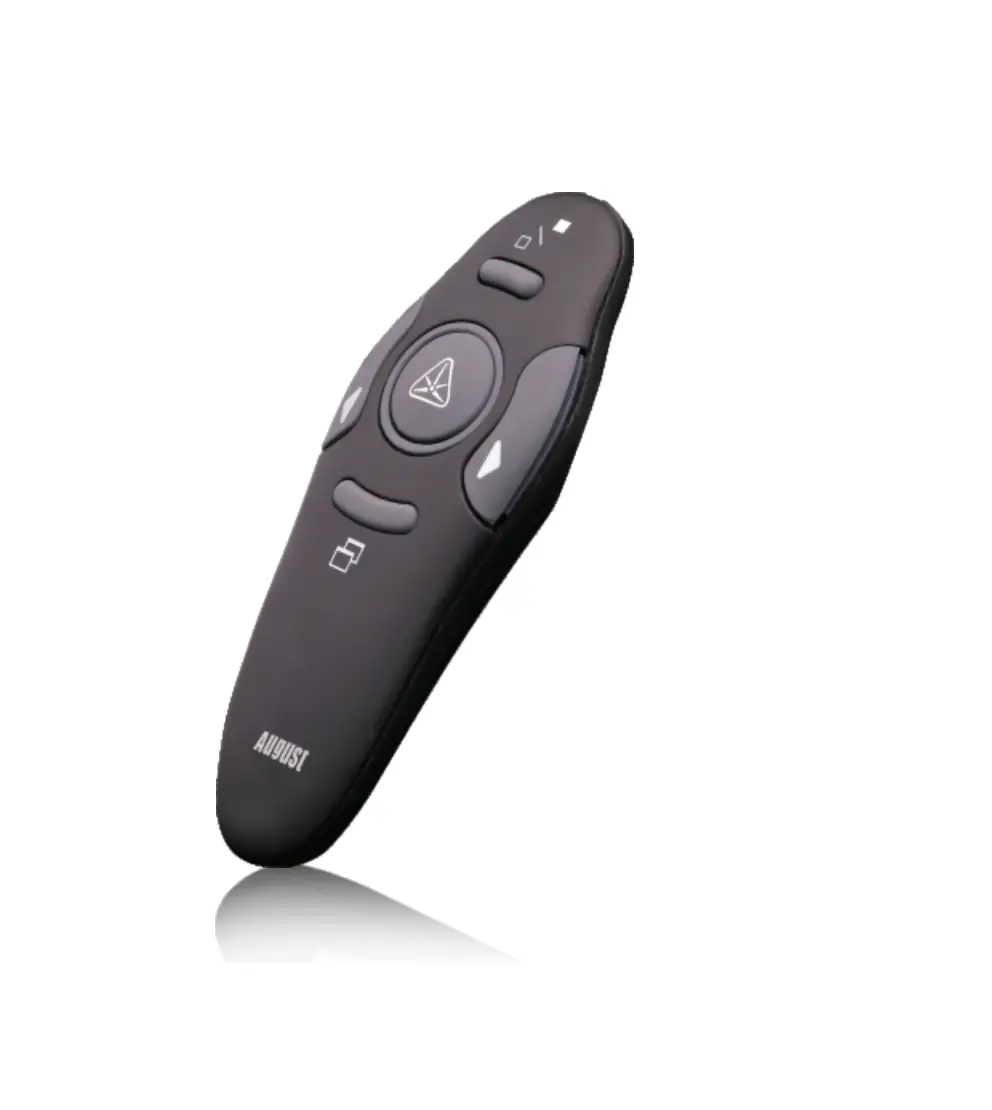
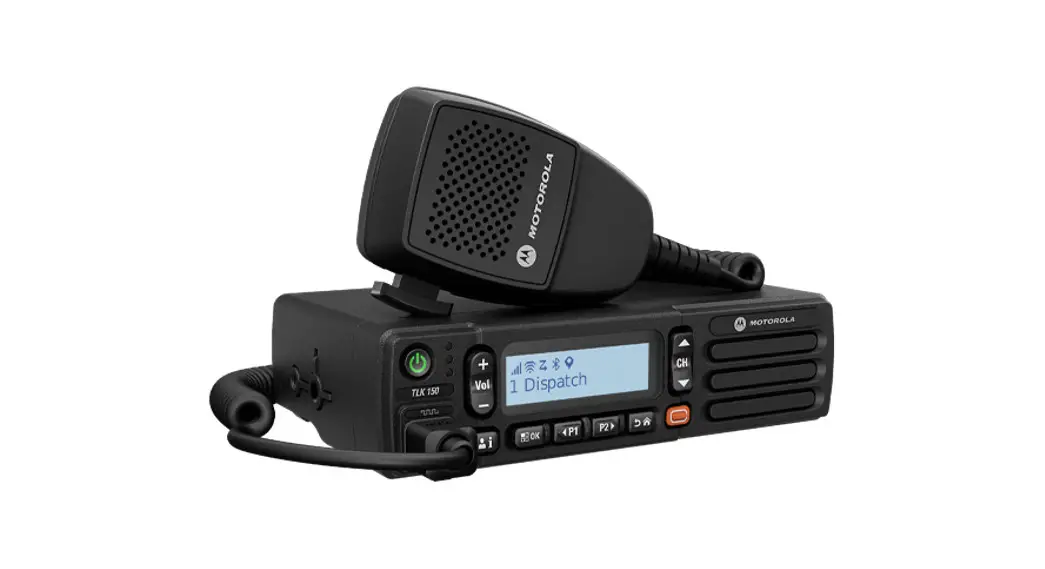
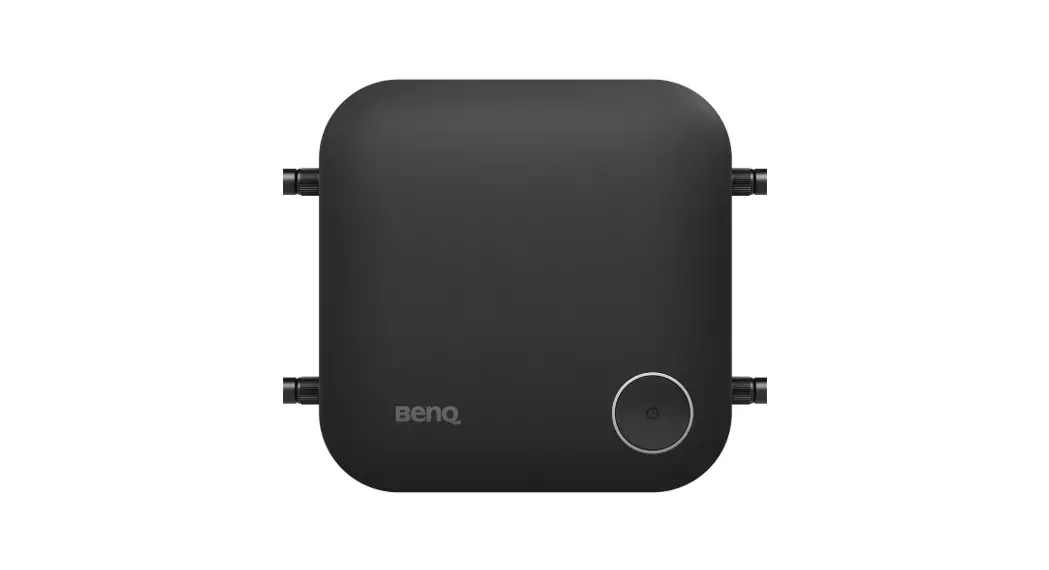
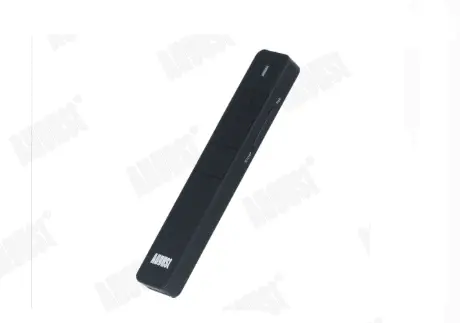
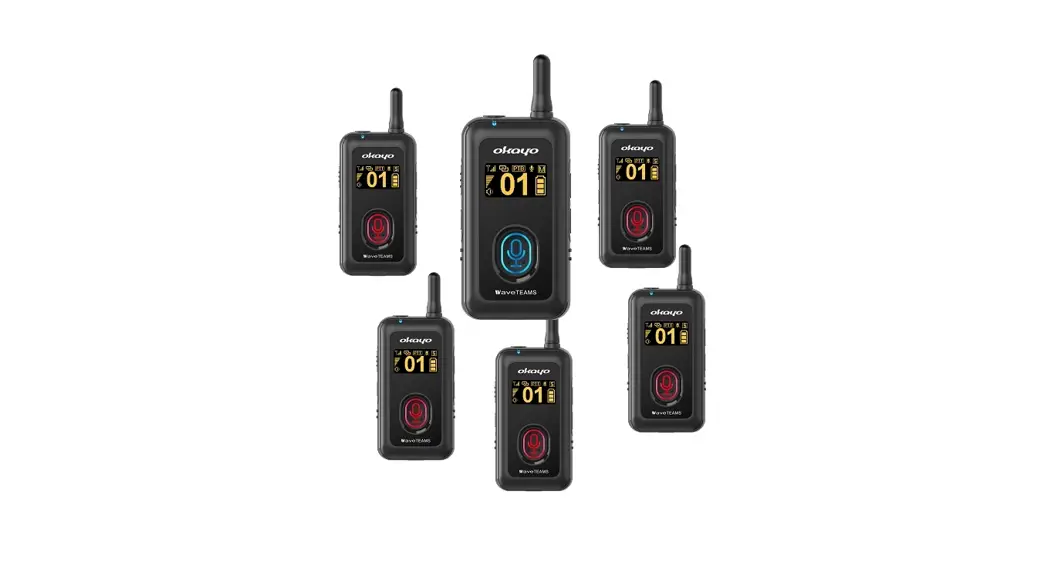
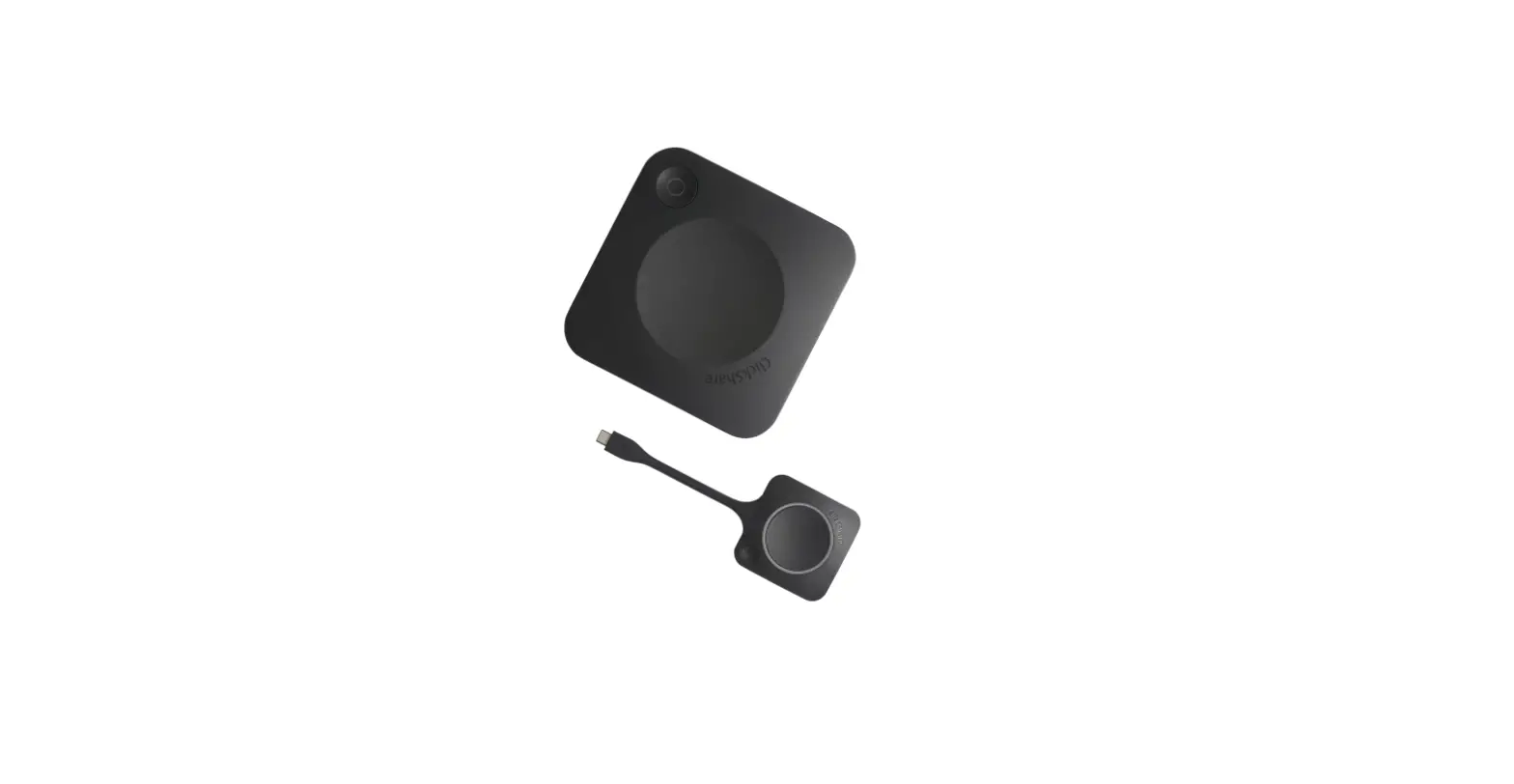
The box contains the following items. If any of the items is missing or damaged, please contact the agency or dealer immediately.
Interface
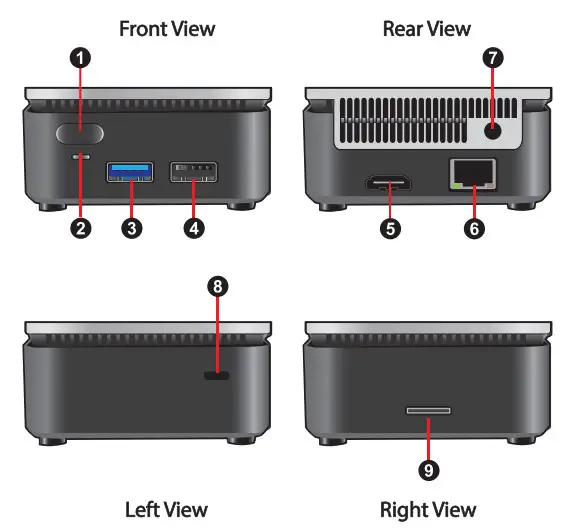
| 1. Power Button 2. Power Status LED 3. Standard USB 3. 4. Port CI Standard USB 2.0 Port 5. HDMI Port | 6. LAN Port 7. Power adapter port 8. Anti-Theft Key Lock Hole 9. Micro SD Card Slot |
Getting Started
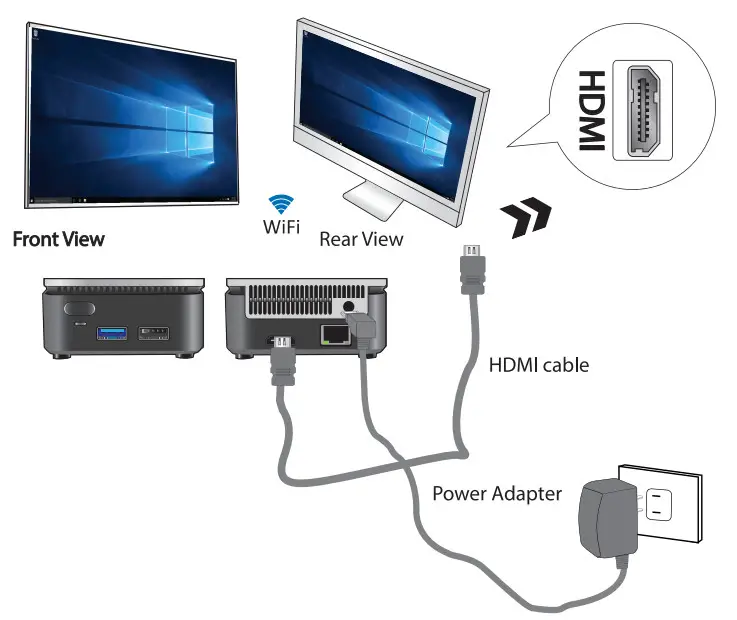
- Connect the HDMI port of the mini PC to the HDMI port of a TV or LCD monitor with the HDMI cable. Then set the TV or LCD monitor by selecting the connected HDMI port as “video input signal”.
- Power supply: Insert the power adapter into a standard AC power outlet and connect the power adapter to this device.
- It supports both USB mouse/keyboard and Bluetooth mouse/keyboard.
- Plug the RJ45 Ethernet cable to the LAN port for WAN connection.
- *Optional* Connect the included WiFi adapter to the USB 2.0 port. 6. Press the power button to start the system.
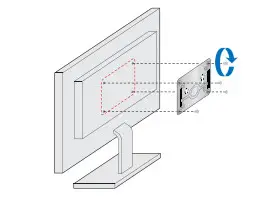
VESA Mount
- Secure VESA Mount onto the backboard of TV or LCD monitor with 4 screws.

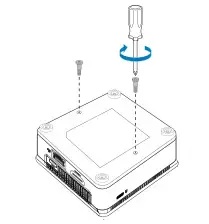
- Fasten two screws on the bottom of the case.

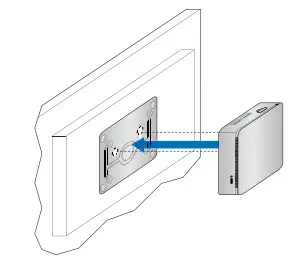
- Locate to the holes and insert the screws into them and slide the case down until it is fixed.

Specification
| Processor | Intel• Gemini Lake SOC |
| Main Memory | 2GB / 4GB LPDDR4 (2400) |
| Storage | 32GB / 64GB eMMC |
| I/O port | lx HDMI port lx DC-jack port lx USB 3.0 Host port lx USB 2.0 Host port lx Micro SD Card slot lx LAN port |
| Buttons & Indicators | Power Button Power Status LED |
| Networking | 802.11 ac/b/g/n dual-band Wireless LAN Bluetooth 4.1 for BT peripherals |
| Power Adapter | ASIAN POWER DEVICES INC. WA-24Q12R |
| OS | Windows 10 |
| Thermal design | Fan with sink |
| Operation Temp. | 0–40°C |
| Dimensions | 70mm•70mm°133.4mm |
Notice and Safety
 Failure to use the included ASIAN POWER DEVICES INC. WA-24Q12R Power Adapter may violate regulatory compliance requirements and may expose the user to safety hazards. Risk of explosion if the battery is replaced with an incorrect type. Batteries should be recycled where possible. Disposal of used batteries must be in accordance with local environmental regulations. Modification of the wireless antennas, thermal solution, or enclosure may violate regulatory compliance requirements and may expose the user to safety hazards. Please do not try to repair your equipment, and always follow the instructions in the User Guide.
This product is in conformity with the following EC/EMC directives.
CE mark. Declaring compliance to the European Union(EU) EMC directive, Low Voltage directive, and RoHS directive.
 | |||||
| AT | BE | BG | CZ | DK | EE |
| DE | CY | IE | IT | EL | ES |
| FR | LV | LT | LU | HU | MT |
| NL | PL | PT | RO | SI | SK |
| Fl | SE | HR | UK | ||
Declaration of Conformity
The English version can be found under the resources tab at: httos://atlona.com/oroduct/at-wave-101/

https://atlona.com/product/at-wave-101

The terms HON. HDMI High-Definition Multimedia Interlace. and the HOMI Logo we trademarks or registered trademarks of HDMI licensing Admiiisbator. Inc.