Contents hide

Kindermann K-WM Wireless Presentation System
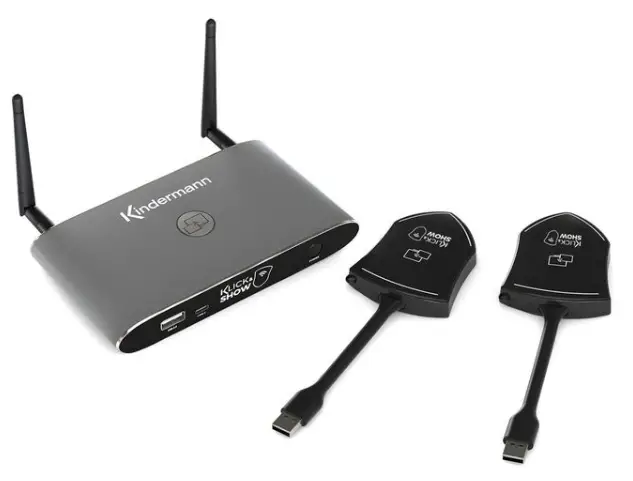
Quick Start Guide
User manual

Intended use
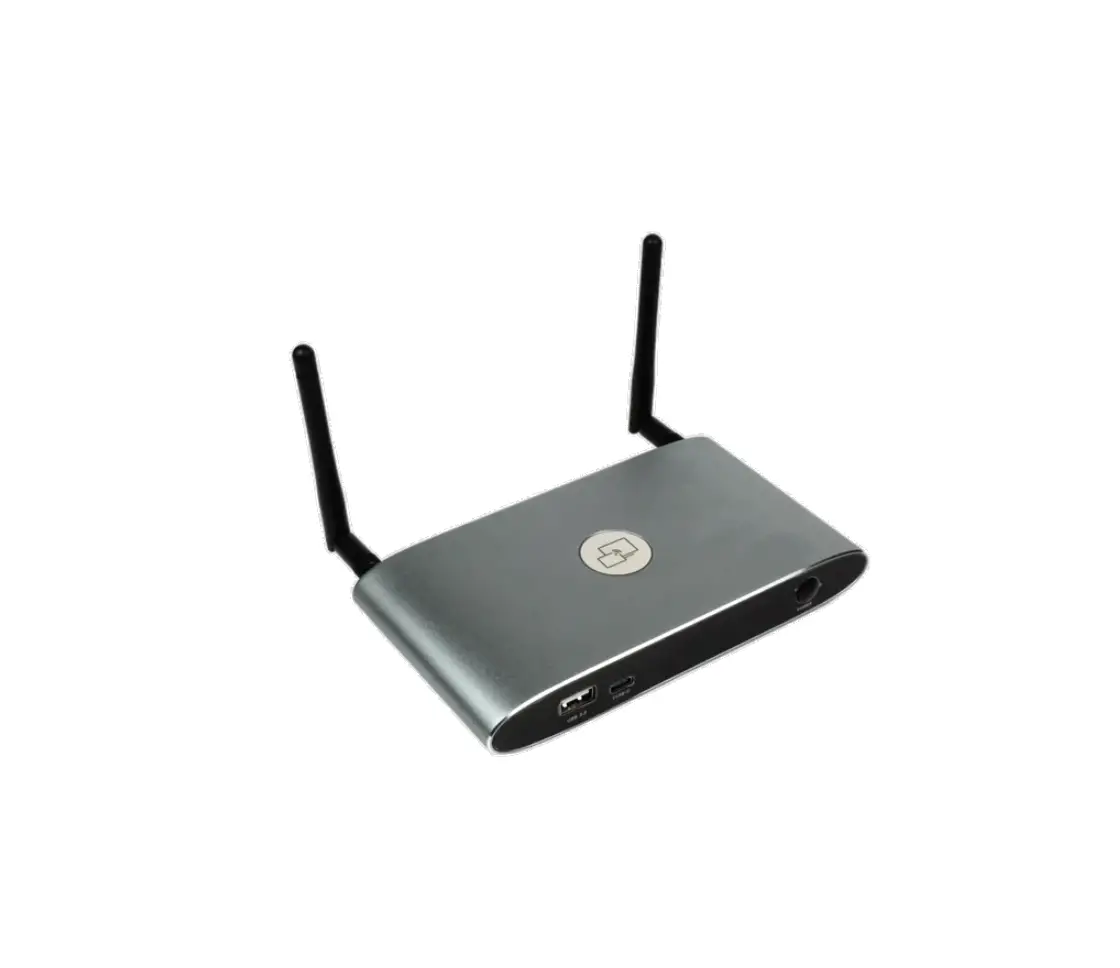
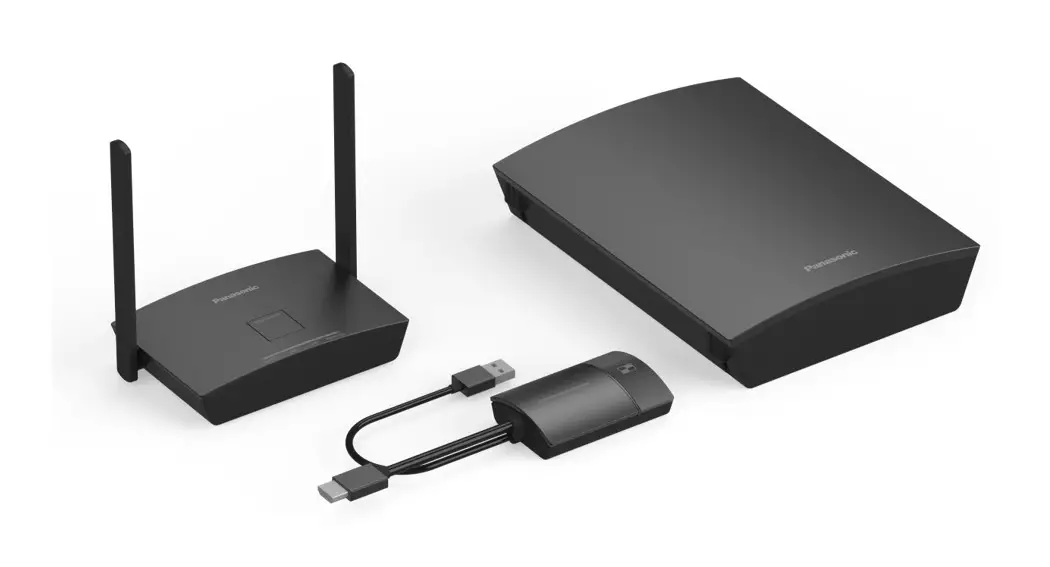
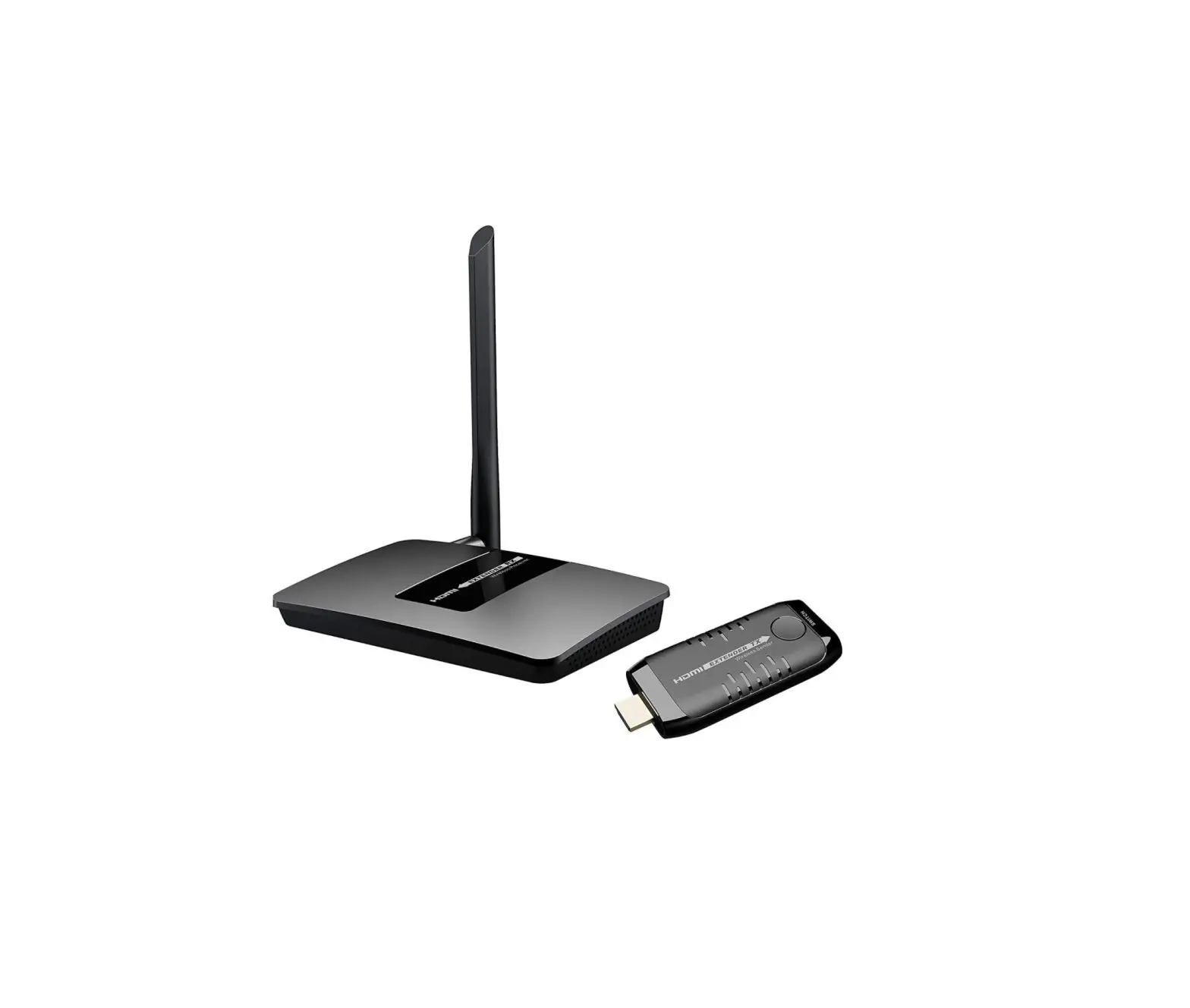
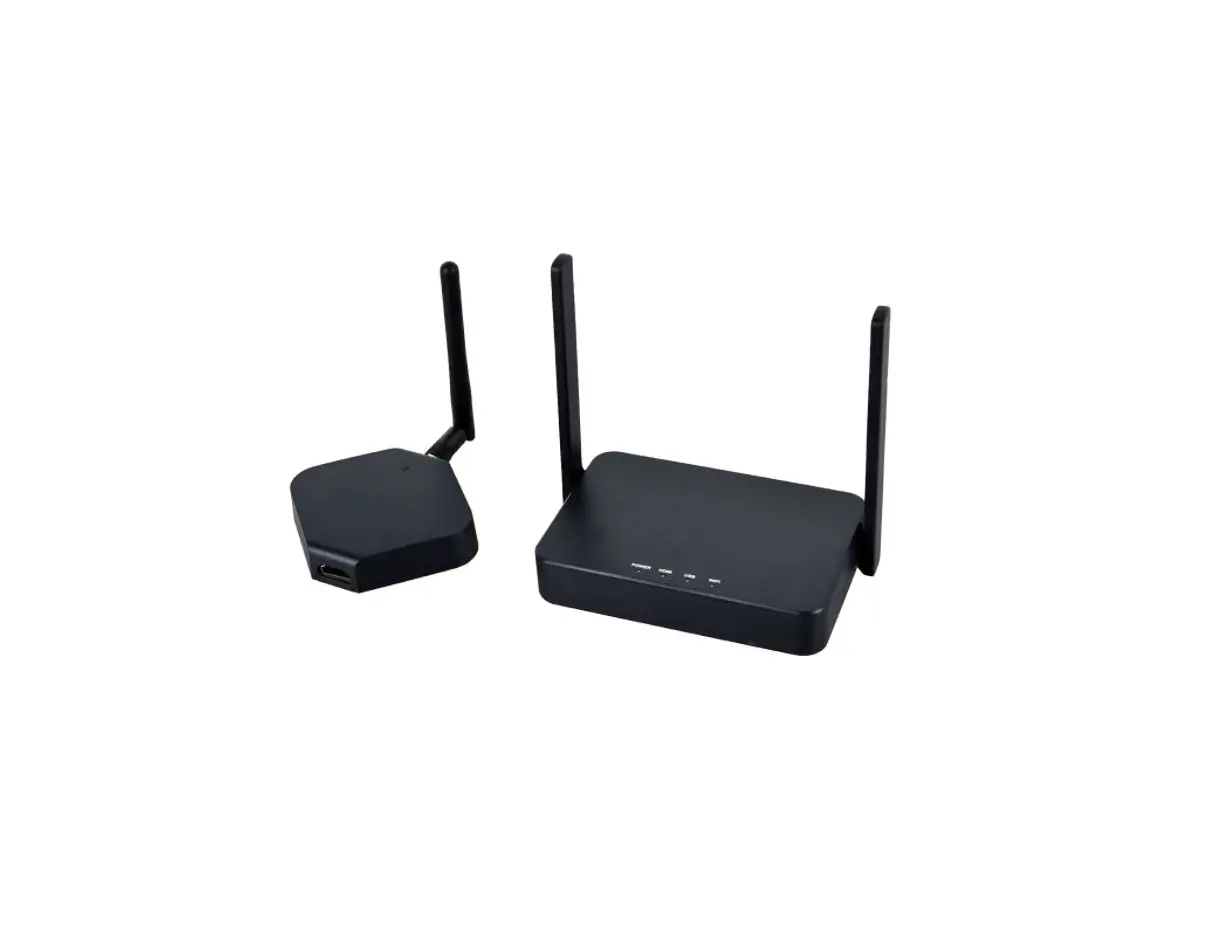
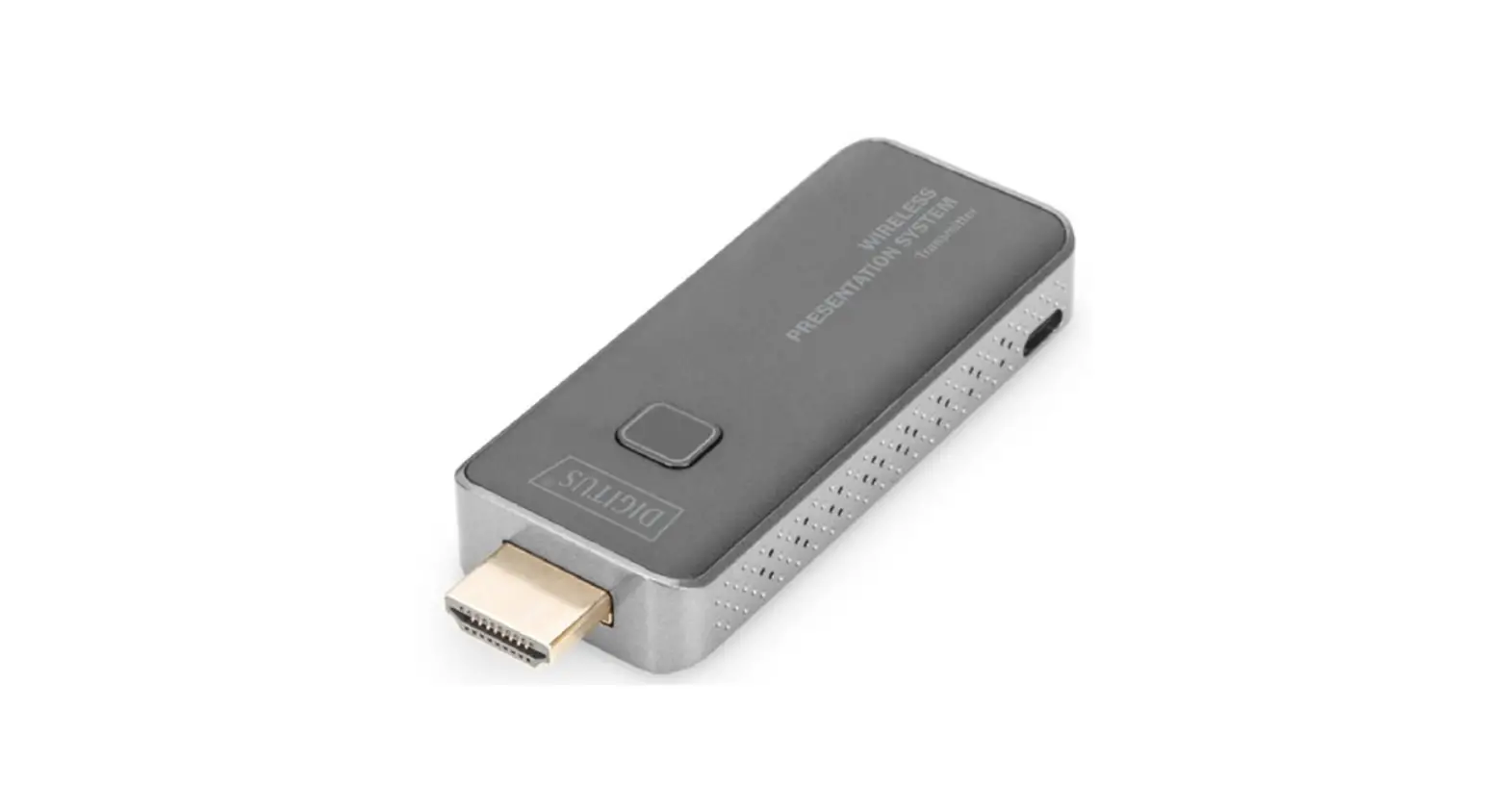
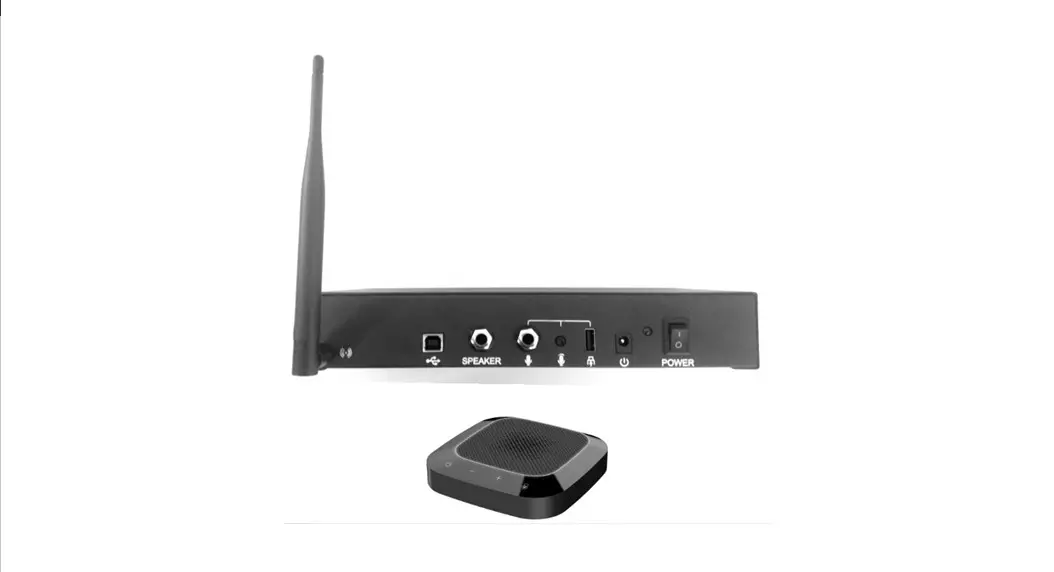
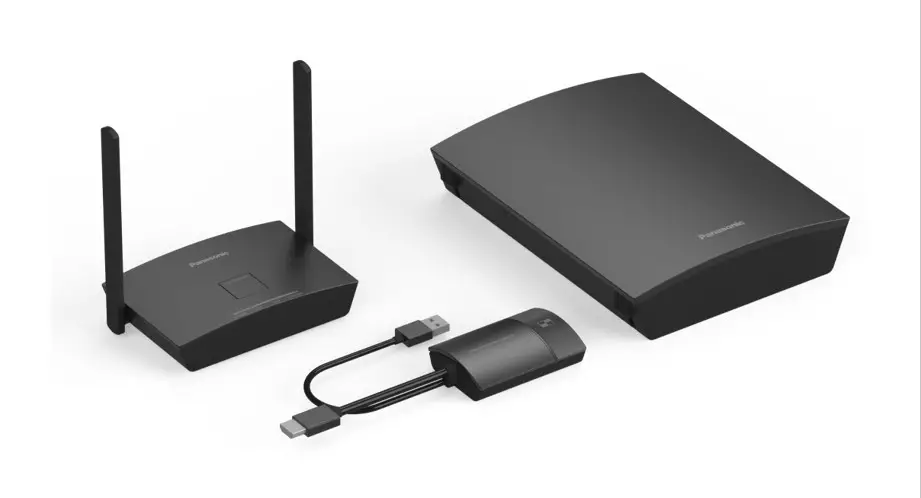
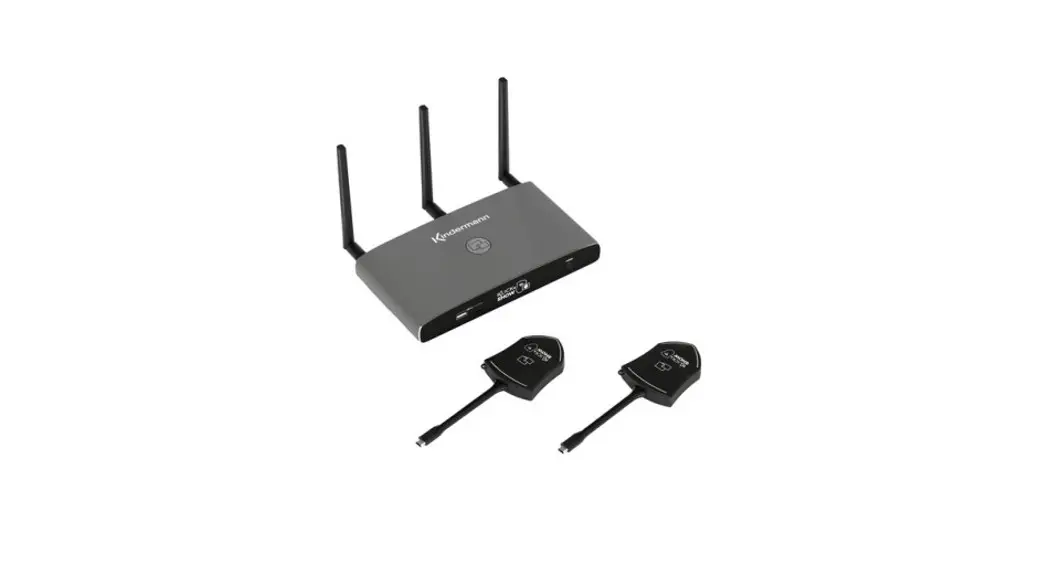
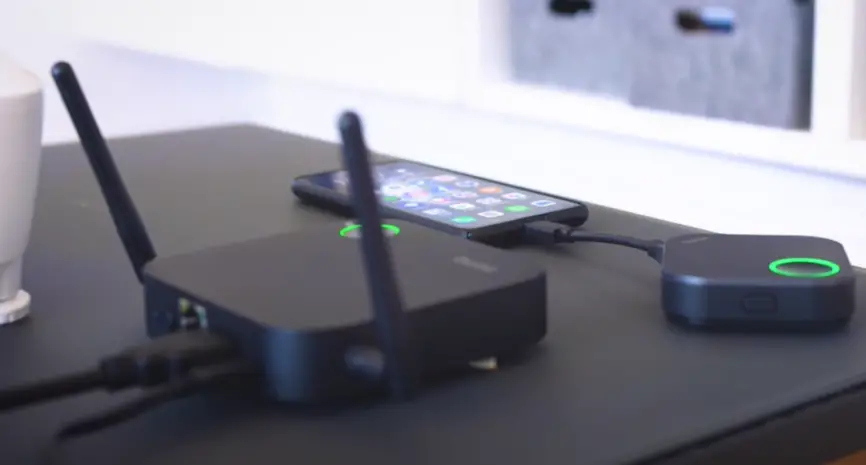
KLICK&SHOW is a wireless presentation system for processing audio-visual content from different devices.
Safety instructions
- Please read the instructions carefully and store them
- The Kindermann KLICK&SHOW base unit can only be operated with a safety low voltage via the associated power supply unit
- The device must only be stored and used in a dry, closed environment without mechanical stress
- Install the unit in a place with adequate ventilation
- Do not use any liquids or thinners for cleaning (remove the power supply beforehand!)
- Remove the power supply for long periods of non-use
- The use of unsuitable accessories may result in damage or malfunction
- Please observe the safety instructions of the devices to be connected
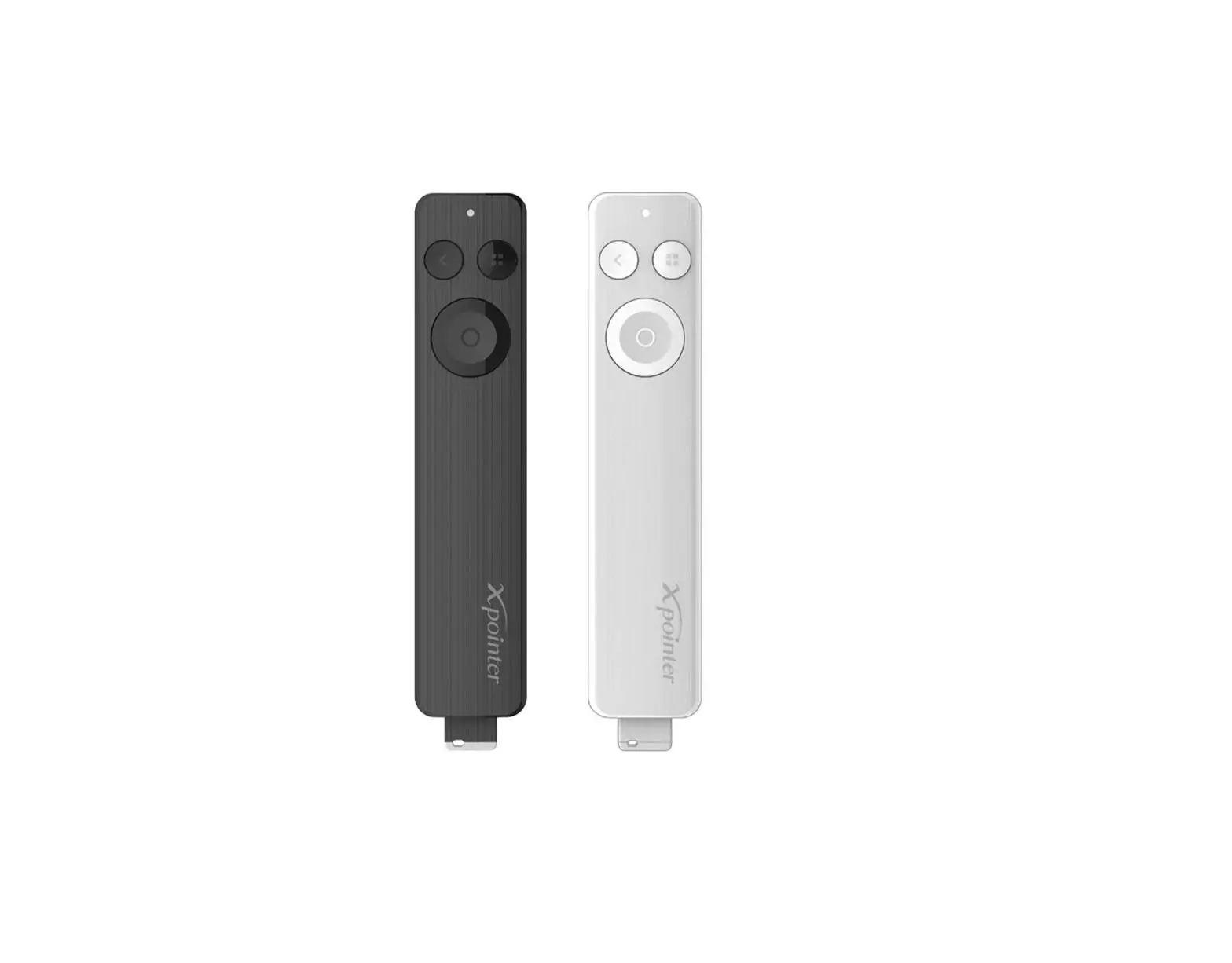
Package contents
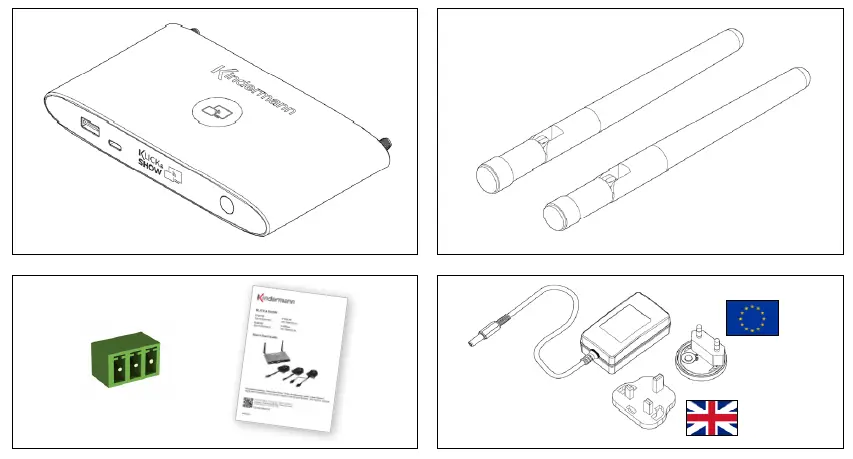
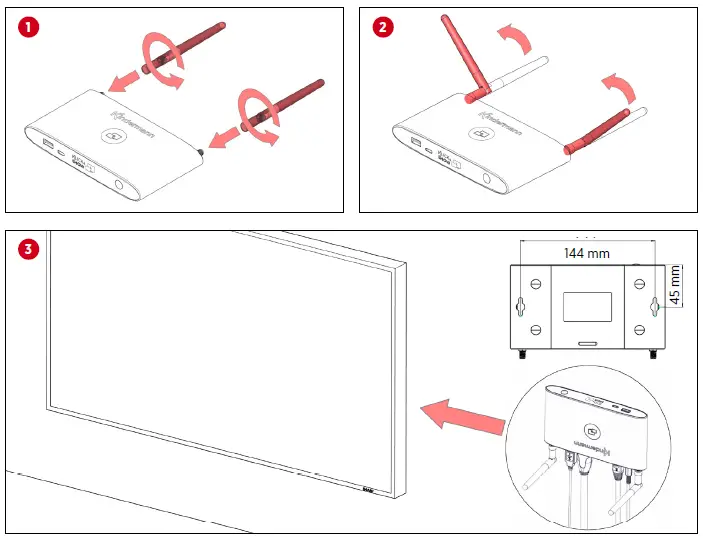
- Montage
- Assembly
- Installation
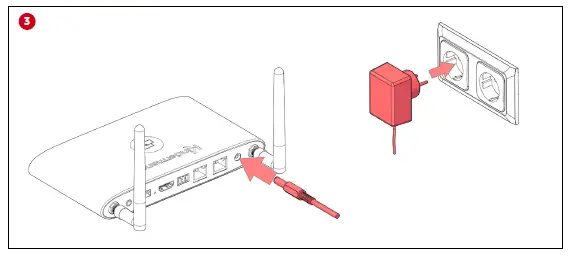
Commissioning
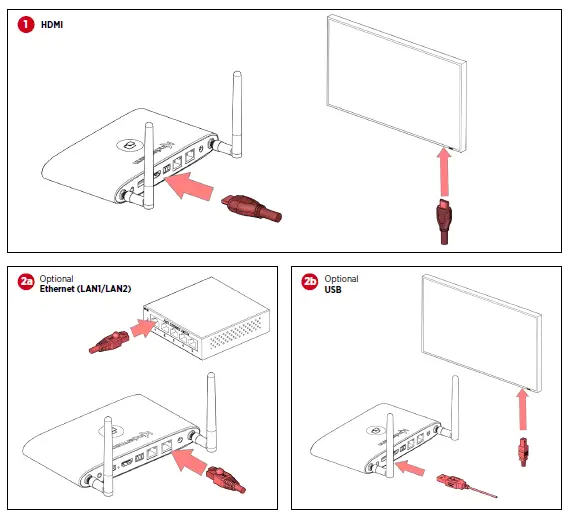
- HDMI
- OPTIONAL
- ethernet(LAN1/LAN2)
- OPTIONAL
- USB
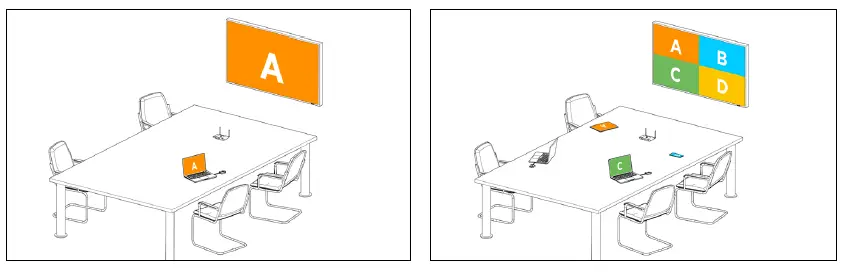
Present
Mobile Devices
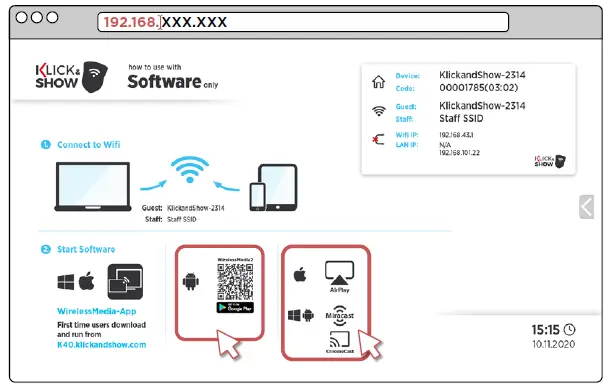
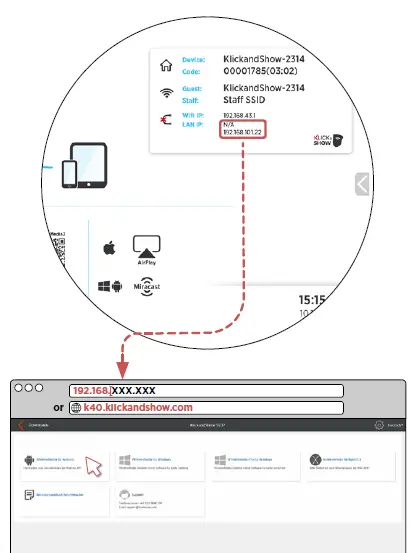
Download WirelessMedia App
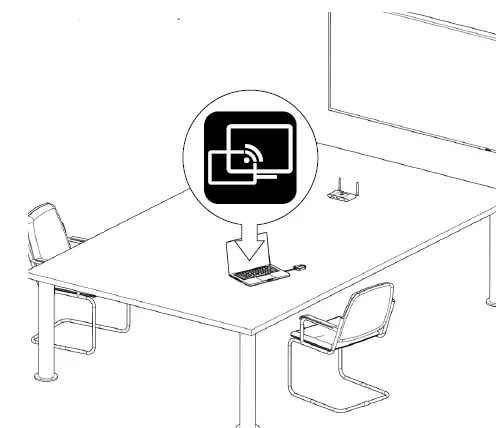
Start software client
Declaration of conformity CE
Hereby, Kindermann GmbH declares that the radio equipment type KLICK&SHOW is in compliance with Directive 2014/53/EU. The full text of the EU declaration of conformity is available at the following internet address:
https://shop.kindermann.de/erp/webshop/navigationPath/7488000350.html
Frequency band
When the channels 36-48 are used with the 5 GHz band, this product is restricted only for indoor usage.
- Frequency band: 2.4
- GHz: Channels 1, 2, 3, 4, 5, 6, 7, 8, 9, 10, 11 / 5
- GHz: Channels 36, 40, 44, 48
- Bandwidth: 20 MHz /
- Transmission power: max. 13 dBm (20 mW), controlled dynamically
| For indoor use ONLY, when operating in 5 GHz-band! | |||||||
|
| AT | BE | BG | CH | CY | CZ | DE |
| DK | EE | EL | ES | FI | FR | HR | |
| HU | IE | IS | IT | LI | LT | LU | |
| LV | MT | NL | NO | PL | PT | RO | |
| SE | SI | SK | TR | UK | |||

E-Mail: [email protected]
Website: www.kindermann.com
 KLICK&SHOW Manuals – Kindermann Manuals
 K40 Download | Klick & Show
 Home - Kindermann GmbH
 Klick+Show K-WM - Kindermann Webshop