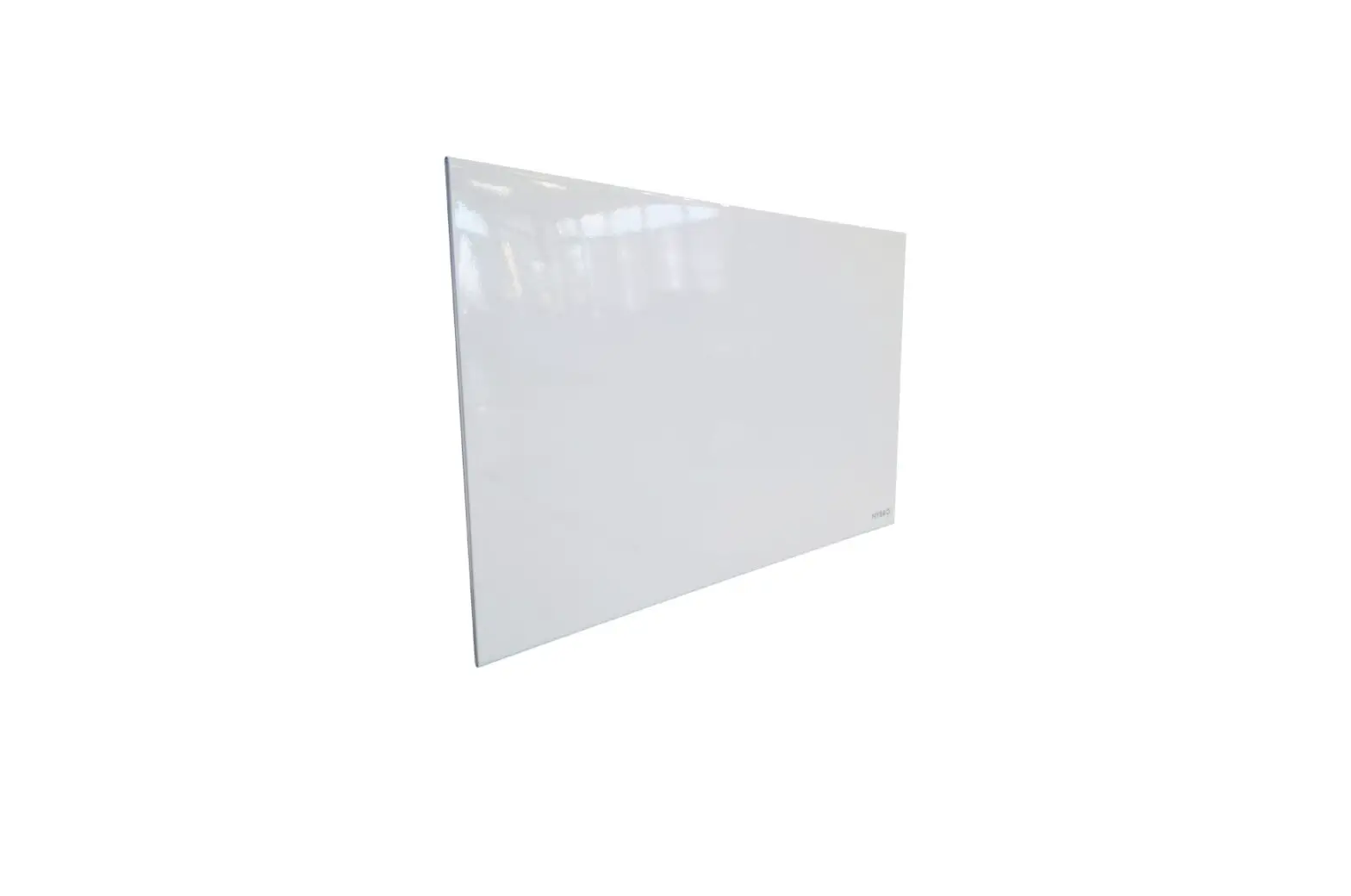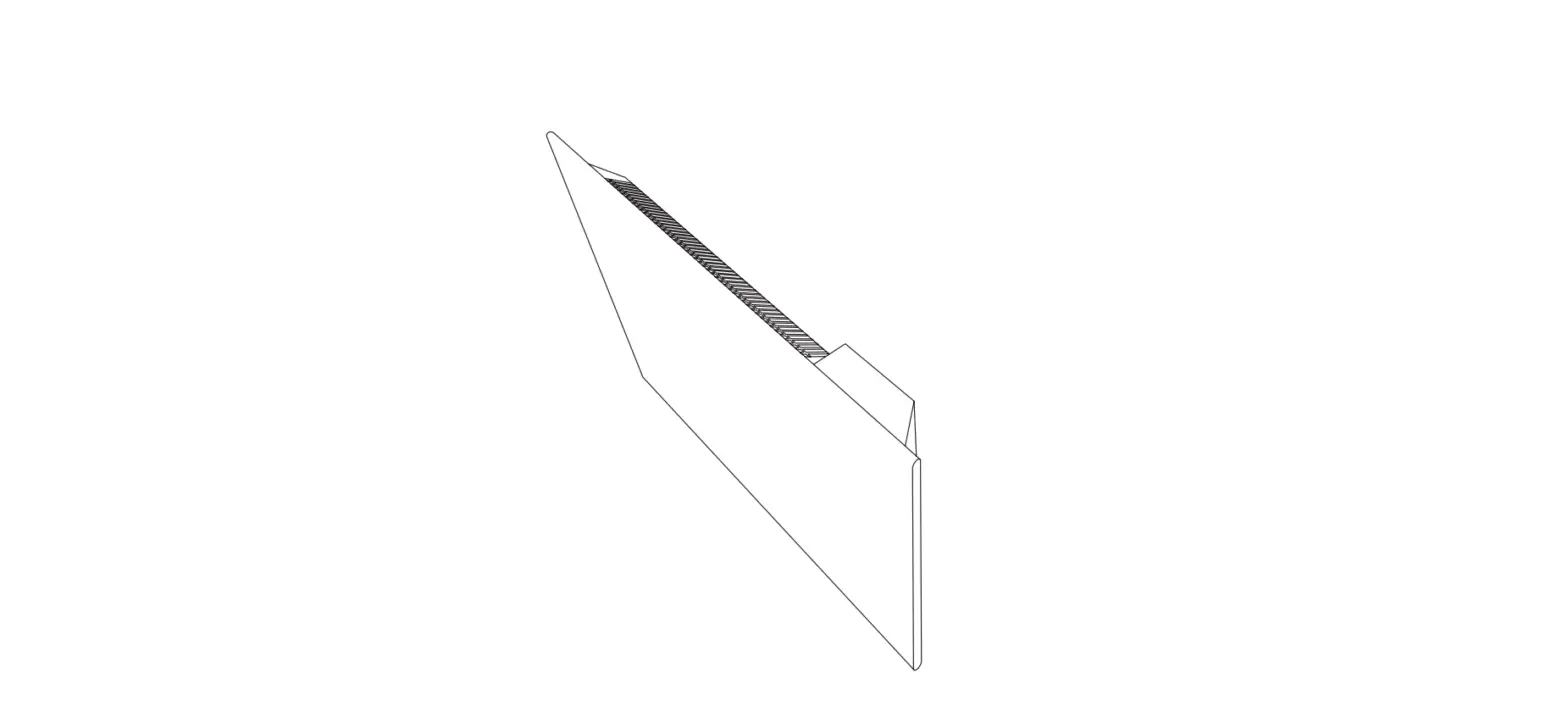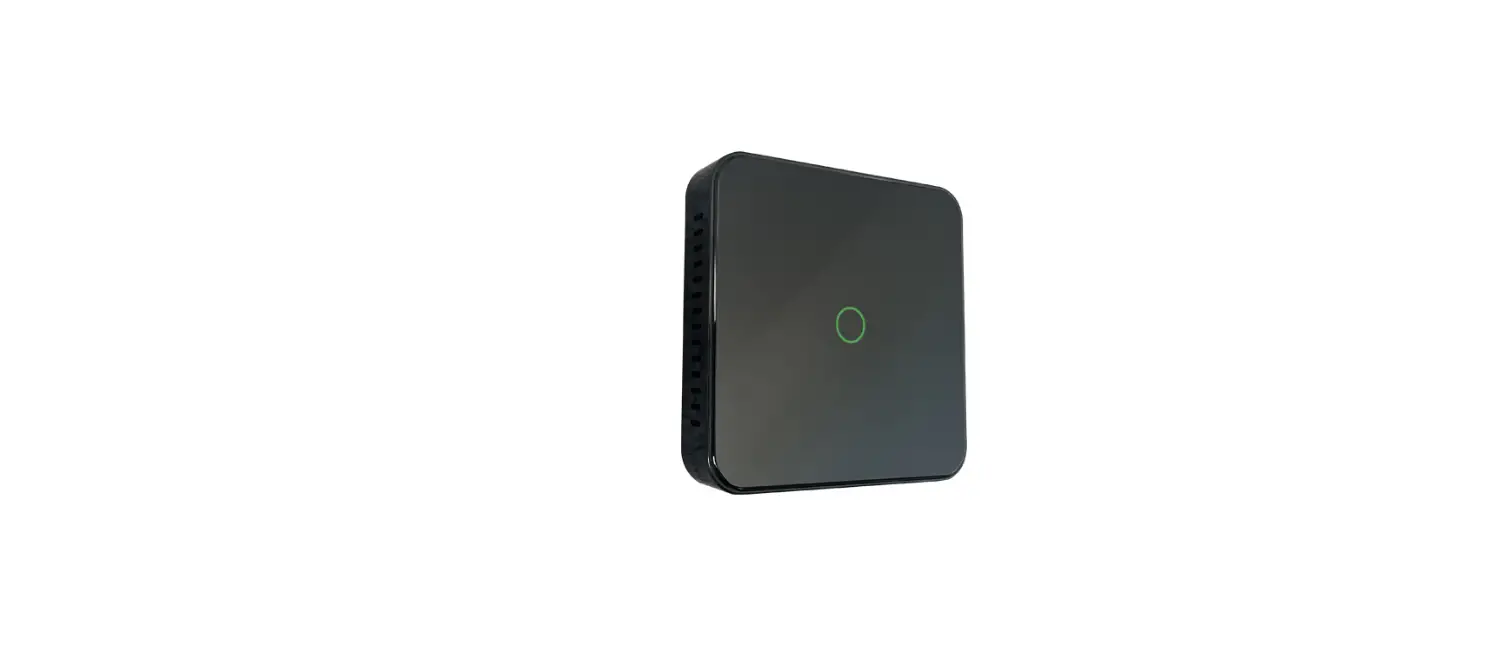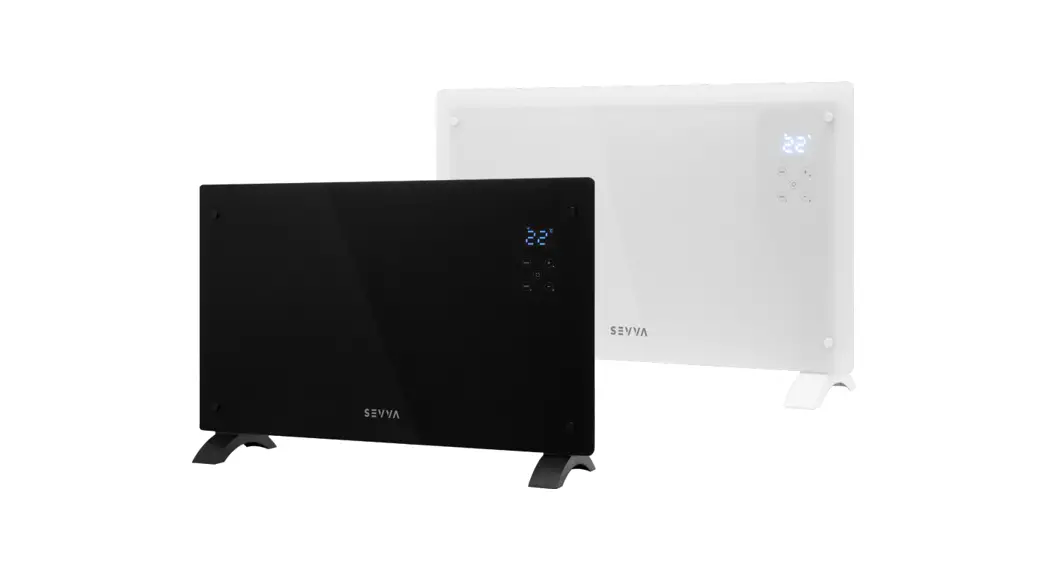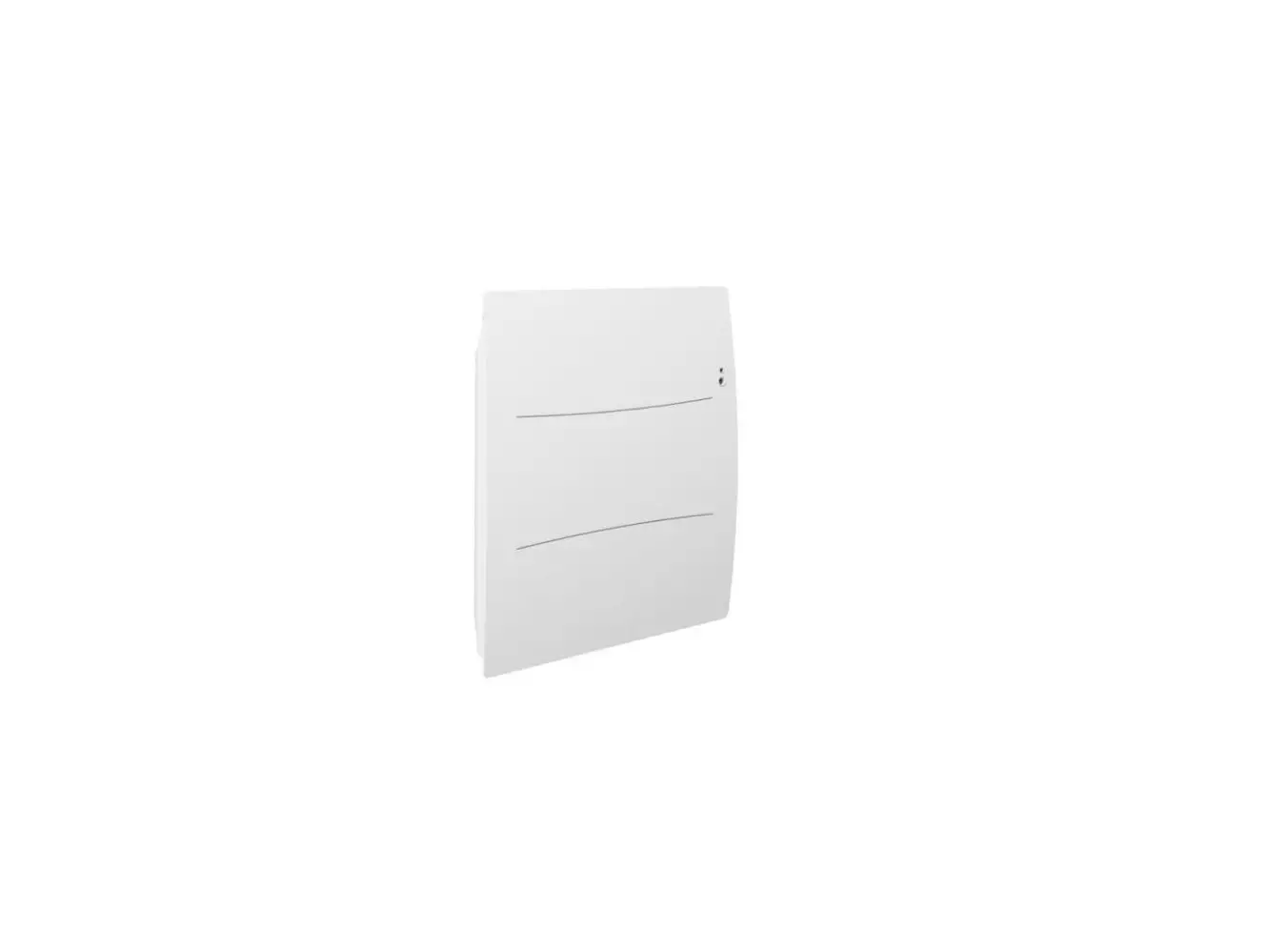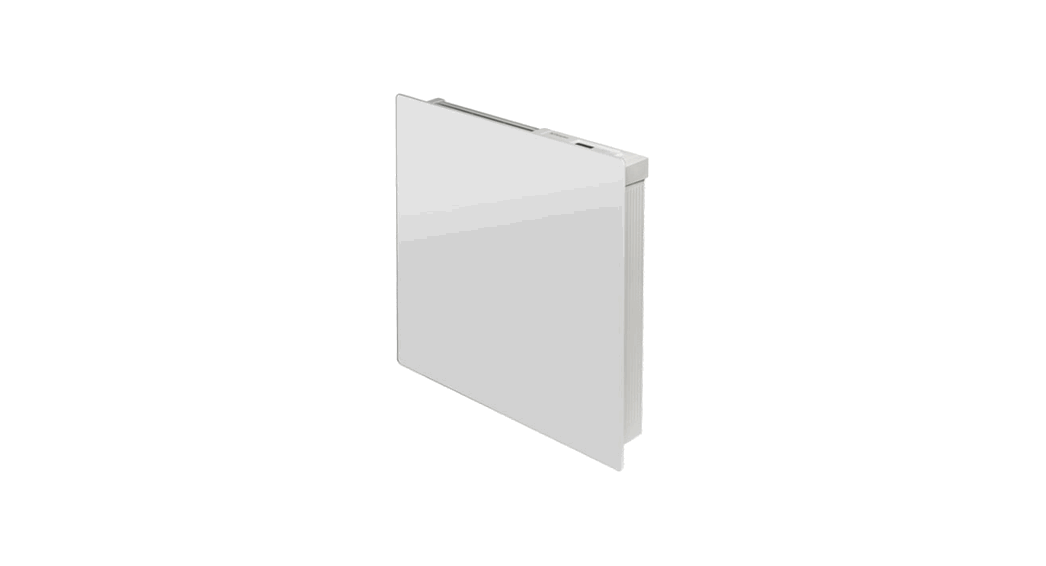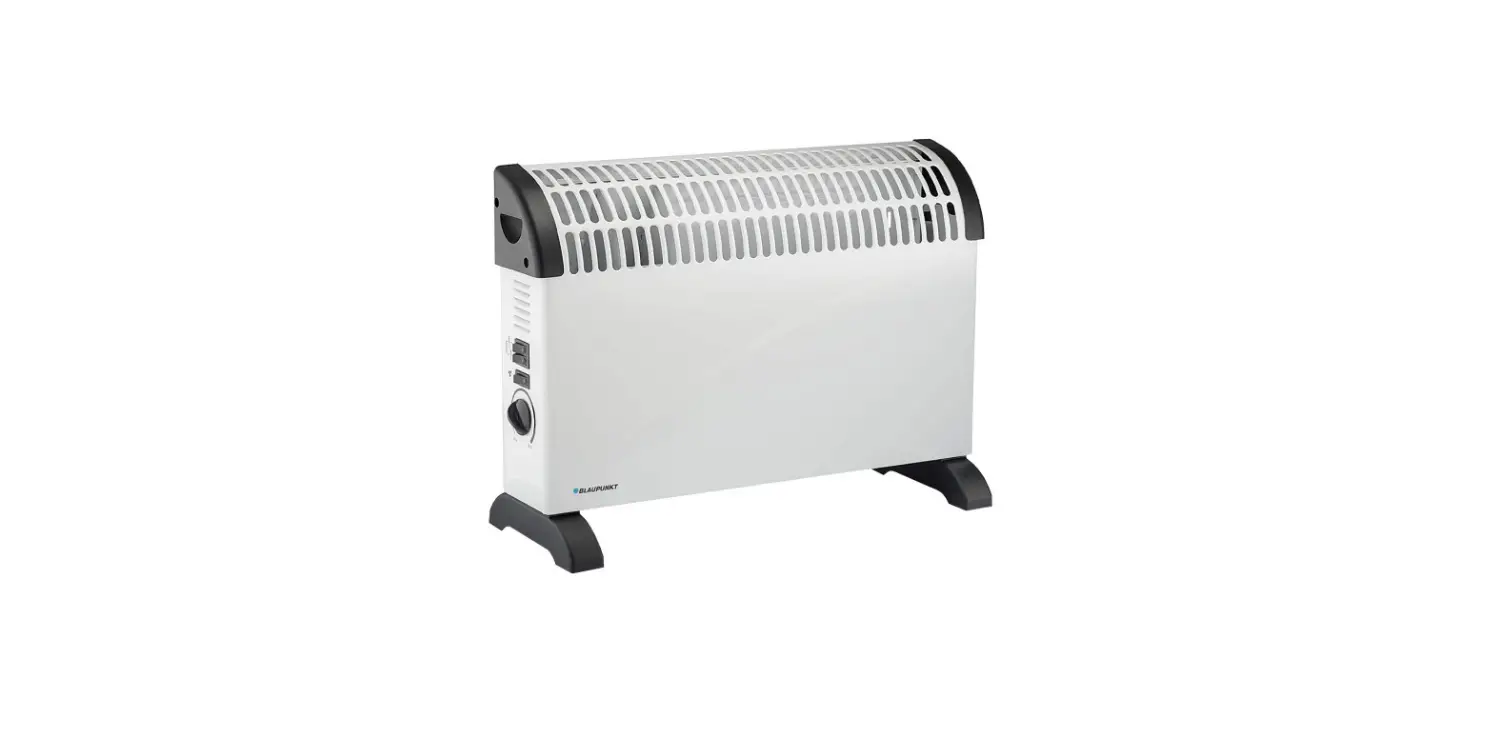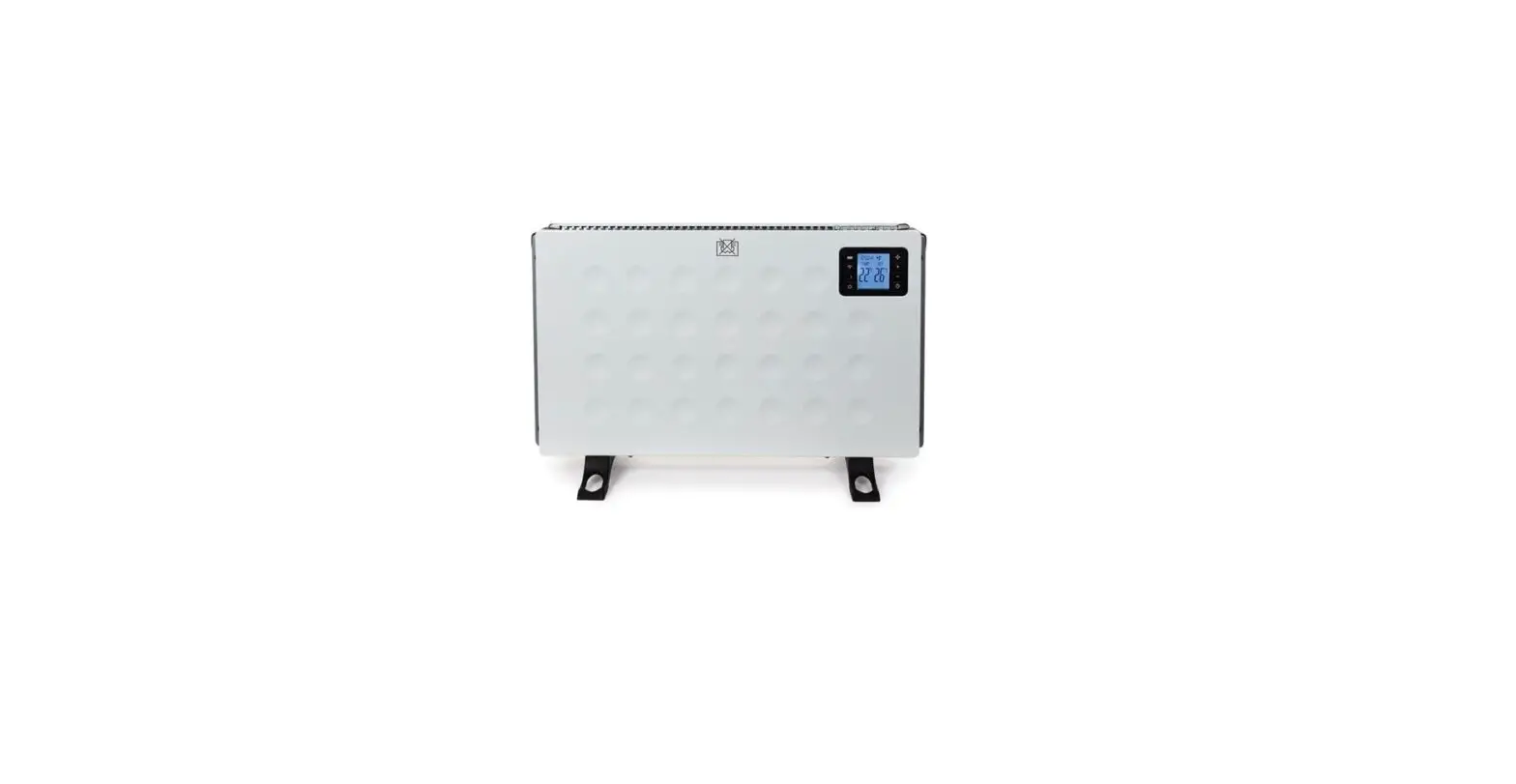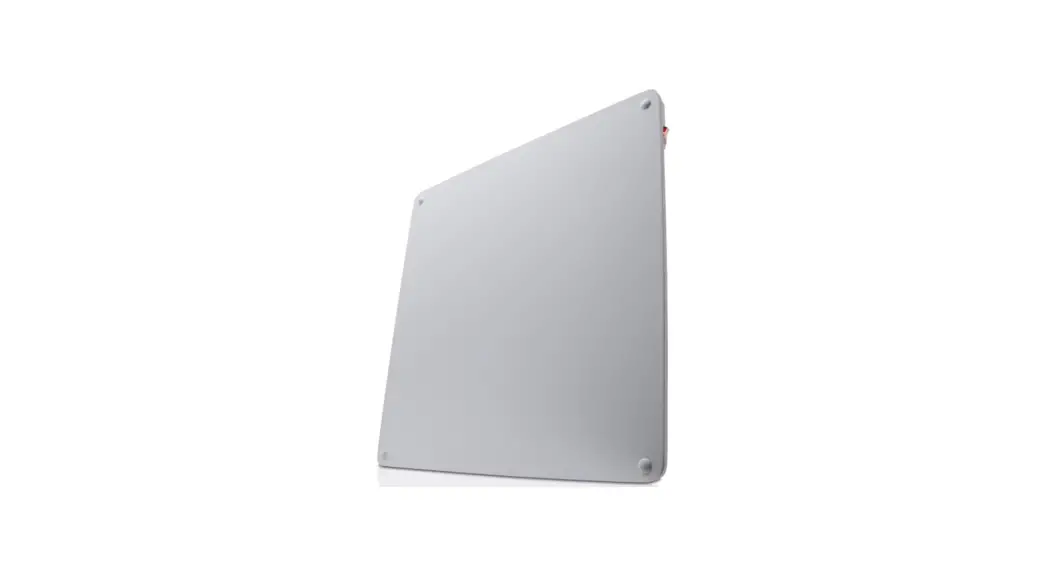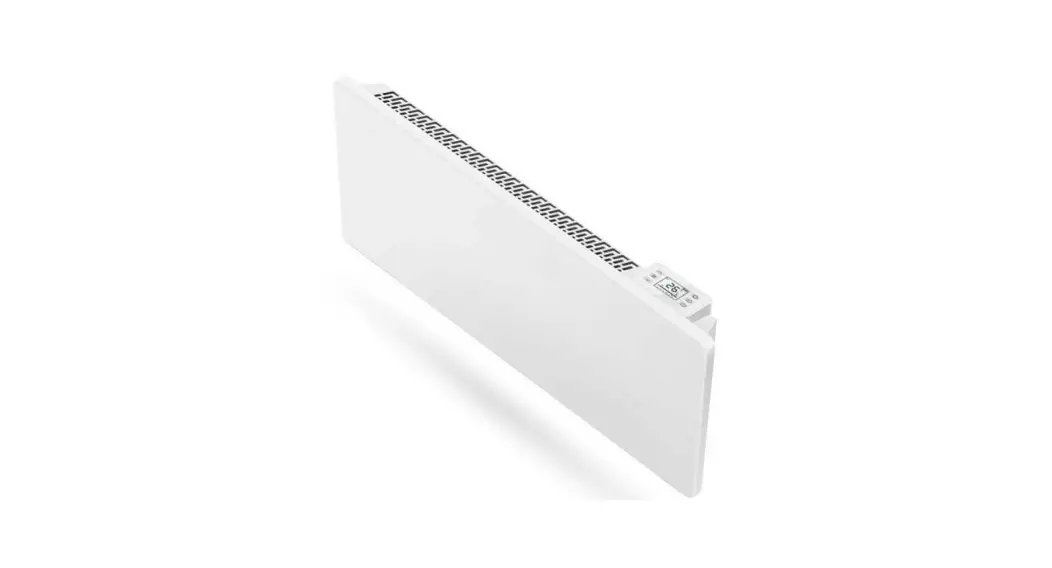

 CP1 SMART PANEL HEATER
User Manual 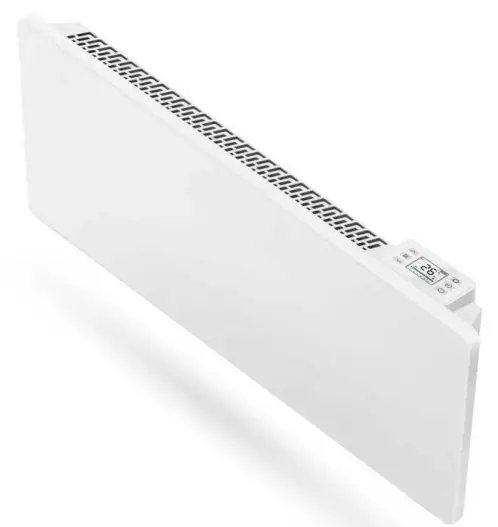
SAFETY INSTRUCTIONS
- Read the manual before you use the heater. Keep the manual and ensure it stays with the heater if you give it to a new owner.
- Before use, check that the heater and all supplied accessories are complete and intact.
- The heater must be installed as per installation instructions. The heater must be plugged into a socket that meets the following requirements: AC230V, frequency 50/60Hz.
- The heater is only suitable for indoor use. Do not use it outdoors!
- Do not leave the heater unattended during use. Keep the heater out of the reach of children: risk of burns.
- Do not use the heater near flammable or explosive materials: the risk of fire or explosion.
- Inserting items into the protective grill of the heater is strictly prohibited: risk of electric shock.
- Do not touch the metal housing as it will get hot when the heater is in use: risk of burns. Set aside some time to let the heater cool before you turn it off and store it.
- Unplug the heater if it is going to be out of use for a long time.
- Prior to each use of the electric heater, make sure it is in a good condition and intact. Do not plug in or use the heater if the casing, wire or plug are damaged.
- The heating element may be damaged if the heater is dropped or hit. Check that the element is not damaged prior to each use. Do not use the heater if the element is
broken. - Disconnect the plug from the socket when moving or cleaning the heater. When disconnecting, first turn off the switch, then unplug the plug. Do not yank the cable.
- Demolition of the electric heater without authorization is strictly prohibited. Please look for professional service personnel if the heater is damaged.
- The product is limited to home use only.
- During use, do not let bare skin touch the surface of the appliance: risk of burns.
- Do not share the heater’s socket with other appliances: risk of fire due to excessive load.
 CAUTION: never cover the heater. Covering the heater risks overheating and fire.
- The heater must not be located immediately below an electrical socket-outlet.
- If the supply cord is damaged, it must be replaced by the manufacturer, its service agent, or a similarly qualified person to avoid a hazard.
- Avoid the use of an extension cord as this may overheat and cause a fire risk.
- This heater is not intended for use in bathrooms, laundry areas, or similar locations where there may be moisture. Never place the heater where it may fall into a bathtub or other water receptacle.
- Do not use the heater in the immediate surroundings of a bath, shower, or swimming pool.
- Children of less than 3 years should be kept away unless continuously supervised.
- Children aged from 3 years to 8 years shall only switch on/off the appliance provided that it has been placed or installed in its intended normal operating position and they have been given supervision or instruction concerning the use of the appliance in a safe way and understand the hazards involved. Children aged from 3 years and less than 8 years shall not plug in, regulate and clean the appliance or perform maintenance.
- This appliance can be used by children aged 8 years and above and persons with reduced physical, sensory or mental capabilities or lack of experience and knowledge if they have been given supervision or instruction concerning the use of the appliance in a safe way and understand the hazards involved. Children shall not play with the appliance. Cleaning and user maintenance shall not be made by children without supervision.
- CAUTION: some parts of this product can become very hot and cause burns. Particular attention must be given where children and vulnerable people are present.
 CAUTION: never cover the heater. Covering the heater risks overheating and fire.
INSTALLATION INSTRUCTIONS
- Before installing, check that all parts are complete and the product is intact.
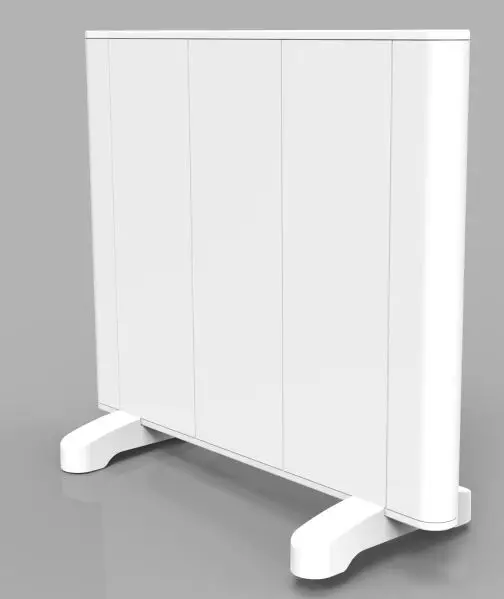
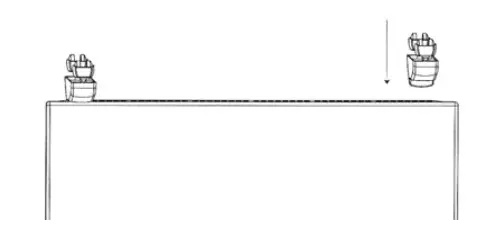
- If you want to use the electric heater freestanding, please fit with the feet provided with the heater, following the instructions below. Make sure the heater is mounted on a level, stable and clean surface.
Freestanding Installation
- Put the product upside down on a soft cotton cloth or carpet.
- Fix the feet to the base of the heater using the screws provided. Line up the holes in the base with the holes in the feet, put the screws through the holes, and tighten with a screwdriver.
Wall Mounted Installation
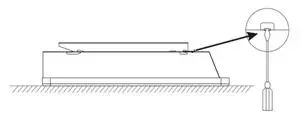
- Remove the bracket
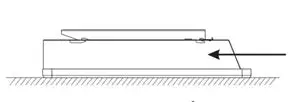
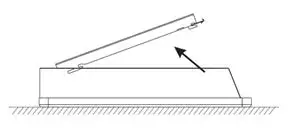
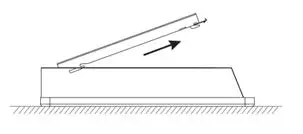
It is recommended to place the heater face down, open the top lock with a screwdriver and move the wall-mounted bracket down to remove it.

( 1 ) Pick the lock buckle of the bracket. ( 2 ) Push the bracket according to the direction of the arrow. 

( 3 ) Lift the bracket. ( 4 ) Extract and remove the bracket. - Fix the wall bracket
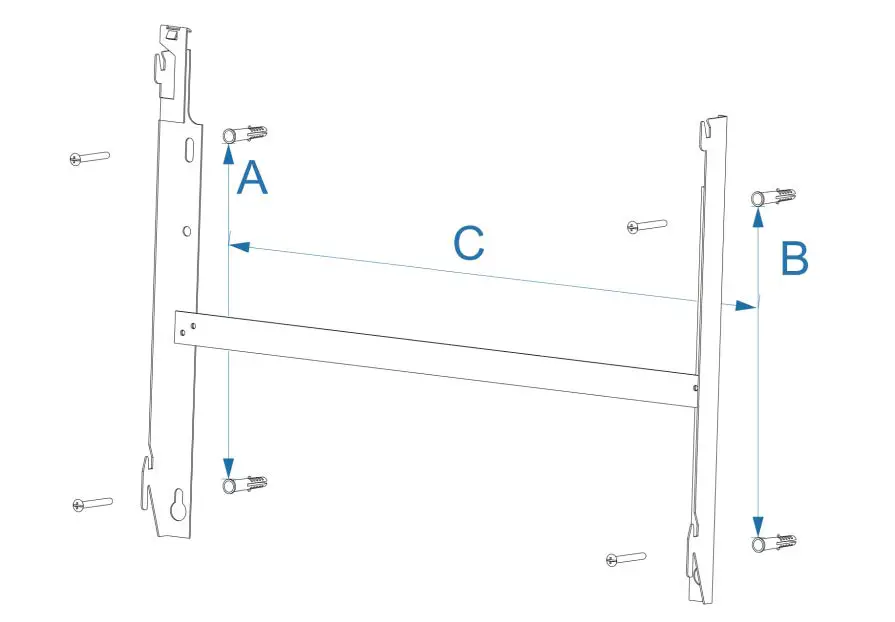
Mark the wall according to the dimensions given below for the heater models you purchased, drill the wall and insert the plastic wall anchors into the holes, and mount the wall bracket using the screws provided.
500W 1000W 1500W 2000W A 218 mm 218 mm 218 mm 218 mm B 218 mm 218 mm 218 mm 218 mm C 130 mm 130 mm 291,5 mm 402 mm NOTES
Prior to drilling the wall, ensure there are no cables or pipes within the wall and ensure that the mounting screws are fixed firmly to guarantee that the heater is safely mounted to the wall. - Fix the heater
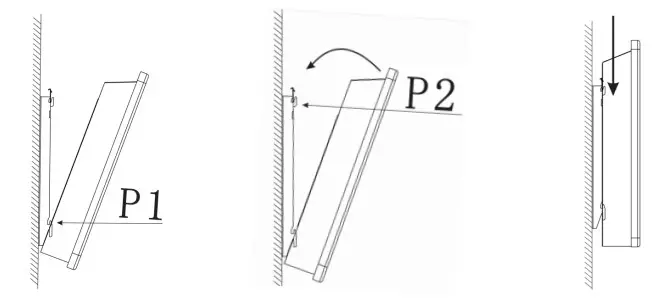
Tilting the heater so that the lower hole of the heater is aligned with the bracket P1 and hooked. After hanging, rotate the heater until entering the bracket P2, descend the heater downward and fasten the lock catch on the heater.
USER MANUAL
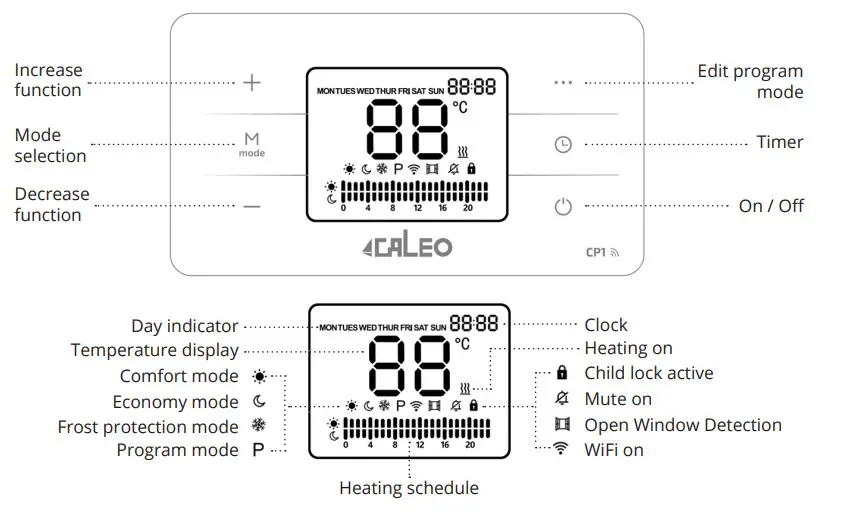
- Start-up & Shut down
Press the button to switch it on/off.
 - Temperature setting
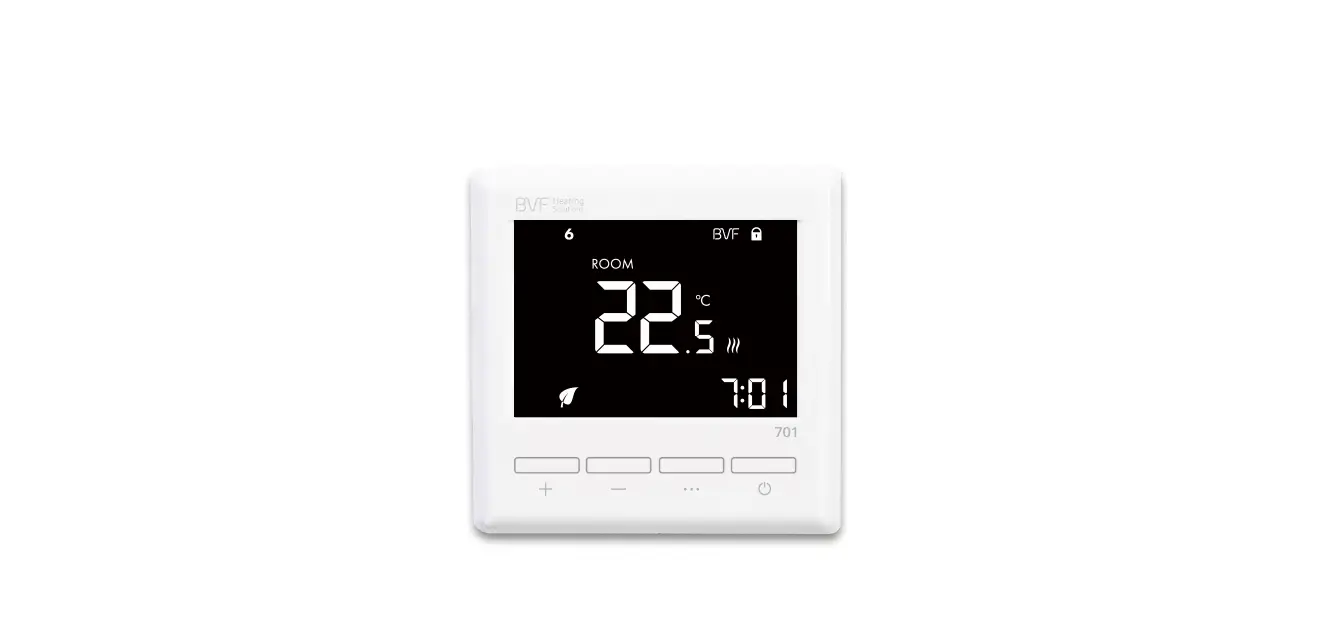
The product default shows the ambient temperature, press the button and button
 to adjust the temperature, and the temperature adjustment range is 5-45°C.
The comfort mode and the economic mode temperature is independent, the comfort temperature is always higher than the economic temperature by 1° in the 6-44°C.
Frost protection mode temperature is 8°, can not be adjusted! - Mode setting
Press the button to adjust the mode:
 Comfort mode – Setting the temperature in the daytime, available temperature range 5°C – 45°C. The default temperature is 22°C.
 Economy mode – Setting the temperature at night, available temperature range 5° – 45°C. The Max temperature shall not exceed the comfort temperature. The default temperature is 19°C.Frost protection mode – Setting the temperature at 8°C, the unit will turn on at below 7°C and it will turn off at above 8°C.
P Program mode – For energy saving and convenience, this mode allows the heater to be operated automatically according to a heating program consisting of a time-programmed change of comfort, economy, and anti-frost mode periods. - Timer setting
Press the button to select, through the and button setting, in the comfort, economy, frost prevention mode countdown off. After pressing the button in program mode, set the current time through the buttons.
 Program mode setting
Let the program enter the program mode through the button, and then press the •••• button to enter the program mode, then press the button to select the mode, and press the and buttons to select the corresponding time mode. The upper part corresponds to comfort mode, the lower part corresponds to economic mode, and the blank part corresponds to frost protection mode. Each hour is a time point! When the program mode is set, long press the button to copy the previous program!
- Child lock
Long press the button to lock and unlock, the lock icon that will appear on the display screen, the icon disappears when unlocked.
 - Temperature compensation
Press the button long to enter the temperature compensation procedure, with the temperature compensation range from 9 to -9°C, and adjust the compensation temperature by and buttons. - Sound
Long press the button, the program enters the silent state, the display screen appears the icon, if you need to cancel the mute state, long press the button to cancel, and the  icon disappears.
 to switch it on/off.
 and button
 to adjust the temperature, and the temperature adjustment range is 5-45°C.
 to adjust the mode:
 Comfort mode – Setting the temperature in the daytime, available temperature range 5°C – 45°C. The default temperature is 22°C.
 Economy mode – Setting the temperature at night, available temperature range 5° – 45°C. The Max temperature shall not exceed the comfort temperature. The default temperature is 19°C.
 button to select, through the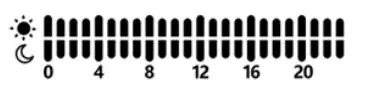
 icon that will appear on the display screen, the icon disappears when unlocked.
 icon disappears.
WIFI CONFIGURATION AND VIDEO TUTORIALS
For up-to-date information please visit the website or scan the QR code below.

CLEANING AND CARE
Maintenance
Always disconnect the appliance and let it completely cool before any maintenance. Use a vacuum cleaner to remove dust on grilles. Clean the outside of the unit with a damp cloth and then dry it with a dry cloth. Never immerse the unit in water, nor let water drip into the unit.
Storing
Always disconnect the appliance, let it completely cool, and clean it before storing. If you do not use the device for a long period, put back the unit and the instruction manual to the original carton and store in a dry and ventilated place. Do not place any heavy items on top of the carton during storage as this may damage the appliance.
TECHNICAL DATA
| Type | Voltage | Frequency | Power | Category |
| CALEO CP1-500 | 230V | 50/60Hz | 500W | I |
| CALEO CP1-1000 | 230V | 50/60Hz | 1000W | I |
| CALEO CP1-1500 | 230V | 50/60Hz | 1500W | I |
| CALEO CP1-2000 | 230V | 50/60Hz | 2000W | I |
DECLARATION OF CONFORMITY
This product conforms to the following European Directives: 2014/30/EU (EMC)
2014/35/EU (LVD)
2011/65/EU (Rohs)
2009/125/EC (ErP) + Regulation (EU) 2015/1188
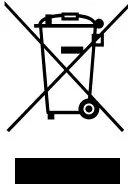 According to the European waste regulation, 2012/19/EU this symbol on the product or on its packaging indicates that this product may not be treated as household waste.
Instead, it should be taken to the appropriate collection point for the recycling of electrical and electronic equipment. By ensuring this product is disposed of correctly, you will help prevent potential negative consequences for the environment and human health, which could otherwise be caused by inappropriate waste handling of this product. For more de ailed information about recycling this product, please contact your local council or your household waste disposal service.
| ERP LABEL | |||||
| Information requirements for electric local space heaters | |||||
| Model identifier(s): CALEO CP1-500 | |||||
| Item | 12 | Value | Unit | Item | |
| Heat output | Type of heat input, for electric storage local space heaters only | ||||
| Nominal heat output | j | 0.5 | kW | Manual heat charge control with integrated thermostat | No |
| Minimum heat output (indicative) | P.., | 0.5 | kW | Manual heat charge control with room and/or outdoor temperature feedback | No |
| Maximum continuous heat output | J | 0.5 | Electronic heat charge control with room and/or outdoor temperature feedback | No | |
| Auxiliary electricity consumption | Fan-assisted heat output | No | |||
| At nominal heat output | .7, I | NA | kW | Type of heat output/room temperature control | |
| At minimum heat output | elmax | NA | kW | Single stage heat output, no room temperature control | No |
| In standby mode | else | 0.00089 | kW | Two or more manual stages, no room temperature control | No |
| With mechanic thermostat room tem. perature control | No | ||||
| Model identifier(s): CALEO CP1-1000 | With electronic room temperature control | No | |||
| Item | Sm. bol | Value | Unit | re With electronic room temperature control plus day timer | No |
| Heat output | With electronic room temperature control plus week timer | Yes | |||
| Nominal heat output | P, | 1.0 | WV | Other control options | |
| Minimum heat output (indicative) | P nin | 1.0 | kW | Room temperature control, with pres. ence detection | No |
| Maximum continuous heat output | J | 1.0 | kW | Room temperature control, with open window detection | Yes |
| Auxiliary electricity consumption | with distance control option | Yes | |||
| At nominal heat output | elmax | NA | kW | with adaptive start control | No |
| At minimum heat output | el min | NA | kW | with working time limitation | No |
| In standby mode | els sb | 0.00089 | kW | with black bulb sensor | No |
| Contact details | BVF Heating Solutions Co. Ltd. Csomafalva utca 2. Budapest, H 1173 Hungary | ||||
| ERP LABEL | ||||||
| Information requirements for electric local space heaters | ||||||
| Model identifier(s): CALEB CPI.1500 | ||||||
| Item | Sy mbol | Value | Unit | Item | Unit | |
| Heat output | Type of heat input, for electric storage local space heaters only | |||||
| Nominal heat output | 2. | kW | Manual heat charge control with integrated thermostat | No | ||
| Minimum heat output (indicative) | P | 2. | kW | Manual heat charge control with room and/or outdoor temperature feedback | No | |
| Maximum continuous heat output | 0. | 2. | Electronic heat charge control with room and/or outdoor temperature feedback | No | ||
| Auxiliary electricity consumption | Fan assisted heat output | No | ||||
| At nominal heat output | NA | kW | Type of heat output/room temperature control | |||
| At minimum heat output | NA | kW | Single stage heat output, no room temperature control | No | ||
| In standby mode | ## | kW | Two or more manual stages, no room temperature control | No | ||
| With mechanic thermostat room tern-temperature control | No | |||||
| Model identifier(s): CALEB CPI.2000 | With electronic room temperature control | No | ||||
| Item | Sri’ bol | Value | Unit | temperature With an electronic room temp control plus day timer | No | |
| Heat output | With electronic room temperature control plus a week timer | Yes | ||||
| Nominal heat output | P | 2.0 | kW | Other control options | ||
| Minimum heat output (indicative) | P m., | . 2 0 | kW | Room temperature control, with presence detection | No | |
| Maximum continuous heat output | 2.0 | kW | Room temperature control, with open window detection | Yes | ||
| Auxiliary electricity consumption | with distance control option | Yes | ||||
| At nominal heat output | el,,,, | NA | kW | with adaptive start control | No | |
| with working time limitation | No | |||||
| At minimum heat output | NA | kW | ||||
| In standby mode | el, | ## | kW | with black bulb sensor | No | |
| Contact details | BVF Heating Solutions Co. Ltd. Csomafalva UTC 2. Budapest, H4173 Hungary | |||||
bvfheating.com This product is only suitable for well-insulated spaces or occasional use.
 Home | BVF Heating Solutions
 BVF CP1 WiFi csatlakozási útmutató | BVF Heating Solutions