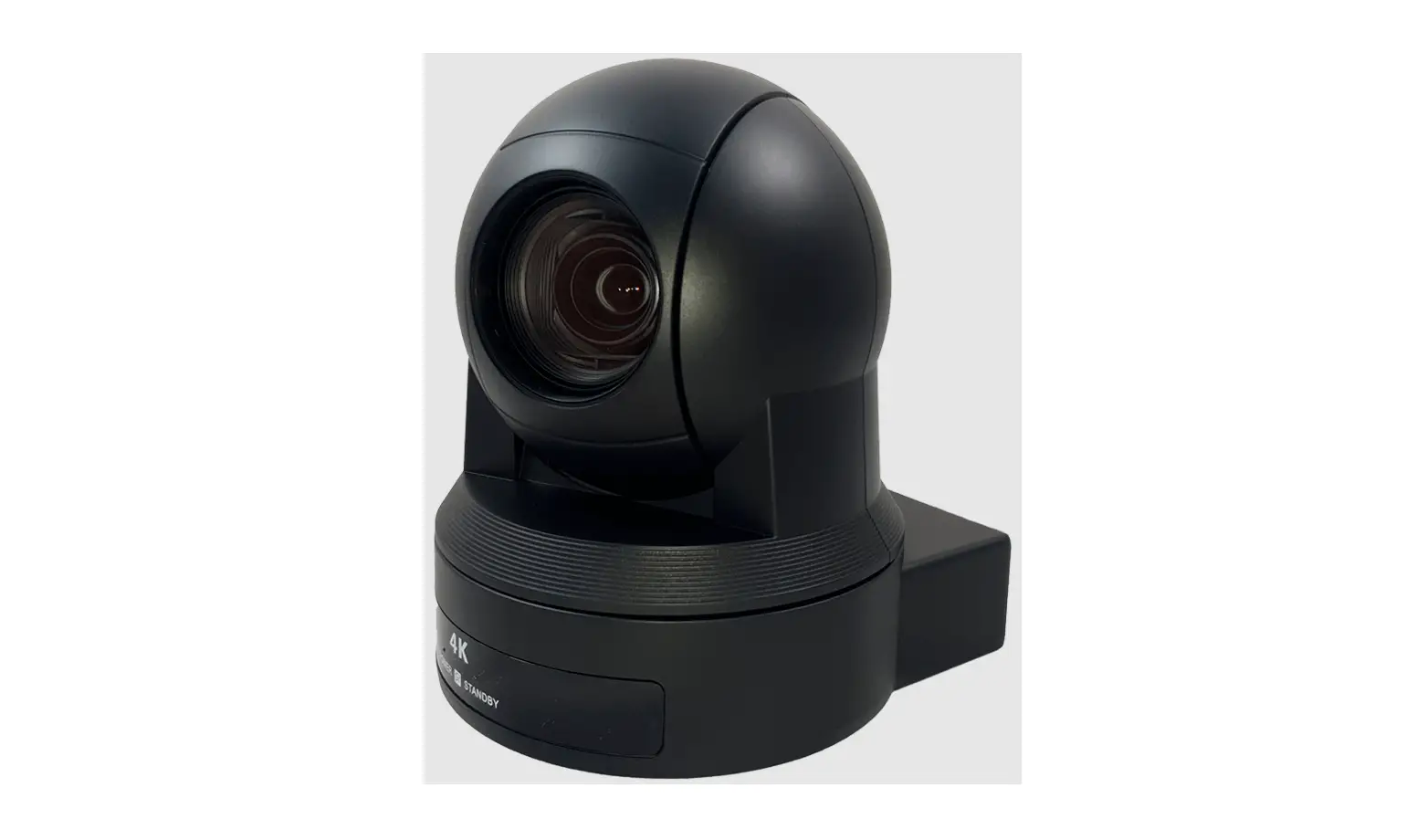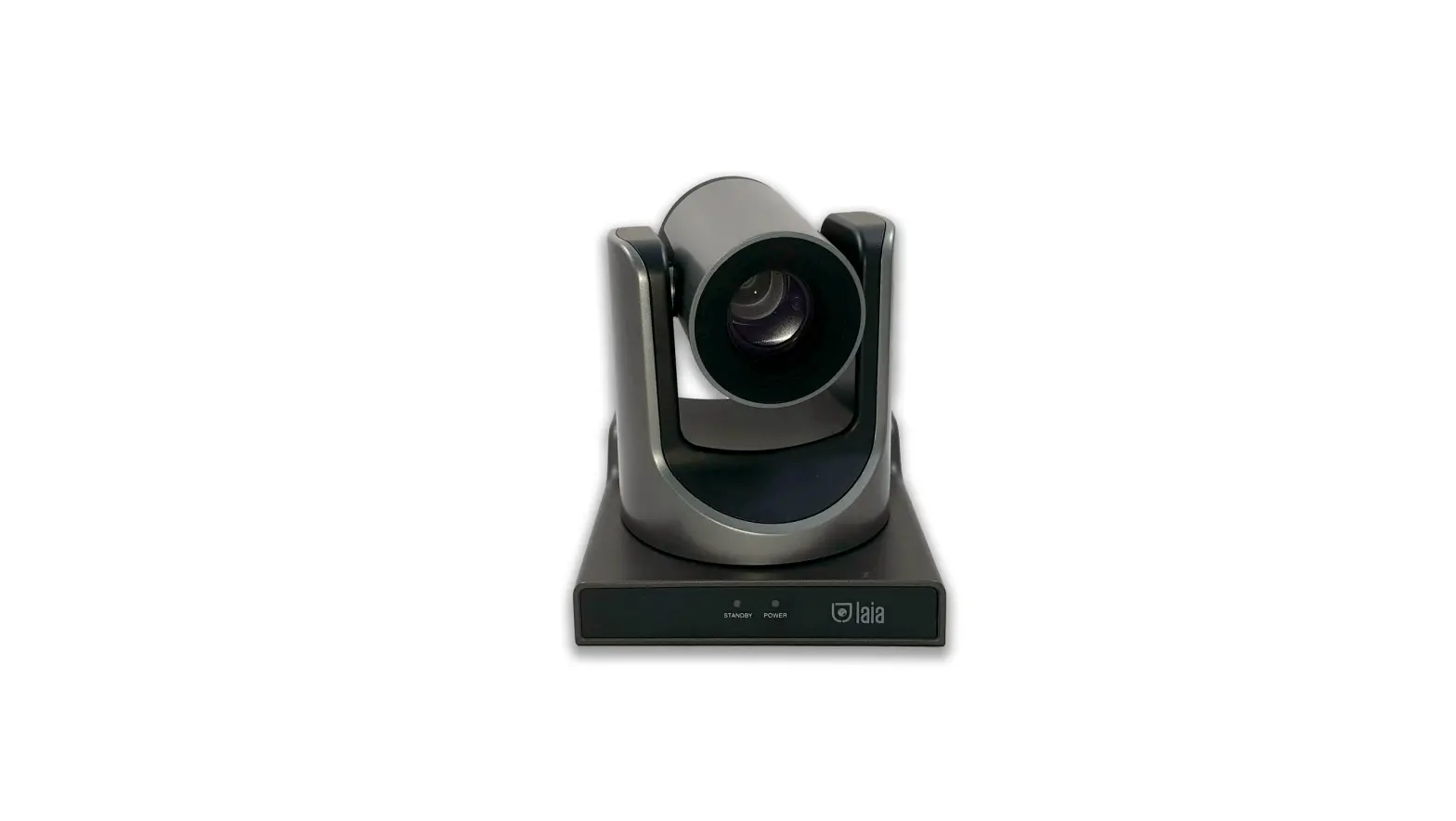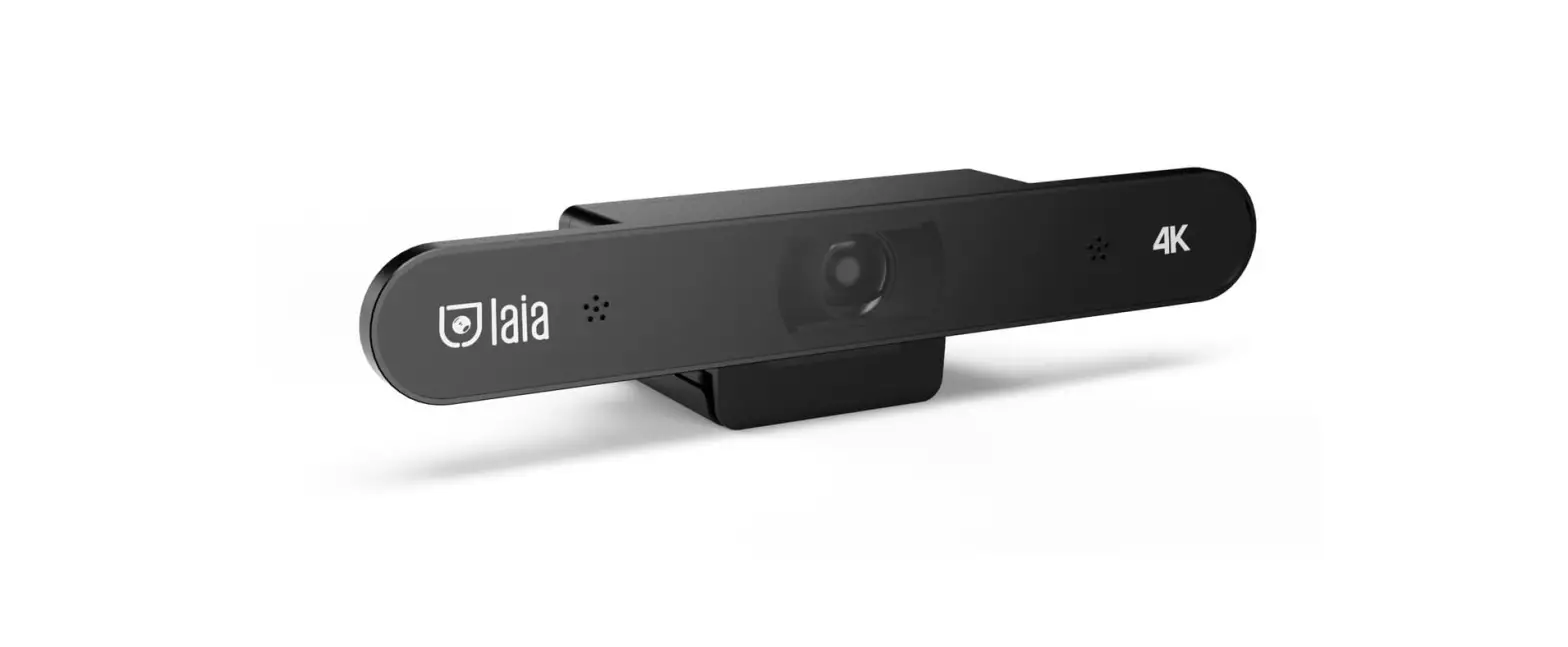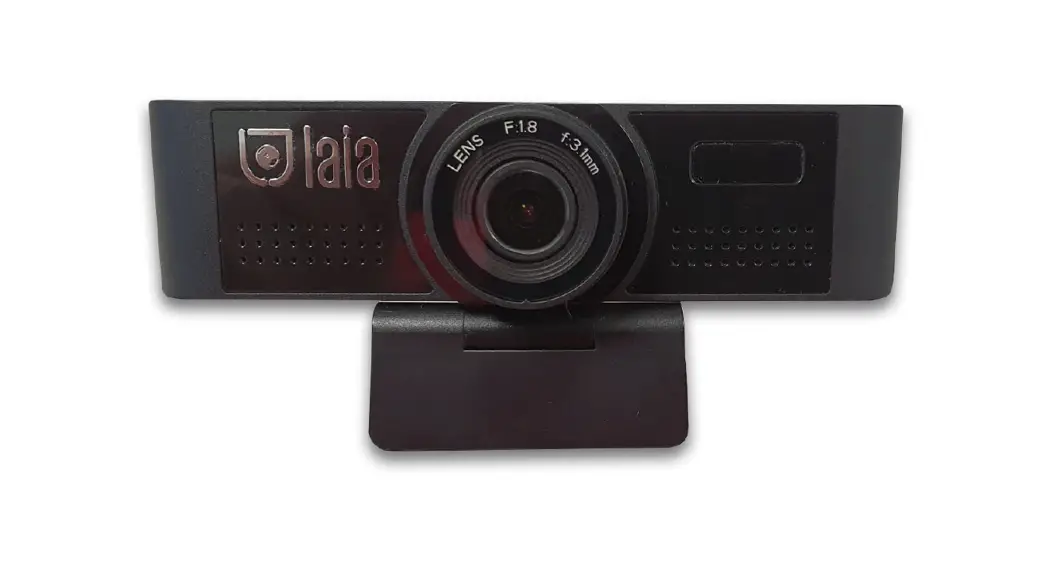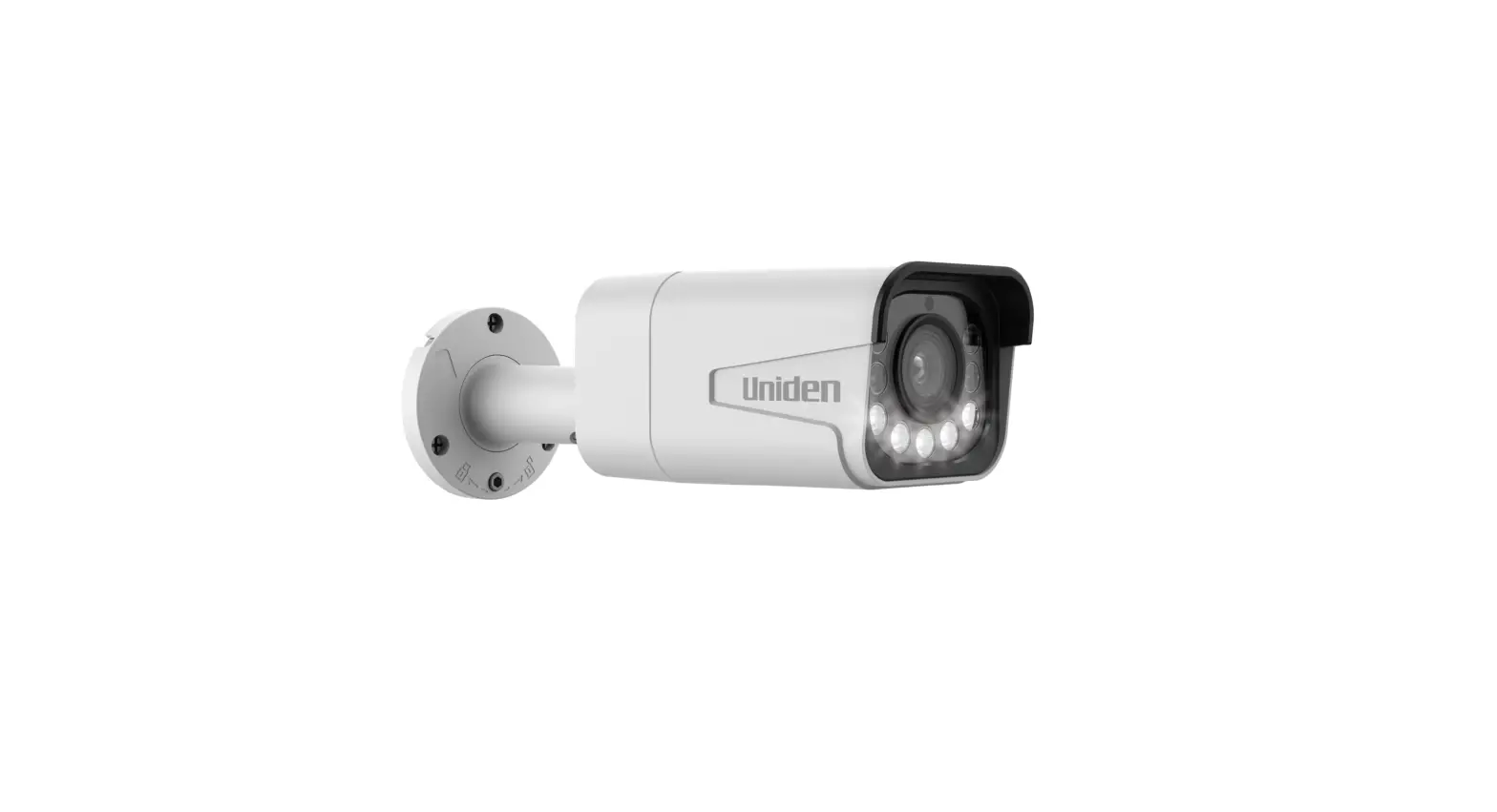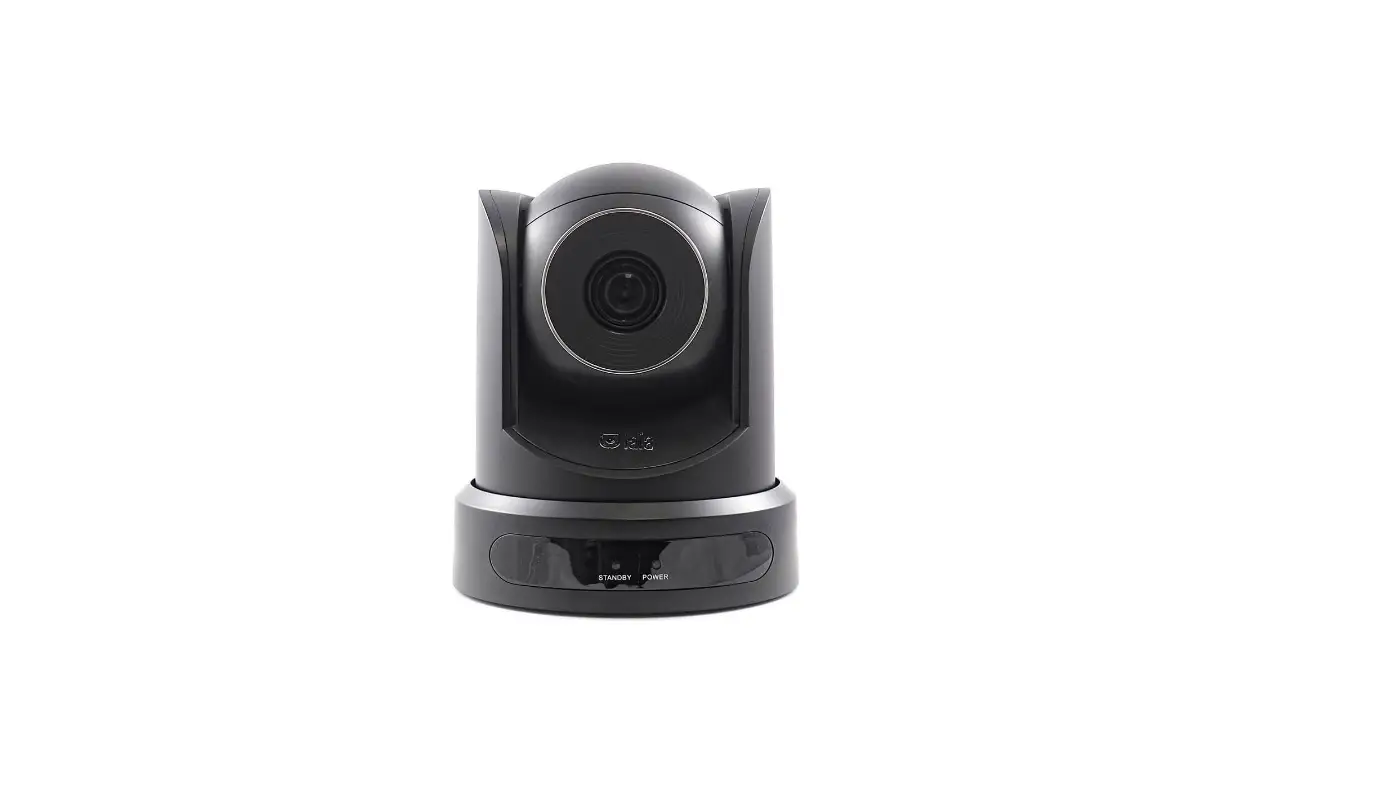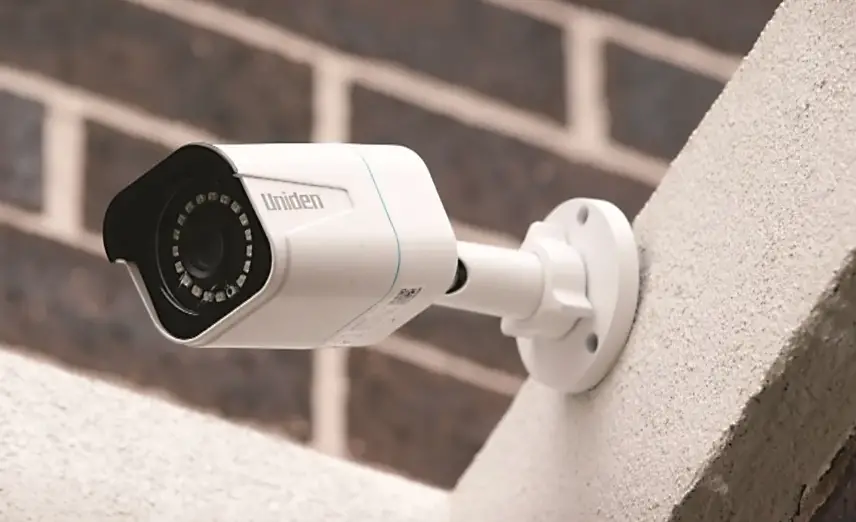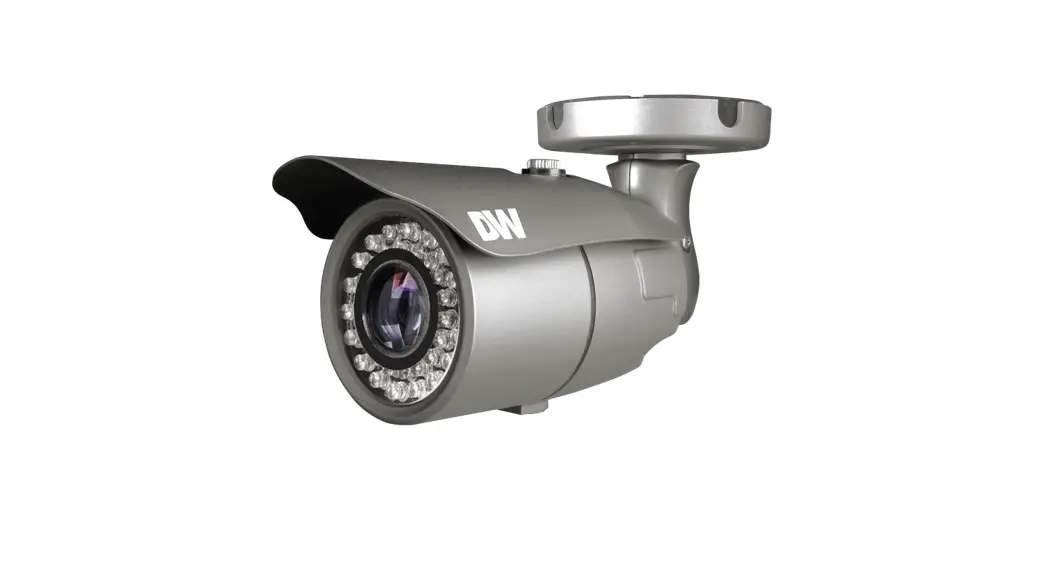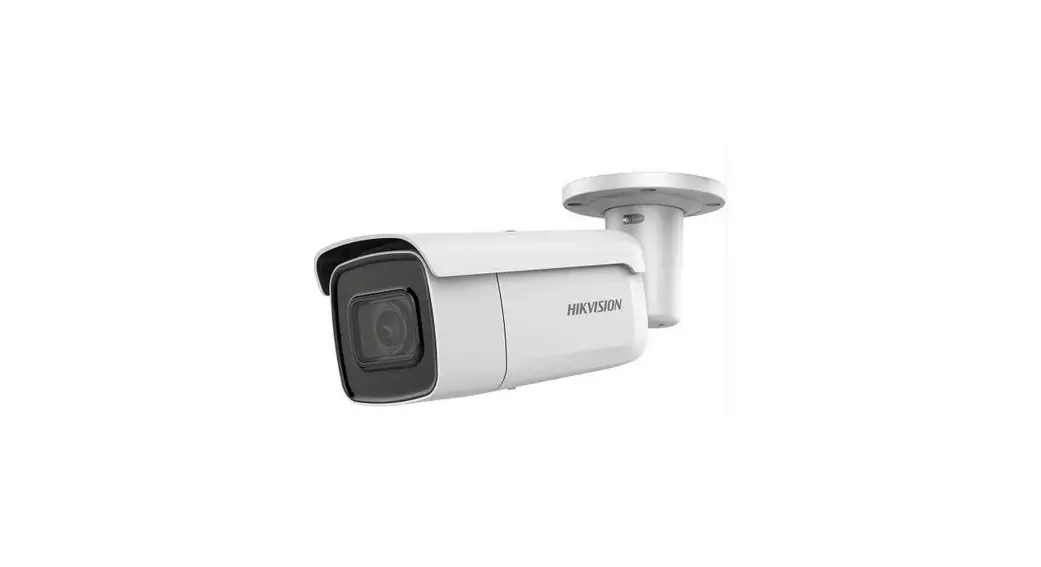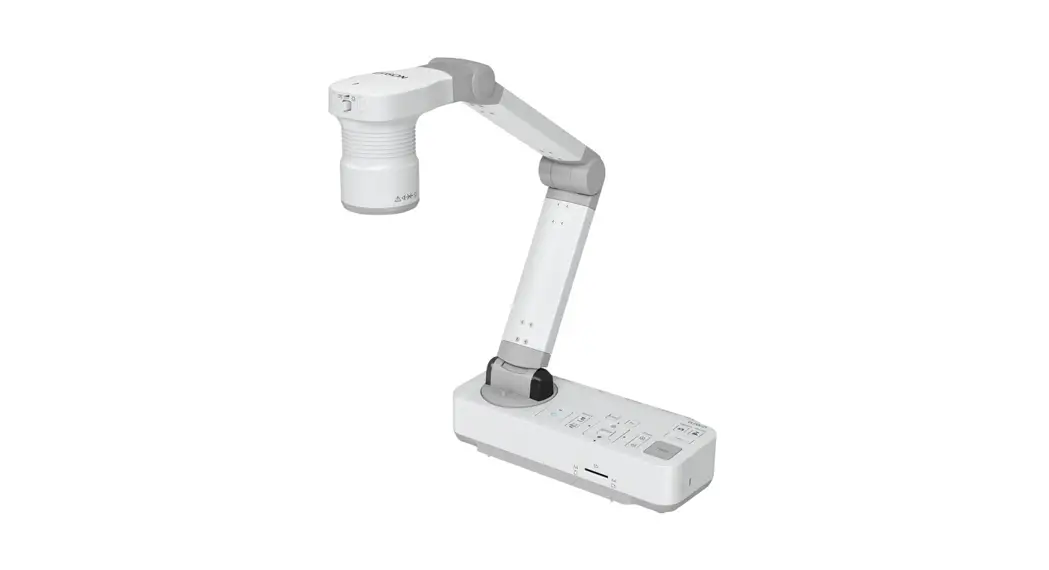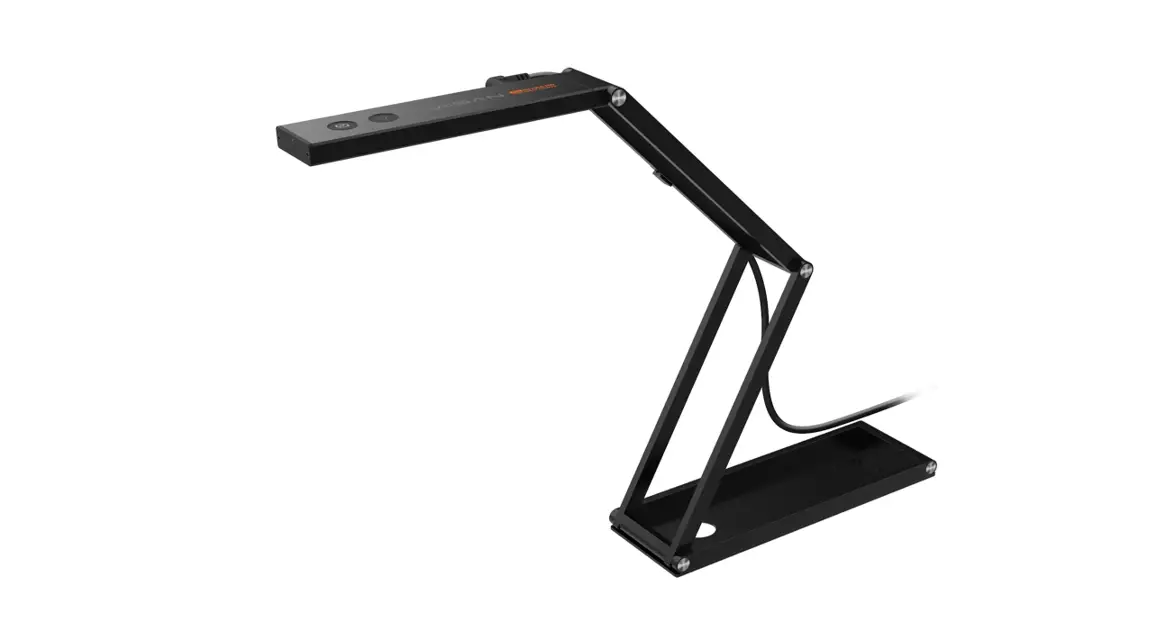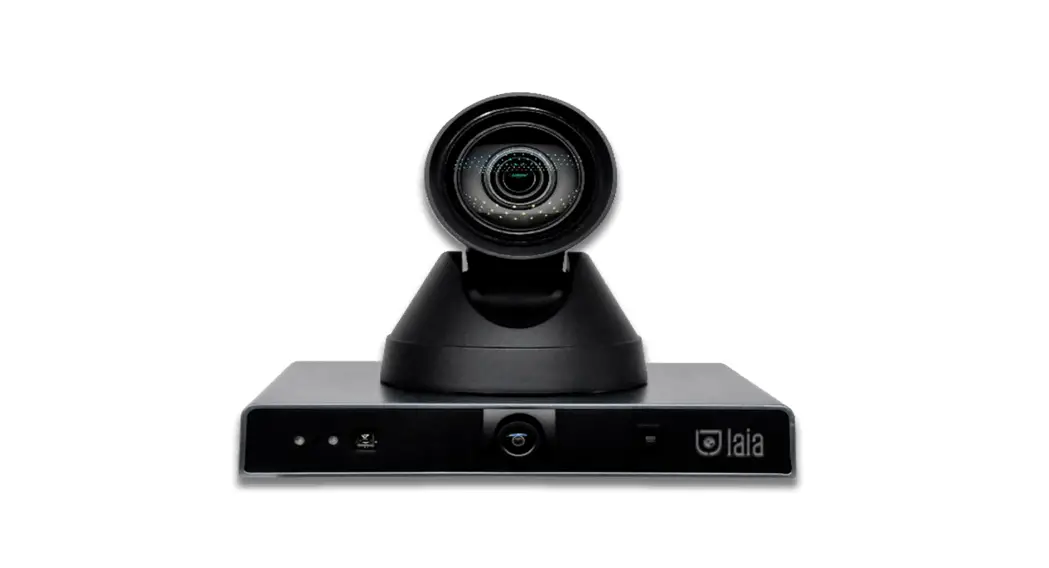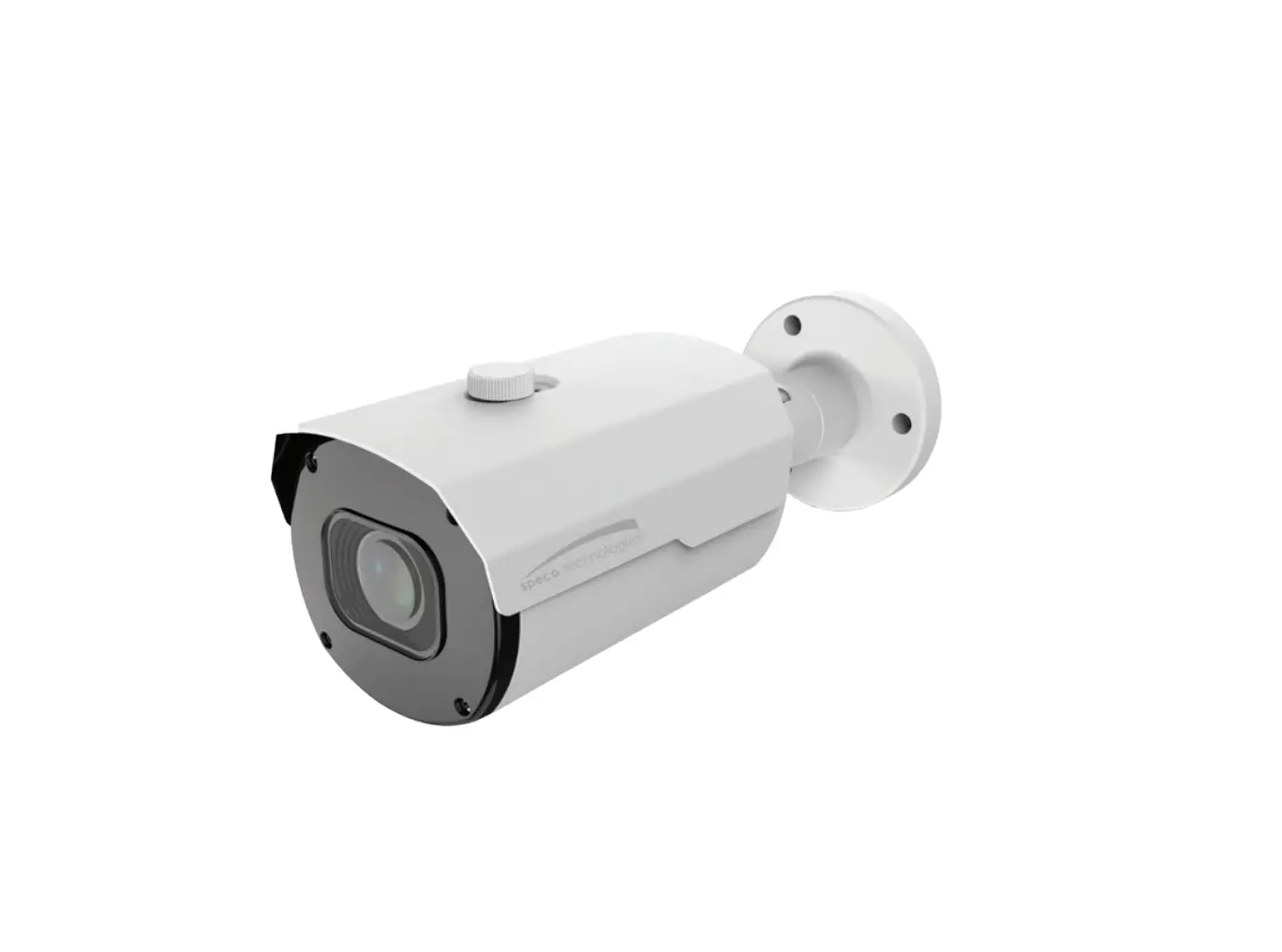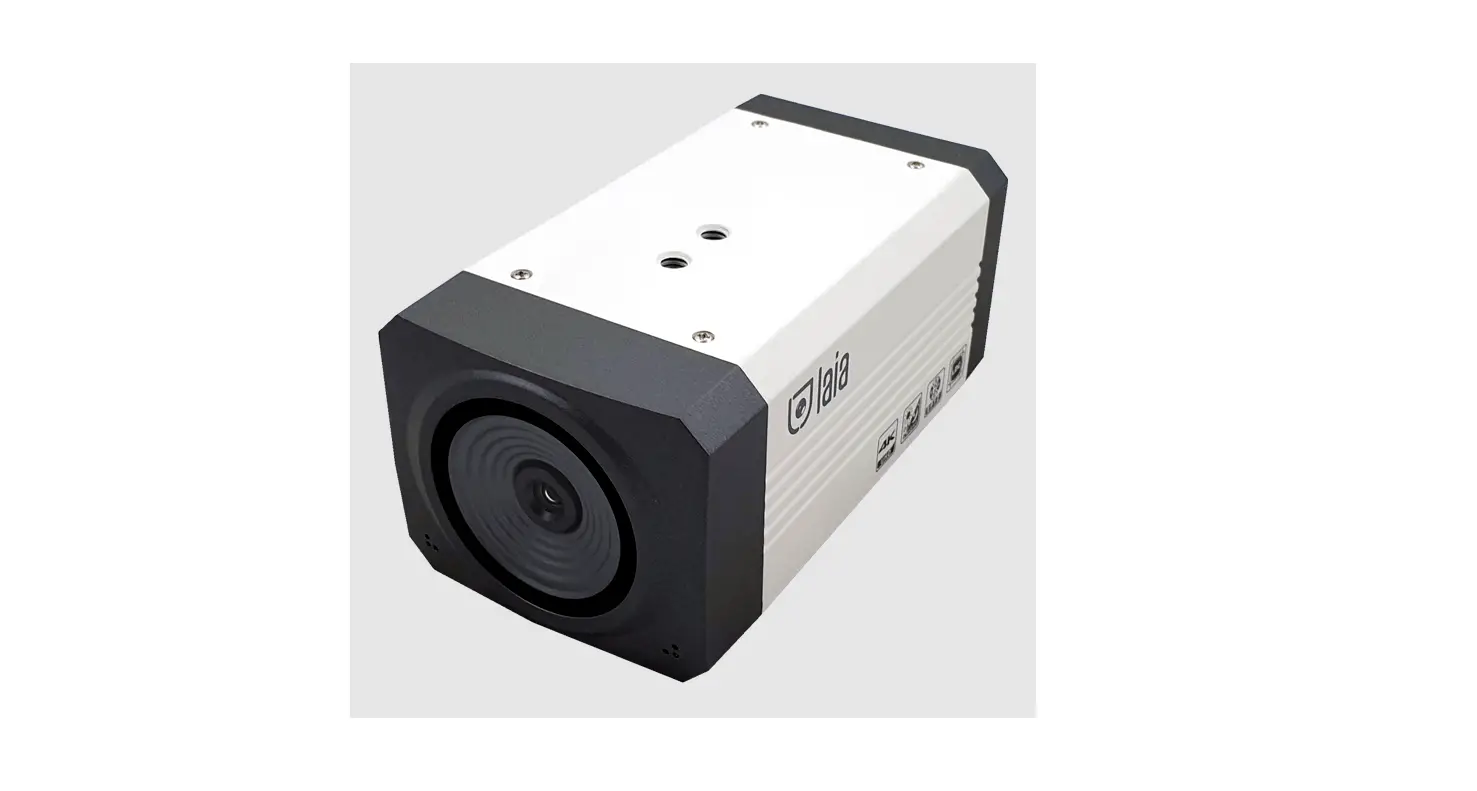

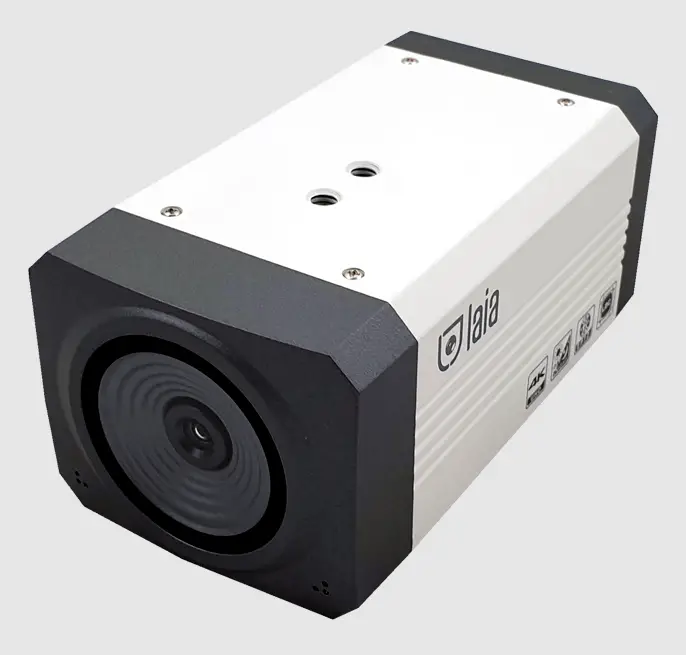
laia Broadcaster Bullet 4K Camera
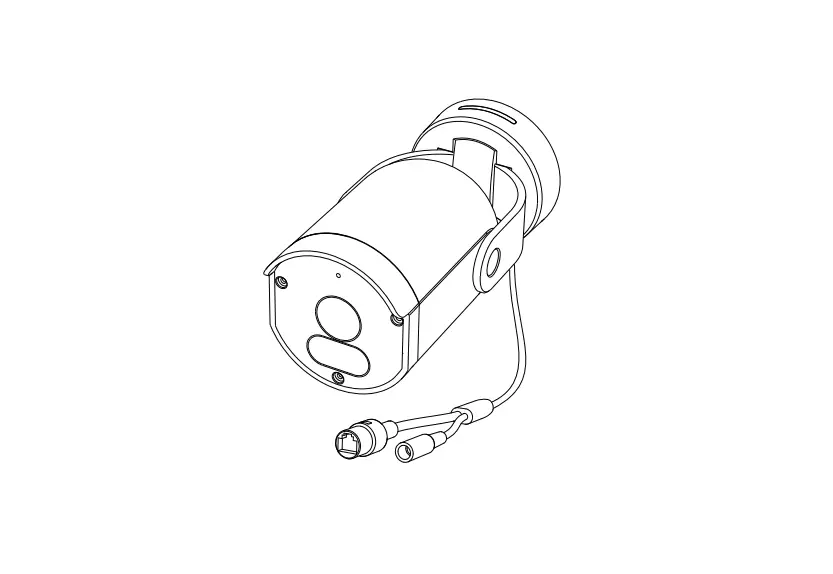
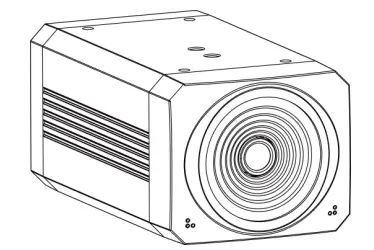
Appearance and Interface
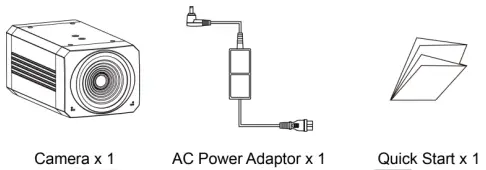
Packing List
Safety Precautions
- Electrical Safety
The installation and use of this product must strictly comply with local electrical safety standards. - Transport Carefully
Prevent heavy damage, severe vibration or damage caused by immersion. - Power Polarity

This product uses DC+12V power, please pay attention to the power polarity. - Careful Installation
This product should be placed on the smooth desktop. Do not tilt mounting the product. Do not use strong force to damage the camera. - Do not unauthorized disassemble
This product has no parts which can be repaired by the user. The damage caused by the user’s own disassembly is not covered by warranty

Notice
- Electromagnetic fields at specific frequencies may affect the image of the machine.
- Do not hot-plug the power supply during the use of the IP Camera.
Product Features
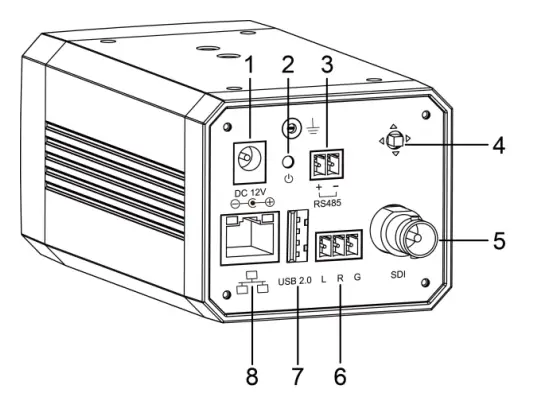
| No. | Name | No. | Name |
| 1 | DC 12V Interface | 5 | SDI Interface |
| 2 | Power Indicator | 6 | LINE IN Interface |
| 3 | RS485 Interface | 7 | USB 2.0 Interface (optional) |
| 4 | Menu Button | 8 | Network Interface |
- 4K Ultra High Definition
Support 4K ultra high definition, ultra high definition with ultra high resolution, the maximum can provide 4K@30fps/25fps image output, while down compatible with 1080p, 720p and other resolutions. - Intelligent Teaching Tracking (optional)
Built-in leading image recognition and tracking algorithm, you can achieve smooth and natural tracking without any auxiliary positioning camera or tracking host. Teacher tracking mode and student tracking mode are optional. - AF Lens
Full custom autofocus without distortion lens, wide angle field of view up to 46°/84°/120°, small lens, wide vision. At the same time it supports EPTZ. - Low Light
The application of 2D and 3D noise reduction algorithm greatly reduces the image noise. Even under the condition of ultra-low illumination, it still keeps the picture clean and clear, and the SNR of image is as high as 55dB. - PoE
Support PoE power supply, and control, power supply, video and audio can be completed with only one network cable. - Local Storage (optional)
Local storage, local recording of U disk can be realized without NVR.
Product Specifications
| Name | Broadcaster Bullet 4K |
| Camera | |
| Sensor | 1/2.5”, CMOS, Effective Pixel: 8.51M |
| Scanning Mode | Progressive |
| Lens Mount | M12 |
| Lens 1 (teacher) | Focus: f=7.35mm, FOV: 46° |
| Lens 2 (student) | Focus: f=3.5mm, FOV: 84° |
| Lens 3 | Focus: f=2.8mm, FOV: 120° |
| Auto Focus | Support (120° Lens not support) |
| Minimal Illumination | 0.05Lux @ (F1.8, AGC ON) |
| Shutter | 1/30s ~ 1/10000s |
| White Balance | Auto, Indoor, Outdoor, One Push, Manual, VAR |
| Digital Noise Reduction | 2D, 3D digital noise reduction |
| Backlight Compensation | Support |
| EPTZ | Support |
| Digital Zoom | 8x |
| PoE | Support |
| Auto Tracking Function | Teacher mode/Student mode (optional) |
| Network Features | |
| Encode Protocol | H.264/H.265/MJPEG |
| Video Stream | First/Second/Third/Four Stream |
| First Stream Resolution | 1920×1080, 1280×720, 1024×576, 960×540, 640×480, 640×360 |
| Second Stream Resolution | 3840×2160, 1920×1080, 1280×720, 1024×576, 720×576 (50Hz support), 720×480 (60Hz support), 720×408, 640×360, 480×270, 320×240, 320×180 |
| Third/Four Stream Resolution | 1024×576, 960×540, 720×576 (50Hz support), 720×480 (60Hz support), 720×408, 640×360, 480×270, 320×240, 320×180 |
| Video Bit Rate | 32Kbps ~ 102400Kbps |
| Bit Rate Control | Variable Rate, Fixed Rate |
| Frame Rate | 50Hz: 1fps ~ 25fps, 60Hz: 1fps ~ 30fps |
| Audio Compression | AAC |
| Audio Bit Rate | 48Kbps, 64Kbps, 96Kbps, 128Kbps |
| Protocols | TCP/IP, HTTP, RTSP, RTMP, ONVIF, DHCP etc. |
| Input/Output Interface | |
| Network Interface | 1 x RJ45: 10/100/1000M Ethernet Interface (Support PoE) |
| Audio Interface | 1 x Line In: 3pin (Phoenix Interface) |
| Control Interface | 1 x RS485: 2pin, Max Distance: 1200m, Protocol: VISCA/Pelco-D/Pelco-P |
| Power Interface | DC 12V |
| USB Interface | 1 x USB 2.0: Type A, female (optional) |
| Physical Parameter | |
| Input Voltage | DC 12V / PoE (IEEE802.3af) |
| Current Consumption | 0.5A |
| Operating Temperature | -10°C ~ 40°C |
| Storage Temperature | -40°C ~ 60°C |
| Power Consumption | 6W |
| Size | 72mm x 60mm x 130mm (without bracket) |
| Net Weight | 0.5Kg |
| MTBF | >30000h |
Troubleshooting
Image
- The monitor shows no image
- Check that the camera power supply is connected, the voltage is normal, and the power indicator light is always on.
- Turn off the power switch to check whether the camera is self-testing.
- Check the cable of video platform and TV whether correct connection.
- Sometimes without the image
Check the cable of video platform and TV whether correct connection. - Image have jitter when the camera lens at max multiple.
- Check whether the camera installed position be stabled.
- Check whether have vibrating machinery or object near the camera.
- There is no image in IE Browser
Please visit VLC website (http://www.videolan.org/vlc) download and install VLC media player, after it be installed, IP Camera will display normal image. - Unable to access IP Camera through IE browser
- Test, whether the PC to access the network, can work properly, first of all, the network fault caused by the PC virus can be eliminated, until the PC and IP Camera can communicate with each other Ping.
- Disconnect the network, connect IP Camera and PC separately, and reset the IP address of PC.
- Check IP address, subnet mask, and gateway settings for IP Camera.
- Check whether the MAC address is conflicts.
- Check whether the Web port is occupied by another device.
- Forget IP address or website login password.
Please remember the camera default IP address: 192.168.100.88; default user name: admin; default password: admin.
Control - Series port can not control
- Check whether the camera protocol, address such is the same.
- Check whether the control line is connected well.
Toxic and Harmful Substances
| Part Name | Toxic or harmful substances or elements | |||||
| (Pb) | (Hg) | (Cd) | (CrVI) | (PBB) | (PBDE) | |
| Metal | x | Ο | Ο | Ο | Ο | Ο |
| Plastic | Ο | Ο | Ο | Ο | Ο | Ο |
| Glass | x | Ο | Ο | Ο | Ο | Ο |
| Circuit board | x | Ο | Ο | Ο | Ο | Ο |
| Power | x | Ο | Ο | Ο | Ο | Ο |
| Attached | x | Ο | Ο | Ο | Ο | Ο |
This form is compiled in accordance with SJ/T 11364.
Ο: Indicates that the content of the hazardous substance in all homogenized materials of the component is subject to the limit specified in GB/T 26572.
x: Said the hazardous substance in at least one of the components homogenized material content in excess of the GB/T 26572 limit requirements, and there are no mature alternatives.
Warranty Card
If failure caused by non-human causes occurs within one year from the date of purchase of the machine, you may enjoy the warranty service of the product. Any of the following circumstances is not covered by the warranty:
- Without disassemble, modification such as fault causes.
- Use of an environment does not conform to requirements of the product.
- Irresistible factors, such as fire, earthquake, lightning strike, etc.
- Warranty card does not match the product number or it is altered.
| User Name | |
| User Address/Post Code | |
| Contact Number | |
| Product Model | |
| Product Series | |
| Purchasing Date | |
| Invoice No. | |
| Sales Department |
Sales Department: [email protected]
 Official download of VLC media player, the best Open Source player - VideoLAN