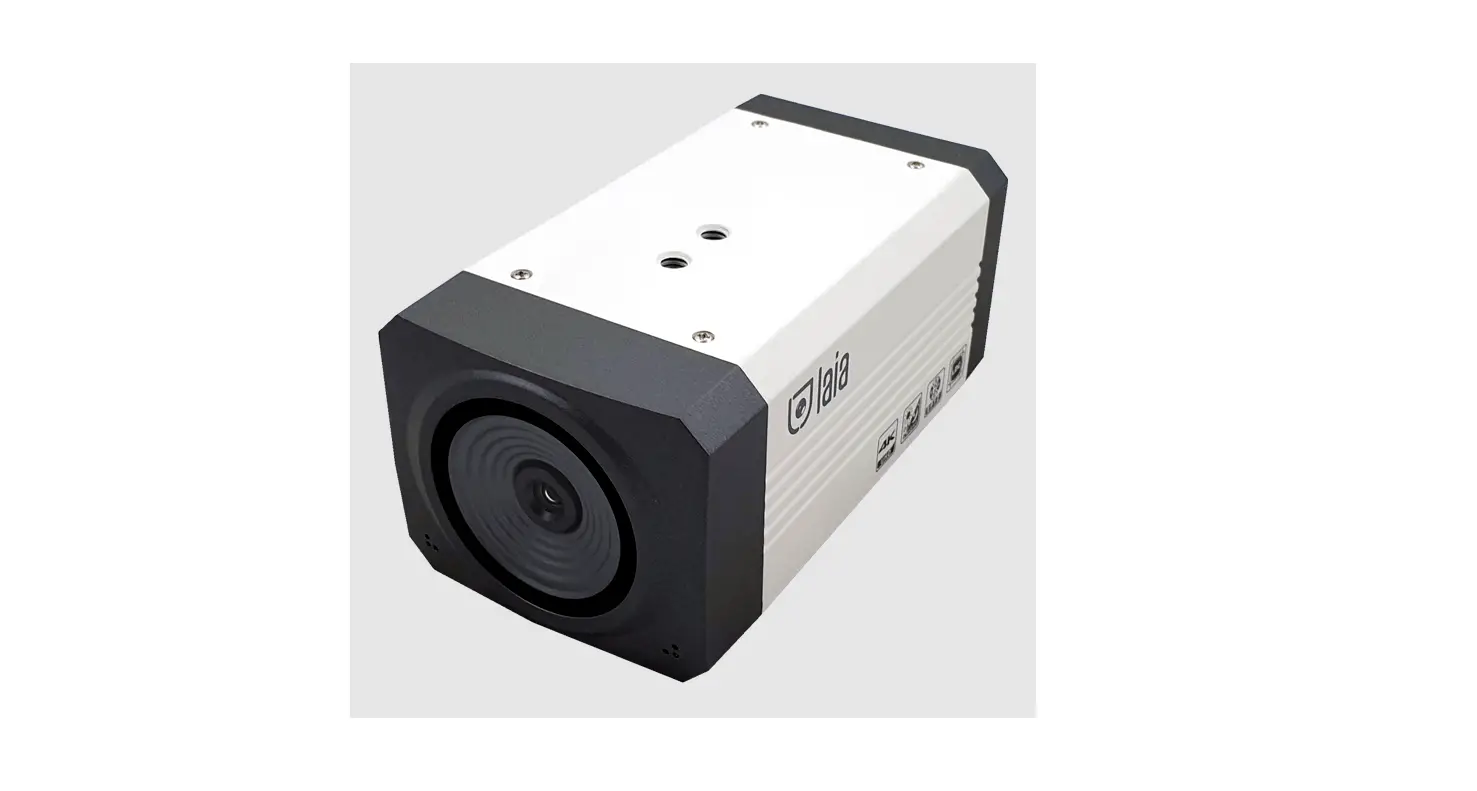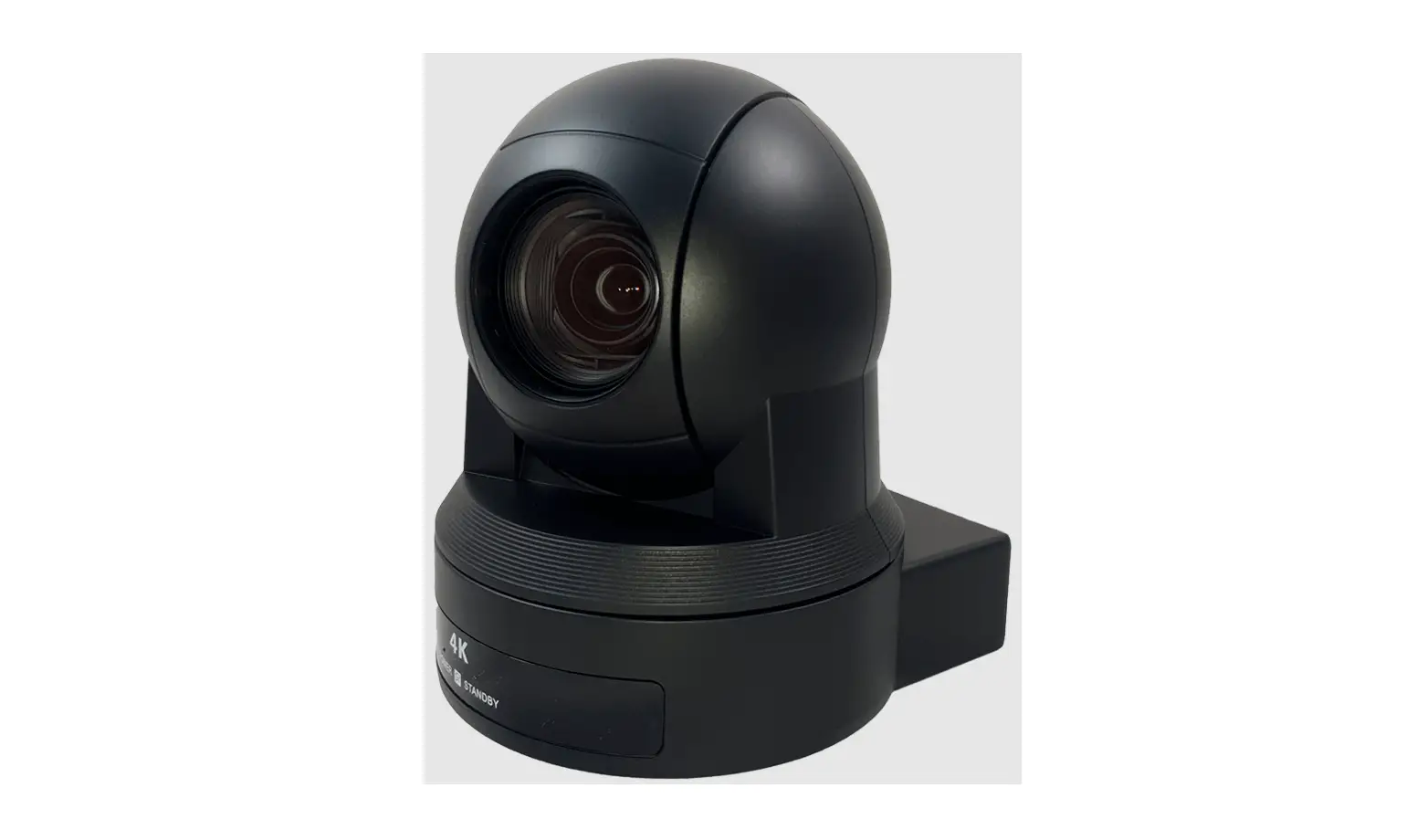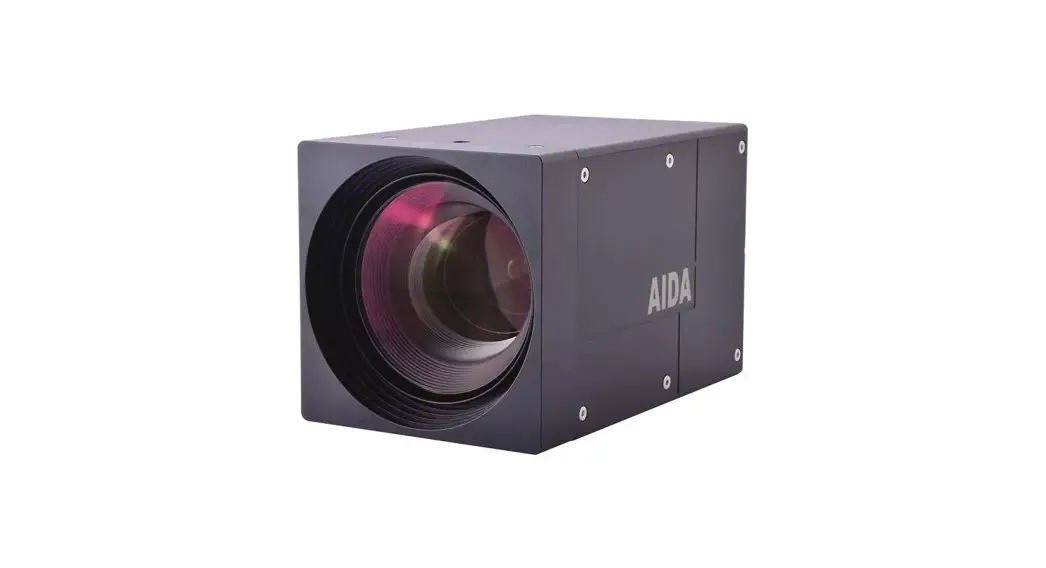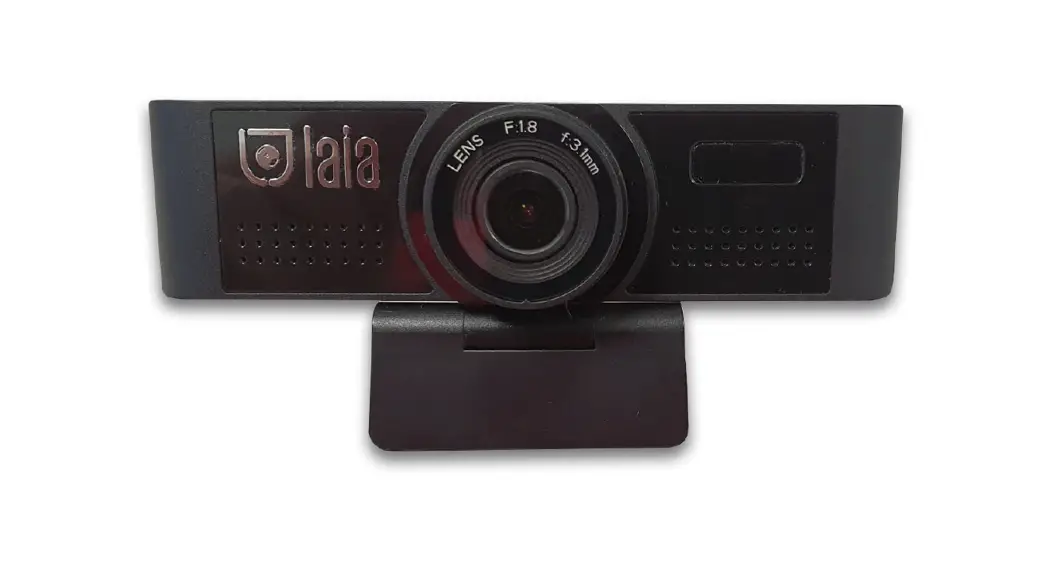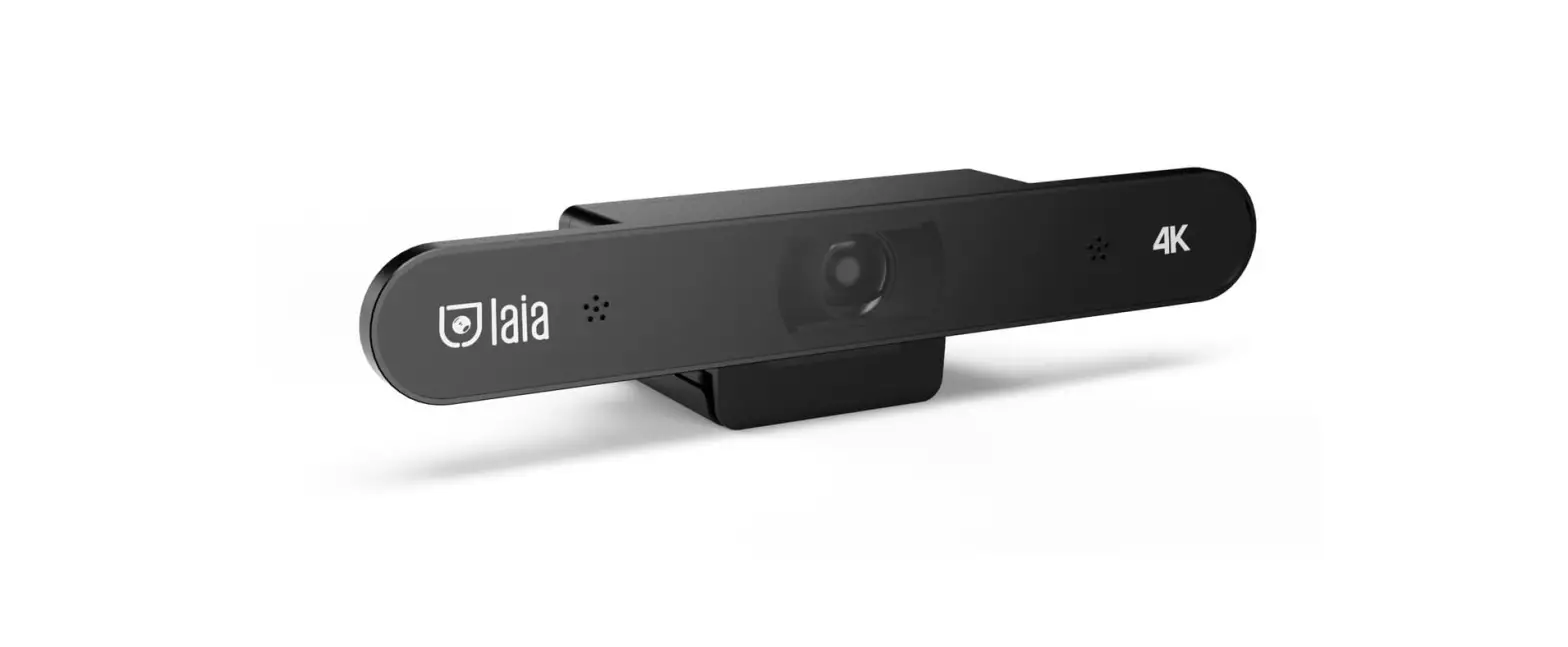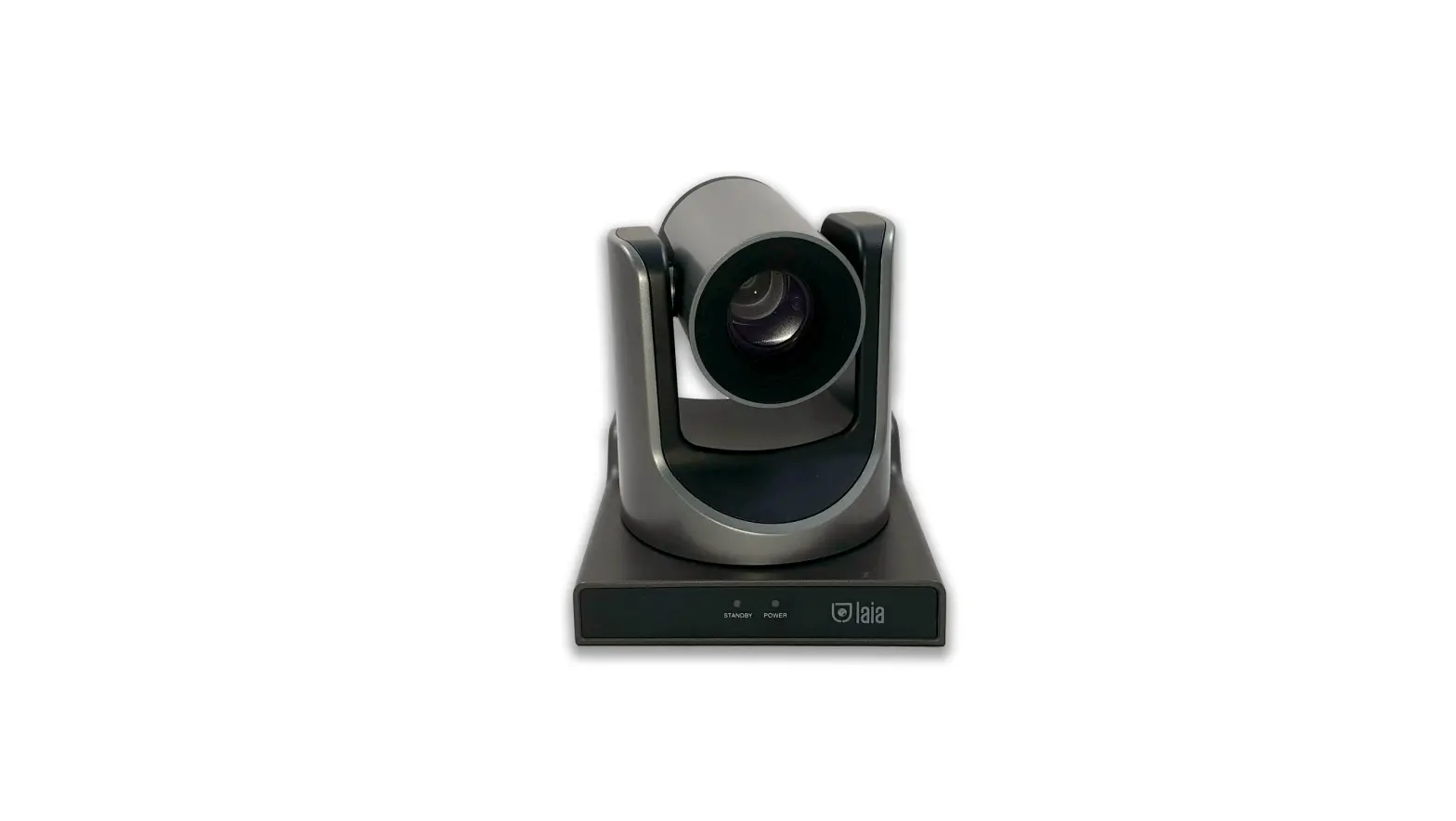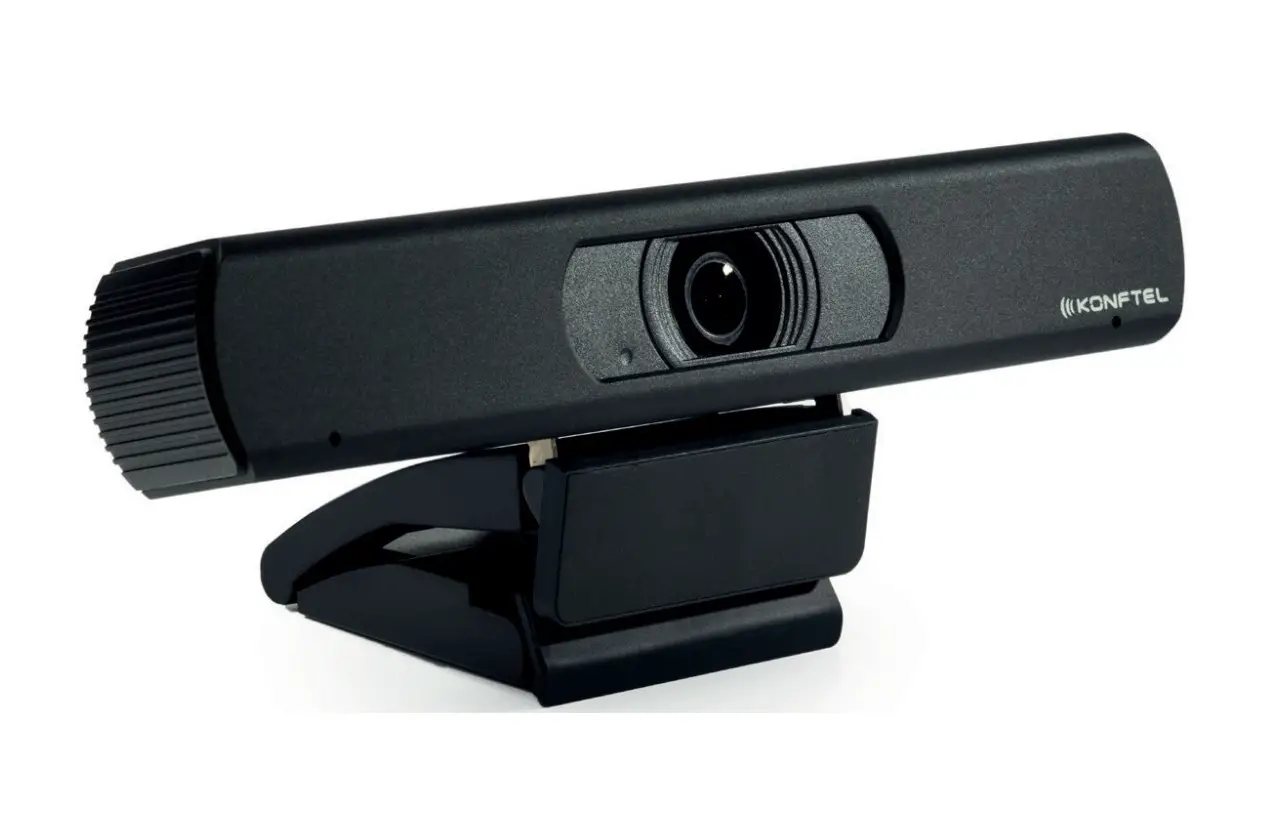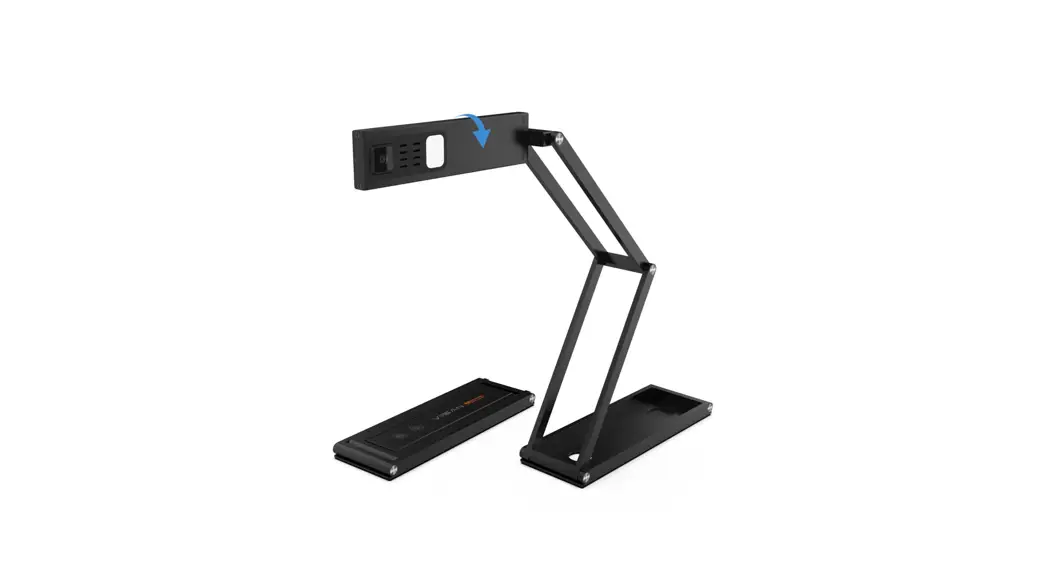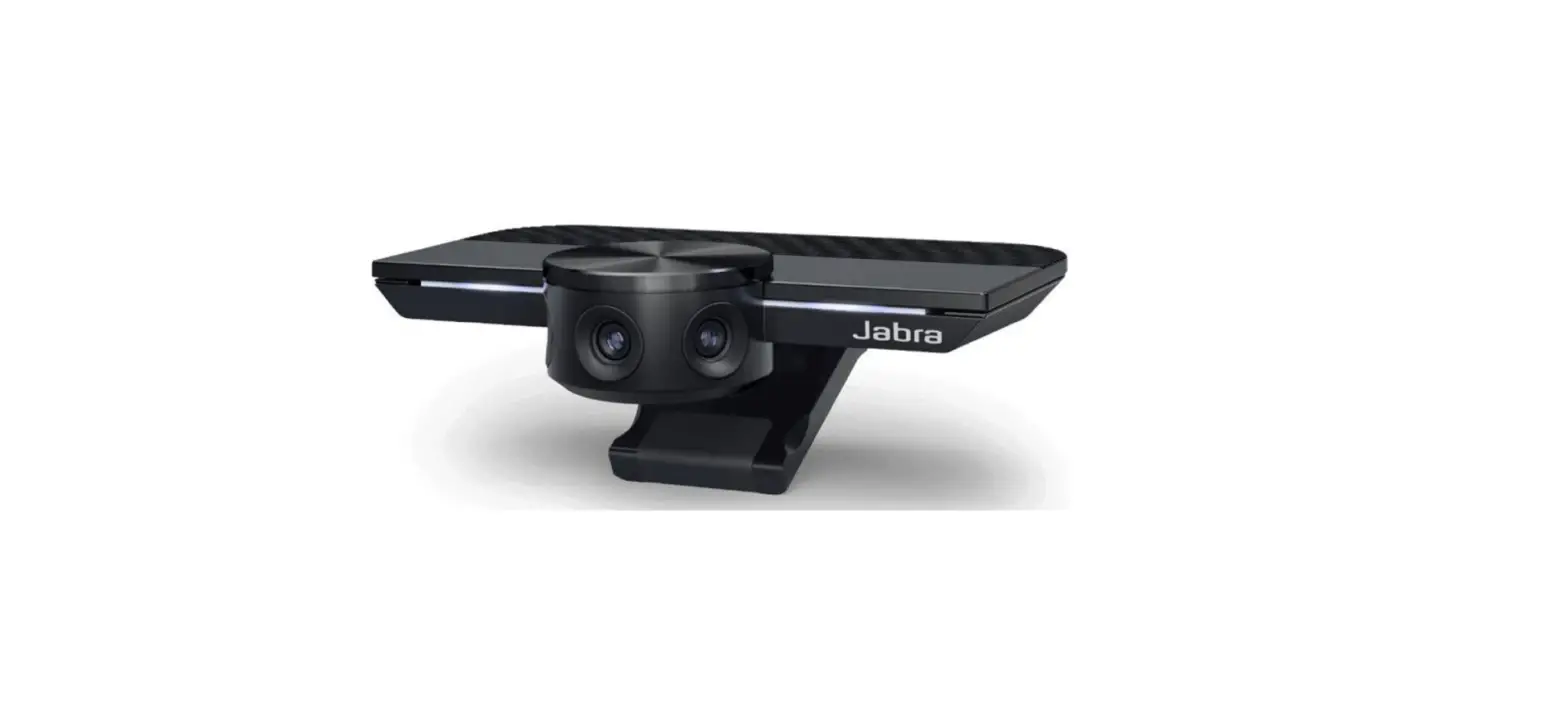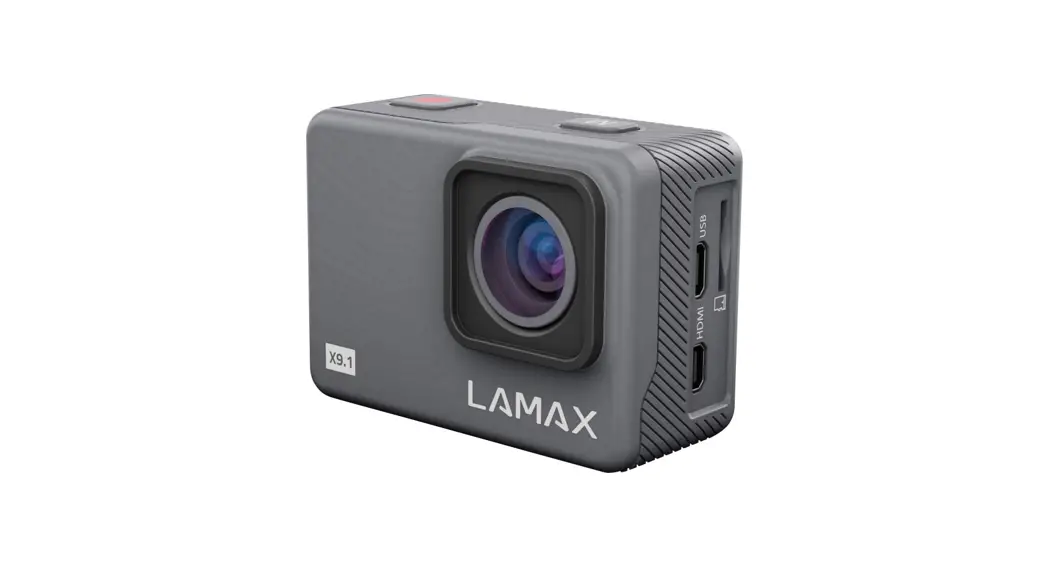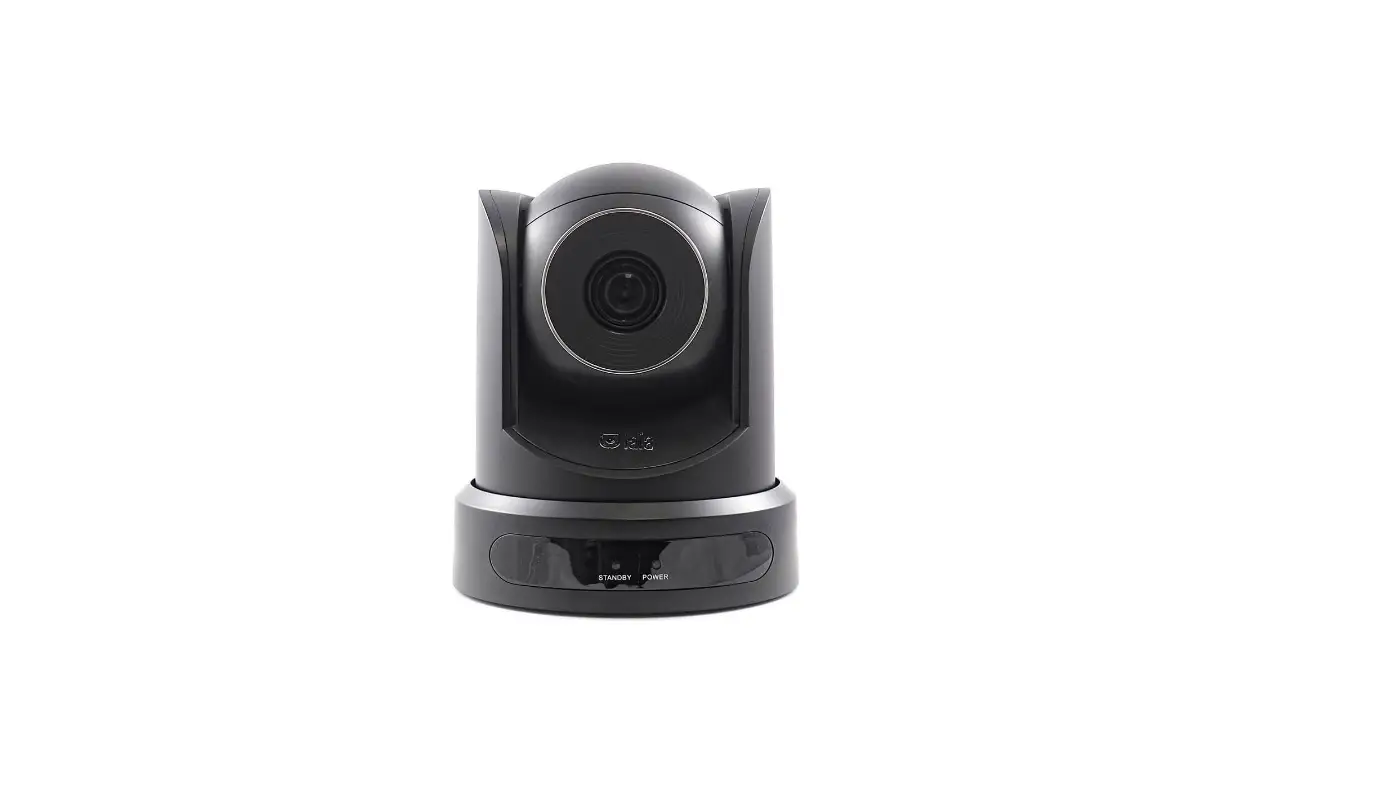

laia Cute 10X Instant Connections 4k Cameras
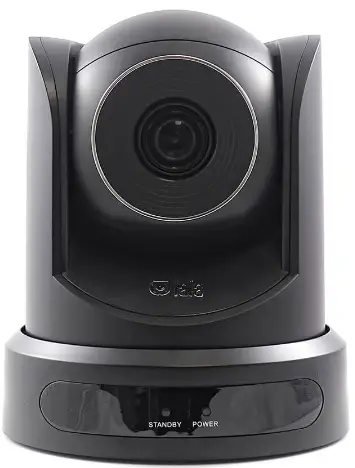
Product Overview
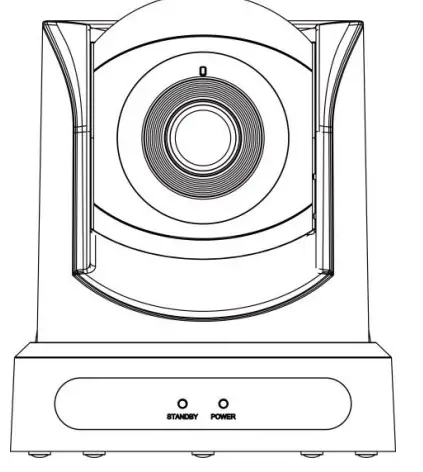
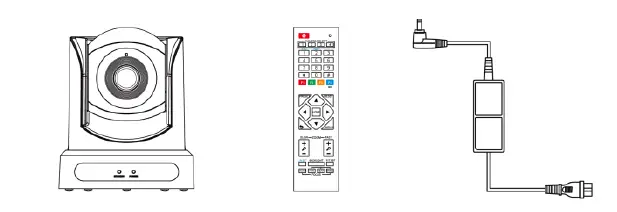
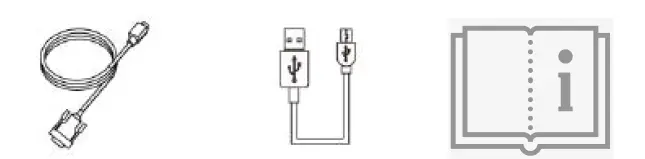
Pack
- Camera X1
- Remote control X1
- Adaptter X1

- RS 232 cable X1
- USB cable X1
- User manual X1

Product features
Full-featured USB Interface
USB 2.0 interface, supports encoded output and UVC 1.0 protocol.
1080P HD
It supports high-quality HD CMOS sensor with 2.07 million effective pixels can achieve high-quality images with maximum resolution of 1920×1080.
Low Light
The application of 2D and 3D noise reduction algorithm greatly reduces image noise. Even under the condition of ultra-low illumination, it still keep the picture clean and clear, and the SNR of image is as high as 55dB.
H.264 Slice/SVC encoded
Output H.264 code stream and support Slice/SVC encoding, which can adapt to high-end USB video conference applications.
Dual Stream
The first stream supports (YUY2, MJPEG, H.264 each of one), and the second stream only supports H.264. It can reduce the host codec pressure.
Dual Power Supply
Device supports two power supply methods (USB 5V and DC 12V)
Remote Control
The camera can be controlled via remote control and via the RS232 serial port
Remote control
| No. | Name | Function Description |
| 1 | StandBy Key | StandBy mode when pressing |
| 2 | Number Key | Set preset or call preset |
| 3 | Key * | To use in combination with others keys |
| 4 | Preset Key | Preset: Set Preset+Nº key (0-9) (Save camera preset to Nº (0-9) |
| 5 | Home Key | Confirm menu or PTZ back to middle position after pressed |
| 6 | Return Key | Return back to last menu |
|
7 | Zoom Key | Slow/fast zoom: Zoom in (+) or Zoom out (-) |
|
8 |
Left/right setting Key | Simultaneously press the adjustment key left/right +1 (horizontal) to rotate in the same direction. Simultaneously press the adjustment key left/right + 2 (horizontal) to rotate in the opposite direction. |
| 9 | Focus Key | Focus adjustment auto/manual/far/near |
| 10 | Selection Key | Select the camera to operate |
| 11 | Key # | To use in combination with others keys |
| 12 | IR Remote control Key | [*+#+F1/F2/F3/F4]: Dirección NO.1/2/3/4 |
| 13 | Reset Key | Clear preset (clear preset + nº key) or delete all presets [*]+[#]+[CLEAR PRESET] |
| 14 | PTZ Control Key | The PTZ moves as the arrow indicates. Press HOME to return to the front |
| 15 | Menu Key | Enter or exit OSD menu |
| 16 | Backlight Key | Enable backlight compensation |
| 17 | PTZ reset Key | PTZ self-test |
Specifications
| Signal System | 1080P,720P,540P,480P,360P,240P |
| Sensor | 1/2.9 inch, CMOS, Max pix 2.07M |
| Lens | 10X, f=4.9mm – 47.04mm, F2.36 – F2.4 |
| Minimun illumination | 0.5 Lux @ (F1.8, AGC ON) |
| Shutter | 1/30s – 1/10000s |
| Noise reduction | >55dB |
| Vertical angle Horizontal angle | 35.1º – 3.6º 58.5º – 6.5º |
| RS232 Interface | 1 X RS232 IN: 8pin Min DIN. Max dist: 30m, Protocol: VISCA/Pelco-D/Pelco-P |
| Vertical rotation | -30º – +90º |
| Horizontal rotation | +-170º |
| USB Video protocol | UVC 1.0 |
| Color System/ Compression | YUY2 / H.264 / MJPEG |
| Pan speed | 2.7º – 35.7º/s |
| Tilt SPeed | 2.7º – 31.5º/s |
| Operating temp | -10ºC – 40º C |
| Storage temp | -40º C – 60º C |
| Size/Weight | 141.5 x 151 x 168 mm / 1.2KG |
RS232 Interface
| Diagrama del interfaz | No. | Función | No. | Función |
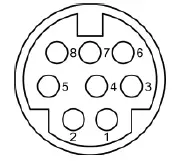 | 1 | DTR | 5 | RXD |
| 2 | DSR | 6 | GND | |
| 3 | TXD | 7 | IR OUT | |
| 4 | GND | 8 | NC |
Use guide
MENU
Press MENU key to display the menu on the screen. Use arrows to move the cursor and select the item to be set. Press HOME key to enter the submenu.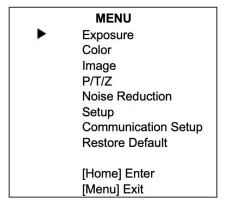
EXPOSURE
Move cursor to EXPOSURE and press HOME key to enter.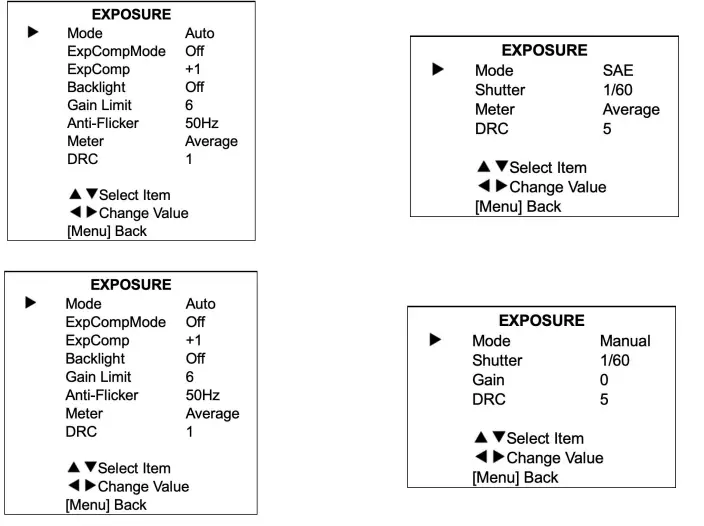
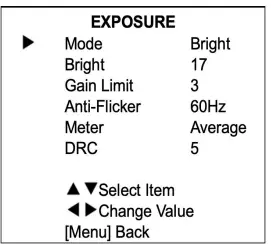
- Mode: Values Auto, manual, SAE, bright.
- ExpCompMode: Values On/Off.
- ExpComp: Values -7 – 7.
- Backlight: Valores On/Off.
- Bright: Values 0 – 17.
- Gain Limit: Values 0 – 15.
- Anti-Flicker: Values Off, 50Hz, 60Hz.
- Meter: Values Average, Center, Smart, Top.
- Shutter: Values 1/30, 1/60, 1/90, 1/100, 1/125, 1/180, 1/250, 1/350, 1/500,1/725, 1/1000, 1/1500, 1/2000, 1//3000, 1/4000,
1/6000, 1/10000. - Gain: Values 0 – 7.
- DCR: Values 0 – 8.
- COLOR

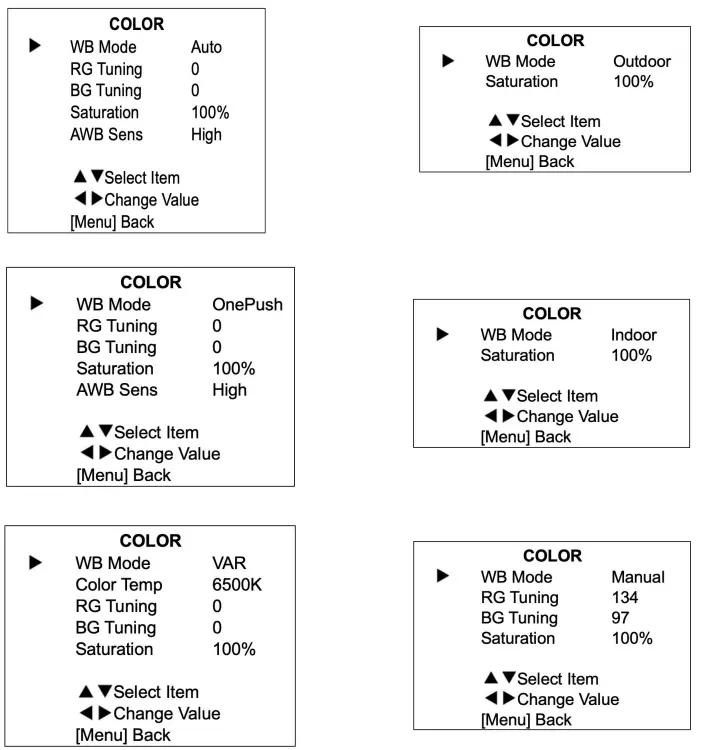
- Move cursor to COLOR and press HOME key to enter.
- WB Mode: Values Auto,Indoor, Outdoor, One Push, Manual, VAR. RG: Values 0 – 255.
- BG: Values 0 – 255.
- Color Temp: Values 2500K – 8000K.
- RG Tunning: Values -10 – +10.
- BG Tunning: Values -10 – +10.
- Saturation: Values 60% – 200%.
- AWB Sens: Values High, Middle, Low.
- IMAGEN

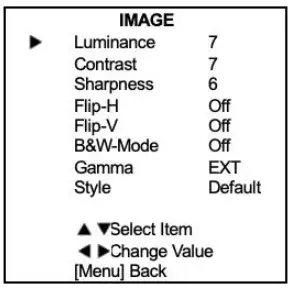
- Move cursor to IMAGE and press HOME key to enter.
- Luminance: Values 0 – 14.
- Contrast: Values 0 – 14.
- Sharpness: Values 0 – 15, Auto.
- Flip-H: Valuesores On/Off.
- Flip-V: Values On/Off.
- B&W Mode: Values On/Off.
- Gamma: Values Ext, Default, 0.45, 0.5, 0.56, 0.63. Style: Values Default, Norm, Clarity, Soft.
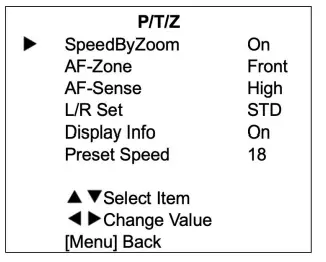
- P/T/Z

- Move cursor to P/T/Z and press HOME key to enter.
- SpeedByZoom: Values On/Off.
- AF Zone: Values Low, Normal, High.
- L/R Set: Values On/Off.
- Display info: Values On/Off.
- Preset Speed: Values 1 – 24.
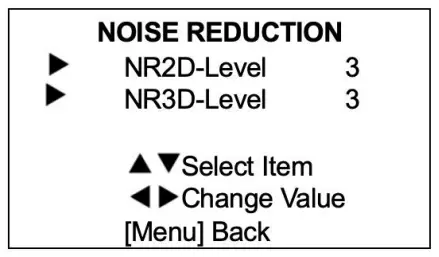
- NOISE REDUCTION

- Move cursor to NOISE REDUCTION and press HOME key to enter.
- NR2D Level: Values Auto, Off, 1 – 5.
- NR3D Level: Valores Off, 1 – 8.
SET UP
Move cursor to SET UP and press HOME key to enter. Language: Values English, Chinese, Russian.
- ODS Flip: Values On/Off.
COMMUNICATION SETUP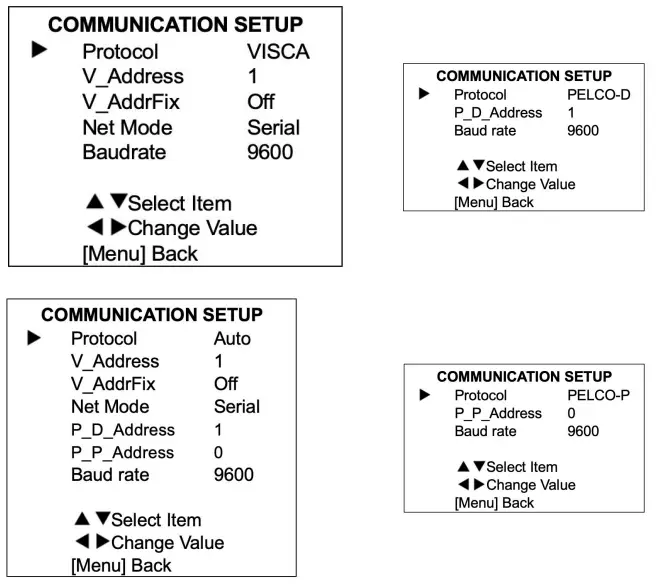
Move cursor to COMMUNICATION SETUP and press HOME key to enter.
- Protocol: Values Auto, VISCA, PELCO-D, PELCO-P.
- V_Address: Values 1 – 7.
- V_AddrFix: Values On/Off, set to On, useless command 88 30 01 FF. P_D Address: Values 0 – 254.
- P_P_Address: Values 0 – 31.
- Net Mode: Values Serial, Paral.
- Baud rate: Values 2400,4800,9600, 38400.
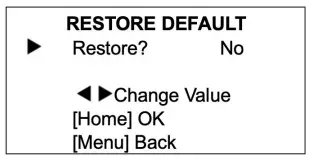
- RESTORE DEFAULT

- Move cursor to RESTORE DEFAULT and press HOME key to enter.
- Restore: Values Yes/No. Press HOME key to confirm.
Solve problems/ maintenance
- If camera will not be used for a long time period, please turn it off and disconnect it from power supply.
- To clean camera cover and lens, use dry cloth or tissues.
- Do not use corrosive products for cleaning as this may affect the proper functioning of the device.
- Do not shoot extreme bright objects for longs periods of time such us sun or light sources.
- No operating in unstable lighting conditions, otherwise image will be flickering.
- Do not use the device near other devices with electromagnetic radiation such as televisions or radios.
If remote control not working properly:
- Check and replace the battery.
- Check the camera working mode is correct.
- Check the address of remote control. Serial port cannot control:
- Check the control line is properly connected.
- Check camera protocol, address and baud rate have same values. Image have jitter when camera lens is at maximum:
- Check camera position to be stabled.
- Check for vibrating machinery/objets near the camera.
Copyright © 2022 Laia · www.laiatech.com