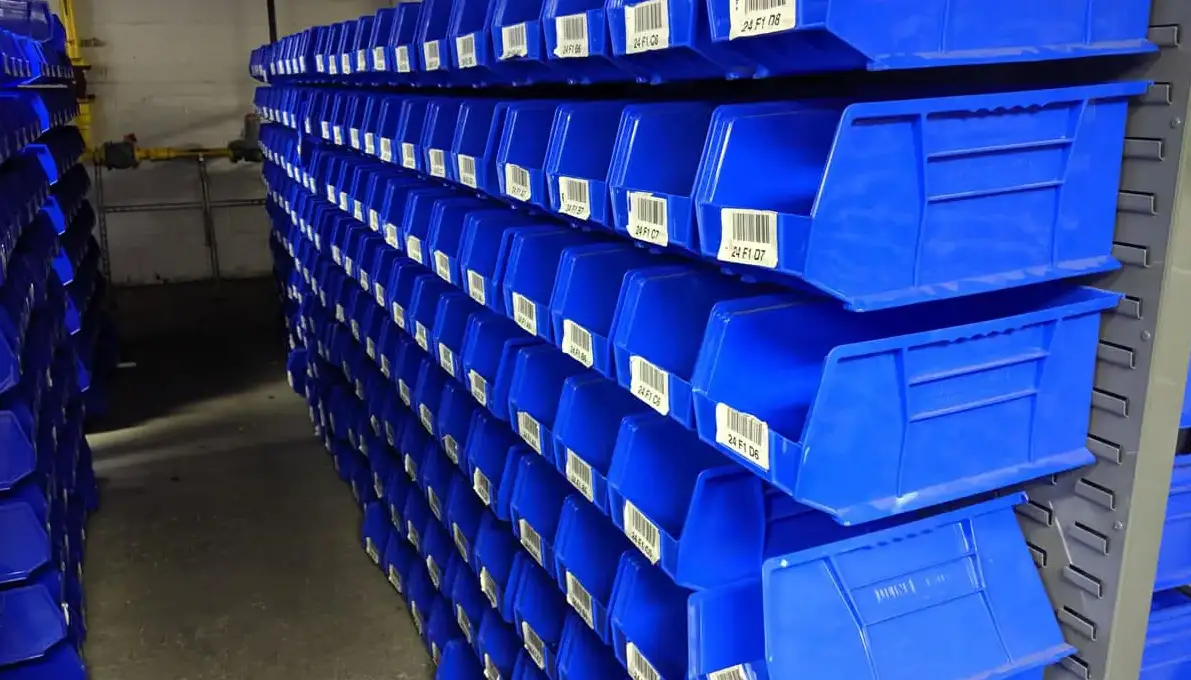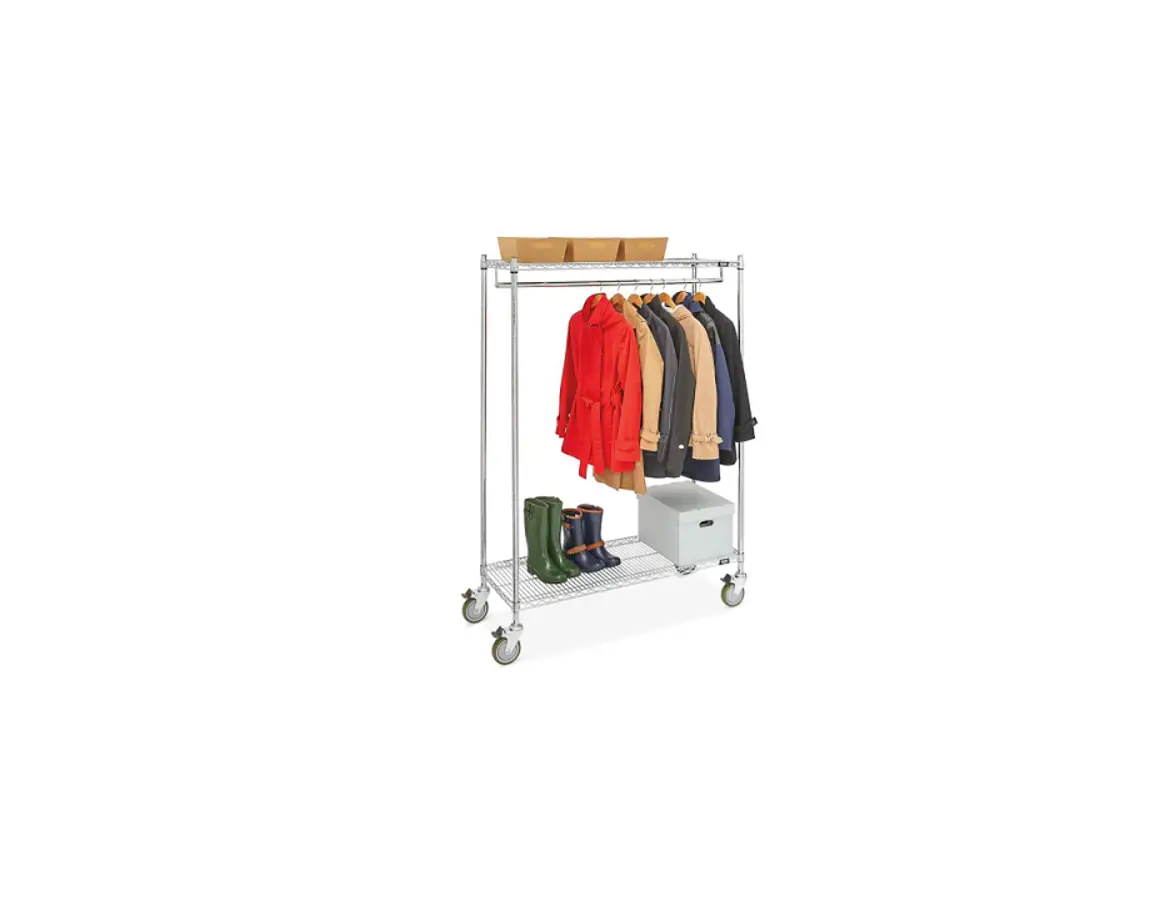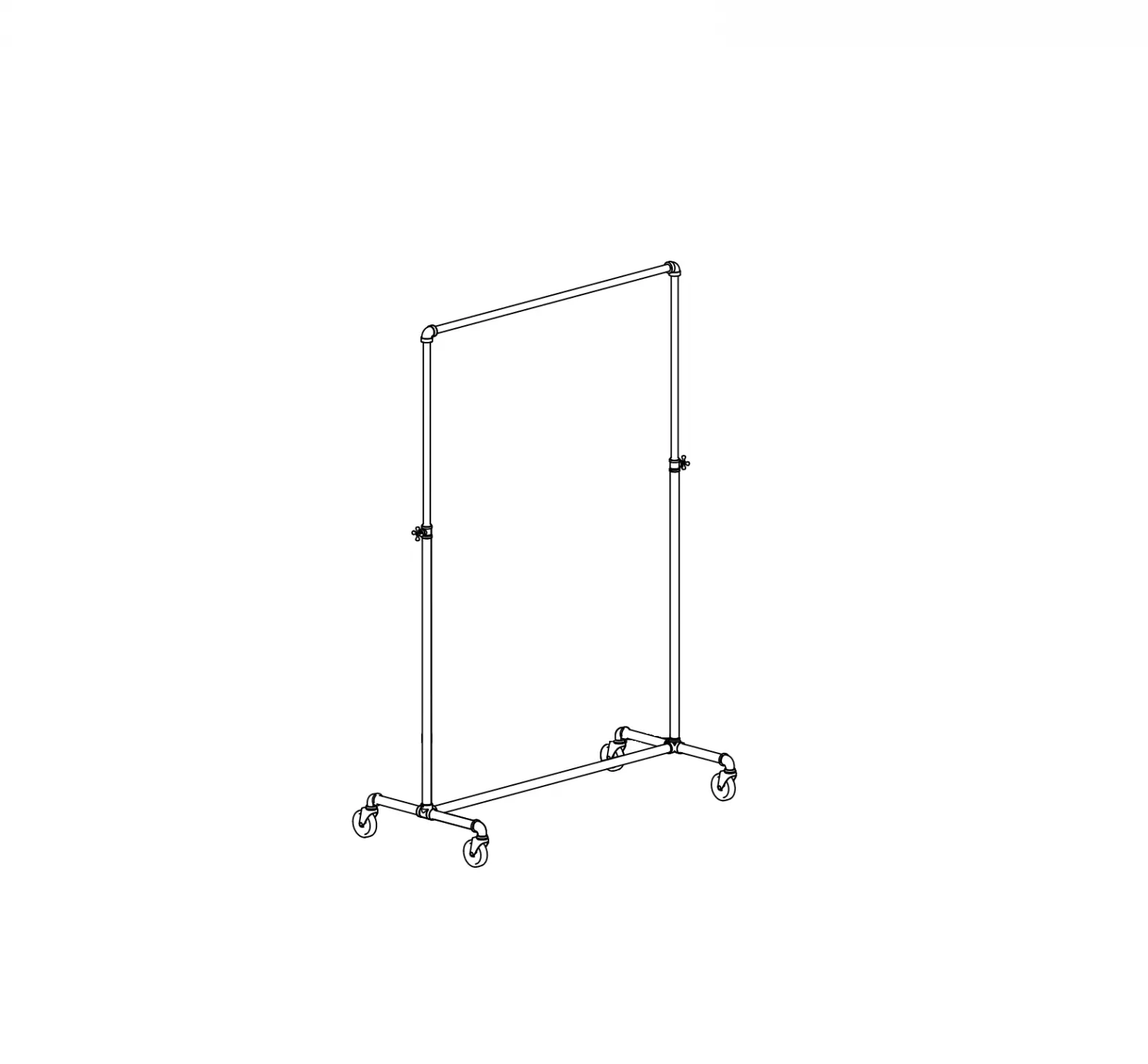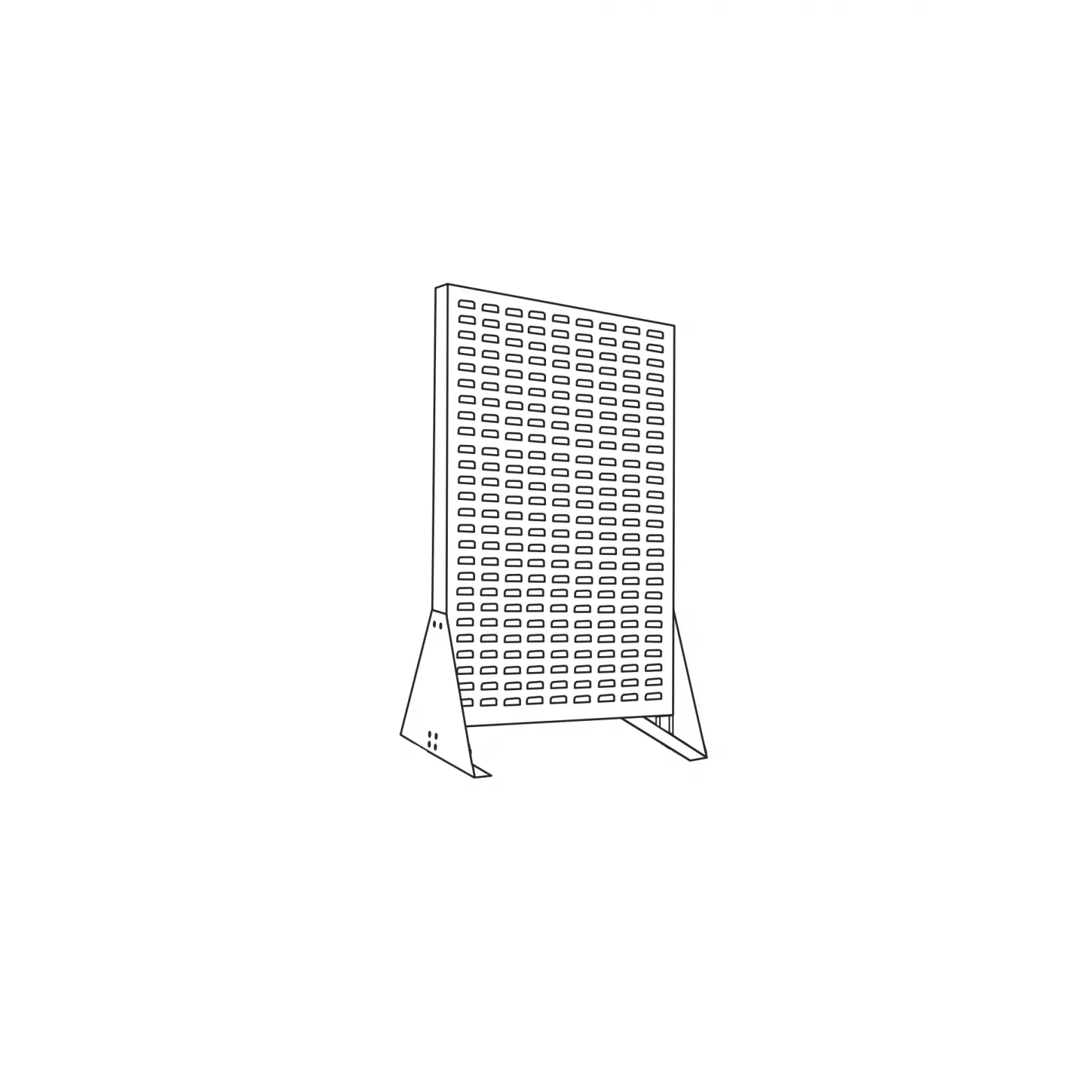
ULINE Double Sided Floor Rack
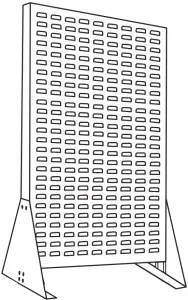
PARTS
|
|
|
|
 Nut x 8
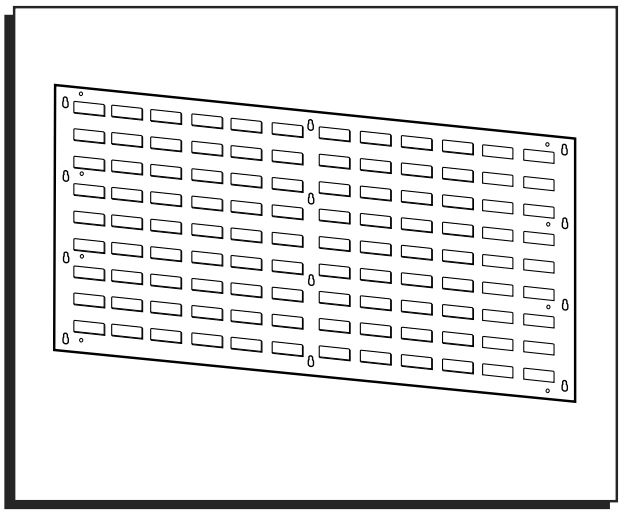
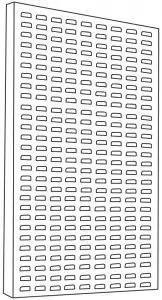 Louvered Panel x 1
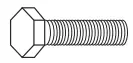 Bolt x 12
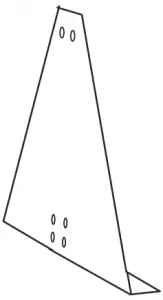 Side Support Panel x 2
ASSEMBLY
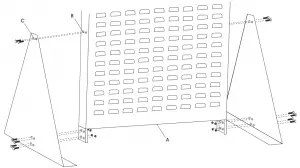
- Take Louvered Panel (A) and line up holes (B) (stamped into the left and right side of the panel) to matching holes (C) stamped into each Side Support Panel.
- Attach Louvered Panel to Side Support Panels using twelve (12) bolts and eight (8) nuts included with the unit. (Top 2 bolts on each end of the panel screw in without nuts.)


1-800-295-5510
uline.com