 Start here
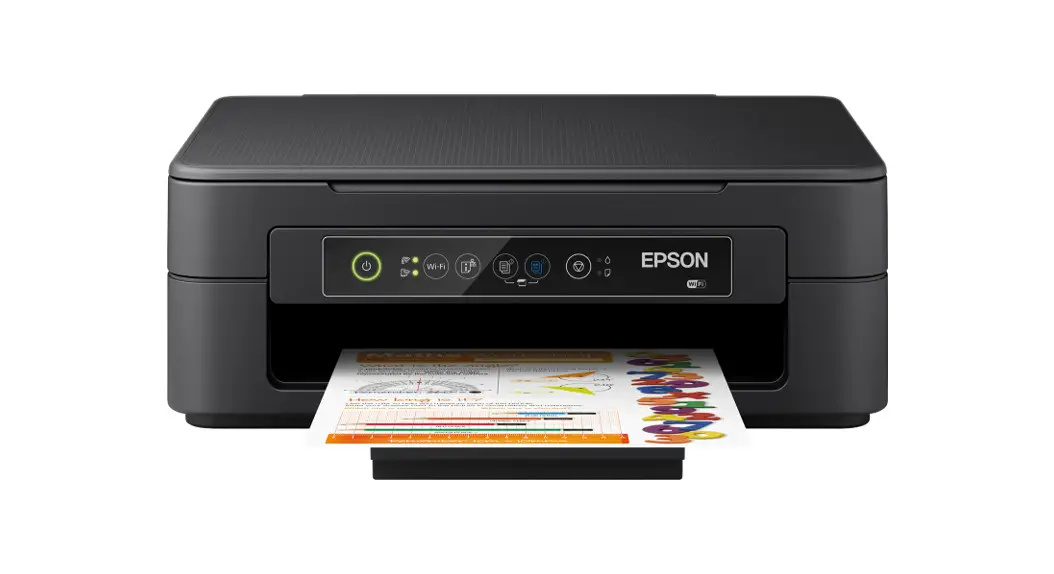
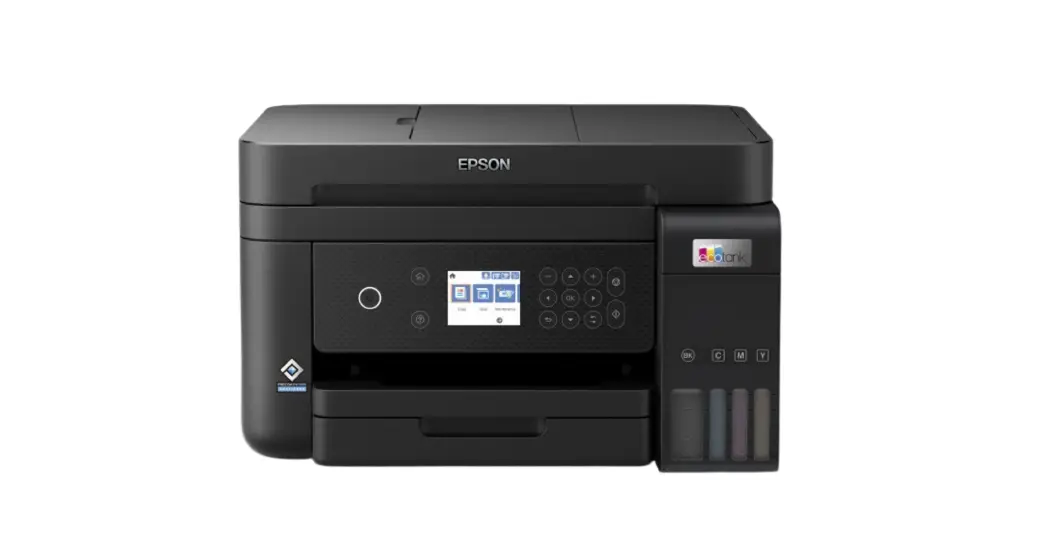
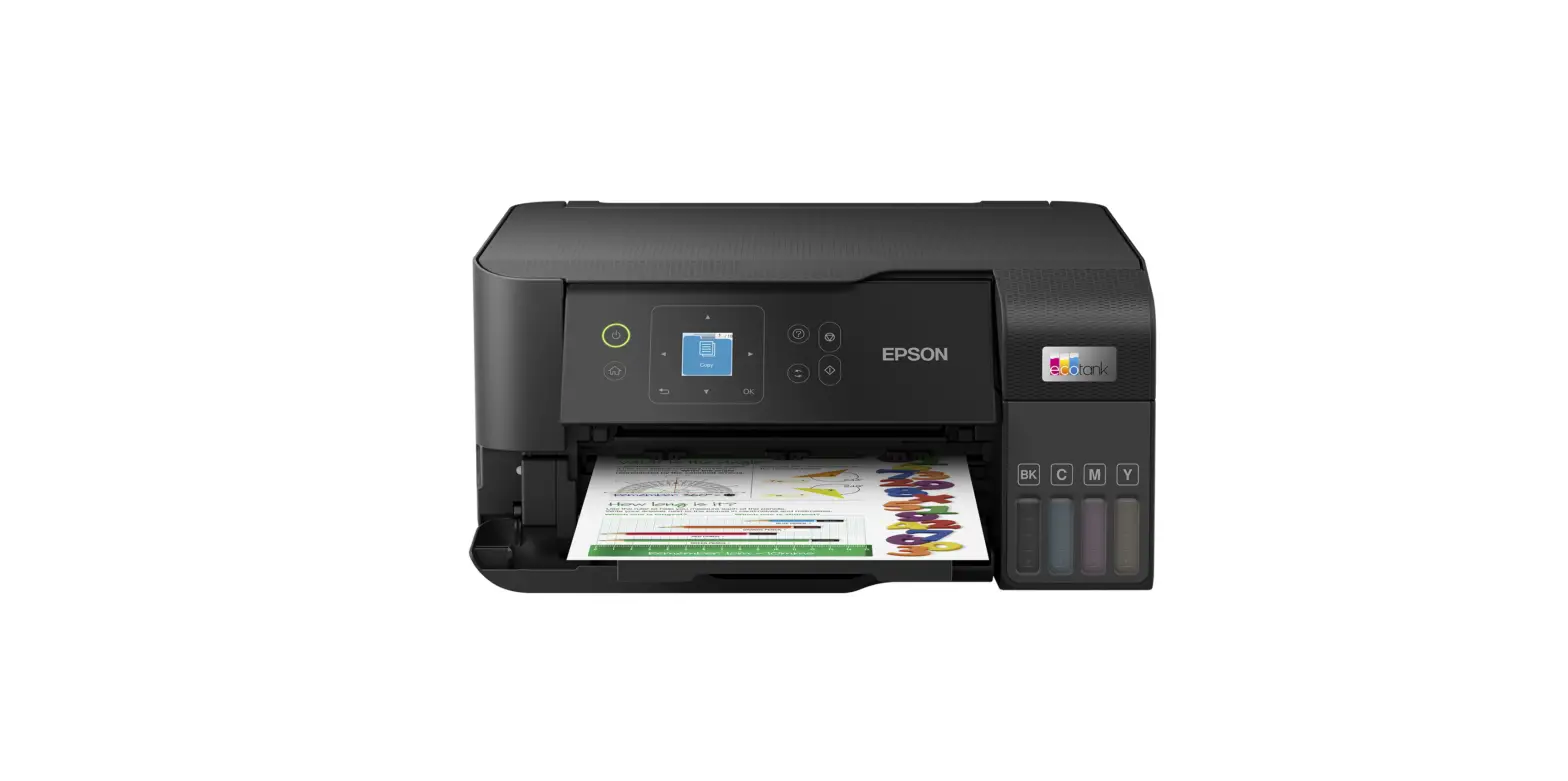
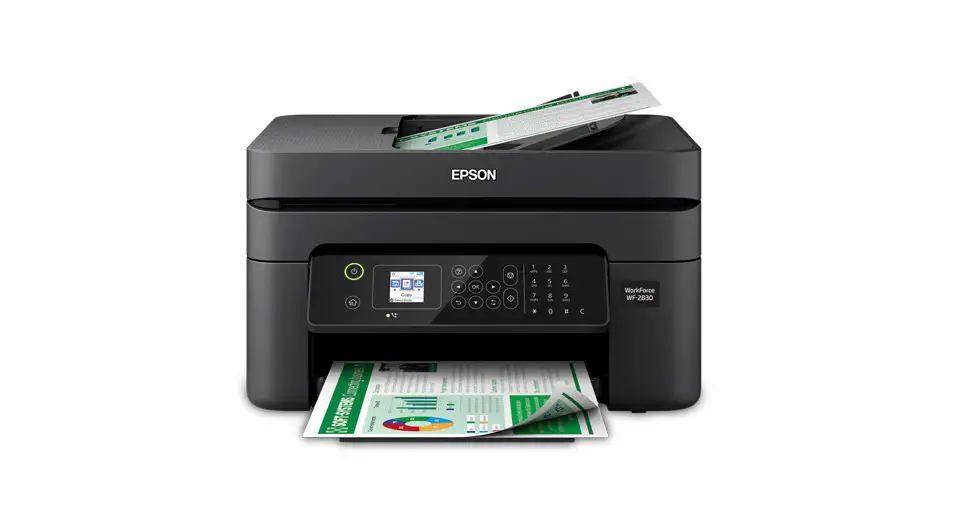
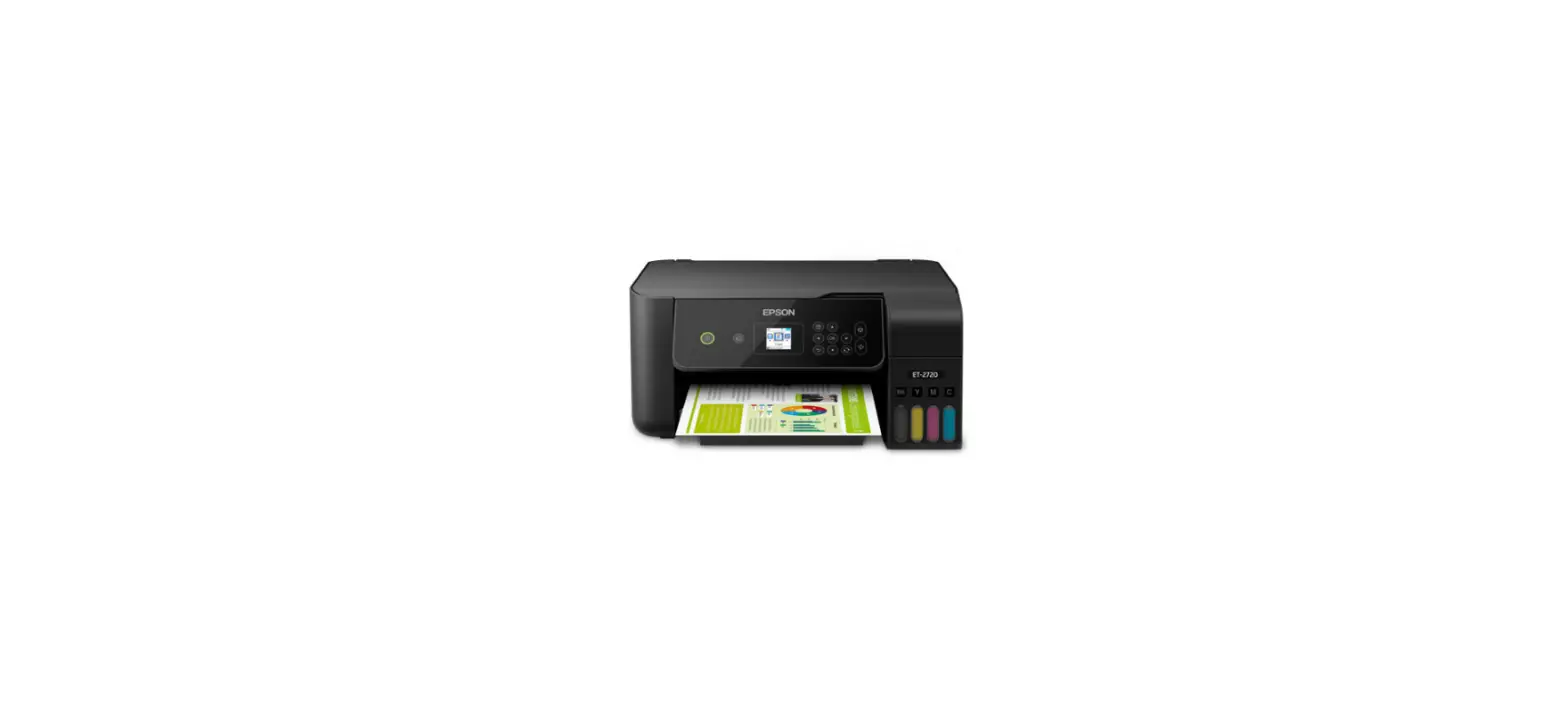
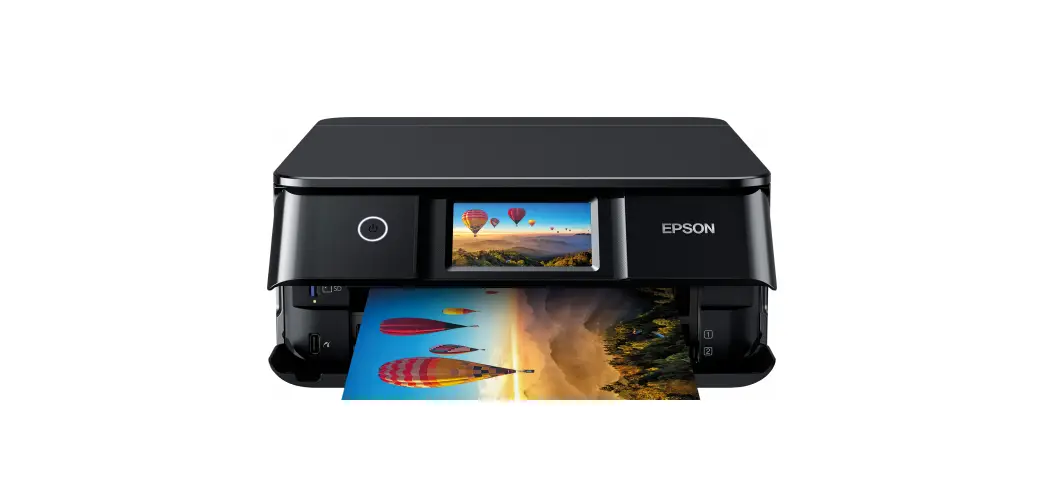
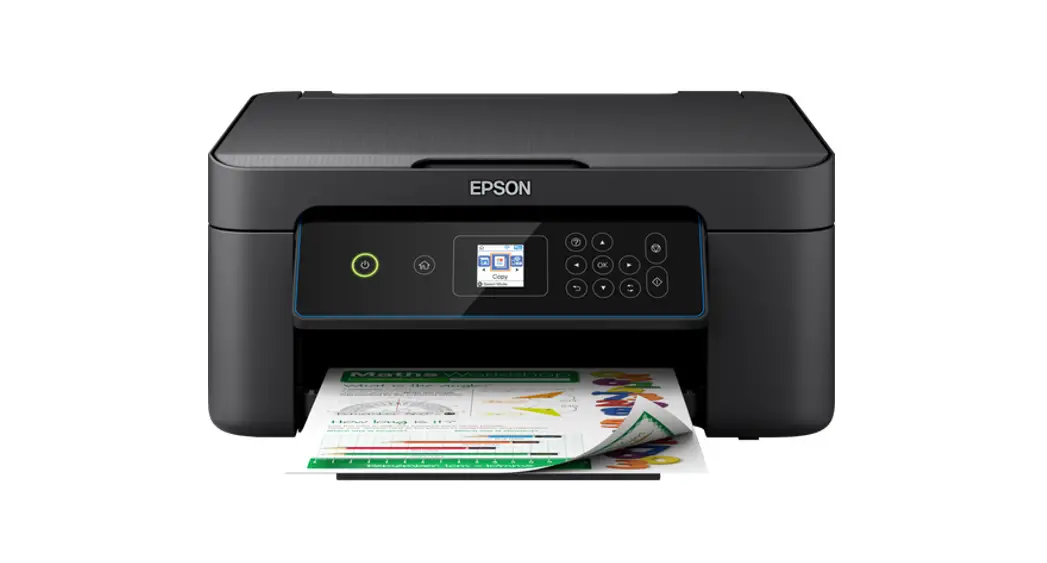
XP-3155 Series Inkjet Printer
 Do not open the ink cartridge package until you are ready to install it in the printer. The cartridge is vacuum-packed to maintain its reliability
Do not connect a USB cable unless instructed to do so.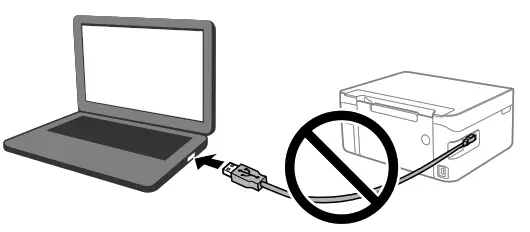
Unpacking
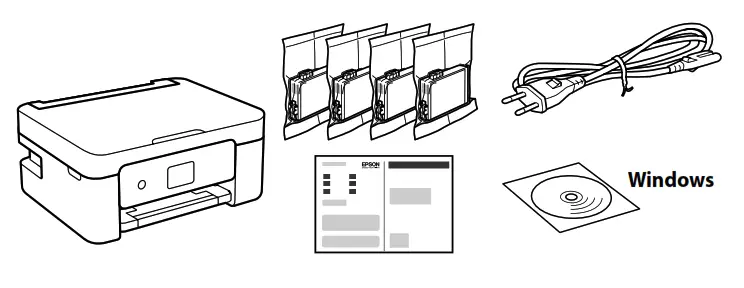
Additional items may be included depending on the location.
For the initial setup, make sure you use the ink cartridges that came with this printer. These cartridges cannot be saved for later use.
The initial ink cartridges will be partly used to charge the print head. These cartridges may print fewer pages compared to subsequent ink cartridges.
Printer Set Up
Visit the website to start the setup process, install software or Epson iPrint application, and configure network settings.

Windows users can also setup using the CD supplied.
Ink Cartridge Codes
Ink cartridge codes may vary by location. For the correct codes in your area, contact Epson support.
For Europe
 Starfish
| BK | C | M | Y |
| Black | Cyan | Magenta | Yellow |
| 603 | 603 | 603 | 603 |
| 603XL | 603XL | 603XL | 603XL |
“XL” indicates large cartridge.
For information on Epson’s ink cartridge yields, please visit the website.
Pour plus d’informations sur les rendements des cartouches d’encre Epson, rendez-vous sur le site Web suivant.
Guide to Control Panel
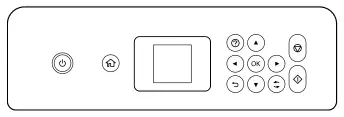
 | Turns the printer on or off. |
 | Displays the home screen. |
? | Displays the solutions when you are in trouble. |
 | Use the  buttons to select a menu, and then press the OK button to enter the selected menu. buttons to select a menu, and then press the OK button to enter the selected menu. |
 | Stops the current operation. |
 | Starts an operation such as printing or copying. |
 | Applies to a variety of functions depending on the situation. |
 | Returns to the previous screen. |
Loading Paper
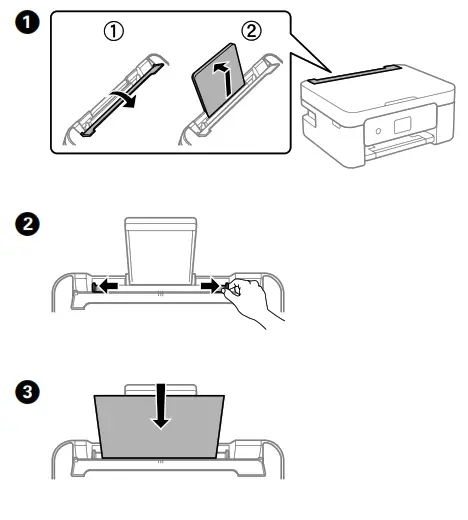 | 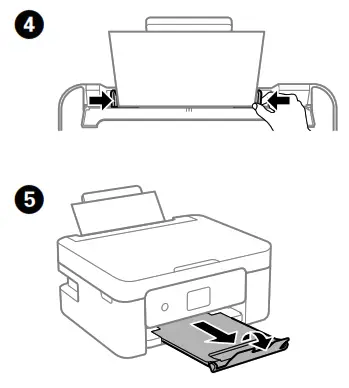 |
Copying
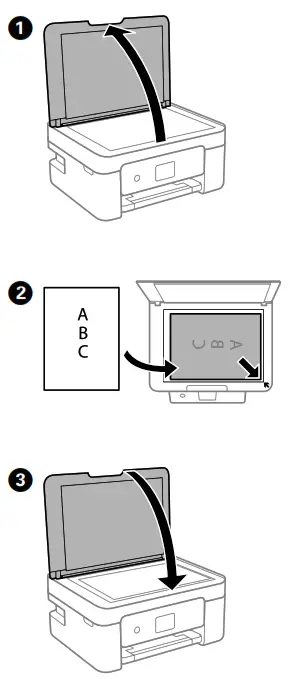
4. Select Copy on the control panel.
5. Set the number of copies, and then select Color or B&W.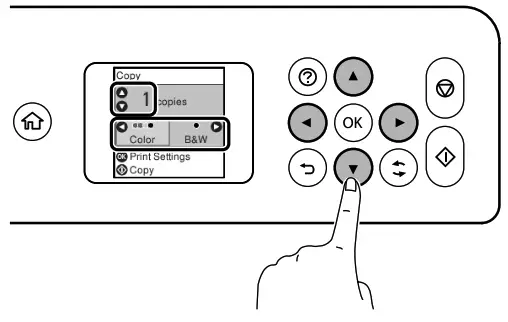
6. Make other settings as necessary.
7. Press the button.
Replacing Ink Cartridges
When you are prompted to replace an ink cartridge, prepare a new ink cartridge. When replacing ink cartridges before they are expended, select
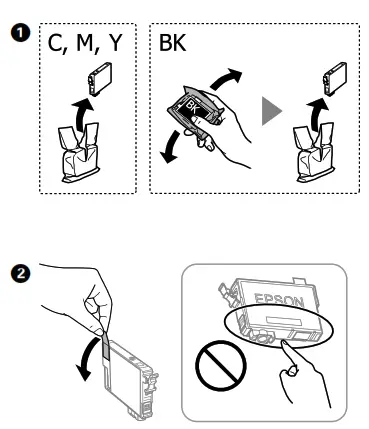
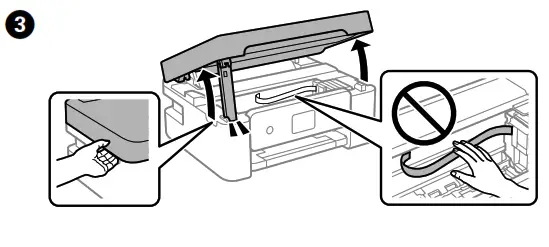
4. Press the OK button, and then select Replace now.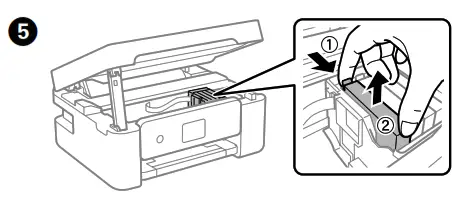
6. Insert the new ink cartridge and press it down firmly.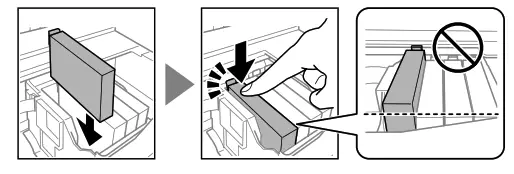
7. Close. For safety, the unit is closed in two steps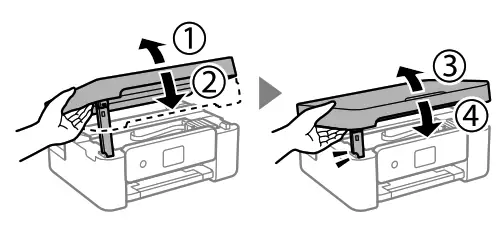
The unit must be closed completely before it can be opened
8. Press the button. Charging ink is started. Wait until ink charging is complete.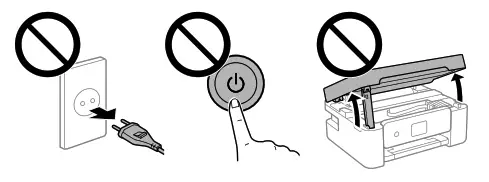
Print Quality Help
If you see missing segments or broken lines in your printouts, print a nozzle check pattern to check if the print head nozzles are clogged. See the User’s Guide for more details.
Clearing Paper Jam
Follow the instructions on the LCD screen to remove jammed paper. See the User’s Guide for more details.
Important Safety Instructions
Use only the power cord that comes with the printer. Use of another cord may cause fire or shock. Do not use the cord with any other equipment.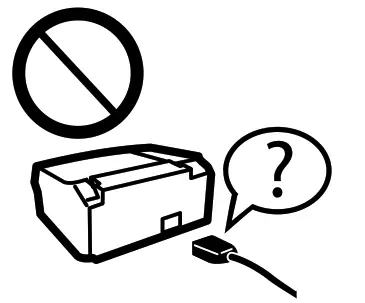
Be sure your AC power cord meets the relevant local safety standard.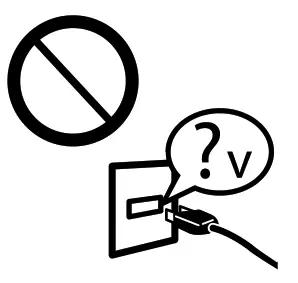
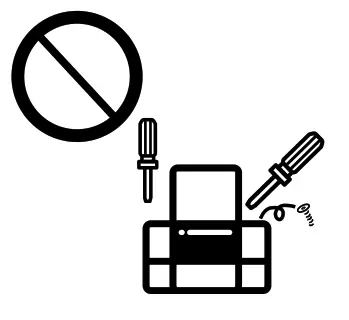
Except as specifically explained in your documentation, do not attempt to service the printer yourself.
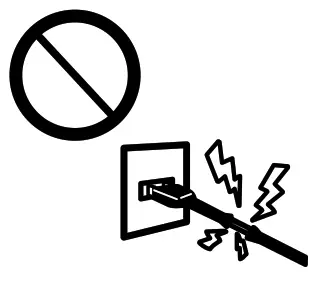
 Do not let the power cord become damaged or frayed.
  Place the printer near a wall outlet where the power cord can be easily unplugged.
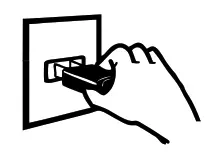 Do not place or store the product outdoors, near excessive dirt or dust, water, heat sources, or in locations subject to shocks, vibrations, high temperature or humidity.
 Take care not to spill liquid on the product and not to handle the product with wet hands.
 Keep this product at least 22 cm away from cardiac pacemakers.
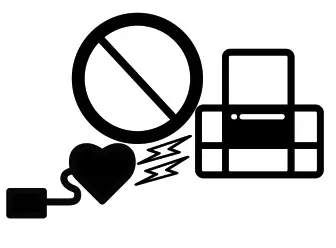 Radio waves from this product may adversely affect the operation _of cardiac pacemakers.
If the LCD screen is damaged, contact your dealer. If the liquid crystal solution gets on your hands, wash them thoroughly with soap and water. If the liquid crystal solution gets into your eyes, flush them immediately with water. If discomfort or vision problems remain after a thorough flushing, see a doctor immediately.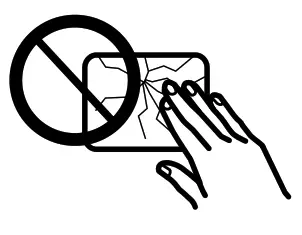
Be careful when you handle used ink cartridges, as there may be some ink around the ink supply port. If ink gets on your skin, wash the area thoroughly with soap and water. If ink gets into your eyes, flush them immediately with water. If discomfort or vision problems continue after a thorough flushing, see a doctor immediately. If ink gets into your mouth, see a doctor right away. 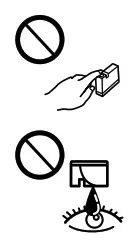 Keep ink cartridges and maintenance box out of the reach of children.
 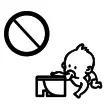 Always keep this guide handy.
Notice on Printer Information Transmission (only for Users in Europe)
By connecting your printer to the internet (directly or via a computer) you will transmit the printer identity to Epson in Japan. Epson will use this information to check if it is in any Epson-supported program and store it to avoid repeat acknowledgments. On the first occasion, an acknowledgment may be sent and printed out on your printer including information about relevant products and services.
This guide includes basic information about your product and troubleshooting tips. See the User’s Guide (digital manual) for more details. You can obtain the latest versions of guides from the following website.

http://support.epson.net/
http://www.epson.eu/support
Windows? is a registered trademark of Microsoft Corporation.
” Uretici: “SEIKO EPSON CORPORATION
Adres: 3-5, Owa 3-chome, Suwa-shi, Nagano-ken 392-8502 Japan
Tel: 81-266-52-3131
Web: _http://Awww.epson.com/
The contents of this manual and the specifications of this product are subject to change without notice.
http://www.epson.eu/pageyield

© 2021 Seiko Epson Corporation
Printed in XXXXXX