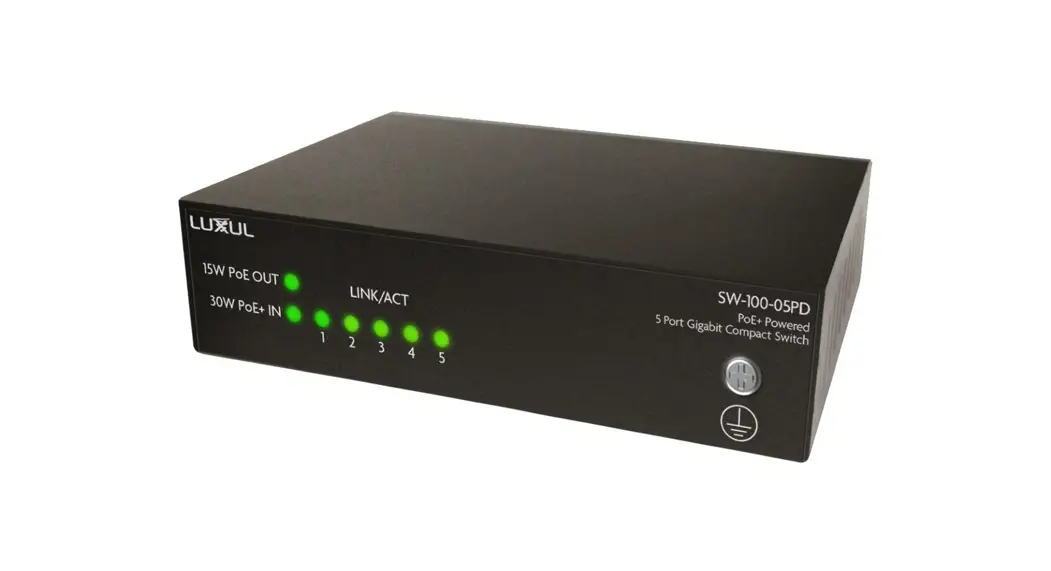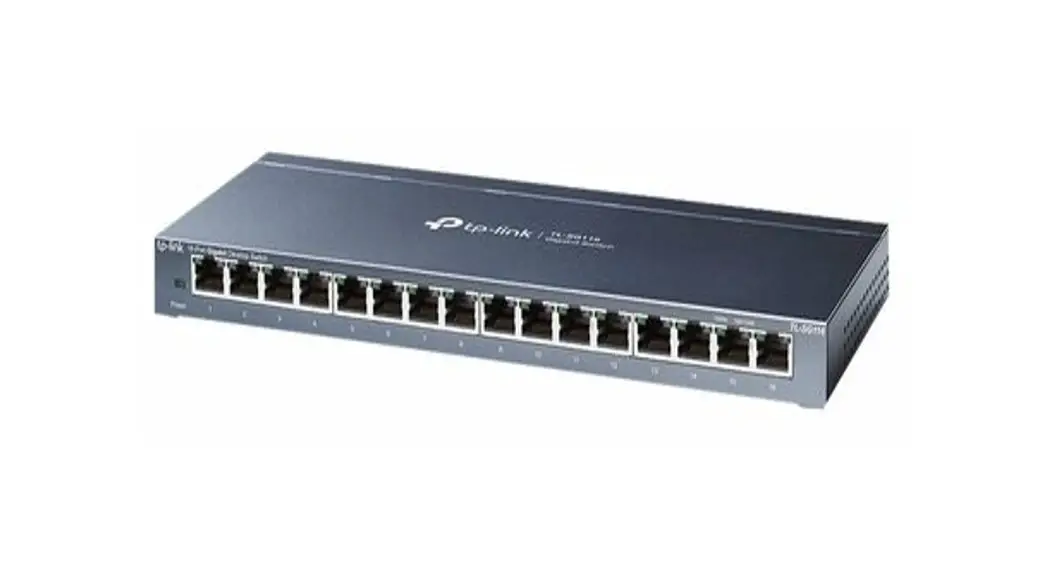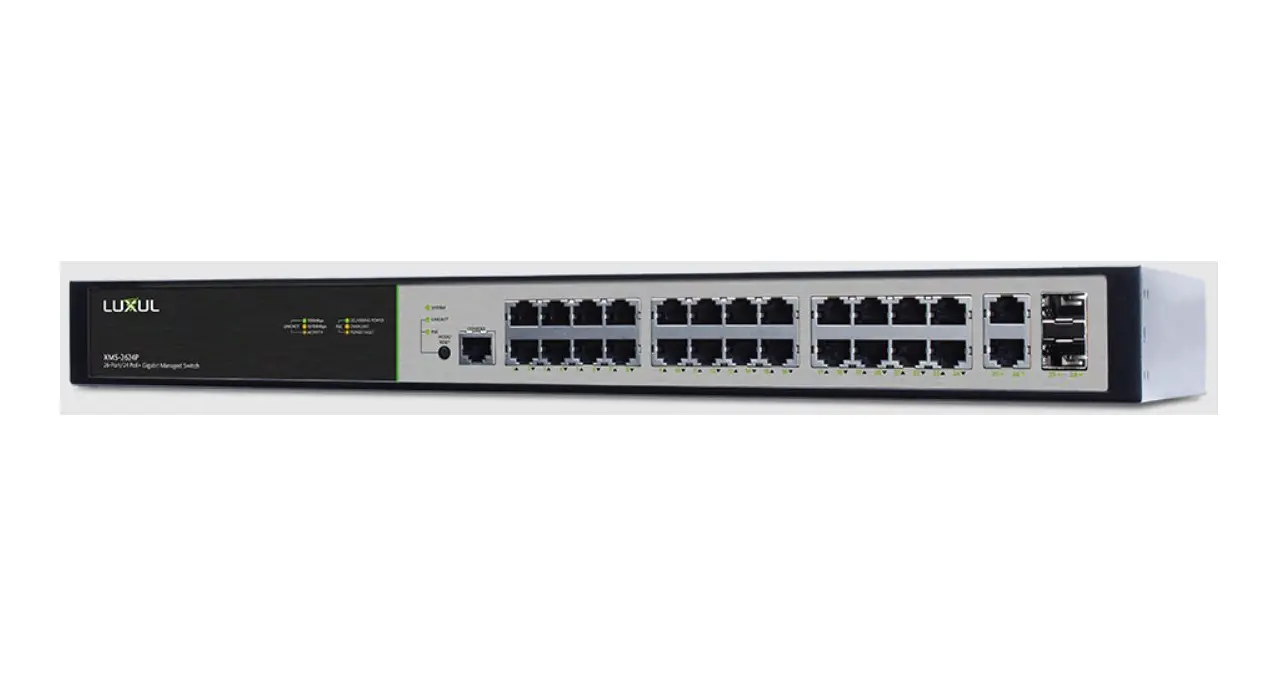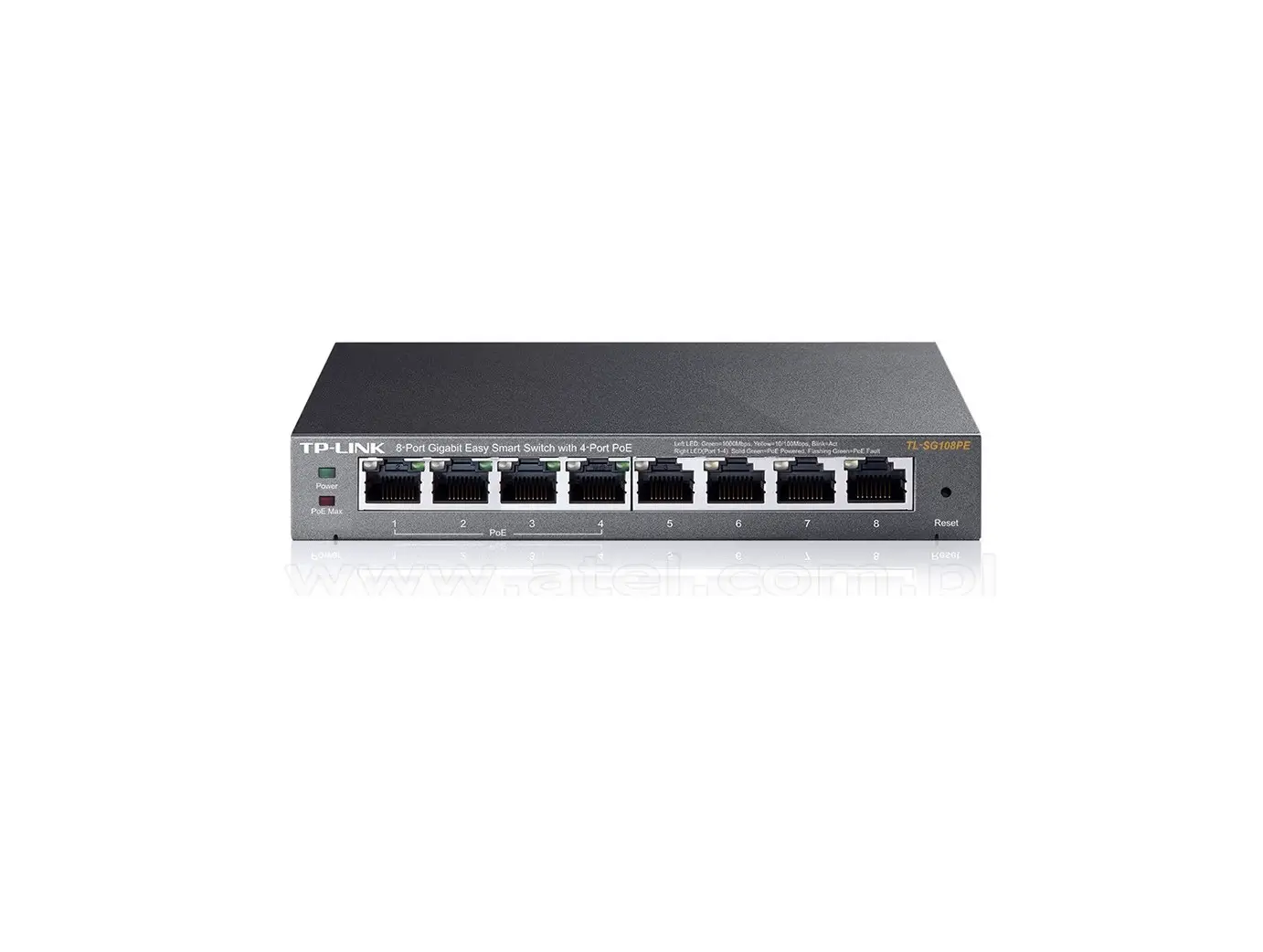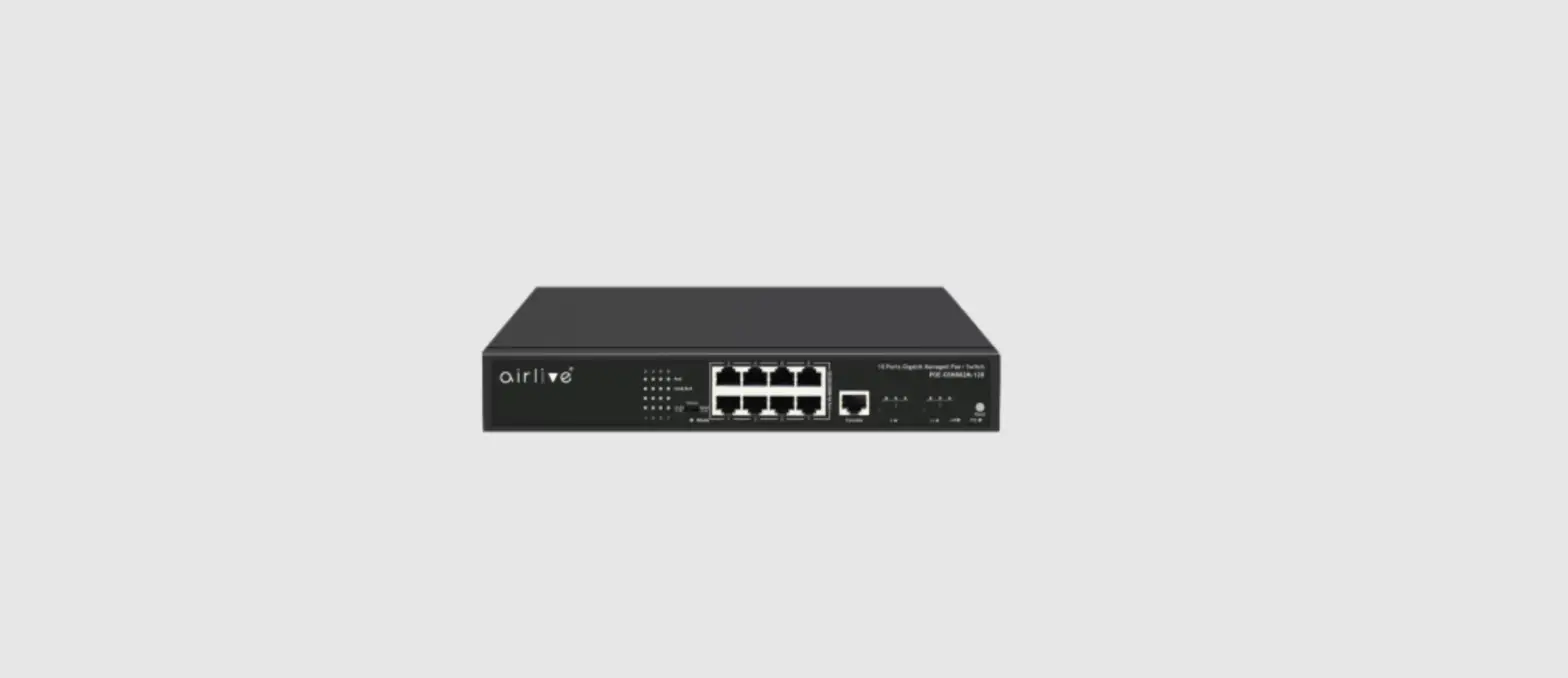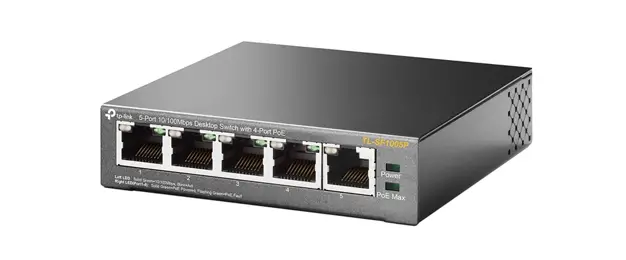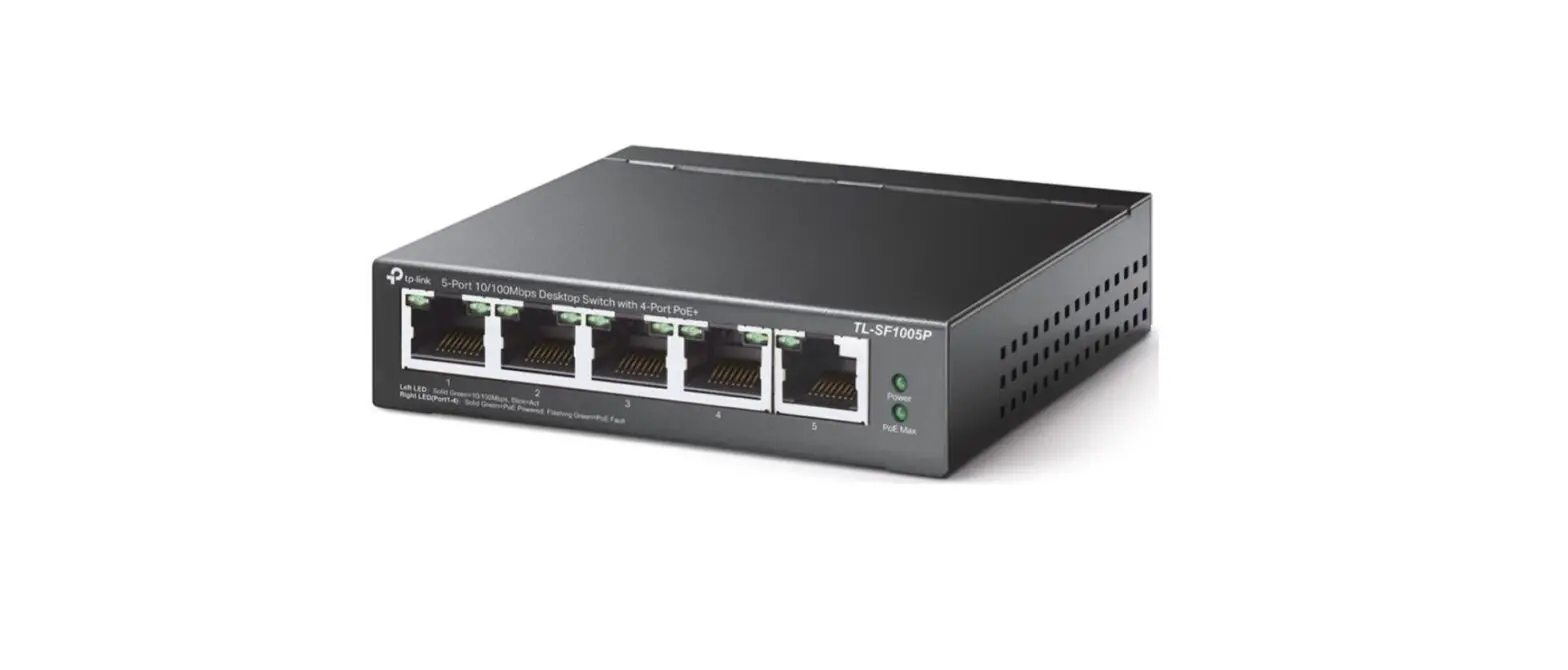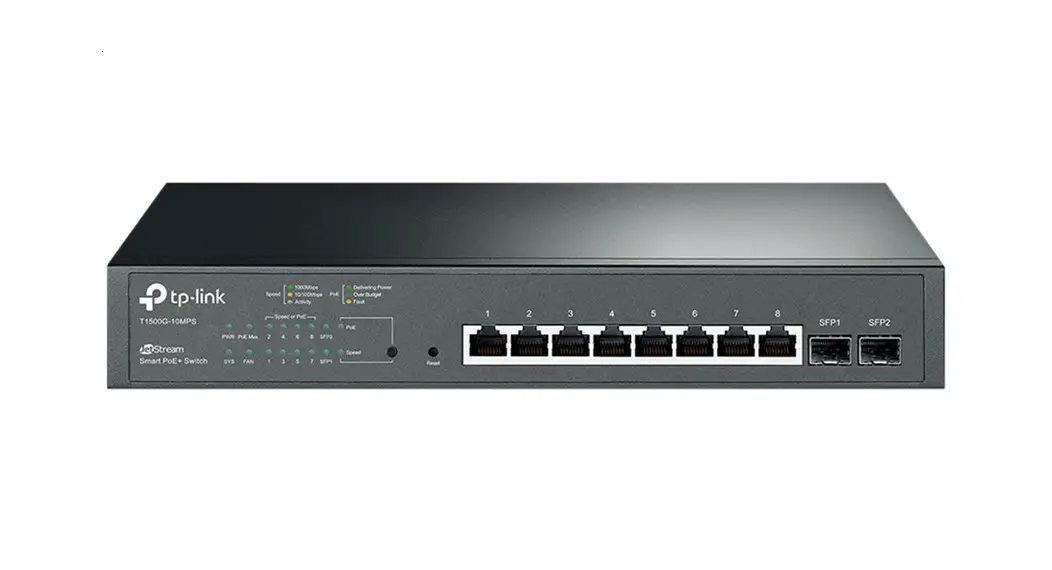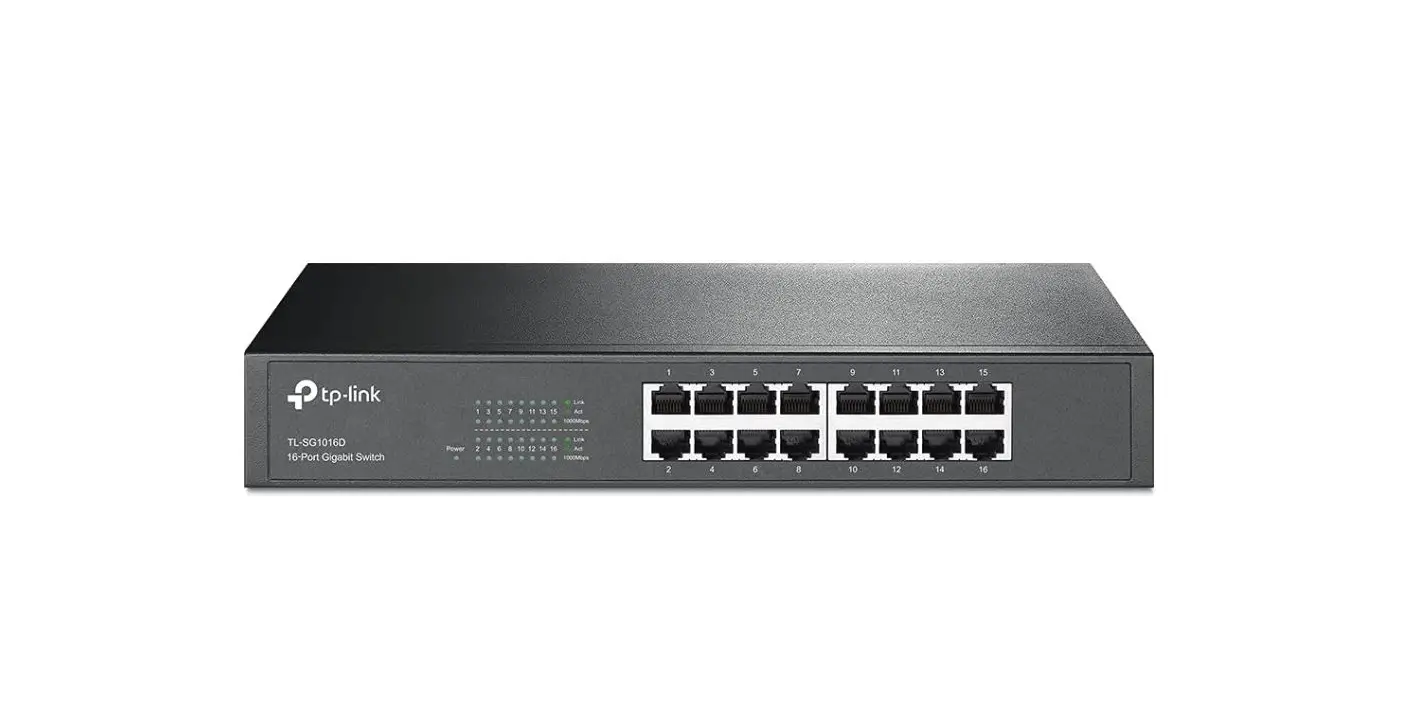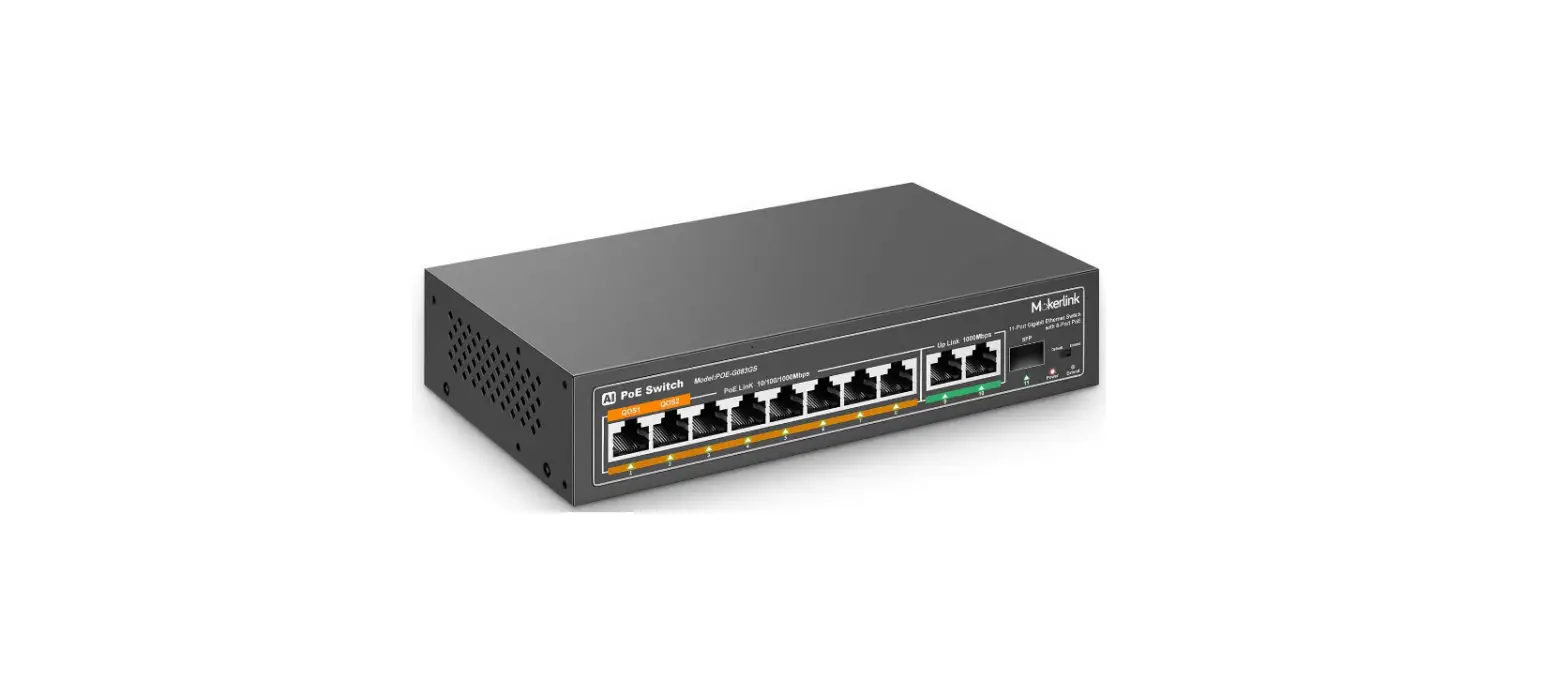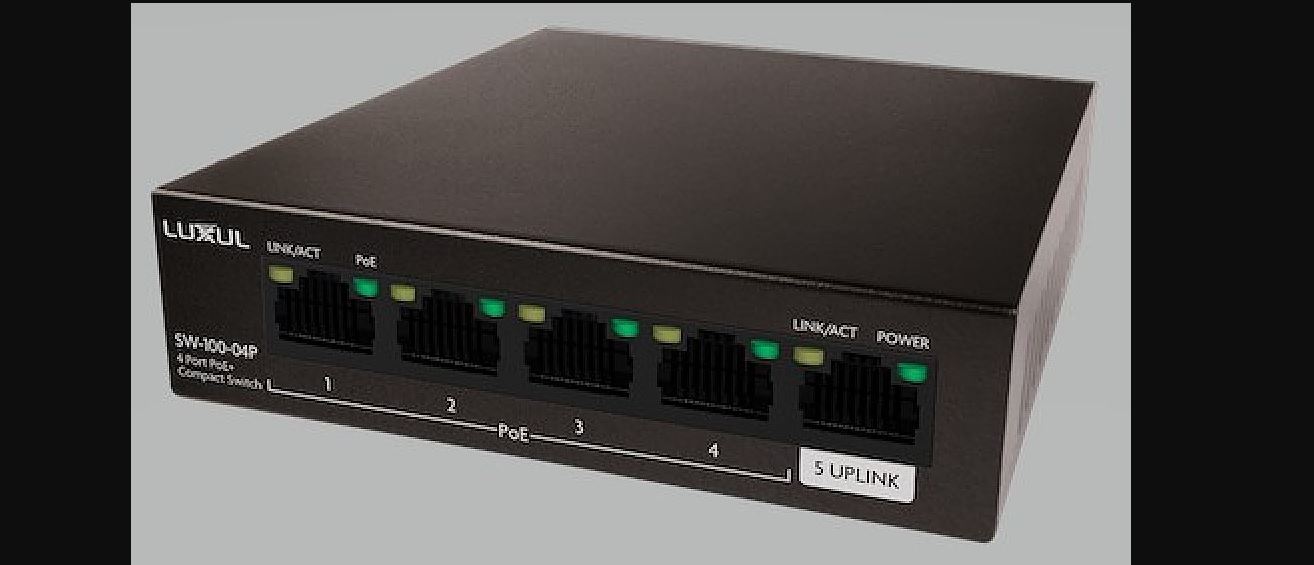

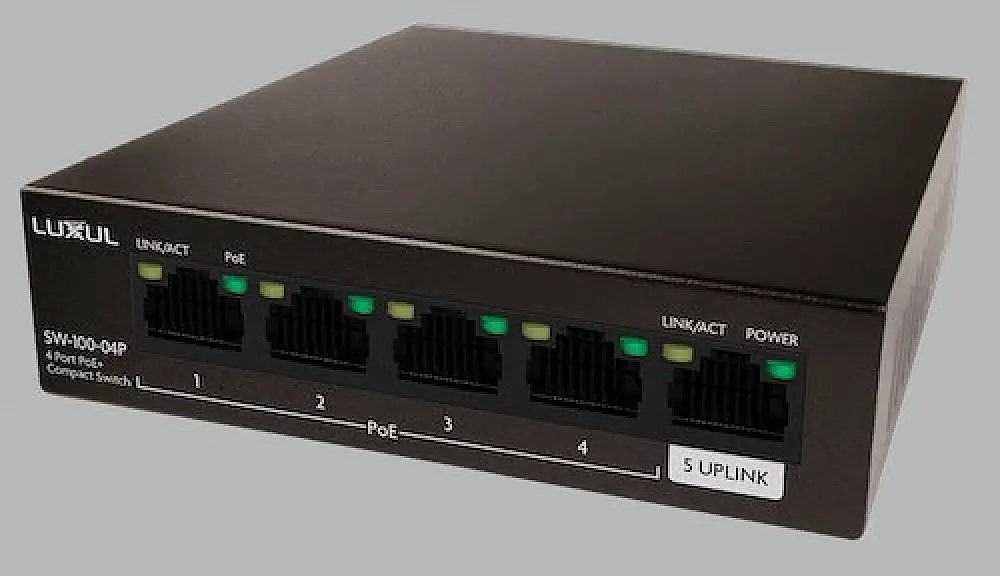
LUXUL SW-100-04P 4 Port Gb PoE+ Switch with Uplink 58W
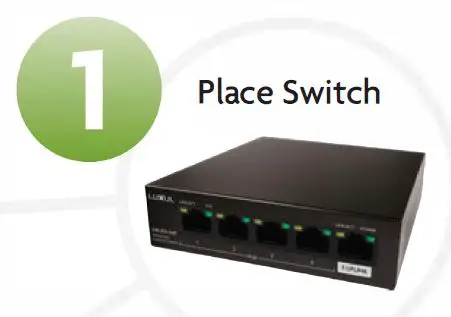
Setting up your switch:
- Place your new switch in the desired location

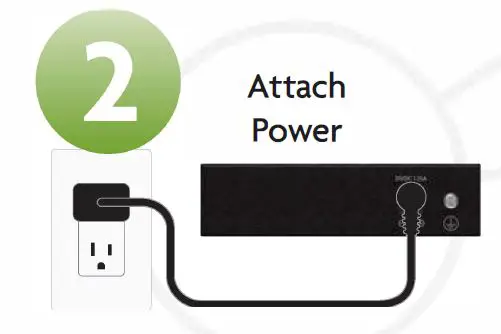
- Attach and plug in power supply

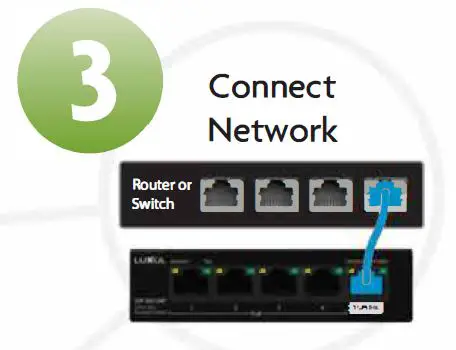
- Uplink to your network

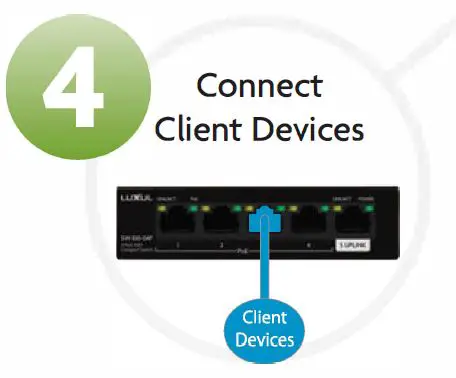
- Attach devices via Ethernet cable

I need to restart my switch?
To restart your switch, unplug it for 5 seconds.
What do the LEDs on the switch indicate?
| POWER (upper-right corner of port 5) | Solid on | Switch is properly connected to power supply | |
| Off | Switch is disconnected from or not properly connected to power supply | ||
| LINK/ACT | Solid on Port is connected properly | ||
| (upper-left | Blinking Data is being transmitted or received over port | ||
| corners of | |||
| Off Port is disconnected or not properly connected to a device | |||
| ports1-5) | |||
| PoE | Solid on Port is powering connected PoE device | ||
| (upper-right | Off Port is disconnected from or not supplying power to the connected device | ||
| corners of portal-4) | |||
| Blink Power requirement of the device exceeds maximum power once output of the port | |||
| Blinking Total power requirement exceeds maximum power output of the switch/power supply of the connected device is faulty | |||
Technical Support
P: 801-822-5450
E: [email protected] For support chat go to: luxul.com
Sales
P: 801-822-5450 E: [email protected]
Copyright and Trademark Notices
No part of this document may be modified or adapted in any way, for any purposes without permission in writing from Luxul. The material in this document is subject to change without notice. Luxul reserves the right to make changes to any product to improve reliability, function, or design. No license is granted, either expressly or by implication or otherwise under any Luxul intellectual property rights. An implied license only exists for equipment, circuits and subsystems contained in this or any Luxul product.
© Copyright 2020 Legrand AV Inc. All rights reserved. The name Luxul, the Luxul logo, the Luxul logo mark and Simply Connected are all trademarks and or registered trademarks of Legrand AV Inc.
All other trademarks and registered trademarks are property of their respective holders.