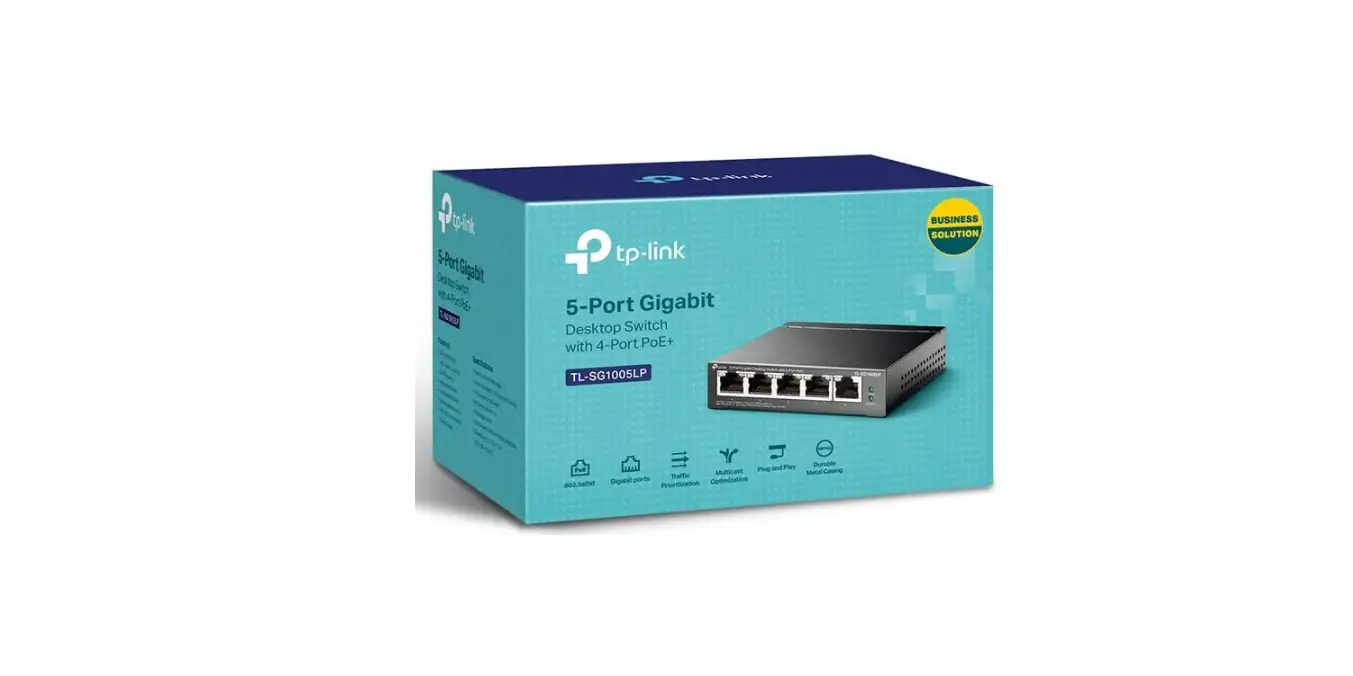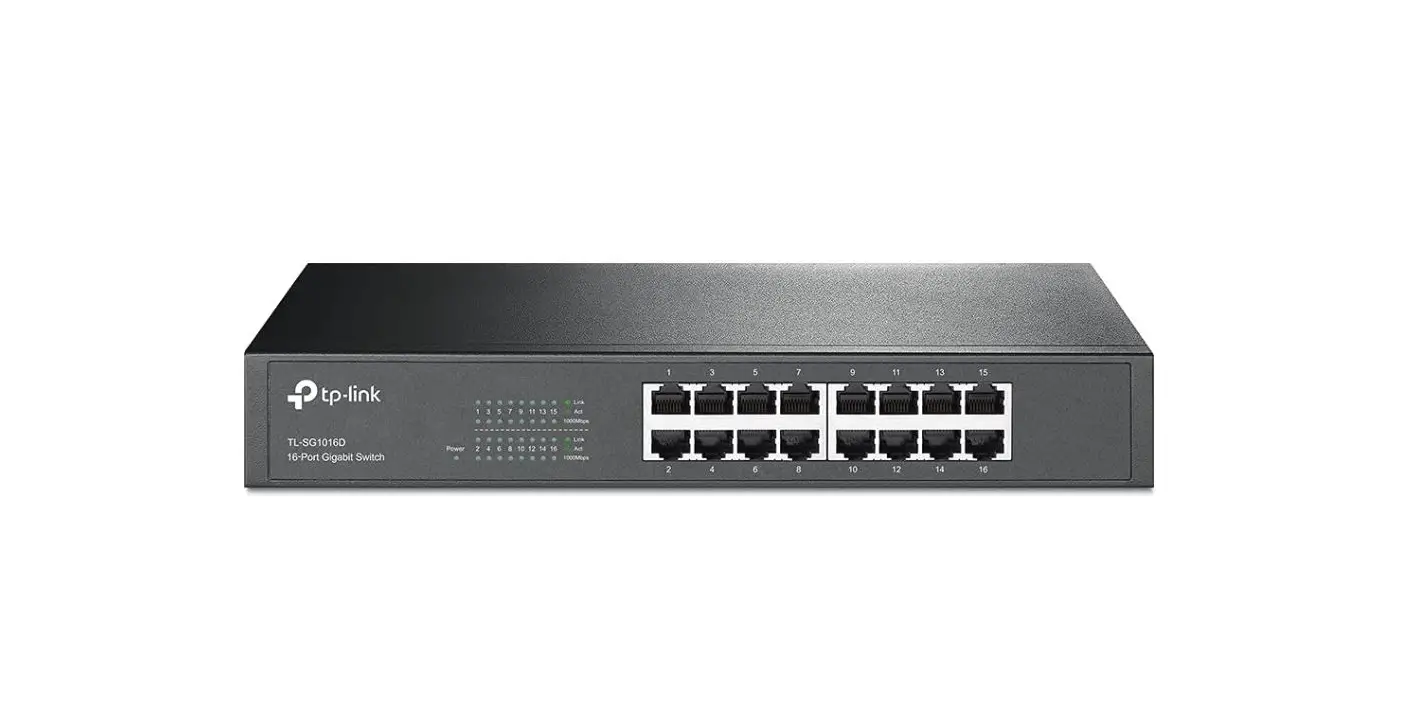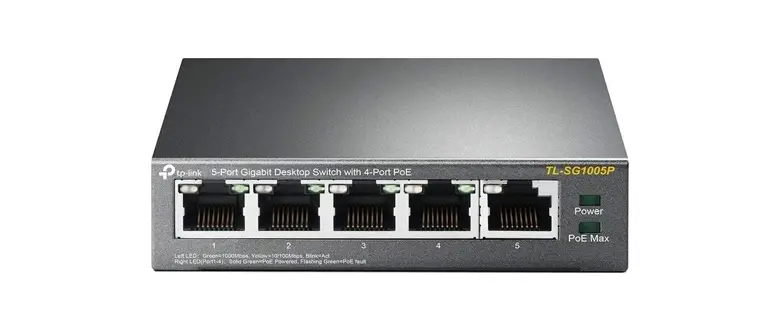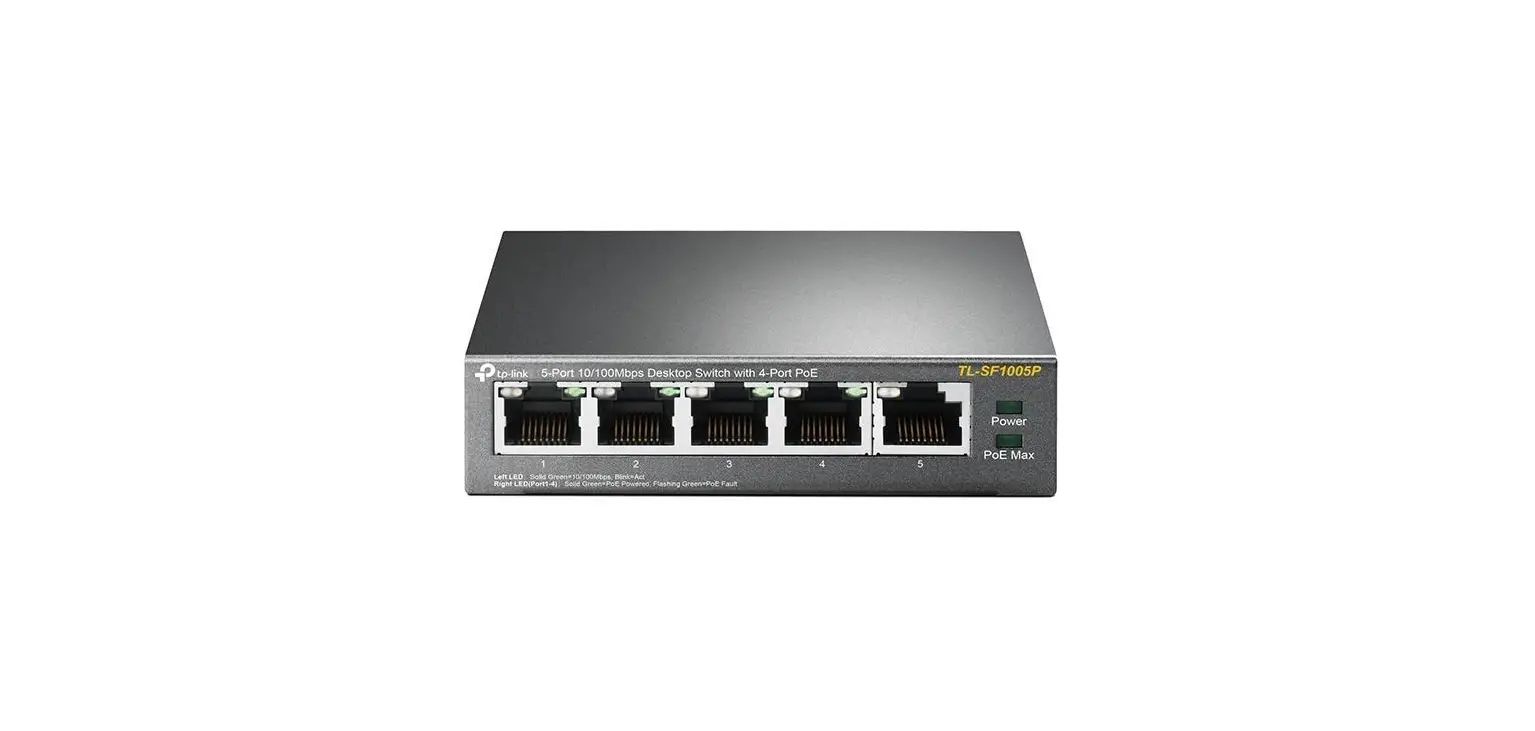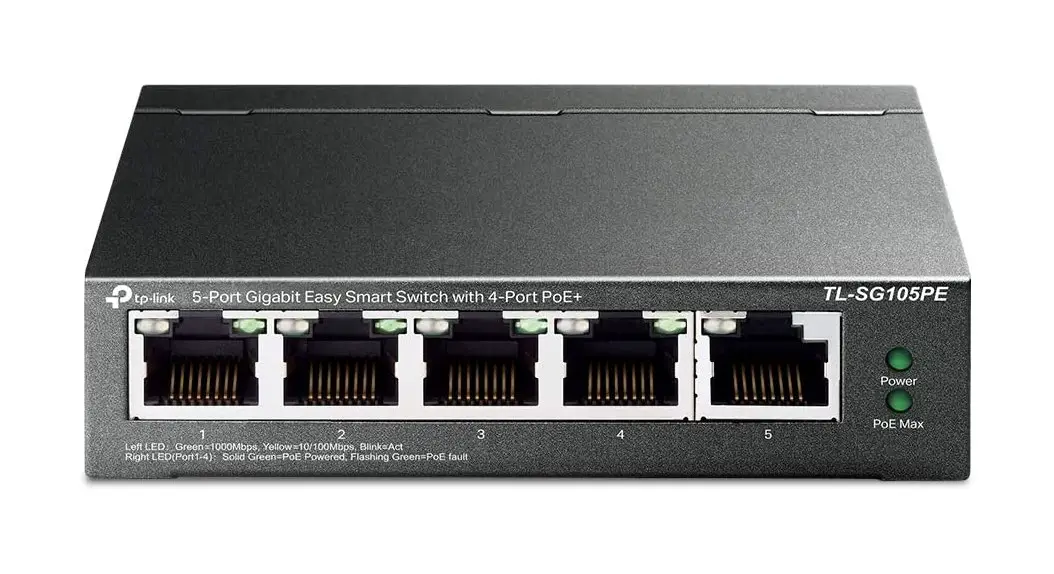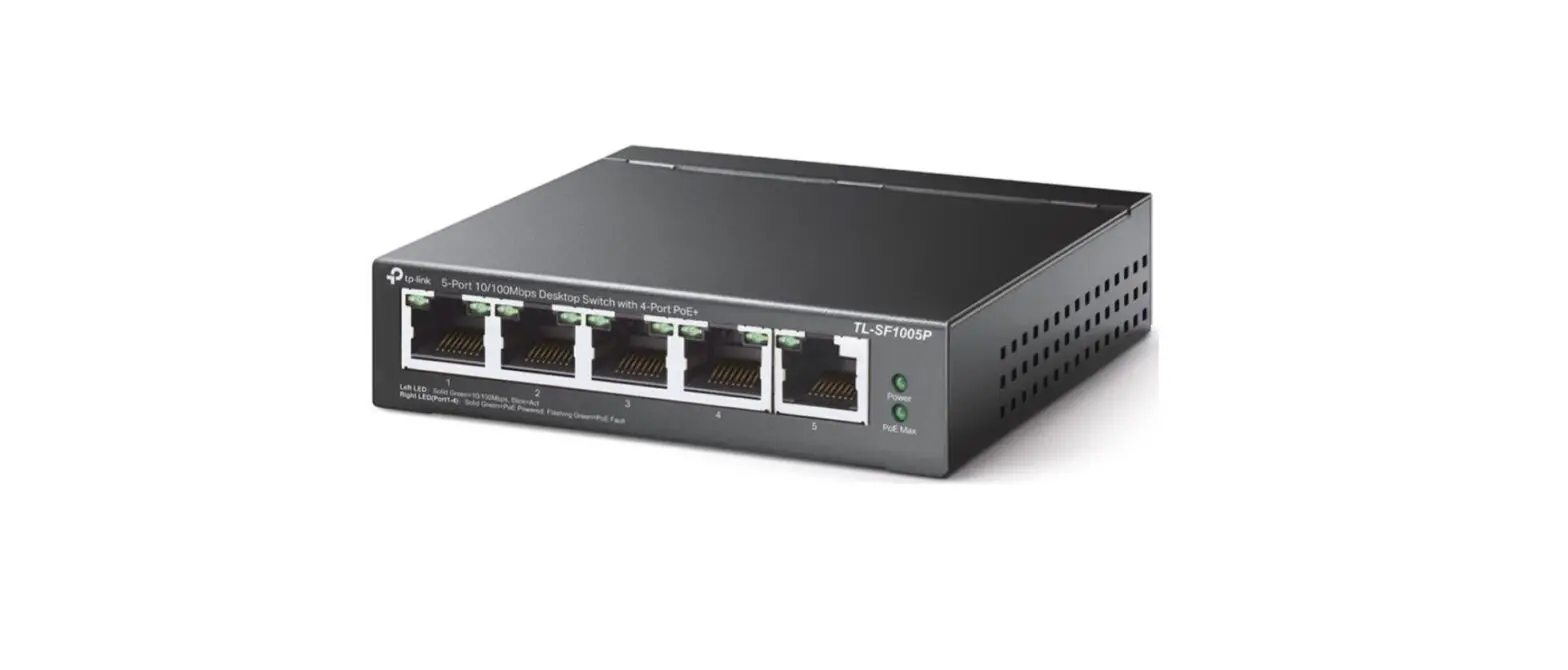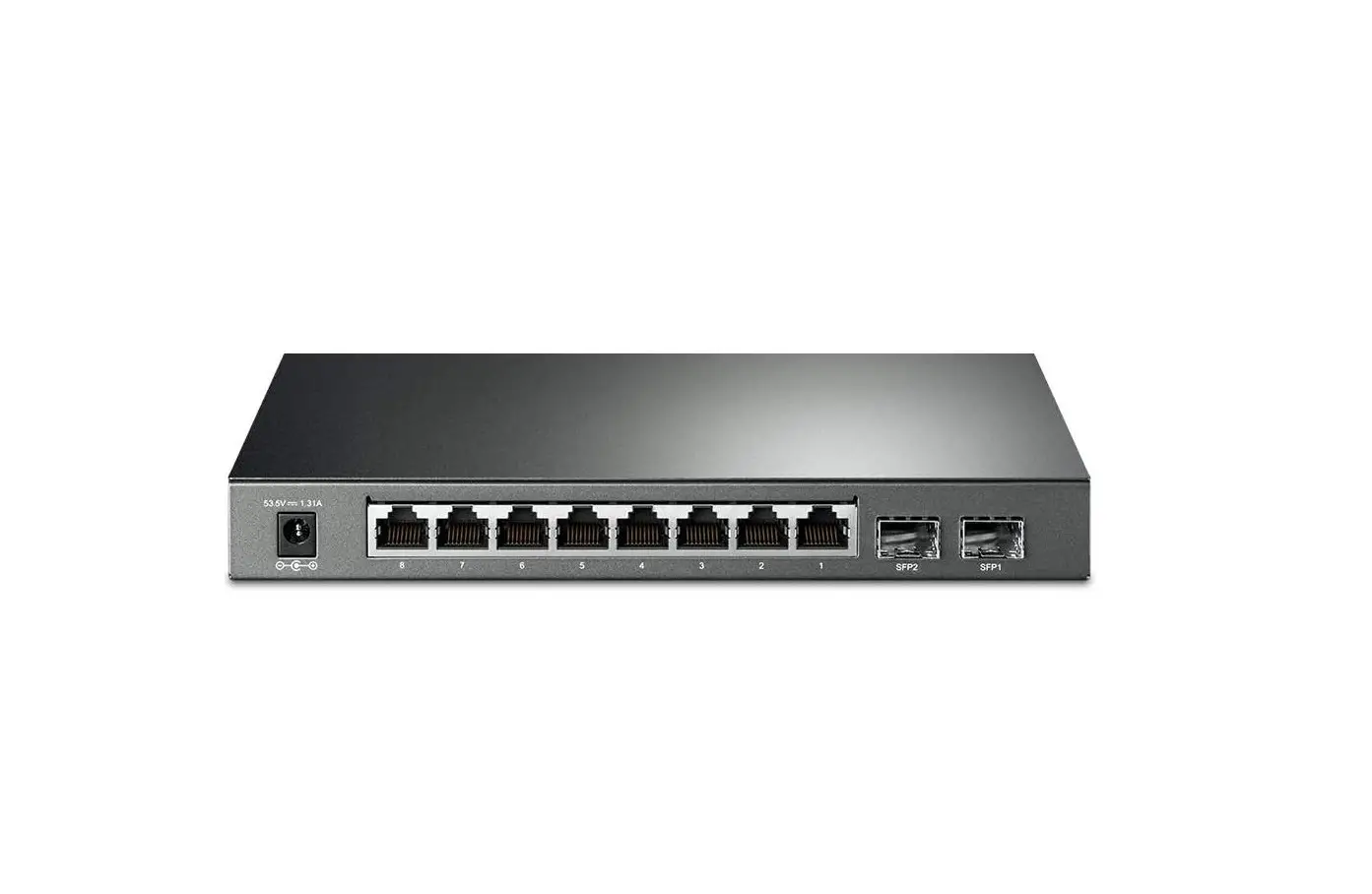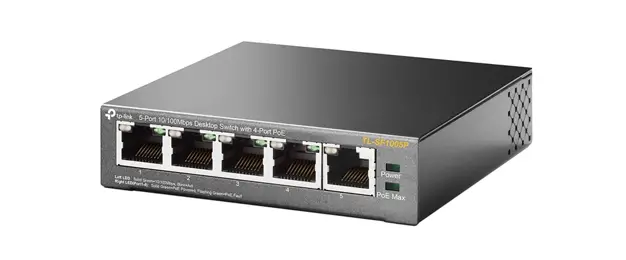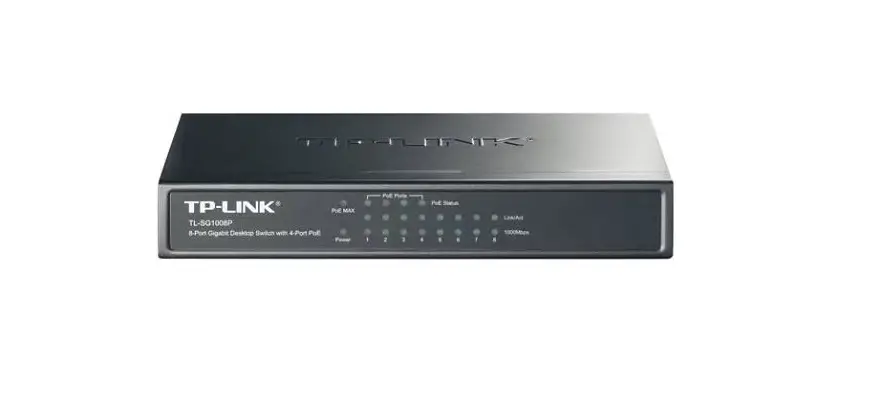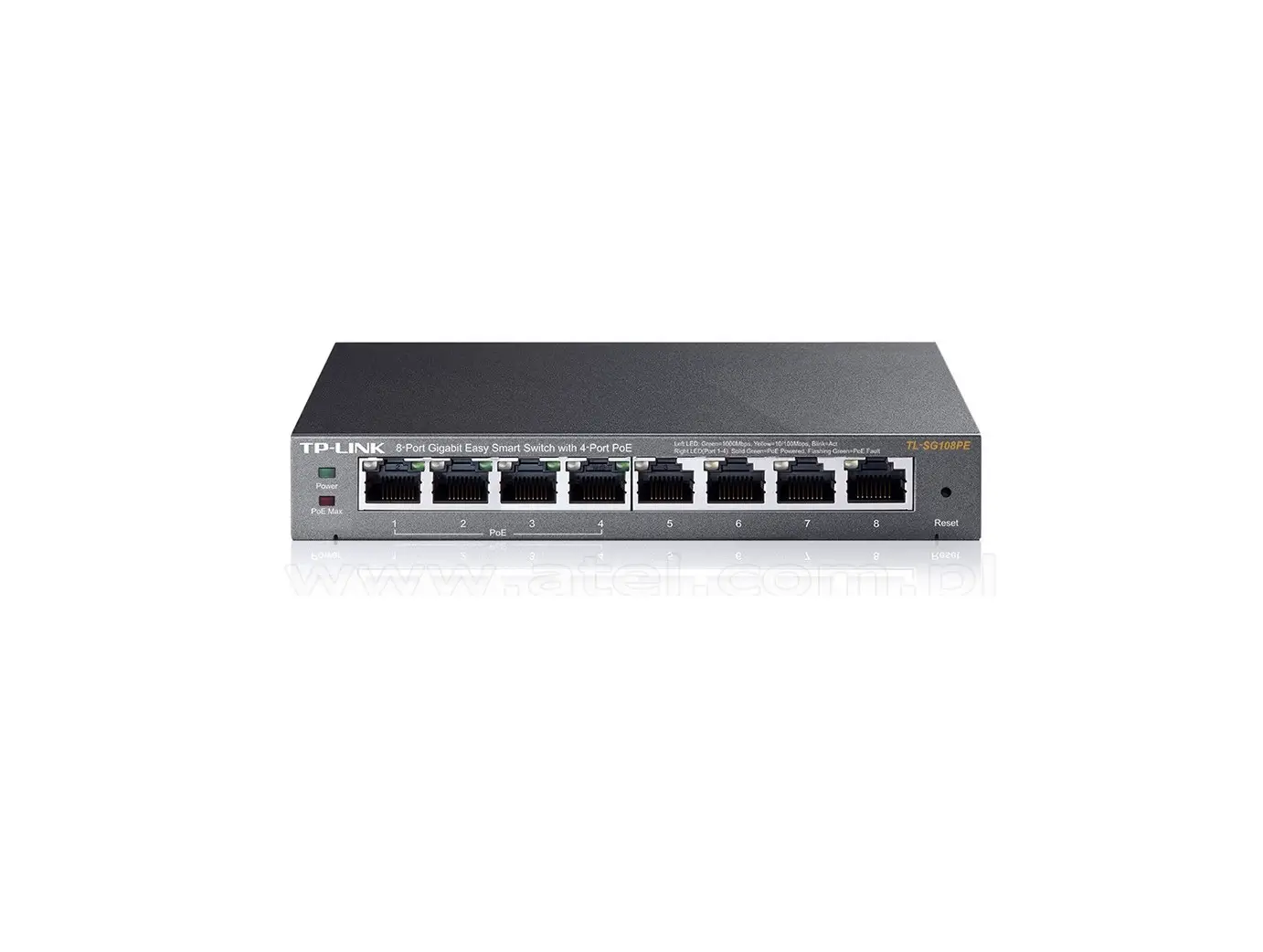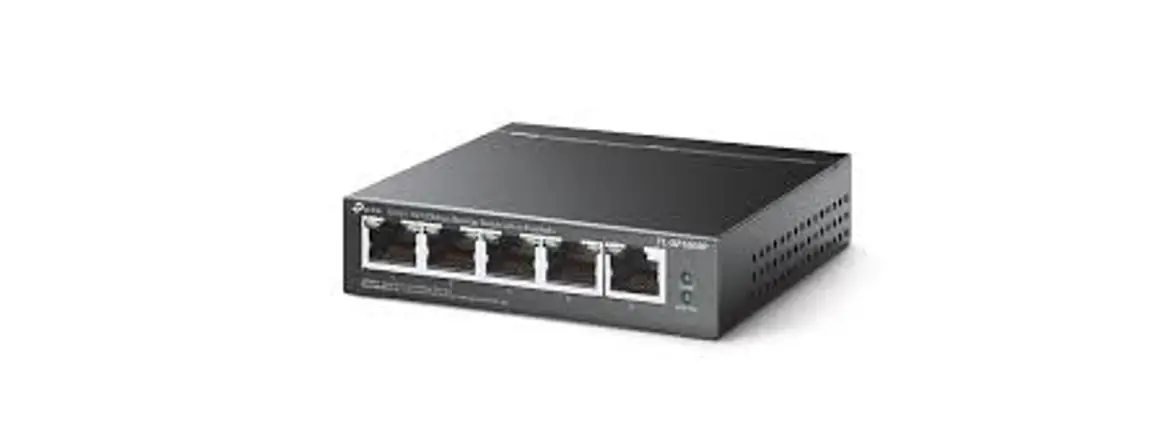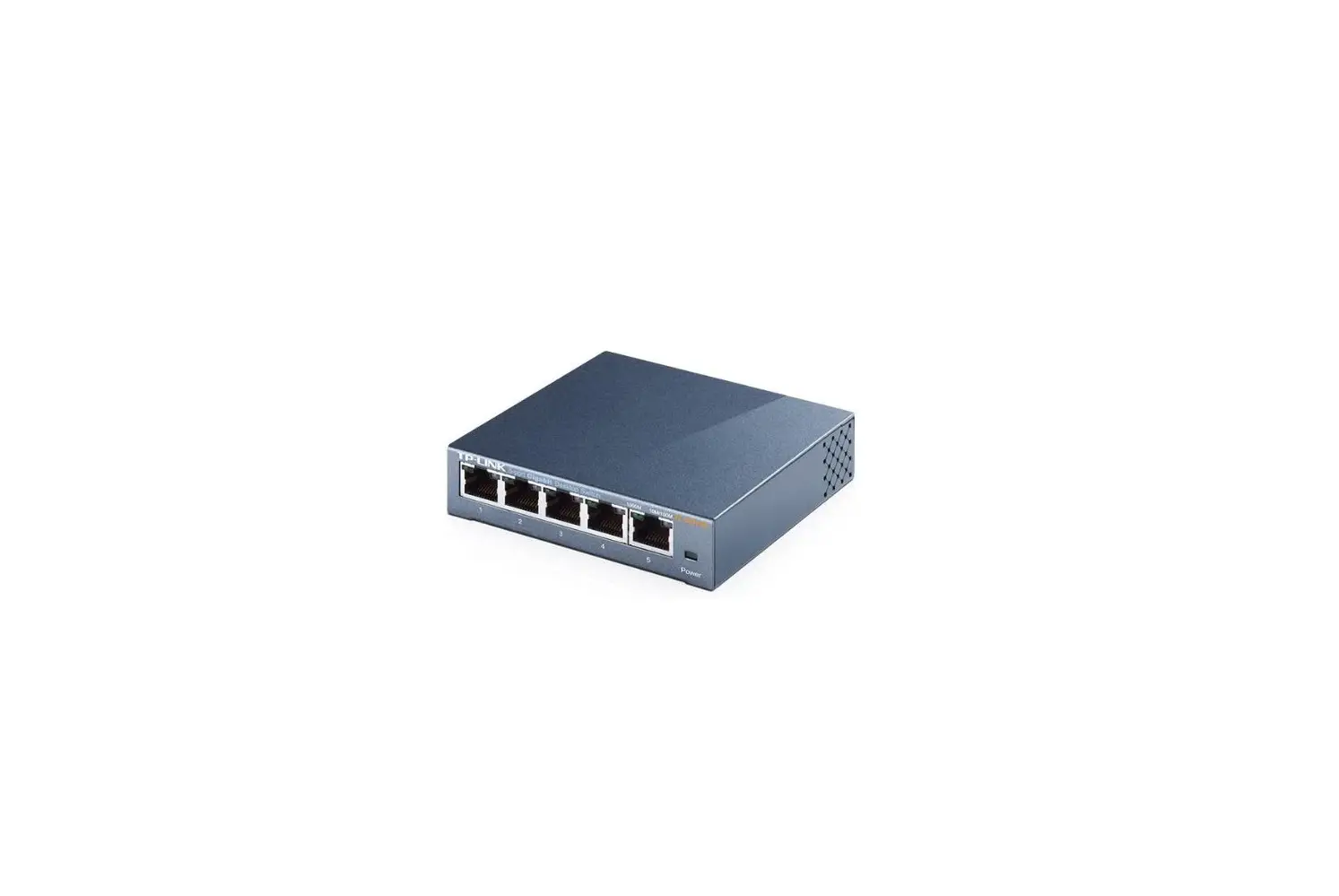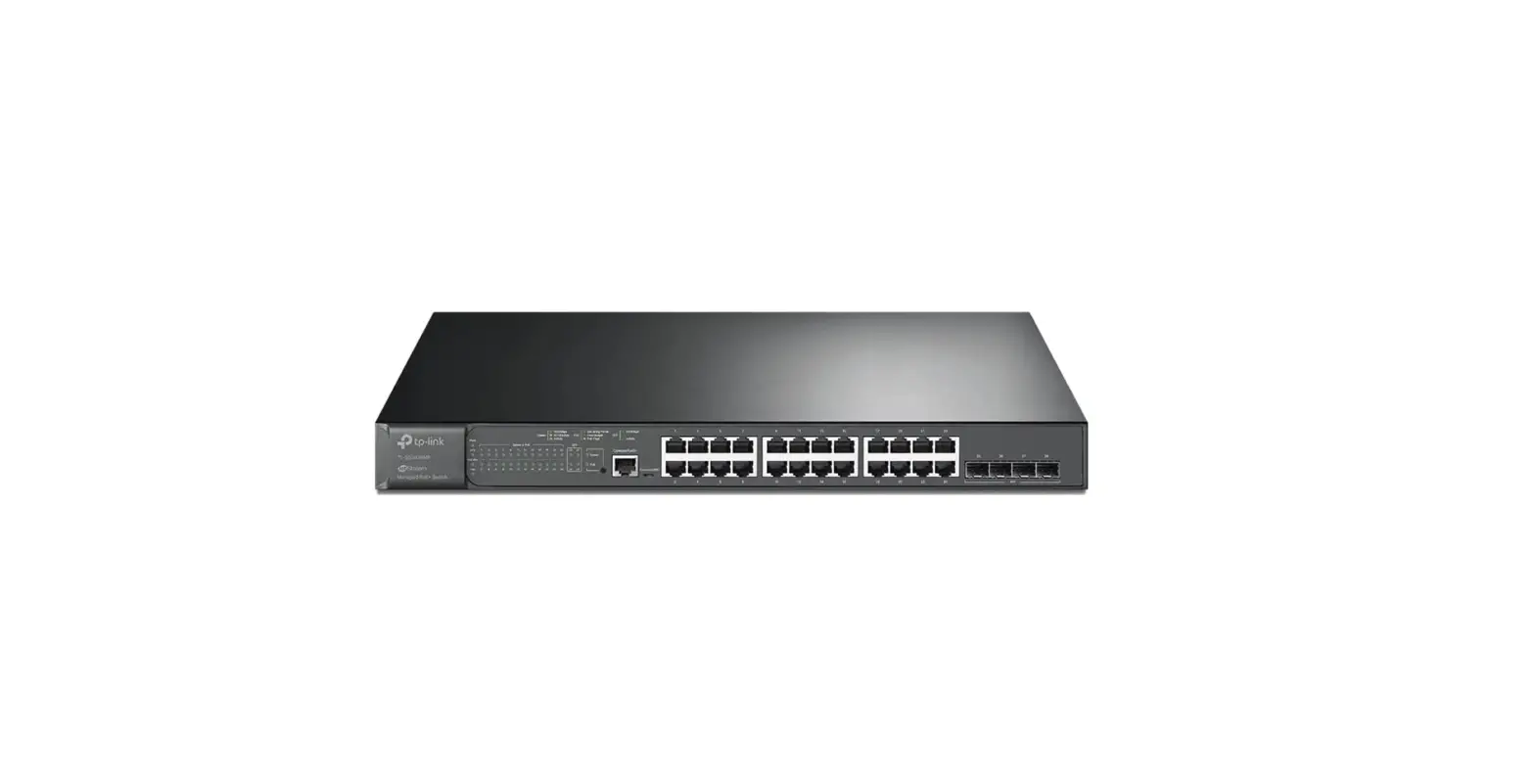

TL-SG1005LP 16 Port Gigabit Desktop PoE Switch
Installation Guide
Installation Guide
5/16-Port Gigabit Desktop PoE Switch
TL-SG1005LP 16 Port Gigabit Desktop PoE Switch
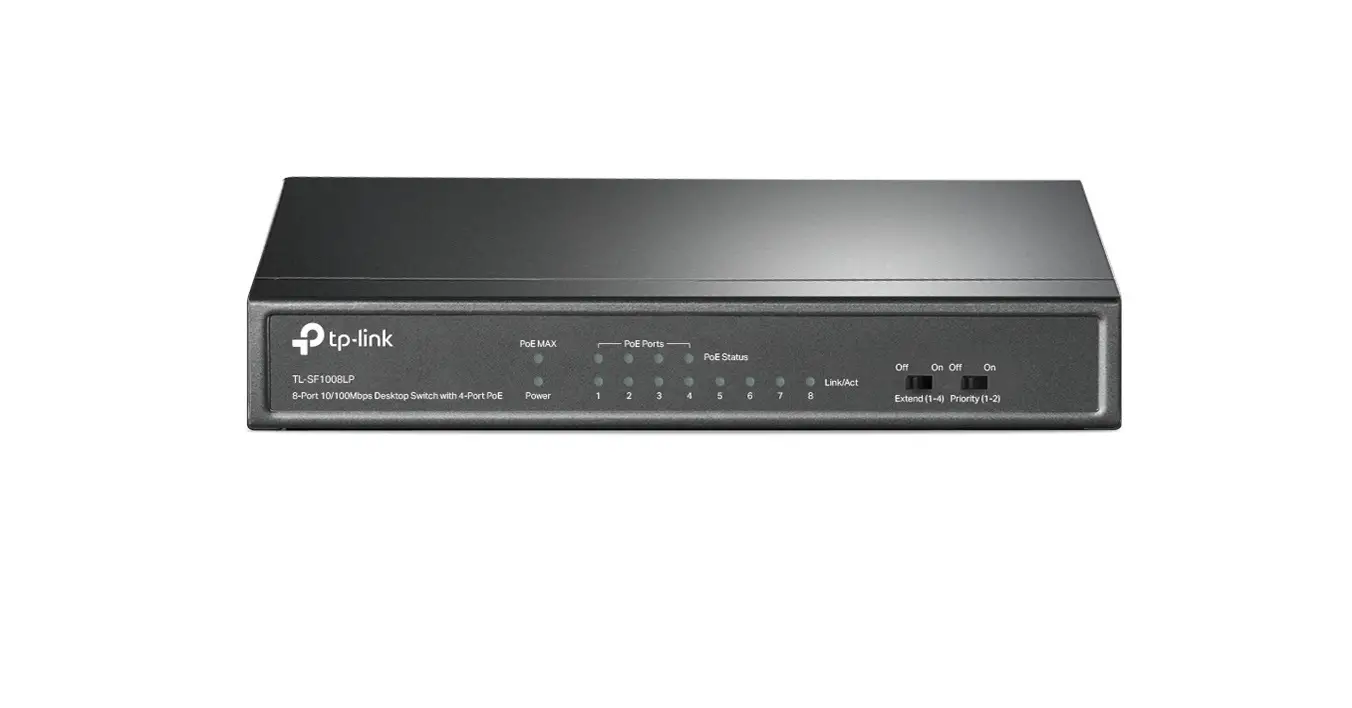
LED Explanation
Power
PowerOn: Power on
Off: Power off
PoE MAX
PoE Max | TL-SG1005LP On: 33 W ≤ Total power supply < 40 W Flashing: Total power supply ≥ 40 W Off: Total power supply < 33 W TL-SG1005P On: 58 W ≤ Total power supply < 65 W Flashing: Total power supply ≥ 65 W Off: Total power supply < 58W TL-SG116P On: Total power supply ≥ 113 W Flashing: Total power supply ≥ 113 W and lasts for more than 2 minutes Off: Total power supply < 113W |
Link/Act and PoE Status
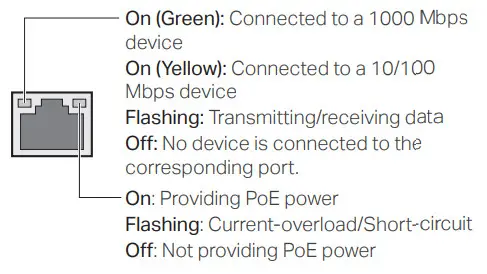
Switches Explanation
Note: The numbers in brackets indicate the ports where the feature takes effect. For example, when Extend(1-4) is toggled to On, the Extend mode will be enabled for ports 1-4.
Priority (for TL-SG116P)
Off: All the ports transmit data with the same priority.
On: The corresponding ports transmit data with a higher priority than other ports. When congestion occurs, packets which are transmitted by the ports with a higher priority occupy the whole bandwidth.
Extend (for TL-SG1005P/TL-SG116P)
Off: The corresponding ports run at 10/100/1000 Mbps and support PoE power supply up to 100 m away.
On: The corresponding ports run at 10 Mbps and support PoE power supply up to 250 m away.
Note: For simplicity, we will take TL-SG1005P for example throughout this Guide.
Isolation (for TL-SG116P)
Off: Ports can transmit data with each other.
On: The corresponding ports cannot transmit data with other downlink ports. They can transmit data only with the uplink ports (ports 15-16 of TL-SG116P).
Recovery (for TL-SG1005P/TL-SG116P)
Off: The PoE Auto Recovery function is disabled.
On: The switch will constantly detect the working status of a PoE powered device (PD). When the switch finds that the PD works abnormally, the switch will reboot it.
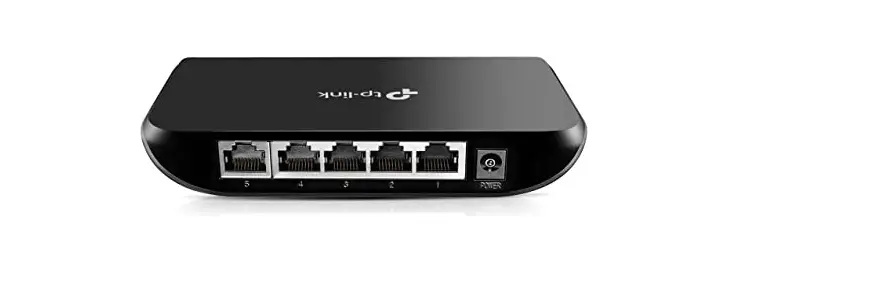
Connection
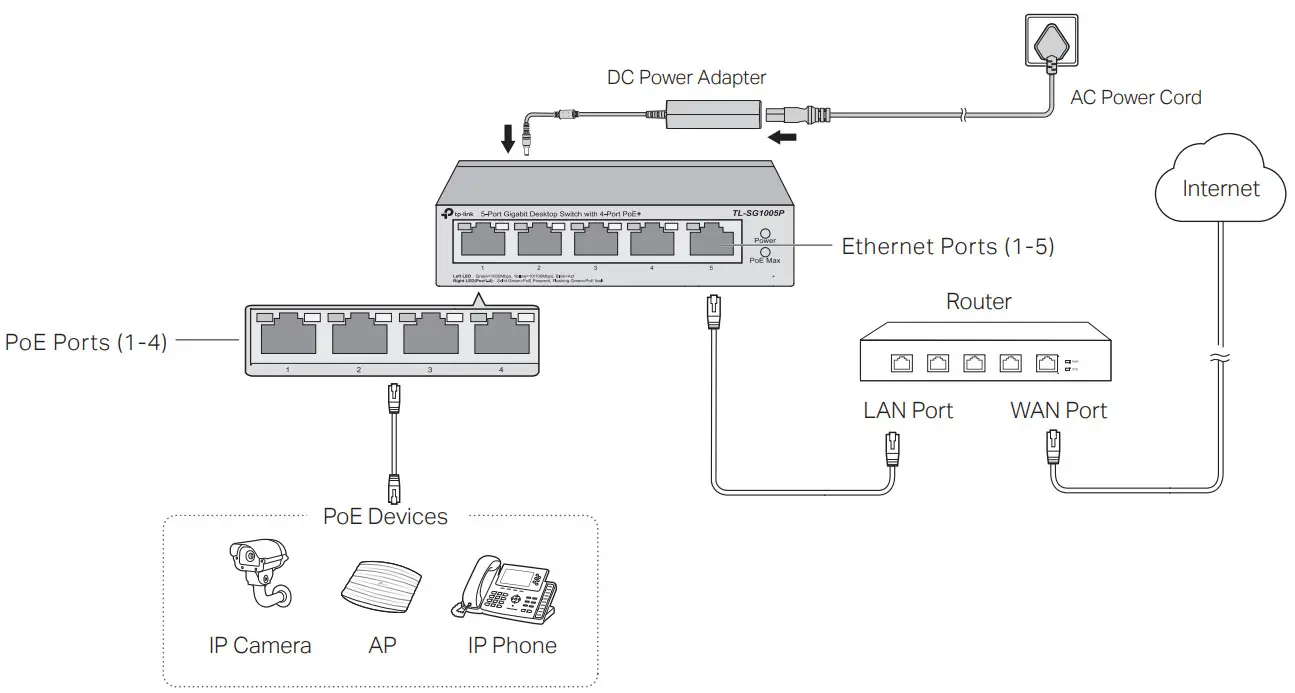
Note:
- PoE ports can also connect to non-PoE devices, but only transmit data.
- TL-SG1005LP can supply up to 30 W for each PoE port and 40 W for all PoE ports.
- TL-SG1005P can supply up to 30 W for each PoE port and 65 W for all PoE ports.
- TL-SG116P can supply up to 30 W for each PoE port and 120 W for all PoE ports.
Specifications
General Specifications
| Standard | IEEE802.3i, IEEE802.3u, IEEE802.3ab, IEEE802.3x, IEEE802.3af, IEEE802.3at, IEEE802.1p |
| Protocol | CSMA/CD |
| Interface | For TL-SG1005LP/TL-SG1005P: 5 10/100/1000 Mbps RJ45 Ports Auto-Negotiation MDI/MDIX PoE Ports: Port 1-Port 4 For TL-SG116P: 16 10/100/1000 Mbps RJ45 Ports Auto-Negotiation MDI/MDIX PoE Ports: Port 1-Port 16 Total Power Supply: 40 W (TL-SG1005LP)/65 W (TL-SG1005P)/120 W (TL-SG116P) |
| Network Media (Cable) | 10BASE-T: UTP category 3, 4, 5 cable (maximum 100 m); EIA/TIA-568 100Ω STP (maximum 100 m) 100BASE-TX: UTP category 5, 5e cable (maximum 100 m); EIA/TIA-568 100Ω STP (maximum 100 m) 1000BASE-T: UTP category 5e cable or above (maximum 100 m); EIA/TIA-568 100Ω STP (maximum 100 m) |
| Switching Capacity | 10 Gbps (TL-SG1005LP/TL-SG1005P)/32 Gbps (TL-SG116P) |
| MAC Address Table | 2 K (TL-SG1005LP/TL-SG1005P)/8 K (TL-SG116P) |
| Transfer Method | Store-and-Forward |
| MAC Address Learning | Automatically learning, automatically aging |
| Power Supply | External Power Adapter Input: 100-240 VAC, 50/60 Hz Output: 53.5 VDC /0.81 A (TL-SG1005LP) 53.5 VDC /1.31 A (TL-SG1005P) 53.5 VDC /2.43 A (TL-SG116P) |
| Wall Mountable | Yes |
| Distance Between Mounting Holes | 39 mm (TL-SG1005LP/TL-SG1005P)/200 mm (TL-SG116P) |
Environmental and Physical Specifications
| Operating Temperature | 0 ˚C to 40 ˚C (32 ˚F to 104 ˚F) |
| Storage Temperature | -40 ˚C to 70 ˚C (-40 ˚F to 158 ˚F) |
| Operating Humidity | 10% to 90%RH non-condensing |
| Storage Humidity | 5% to 90%RH non-condensing |
Frequently Asked Questions (FAQ)
– The Power LED should be lit when the power system is working normally. If the Power LED is not lit, please try the following:
– A1: Make sure the AC power cord is connected to the switch with power source properly.
– A2: Make sure the voltage of the power supply meets the requirements of the input voltage of the switch.
– A3: Make sure the power source is on.
– It is recommended that you check the following items:
– A1: Make sure that the cable connectors are firmly plugged into the switch and the device.
– A2: Make sure the connected device is turned on and works normally.
– A3: The cable must be less than 100 meters long (328 feet). If Extend Mode is enabled, it should be less than 250 meters (820 feet).
– When the total power consumption of connected PoE devices exceeds the maximum, the PoE port with a smaller port number has higher priority. The system will cut off power to the ports with larger port numbers to ensure supplying to other ports.
– Take TL-SG1005P as an example. If port 1, 2 and 4 are consuming 15.4 W respectively, and an additional PoE device with 19 W is connected to port 3, the system will cut off the power of port 4 to compensate for the overload.
– A1: Before upgrading a connected PoE powered device (PD), disable PoE Auto Recovery to avoid the PD’s damage.
– A2: When a PD does not send data packets to the switch for a long period in certain scenarios (e.g. an IPC in sleep mode), disable PoE Auto Recovery to avoid the PD repeatedly rebooting.
 To ask questions, find answers, and communicate with TP-Link users or engineers, please visit https://community.tp-link.com to join TP-Link Community.
 For technical support and other information, please visit https://www.tp-link.com/support, or simply scan the QR code.

http://www.tp-link.com/support
EU declaration of conformity
TP-Link hereby declares that the device is in compliance with the essential requirements and other relevant provisions of directives 2014/30/EU, 2014/35/EU, 2011/65/EU and (EU)2015/863.
The original EU declaration of conformity may be found at https://www.tp-link.com/en/support/ce/
UK declaration of conformity
TP-Link hereby declares that the device is in compliance with the essential requirements and other relevant provisions of the Electromagnetic Compatibility Regulations 2016 and Electrical Equipment (Safety) Regulations 2016.
The original UK declaration of conformity may be found at https://www.tp-link.com/support/ukca
Safety Information
- Keep the device away from water, fire, humidity or hot environments.
- Do not attempt to disassemble, repair, or modify the device. If you need service, please contact us.
- Place the device with its bottom surface downward.
- Do not use damaged charger or USB cable to charge the device.
- Do not use any other chargers than those recommended.
- Adapter shall be installed near the equipment and shall be easily accessible.
- The plug on the power supply cord is used as the disconnect device, the socket-outlet shall be easily accessible.

 FCC compliance information statement
Product Name: 5/16-Port Gigabit Desktop PoE Switch
Model Number: TL-SG1005LP/TL-SG1005P/TL-SG116P
| Component Name | Model |
| I.T.E. Power Supply | T535081-2-DT (For TL-SG1005LP) T535131-2-DT (For TL-SG1005P) T535243-2-DT (For TL-SG116P) |
Responsible party:
TP-Link USA Corporation
Address: 10 Mauchly, Irvine, CA 92618
Website: https://www.tp-link.com/us/
Tel: +1 626 333 0234
Fax: +1 909 527 6804
E-mail: [email protected]
This equipment has been tested and found to comply with the limits for a Class A digital device, pursuant to part 15 of the FCC Rules. These limits are designed to provide reasonable protection against harmful interference when the equipment is operated in a commercial environment. This equipment generates, uses, and can radiate radio frequency energy and, if not installed and used in accordance with the instruction manual, may cause harmful interference to radio communications. Operation of this equipment in a residential area is likely to cause harmful interference in which case the user will be required to correct the interference at his own expense.
This device complies with part 15 of the FCC Rules. Operation is subject to the following two conditions:
1)This device may not cause harmful interference.
2)This device must accept any interference received, including interference that may cause undesired operation.
Any changes or modifications not expressly approved by the party responsible for compliance could void the user’s authority to operate the equipment.
We, TP-Link USA Corporation, has determined that the equipment shown as above has been shown to comply with the applicable technical standards, FCC part 15. There is no unauthorized change is made in the equipment and the equipment is properly maintained and operated.
Issue Date: 2023/03/09
Industry Canada Statement
CAN ICES-3 (A)/NMB-3(A) CE Mark Warning
This is a class A product. In a domestic environment, this product may cause radio interference, in which case the user may be required to take adequate measures.
Explanation of the symbols on the product label
Note: The product label can be found at the bottom of the product.
 | Direct current |
 | For indoor use only |
 | RECYCLING This product bears the selective sorting symbol for Waste electrical and electronic equipment (WEEE). This means that this product must be handled pursuant to European directive 2012/19/EU in order to be recycled or dismantled to minimize its impact on the environment. User has the choice to give his product to a competent recycling organization or to the retailer when he buys a new electrical or electronic equipment. |
 | Polarity of d.c. power connector |
 | Energy efficiency Marking (Level VI) |
 | Caution |
 | Operator’s manual |
 Link: Simple, secure one-click payments
 TP-Link Community
 CE Regulatory Compliance | TP-Link