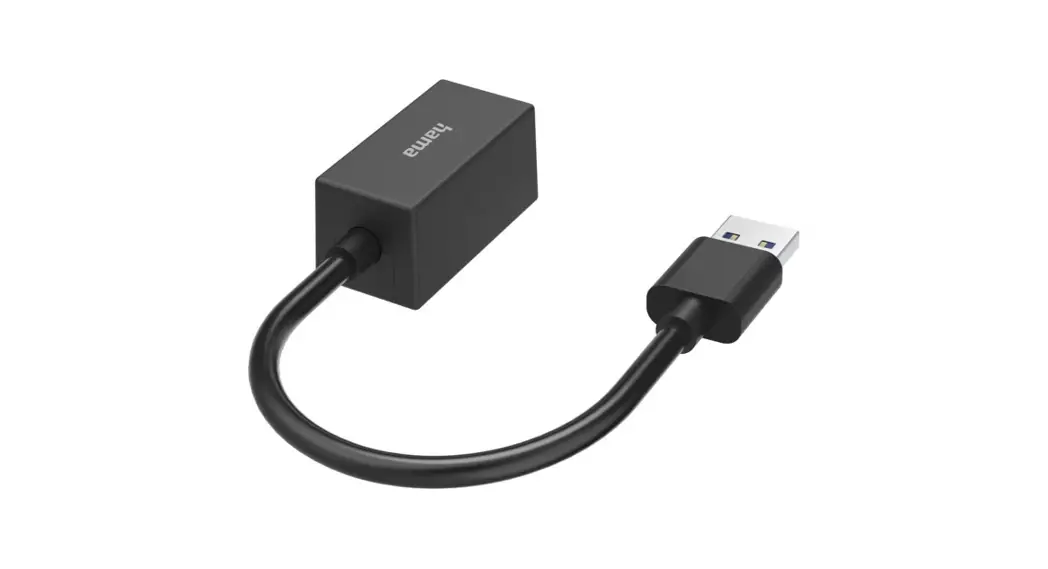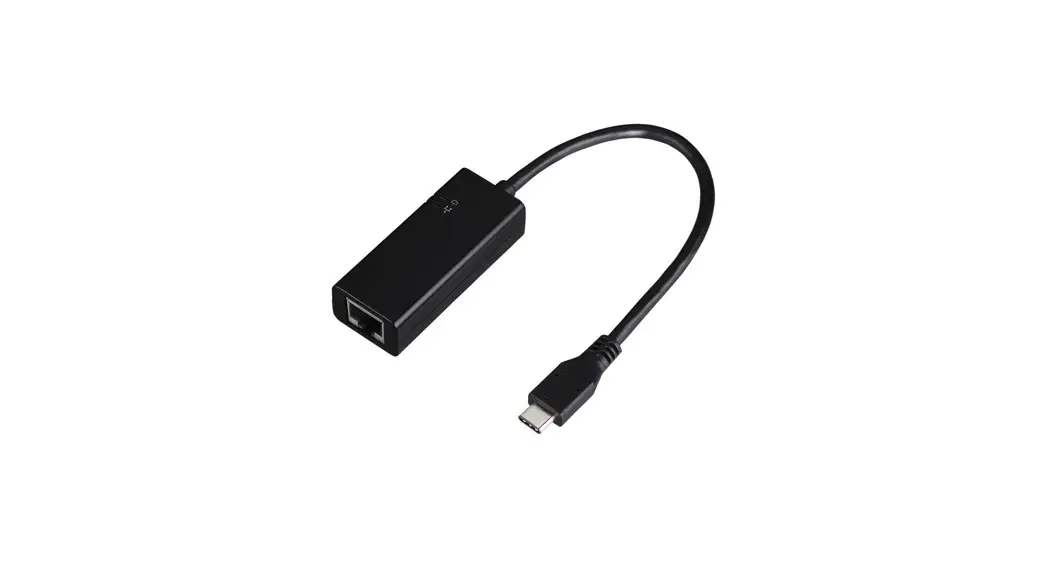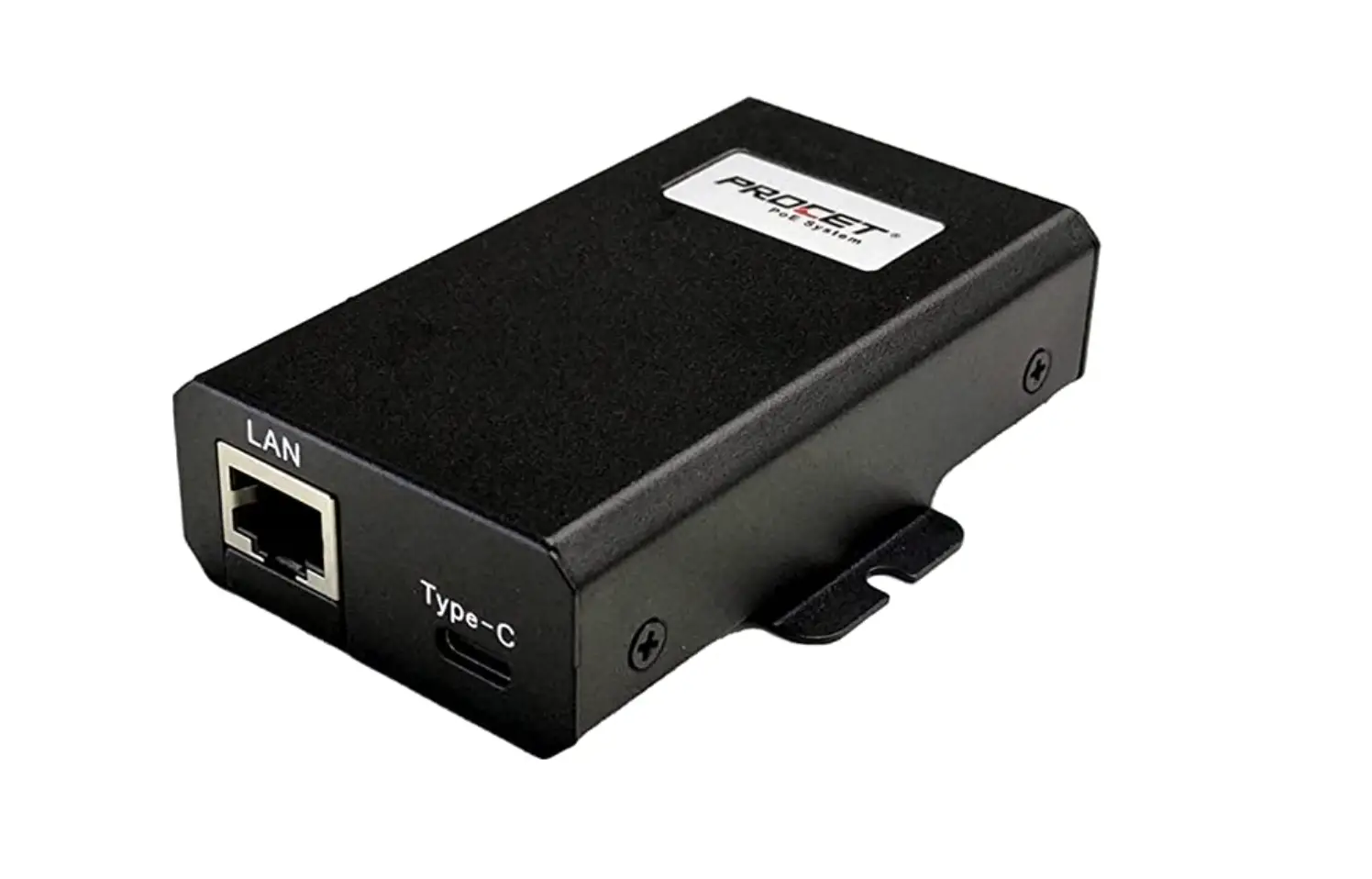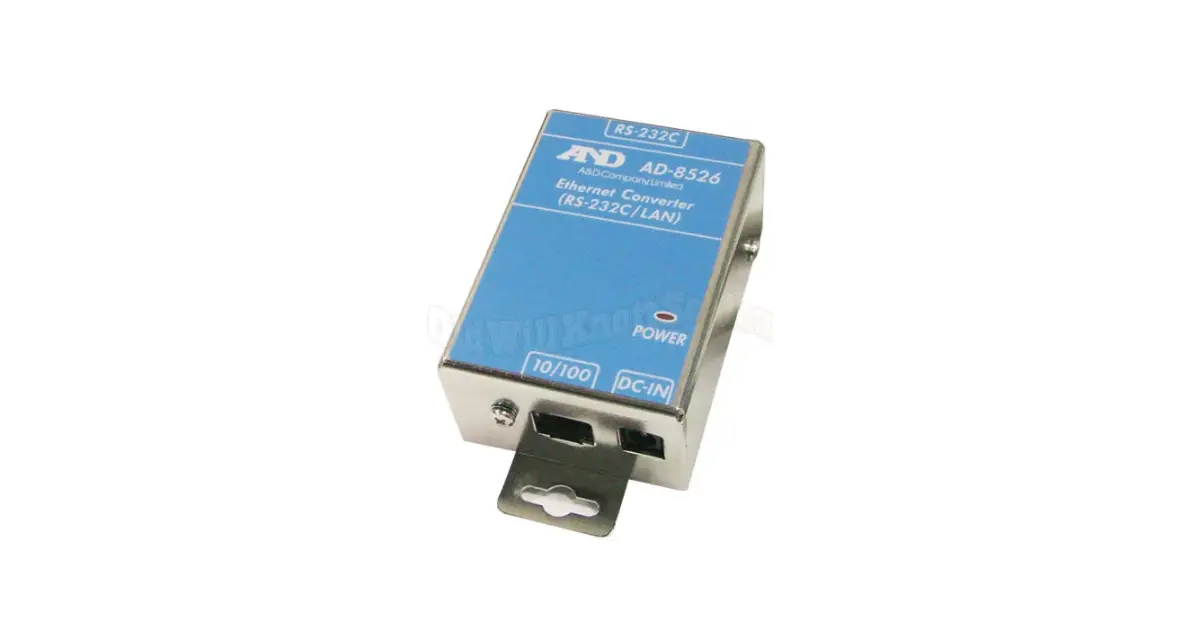

AND AD-8526 Ethernet Converter
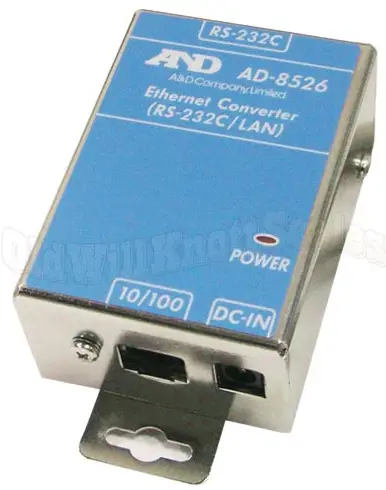
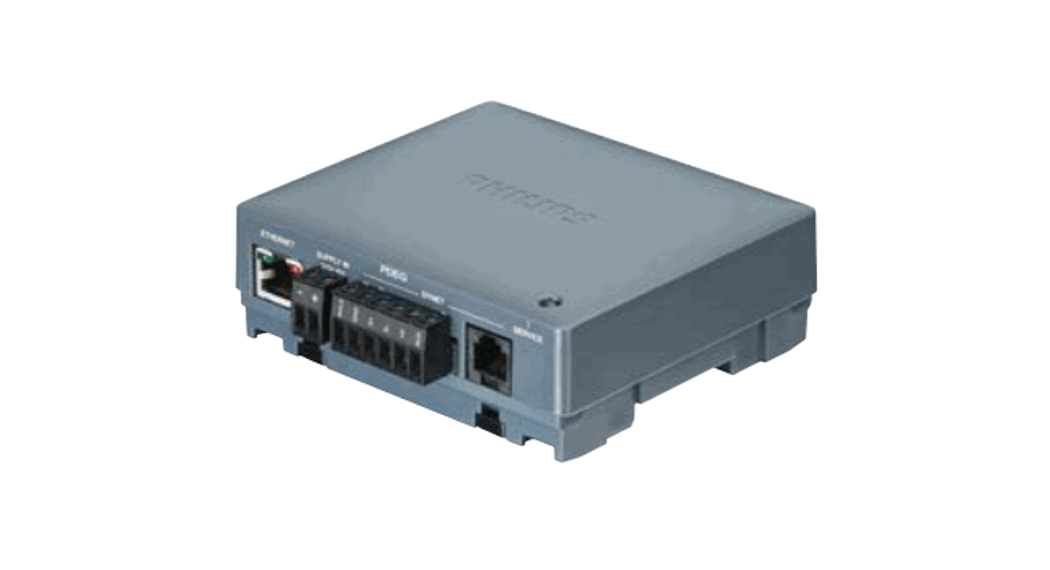
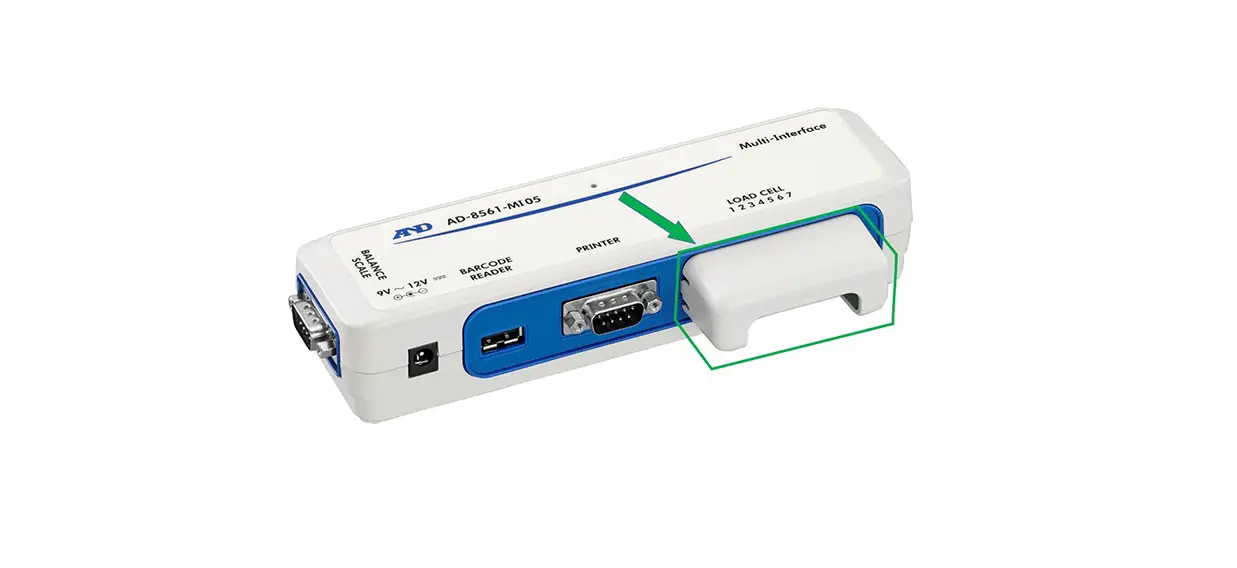
The AD-8526 Ethernet Converter can connect the RS-232C interface of a weighing instrument to the Ethernet (LAN) port of a computer that is not equipped with an RS-232C interface. By using the AD8526, weight data from a weighing instrument can be managed with a computer connected to the network. The weighing instrument can also be controlled by the connected computer
Unpacking the AD-8526
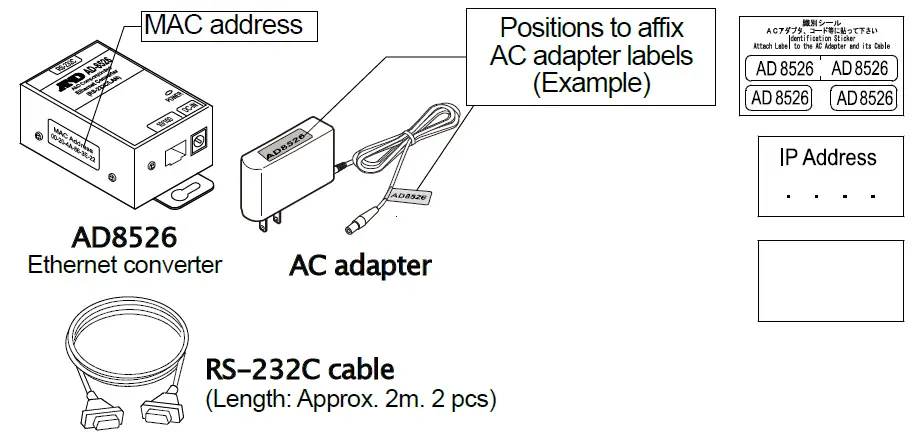
AC adapter labels
Affix them to the AC adapter and the connector end of the cable.
IP address label (5 labels)
Write a preset IP address and affix it to the weighing instrument
IP address protective cover
(5 labels) Affix it on the IP address label
- Note: Only the following cable is included if specified when ordering:
DIN 7-pin to D-Sub 9-pin cable (AX-KO1786-200) - If not specified, the following two communication cables are included:
D-Sub 25-pin to D-Sub 9-pin cable (AX-KO1710-200), D-Sub 9-pin to D-Sub 9-pin cable (AX-KO2466-200)
Specification
| 1. Specification | 3. RS-232C serial interface | |||
| Operating environment: -10°C to +40°C | Connector: | D-Sub 9-pin male | ||
| AC adapter: Confirm that the adapter type is correct for the local voltage and power receptacle type | Transmission form: Asynchronous, bi-directional | |||
|
Data format | Baud rate: 600, 1200, 2400*, 4800, 9600, 19200bps | |||
| Power consumption: Approx. 11VA (supplied to the AC adapter) | Data bits: | 7* or 8 bits | ||
| Dimensions: | 113(W) x 60(D) x 38(H) mm | Parity: | Even*, Odd, None | |
| Net weight: | Approximately 250g | Stop bits: | 1 bit* or 2 bits | |
| 2. Ethernet interface | *: Factory settings | |||
| Connector: | RJ45 | |||
| Protocol: | TCP/IP | |||
Weighing Instrument Cables
| Weighing instrument | Interface option | Communications cable (Length 2 m) |
| GX, GF, GX-K, GF-K, GP, GR, HR, MC | None (D-Sub 25-pin, standard accessory) | AX-KO1710-200 |
| EK-i, EW- i, FC- i, FC-S i, GH, HR- i | None (D-Sub 9-pin, standard accessory) | AX-KO2466-200 |
| AD-4212C | None (D-Sub 9-pin, standard accessory) | AD4212C standard accessory |
| HV-G, HV-WP, HW-G, HW-WP | None (DIN 7-pin, standard accessory) | AX-KO1786-200 |
| FG | OP-03 (DIN 7-pin) | AX-KO1786-200 |
| FG-L, FG-M | OP-23 (DIN 8-pin) | AX-KO1786-200 |
Connecting the Weighing Instrument to a Computer
Caution
- Contact your network manager before connecting the AD-8526 to a network. The AD-8526 may generate a network error. A&D assumes no responsibility for any errors that may be caused.
- Affix the AC adapter labels to the AC adapter and the connector end of the cable.
- Set the IP address and subnet mask to the AD-8526 one at a time. The factory default IP address is 172.16.100.2. Do not duplicate an IP address.
- The IP address cannot be returned to the factory setting. We recommend that you write the IP address on the supplied label.
Preparation
- Please download each software from the A&D website https://www.aandd.jp/products/software/software.html below.
(1) Setting procedure “WinCT-Plus” instruction manual
(2) IP address setting software “Device Installer”
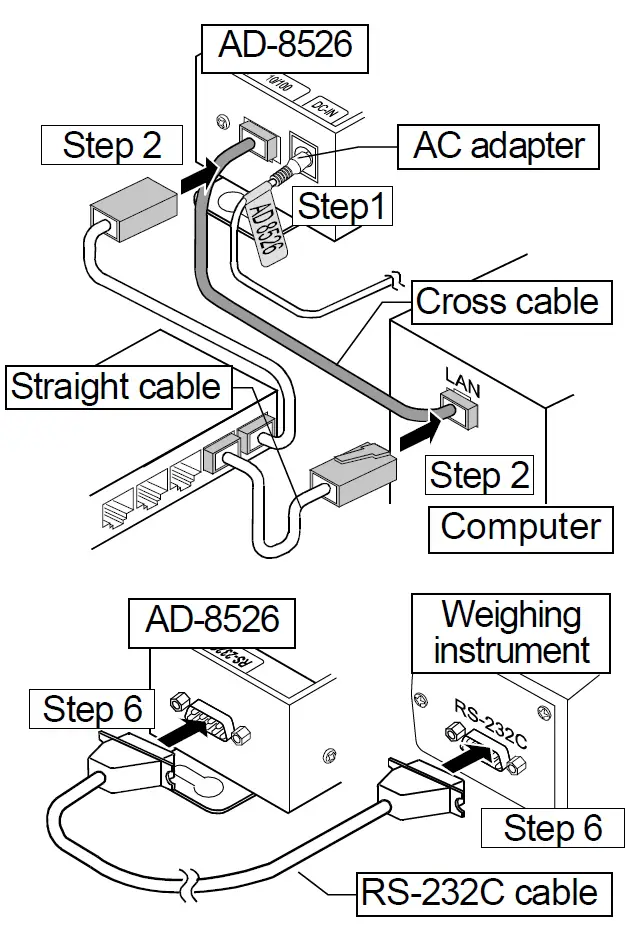
(3) Data acquisition software “WinCT-Plus” - Step 1 Connect the AC adapter to the AD-8526.
- Step 2 Connect the AD-8526 and the computer with a cross cable directly or connect them with a hub and straight cables.
- Step 3 Input the IP addresses and subnet masks of the AD-8526 and computer. For the setting procedure, refer to the “WinCT-Plus” instruction manual. Communication errors may occur if set incorrectly.
- Step 4 Write the IP address on the IP address label and affix it on the AD-8526 (and the weighing instrument if necessary) where you can see the address easily.
- Step 5 Install the RsMulti data acquisition software to download the “WinCT-Plus” instruction manual.PDF from the A&D website. https://www.aandd.jp/products/software/software.html
- Step 6 Connect the accessory RS-232C cable between the RS-232C interface of the weighing instrument and the AD-8526’s port
Data Communication Software
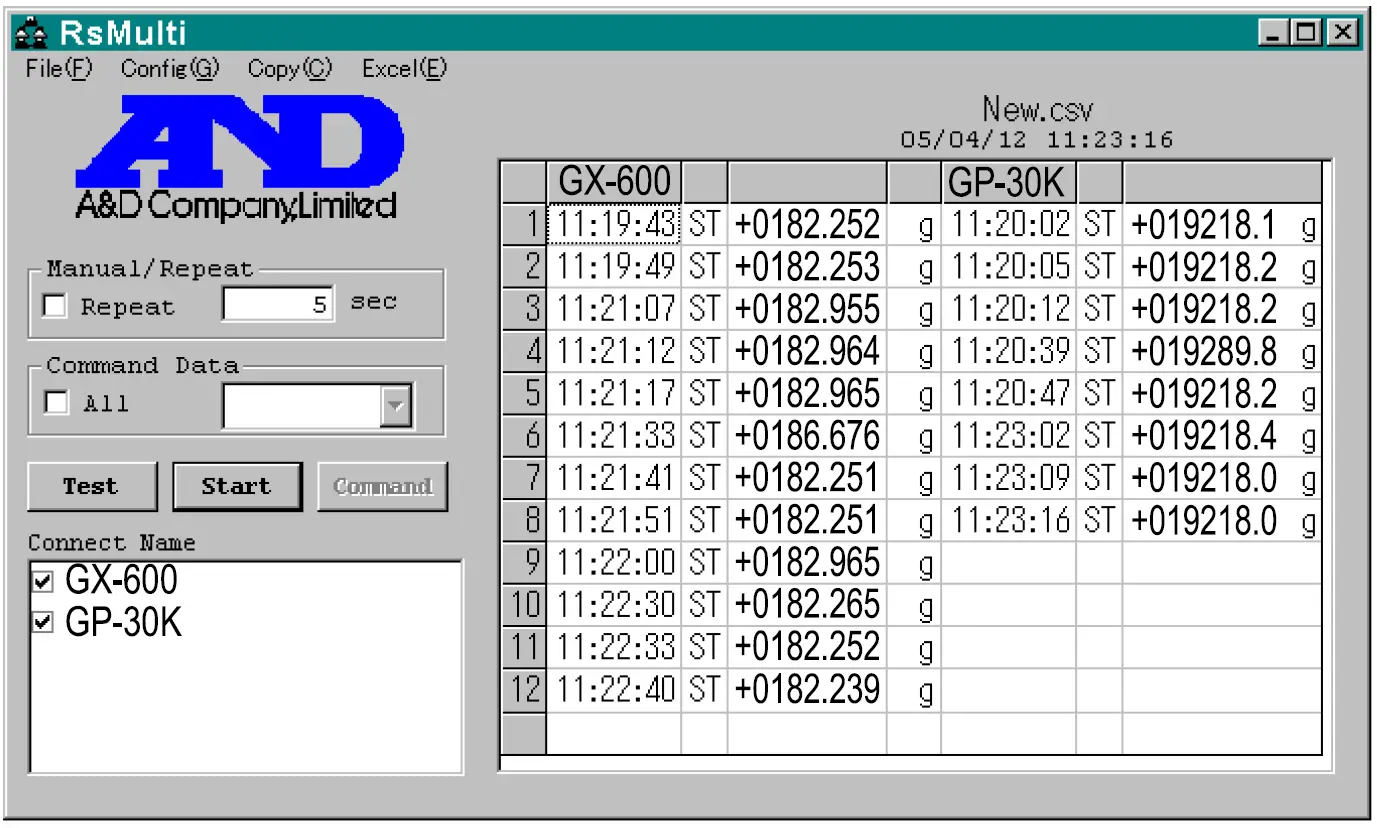
The RSMulti data acquisition software can be launched on a Windows PC. Menu: [Start] [Program] [A&D WinCT-Plus] [RsMulti]. Refer to the Manual PDF file in the A&D WinCT-Plus for details on the operation.
- This software can acquire data from multiple devices connected by LAN or RS-232C.
- The software can control these devices with commands.
- The software can acquire data transmitted from devices. Example: When the PRINT key is pressed on the balance, data is output and is acquired with the computer.
- Stored data can be used with Excel. (Install Microsoft Excel before use.)
Example
| IP address | Subnet mask | |
| Computer | 172.16.100.1 | 255.255.0.0 |
| GX-600 | 172.16.100.2 | |
| GP-30K | 172.16.100.3 |
Two balances are connected.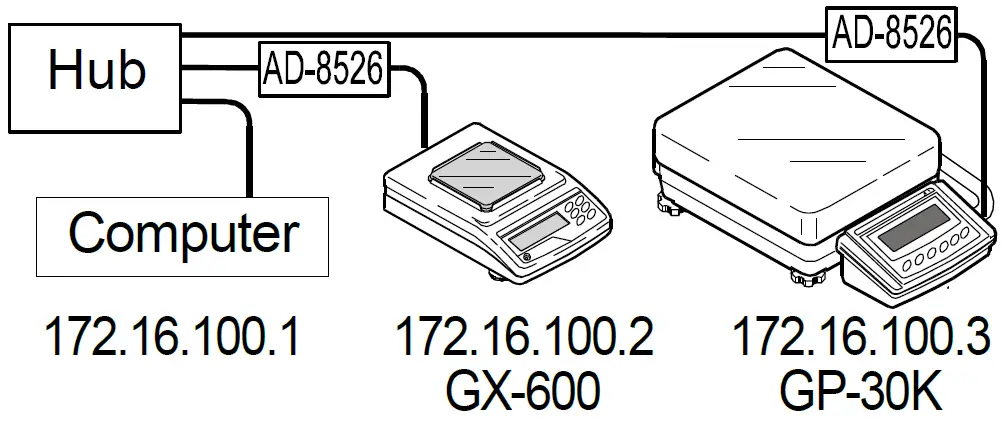
A sample window of RsMulti