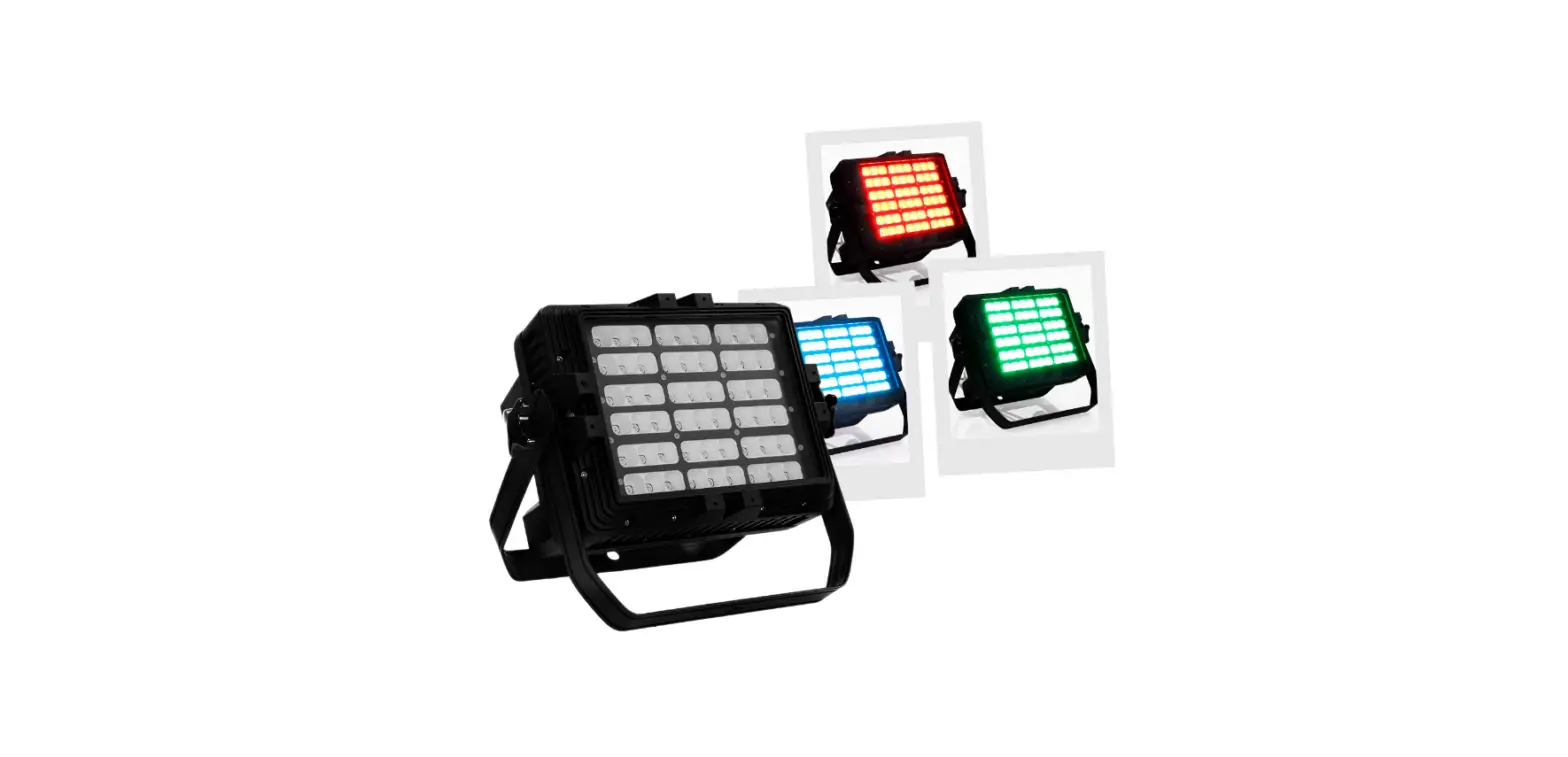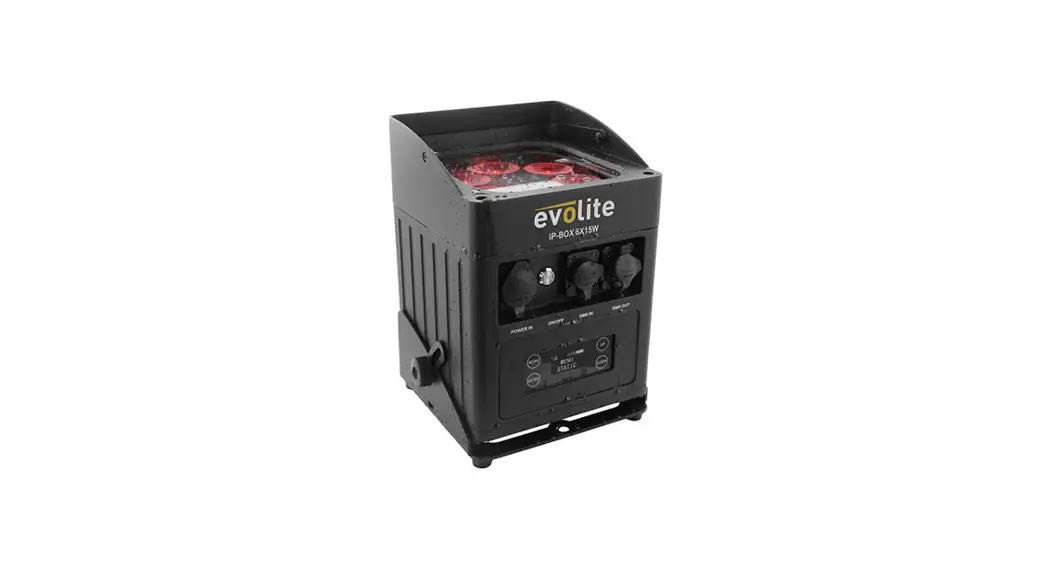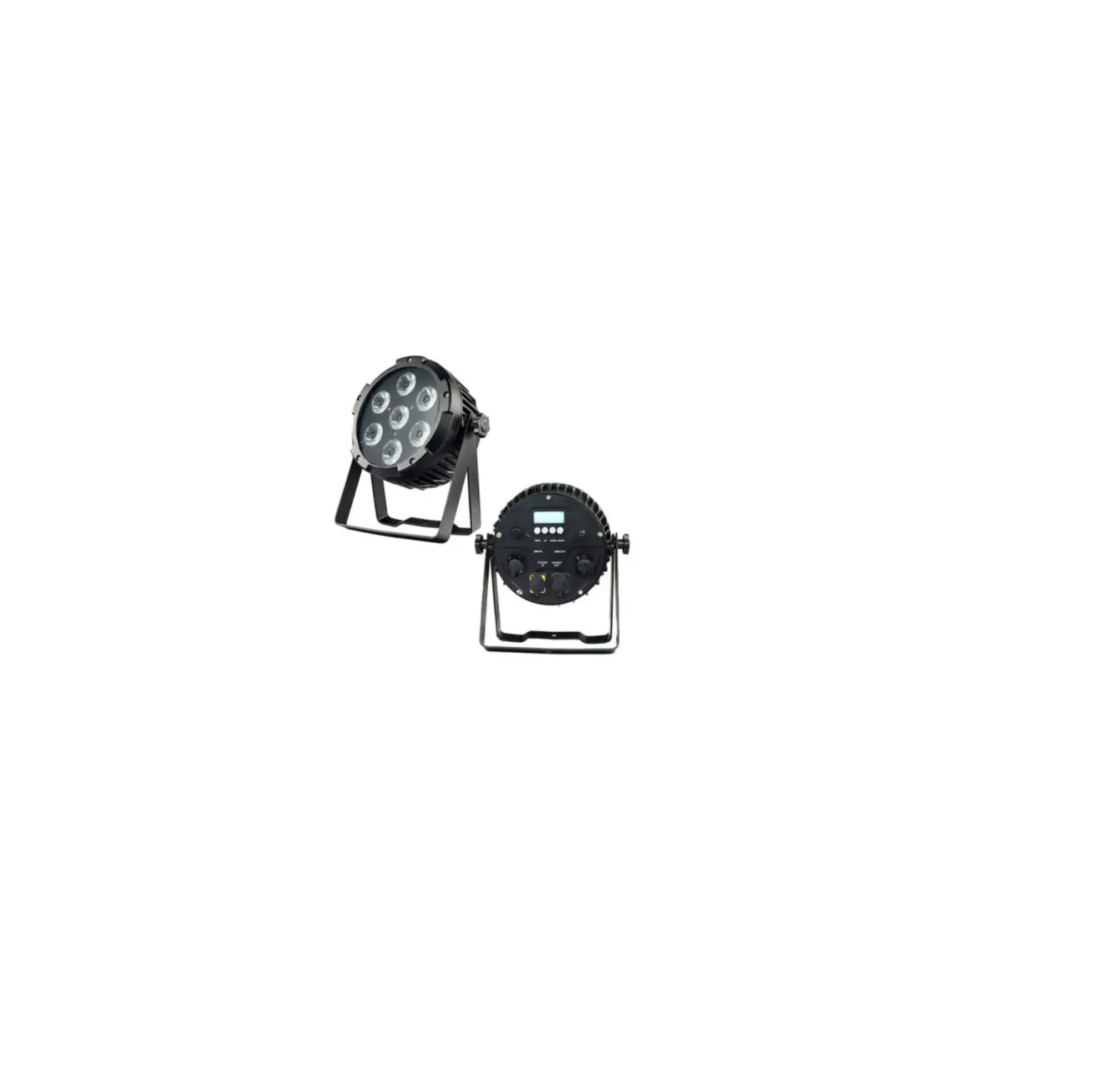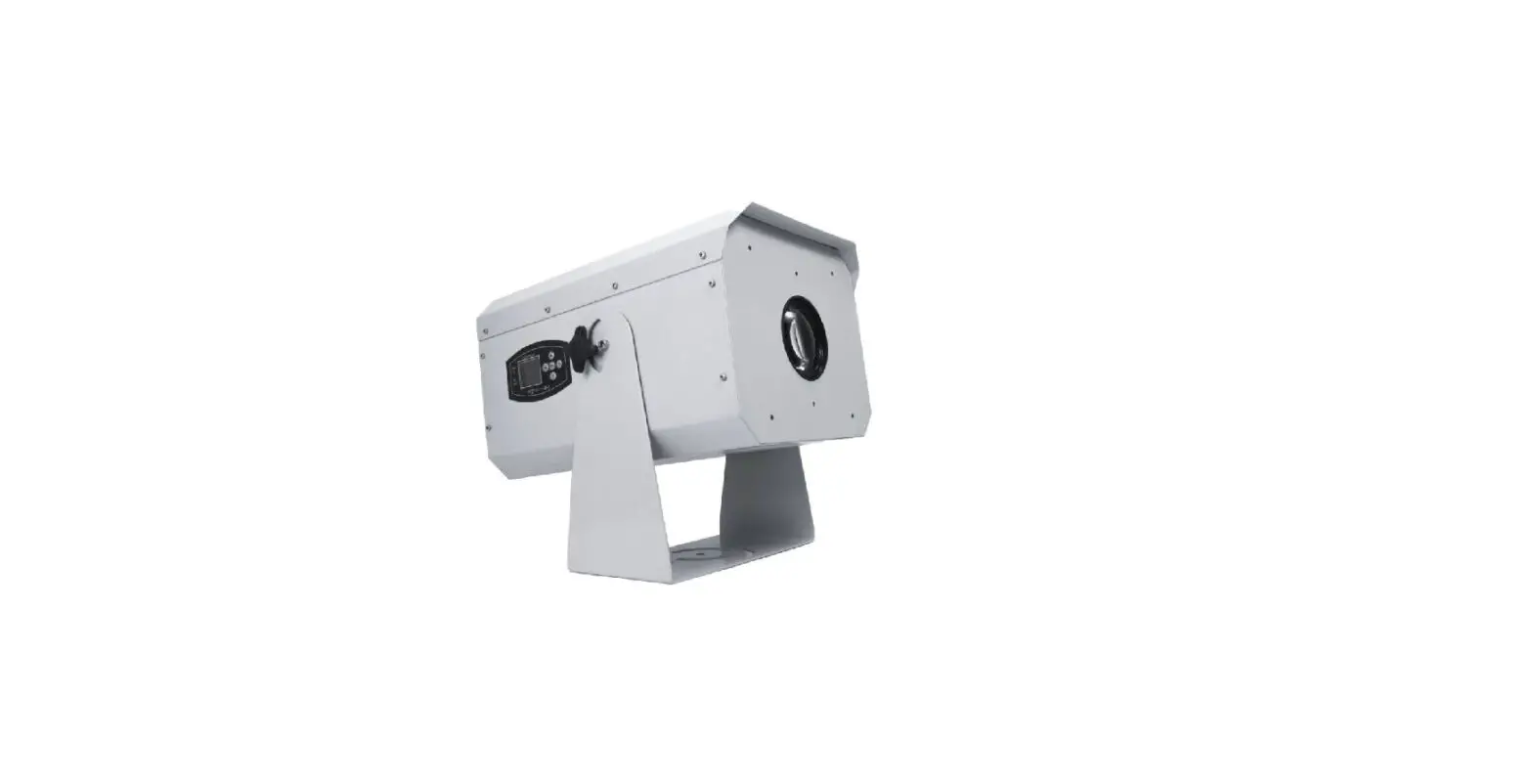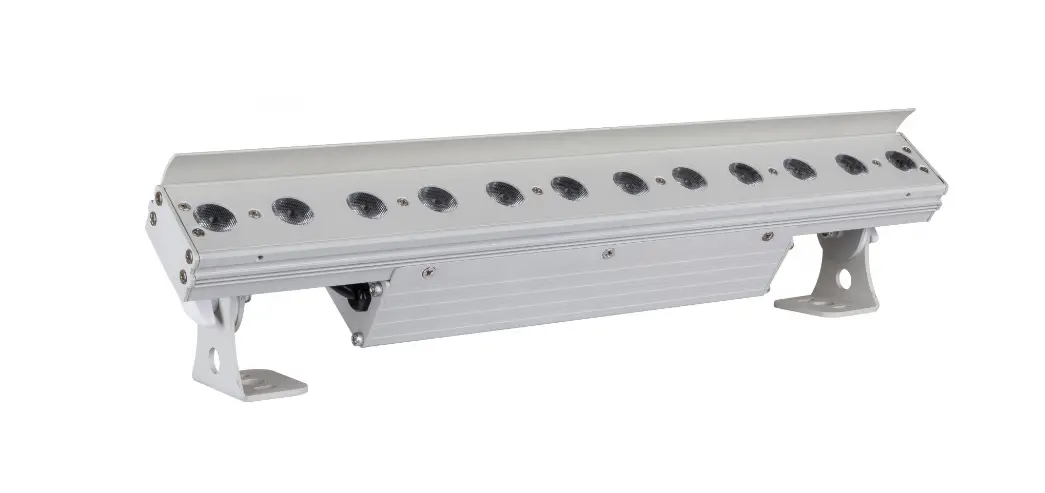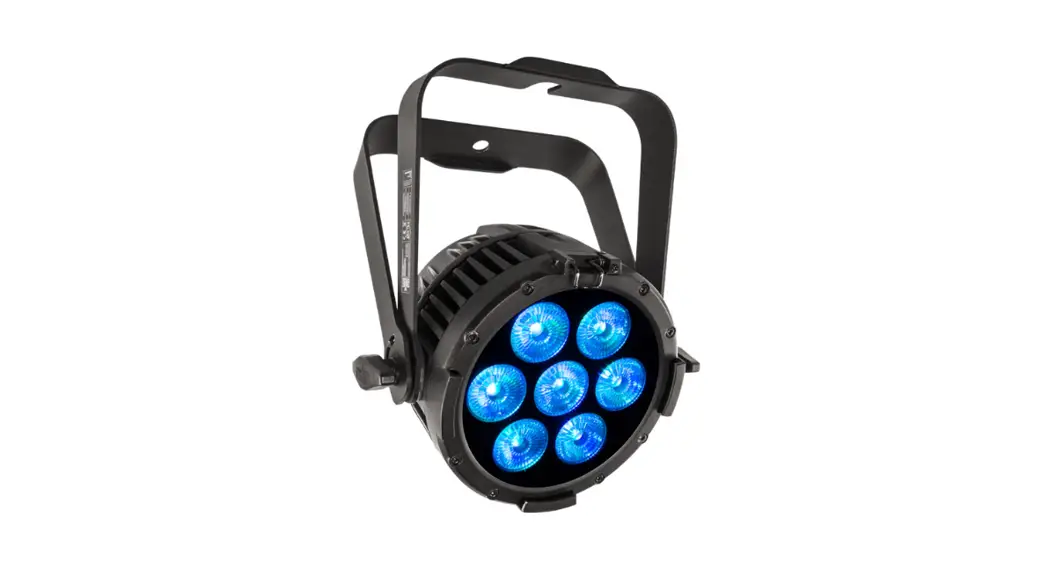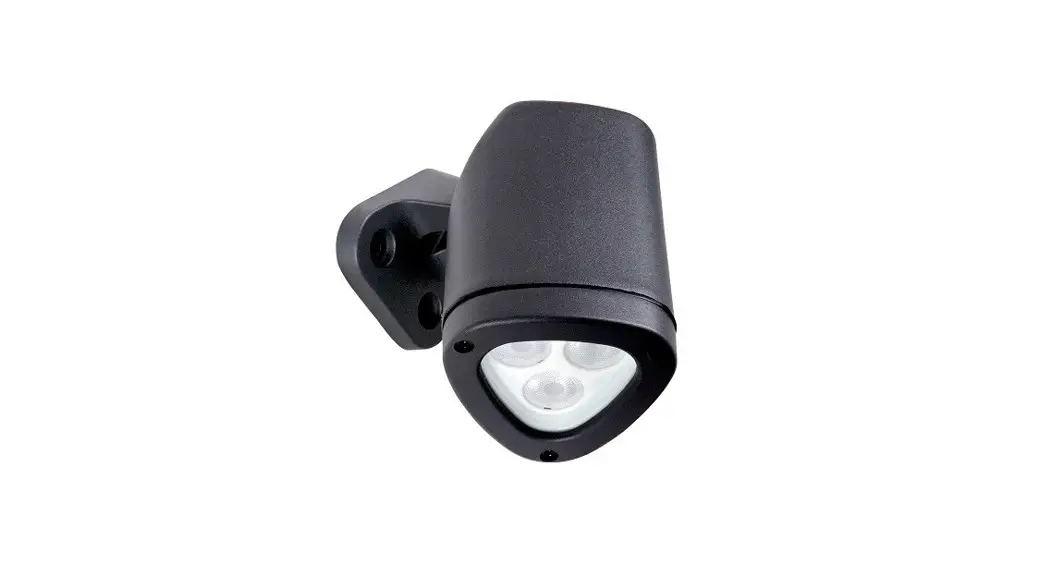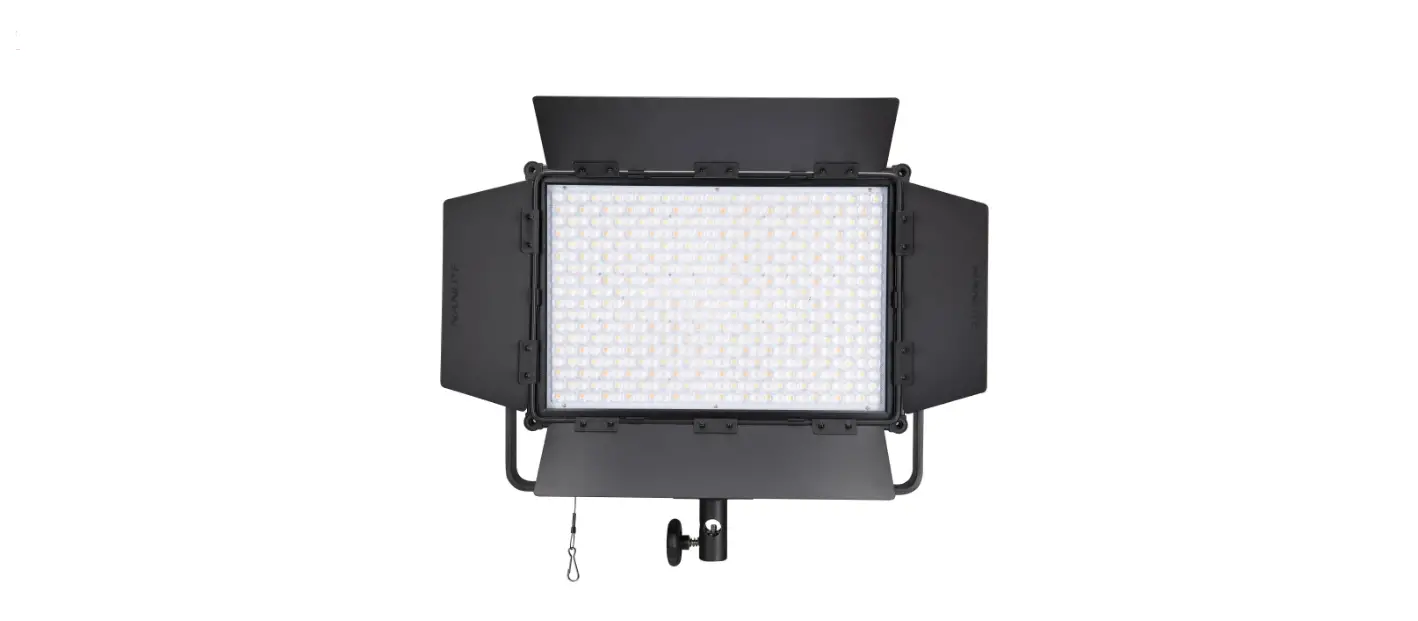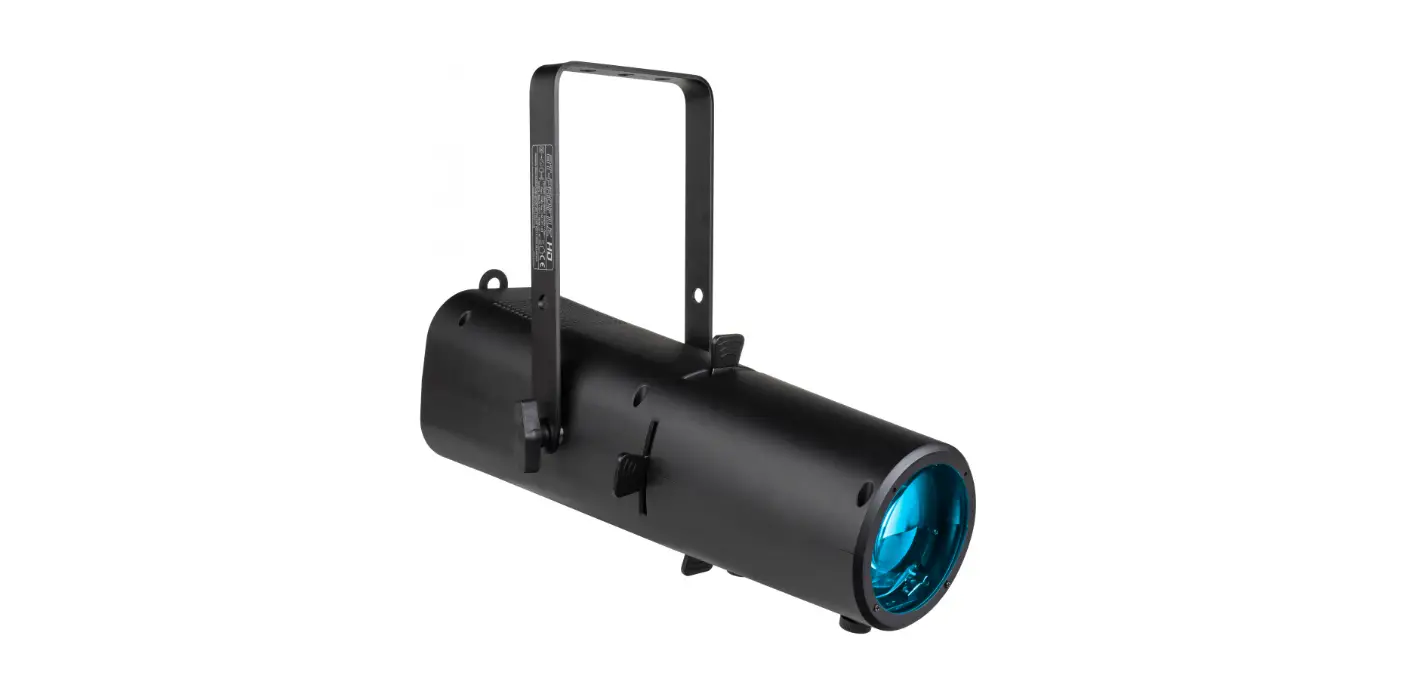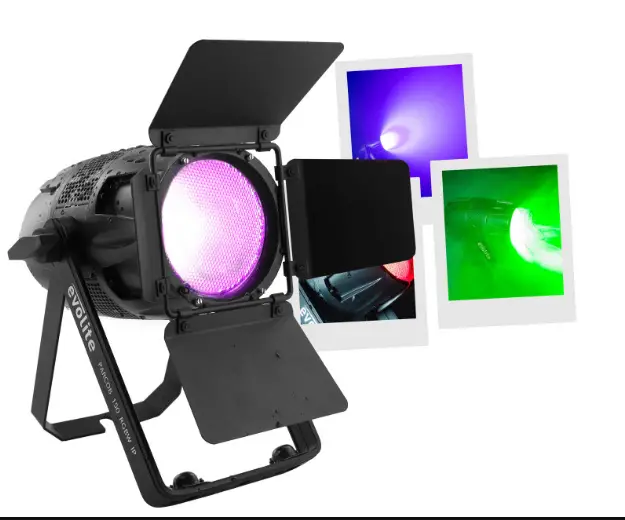

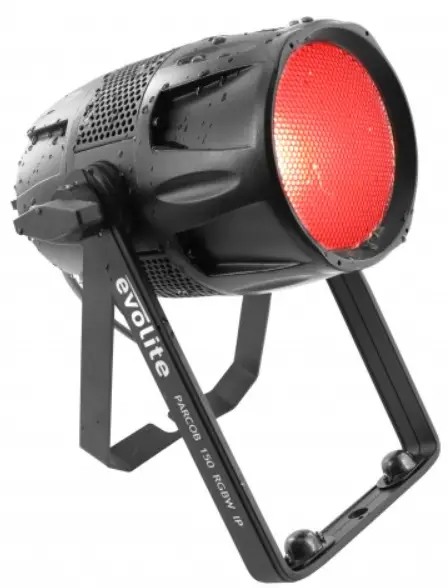
evolite PARCOB 150 RGBW IP 150W LED RGBW 4 in 1 IP65 Projector
WARNING! Before use, and before installing this fixture, read carefully user manual, and follow the safety precautions listed on this page.
WARNING! Very high level light output. DO NOT LOOK INTO THE BEAM.
DANGER! Hazardous voltage. Risk of electric shock! ALWAYS disconnect the fixture from power for servicing, for cleaning or installing. Do not connect this unit on a dimmer power pack. Protect the unit from rain or moisture.
WARNING! Burn Hazard. Do not touch. Very hot surface The fixture becomes hot during use and remains hot 10 min after use . Do not touch the unit.
WARNING! Fire Hazard! Keep flammable materials away from the fixture. Do not operate the fixture with ambient temperature over 40°C.
DANGER!
Safety Hazard. Risk of injury. This evolite unit must be installed by professional people. If suspended, make sure the structure and the hardware used for this suspension is secured. This Hardware must support at least 10 times the weight of the device suspended. Ensure public is not looking at the beam. Do not try to repair the fixture by yourself. Contact a professional repair service.
Introduction
Thank you for selecting this professional fixture from evolite This new intelligent Moving Wash will provide you reliability, latest features, and professional lighting effects for a long period of time. This evolite fixture is complying with European standards: EN60598-1:2008+A11:2009 EN60598-2-17:1989+A2:1991 et RoHs
Device Description
- LED: 150 W RGBW 4in1 LED
- Power Consumption: 150W
- DMX Channels: 11 DMX Channels
- Refresh rate: 900 Hz ~ 10,000 Hz
- Gradation curve: 4 modes of gradation curve
- 6 DMX modes: 1CH, 2CH, 4CH, 6CH, 8CH, 11CH
- Control protocol: DMX192
- Support RDM
- Barndoors included
- Case color: black
- Fan mode: Max, smart / quiet
- Color temperature: 3000K ~ 7600K
- Compact and lightweight housing
- XLR connectors: Seetronic 3 pin connectors
- Powercon True1 input / output
- Degree of protection: IP65
- Operating modes: Auto, DMX, Master / Slave
- Power input: 110 ~ 240V, 50/60 Hz
- Power Consumption: 150W
- Dimensions: 307 x 234 x 247 mm
- Net weight: 3.5 kg
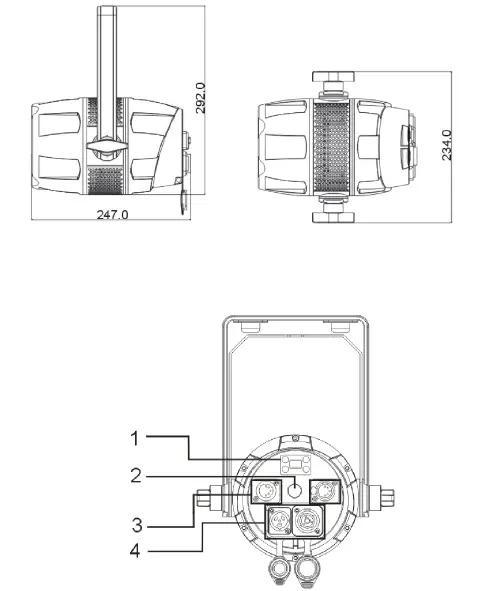
- Menu
- Pressure valve
- DMX IN/ DMX OUT
- POWER IN/POWER OUT
Installation
Rigging
The installation of the projector has to be built and constructed in a way that it can hold 10 times the weight for 1 hour without any harming deformation.
IMPORTANT! OVERHEAD RIGGING REQUIRES EXTENSIVE EXPERIENCE, including calculating working load limits, installation material being used, and periodic safety inspection of all installation material and the projector. If you lack these qualifications, do not attempt the installation yourself, but instead use a professional structural rigger. Improper installation can result in bodily injury and or damage to property. The projector had to be installed out of the reach of people.
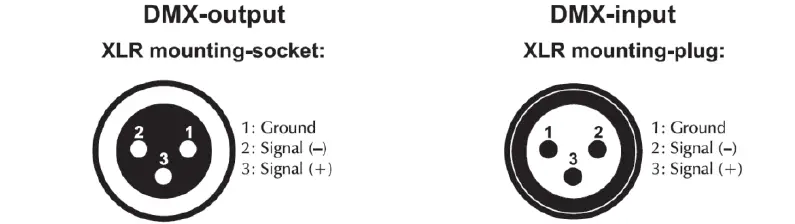
- DMX 512 Connection
The wires must not come into contact with each other, otherwise the fixture will not work at all or properly. Please note the starting address depends upon which controller is being used. Only use a DMX cable and 3-pin XLR-plugs and connectors in order to connect the controller with the fixture or one fixture to another.
Set up
Control panel
The control board offer several features: you can simple set the starting address, run the pre-programmed program or make a reset. The main menu is accessed by pressing the Menu button, Browse through the submenu by pressing Up or Down. Press the Enter-button in order to select the desired menu. You can change the selection by pressing Up or Down, confirm every selection by pressing the Enter-button. The functions provided are described in the following setting.
| Button | Function |
| <MENU> | Scrolls through the first level of options, or exits from the current menu or |
| function | |
| <UP> | Navigates upward through the menu list or increases the numeric value |
| when in a function | |
| <DOWN> | Navigates downward through the menu list or decreases the numeric value |
| when in a function | |
| <ENTER> | Enables the currently displayed menu or sets the currently selected value in |
| to the current function |
Menu
| DMX Address | 001-512 | |||
|
DMX Mode | 1CH | |||
| 2CH | ||||
| 4CH | ||||
| 6CH | ||||
| 8CH | ||||
| 11CH | ||||
|
Stand Alone |
Auto | Program 1 | Dim | 000-255 |
| Program 2 | Speed | 000-255 | ||
| Program 3 | ||||
| ….. | ||||
| Program 17 | MIXED | |||
| ColorMacro | Color Off | 000-005 | ||
| Color1~46 | 006-255 | |||
|
Manual | Dimmer | 000-255 | ||
| Strobe | 0~30Hz | |||
| Red | 000-255 | |||
| Green | 000-255 | |||
| Blue | 000-255 | |||
| White | 000-255 | |||
| CCT | OFF | |||
| 3000K/3500K/4500K/5500K/7500K | ||||
|
Settings | Display Reverse | On | Display Reverse | |
| Off | Normal | |||
| Display Backlight | On | Normal | ||
|
Off | Display off after 1 minute | |||
| DMX Fail | Hold last | Keep the last status | ||
| Blackout | ||||
| ManualMode | ||||
|
Dimmer Curve | Linear | |||
| Stage | ||||
| TV | ||||
| Architectural | ||||
| Theatre | ||||
| Stage2 | ||||
| Dimmer Speed | 0.1-0.9s ~ 1- 10S | Only for stage2 curve | ||
| AutoLock | On | |||
| Off | ||||
| Fan Mode | Smart | |||
| Max | ||||
| Silent | ||||
|
PWM Rate | 900Hz | |||
| 1000Hz | ||||
| 1100Hz | ||||
| 1200Hz | ||||
| 1300Hz | ||||
| 1400Hz | ||||
| 1500Hz | ||||
| 2500Hz | ||||
| 4000Hz | ||||
| 5000Hz | ||||
| 6000Hz | ||||
| 10000Hz | ||||
| Service | Reset | Passcode | Code: down, down, down, up, down, down,down, up 11 | |
| Calibration | Passcode | Code: down, up, down, up, down, down, down, down. 50 | ||
| System Info | Firmwre | V2.3 | ||
| Operation Hours | xxxHrs |
| Temperatur e | xxx°C | |||
| RDM | Id number |
DMX Mode
DMX mode is selected in the main menu. You can control the projectors individually via your DMX-controller Just select the fixture address, knowing that this address will be the start address. (1st DMX channel).
Note. If 2 fixtures are addressed with same DMX value, they will move exactly the same way.
DMX Channel:
| 1 CH | VALUES | FUNCTIONS |
| 1 | 000-255 | Blinder Mode Channel 0%-100%, RedShift. Override other dimmer channel. |
2 DMX Channels:
| 2 CH | VALUES | FUNCTIONS |
| 1 | 000-255 | MASTER DIMMER 0%-100% |
|
2 | COLOR MACROS | |
| 000 | No Effect | |
| 001~255 | Color 1 ~46 |
4 DMX Channels:
| 4 CH | VALUES | FUNCTIONS |
| 1 | 000-255 | RED 0%-100% |
| 2 | 000-255 | GREEN 0%-100% |
| 3 | 000-255 | BLUE 0%-100% |
| 4 | 000-255 | WHITE 0%-100% |
6 DMX Channels:
| 6 CH | VALUES | FUNCTIONS |
| 1 | 000-255 | MASTER DIMMER 0%-100% |
| 2 | 000-255 | RED 0%-100% |
| 3 | 000-255 | GREEN 0%-100% |
| 4 | 000-255 | BLUE 0%-100% |
| 5 | 000-255 | WHITE 0%-100% |
|
6 | COLOR MACROS | |
| 001~255 | Color 1 ~46 | |
| SHUTTER & STROBING | ||
| 000-030 | LED Off | |
| 031-090 | Strob slow to fast | |
| 091-100 | LED ON | |
| 101-110 | LED OFF | |
| 111-170 | Pulse Strobing | |
| 171-180 | LED On | |
| 181-240 | Random Strobing Slow – Fast | |
| 241-255 | LED On |
8 DMX Channels:
| 7 CH | VALUES | FUNCTIONS |
| 1 | 000-255 | MASTER DIMMER 0%-100% |
| 2 | 000-255 | DIMMER FINE 0%-100% |
| 3 | 000-255 | RED 0%-100% |
| 4 | 000-255 | GREEN 0%-100% |
| 5 | 000-255 | BLUE 0%-100% |
| 6 | 000-255 | WHITE 0%-100% |
|
7 | SHUTTER & STROBING | |
| 000-030 | LED Off | |
| 031-090 | Strob slow to fast | |
| 091-100 | LED ON | |
| 101-110 | LED OFF | |
| 111-170 | Pulse Strobing | |
| 171-180 | LED On | |
| 181-240 | Random Strobing Slow – Fast | |
| 241-255 | LED On | |
| 8 | 000-255 | Blinder Mode Channel 0%-100%, RedShift. Override other dimmer channel. |
11 DMX Channels:
| 7 CH | VALUES | FUNCTIONS |
| 1 | 000-255 | MASTER DIMMER 0%-100% |
| 2 | 000-255 | DIMMER FINE 0%-100% |
| 3 | 000-255 | RED 0%-100% |
| 4 | 000-255 | GREEN 0%-100% |
| 5 | 000-255 | BLUE 0%-100% |
| 6 | 000-255 | WHITE 0%-100% |
|
7 | SHUTTER & STROBING | |
| 000-030 | LED Off | |
| 031-090 | Strob slow to fast | |
| 091-100 | LED ON | |
| 101-110 | LED OFF | |
| 111-170 | Pulse Strobing | |
| 171-180 | LED On | |
| 181-240 | Random Strobing Slow – Fast | |
| 241-255 | LED On | |
| 000-030 | LED Off | |
| 8 | 000-255 | Blinder Mode Channel 0%-100%, RedShift. Override other dimmer channel. |
|
9 | COLOR MACROS | |
| 001~255 | Color 1 ~46 | |
|
10 | DIMMER MODES | |
| 000-010 | Default to Unit Setting | |
| 011-020 | Standard | |
| 021-040 | Stage | |
| 041-060 | TV | |
| 061-080 | Architectural | |
| 081-100 | Theatre | |
| 101-120 | Stage 2 | |
| DIMMER DELAY TIME | ||
| 121 | 0.1Sec. |
| 122 | 0.2Sec. | |
| 123 | 0.3Sec. | |
| 124 | 0.4Sec. | |
| 125 | 0.5Sec. | |
| 126 | 0.6Sec. | |
| 127 | 0.7Sec. | |
| 128 | 0.8Sec. | |
| 129 | 0.9Sec. | |
| 130 | 1.0Sec. | |
| 131 | 1.5Sec. | |
| 132 | 2.0Sec. | |
| 133 | 3.0Sec. | |
| 134 | 4.0Sec. | |
| 135 | 5.0Sec. | |
| 136 | 6.0Sec. | |
| 137 | 7.0Sec. | |
| 138 | 8.0Sec. | |
| 139 | 9.0Sec. | |
| 140 | 10Sec. | |
| 141-255 | Default to Unit Setting | |
|
11 | REFRESH RATE | |
| 000-010 | Default to Unit Setting | |
| 011-020 | 900HZ | |
| 021-030 | 1000HZ | |
| 031-040 | 1100HZ | |
| 041-050 | 1200HZ | |
| 051-060 | 1300HZ | |
| 061-070 | 1400HZ | |
| 071-080 | 1500HZ | |
| 081-090 | 2500HZ | |
| 091-100 | 4000HZ | |
| 101-110 | 5000HZ | |
| 111-120 | 6000HZ | |
| 121-130 | 10000HZ | |
| 131-140 | Set refresh rate to unit default | |
| 141-150 | Fan mode silent | |
| 151-160 | Fan mode smart | |
| 161-170 | Fan mode max |
| 171-180 | Set fan mode to unit default | |
| 181-255 | No function |
Maintenance & service
The cleaning of internal must be carried out periodically to optimize light output. Cleaning frequency depends on the environment in which the fixture operates: damp, smoky or particularly dirty surrounding can cause greater accumulation of dirt on the fixture’s optics.
- Clean with soft cloth using normal glass cleaning fluid.
- Always dry the parts carefully.
- Clean the external optics at least every 20 days
Troubleshooting
Following are a few common problems that may occur during operation. Here are some suggestions for easy troubleshooting:
- The fixture does not work, no light
- Check the connection of power and main fuse.
- Measure the mains voltage on the main connector.
- Not responding to DMX controller
- DMX LED should be on. If not, check DMX connectors, cables to see if link properly.
- If the DMX LED is on and no response to the channel, check the address settings and DMX polarity.
- If you have intermittent DMX signal problems, check the pins on connectors or on PCB of the fixture or the previous one.
- Try to use another DMX controller.
- Check if the DMX cables run near or run alongside to high voltage cables that may cause damage or interference to DMX interface circuit.
- Some fixtures don’t respond to the easy controller
- You may have a break in the DMX cabling.
- Check the LED for the response of the master/ slave mode signal.
- No response to the sound
- Make sure the fixture does not receive DMX signal.
- Check microphone to see if it is good by tapping the microphone
Technical Specifications
| Model | PARCOB 150 RGBW IP |
| Voltage | 110V- 250V / 50-60Hz |
| Power consumption: | 150W |
| LED | 1x 150 Watts RGBW 4in1 |
| Weight | 3.5 kg |
| Dimensions | 307 x 234 x 247 mm |
Imported by
EVOLITE – MSC
7 avenue du 1er Mai
91120 Palaiseau / FRANCE
[email protected]
Tel : +331 69348062
www.evolite-pro.com
 distribution.com
 Evolite