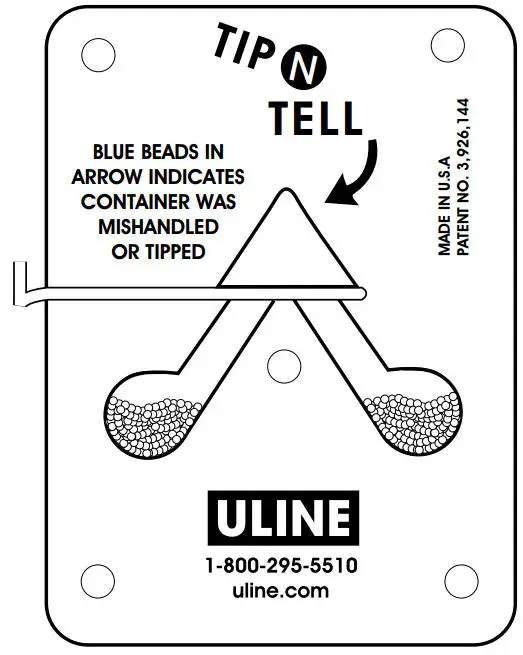

ULINE S-866 Tip-N-Tell Indicators User Guide
1-800-295-5510
uline.com
INFORMATION
Each TIP-N-TELL comes complete with two warning labels per indicator device.
- Place one warning label on the Bill of Lading to notify the carrier or consignee that the shipment contains a TIP-N-TELL warning device.
- Place the second warning label visibly on your package or crate to inform handlers that the package contains this device.
TO ACTIVATE AND ATTACH TIP-N-TELL:
- Hold TIP-N-Tell firmly with arrow pointing up. Do not tip during activation and mounting process.
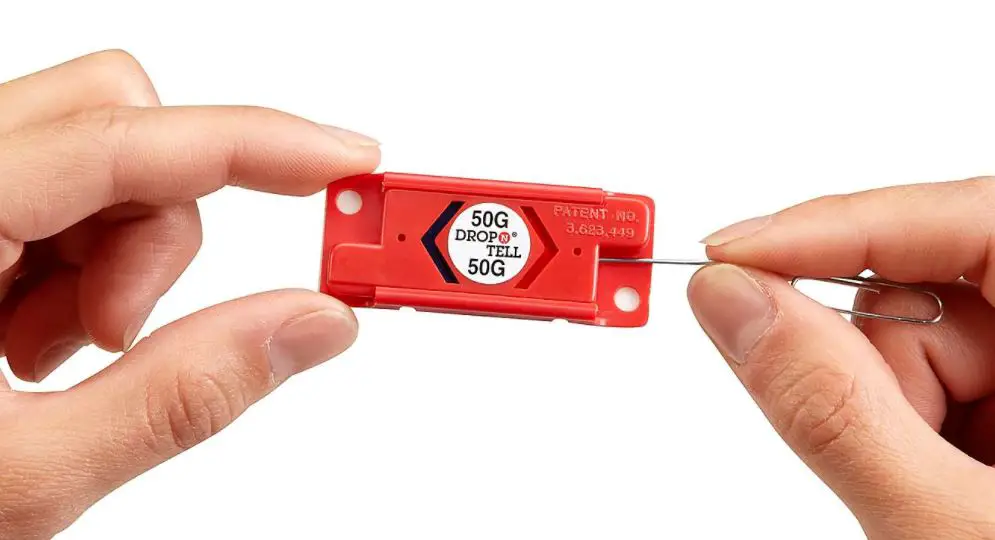
- Slowly pull out T-Bar on left side of unit until the slide stops.
- Break off the T-Bar by bending the T-pin forward over the face of the indicator.
 NOTE: If the T-Bar slide is accidentally pulled all the way out, carefully re-insert and pull only to the stop. This will prevent beads from escaping through the slide track if the indicator is tipped.
- The TIP-N-TELL has a pressure sensitive backing to firmly attach the device to your package. Peel off release liner from back of the indicator.
- Firmly attach TIP-N-TELL to your package with arrow pointing up.
 NOTE: If the T-Bar slide is accidentally pulled all the way out, carefully re-insert and pull only to the stop. This will prevent beads from escaping through the slide track if the indicator is tipped.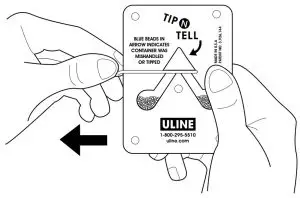
The TIP-N-TELL indicator is now activated.
Read More About This Manual & Download PDF: