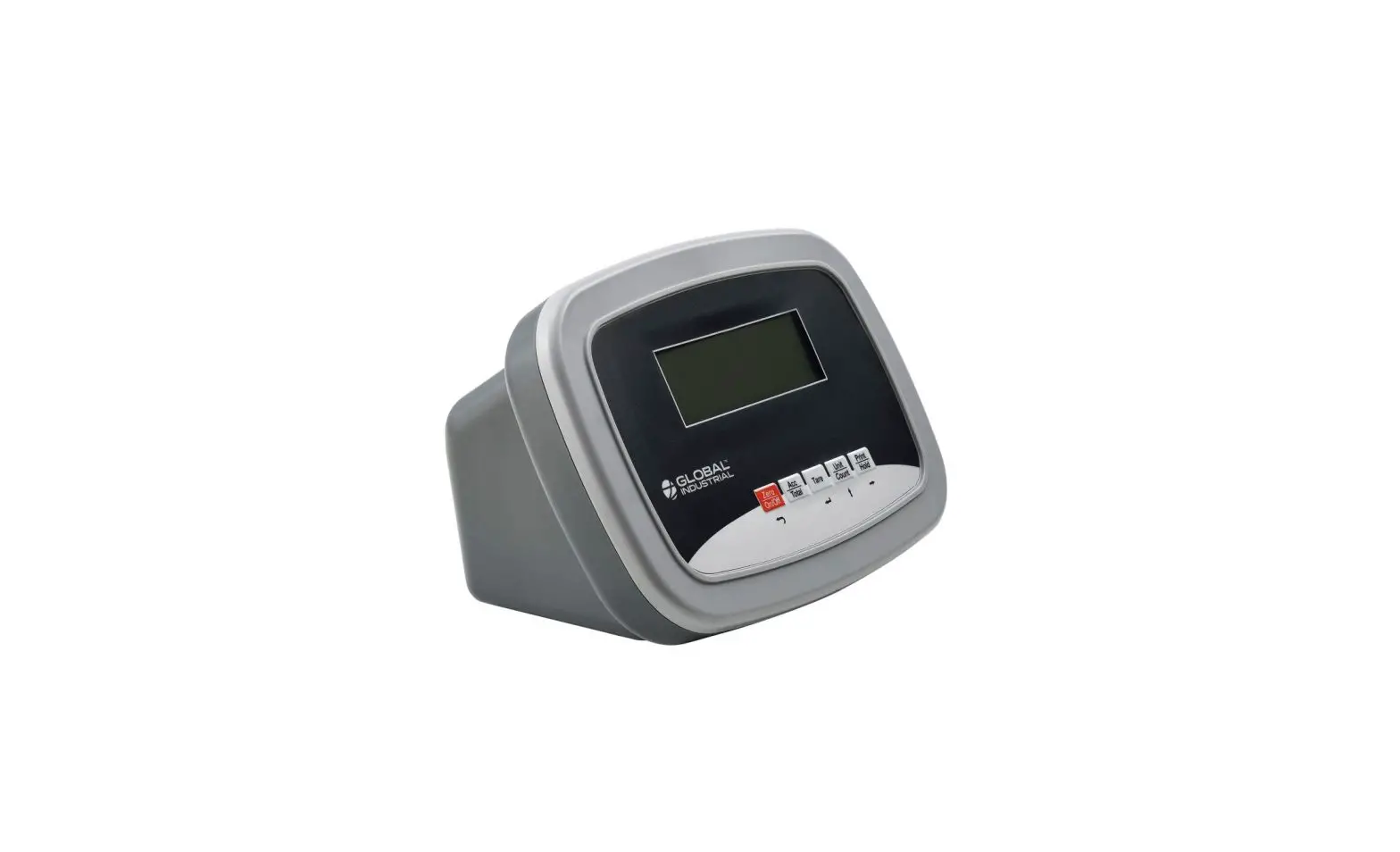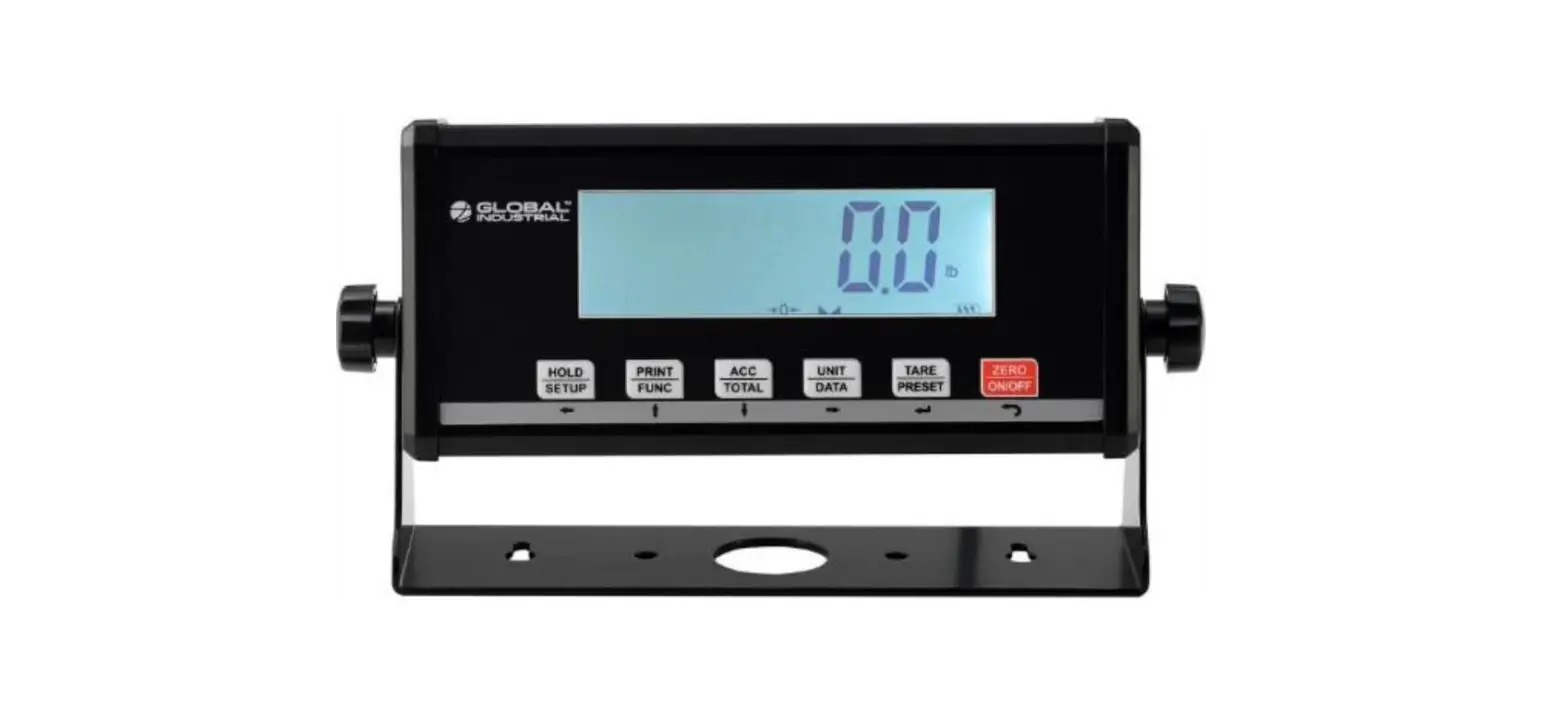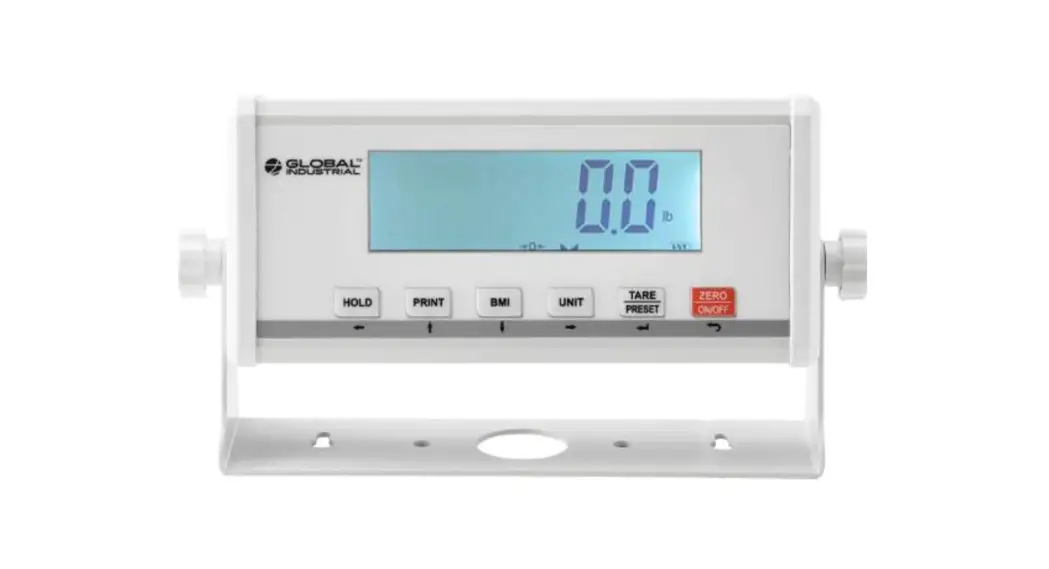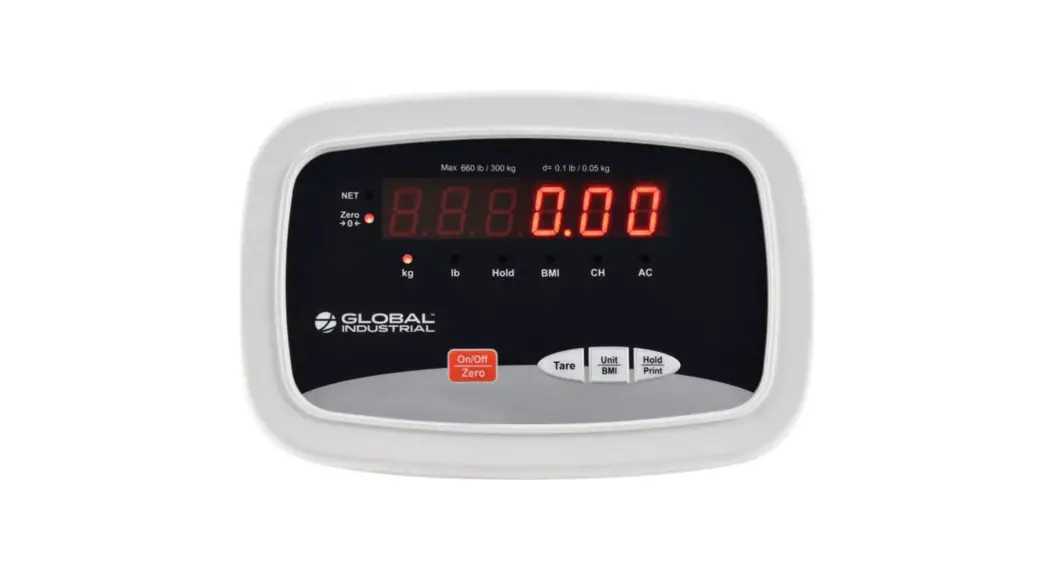
 412606 Indicator
Instruction Manual
Contents subject to change without notice
Version 1.0
Issue AA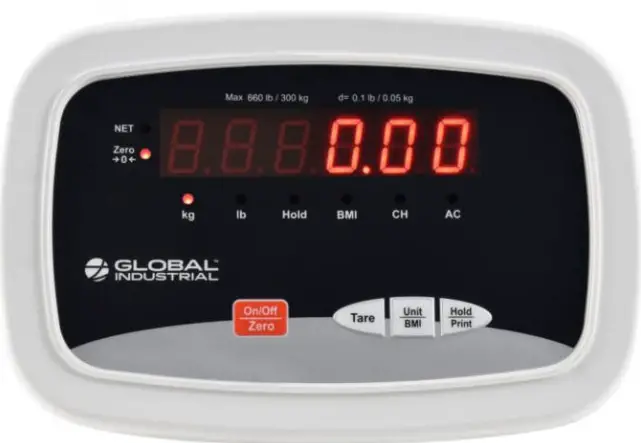
412606 Indicator
www.globalindustrial.com
VERY IMPORTANT
You are about to replace the indicator on below scale. The new indicator must be set up and calibrated locally in order to function accurately.
| Model | Description | Picture |
| 318503 | Digital Physician Scale with Height Rod 660 lbx0.1 lb | 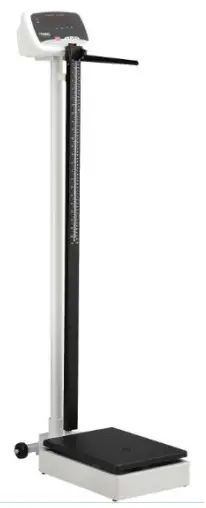 |
To do this, you need three (3) things:
- The scale’s user manual.
- Accurate test weights (see the CALIBRATION section of the user manual for the quantity of weights necessary) to calibrate the scale.
- The technical ability to perform the setup of the scale parameters and to do the calibration. If this is a problem, we strongly suggest that you take the new indicator, the scale base, the scale user manual and this indicator manual that you bring all four to your local industrial scale dealer (check with 411 in your area for “scale dealers”) and have them perform this task. This work is not covered by any warranty.
Connect the new indicator to the scale base
Run the cable through the pole, plug the metal female connector from indicator to the male connector from scale base.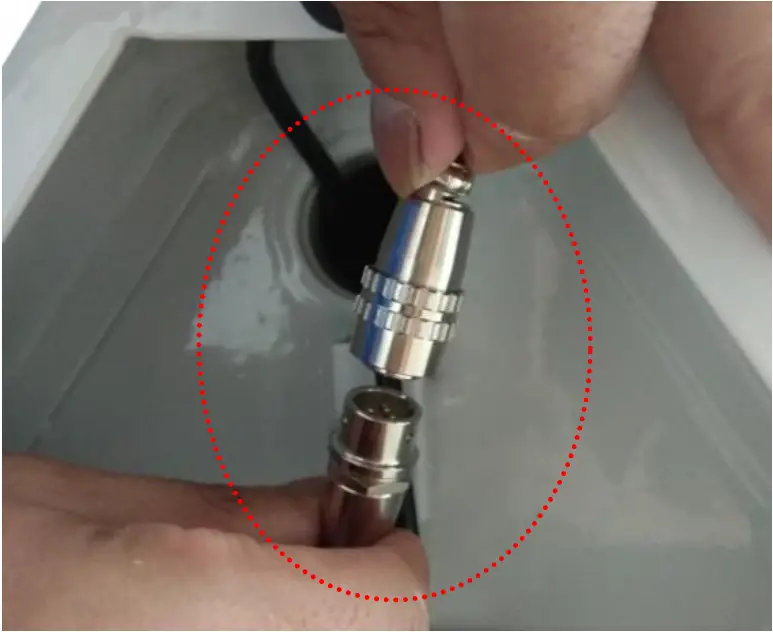
 Snap- in connector,
DO NOT screw the male connector into the female one, a twisting force will cause inside wires to break. 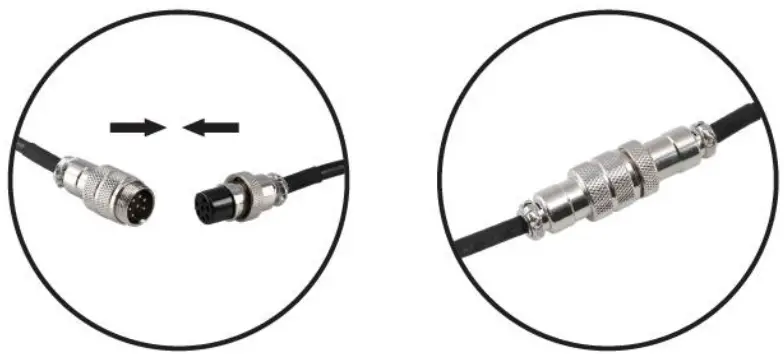
Setup parameters in your new indicator
 The Config parameters have already been pre-set at the factory for this indicator.
If you want to change the factory defaulted setting in USER manual, pls follow your scale instruction on page 9.
CALIBRATION INSTRUCTIONS
Now the scale indicator must be calibrated to the scale base so that the indicator can properly interpret the information that the base is giving it.
Before calibrating the scale, you should ensure that you have a 250kg or 500lb standard weight for calibration.
- In normal weighing mode, press and hold down
 and
and  buttons to enter the calibration mode.
 - When the indicator shows ”
 ”, press the button to confirm and go to next step.
 - When ‘
 ’ is displayed the scale will begin to calibrate the scale’s zero-point. Ensure that there is no load or weight on the scale’s platform. Press the button to confirm.
 - A few seconds, the scale will show ‘
 kg’ or ’
 lb’ depending on which unit you chosen, this is the default calibration weight from the factory. Press the
  button to select the calibration weight unit that you want to calibrate in. Then put on the weight that you selected and press the button to confirm.
 - The calibration is completed and the indicator will be restart, please remove the weight from the platform.
Note: If an error has occurred, the scale will display “CAL. Er” and return back to step 4 for re-calibration. - Check the calibration by putting the weight that you calibrated at back on the scale, if it is off repeat the calibration process again.
 and
and  buttons to enter the calibration mode.
 ”, press the
  ’ is displayed the scale will begin to calibrate the scale’s zero-point. Ensure that there is no load or weight on the scale’s platform. Press the
 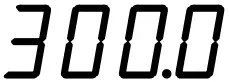 kg’ or ’
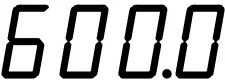 lb’ depending on which unit you chosen, this is the default calibration weight from the factory. Press the
  button to select the calibration weight unit that you want to calibrate in. Then put on the weight that you selected and press the
  Global Industrial - Industrial & Commercial Supplies