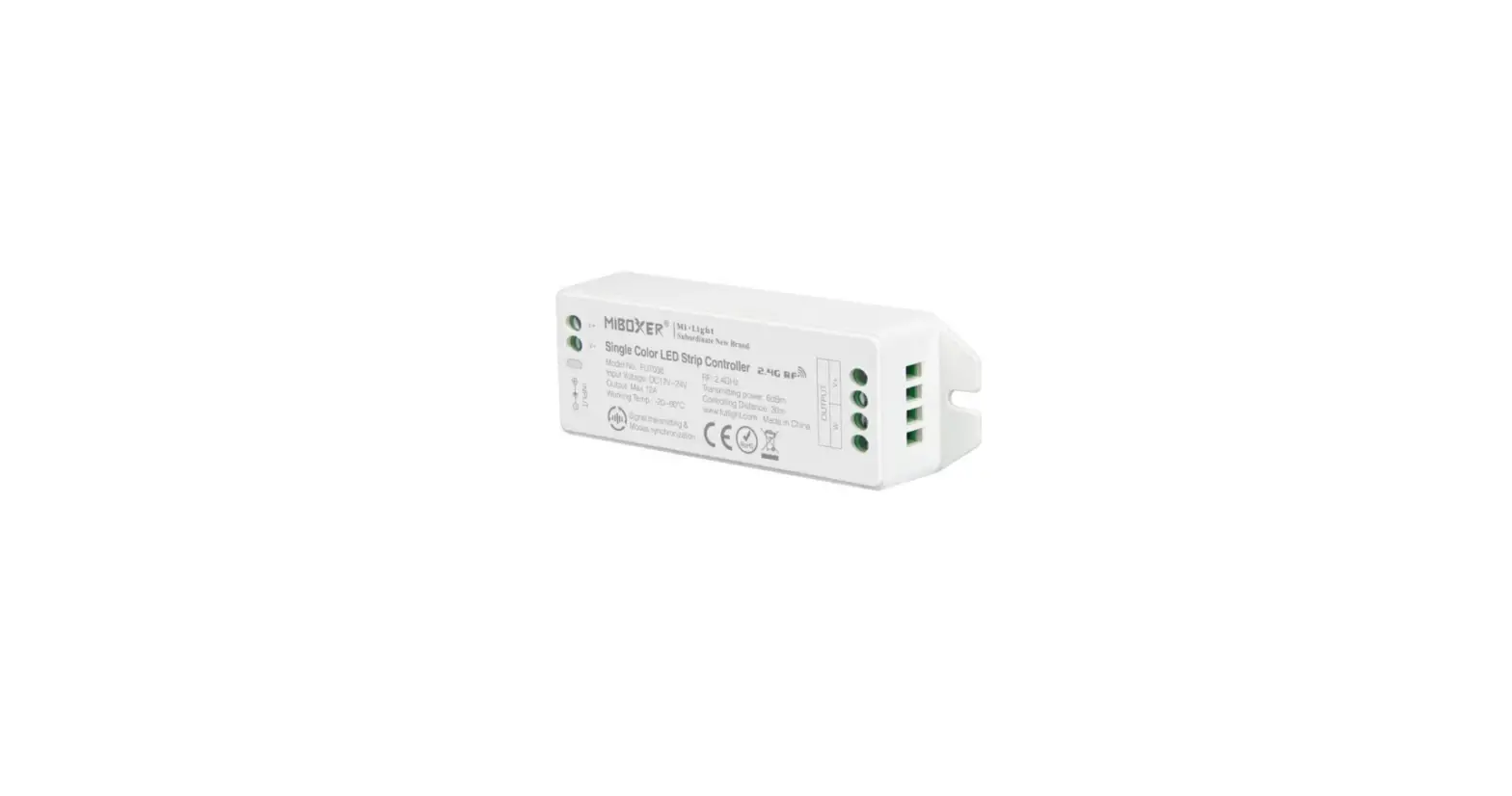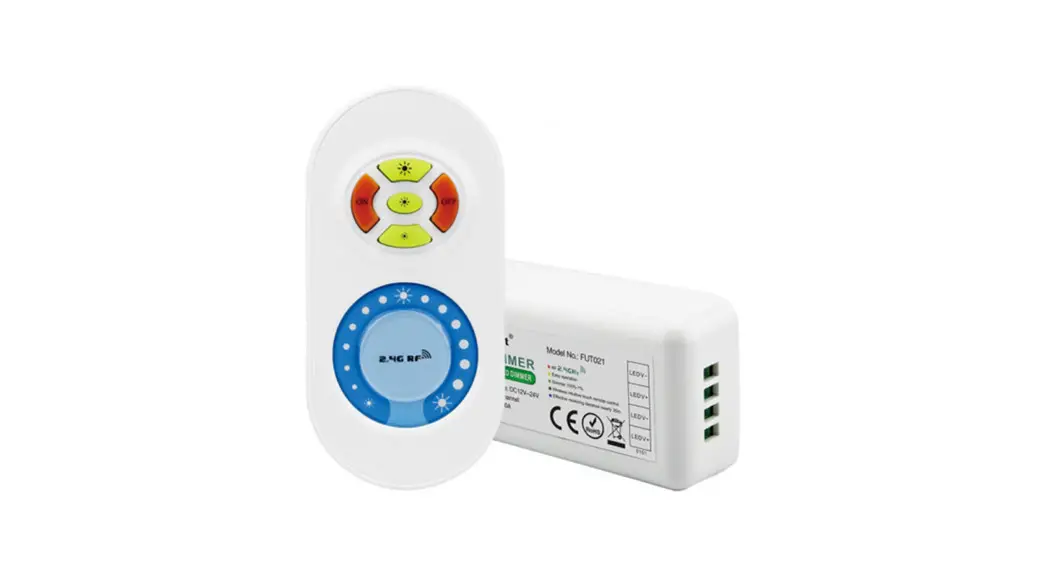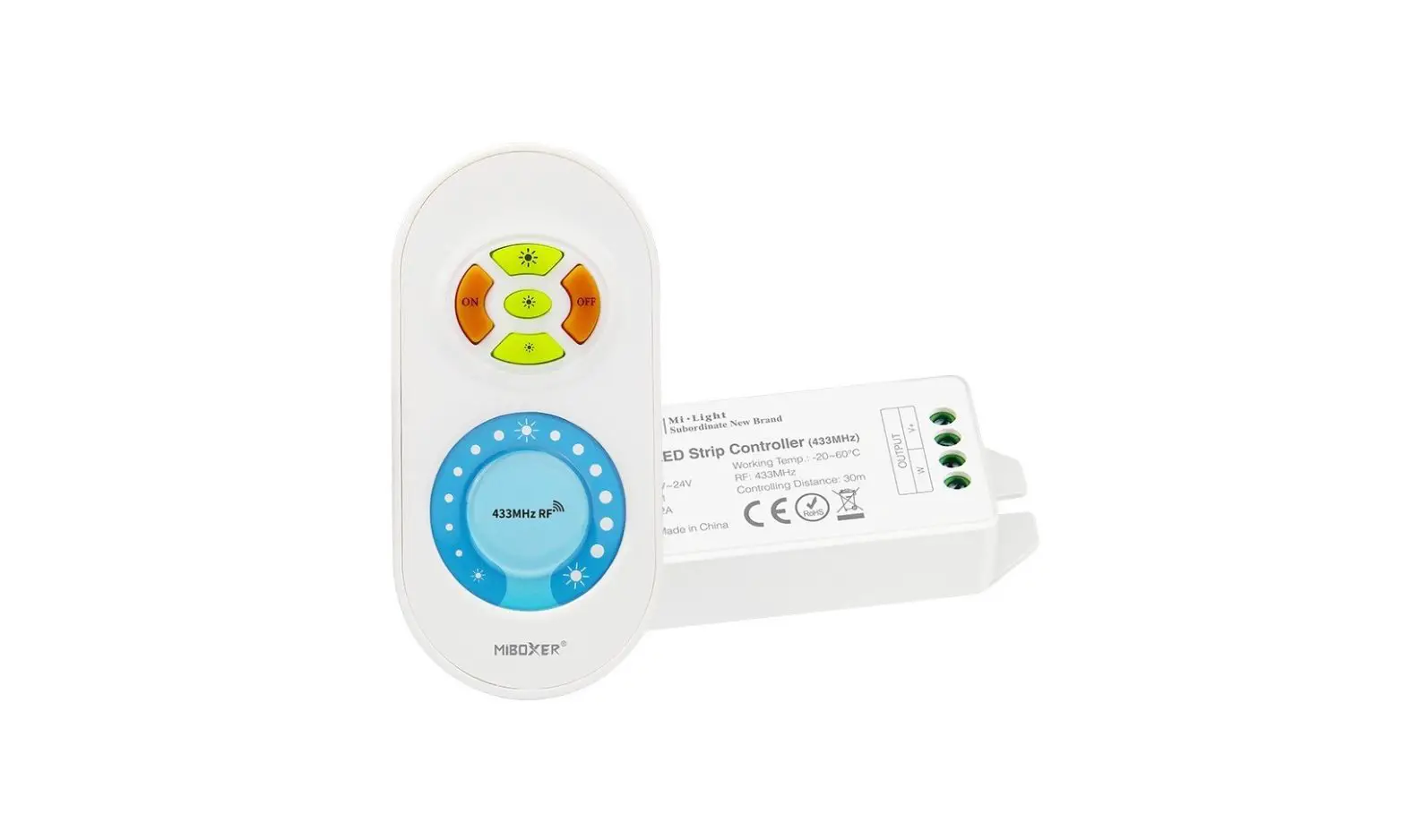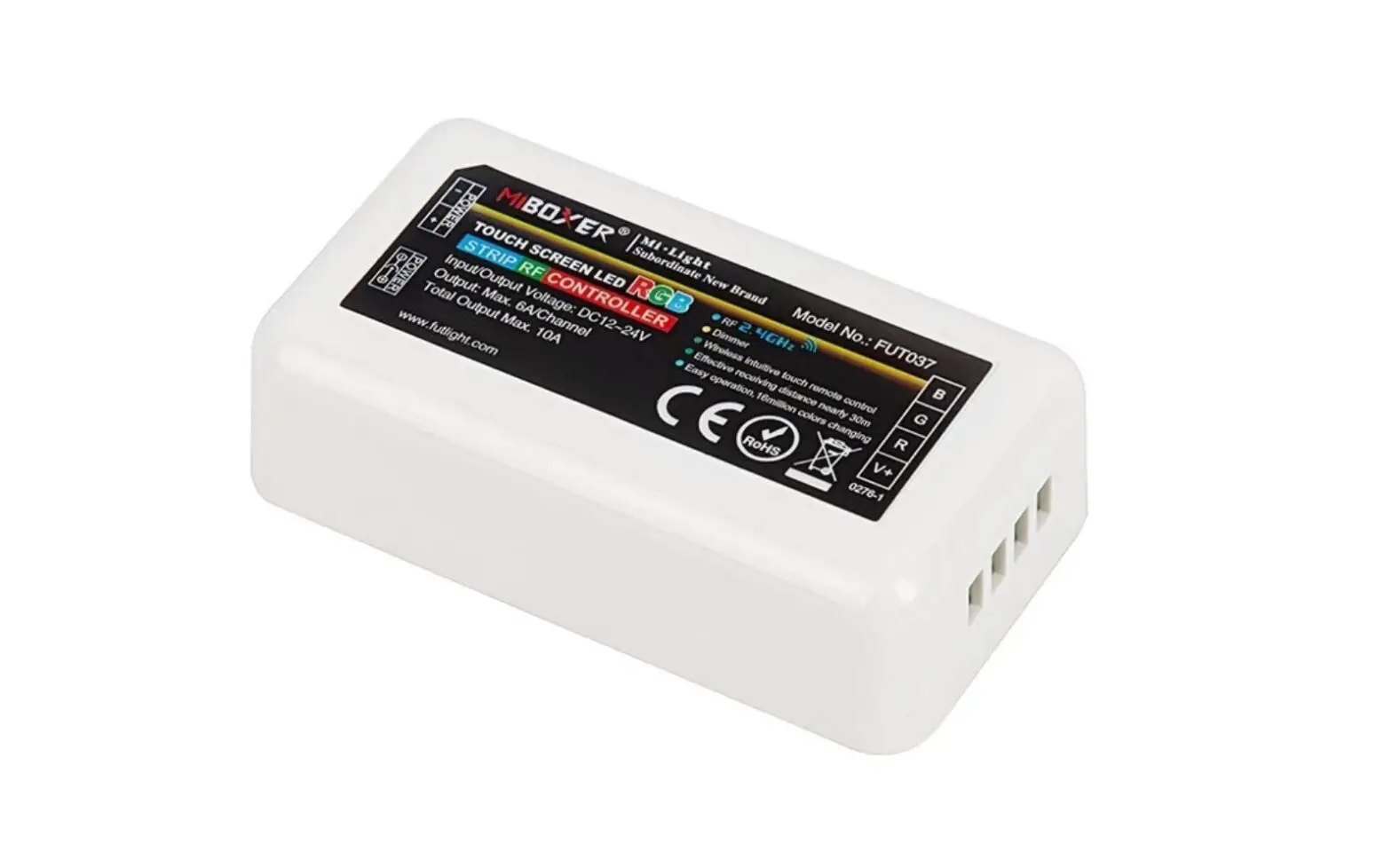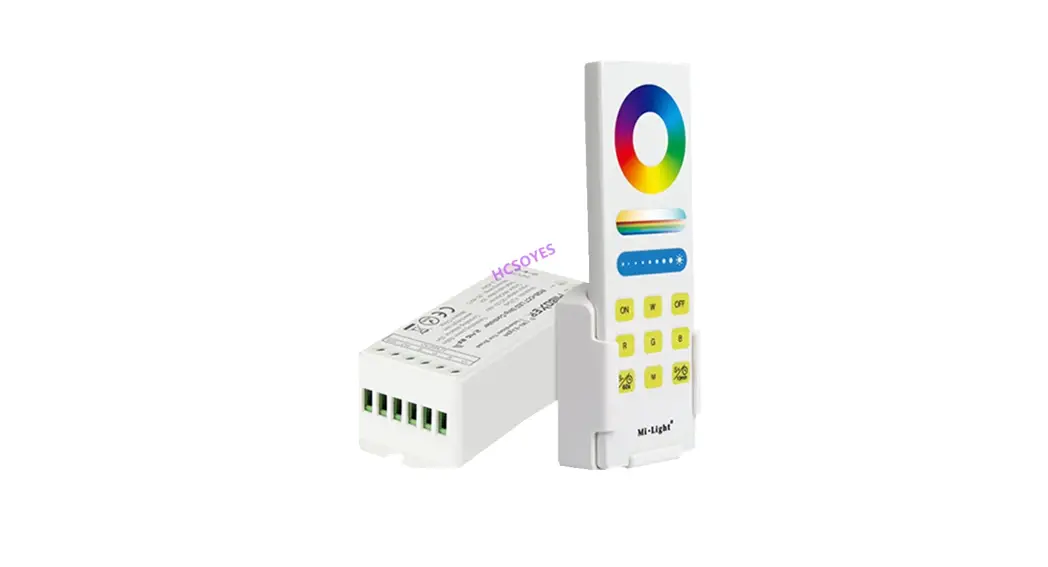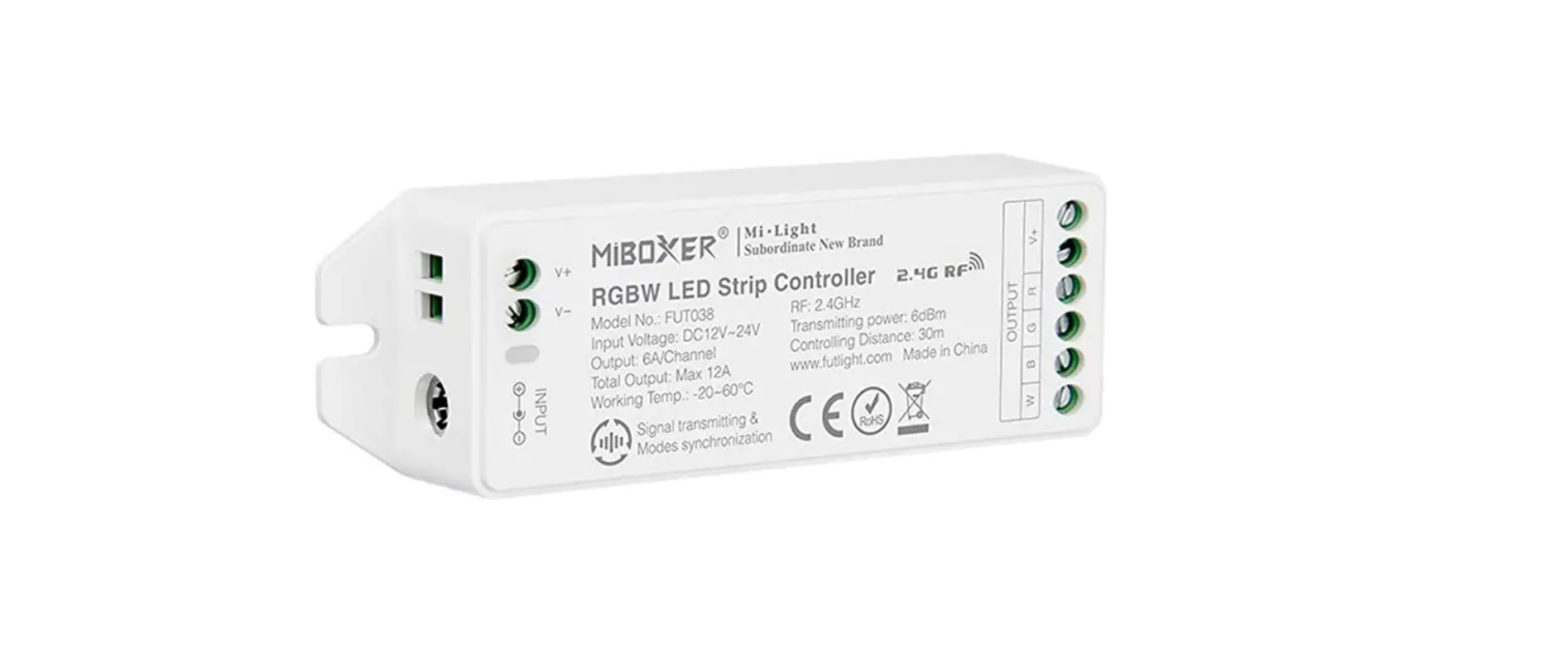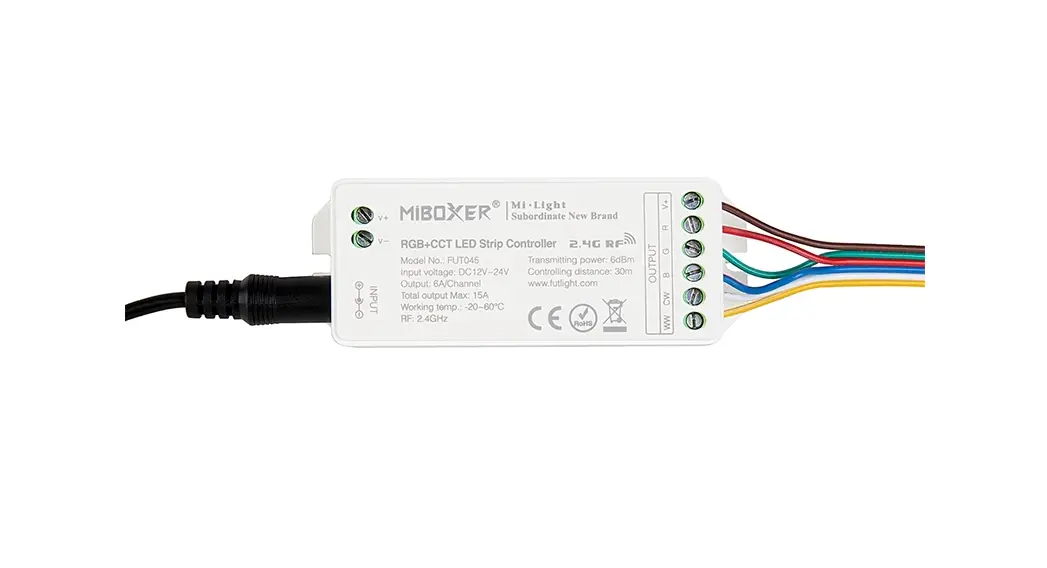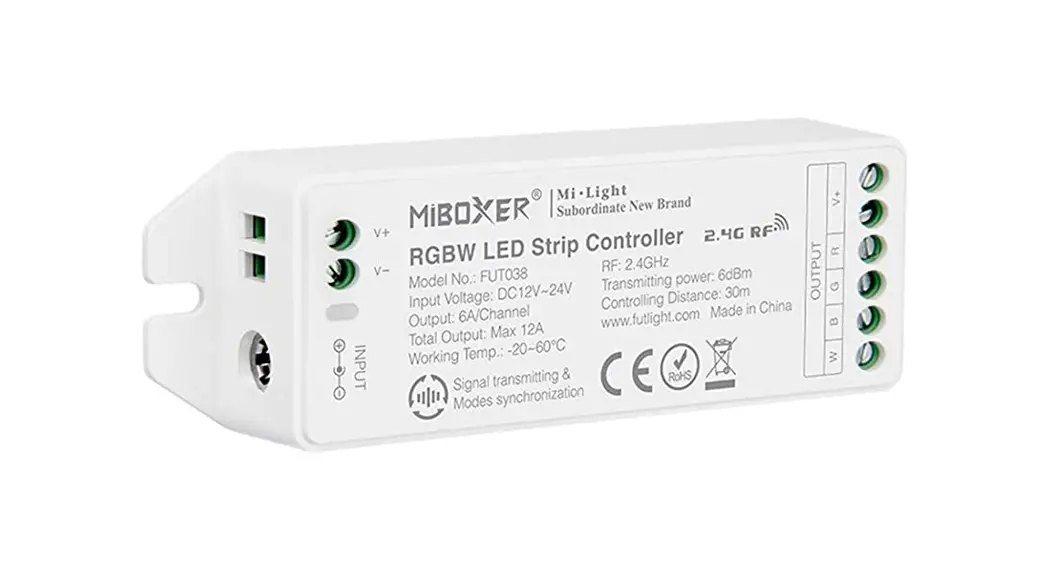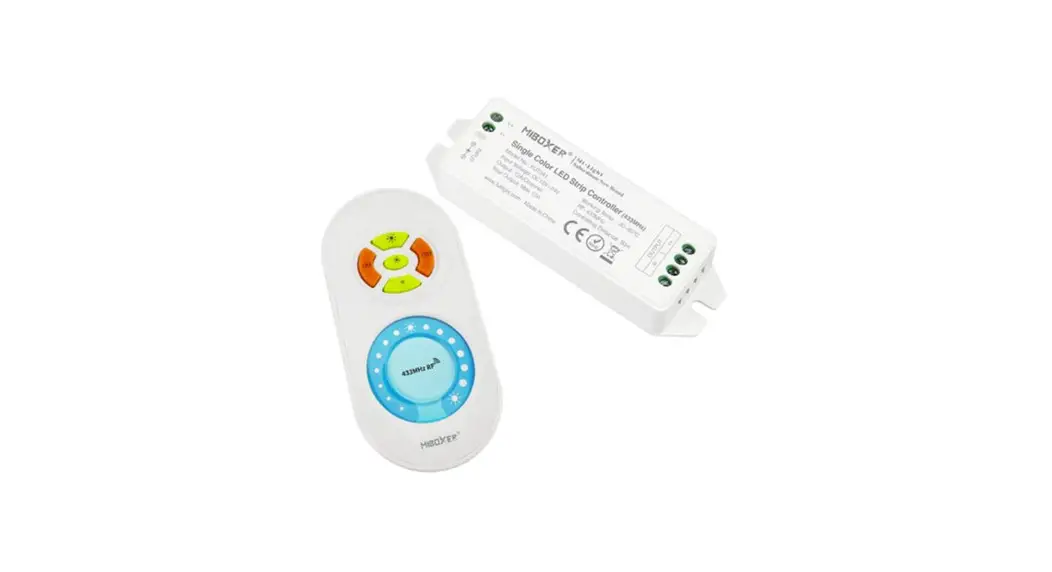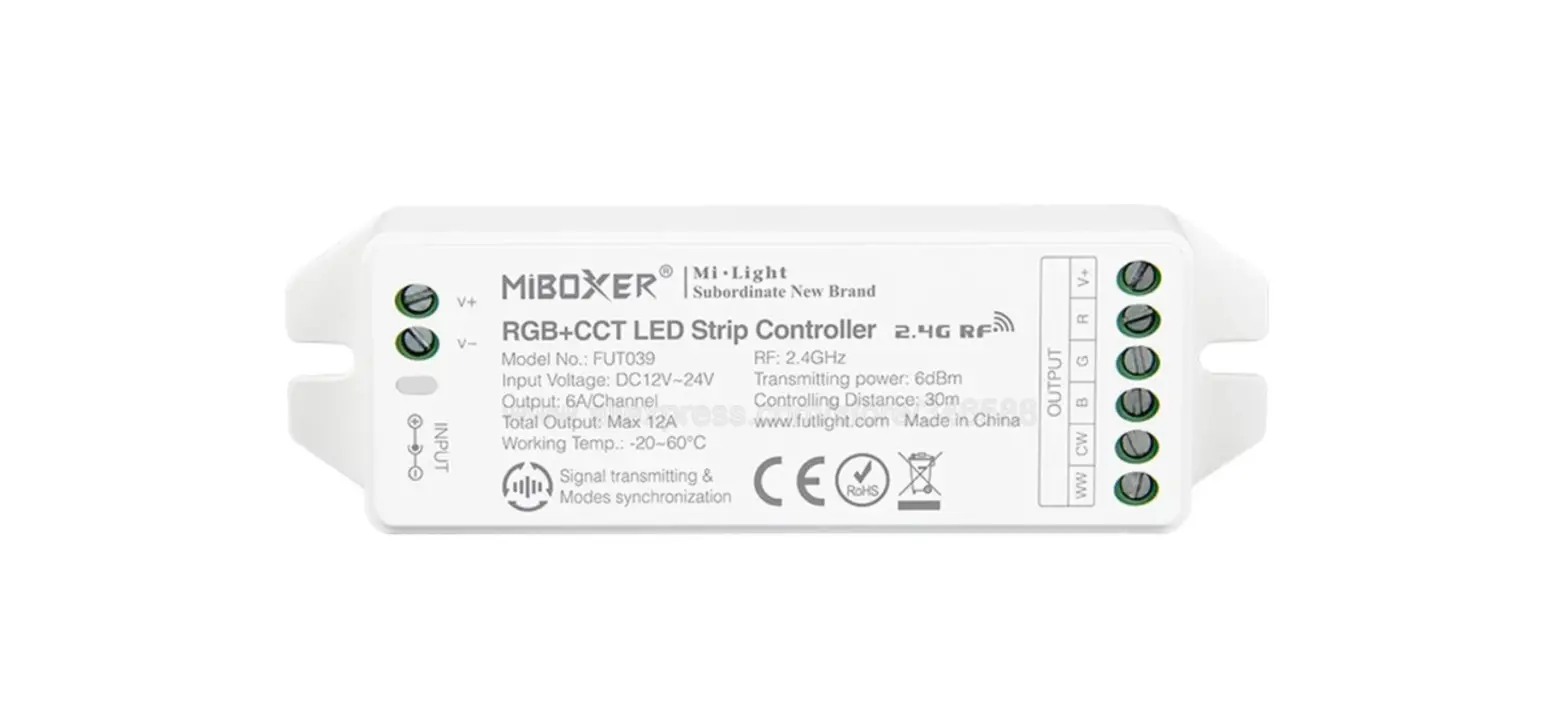

MIBOXER FUT021 LED Strip Dimmer Wifi Single Color
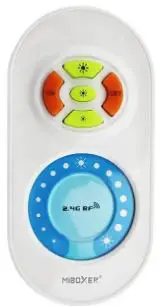
Model No.: FUT021
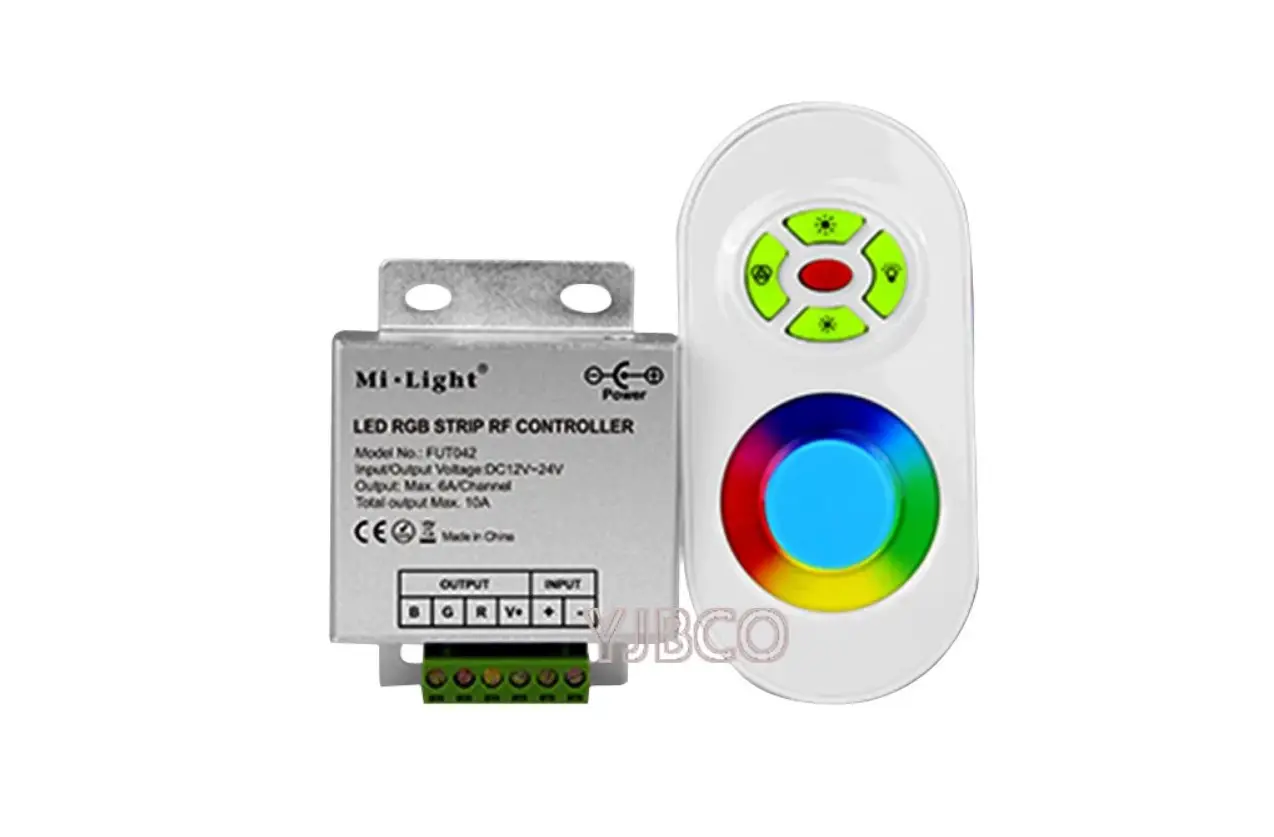
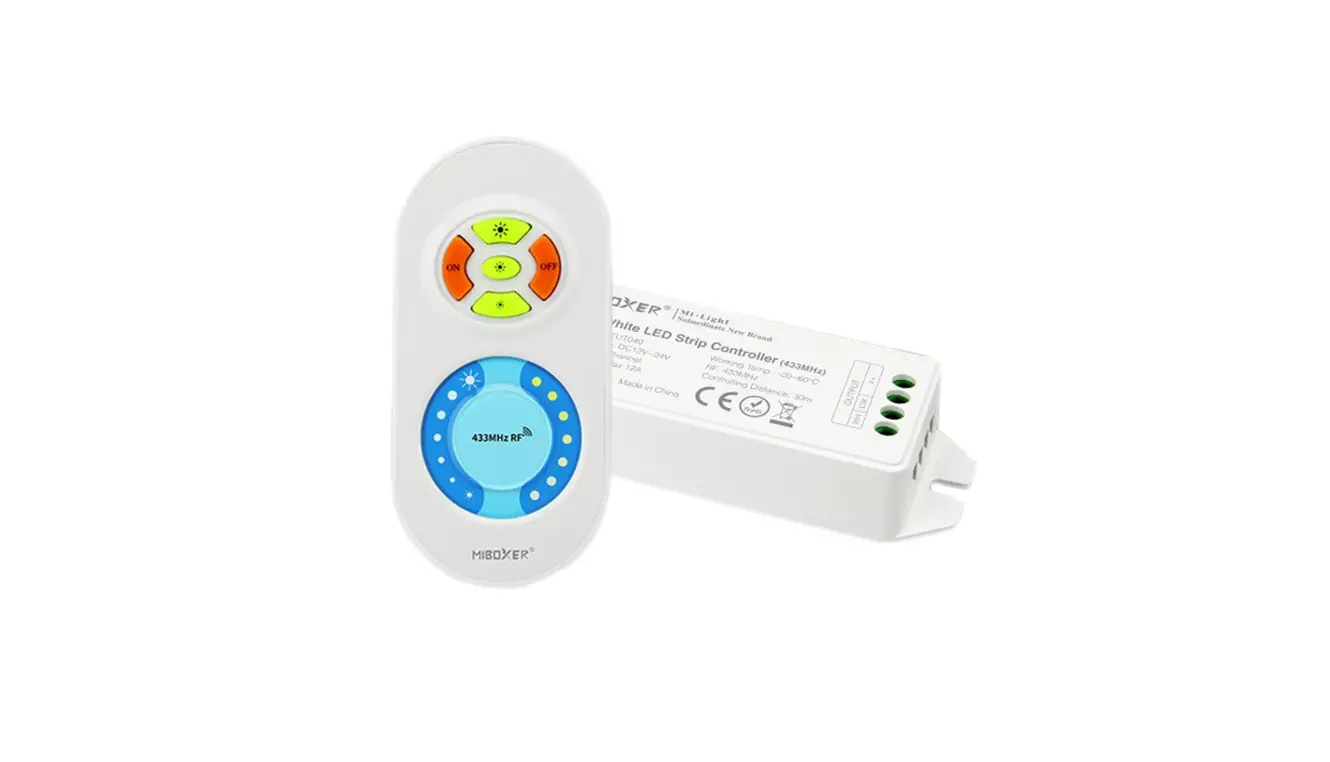
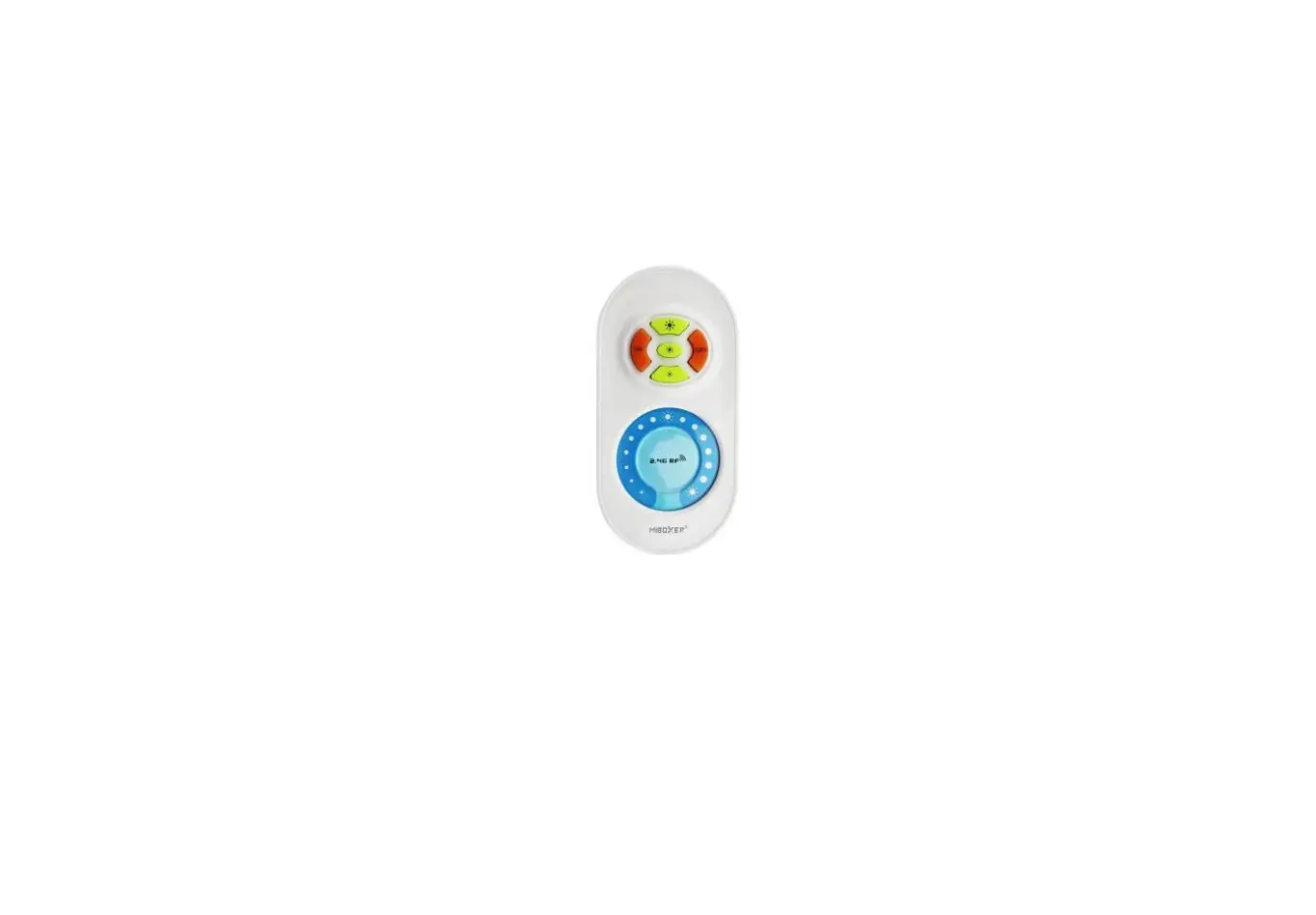
Function of keys
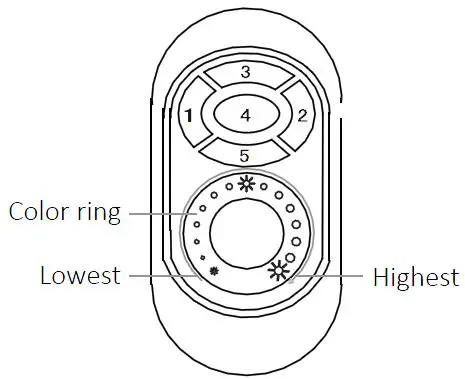
- Key 1: ON
- Key 2: OFF
- Key 3: Highest brightness
- Key 4: Medium brightness
- Key 5: Lowest brightness
How to use
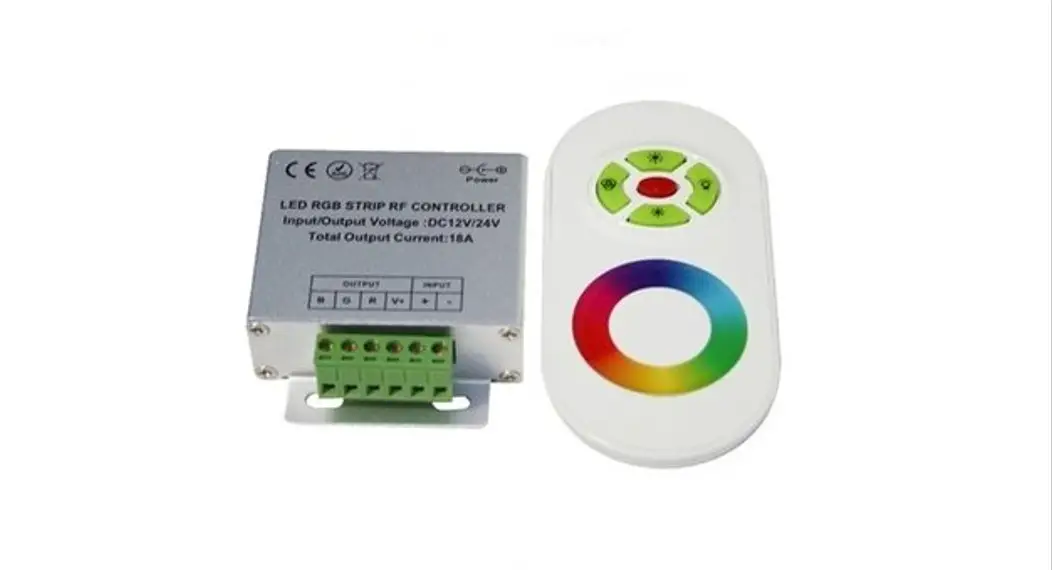
- Use your finger to touch the color ring, you can change the brightness from the highest to the lowest (100%-1%).
- Resume fuction. The previous settings will be resumed while power on again.
- Link / Unlink
Link: Press “Key 3” one time within 3 seconds when power on, the link is done when the light blinks 3 times.
Unlink: Press “Key 3” five times quickly within 3 seconds when power on, the unlink is done when the light blinks 6 times.
Caution
Please don’t touch or press the color ring while loading the batteries to protect the sensitiveness. Please use the remote controller 3 seconds after the battaries are loaded. Please reload the battaries when you find the color ring is not sensitve.