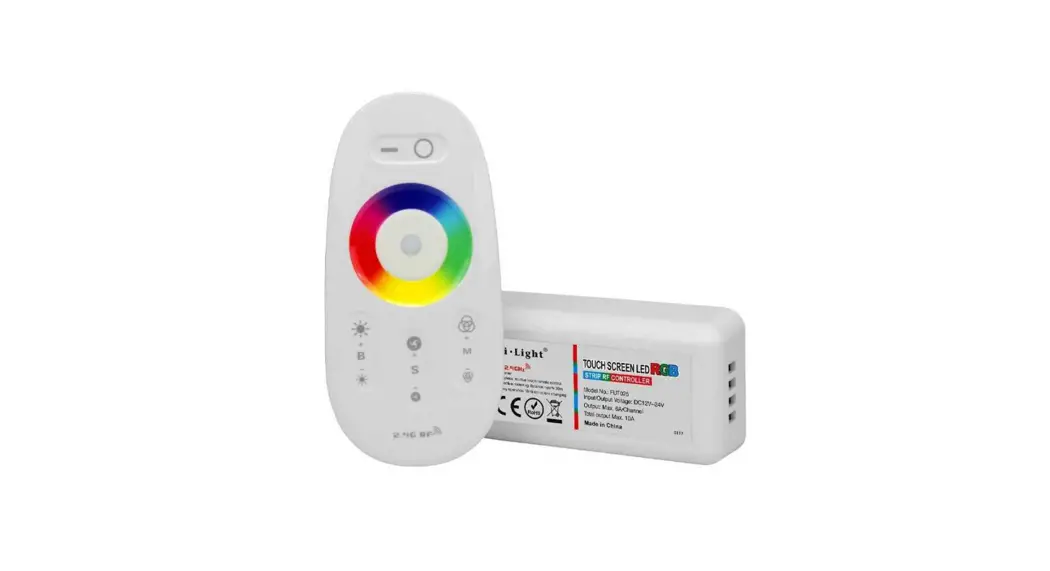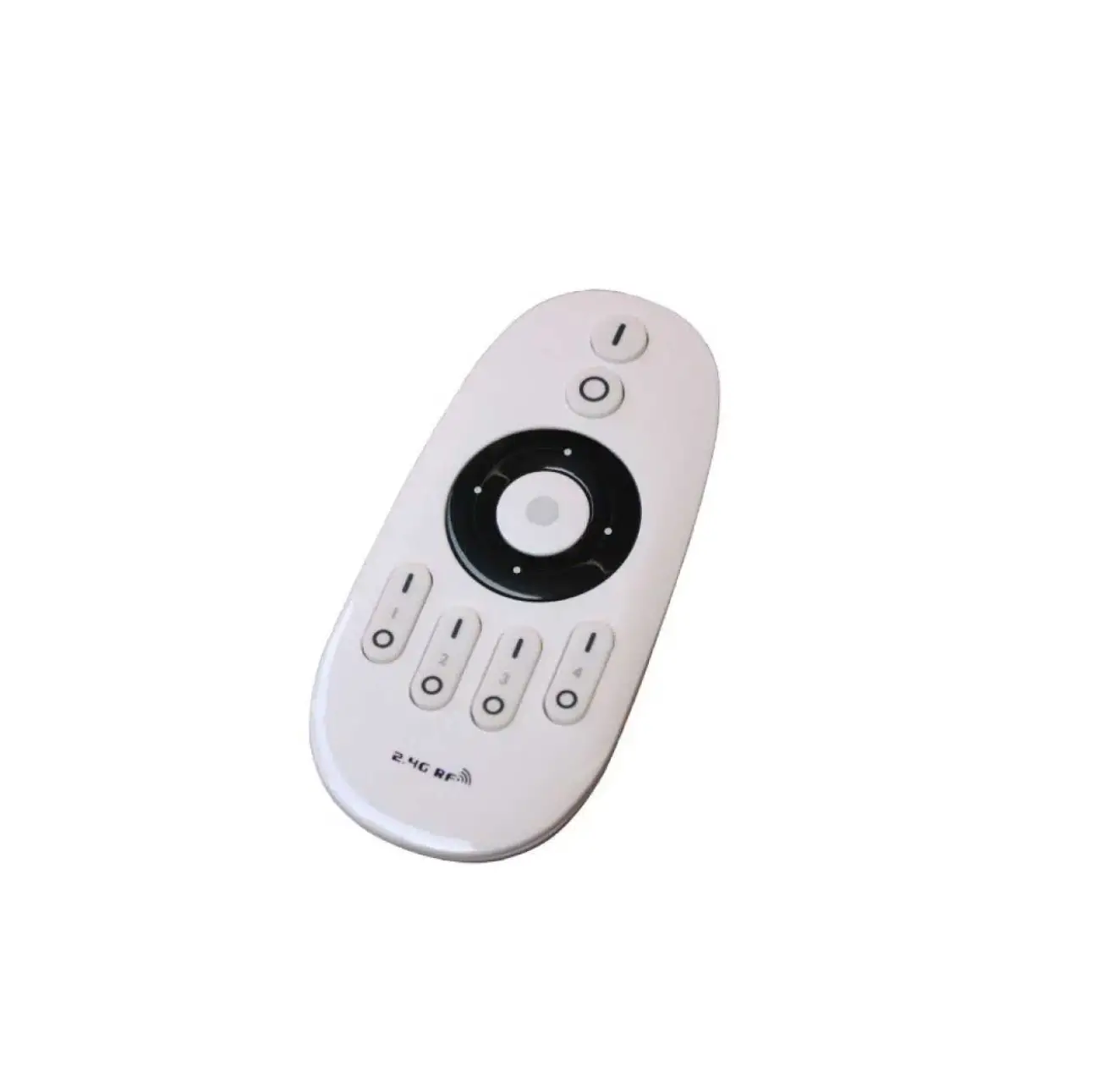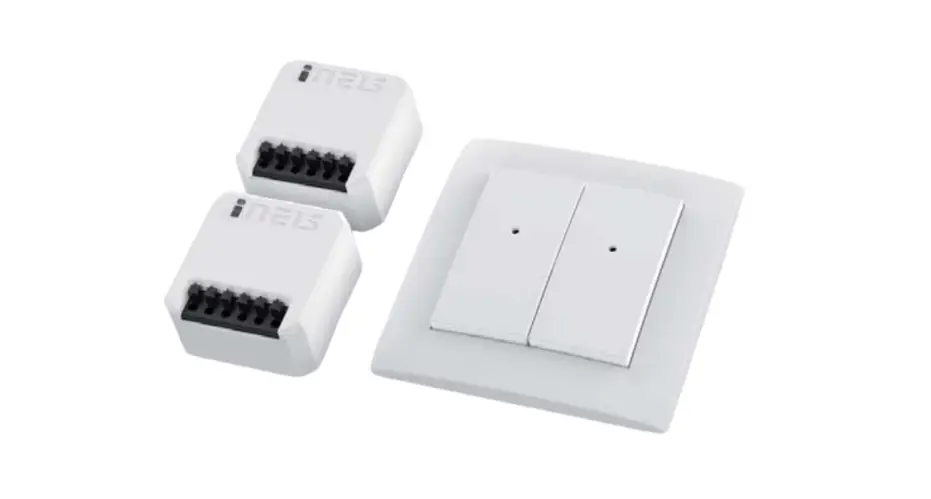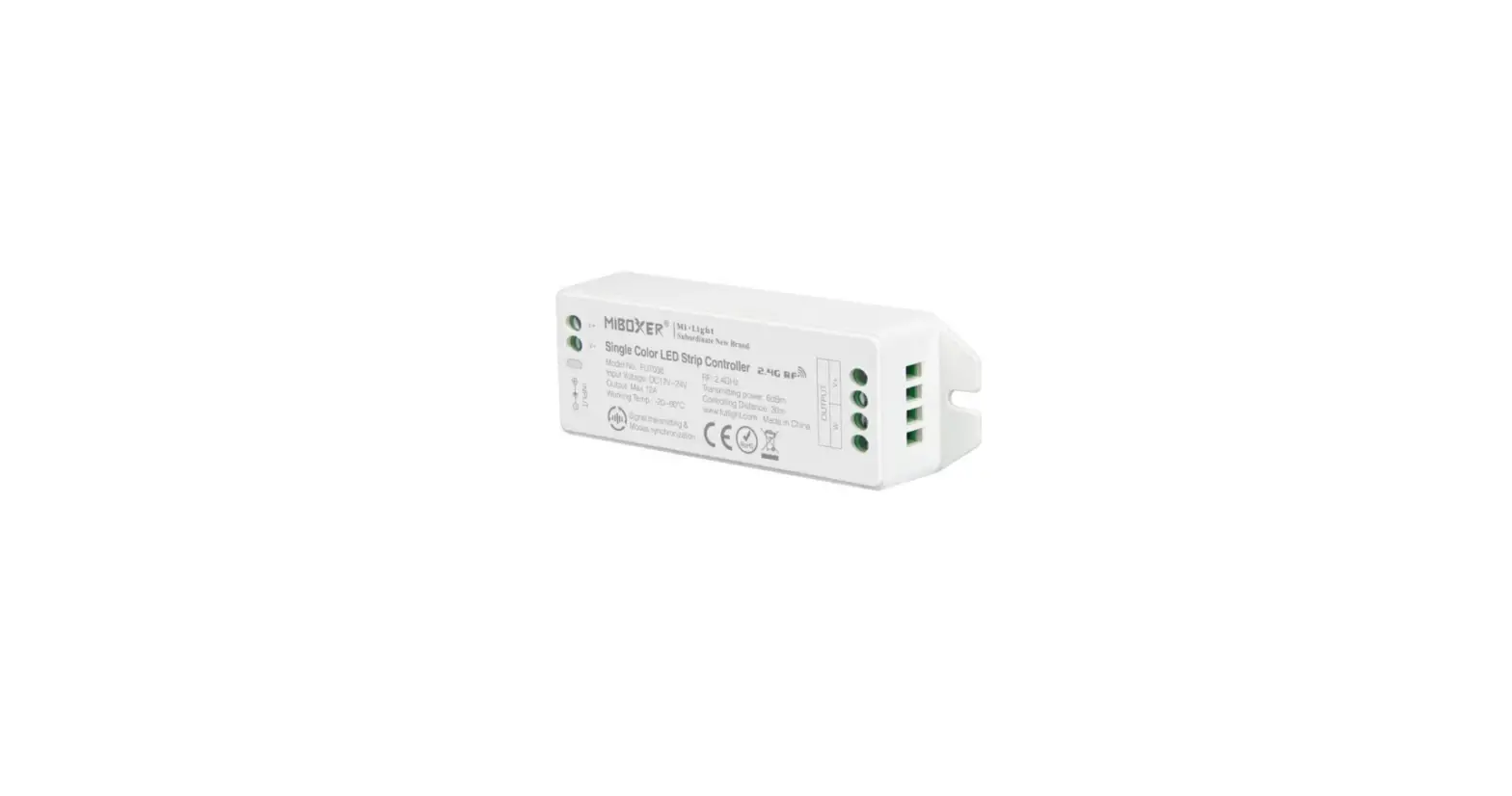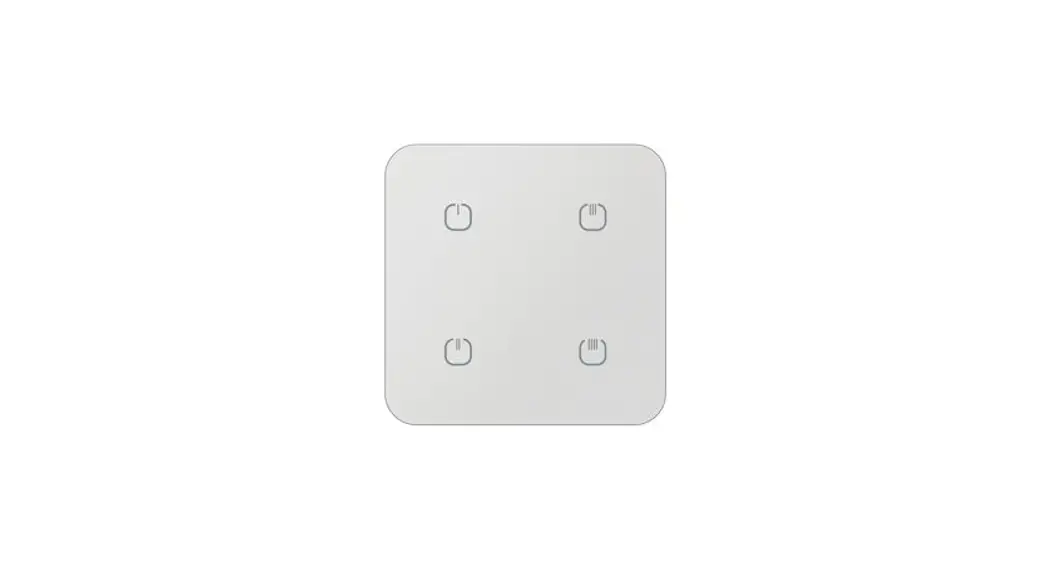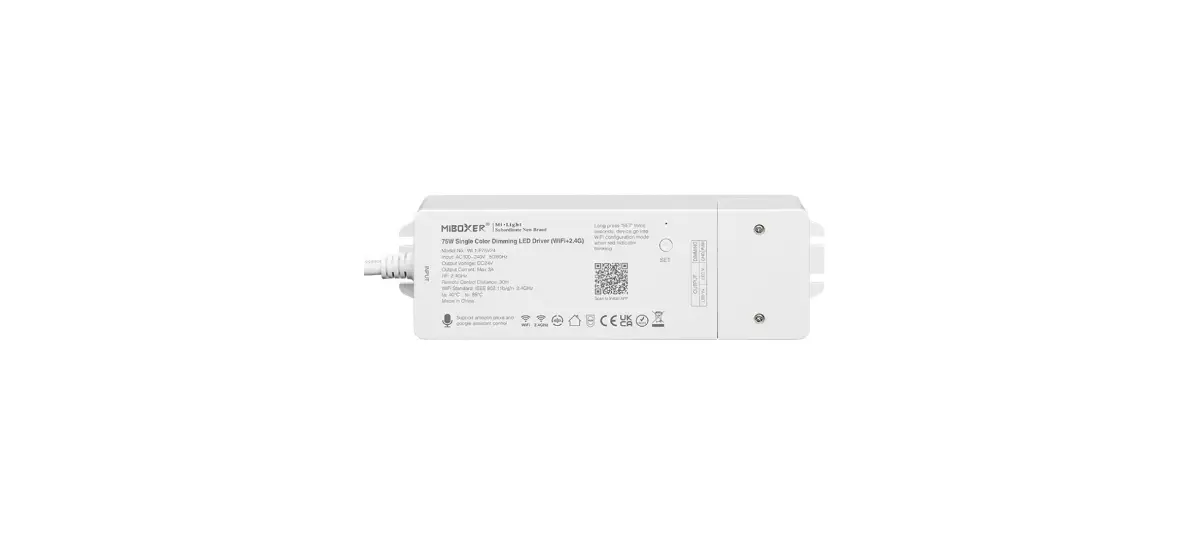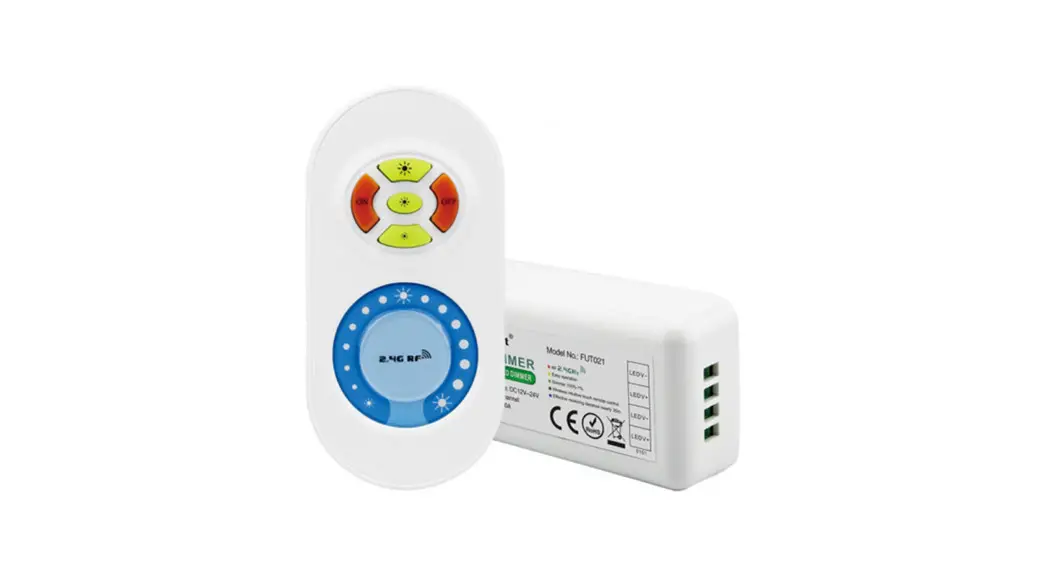
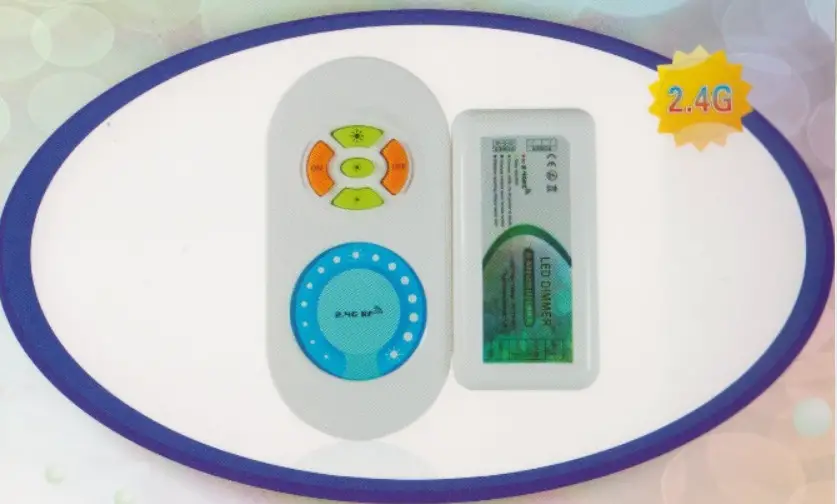
RF WIRELESS LED DIMMER
 Easy EasyPlug and play installation | Smooth RF touch remote |
Contents
Technical Parameters(controller):
 RF 2.4GHz
Dimmer
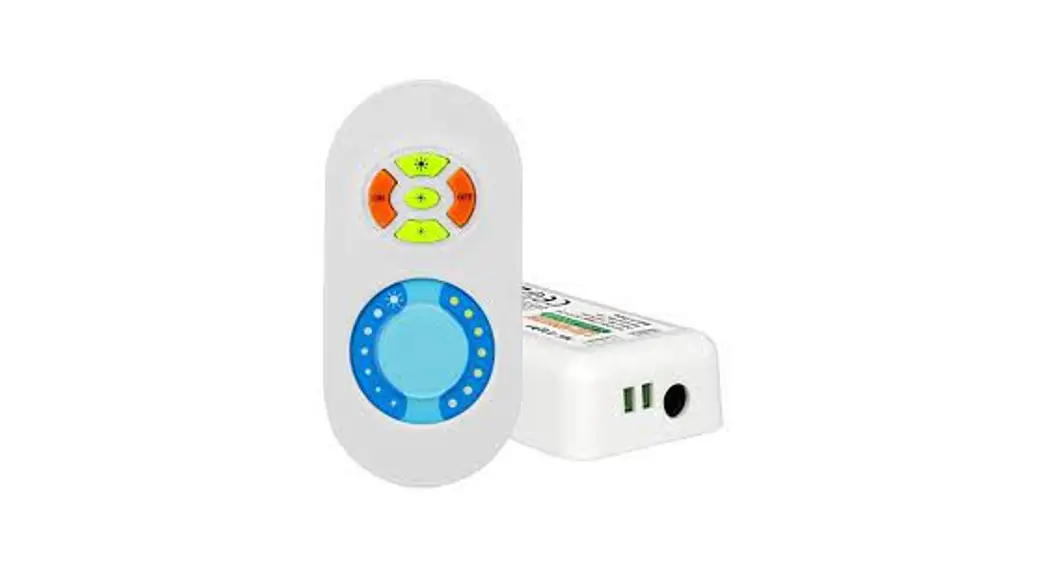
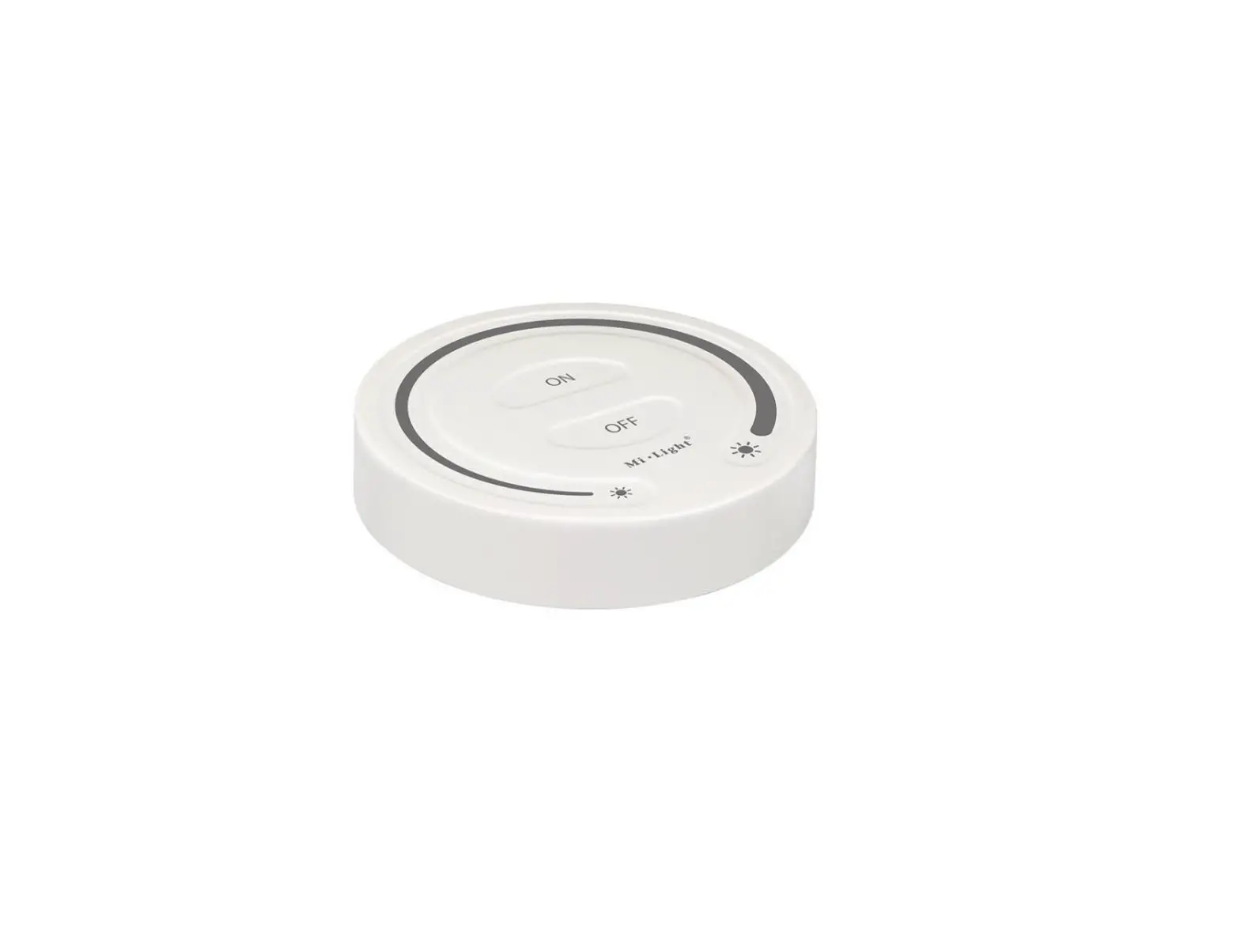
Wireless intuitive touch remote control
Effective receiving distance nearly 30m
Working voltage: DC12V24V
Output control: 1 circuit
Control current: 6Ncircuit
Dimensions (lxwxh): 85x45x22mm
Receiving range: 30meters
How to use
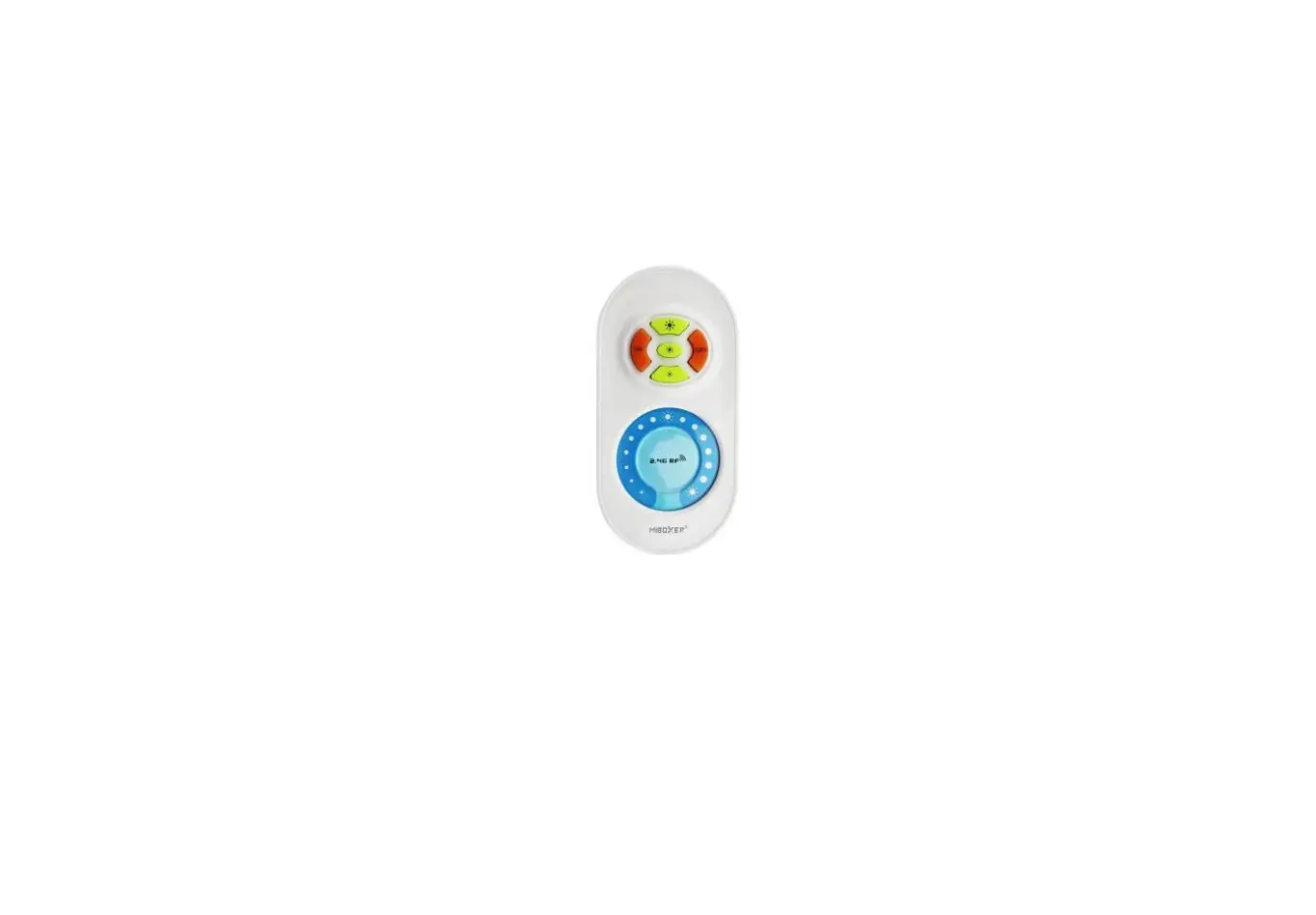
- Use your finger to touch the color ring you can change the brightness from the highest to the lowest (100%-1%,50 grades to adjust).
- Resume function. The previous settings will be resumed while power on again.
- Matching code
Press Key 3 once within 3 seconds when power on again, the light will blink 3 times if matching is successful.
Clearing Code
Press Key 3 five times within 3 seconds when power on again, the light will blink 6 times if clearing is successful.
Application
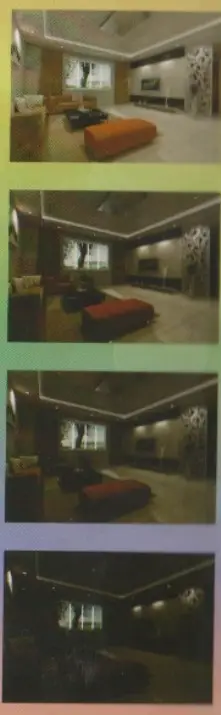
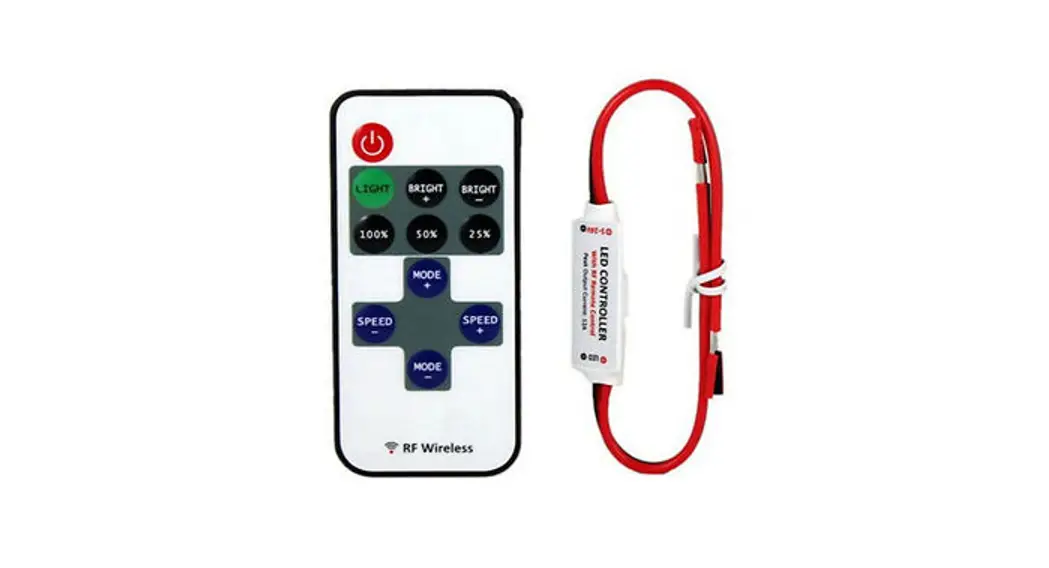
RF Wireless Touching LED Remote Controller
(Brightness Adjusting)
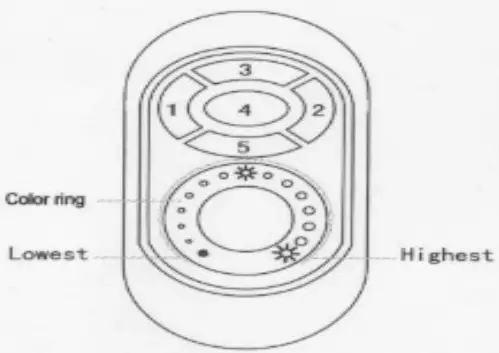
- Technical Parameters(remote control):
1: Power supply: AAA battery 2 pcs
2: Cover material:ABS - Technical Parameters(controller):
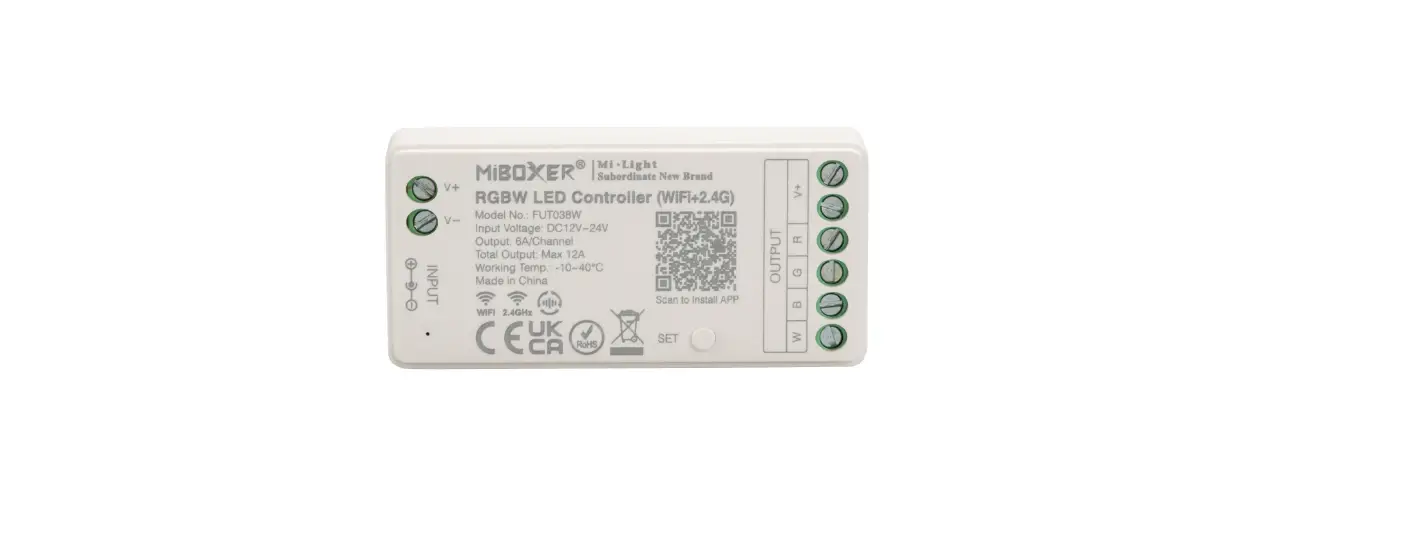
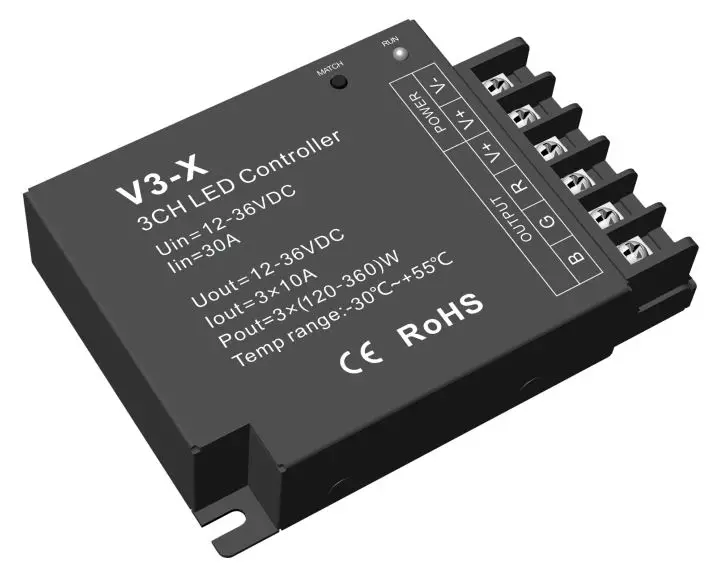
1. Working voltage: DC12V- 24V
2. Output control: 1circuit
3. Control current: 6A/circuit
4. Dimension: L854W45–H22mm
5. Receiving range:30meters - Functions of Keys
1. Key 1 on
2. Key 2: off
3. Key 3: highest brightness
4. Key 4: medium brightness
5. Key 5: lowest brightness - How to use
1. Use your finger to touch the color ring .you can change the brightness from the highest to the lowest (100%-1%.50 grades to adjust).
2. Resume function. The previous settings will be resumed while power on again.
3. Matching code
Press Key 3 once within 3 seconds when power on again, the light will blink 3 times if matching is successful.
Clearing Code
Press Key 3 five times within 3 seconds when power on again the light will blink 6 times if clearing is successful. - Caution
Please don’t touch or press the color ring while loading the batteries to protect the sensitiveness. Please use the remote controller 3 seconds after the batteries are loaded. Please reload the batteries when you find the color ring is not sensitive. - Connecting chart: