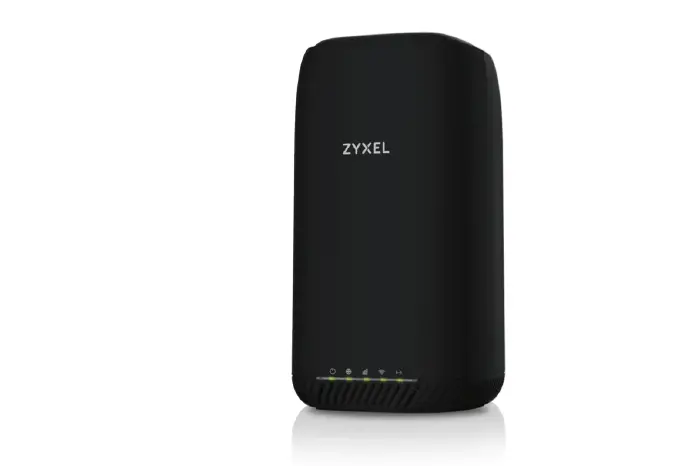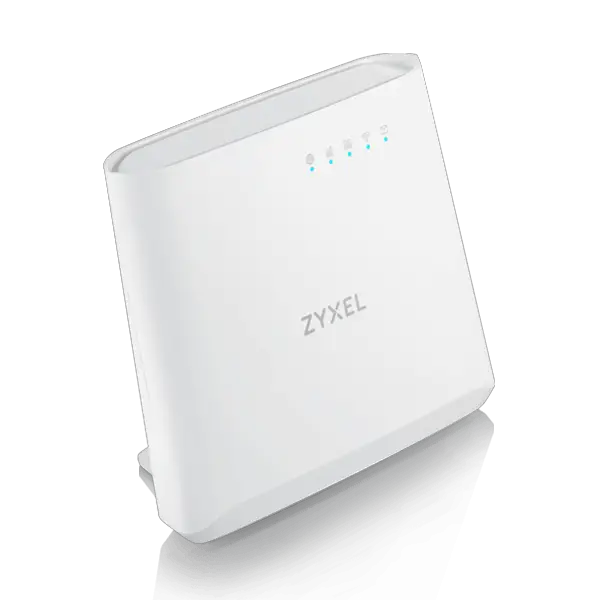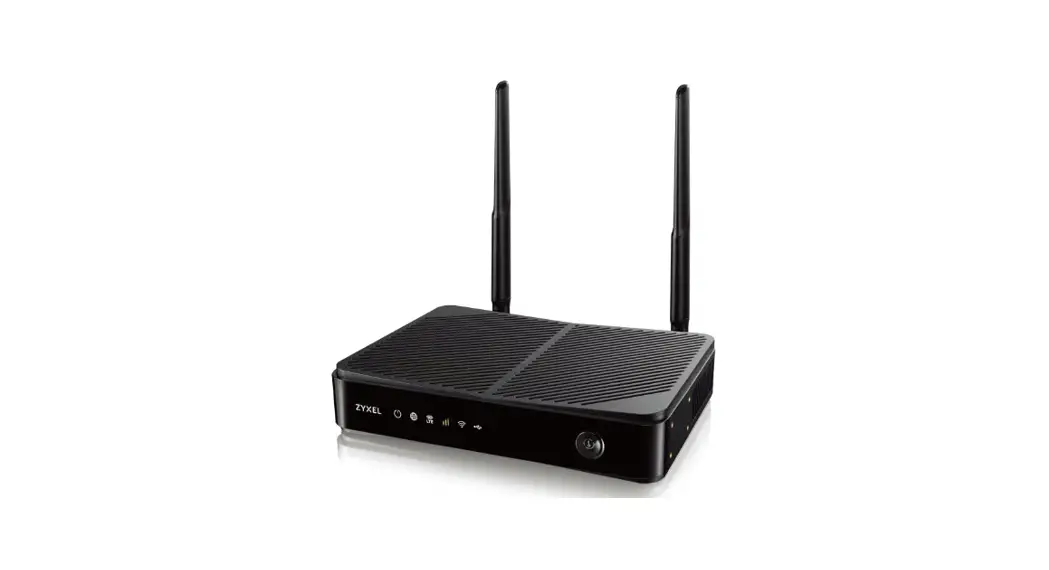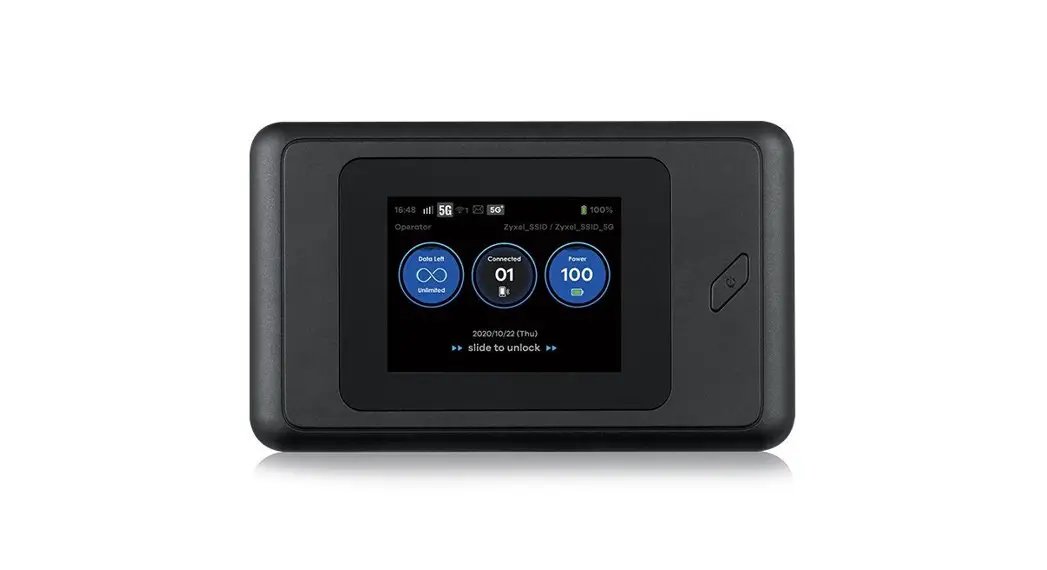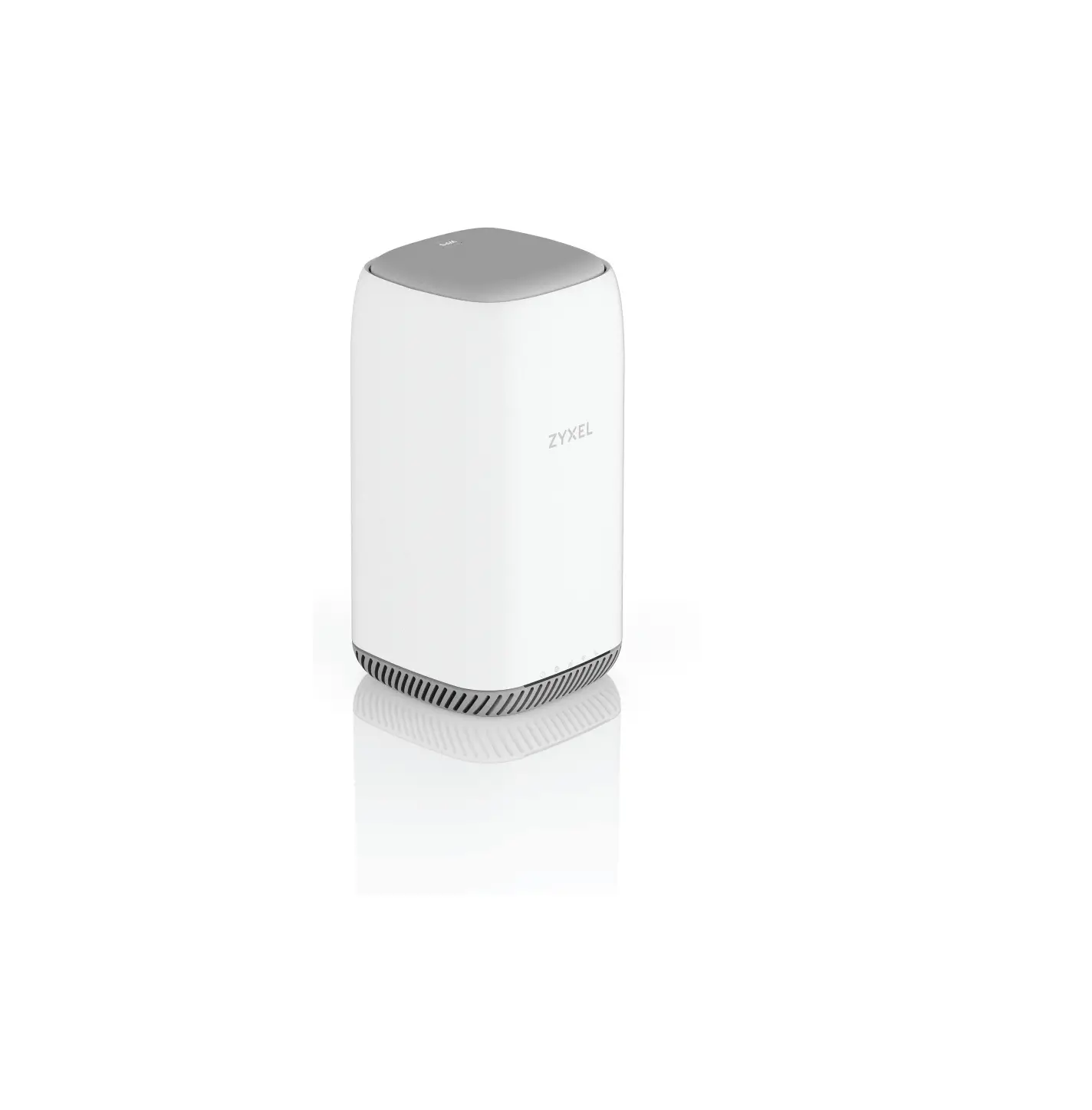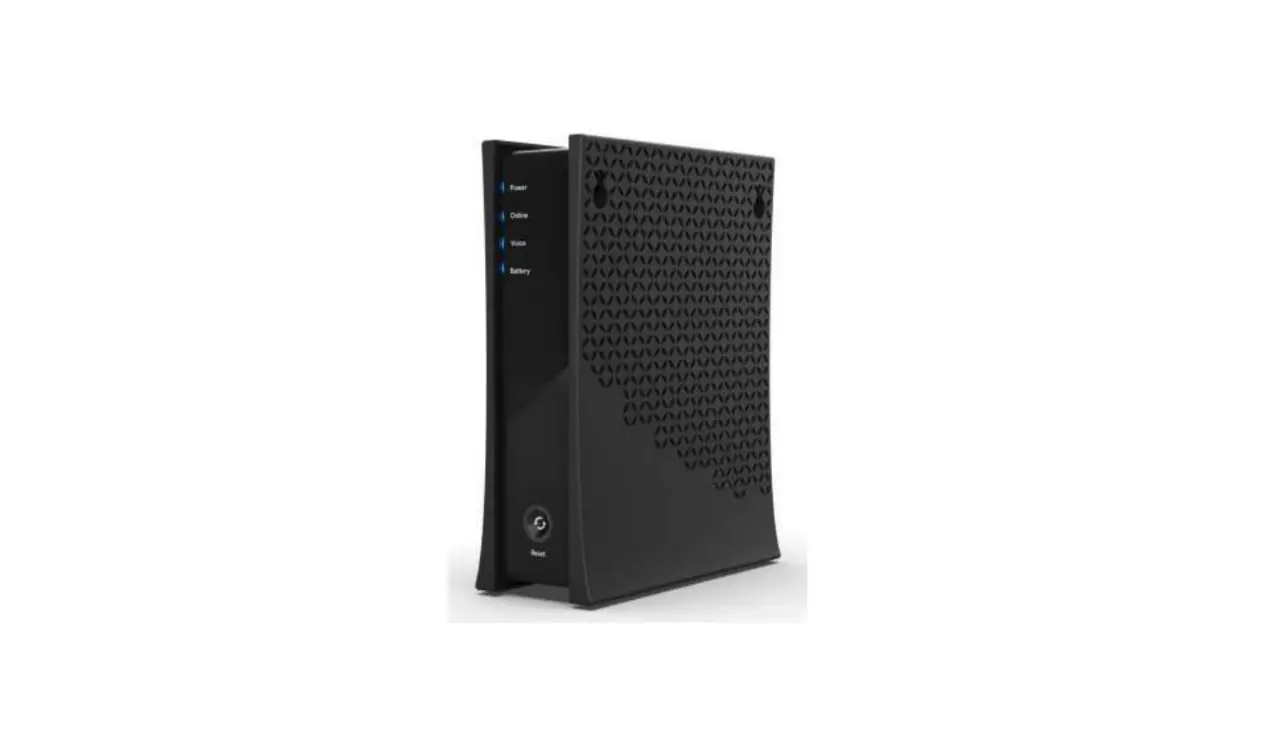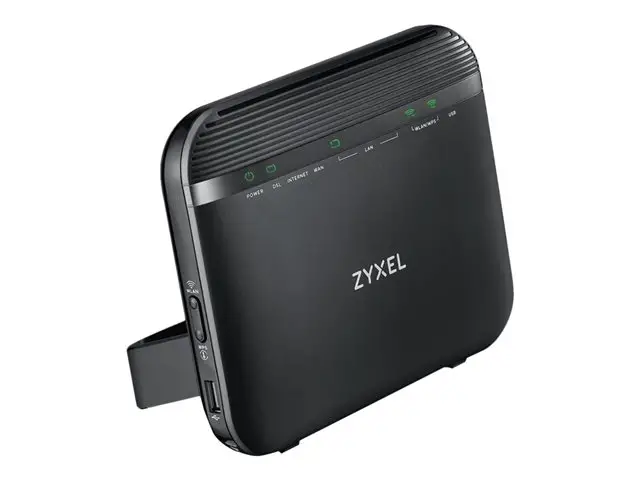
ZYXEL LTE Indoor Wi-Fi Voice IAD
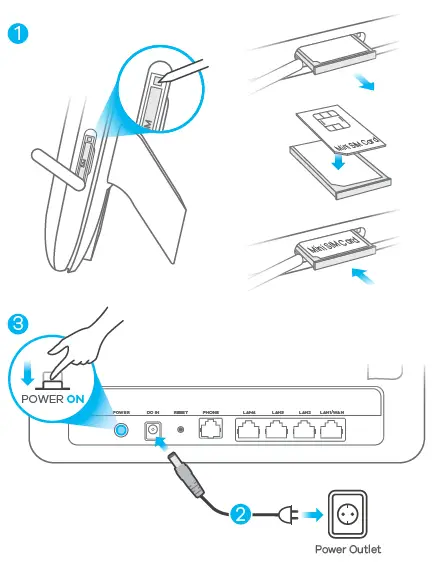
Hardware Installation 
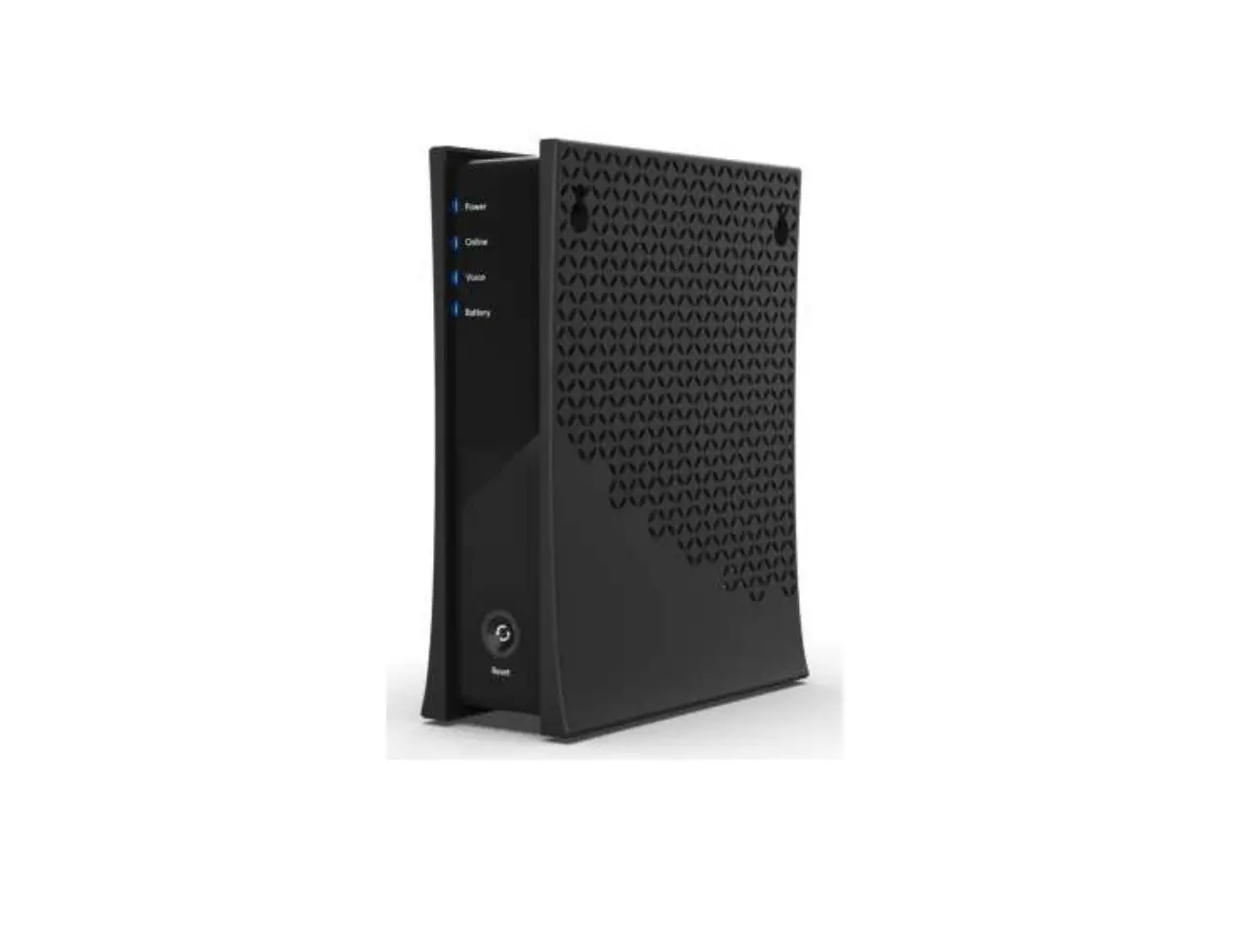
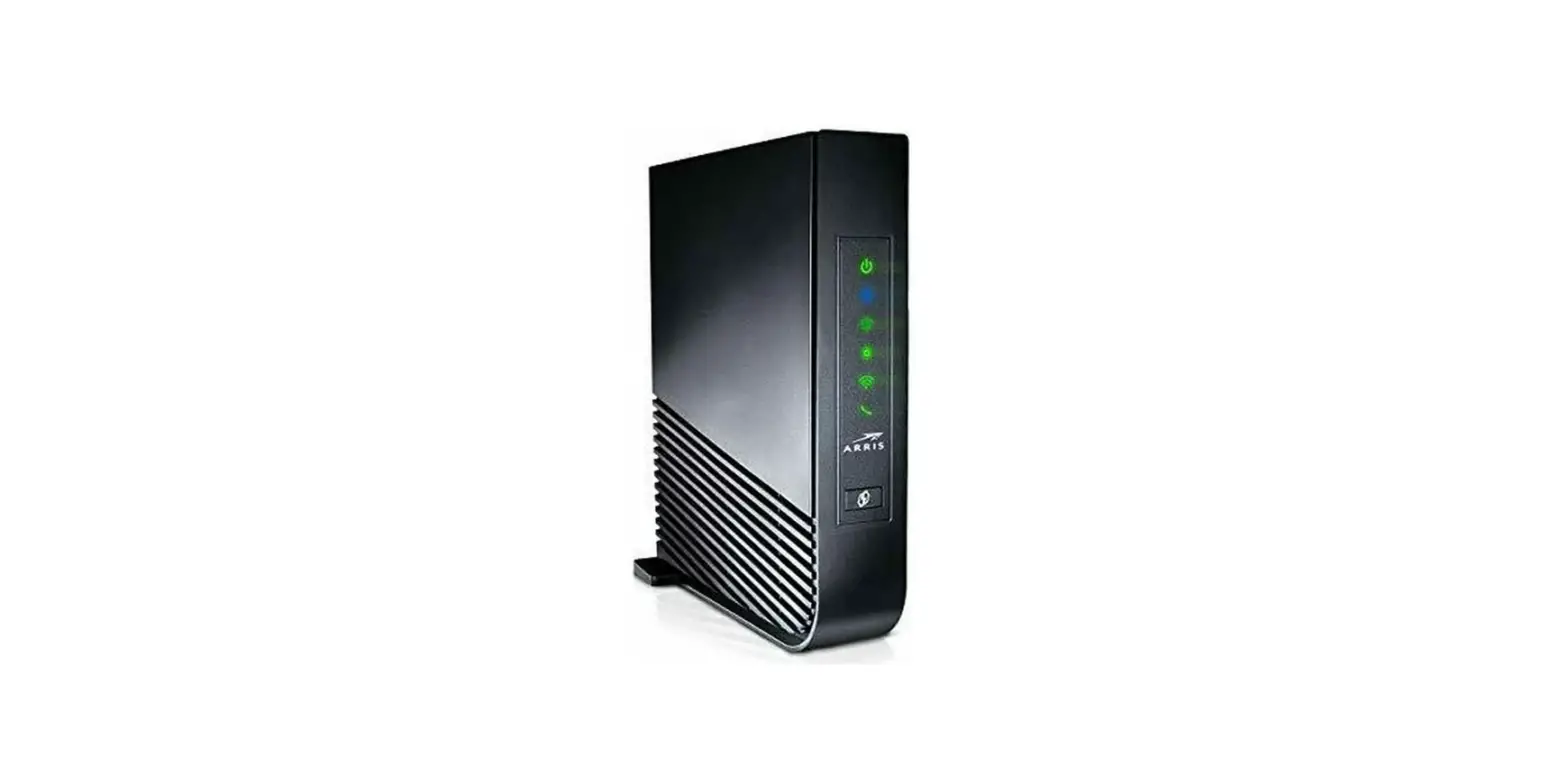
Check LED Lights
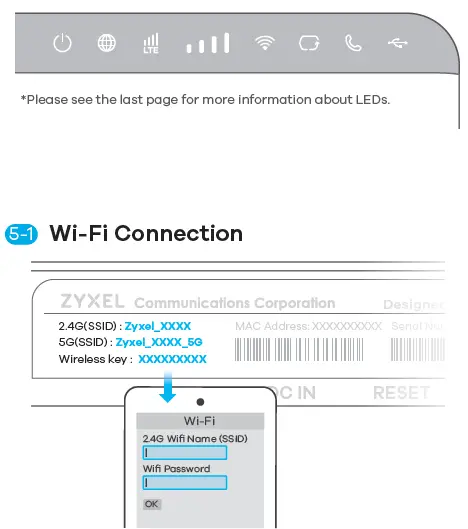
Check that the LED lights are already on.
Find the Wi-Fi name (SSID) and enter the Wi-Fi password.
Ethernet Cable Connection
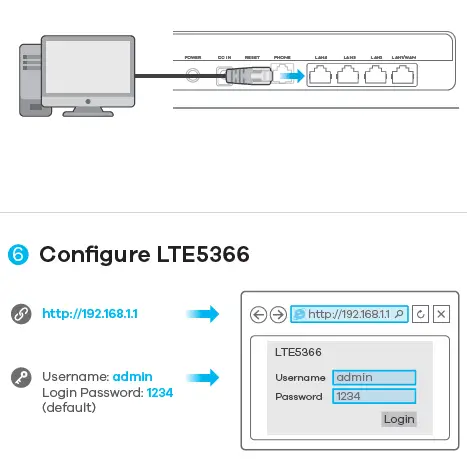
LEDs
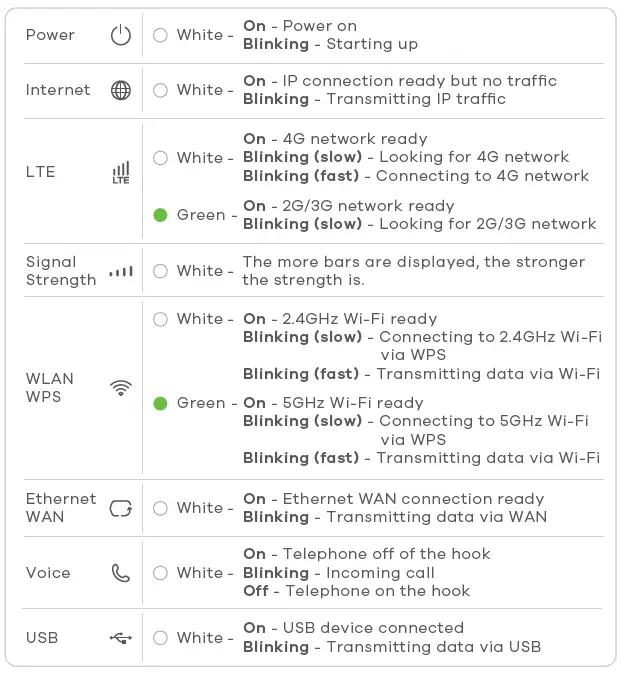
*Slow: the LED blinks once per second.
Fast: the LED blinks once per 0.5 second.
Support Information
North America + 1 800 978 7222
USA [email protected]
Italy + 39 011 2308000
[email protected]
UK + 44 3331 559 301
[email protected]
Germany + 49 2405 690969
[email protected]
Netherlands +31 (0)88 00029112
[email protected]
Spain + 911 792 100
[email protected]
France + 33 4 72 52 97 97
[email protected]
See the User’s Guide at www.zyxel.com for more information, including customer support and safety warnings.
EU Importer
Zyxel Communications A/S
Gladsaxevej 378, 2. th. 2860 Søborg, Denmark.
http://www.zyxel.dk
US Importer
Zyxel Communications, Inc
1130 North Miller Street Anaheim, CA 92806-2001
http://www.us.zyxel.com
 Zyxel Networks, Your Networking Ally | Zyxel Networks
 Zyxel Networks, Your Networking Ally | Zyxel Networks
 Zyxel Networks, Your Networking Ally | Zyxel Networks
 Zyxel Networks, Your Networking Ally | Zyxel Networks