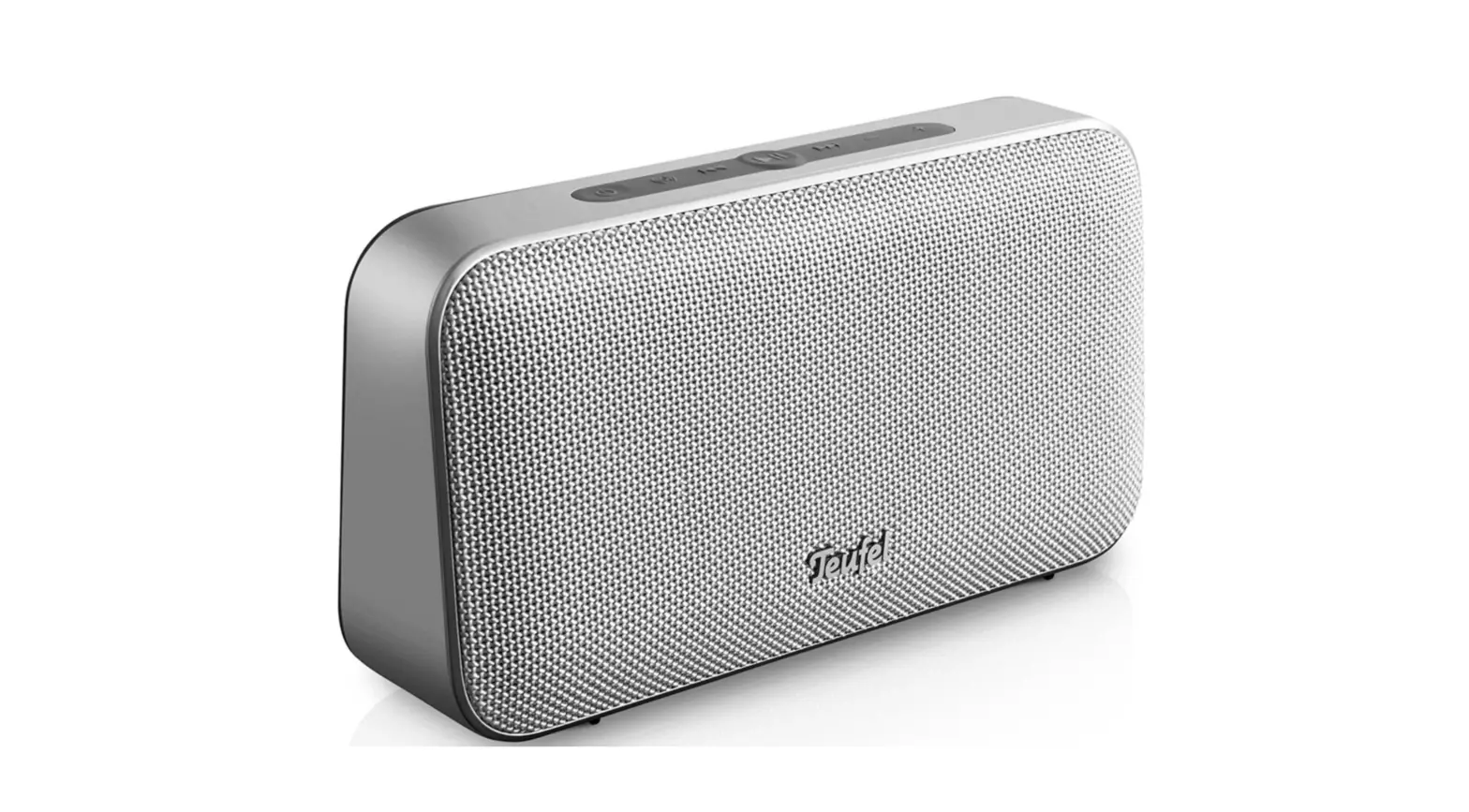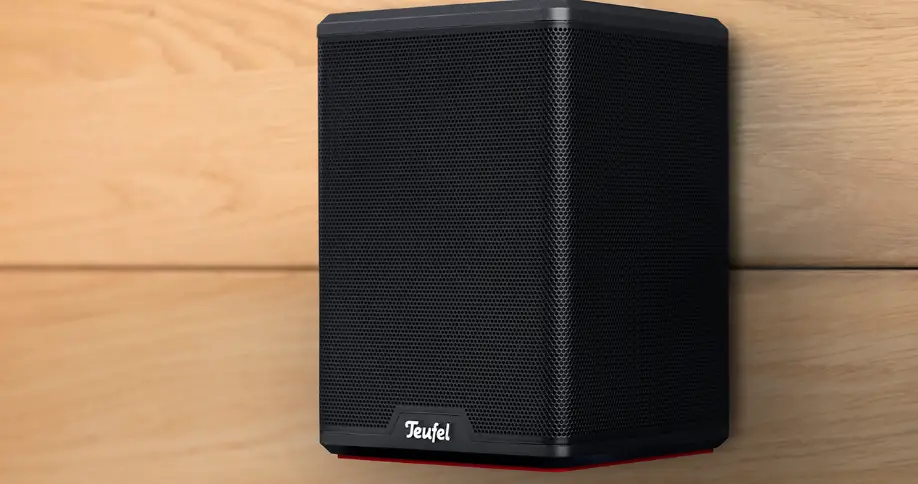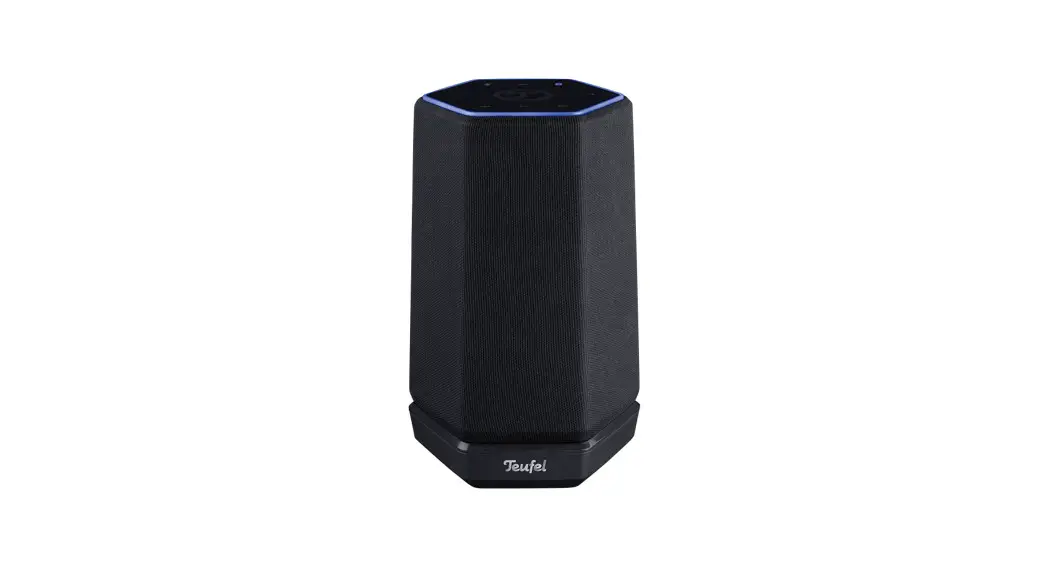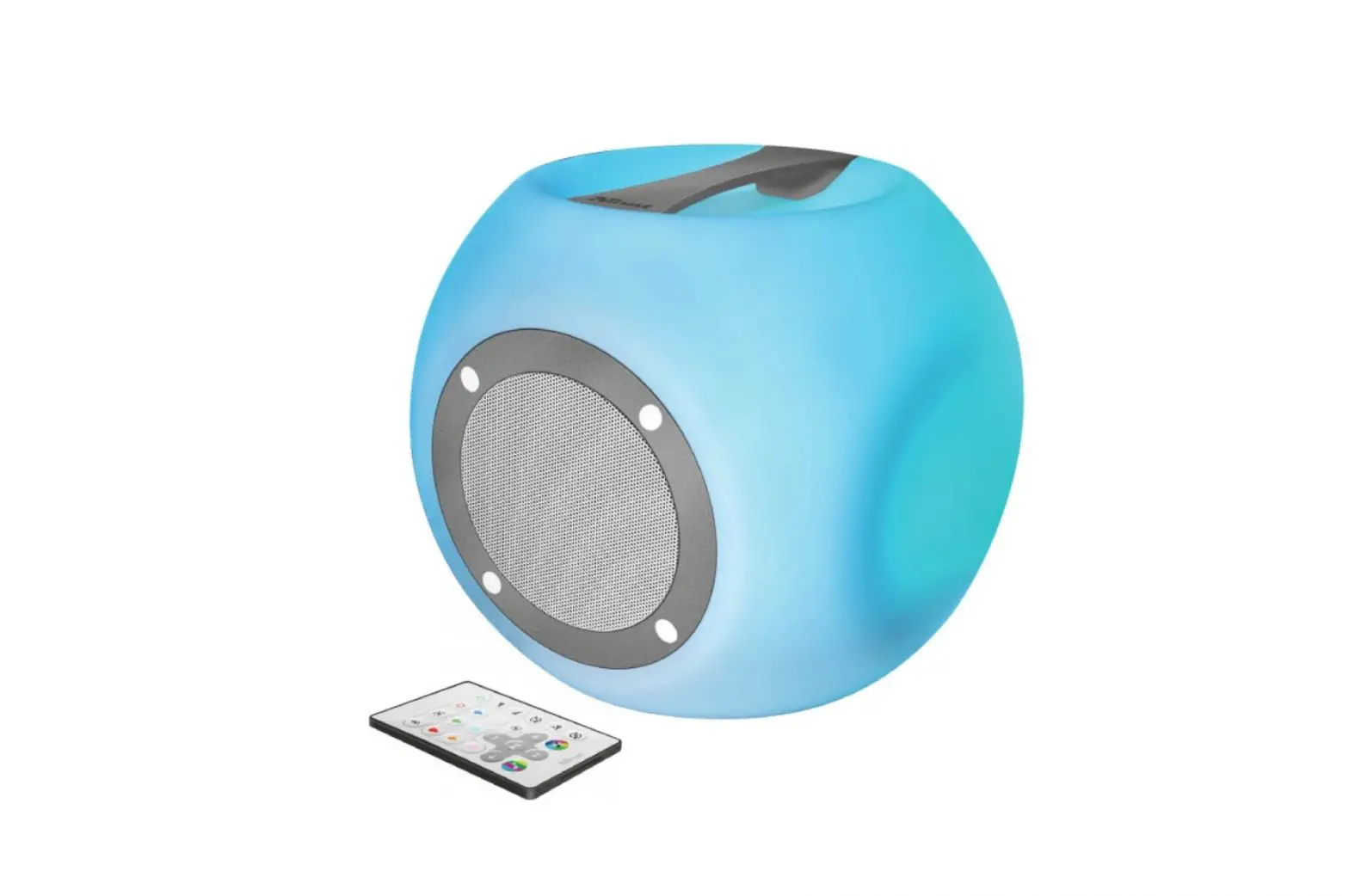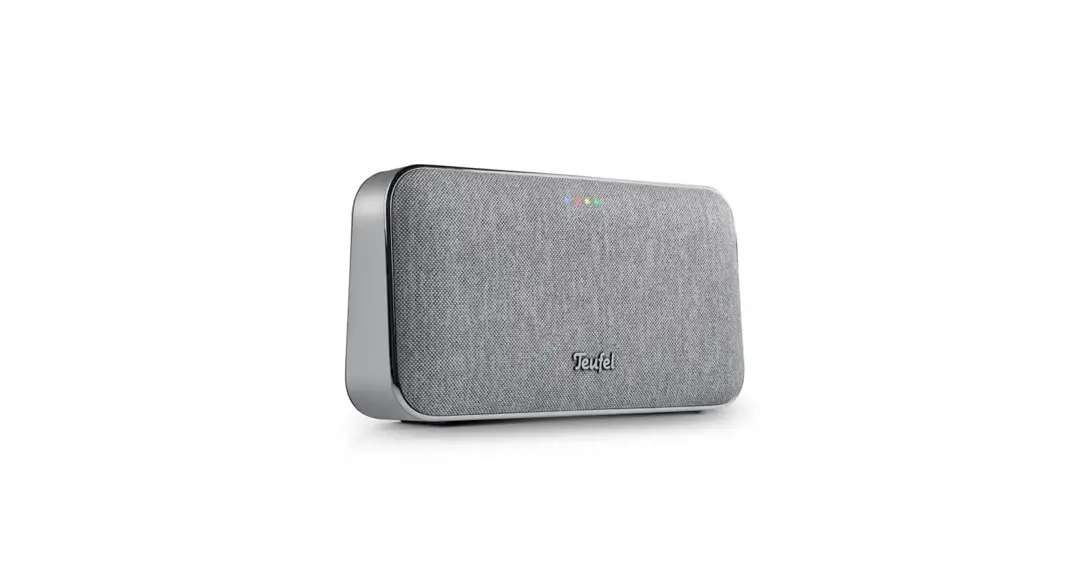
 MOTIV GO VOICE WiFi Speaker
User Guide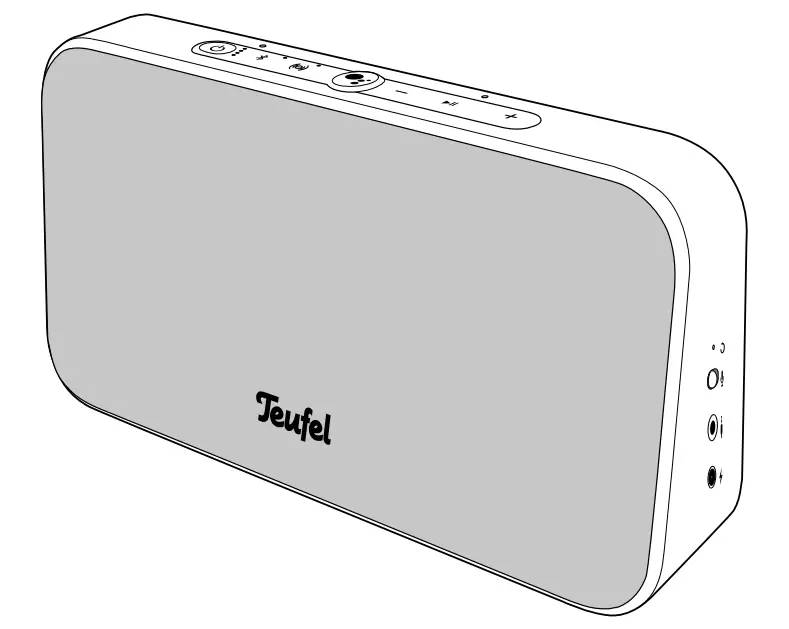
MOTIV® GO VOICE
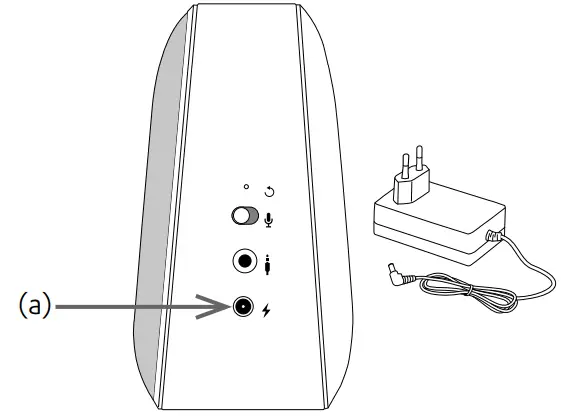
Charging the MOTIV® GO VOICE
The built-in lithium-ion rechargeable battery charges as soon as the MOTIV® GO VOICE is connected to the charger with the connector (a) and is supplied with power.
- The LEDs on the battery indicator (b) show the charging status:
The current battery status (see table) is indicated by the upper LEDs which light up in sequence. - When the battery is fully charged, the LEDs light up permanently.

Charge level
You can display the battery charge level during use by tapping the button: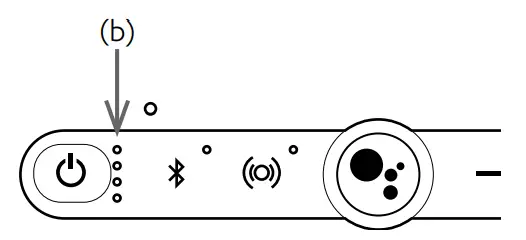
| 76–100 % | all 4 LEDs are illuminated |
| 51–75 % | 3 LEDs are illuminated |
| 26–50 % | 2 LEDs are illuminated |
| 11–25 % | Bottom LED is illuminated |
| <11 % | Bottom LED pulses |
Setting up with the Google Home App
To make setting up the MOTIV® GO VOICE easy, please download the ‘Google Home App’ for iOS and Android from the relevant store onto your smartphone or tablet.
 |  | |
| Google Home App |  |  |
| https://play.google.com/store/apps/details?id=com.google.android.apps.chromecast.app | https://apps.apple.com/de/app/google-home/id680819774 |
- Switch on the MOTIV® GO VOICE.
- Start the Google App.
- Follow the app’s easy instructions to set up a new device.
Important:
The Bluetooth® functions are only available once set-up is complete.
Google Assistant
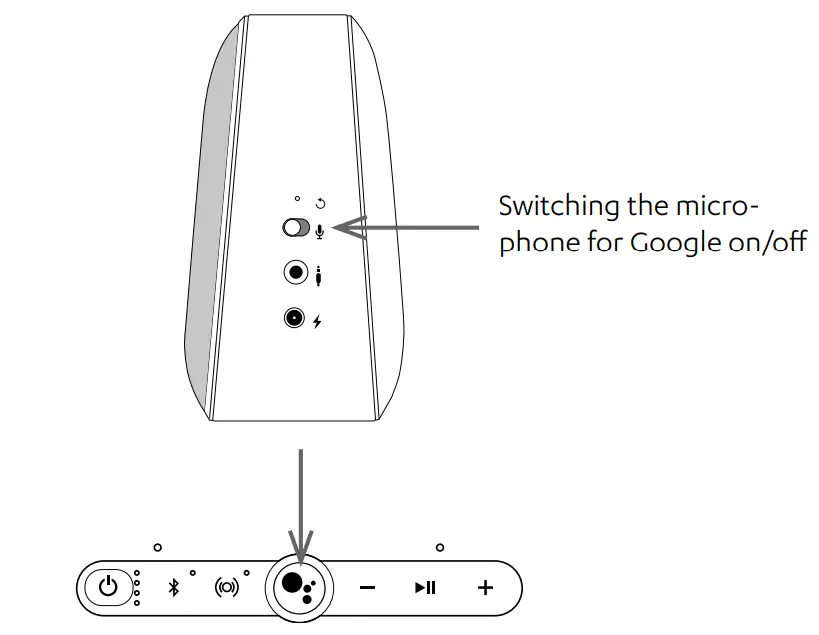
As soon as an Internet connection is established through Wi-Fi and the microphone is switched on, Google Assistant is ready for your questions and commands.
Always begin commands and questions with the phrase ‘OK Google’ or press the Google button .
.
A few control examples for the MOTIV® GO VOICE are listed below:
- “OK Google, increase the volume”
- “Ok Google, switch to Bluetooth”
- “OK Google, stop the playback in 30 minutes”
If you want to know what Google Assistant can do, simply ask: ‘Ok Google, what can you do for me?’ Or you can also explore the info pages online: https://assistant.google.com/explore
https://assistant.google.com/explore
Operating instructions
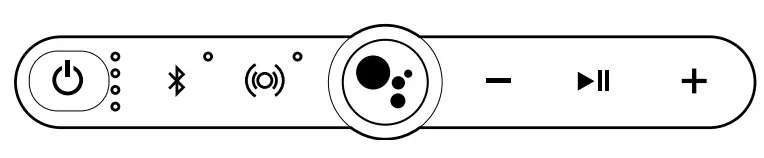
General Hold for 2 sec. to switch the device on or off Reduce the volume
 Increase the volume
 Switch Dinmore® stereo-expanding technology on/off
Bluetooth®
 Press briefly: Select Bluetooth® as sourceHold for 2 sec.: Start Bluetooth® pairing: the LED next to the button flashes blue, activate Bluetooth® on smartphone and pair with the new device ‘Teufel MOTIV GO VOICE’.
The LED lights up permanently blue after successful pairingHold for 10 sec.: Delete Bluetooth® device list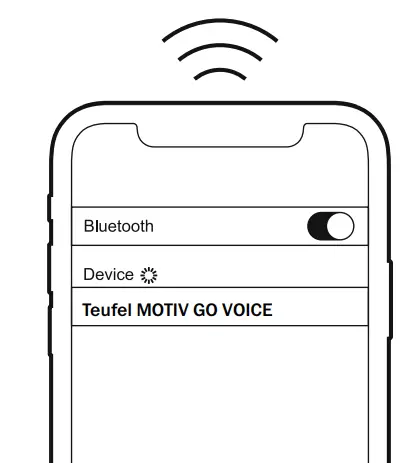
Play music over Bluetooth® or Wi-Fi
- Play/Pause: press

- Play next track: Simultaneously tap and
 .
. - Start the track from the beginning if it has played for more than 10 sec.: Simultaneously tap and
 .
. - Play previous track if the current track has been playing for less than 10 sec,: Simultaneously tap and .

AUX playback
- Connect the source player to the
 socket (see arrow); inserting the 3.5 mm jack plug switches from Bluetooth® to AUX.
 - Start and control playback on the source player.
Press the button to mute.
 socket (see arrow); inserting the 3.5 mm jack plug switches from Bluetooth® to AUX.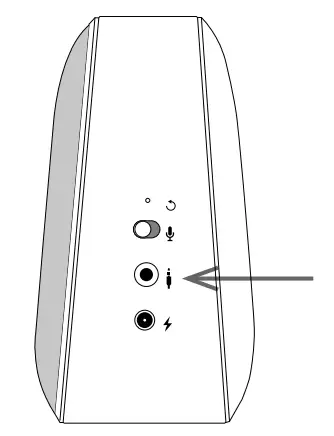
Leprechaun Teufel GmbH
Bikini Berlin, Buda pester Str. 44
10787 Berlin (Germany)
Online Support:
teufelaudio.com/support
teufel.de/support
teufelaudio.at/support
teufelaudio.nl/Klantenservice
teufelaudio.fr/support
teufelaudio.pl/obsluga-klienta
teufel.ch/support
This appliance complies with Directive 2014/53/EU.
The full text of the CE Declaration of Conformity can be found at this web address:
www.teufelaudio.com/declaration-of-conformity.html
The following radio frequency bands and radio transmitting powers are used in this product:
| Bluetooth® WLAN | Frequency 2.4–2.4835 GHz 2.412–2.472 GHz 5.180–5.826 GHz | Transmission power 4 dBm 17 dBm 17 dBm |
Implemented battery technology: Lithium-Ion 7.2V 5200mAh
 Download (PDF): https://www.teufelaudio.com/motiv-go-voice
 The Bluetooth word mark and Bluetooth symbol are registered trademarks of
Bluetooth SIG, Inc. and any use by Leprechaun Teufel is licensed.
© All trademarks are the property of their respective owners.
Manual No. HCHAM/199210_QSG_20211130
 Rundum Service | Teufel
 Rundum Service | Teufel
 Rundum Service | Teufel
 Support | Teufel
 Support | Teufel
 Teufel – audio winkel met meer dan 40 jaar ervaring
 Obsługa Klienta | Teufel
 Declaration of conformity | Teufel