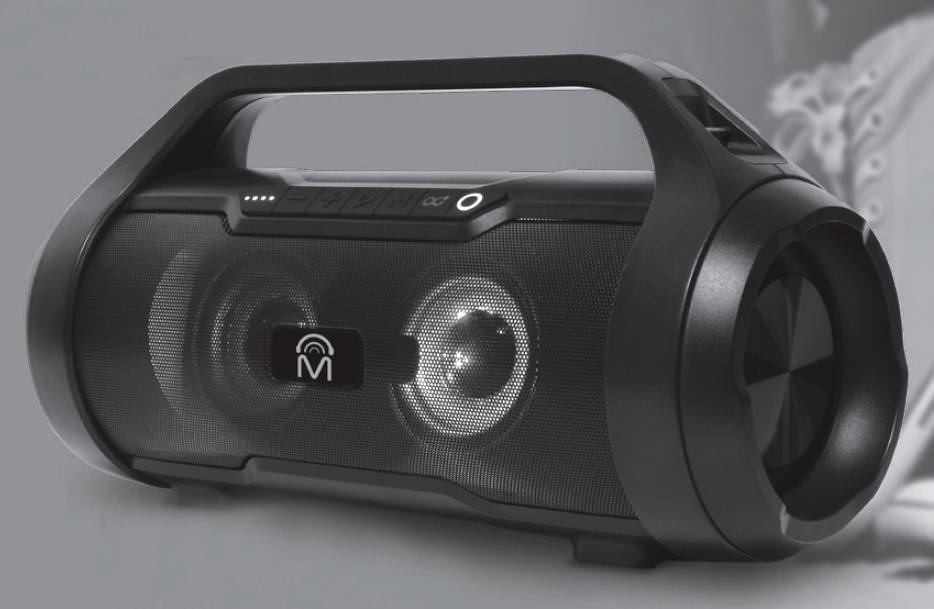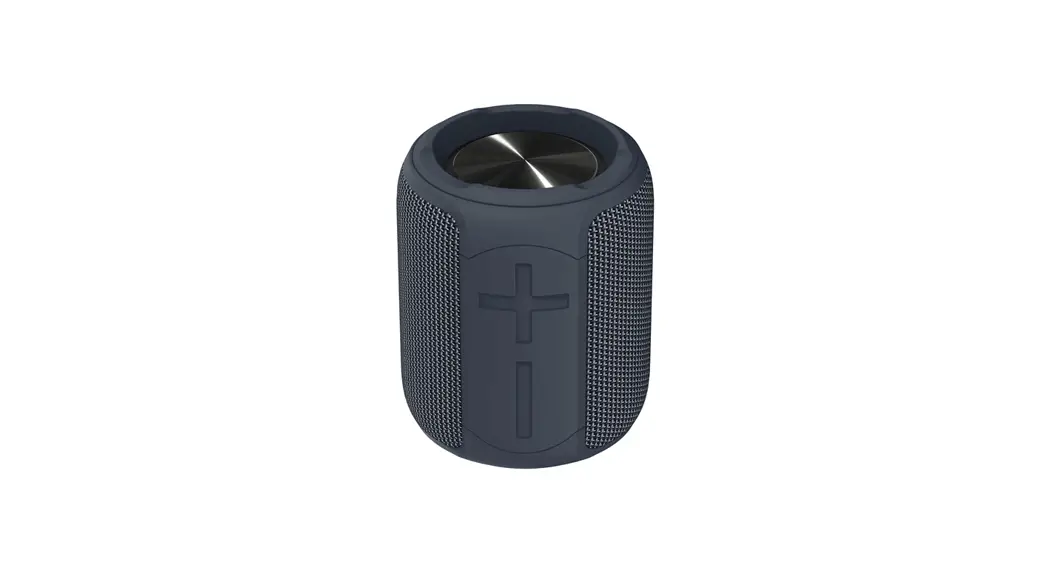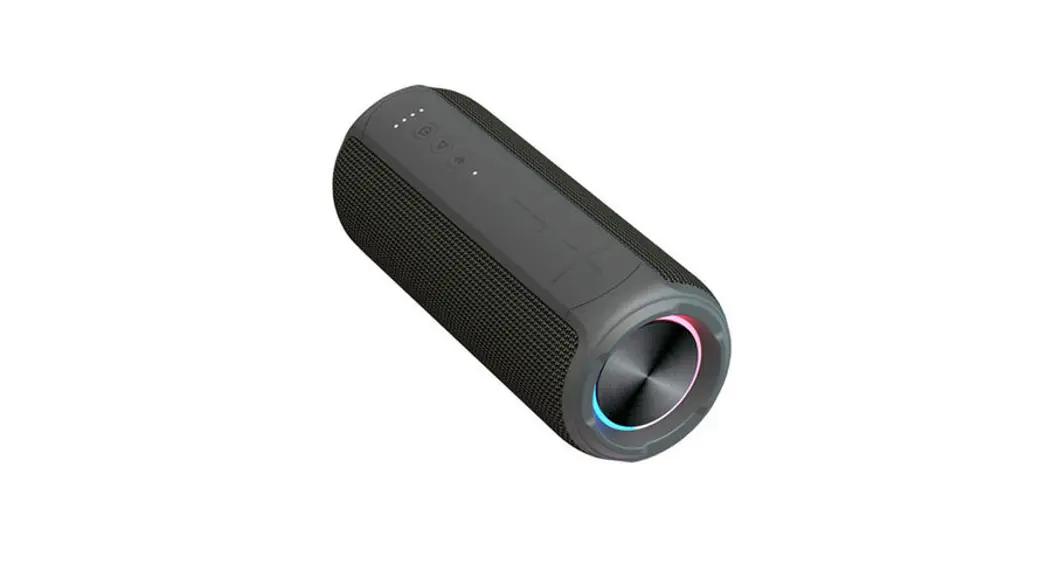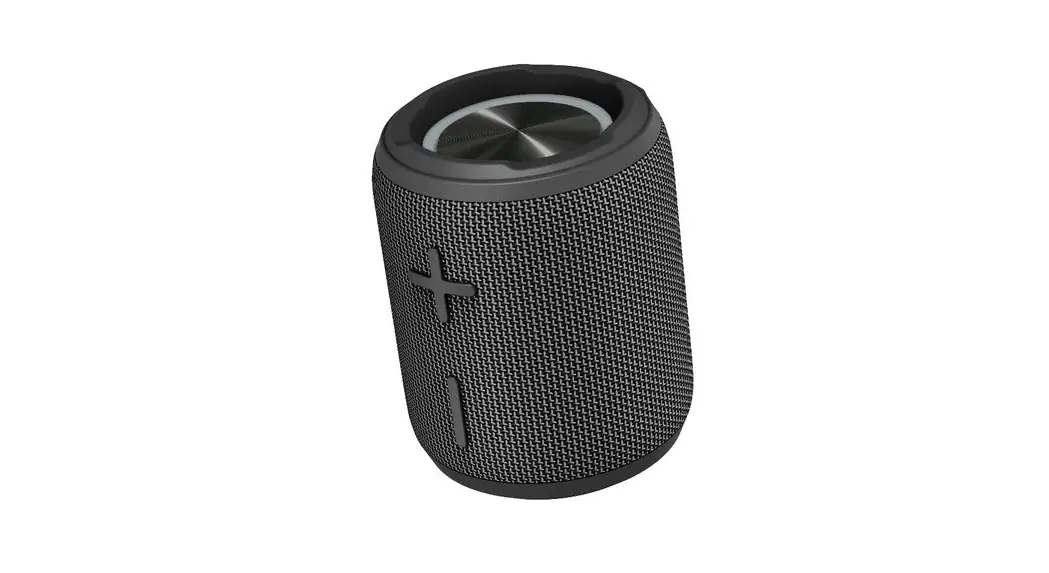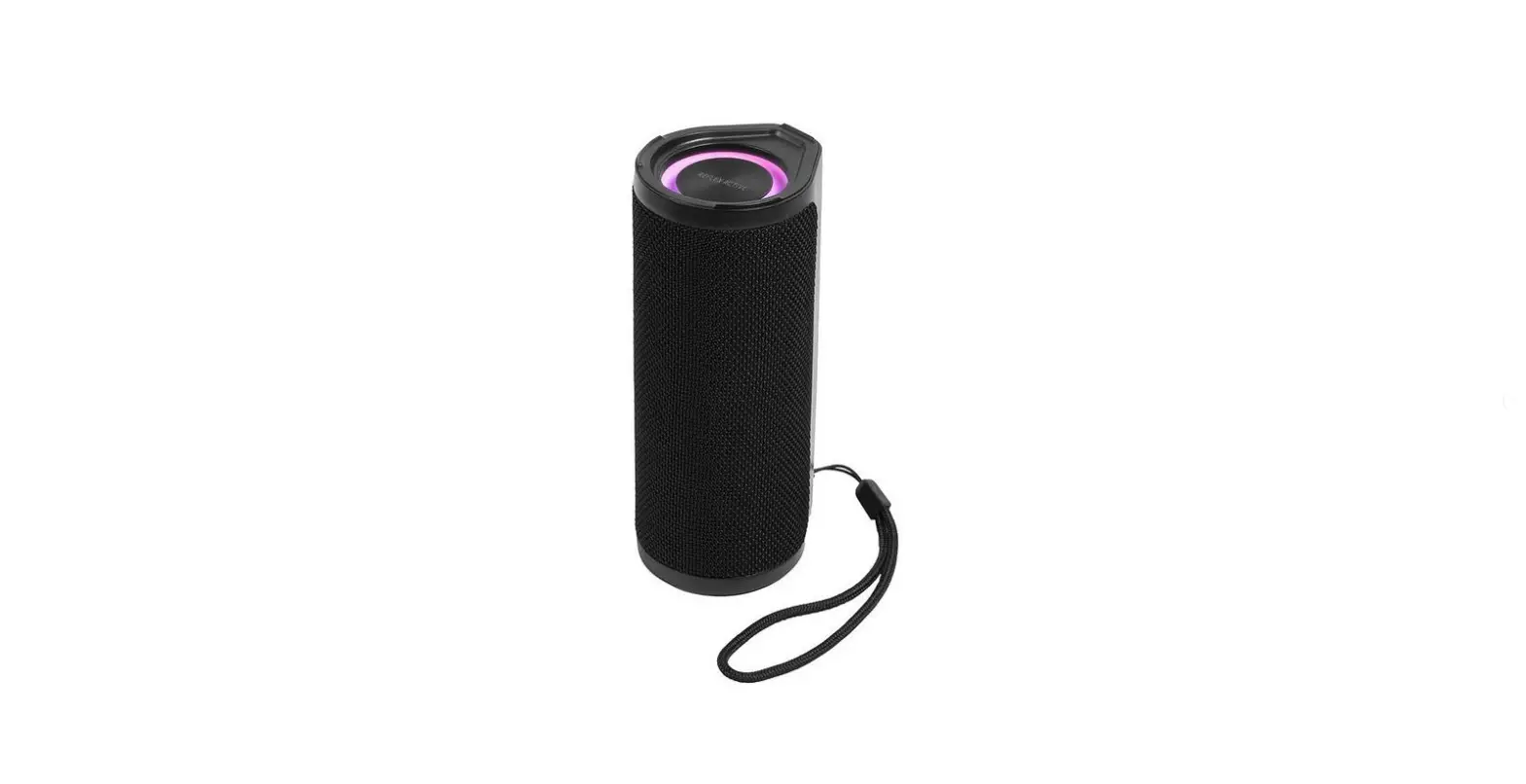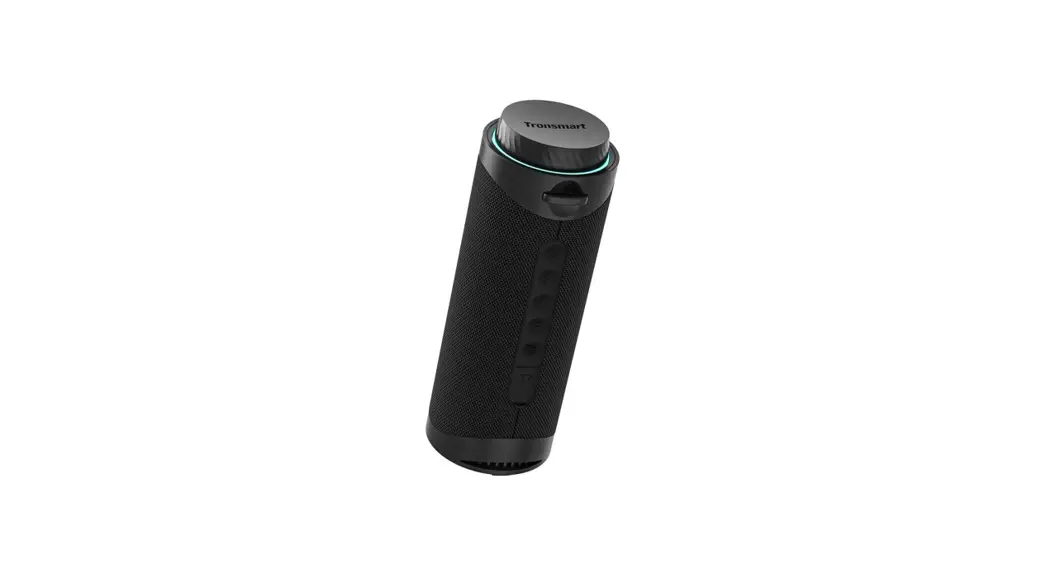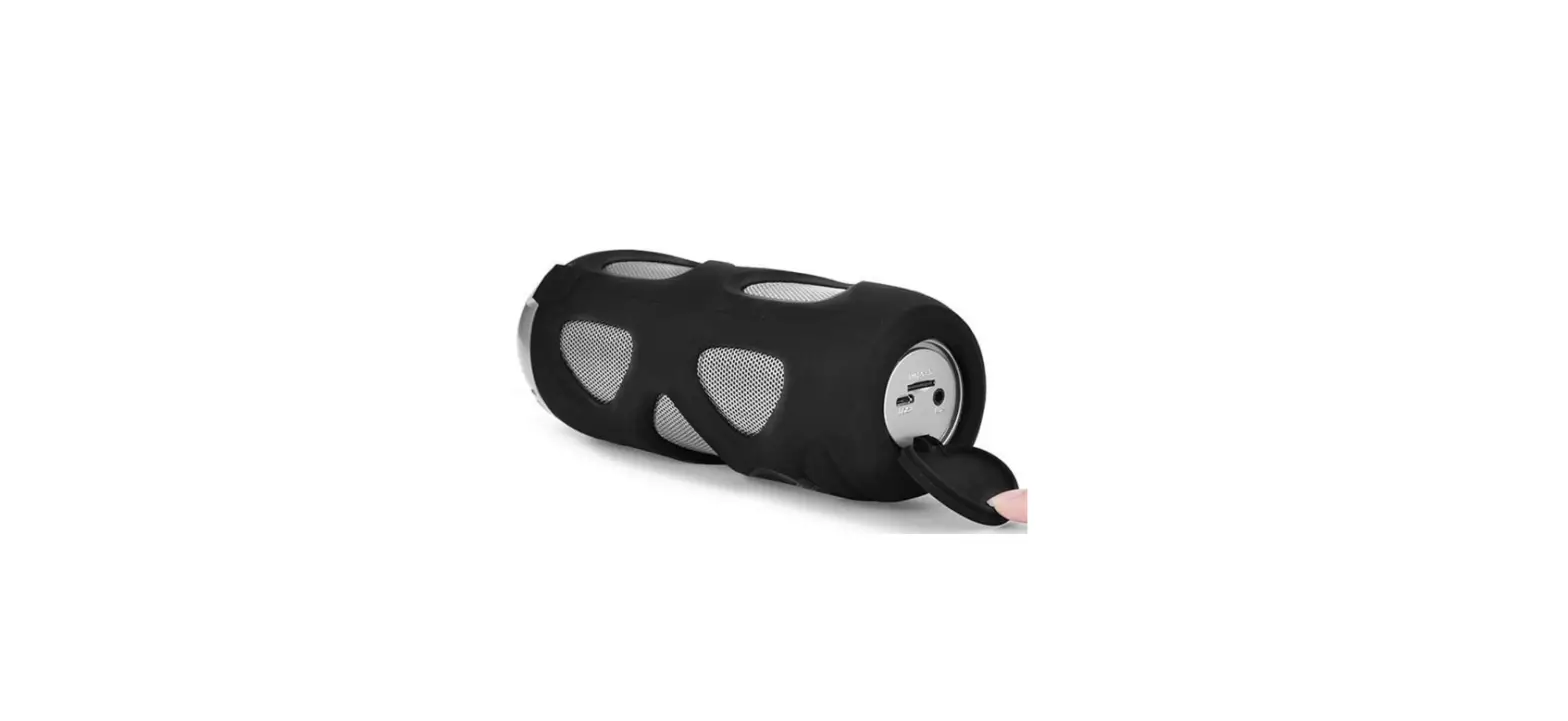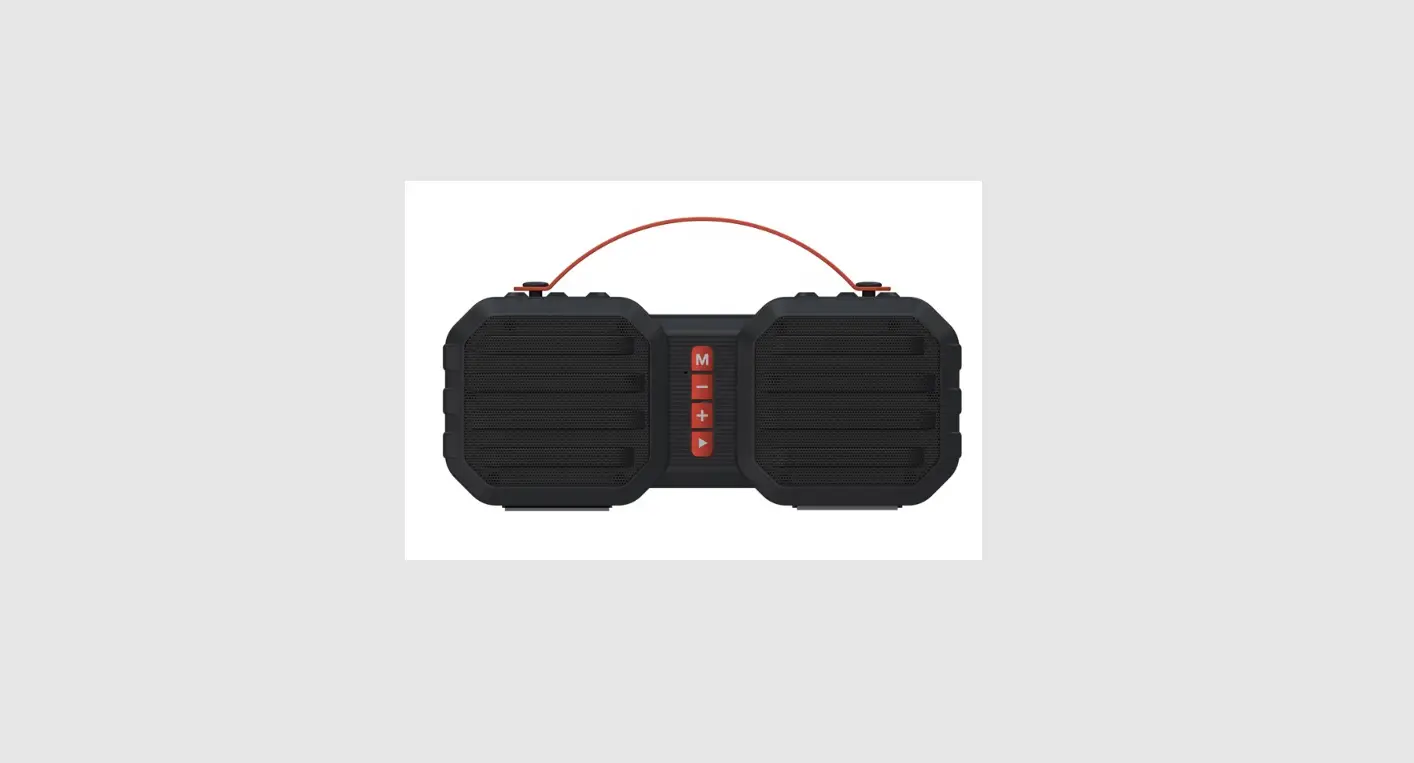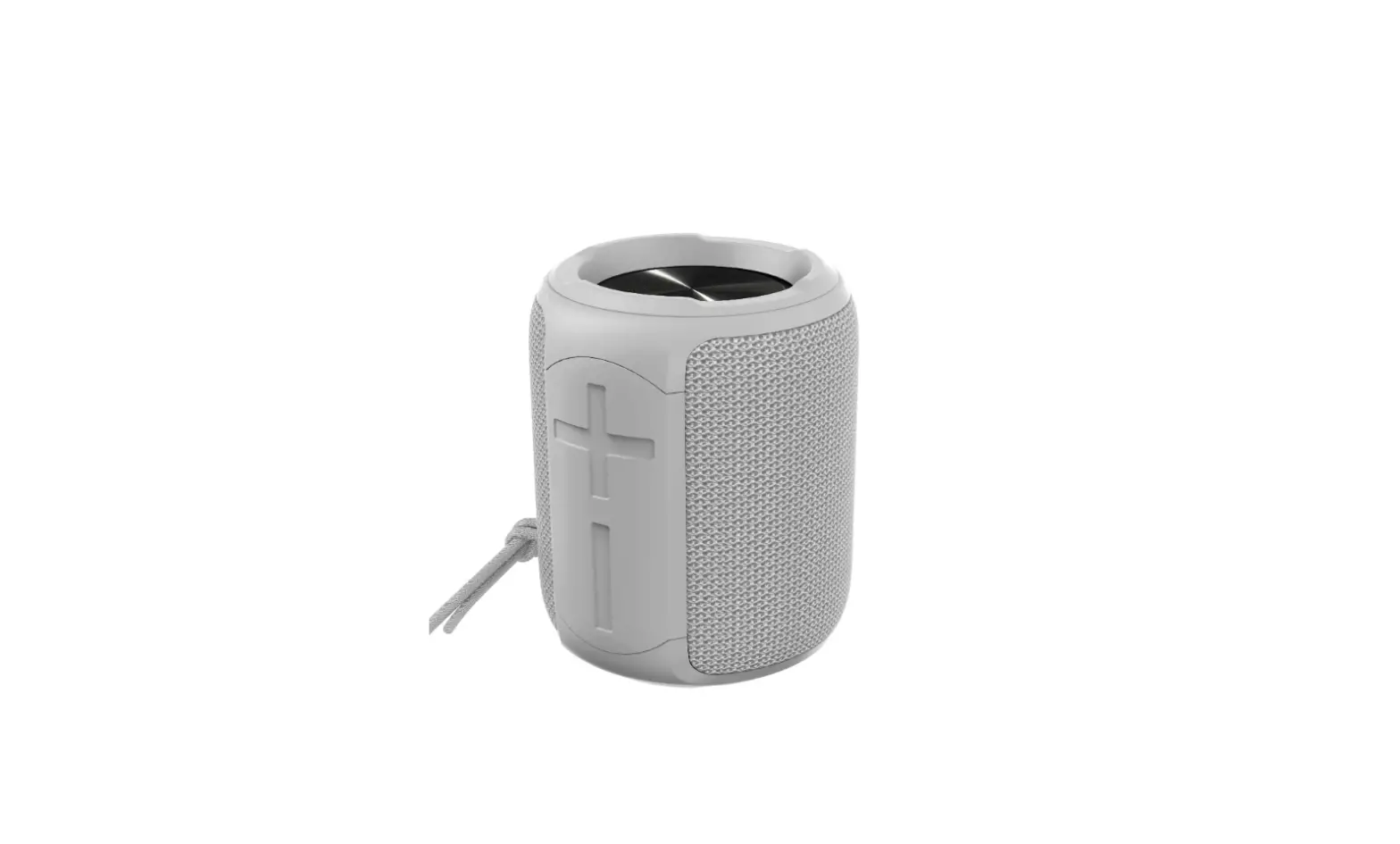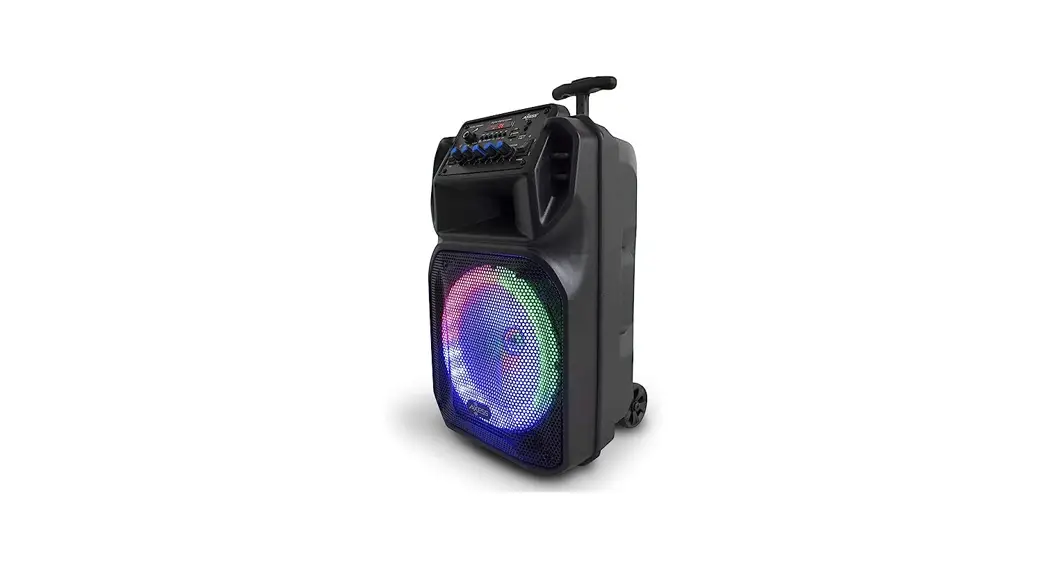
 T200PLUS Outdoor Wireless Speaker
User Manual
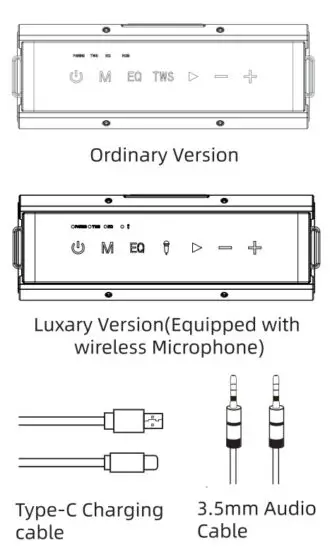
Accessories
illustartion
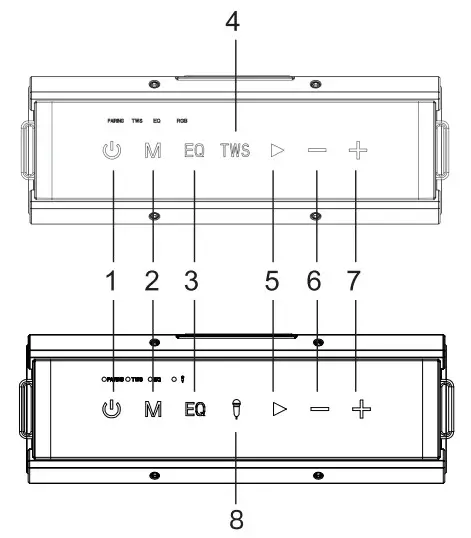
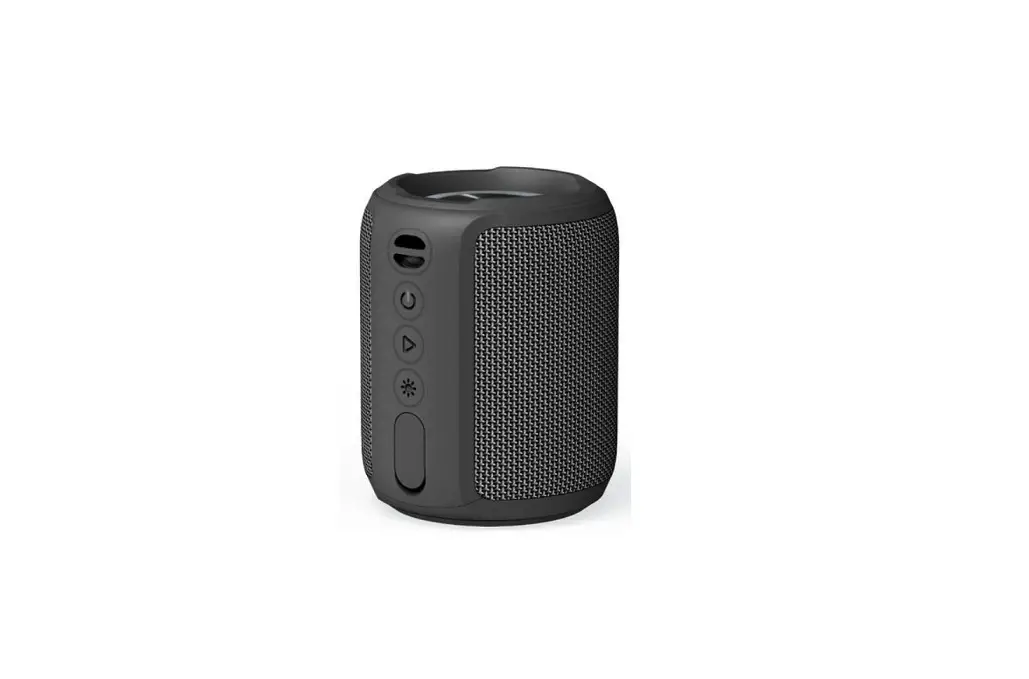
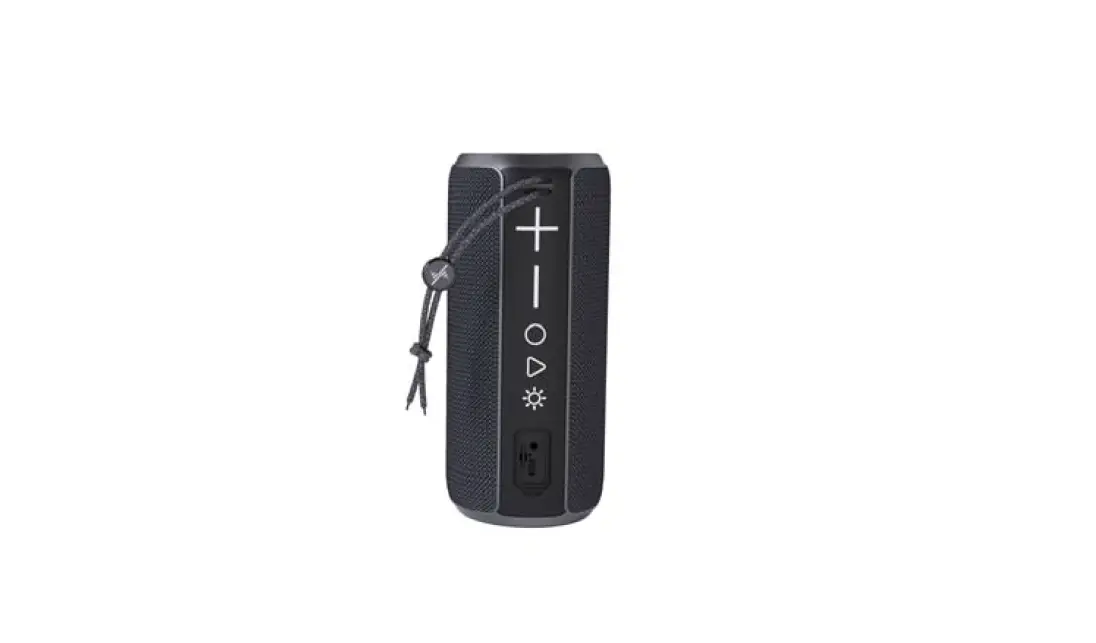
| l.On/off | 5.Play/Pause/Calls Answering |
| 2.Mode Switching | 6.Volume down/Previous Track |
| 3.RGB/EQ Button | 7.Volume up/Next track |
| 4.TWS Mode | 8.Microphone connection |
Parameters
BT Version:5.0
DSP technology: Deep bass strengthen
Rated output power:l 00W
Maximum output power: 120W
input:DC SV/2.lA
Charging time:26hours
TWS working distance: s6m
BT working distance: <18m
AUX Mode: 3.5mm audio port
TF card Mode: Maximum 128GB
USB Mode: Maximum 128GB
Driver unit size:78mm2+52mm2
Battery capacity:l 6800mah
( automobile dynamics)
Product size:292112101mm
Product weight:2685g
Charging: Type-c SV /3A
lmpedance:4 ± 15%
| Button | function | operation | LED indicator |
1. POWER POWER | Turn on | Long press the “POWER” button for 1.5s, the speaker will turn on and go into pairing mode automatically | BT indicator flashing: waiting for connection BT indicator stays in solid blue: connection completed |
| Turn on/off RGB light | When the speaker is on, short press the “POWER” button one time to turn on/off the RGB light | RGB light on/off | |
| Turn off | Long press the “POWER” button for Ts | The indicator light goes off | |
| Forced shutdown | When the speaker crashes, long-press the “POWER” button for 8s to force the shutdown of the speaker | The indicator light goes off | |
2 | BT indicator off | Short presshIODE-button to switch DT IKUSWAUX Modes | |
| BT Disconnection | In BT paired mode, long-press the button for 3s to disconnect the BT | ||
| Reset speaker | Long press the button for 5s to reset the speaker | ||
| 3 DO | EQ MODES | Short press the button for switching EQ from deep bass to vocal sound and short press again to change into surround sound. Long press the button for 2s to control the LED light | Indicator off: Deep bass mode Indicator in preen: vocal mode Indicator inblue:3D mode |
3 EQ EQ | TWS Connection | Short press the “TWS” button to enter TWS paring Under TWS connection, short press the ‘TWS-button again to exit TWS MODE | Indicator in flashing yellow: TWS waiting for connection Indicator in solid yellow: TWS connection completed Primary indicator flashing: waiting for BT connection, and the subsidiary speaker’s indicator is off. |
| TWS Connection: 1. Turn on the two speakers and make sure they are not connected to any devices 2. Short press the “TWS” Button of one speaker, you will hear a voice prompt and the indicator will go flashing yellow to enter TWS pairing. 3. When the two speakers connect with each other successfully, the indicator of the primary speaker will go flashing, and the subsidiary speaker’s indicator will go off. The primary speaker is waiting for the BT connection. 4. Short press the TWS button again to disconnect the speakers and exit TWS Mode | |||
| Karaoke mode | Long press the TWS button for 2s to enter Karaoke mode. Turn on the wireless microphone, the mic will automatically connect to the speaker | The indicator of the Mic is on | |
4 | Pauserplay | Short press play/pause button | Under BT mode: the indicator stays on |
| Under AUX mode, short press the “play pause button to mute the speaker | When playing, the indicator flashes slowly When the speaker’s muted, the indicator stays in solid blue | ||
| Answer a call | Short press the play/pause button to answer a call, when a call is coming | ||
| End a call | Short press the play/pause button to end a call, when having a call | ||
| Decline a call | Long press the play/pause button for 2s to decline a call, when a call is coming |
5 PLAY/PAUSE | Redial a call | Double press the play/pause button to redial | |
| Activate voice assistant | Long press the play/pause button for 2s to Activate voice assistant | ||
6 | Volume down | Short press the -“button to decrease the volume for 1 sale (total of 16 scales) | |
| Previous track | When playing music, long-press the “-“button for 1.5s to skip to the previous track | ||
7 | Volume up | Short press the “+” button to increase the volume for 1 sale (total of 16 scales) | |
| Next track | When playing music,long-press the “+” button for 1.5s to skip to the next track | ||
8 | Mic Volume up | Keep Pressing the EQ button and press the “-F” button to increase the Microphone’s volume | |
9 | Mic Volume down | Keep Pressing the Et? button and press the “-” button to decrease the Microphone’s volume | |
| 10 | charging | 5V/3A intelligent charging | Charging; indicator in red charging completed: indicator off |
| 11 | Intelligent power saving | Speaker will go off if no BT connection in 10 minutes. | |
| 12 | Low battery warming | When the speaker in low battery, the speaker will automatically go off | Indicator in flashing red |
| 13 | AUX MODE | Insert 3.5mm audio cable, the music will automatically read and play | The indicator flashes slowly when playing Indicator in solid blue when pausing |
| 14 | USB MODE | Insert U disk, the music will automatically read and play | The indicator flashes slowly when playing Indicator in solid blue when pausing |
| 15 | TF MODE | Insert TF card, the music will automatically read and play | The indicator flashes slowly when playing Indicator in solid blue when pausing |
| 16 | USB power bank | To charge your devices when needed | |
FCC Statement
- This device complies with Part 15oftheFCC rules.
- Operation is subject to the following two conditions1)
- This device may not cause harmful interference and 2) this device must accept any interference received including interference that may cause undesired operation.
- This equipment has been tested and found to comply with the limits for a Class B digital device pursuant to Part 15 of the FCC rules. These limits are designed to provide reasonable protection against harmful interference in a residential installation. This equipment generates uses and can radiate radio frequency energy and if not installed and used in accordance with the installation, may cause harmful interference to radio communications. However, there is no guarantee that interference will not occur in a particular installation. If this equipment does cause harmful interference to radio or television reception which can be determined by turning the equipment off and on the user is encouraged to try to correct the interference by one or more of the following measures
- Reorient the receiving antenna.
- Increase the separation between the equipment and receiver.
- Connect the equipment into an outlet on a circuit different from that to which the receiver is connected.
- Consult the dealer or an experienced radio/TV technician for help.
Changes or modifications not expressly approved by the party responsible for compliance could void your authority to operate the equipment.
The distance between user and products should be no less than 20cm.
The EUT is for Indoor use only
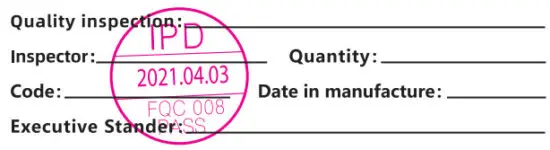
PRODUCT INSPECTION CERTIFICATE
Warranty Card ( please keep this card for warranty services)
Date___________________________________________
| User profiles | |
| Name: | |
| Address | |
| Contact number: | |
| Product name and Specification | |
| Signature of the agency: |
Warranty clause
- If the product is not specially marked, users can choose to return the product due to its own quality problems (not product software faults) from the date of purchase. The return period is 7 days; the replacement period is 15 days, and the warranty period is 12 months.
- If the product is not specially marked, users can choose to return the product due to its own quality problems (not product software faults) from the date of purchase. The return period is 7 days; the replacement period is 15 days, and the warranty period is 12 months.
- When the user requests the warranty service, he/she shall actively provide the valid warranty service certificate or invoice; Additional services beyond the warranty shall be charged in accordance with relevant regulations, and the warranty period of the products shall be 3 months from the date of picking up or delivery.
- The warranty services provided by our company are limited to products with quality problems, and do not include compensation for buyers’ loss of interest, loss caused by accidents, and any other indirect or direct loss;
- The user should take the initiative to buy in the seller’s place according to the requirements to fill in the necessary information on the warranty card.

http://weixin.qq.com/r/sBAmPp-EGcJmrdtd90Wi
Manufacturer: Shenzhen Hutianmei Technology C0., LTD
Website: WWW.hutmtech.com
Service-Hotline: 13798197588
Address:32 Building, the third Industrial Park, Hout ing, Sha jing,
Baoan District, Shenzhen, China
Executive Stander: GBT 7313-1987:GB17625, 1–2012: 688898–2011