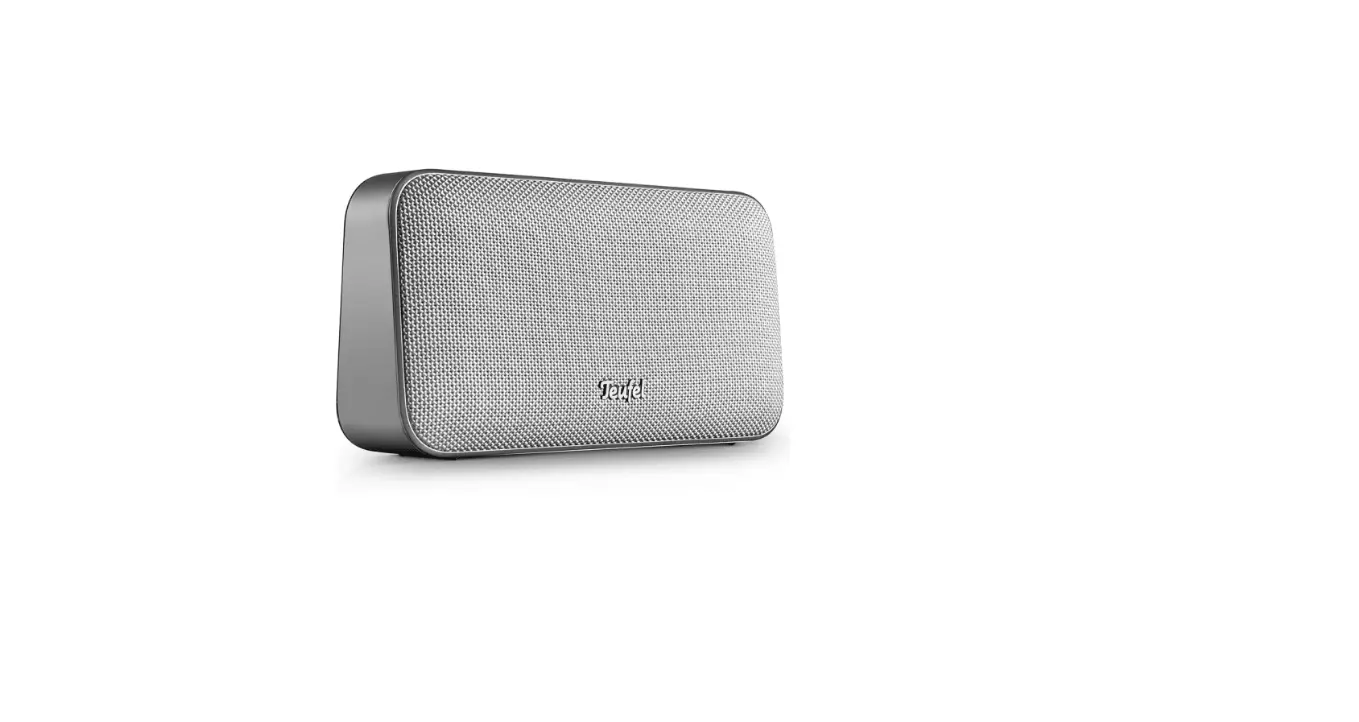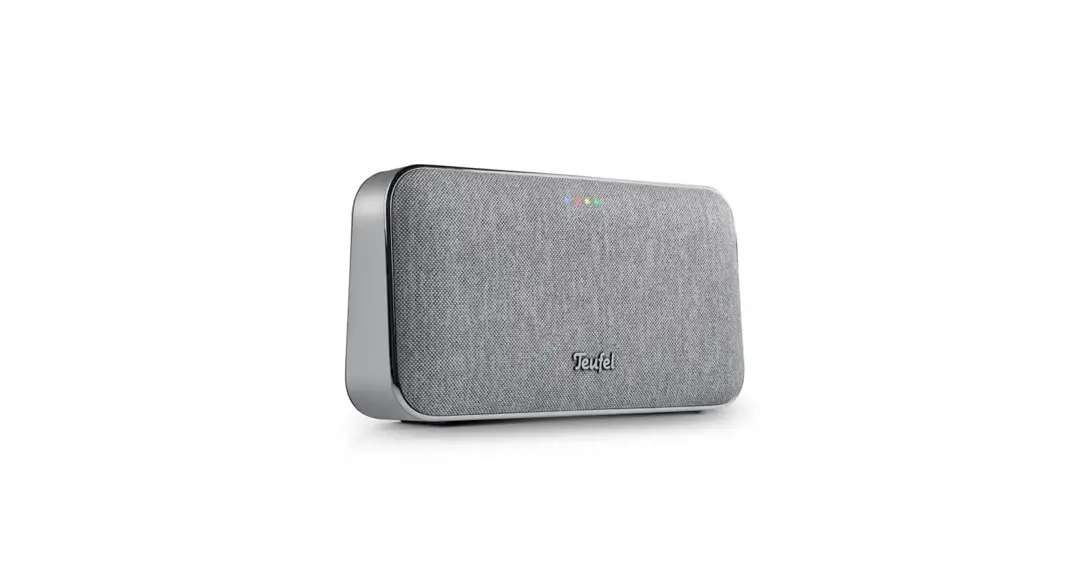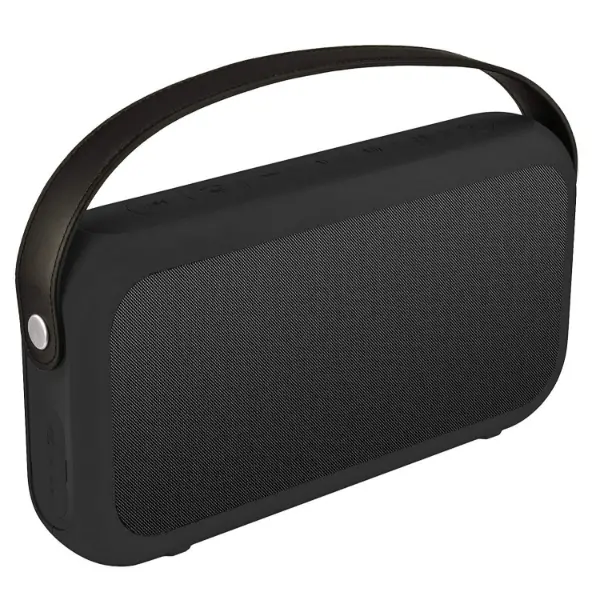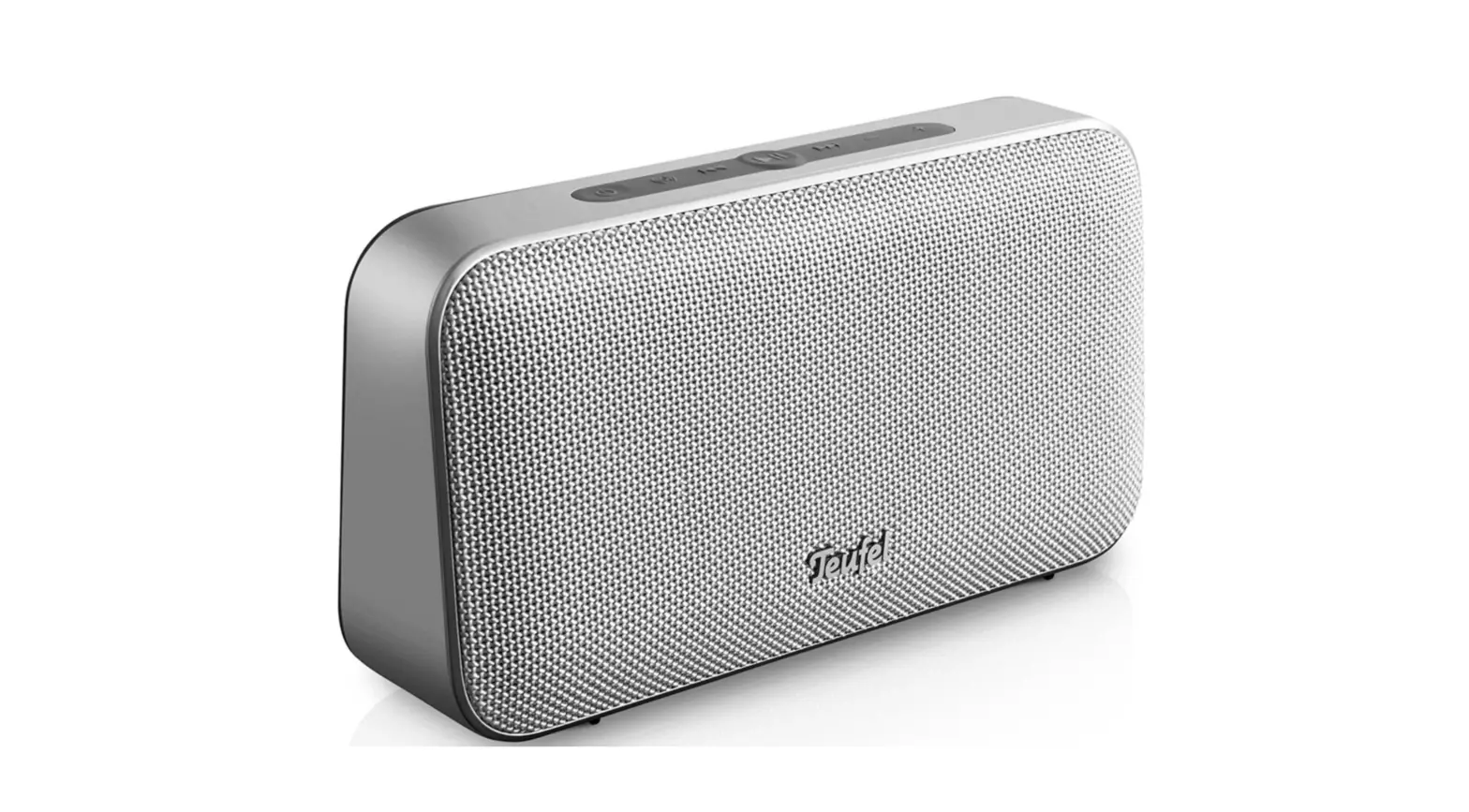
MOTIV GO High-class Portable Bluetooth Stereo Speaker


Download (PDF): https://www.teufelaudio.com/motiv-go
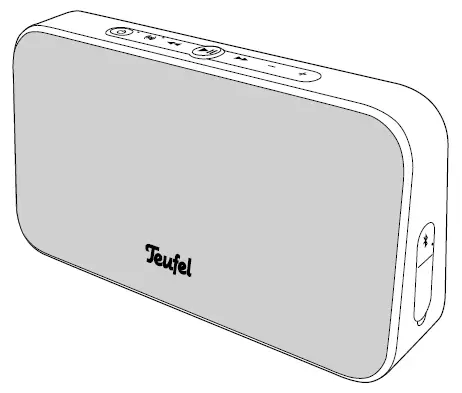
MOTIV® GO
Charging the MOTIV® GO
The built-in lithium-ion rechargeable battery charges as soon as the
MOTIV® GO is connected to the charger with the connector (a) and is
supplied with power.
The LED on the rechargeable battery indicator (b) shows the charging
status:
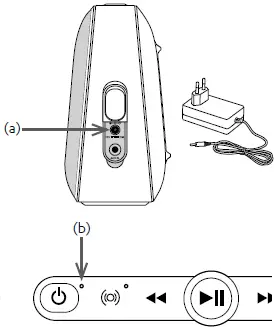 If the MOTIV® GO is turned on during charging, the LED pulses white. If
the MOTIV® GO is turned off , the LED shows the charge level in colours:
45-99% LED pulses green
11-44% LED pulses yellow
<11% LED pulses red
When the battery is fully charged, the LED is permanently lit up green.
Charge level
You can display the rechargeable battery charge level during use by tapping
the button:
45-100% LED (b) lights up green
21-44% LED lights up yellow
11-20% Warning tone, LED slowly fl ashes red (1/second)
<11% Warning tone, LED quickly fl ashes red (2/second)
Important:
IPX5 jet spray protection is only effective when the cover flap over the
connection sockets is firmly closed.
Operating instructions

 General
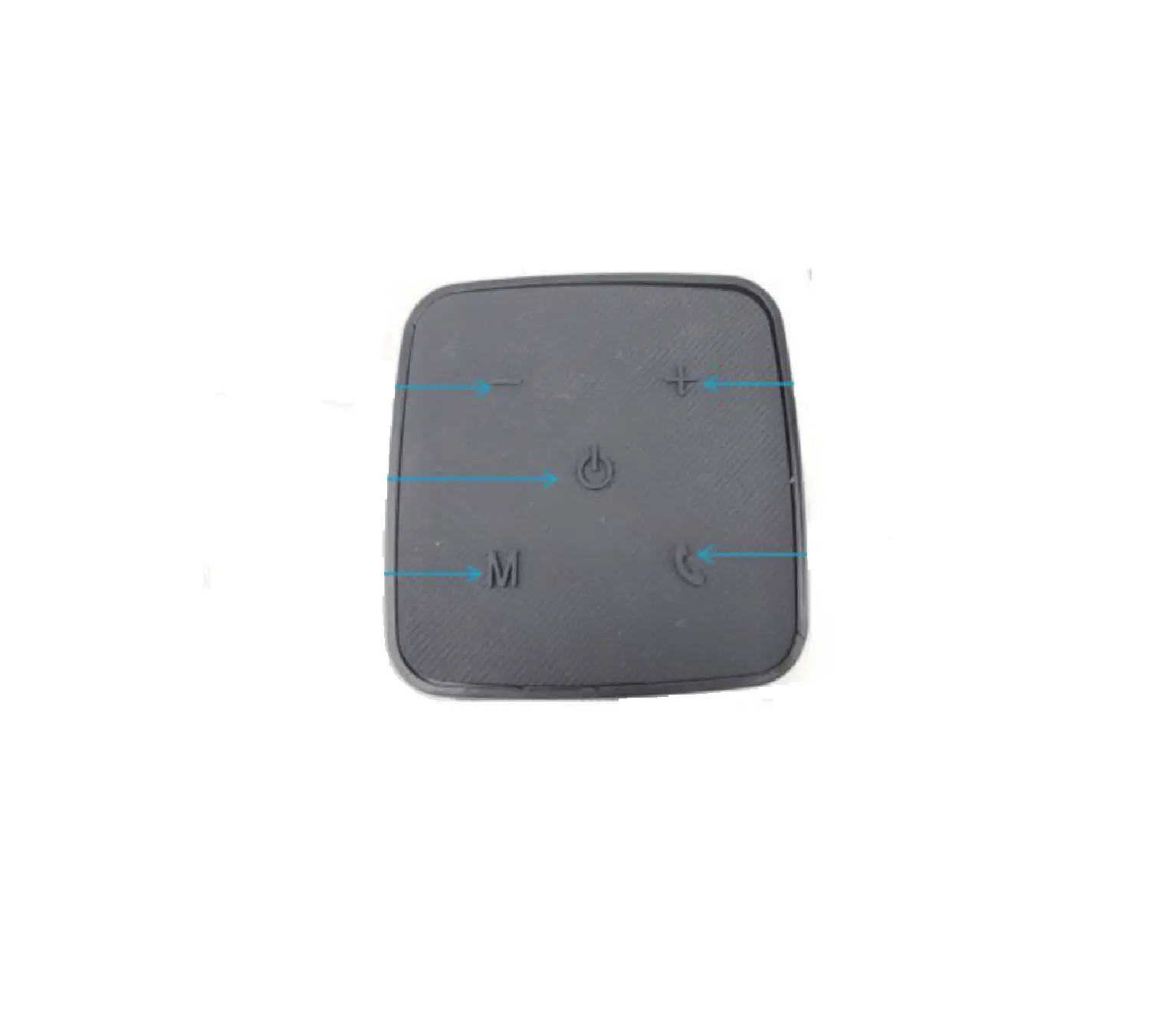
 Hold down for 4–5 seconds to switch the device onHold down for 2 seconds to switch the device off
– Reduce the volume
+ Increase the volume Switch Dynamore® stereo-expanding technology on/off
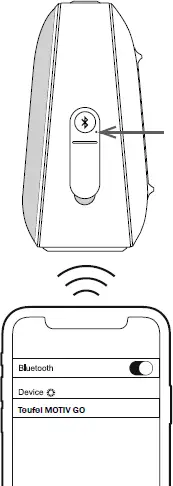
Bluetooth
 Press briefl y: Select Bluetooth® as source,
switch between two Bluetooth® players Hold for 2 sec.: Start Bluetooth® pairing,
LED next to the button (see arrow) pulses blue,
activate Bluetooth on smartphone and pair with the new device
“Teufel MOTIV Go”.
The LED lights up permanently blue after successful pairing Hold for 10 sec.: delete all Bluetooth® pairings
Play music over Bluetooth Press once for Play/Pause Hold down for 2 seconds to de-/activate the voice assistant
 Tap to skip to the next track
 Tap to start the current track from the beginning Tap twice to skip to the previous track
Phone calls Press briefl y during a call: Accept call/hang up; Press for longer (approx. 2 seconds) during a call: Reject call
AUX playback
1 Connect the source player to the AUX IN socket
2 Start and control playback on the source player
Press the button to mute.
Important: 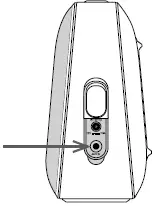
IPX5 jet spray protection is only
effective when the cover flap over
the connection sockets is firmly
closed.
Lautsprecher Teufel GmbH
Bikini Berlin, Budapester Str. 44
10787 Berlin (Germany)
teufelaudio.com
[email protected]
teufel.cn
This appliance complies with Directive 2014/53/EU. The full text of the CE Declaration Conformity can be found at this web address:
www.teufelaudio.com/declaration-of-conformity.
The following radio frequency bands and radio transmitting powers are used in this product:
Frequency band: 2,402–2,480 GHz
Transmissionpower: 6 mW/8 dBm
Implemented battery technology:
Lithium-Ion 7.2V 3200mAh
References
 Teufel: Lautsprecher und Kopfhörer direkt online vom Hersteller
-
Teufel: Lautsprecher und Kopfhörer direkt online vom Hersteller
-
Teufel: Lautsprecher und Kopfhörer direkt online vom Hersteller
-
Teufel: Loudspeakers and headphones direct from the manufacturer online
-
Teufel – la passion du son depuis 1979
-
Teufel – audio uit Berlijn sinds 1979
-
Teufel Audio: głośniki i słuchawki online bezpośrednio od producenta
-
MOTIV® GO | Teufel
 Teufel: Lautsprecher und Kopfhörer direkt online vom Hersteller
 Teufel: Lautsprecher und Kopfhörer direkt online vom Hersteller
 Teufel: Lautsprecher und Kopfhörer direkt online vom Hersteller
 Teufel: Loudspeakers and headphones direct from the manufacturer online
 Teufel – la passion du son depuis 1979
 Teufel – audio uit Berlijn sinds 1979
 Teufel Audio: głośniki i słuchawki online bezpośrednio od producenta
 MOTIV® GO | Teufel