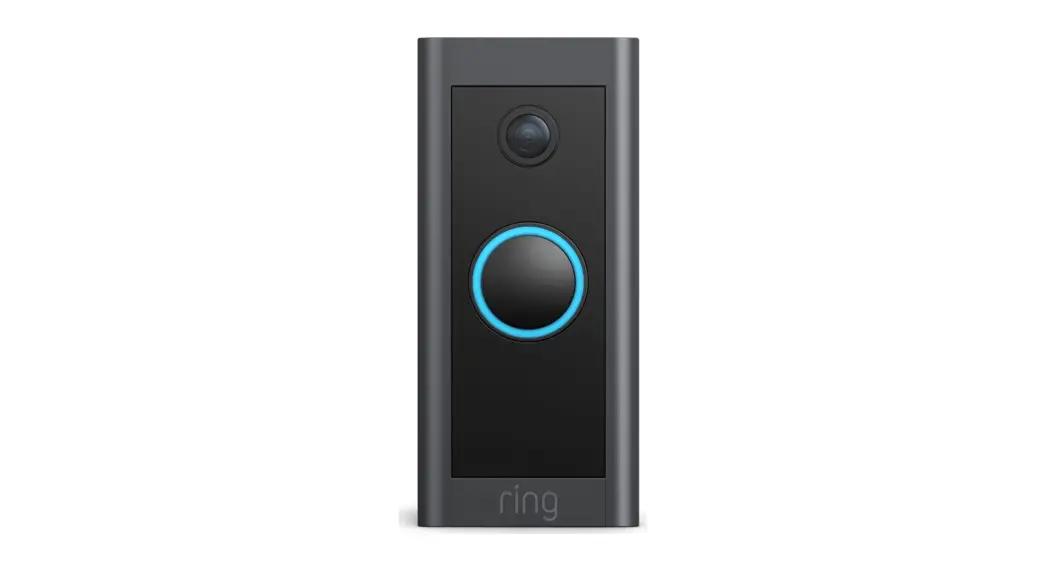
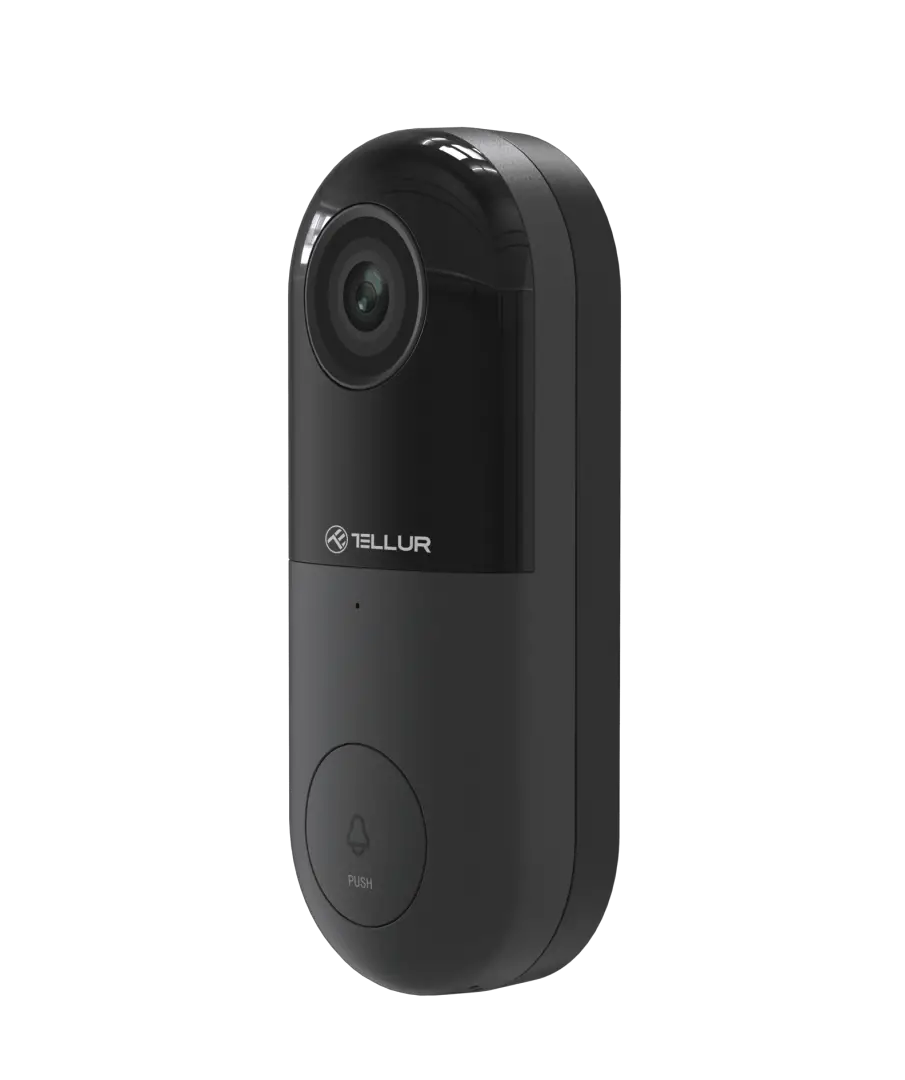
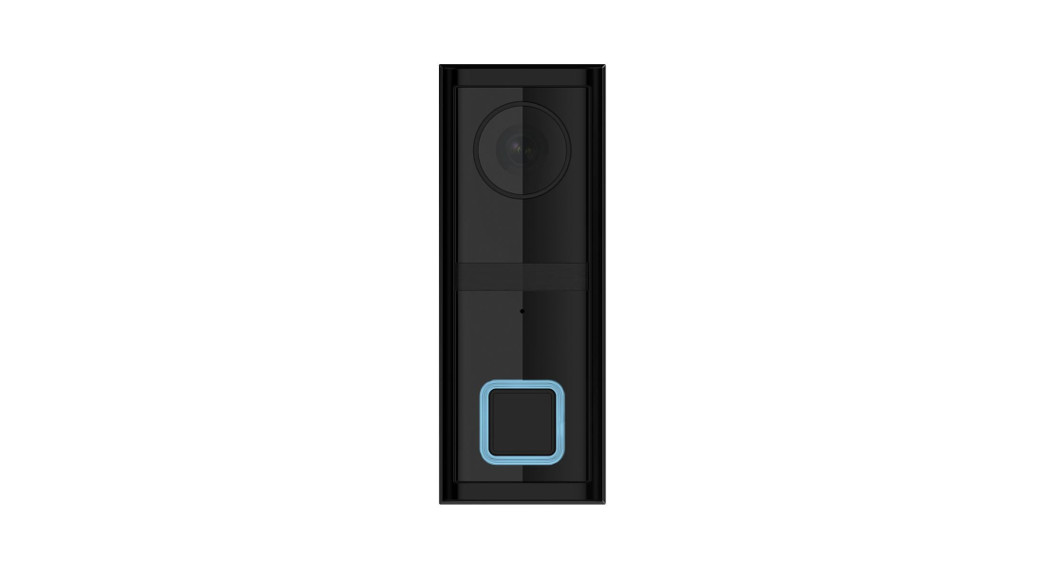
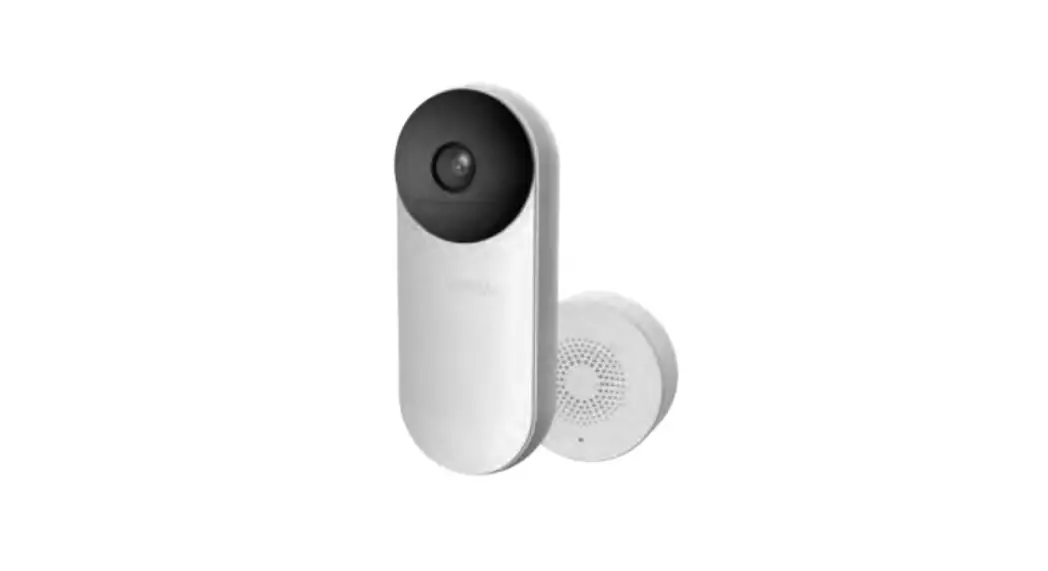
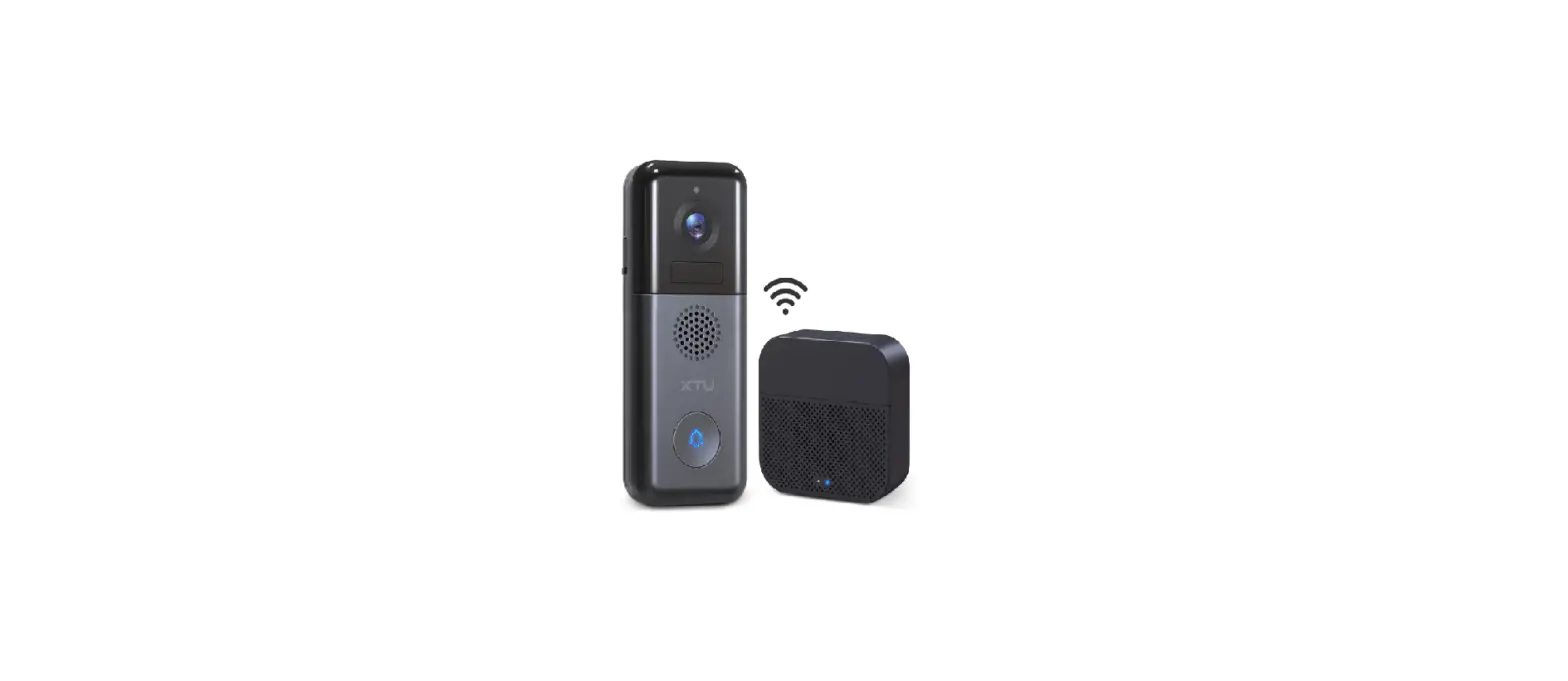
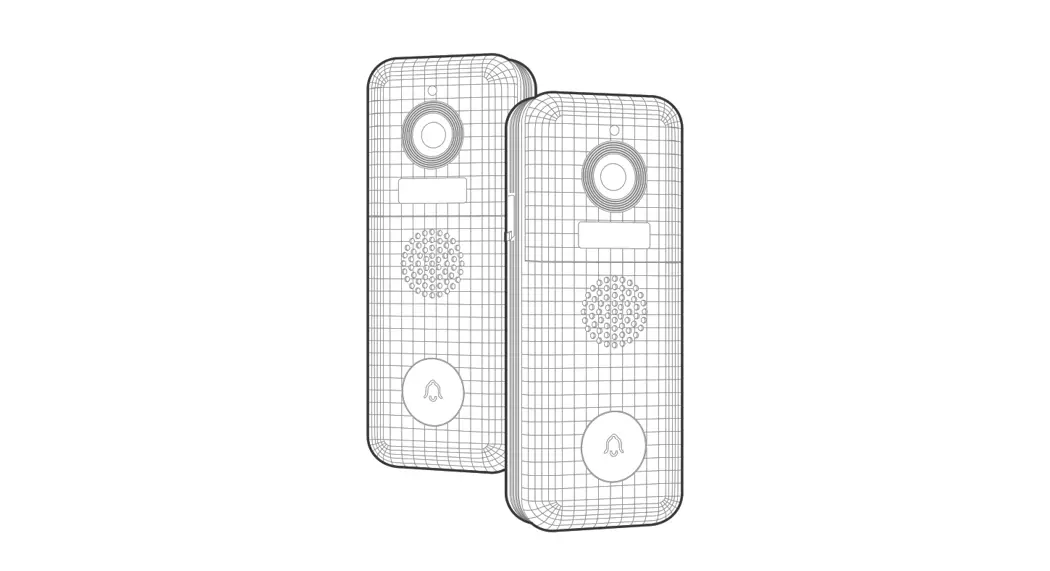
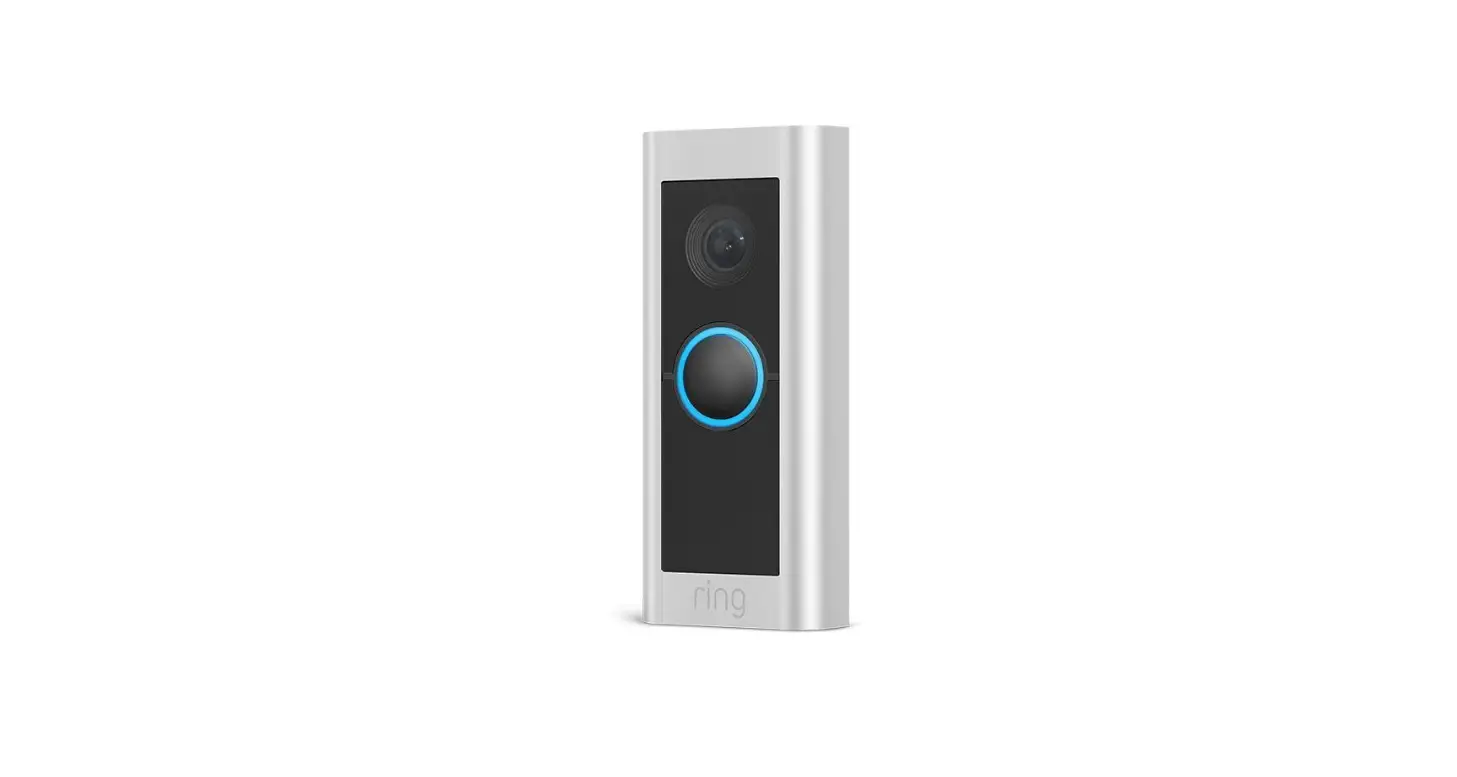
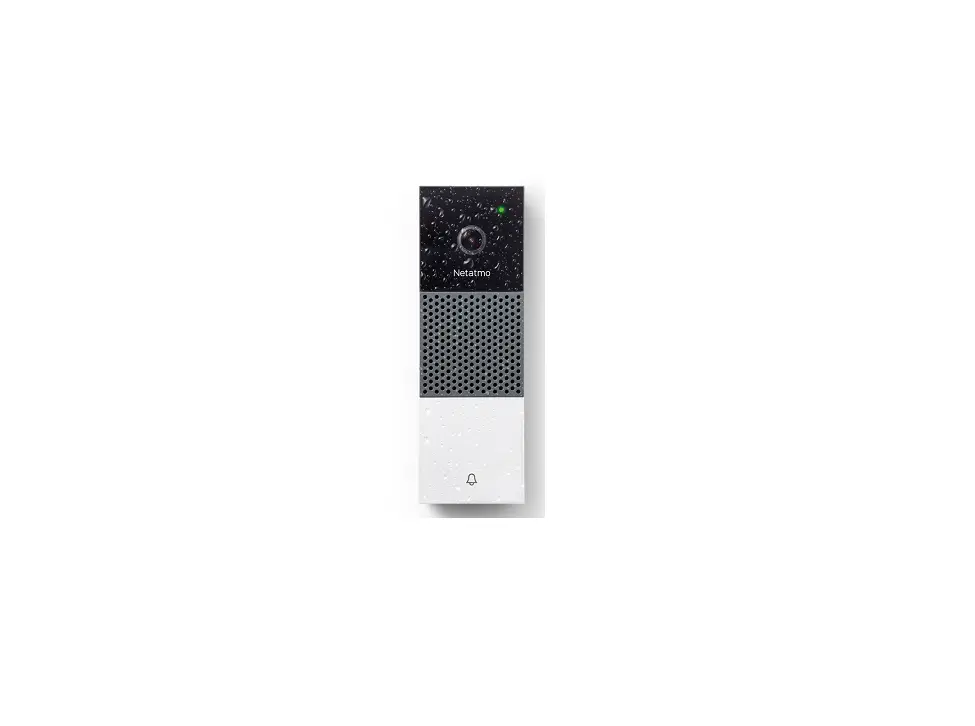
Tapo D130 Wired Video Doorbell
Tapo Wired Video Doorbell Tapo D130
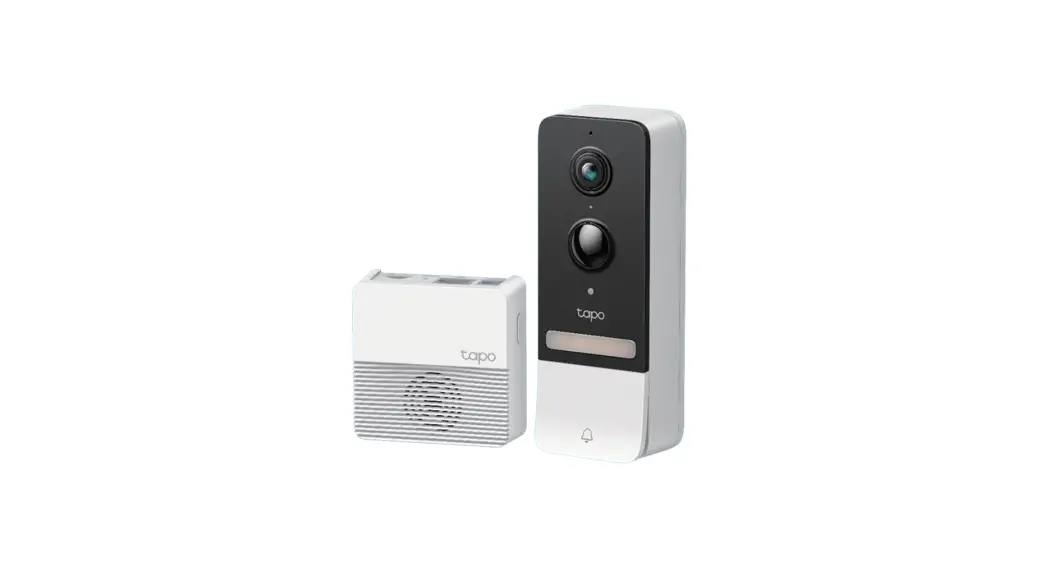
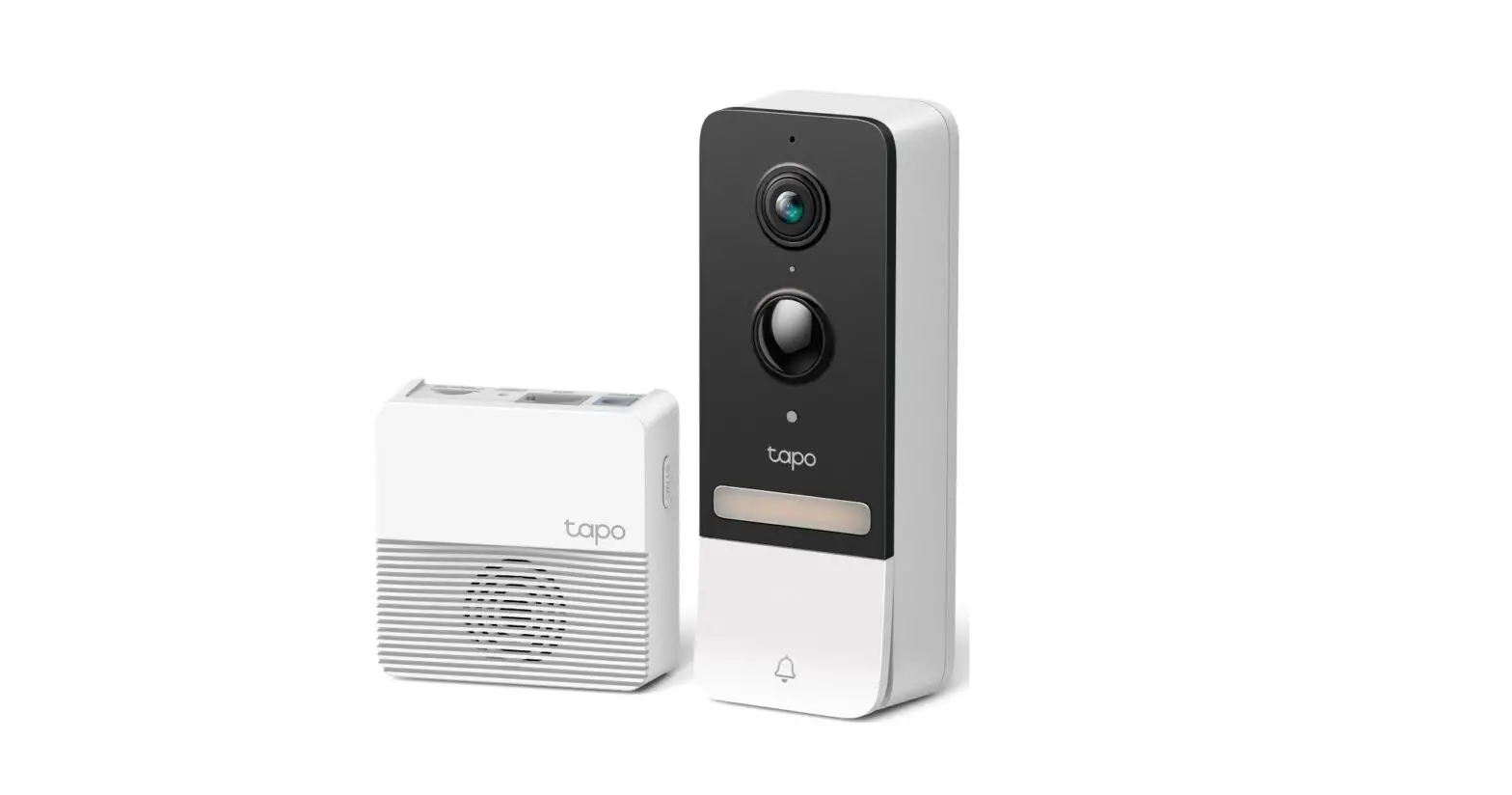
The Tapo Wired Video Doorbell Tapo D130 is a home security
device that allows you to monitor your front door from anywhere
using your smartphone. It features a 1080p HD camera with a
wide-angle lens, two-way audio, and night vision, providing clear
and sharp video footage even in low light conditions. The device is
easy to install and comes with a mounting bracket and wedge for
flexible installation options.
Product Usage Instructions
Before You Start
WARNING: Risk of Electric Shocks. Take care to avoid electric
shocks. Turn off the circuit breaker. Make sure the power is off by
ringing your doorbell a few times.
Install Jumper Wire for Your Existing Chime
- Remove the chime cover and take a photo of the wiring in case
you want to reconnect it. - Turn off the circuit breaker.
- Slightly loosen the screws for the Front and Trans of your
front doorbell, then insert the jumper wire. - Tighten the screws and replace the chime cover.
Preparations for Installing Your Doorbell
- Remove your existing doorbell on the door. Disconnect the
wires. - (Optional) Select the mounting wedge to adjust the viewing
angle of the doorbell.
Install Your Doorbell
Take care to avoid electric shocks. *Recommended Installation
Height: 1.2 m (4 ft) above the ground
Option 1. Stick to a clean wall
- Attach the included adhesive to the back of the bracket or the
wedge you have selected. If you use the wedge, affix the bracket
and the wedge with screws. - Route the wires through the bracket. Stick the bracket with
adhesive to a clean wall. - Connect the wires to the two terminals at the back of the
doorbell, and tighten the terminal screws. - Mount the doorbell to the bracket and turn on the circuit
breaker.
Option 2. Mount to the wall
- Route the wires through the mounting template and stick the
template. Drill two holes where indicated. - Route the wires through the bracket. Insert two anchors into
the holes and use the screws to affix the bracket over the
anchors. - Connect the wires to the two terminals at the back of the
doorbell, then tighten the terminal screws. - Mount the doorbell to the bracket and turn on the circuit
breaker.
Set Up Your Doorbell and Chime
- Download the Tapo app from the App Store or Google Play. Open
the app and log in with your TP-Link ID. If you don’t have an
account, create one first. - Tap the button in the app and select your model. Follow the
instructions in the Tapo app to set up your doorbell. Then plug in
your chime and pair with the doorbell.
Doorbell Appearance

- Microphone
- Lens
- Ring Button
- LED
- microSD Card Slot
- Reset Button
microSD Card Slot Loosen the screws and insert a microSD card
for local recording. *microSD card not included.
Quick Start Guide
Tapo Wired Video Doorbell Tapo D130
Before You Start
WARNING: Risk of Electric Shocks
· Ensure that your existing doorbell works by ringing the doorbell.
· Locate your existing doorbell chime. · Make sure the doorbell is in an area with a strong Wi-Fi signal. · Disconnect power at the fuse or circuit breaker before
installing. · You can always find detailed wiring and installation instructions
in the Tapo app.
*Images may differ from your actual product. ©2023 TP-Link 7106510017 REV1.0.0
OR Tapo
01 / Install Jumper Wire for Your Existing Chime
Take care to avoid electric shocks.
1. Turn off the circuit breaker. Make sure the power is off by ringing your doorbell a few times.
OFF
3. Slightly loosen the screws for the Front and Trans of your front doorbell, then insert the jumper wire.
Note: If your doorbell chime has different markings, refer to instructions in the Tapo app or consult a licensed electrician.
2. Remove the chime cover and take a photo of the wiring in case you want to reconnect it.
4. Tighten the screws and replace the chime cover.
02 / Preparations for Installing Your Doorbell
1. Remove your existing doorbell on the door. Disconnect the wires.
2. (Optional) Select the mounting wedge to adjust the viewing angle of the doorbell.
Take care to avoid electric shocks.
Without Mounting Wedge 15°
With Horizontal Mounting Wedge
Without Mounting Wedge
5° With Vertical
Mounting Wedge
03 / Install Your Doorbell
Take care to avoid electric shocks. *Recommended Installation Height: 1.2 m (4 ft) above the ground
Option 1. Stick to a clean wall
*This equipment shall be installed at a height of fewer than 2 meters.
1. Attach the included adhesive to the back of the bracket or the wedge you have selected. If you use the wedge, affix the bracket and the wedge with screws.
Note: This is applicable with tile, glass, marble, metal, stainless steel, and hard wall surfaces.
Option 2. Mount to the wall
1. Route the wires through the mounting template and stick the template. Drill two holes where indicated.
=6 mm (15/64 in.)
3M
3M
3M
3M
Adhesive
Adhesive Wedge
2. Route the wires through the bracket. Stick the bracket with adhesive to a clean wall.
3. Connect the wires to the two terminals at the back of the doorbell, and tighten the terminal screws.
Note: If the wires are too short, use the included extension wires and wire nuts to make them longer.
2. Route the wires through the bracket. Insert two anchors into the holes and use the screws to affix the bracket over the anchors.
Note: When mounting to uneven walls, stick the foam pad on the back of the bracket or wedge.
Foam Pad Wedge (Optional) (Optional)
3. Connect the wires to the two terminals at the back of the doorbell, then tighten the terminal screws.
Note: If the wires are too short, use the included extension wires and wire nuts to make them longer.
4. Mount the doorbell to the bracket and turn on the circuit breaker.
4. Mount the doorbell to the bracket and turn on the circuit breaker.
Flip the page over to complete setup.
04 / Set Up Your Doorbell and Chime
1. Download the Tapo app from the App Store or Google Play. Open the app and log in with your TP-Link ID. If you don’t have an account, create one first.
2. Tap the button in the app and select your model. Follow the instructions in the Tapo app to set up your doorbell. Then plug in your chime and pair with the doorbell.
OR
Doorbell Appearance
1 2
5 6 3
4
microSD
1 Microphone 2 Lens 3 Ring Button
4 LED 5 microSD Card Slot 6 Reset Button
Doorbell Slot & Button Explanation
microSD Card Slot Loosen the screws and insert a microSD card for local recording. *microSD card not included.
Reset Button · Use a pin to press and hold for 5 seconds: Reset Wi-Fi settings · Use a pin to press and hold for 10 seconds: Reset to factory settings
Doorbell LED Indication
Solid red
Starting up
Blinking red and green Ready for setup
Blinking red slowly
Connecting to Wi-Fi
Solid amber
Connected to Wi-Fi
Solid white
Connected to the cloud
Blinking green quickly Doorbell updating
Blinking red quickly
Doorbell resetting
Chime Appearance
1 4
2 5
3
1 1 Speaker 2 Reset Button
3 LED
4 Volume Button 5 Music Button
Chime Button Explanation
Reset Button · Press and hold for 5 seconds: Reset Wi-Fi settings · Press and hold for 10 seconds: Reset to factory settings
Volume Button Press to adjust the volume of the ring.
Music Button Press to cycle through different ringtones.
Chime LED Indication
Solid red
Starting up
Blinking red and green Ready for setup
Blinking red slowly
Connecting to Wi-Fi
Solid amber
Connected to Wi-Fi
Solid green Blinking green quickly
Connected to the cloud Chime updating
Blinking red quickly
Chime resetting
How to Detach Doorbell
Use the doorbell detaching pin provided if you wish to detach the doorbell from the mounting bracket.
Safety Information
· Do not use the device where wireless devices are not allowed. · Keep the device away from fire or hot environments. DO NOT immerse in water or any other liquid. · Do not disassemble, repair or modify the product. · Do not use the product if the casing has been broken. Danger of electric shock. · Never touch the product with wet hands. · Do not place near automatically controlled devices such as fire alarms. Radio waves emitted from this product may cause such devices to malfunction resulting in an accident. · Observe restrictions on using wireless products in fuel depots, chemical plants or when blasting operations are in progress. · Do not use liquid to clean the product. Only use a dry cloth. · Never put metal objects inside the product. If a metal object enters the product turn off the circuit breaker and contact an authorised electrician. · This product is not intended to be used when providing medical care. Consult the manufacturer of any personal medical devices, such as pacemakers or hearing aids to determine if they are adequality shielded from external RF (radio frequency) energy. · Do not use this product in health care facilities. Hospitals or health care facilities may be using equipment that could be sensitive to external RF energy. · Do not use this product near water for example near a bath tub, wash bowl, kitchen sink or laundry tub, in a wet basement or near a swimming pool. · The product should be kept free from excessive smoke, dust or high temperature and vibration. · This product should not be exposed to direct sunlight · Do not place heavy objects on top of the product. · This product may interfere with other electronic products such as TV, radios, personal computers, phones or other wireless devices. · This equipment can be powered only by equipment that complies with Power Source Class 2 ( PS2) or Limited Power Source(LPS) defined in the standard of IEC 62368-1. · Doorbell Operating Temperature: -20 °C ~ 45°C (-4°F ~ 113°F) · Chime Operating Temperature: 0 °C ~ 40°C (32°F ~ 104°F)
Please read and follow the above safety information when operating the device. We cannot guarantee that no accidents or damage will occur due to improper use of the device. Please use this product with care and operate at your own risk.
Canadian Compliance Statement This device contains licence-exempt transmitter(s)/receiver(s) that comply with Innovation, Science and Economic Development Canada’s licence-exempt RSS(s). Operation is subject to the following two conditions: (1) This device may not cause interference. (2) This device must accept any interference, including interference that may cause undesired operation of the device. L’émetteur/récepteur exempt de licence contenu dans le présent appareil est conforme aux CNR d’Innovation, Sciences et Développement économique Canada applicables aux appareils radio exempts de licence. L’exploitation est autorisée aux deux conditions suivantes : 1) L’appareil ne doit pas produire de brouillage; 2) L’appareil doit accepter tout brouillage radioélectrique subi, même si le brouillage est susceptible d’en compromettre le fonctionnement.
Radiation Exposure Statement: This EUT is compliance with SAR for general population/uncontrolled exposure limits in RSS-102 and had been tested in accordance with the measurement methods and procedures specified in IEEE 1528 and IEC 62209. This equipment should be installed and operated with minimum distance 1.0 cm between the radiator and your body. This device and its antenna(s) must not be co-located or operating in conjunction with any other antenna or transmitter. Déclaration d’exposition aux radiations : Cet adaptateur est conforme au SAR pour la population générale/limites d’exposition non contrôlées dans RSS-102 et a été testé conformément aux méthodes et procédures de mesure spécifiées dans IEEE 1528 et CEI 62209. Cet équipement doit être installé et utilisé avec une distance minimale de 5 mm entre le radiateur et votre corps. Cet appareil et ses antennes ne doivent pas être situés ou fonctionner en conjonction avec une autre antenne ou un autre émetteur.
Radiation Exposure Statement: This equipment complies with IC radiation exposure limits set forth for an uncontrolled environment. This equipment should be installed and operated with minimum distance 20cm between the radiator & your body.
Déclaration d’exposition aux radiations: Cet équipement est conforme aux limites d’exposition aux rayonnements IC établies pour un environnement non contrôlé. Cet équipement doit être installé et utilisé avec un minimum de 20 cm de distance entre la source de rayonnement et votre corps.
Industry Canada Statement CAN ICES-3 (B)/NMB-3(B)
FCC compliance information statement This equipment has been tested and found to comply with the limits for a Class B digital device, pursuant to part 15 of the FCC Rules. These limits are designed to provide reasonable protection against harmful interference in a residential installation. This equipment generates, uses and can radiate radio frequency energy and, if not installed and used in accordance with the instructions, may cause harmful interference to radio communications. However, there is no guarantee that interference will not occur in a particular installation. If this equipment does cause harmful interference to radio or television reception, which can be determined by turning the equipment off and on, the user is encouraged to try to correct the interference by one or more of the following measures: ·Reorient or relocate the receiving antenna. ·Increase the separation between the equipment and receiver. ·Connect the equipment into an outlet on a circuit different from that to which the receiver is connected. ·Consult the dealer or an experienced radio/ TV technician for help.
This device complies with part 15 of the FCC Rules. Operation is subject to the following two conditions: 1This device may not cause harmful interference. 2This device must accept any interference received, including interference that may cause undesired operation. Any changes or modifications not expressly approved by the party responsible for compliance could void the user’s authority to operate the equipment. Note: The manufacturer is not responsible for any radio or TV interference caused by unauthorized modifications to this equipment. Such modifications could void the user’s authority to operate the equipment.
FCC RF Radiation exposure Statement
This equipment complies with FCC RF radiation exposure limits set forth for an uncontrolled environment. This device and its antenna must not be co-located or operating in conjunction with any other antenna or transmitter. “To comply with FCC RF exposure compliance requirements, this grant is applicable to only Mobile Configurations. The antennas used for this transmitter must be installed to provide a separation distance of at least 20 cm from all persons and must not be colocated or operating in conjunction with any other antenna or transmitter.”