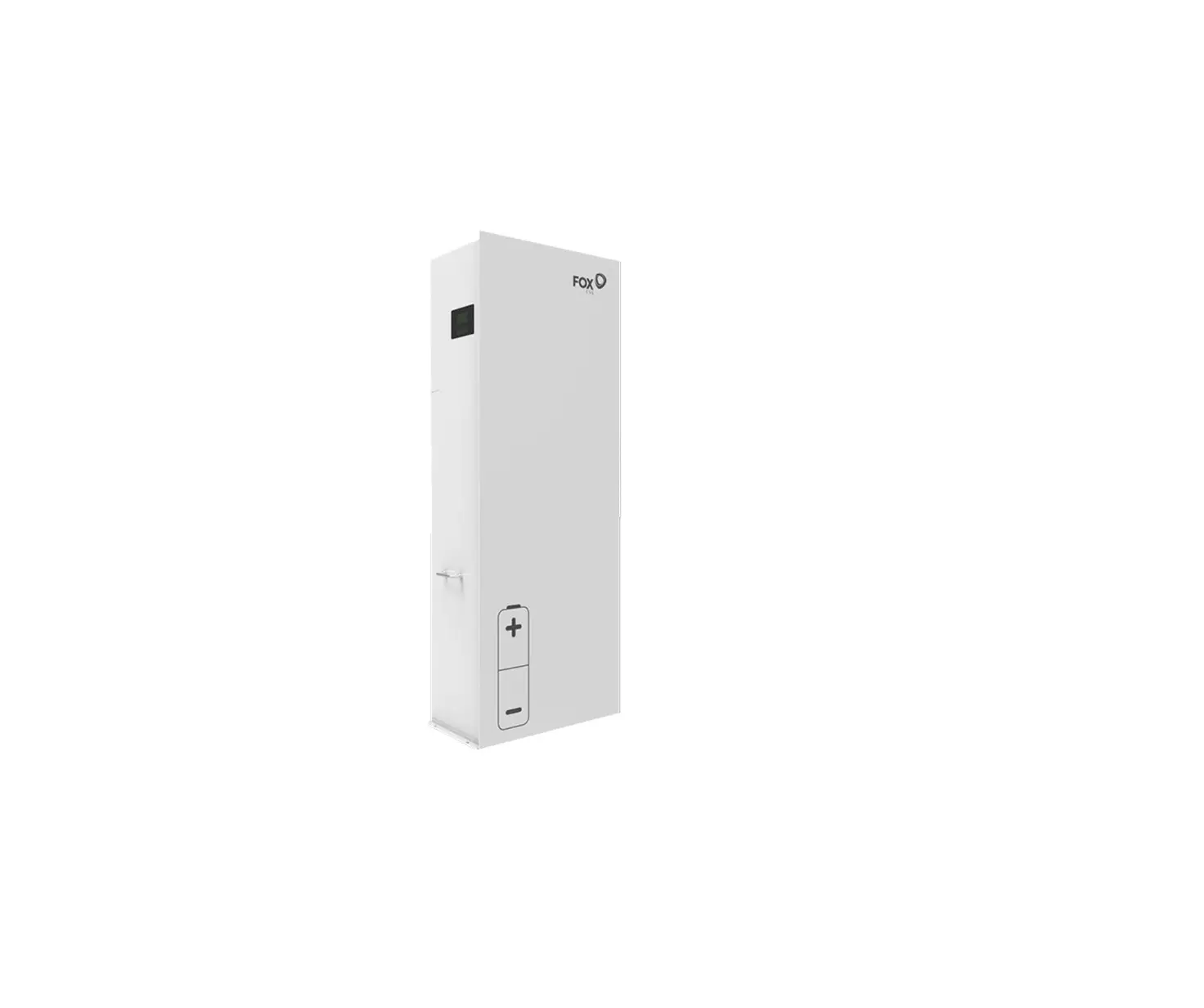
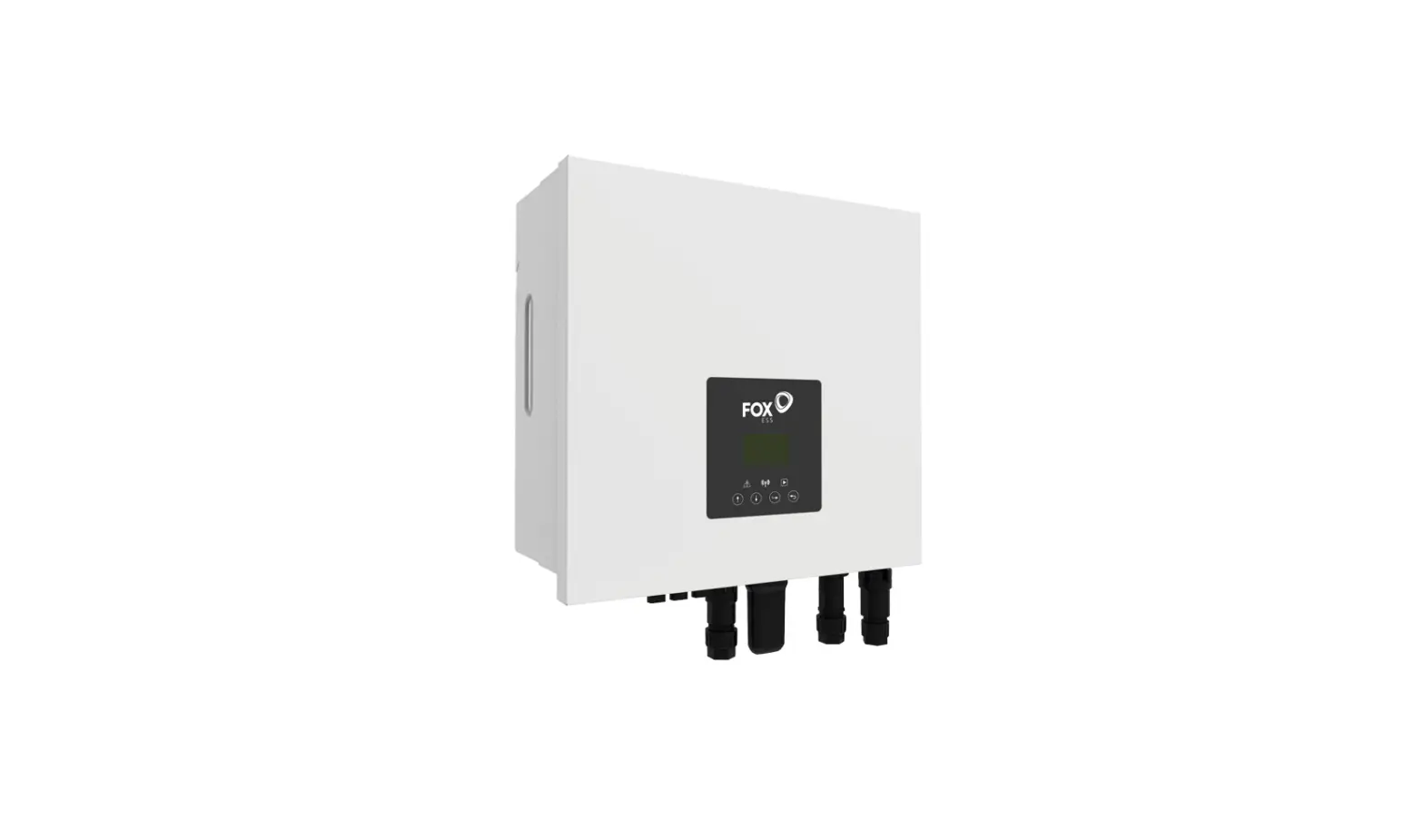
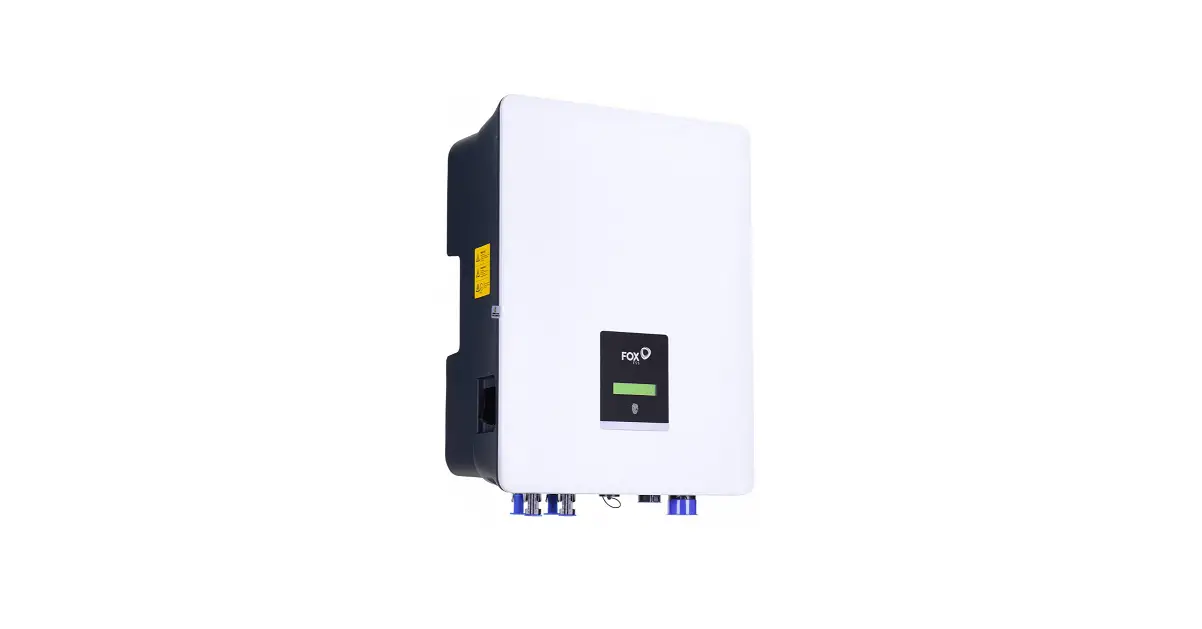
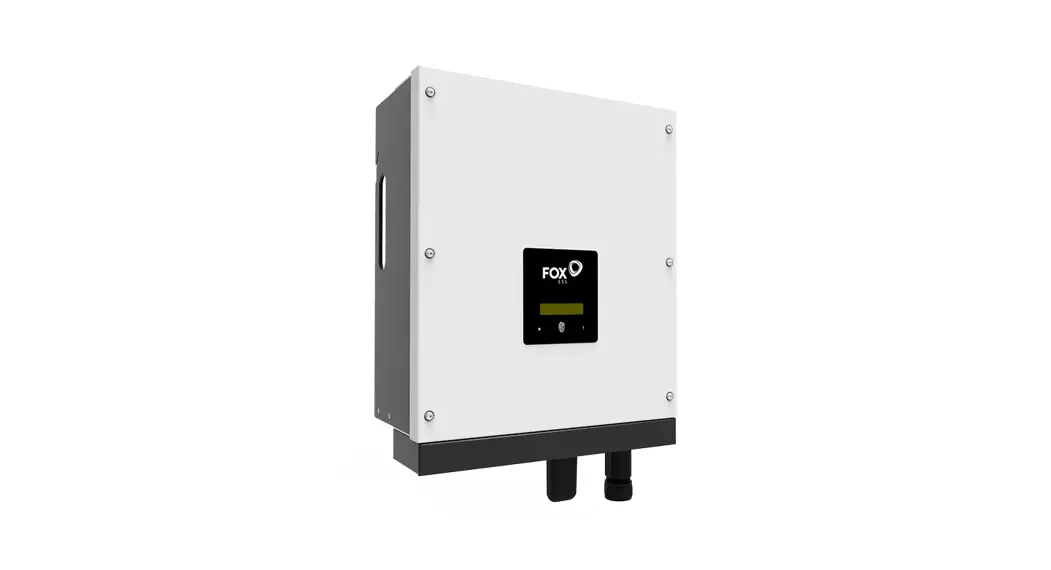
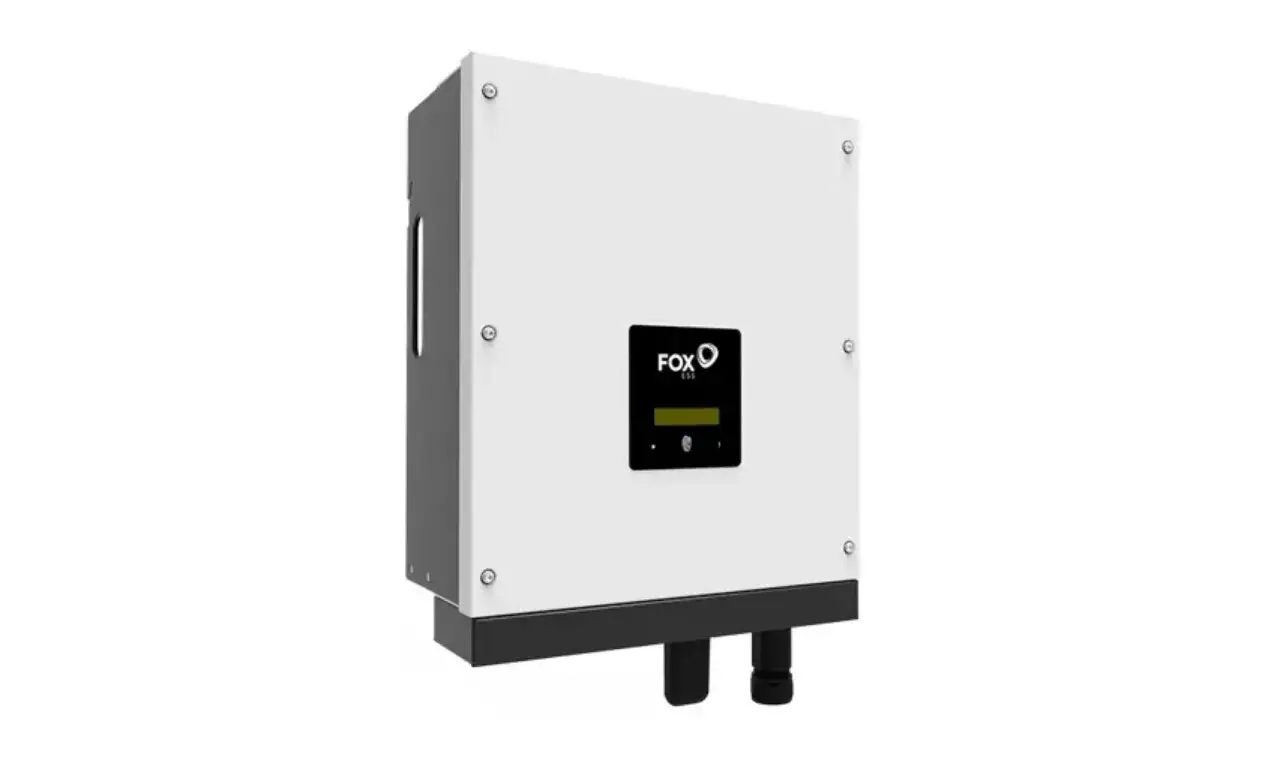
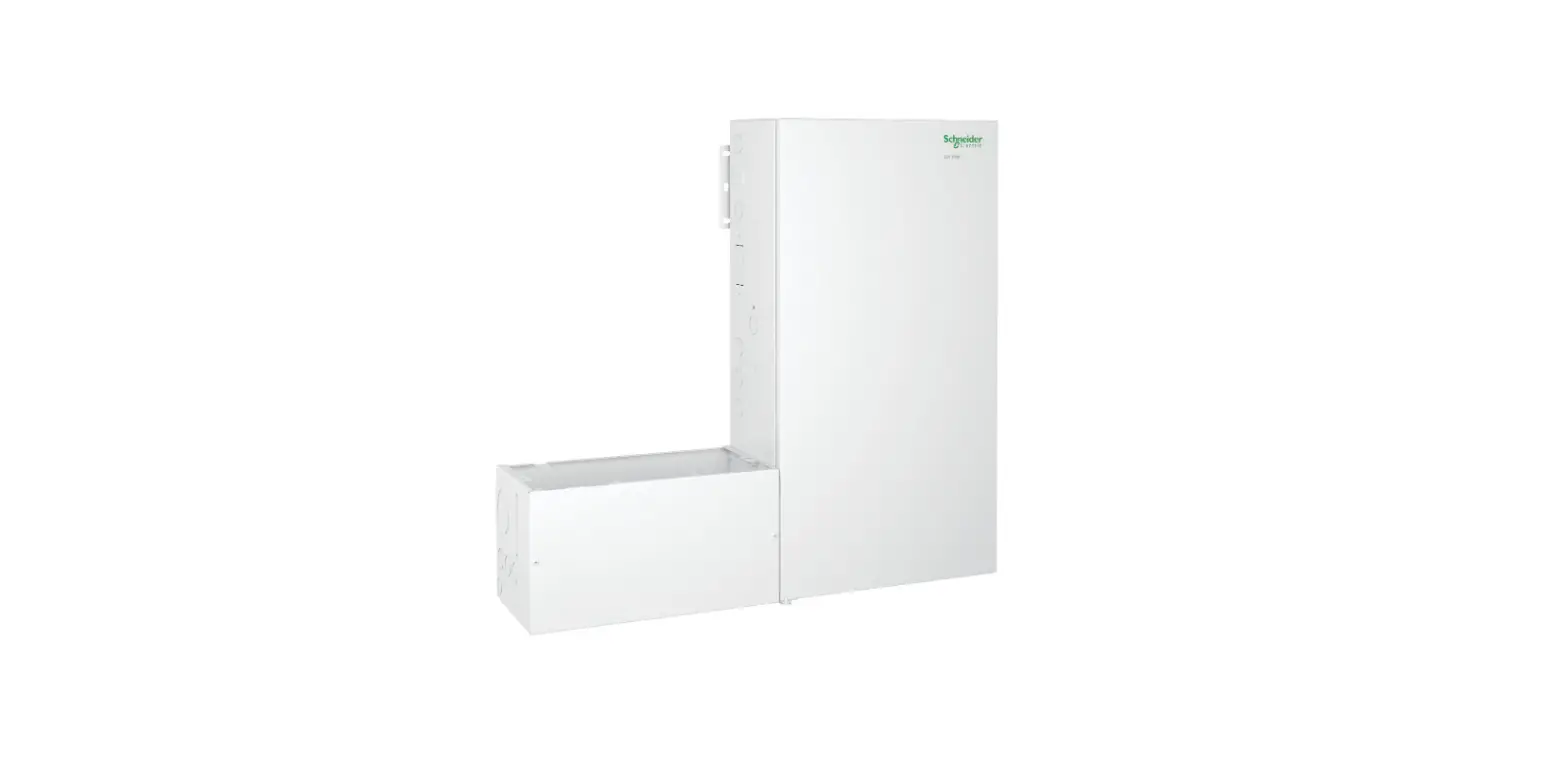
10-203-00078-04 All In One Single Phase Energy Station
Product Information
| Object | Quantity | Description |
|---|---|---|
| A | 1 | Energy station |
| B | 2 | Brackets |
| C | 4 | PV connectors (Only for Hybrid) (2 positive, 2 negative) |
| D | 4 | PV pin contacts (Only for Hybrid) (2 positive, 2 negative) |
| E | 2 | AC connectors |
| F | 3 | Expansion tubes & Expansion screws |
| G | 1 | Earth terminal |
| H | 1 | Communication connector |
| I | 1 | Quick installation guide |
| J | 1 | CT (with 10m cable) |
| K | 1 | CT extension connector |
| L | 1 | LAN/WiFi/4G (Optional) |
| M | 1 | Meter (Optional) |
| N | 2 | Hexagonal screws |
| O | 4 | (For ground installation) Battery Power cables |
| P | 3 | (1*320mm, 1*620mm, 1*900mm) |
| Q | 1 | Communication cable |
| R | 1 | Offset ring spanner |
| S | 1 | Binding band |
Product Usage Instructions
Installation Steps
Please make sure the energy station will be installed with a
proper distance as shown below:
- Position: Left
- Top Min Distance: 400mm
- Middle Min Distance: 600mm
- Right Min Distance: 300mm
A. Energy Station Installation
- Wall Mounting:
- Choose a clean and stable wall surface for installation.
- Use hexagonal screws to fix the brackets on the back of the
All-In-One. - Aim the All-In-One towards the wall and mark the position of
two holes from brackets. - Drill holes on the marks with a diameter of 6mm drill.
- Insert the expansion screws into the hole.
- Align the All-In-One with expansion screws and tighten the
screws firmly.
- Ground Installation:
- Choose a flat and stable ground for installation and place the
All-In-One on that ground. - Mark the position of the four corners on the boom of the
All-In-One then remove the All-In-One. - Drill holes on the marks, make sure the depth is at least 60mm,
and the diameter of the holes is about 13-14 mm. - The hole which is closest to the wall should keep a minimum
distance of 170mm from the wall. - Insert the expansion screw into the ground.
- Place the All-In-One back to the ground, align the All-In-One
with four expansion screws and tighten the screws firmly. - Note: For easy installation, instead of using the All-In-One
for hole remarks, you can remark the hole with the installation
guide (Size is same as Quick installation guide).
- Choose a flat and stable ground for installation and place the
B. Battery Installation
- Remove the brackets on both sides of the battery. There are
eight screws on the left and right sides (4 left, 4 right). - Push the battery into the All-In-One as shown in the
figure.
Wiring Steps
- Connect the plug of the pin contact cable to the corresponding
port in the All-In-One (D- and D+). - Connect the AC wiring cable dimensions to the All-In-One.
- Note: No.1 is reserved line. No.2 & No.3 please find it in
the battery pack.
Battery Ground Cable Connection
Note: Four ground cables please find it in the battery pack.
Quick Installaon Guide Packing List
3-6kW All-In-One Single Phase Energy Staon
A
B
C
D
E
Quick Installaon
Guide Manual
F
G
H
I
J
K
L
M
N
O
P
Q
R
S
Object Quanty
Descripon
A
1 Energy staon
B
2 Brackets
C
4
PV connectors (Only for Hybrid) (2*posive, 2*negave)
D
4
PV pin contacts (Only for Hybrid) (2*posive, 2*negave)
E
2 AC connectors
F
3
Expansion tubes &
Expansion screws
Object Quanty
Descripon
K
1 CT extension connector
L
1
LAN/WiFi/4G (Oponal)
M
1
Meter (Oponal)
N
2 Hexagonal screws
Expansion screws
O
4
(For ground installaon)
Baery Power cables
P
3 (1*320mm, 1*620mm,
1*900mm)
G
1 Earth terminal
Q
1
Communicaon cable
H
1 Communicaon connector
R
1
Offset ring spanner
I
1 Quick installaon guide
S
1 Binding band
J
1 CT (with 10m cable)
1
Installaon Steps
Please make sure the energy staon will be installed with a proper distance as shown below.
300mm
400mm
600mm
Posion Le Right Top
Min Distance 400mm 600mm 300mm
A. Energy staon installaon 1. Wall mounng Choose a clean and stable wall surface for installaon. Use hexagonal screws to fix the brackets on the back of the All-In-One. Aim the All-In-One towards the wall and mark posion of two holes from brackets.
Brackets
2
Drill holes on the marks with a diameter of 6mm drill. Insert the expansion screws into the hole.
Align the All-In-One with expansion screws and ghten the screws firmly.
2. Ground installaon Choose a flat and stable ground for installaon and place the All-In-One on that ground. Mark posion of the four corners on the boom of the All-In-One then remove the All-In-One. Drill holes on the marks, make sure the depth is at least 60mm, the diameter of the holes is about 13-14 mm. The hole which closest to the wall should keep a minimum distance of 170mm from the wall.
3
170mm
Ground
Insert the expansion screw into the ground. Place the All-In-One back to the ground, align the All-In-One with four expansion screws and ghten the screws firmly.
Note: For easy installaon, instead of using the All-In-One for hole remarks, you can remark the hole with the installaon guide (Size is same as
Quick installaon
guide
Ground
4
B. Baery installaon Remove the brackets on both sides of the baery. There are eight screws on the le and right sides (4*le, 4*right).
Serial Port Connecons
Communicaon interface between the inverter and Meter/Baery/DRM/485 are as follows with Rj45 connectors which should be inserted corresponding port in the inverter.
Push the baery into the All-In-One as shown in the figure below.
5
PIN
1
2
3
Port
CT/ Meter/
485
Meter 485A
Meter 485B
485B
4 485A
DRM GND GND DRM0 +3.3V
5
CT2+ DRM 4/8
6
CT2DRM 3/7
7
CT1DRM 2/6
8
CT1+ DRM 1/5
Note: CT1: For All-In-One, CT2: Grid ed inverter (if have). Compable Meter type: DDSU666 (CHINT), SDM230 (EASTRON).
6
Wiring Steps
PV Wiring (For Hybrid version Only) · Choose 12 AWG wire to connect the PV module. · Trim 6mm of insulaon from the wire end.
· Separate the DC connector (PV) as below.
Plug
Pin contact cable nut
D-
D+
· Insert striped cable into pin contact and ensure all conductor strands are captured in the pin contact.
· Crimp pin contact by using a crimping plier. Put the pin contact with striped cable into the corresponding crimping pliers and crimp the contact.
· Insert pin contact through the cable nut to assemble into back of the male or female plug. When you feel or hear a “click” the pin contact assembly is seated correctly.
7
ALL-IN-ONE SINGLE QUICK INSTALLATION GUIDE
· Unlock the DC connector: – Use the specified wrench tool. – When separang the DC+ connector, push the tool down from the top. – When separang the DC- connector, push the tool down from the boom. – Separate the connectors by hand.
Baery Wring A. Connecon of baery power line and communicaon line · For two baeries
3
1
2
Note: No.1 is reserved line. No.2 & No.3 please find it in the baery pack.
8
· For three baeries
Note: No.1 is reserved line. No.2 & No.3 please find it in the baery pack.
3
1
2
5
1
4
3 2
· For four baeries Note: No.1 is reserved line. No.2 & No.3 & No.4 & No.5 please find it in the baery pack.
9
B. Connecon of baery ground cable
Note: Four ground cables please find it in the baery pack.
AC Wiring Cable dimensions
Model (kW)
3.0
3.7
4.6
5.0
6.0
Cable (ON-GRID) 8.0mm² 8.0mm² 8.0mm² 8.0mm² 10.0mm²
Cable (EPS) 4.0mm² 4.0mm² 6.0mm² 6.0mm² 6.0mm²
Micro-Breaker 50A 50A 63A 63A 63A
10
– Trim all the wires to 52.5mm and the PE wire to 55mm. – Use the crimping pliers to trim 12mm of insulaon from all wire ends as shown in the picture.
L: Brown/Red Wire
N: Blue/Black Wire
12
PE: Yellow & Green Wire
Note: Please refer to local cable type and color for actual installaon. A. EPS Wiring
· Run the cable into the sleeve assembly.
· Install the cable into the plug terminal and lock the screw, torque is (0.8 + / – 0.1 N·m).
· Insert the plasc core into the main body.
11
· Put the sealing body and yarn trapper into the main body, screw the lock nut into the main body, and the torque is (2.5 + / – 0.5N·m).
· Insert the male end into the female end. For the rotaon direcon of the lock, please refer to the LOCK mark on the assembly.
B. ON-GRID Wiring · Separate the ON-GRID plug into three parts as below.
1. Hold the middle part of the female insert, rotate the back shell to loosen it, and detach it from female inset.
2. Remove the cable nut (with rubber insert) from the back shell.
· Slide the cable nut and then the back shell onto the cable.
· Push the threaded sleeve into the socket, ghten up the cap on the terminal.
· Push the threaded sleeve to connecon terminal unl both are locked ghtly on the energy staon.
· Remove the ON-GRID connector: Press the bayonet out of the slot with a small screwdriver or the unlock tool and pull it out, or unscrew the threaded sleeve, then pull it out.
Grounding Wiring Use the crimping pliers to press the ground cable into the ground terminal, screw the ground screw with screwdriver as shown below.
12
13
Please scan the QR Code and follow the steps below to download our latest mul-language User Manual/Quick Installaon Guide: Scan the QR Code Select your Language Choose to download User Manual or Quick Installaon Guide Download
Energy Staon Start-Up
Please refer to the following steps to start up the energy staon. 1. Ensure the energy staon fixed well. 2. Make sure all wirings are completed. 3. Make sure the meter is connected well. 4. Make sure the baery is connected well. 5. Make sure the external EPS contactor is connected well (if needed). 6. Turn on the PV/DC switch (for Hybrid version only), AC breaker, EPS
breaker and baery breaker. 7. Enter the sengs page, select START / STOP and set it to start. Note: · When starng energy staon for the first me, the country code will be
set by default to the local sengs. Check if the country code is correct. · Set the me on the inverter using the buon or by using the APP.
Energy Staon Switch Off
Please refer to the following steps to switch off the energy staon.
1. Enter the sengs page, select START / STOP and set it to stop.
2. Turn off the PV/DC switch (for Hybrid version only), AC breaker, EPS
breaker and baery breaker.
3. Wait 5 min before you open the upper lid (if in need of repair).
Note:
The ethernet port under inverter is only for local monitoring use (Via register),
LAN connecon need to purchase an separate product Smart LAN.
14
V1.4 10-203-00078-04