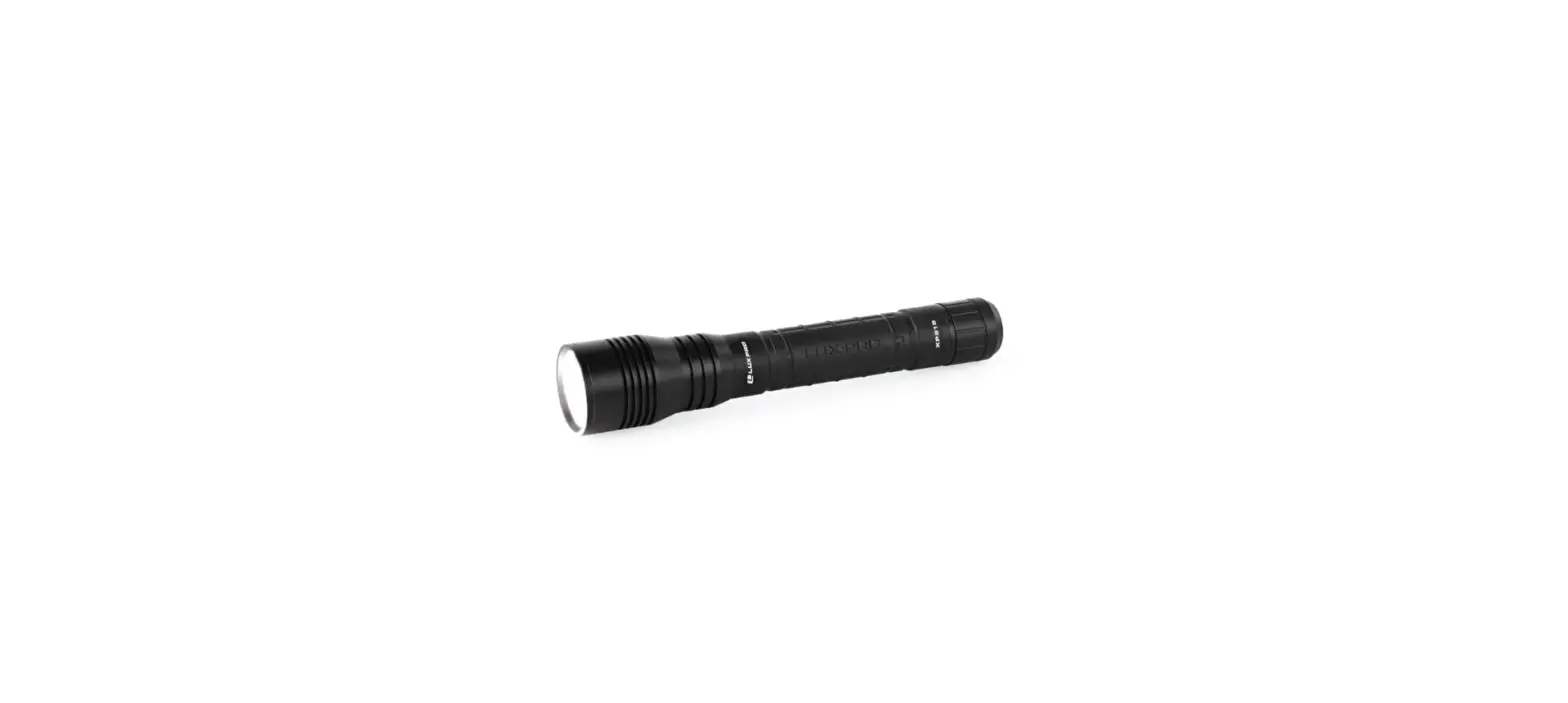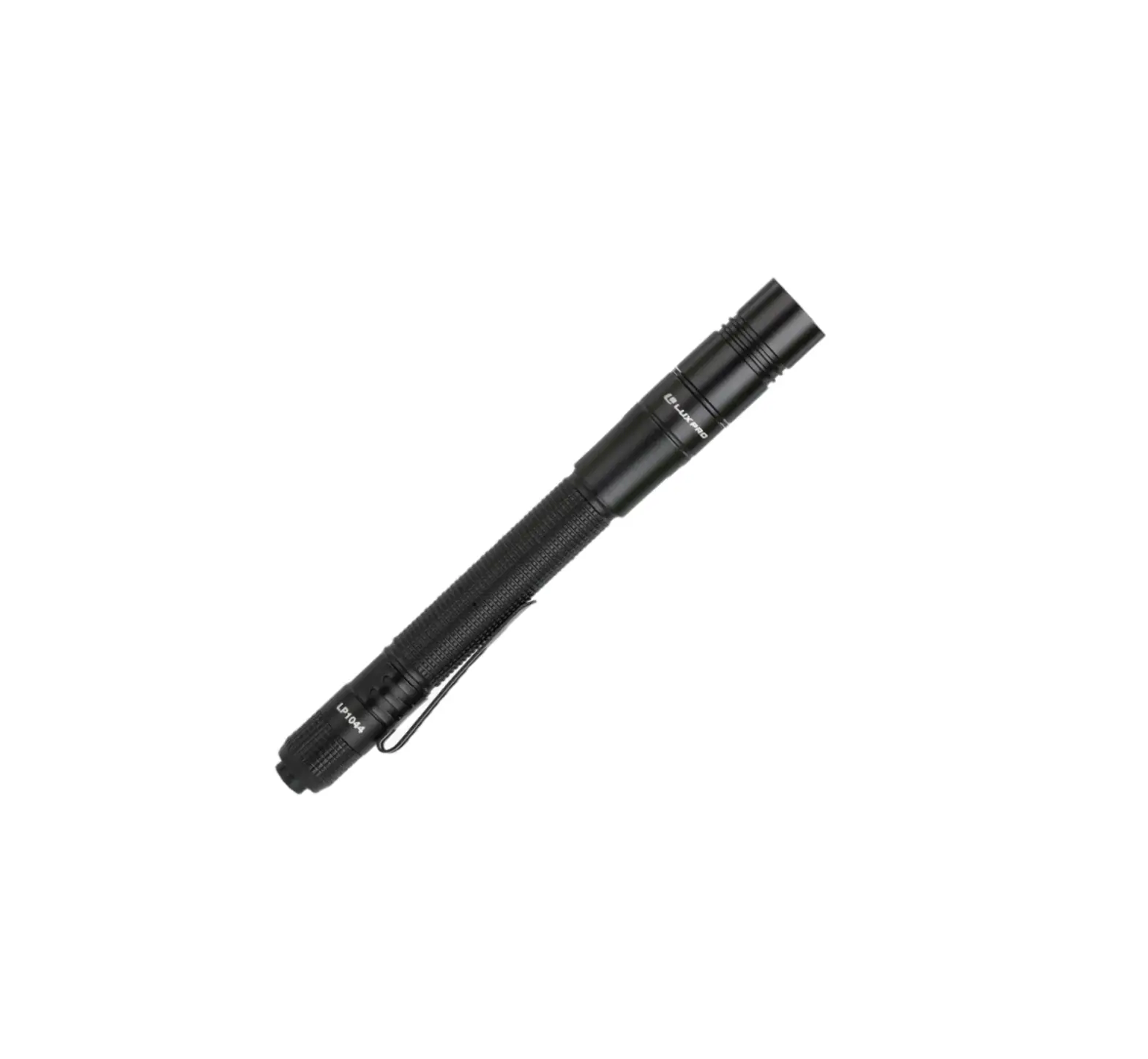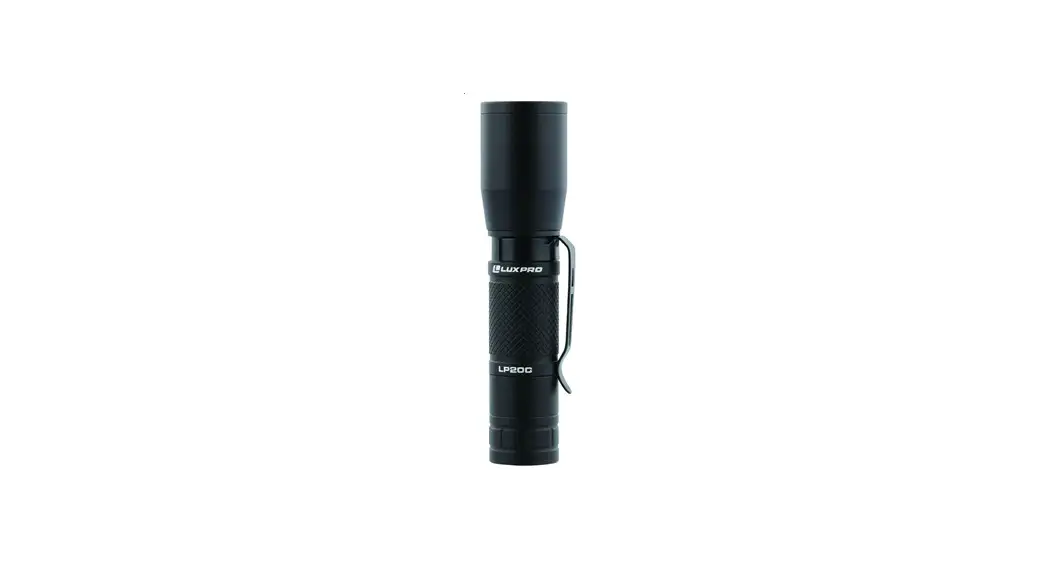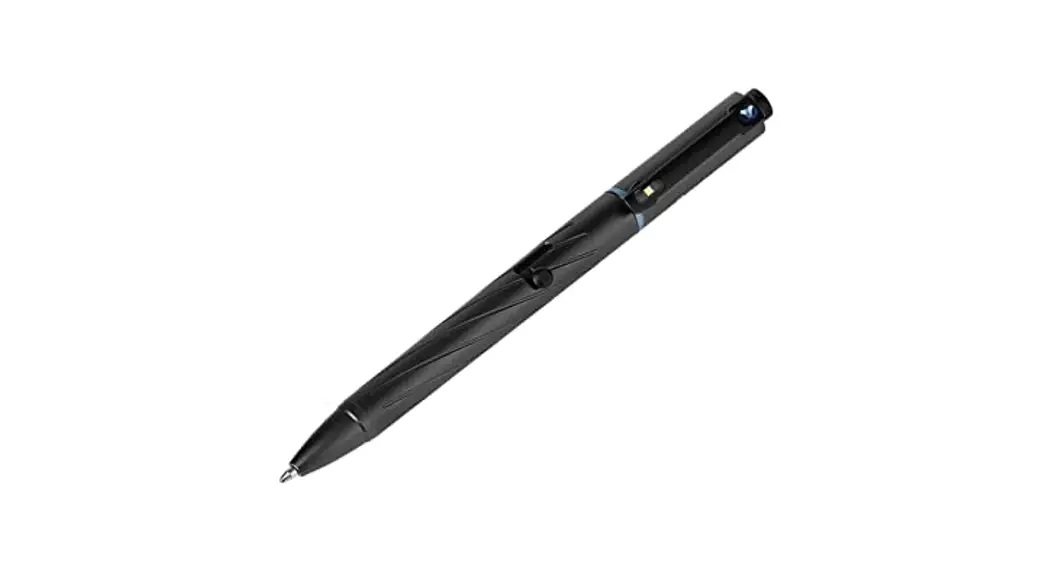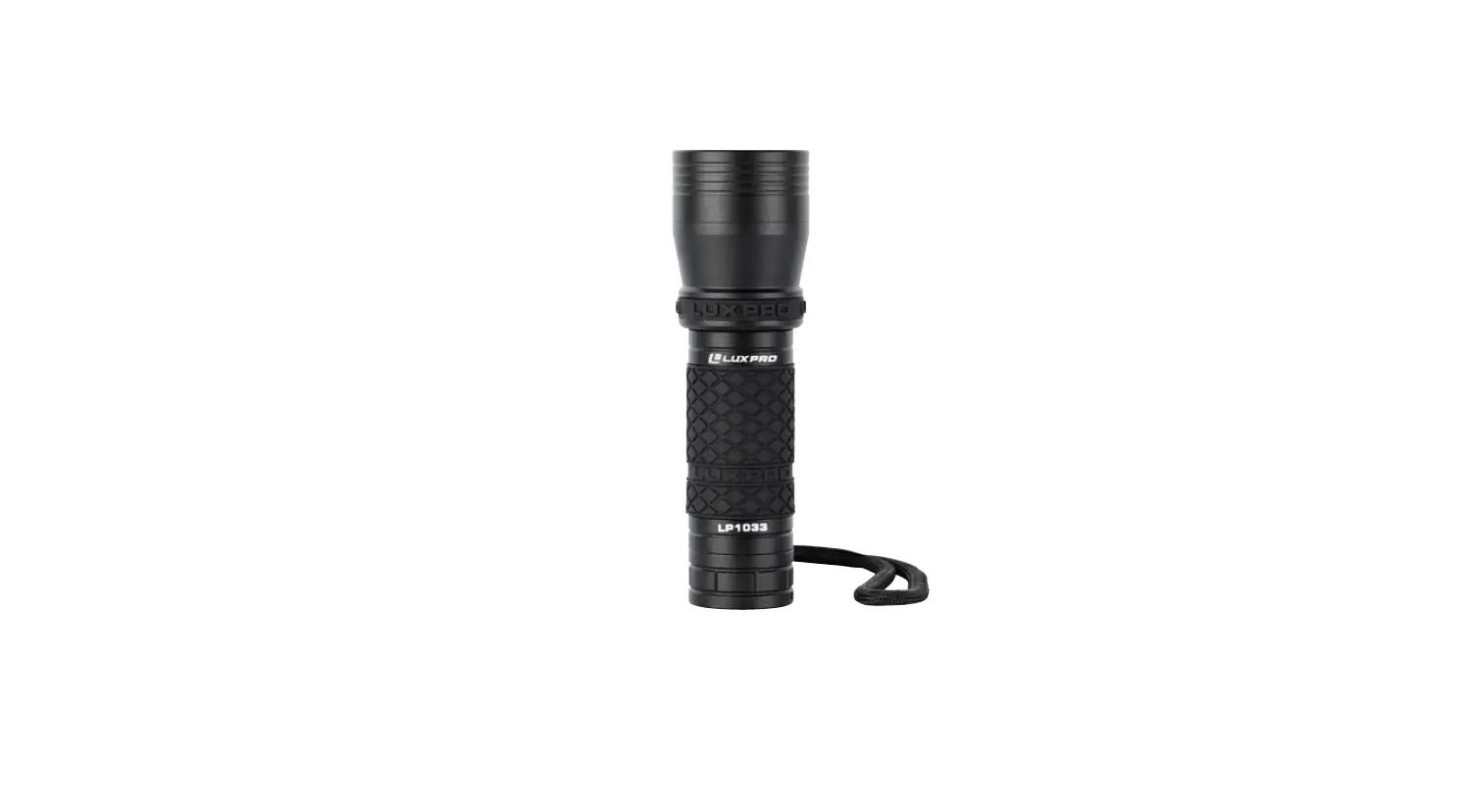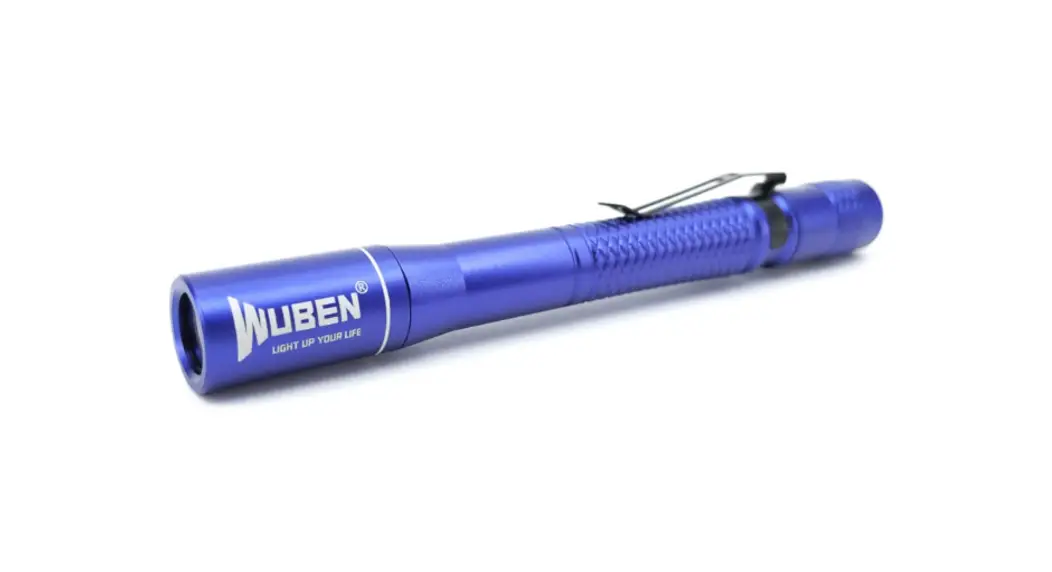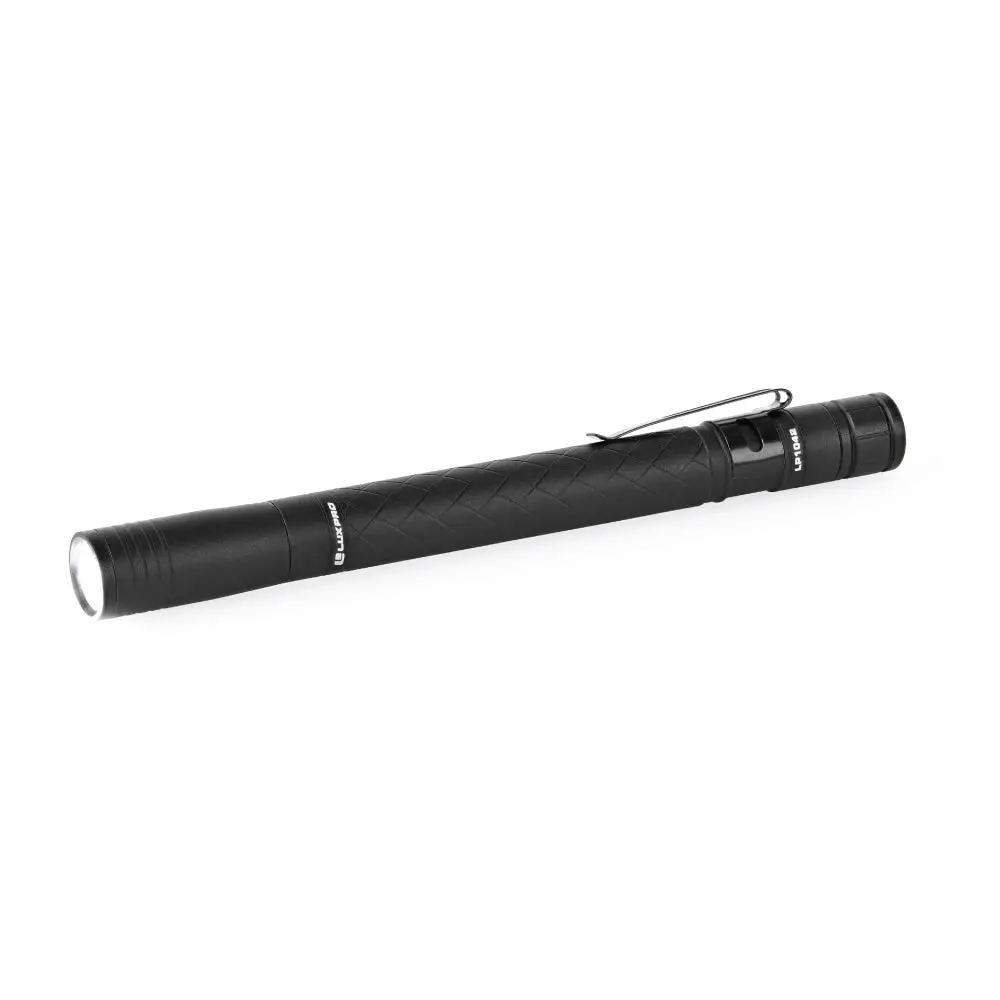
LUXPRO® LP1042 Everyday Carry Pen Light User Manual

Features
Durable aluminum construction
LPE Optics; flood to spot focusing
Textured grip
High quality pocket clip
Tactical tail cap button
O-ring sealed, IPX4
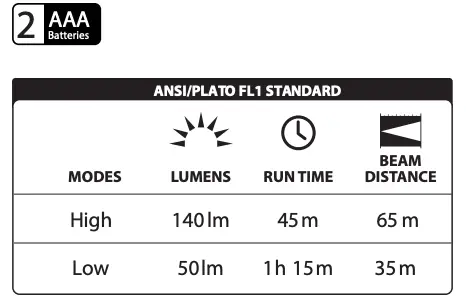
2 Modes: High/Low
Operation Instructions
On/Off: Press and release button
Cycle modes: From High mode, half-press button to cycle through modes (High/Low).
Automatically resets to High mode when off.
Focus head: Push head away from flashlight to narrow beam. Pull head towards flashlight to widen beam.
Usage and Maintenance
Battery Replacement: In a dry environment, unscrew the tailcap by turning counter clockwise. Remove batteries. Insert the new batteries into the tube (+) end first. Carefully reinstall the tailcap by pressing lightly while turning clockwise.
Care Instructions: If you know it’s going to be a while between uses, we suggest removing batteries from your light and storing your gear in a dry, protected place.
Product Warranty
Limited Lifetime Warranty against manufacturer’s defects. For warranty claims contact LuxPro by calling 801-553-8886 or sending an email to [email protected].
luxpro.com
866.553.8886
14725 S Porter Rockwell Blvd Ste C
Bluffdale, UT 84065
 ucts.com