
USER MANUAL
LP174
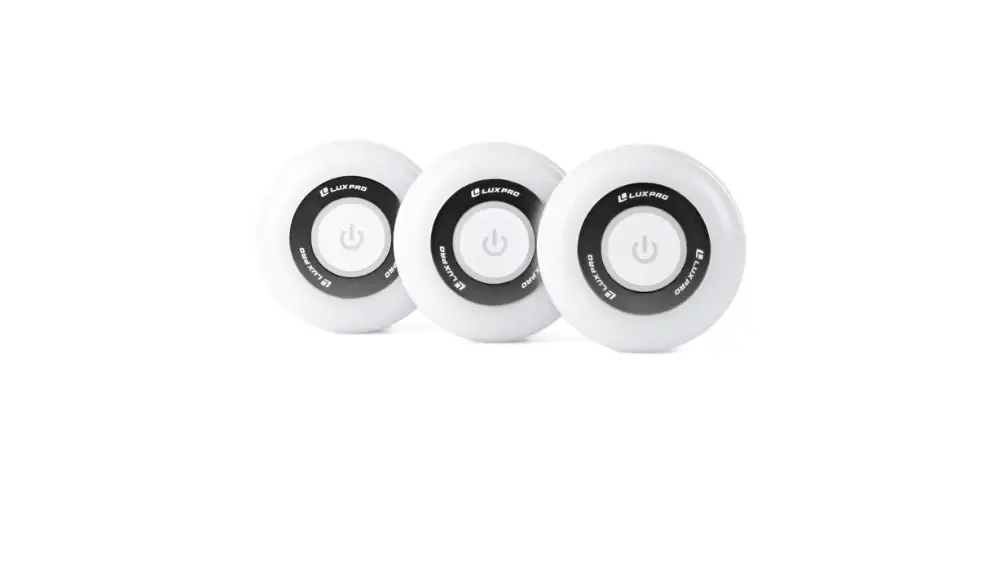
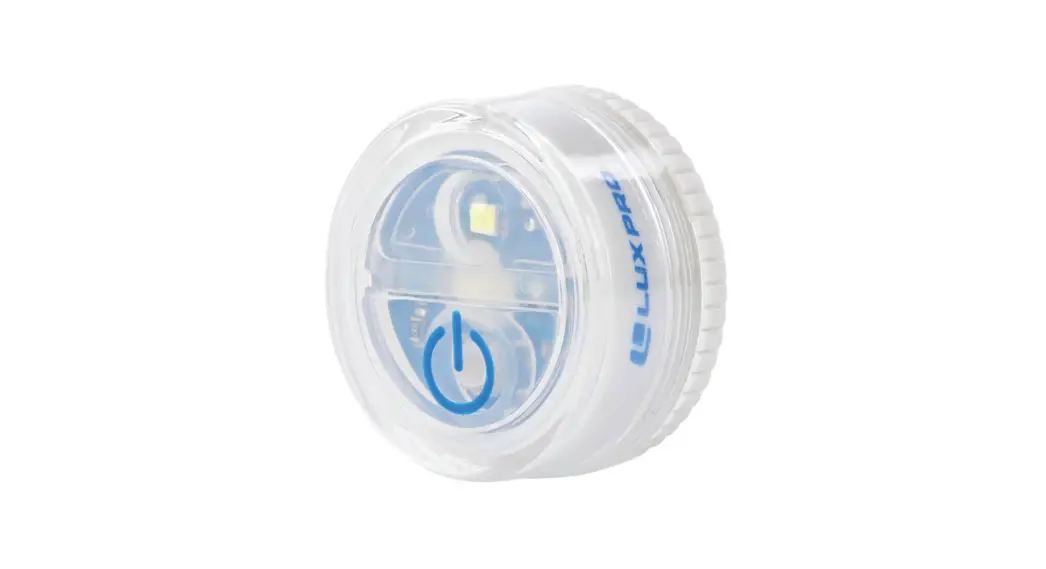
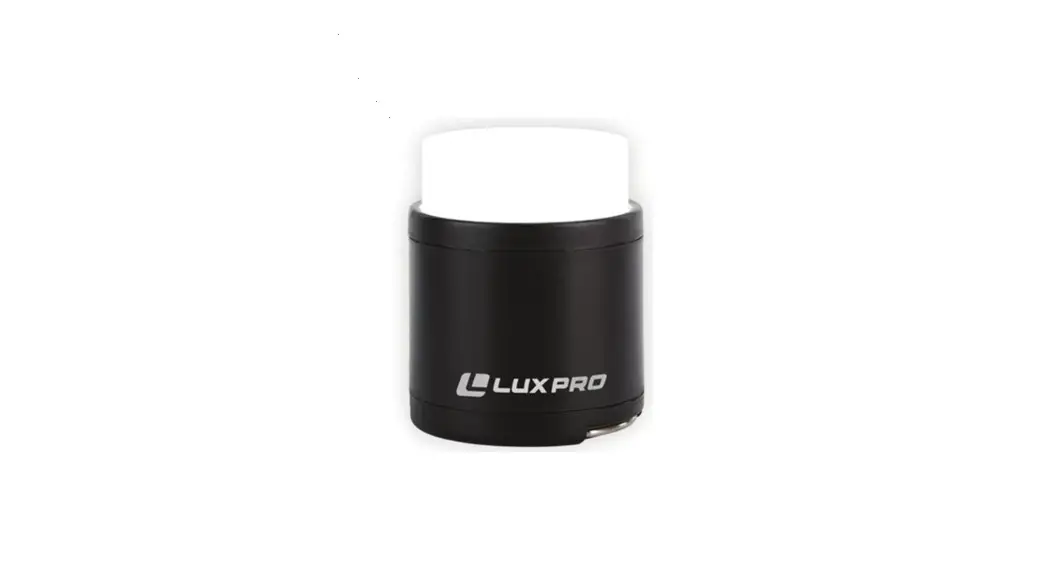
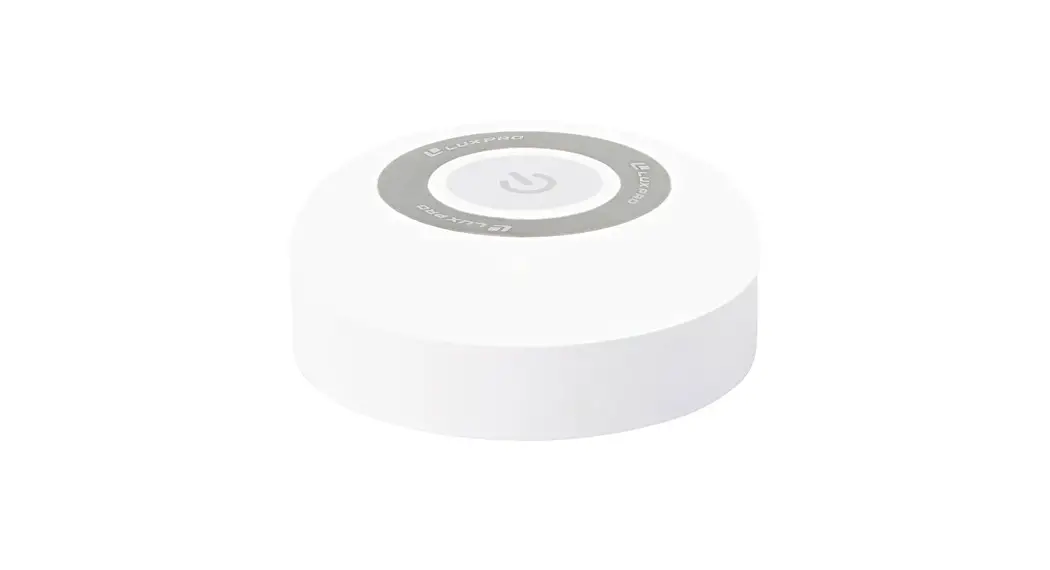
LED Puck Light (3pk)
Features
Single button operation
Impact resistant
LED 8x 2835 SMD
Diffused lens
Adhesive backing included
Batteries included (3 AAA)
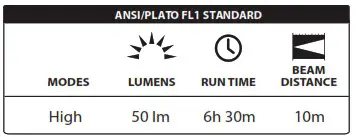
Operation Instructions
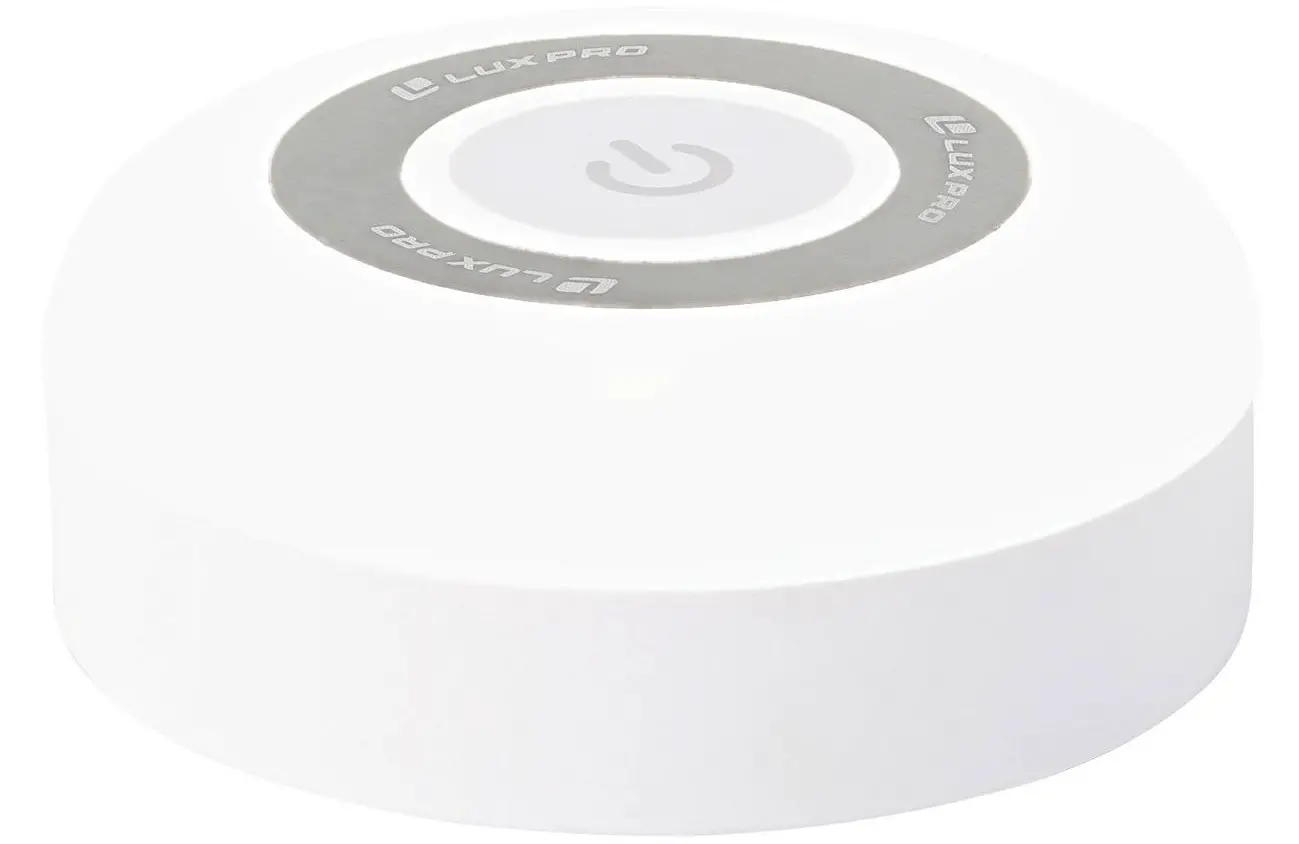
On/Off: Press and release power button on puck light to turn on and off.
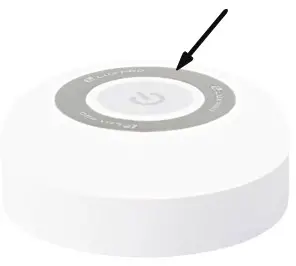
Adhesive Backing: Peel protective plastic from adhesive backing, place light in desired location against a smooth surface, press puck light firmly against smooth surface for 10 seconds.
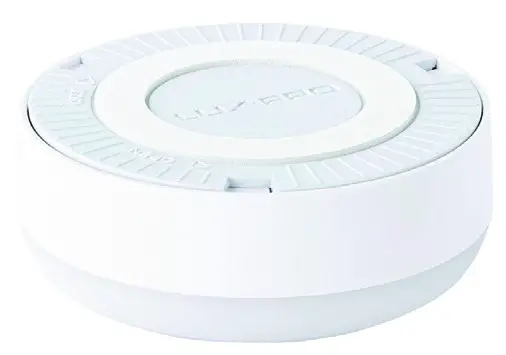
Battery Replacement
The LP174 uses 3 AAA batteries.
To replace the batteries, unscrew the light from the base by turning it counterclockwise. Remove the old batteries and insert new batteries according to the (+/-) symbols in the battery tubes.
For best results, we recommend using brand new batteries that are the same voltage and brand.
Re-attach the light to the base by pressing down gently and turning clockwise until secured.
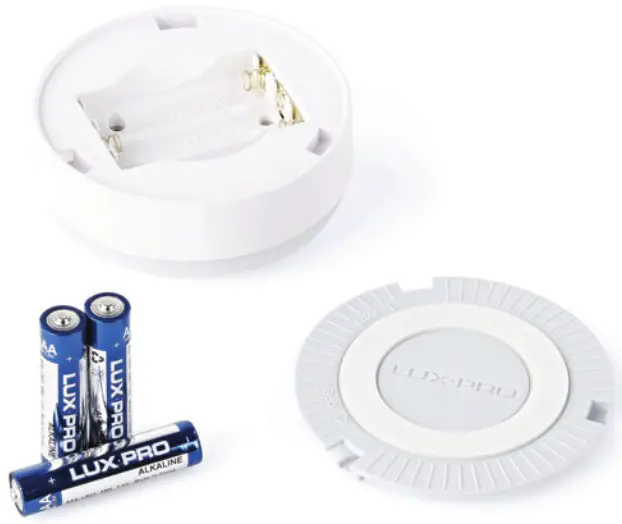
If you know it will be a while between uses, we suggest removing the batteries from the puck light and storing it in a dry, protected place.
Product Warranty
The LP174 has a Limited 90-Day Warranty Against Manufacturer’s Defects from time of purchase.
For warranty claims please contact us by calling 801-553-8886 or sending an email to [email protected]
luxpro.com
866.553.8886
14725 S Porter Rockwell Blvd Ste C
Bluffdale, UT 84065