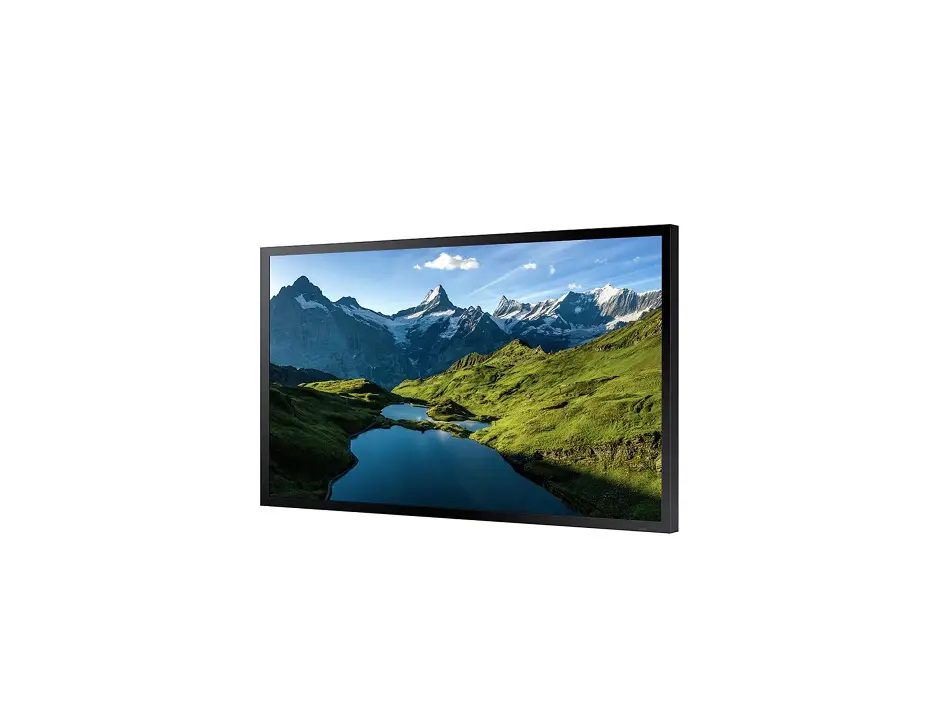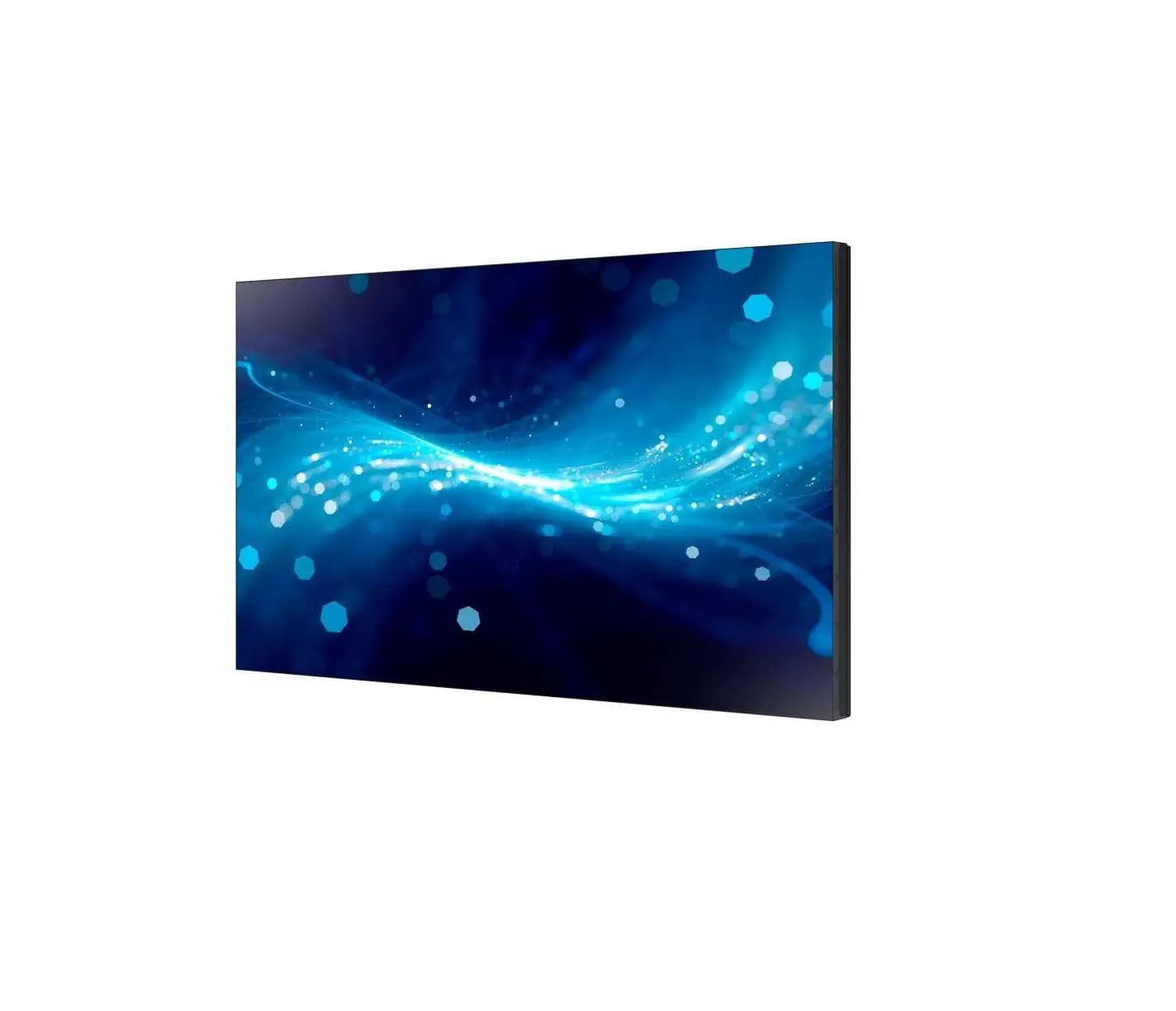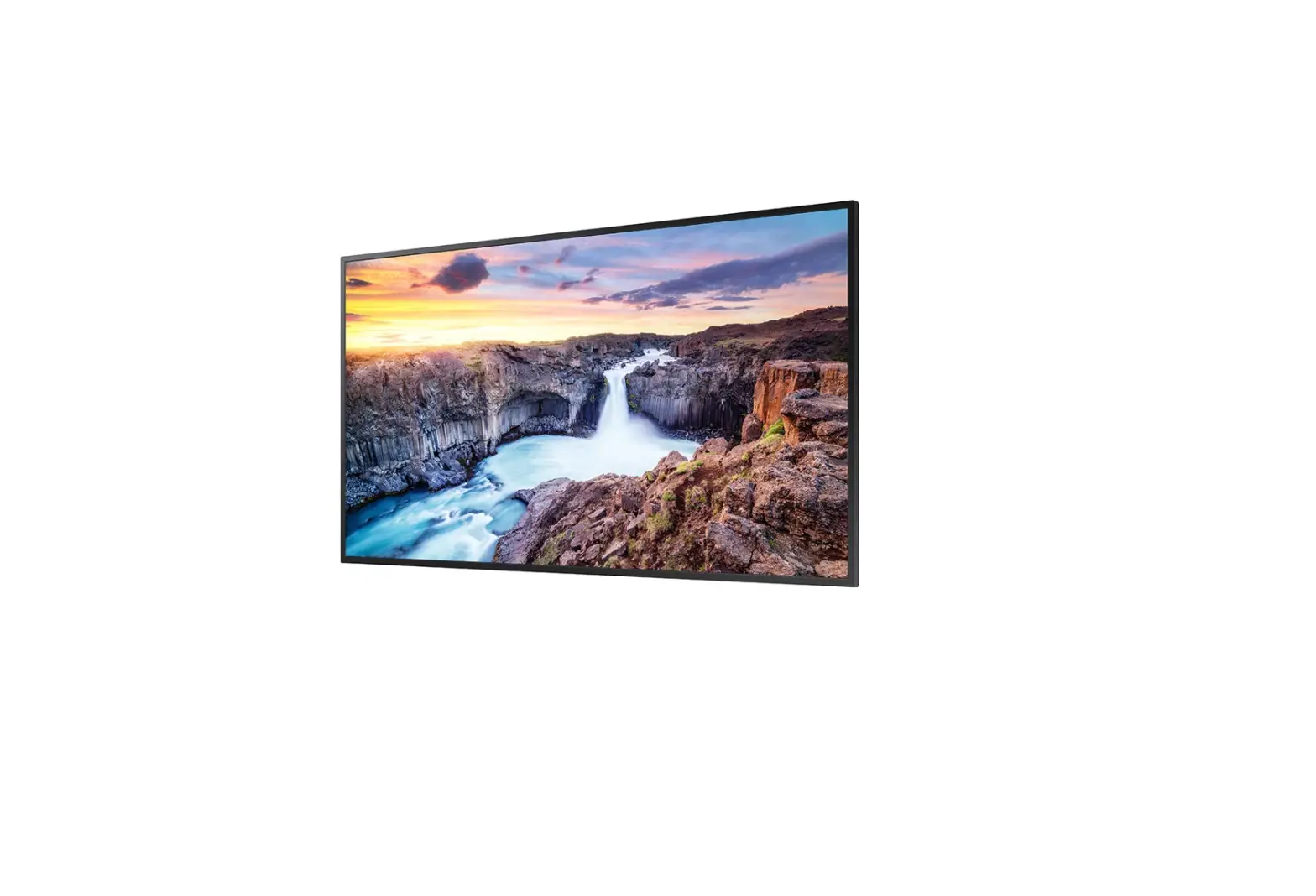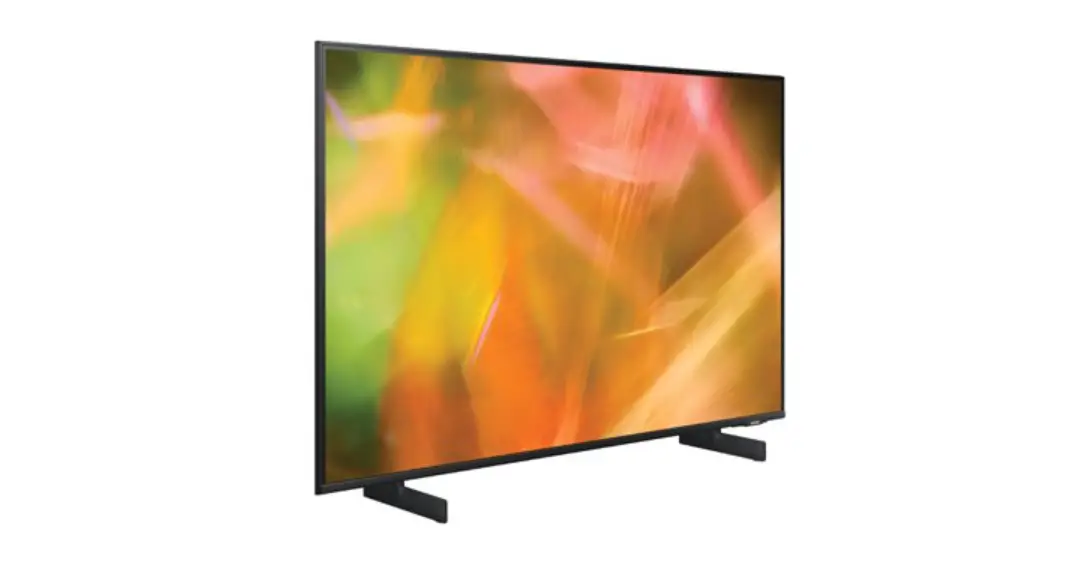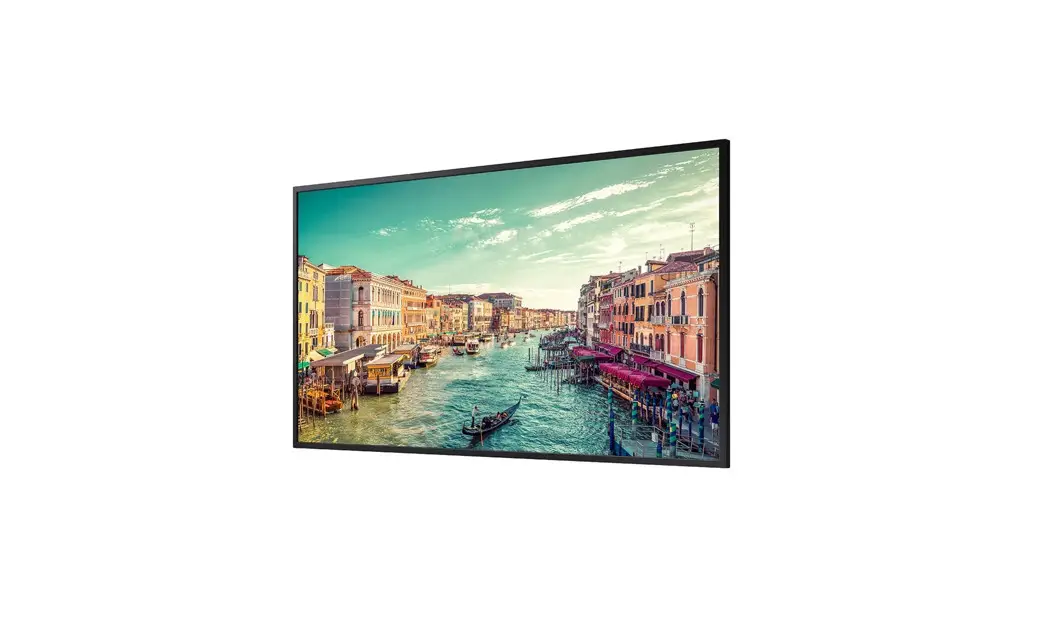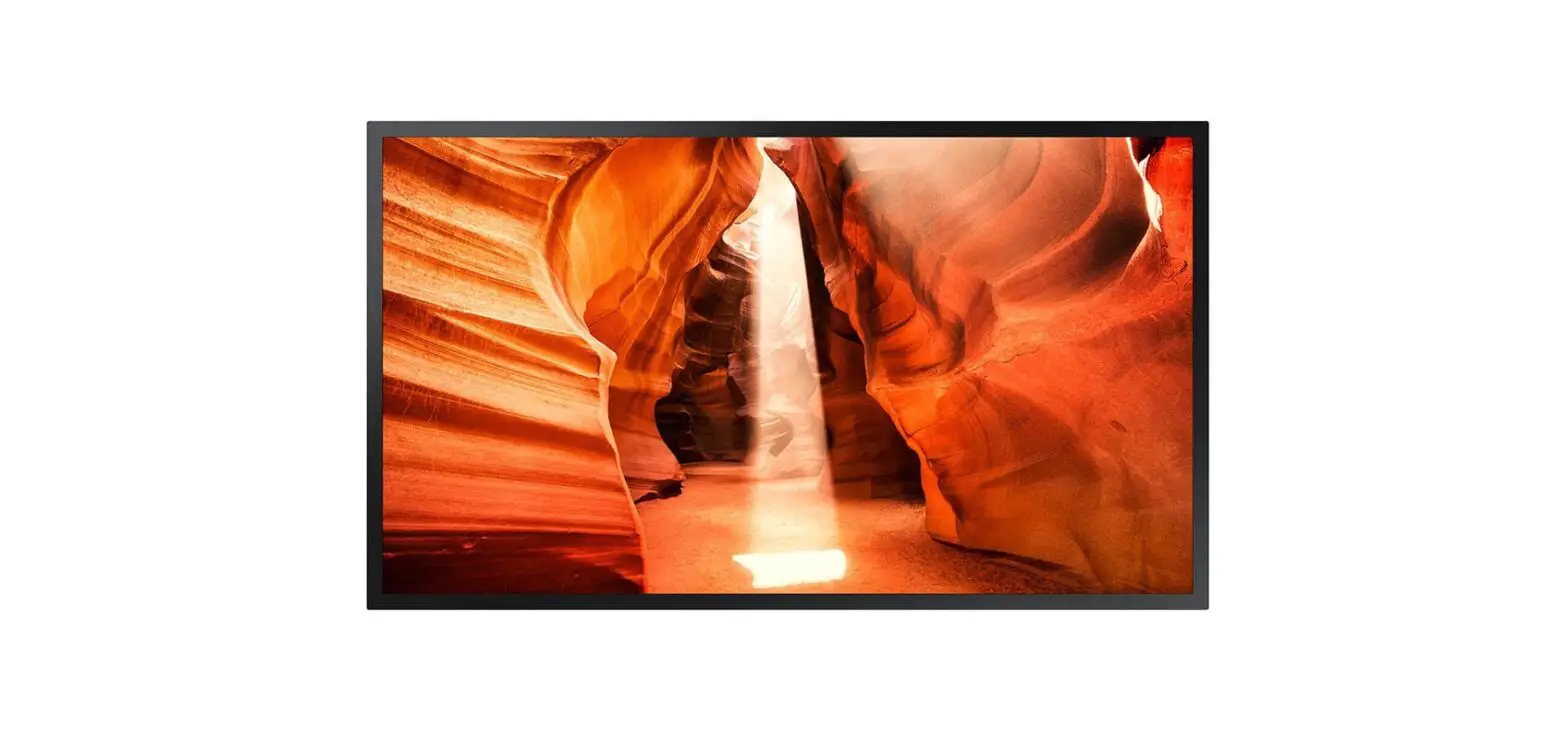
SAMSUNG OM55N-S 55 Inch FHD Window Display User Guide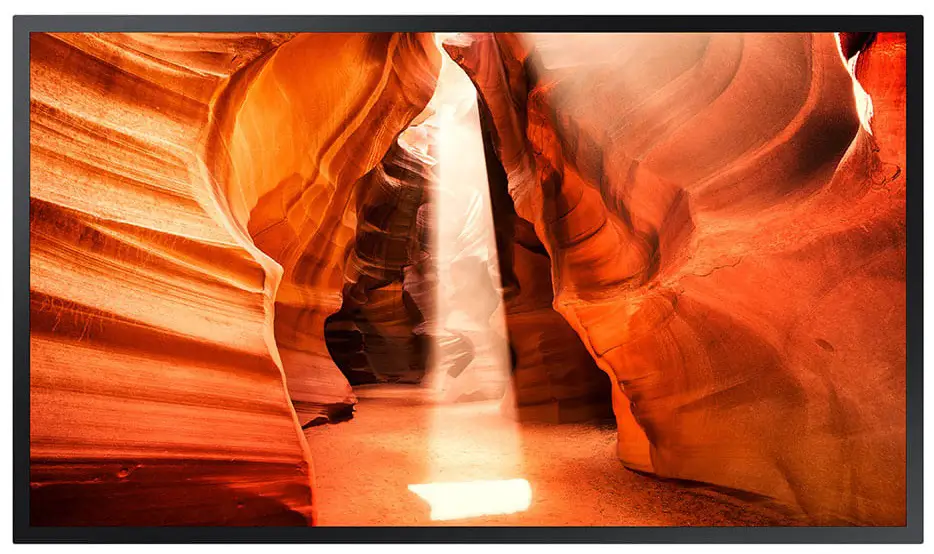
Checking the Components
Quick Setup Guide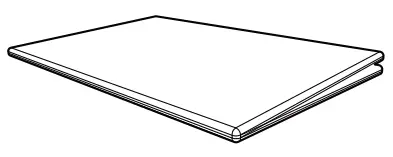
Warranty card
(Not available in some locations)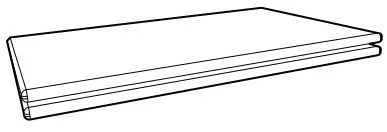
Regulatory guide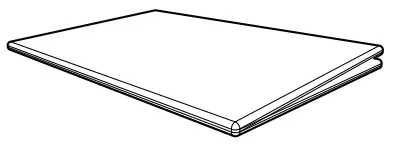
Power cord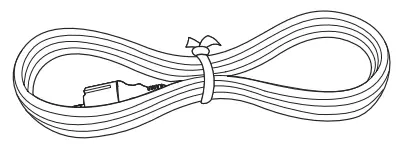
Batteries (AAA x 2)
(Not available in some locations)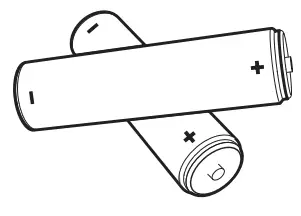
Remote Control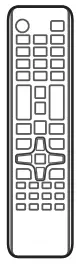
External ambient light sensor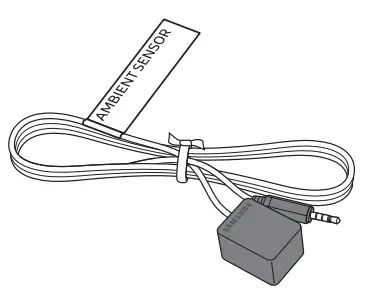
External IR cable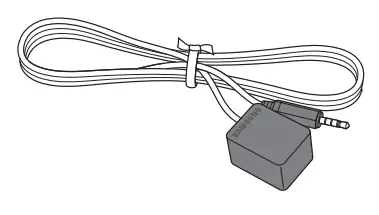
Contact the vendor where you purchased the product if any components are missing. The pictures may look different from the actual components.
*Use either the back-side magnet or the double-sided tape depending on where you want to attach the external ambient light sensor. The warranty for adhesiveness of the double-sided tape applies to first-time-use only.
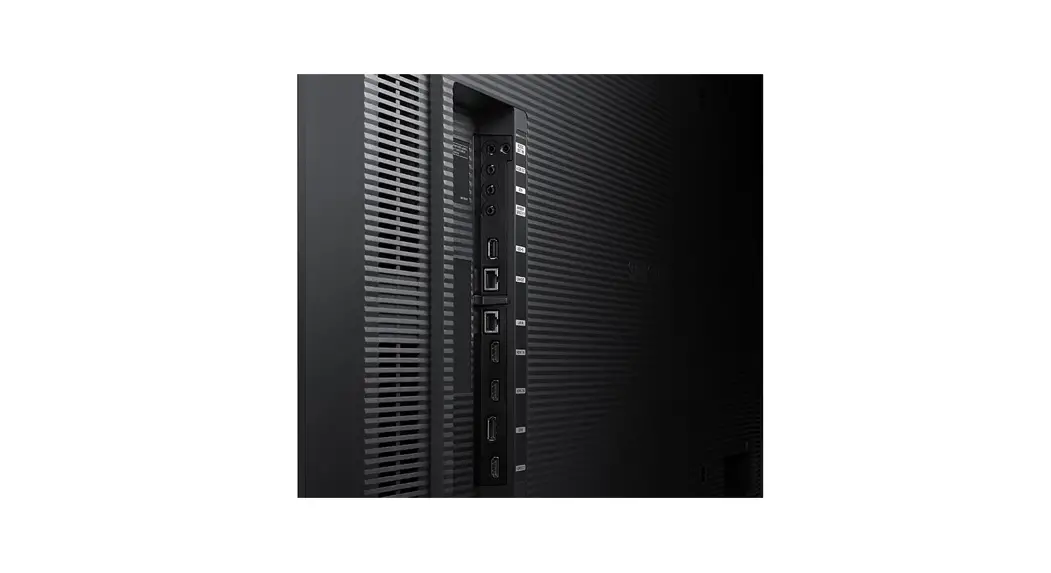
Parts
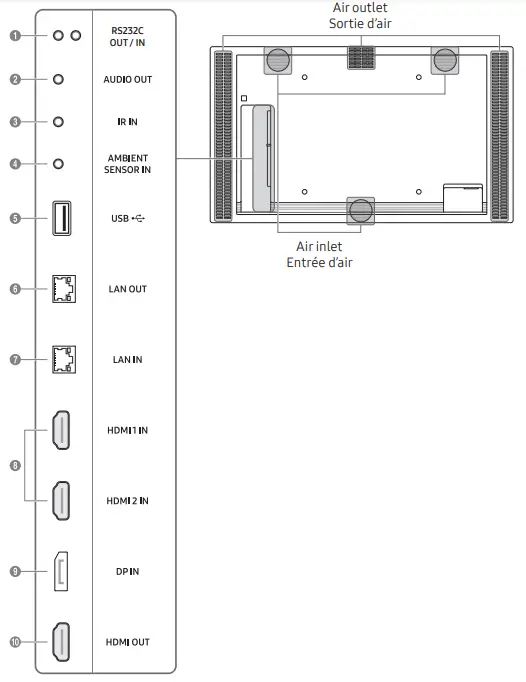
- Connects to MDC using an RS232C adapter.
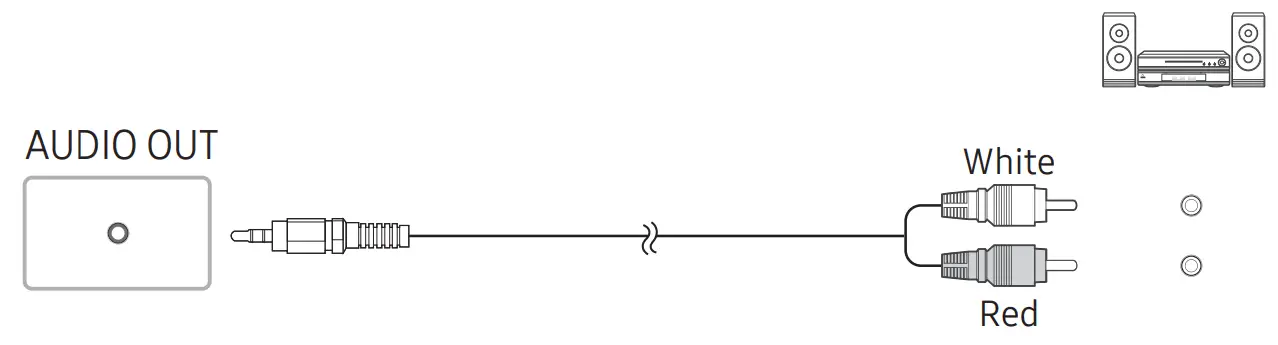
- Outputs sound to an audio device via an audio cable.
- Connects to an external IR cable that receives signals from the remote control.
- Used to supply power to the external sensor board and to receive signals from the ambient light sensor.
- Connect to a USB memory device.
- Wired LAN connection port used to connect an external device such as a laptop to connect to the Internet. Connects to MDC using a LAN cable. (10/100 Mbps)
- Connects to MDC using a LAN cable. (10/100 Mbps)
- Connects to a source device using a HDMI cable or HDMI-DVI cable.
- Connects to a PC using a DP cable.
- Connects to another product using a HDMI cable.
Connecting and Using a Source Device
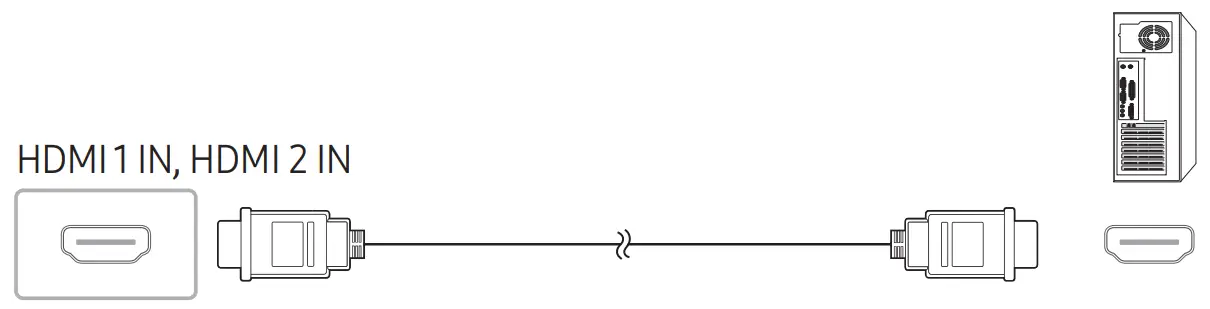
Connecting to a PC
DP IN
HDMI 1 IN, HDMI 2 IN
Connecting to a Video Device
HDMI 1 IN, HDMI 2 IN
HDMI 1 IN, HDMI 2 IN
Connecting to an Audio System
Connecting the LAN Cable
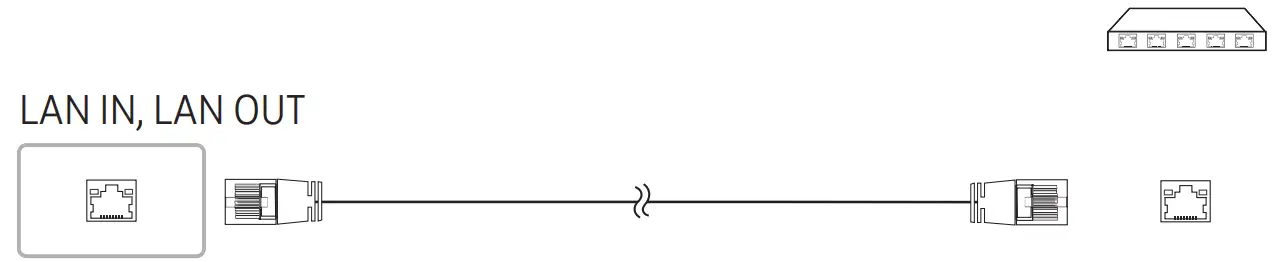
Use Cat7(*STP Type) cable for the connection. (10/100 Mbps)
- Shielded Twist Pair
Connecting to MDC
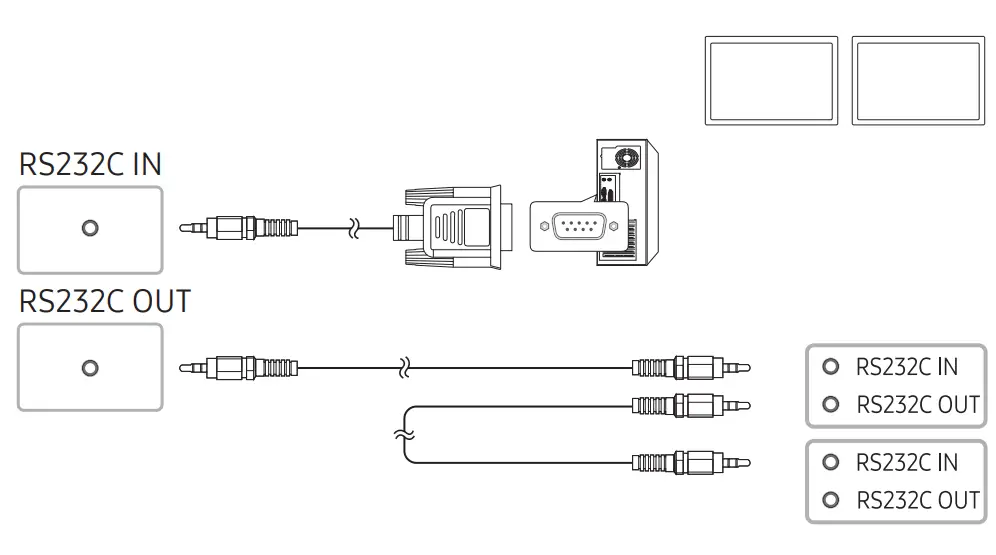
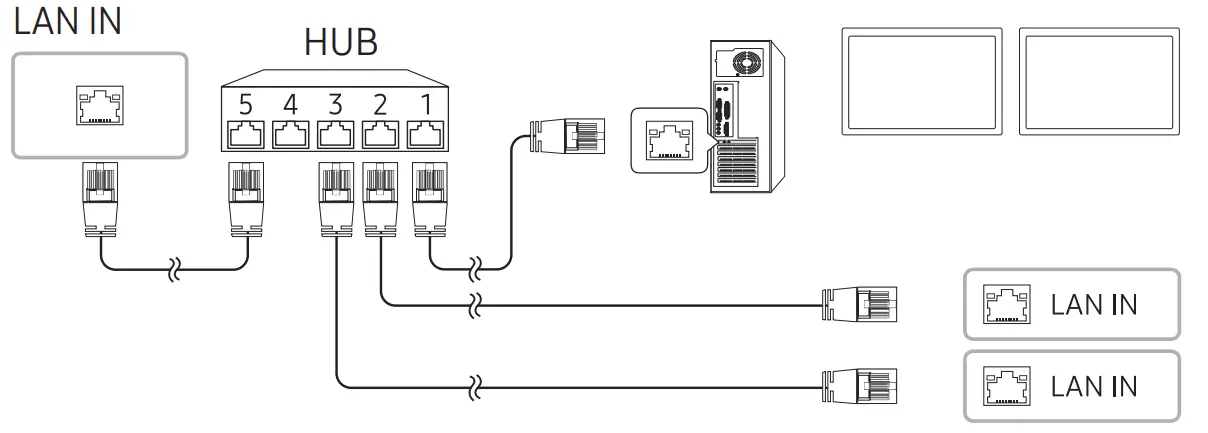
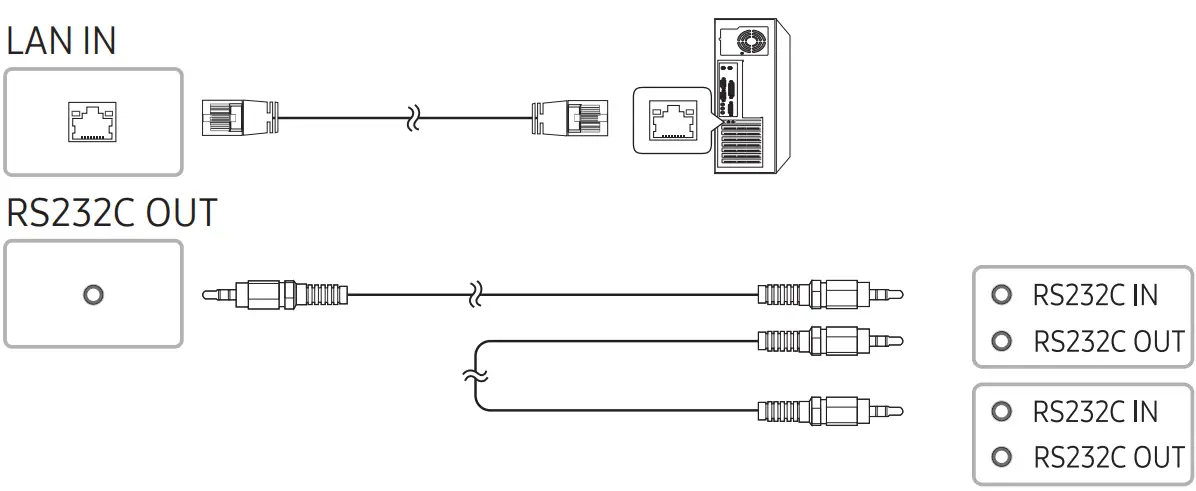
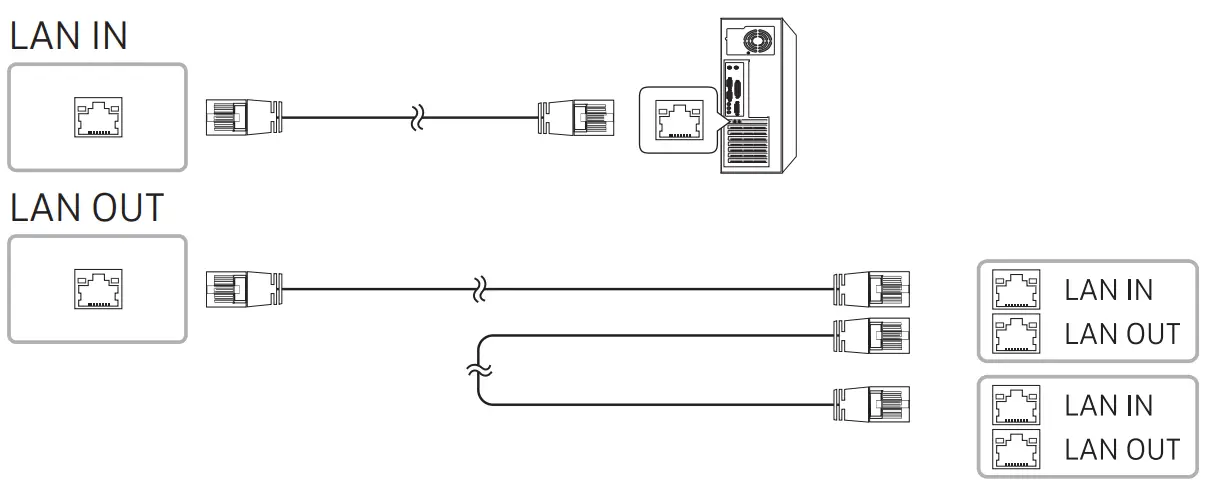
For details on how to use the MDC programme, refer to Help after installing the programme.
The MDC programme is available on the website. http://www.samsung.com/displaysolutions
Troubleshooting Guide
| Issues | Solutions |
| The screen keeps switching on and off. | Check that the cable between the product and the PC is connected correctly. |
| No Signal is displayed on the screen. | Check that the product is connected correctly with a cable. |
| Check that the source device connected to the product is powered on. | |
| Depending on the type of external device, the screen may not display properly. In this case, connect it with the HDMI Hot Plug function turned On. | |
| Not Optimum Mode is displayed. | This message is displayed when a signal from the graphics card exceeds the product’s maximum resolution and frequency. |
| Refer to the Standard Signal Mode Table and set the maximum resolution and frequency according to the product specifications. |
Specifications
| Model Name | OM55N-S | |
| Panel | Size | 138.7cm |
| Display area | 1209.6 mm )H) x 680.4 mm )V) | |
| Power Supply | AC100-240V~ 50/60Hz Refer to the label at the back of the product as the standard voltage can vary in different countries. | |
| Environmental considerations | Operating | Temperature: 0 °C – 40 °C (32 °F – 104 °F) Humidity: 10% – 80%, non-condensing |
| Storage | Temperature: -20 °C – 45 °C (-4 °F – 113 °F) Humidity: 5% – 95%, non-condensing | |
- This is a class A product. In a domestic environment this product may cause audio interference in which case the user may be required to take adequate measures.
- For detailed device specifications, visit the Samsung Electronics website.
Contact SAMSUNG WORLD WIDE
Web site: http://www.samsung.com
| Country/Area | Customer Care Centre |
| ALGERIA | 3004 |
| AUSTRALIA | 1300 362 603 |
| BAHRAIN | 8000-GSAM (8000-4726) |
| BANGLADESH | 08000-300-300 (Toll free) 09612-300-300 |
| CAMBODIA | 1800-20-3232 (Toll free) |
| CAMEROON | 67095 0077 |
| COTE D’ IVOIRE | 8000 0077 |
| EGYPT | 08000-7267864 16580 WhatsApp 010 000 16580 |
| GHANA | 0800 100 077 |
| HONG KONG | 3698 4698 (All Product) 3698 4688 (B2B) |
| INDIA | 1800 5 SAMSUNG (1800 5 7267864) (Toll-Free) 1800 40 SAMSUNG (1800 40 7267864) (Toll-Free) |
| INDONESIA | 021-5699-7777 0800-112-8888 (Toll Free) |
| IRAN | 021-8255 |
| IRAQ | 80010080 |
| ISRAEL | *6963 |
| JORDAN | 0800-22273 06 5777444 |
| KENYA | 0800 545 545 |
| KUWAIT | 183-CALL (183-2255) |
| LAOS | +856-214-17333 |
| LEBANON | 1598 |
| MACAU | 0800 333 |
| MALAYSIA | 1800-88-9999 +603-7713 7420 (Overseas contact) |
| MAURITIUS | 800 5050 |
| MOROCCO | 080 100 22 55 |
| MOZAMBIQUE | 84 726 7864 |
| MYANMAR | +95-1-2399-888 |
| NAMIBIA | 08 197 267 864 |
| NEPAL | 16600172667 (Toll Free for NTC Only) 9801572667 (Toll Free for Ncell users) |
| NEW ZEALAND | 0800 726 786 |
| NIGERIA | 0800 726 7864 |
| OMAN | 800-SAM CS (800-72627) |
| PAKISTAN | 0800-Samsung (7267864) |
| PALESTINE | 1800-792447 |
| PHILIPPINES | 1-800-10-726-7864 [PLDT Toll Free] 1-800-8-726-7864 [Globe Landline and Mobile] 02-8-422-2111 [Standard Landline] |
| QATAR | 800-CALL (800-2255) |
| REUNION | 0262 50 88 80 |
| SAUDI ARABIA | 8002474357 (800 24/7 HELP) From Inside Saudi Arabia +966112614718 From outside Saudi Arabia (May Call Charges will be applied) |
| SENEGAL | 800 00 0077 |
| SINGAPORE | 1800 7267864 | 1800-SAMSUNG |
| SOUTH AFRICA | 0860 SAMSUNG (726 7864) |
| SRI LANKA | 011 SAMSUNG (011 7267864) |
| SUDAN | 1969 |
| TAIWAN | 0800-32-9999 0809-00-5237 (B2B / Dealer) |
| TANZANIA | 0800 780 089 |
| THAILAND | Hotline no : 1282 1800-29-3232 (Toll free for all product) |
| TUNISIA | 80 100 012 |
| U.A.E | 800-SAMSUNG (800 – 726 7864) |
| UGANDA | 0800 300 300 |
| VIETNAM | 1800 588 889 (All Product) |
| ZAMBIA | 3434 |
Wall Mount Kit Specifications
| 1 Model Name | 2 Inches | 3 VESA screw hole specs(A * B) in millimeters | 4 StandardScrew | 5 Quantity | 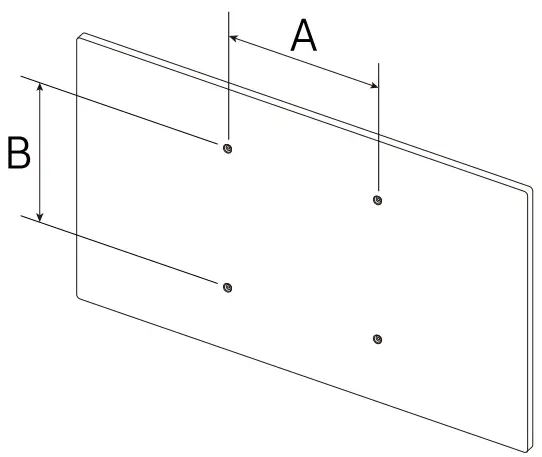 |
| OM55N-S | 55 | 400 x 400 | M8 | 4 |
- The colour and the appearance may differ depending on the product, and the content in the manual is subject to change without prior notice to improve the performance.
- Download the user manual from the website for further details.
http://www.samsung.com/displaysolutions
 The terms HDMI and HDMI High-Definition Multimedia Interface, and the HDMI Logo are trademarks or registered trademarks of HDMI Licensing Administrator, Inc. in the United States and other countries.

 Samsung US | Mobile | TV | Home Electronics | Home Appliances | Samsung US