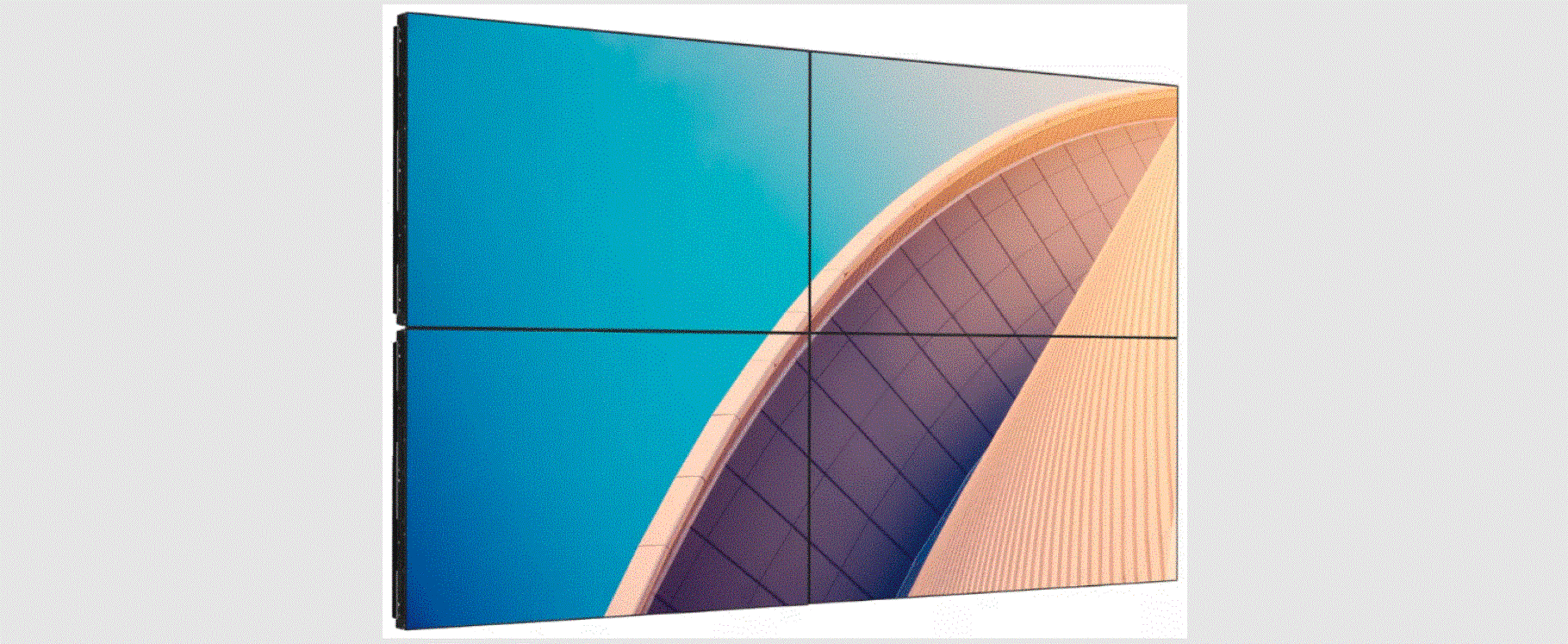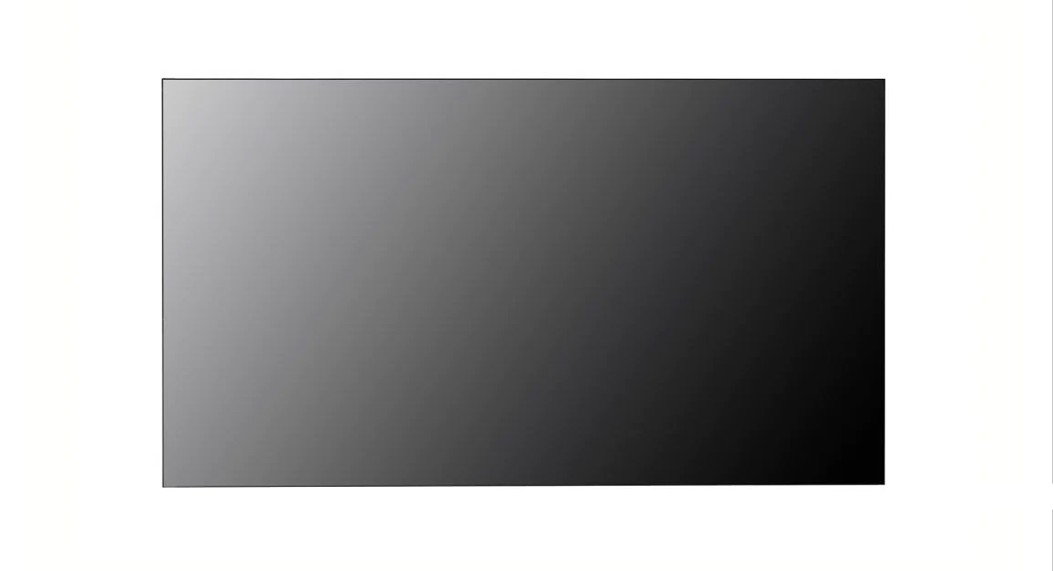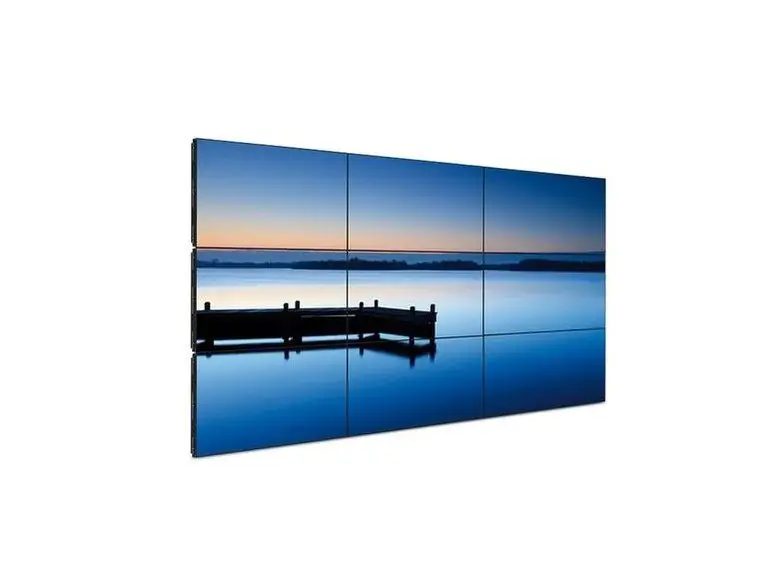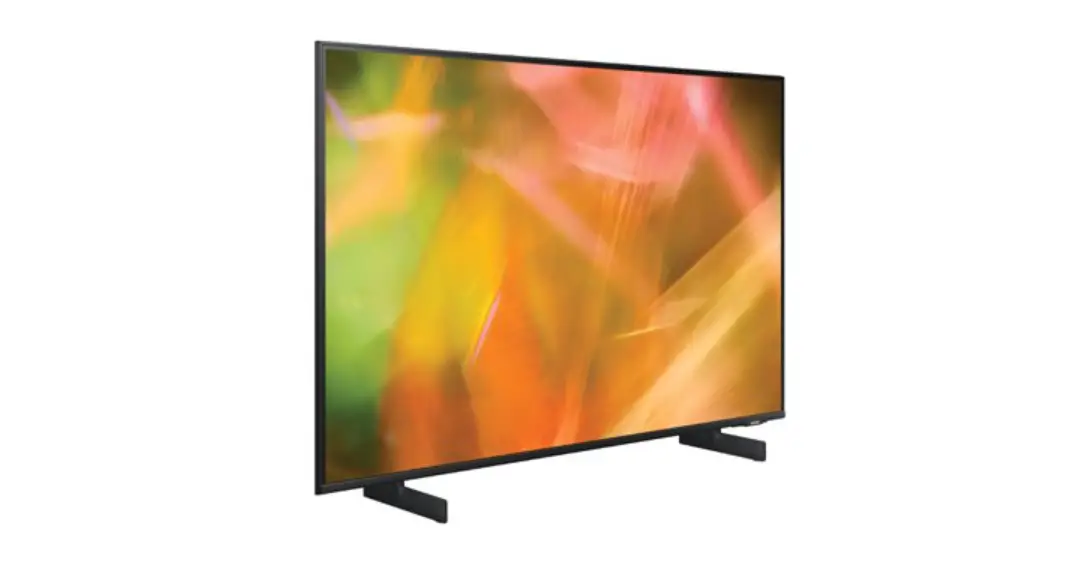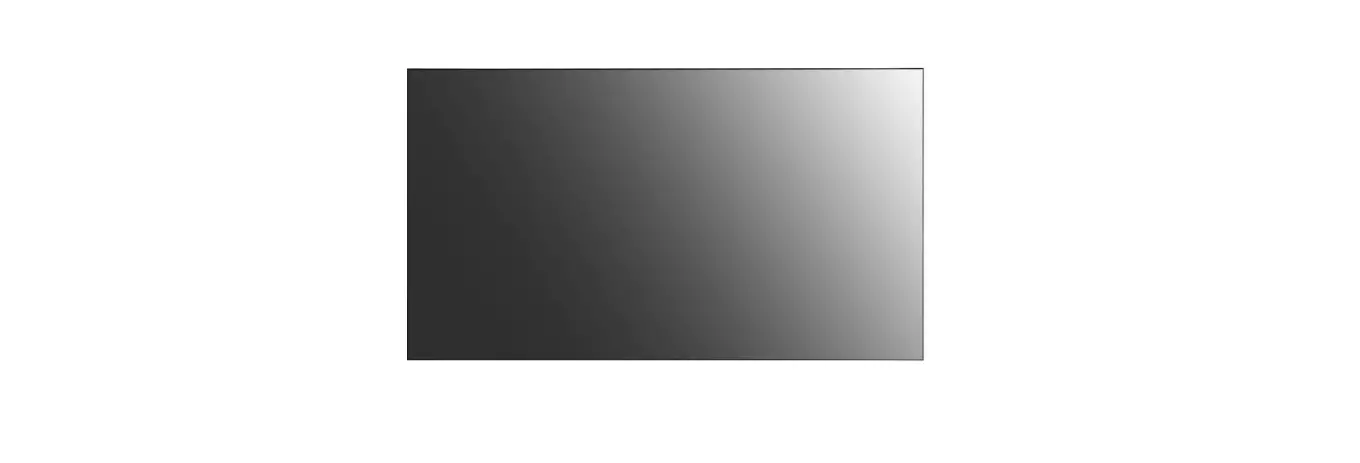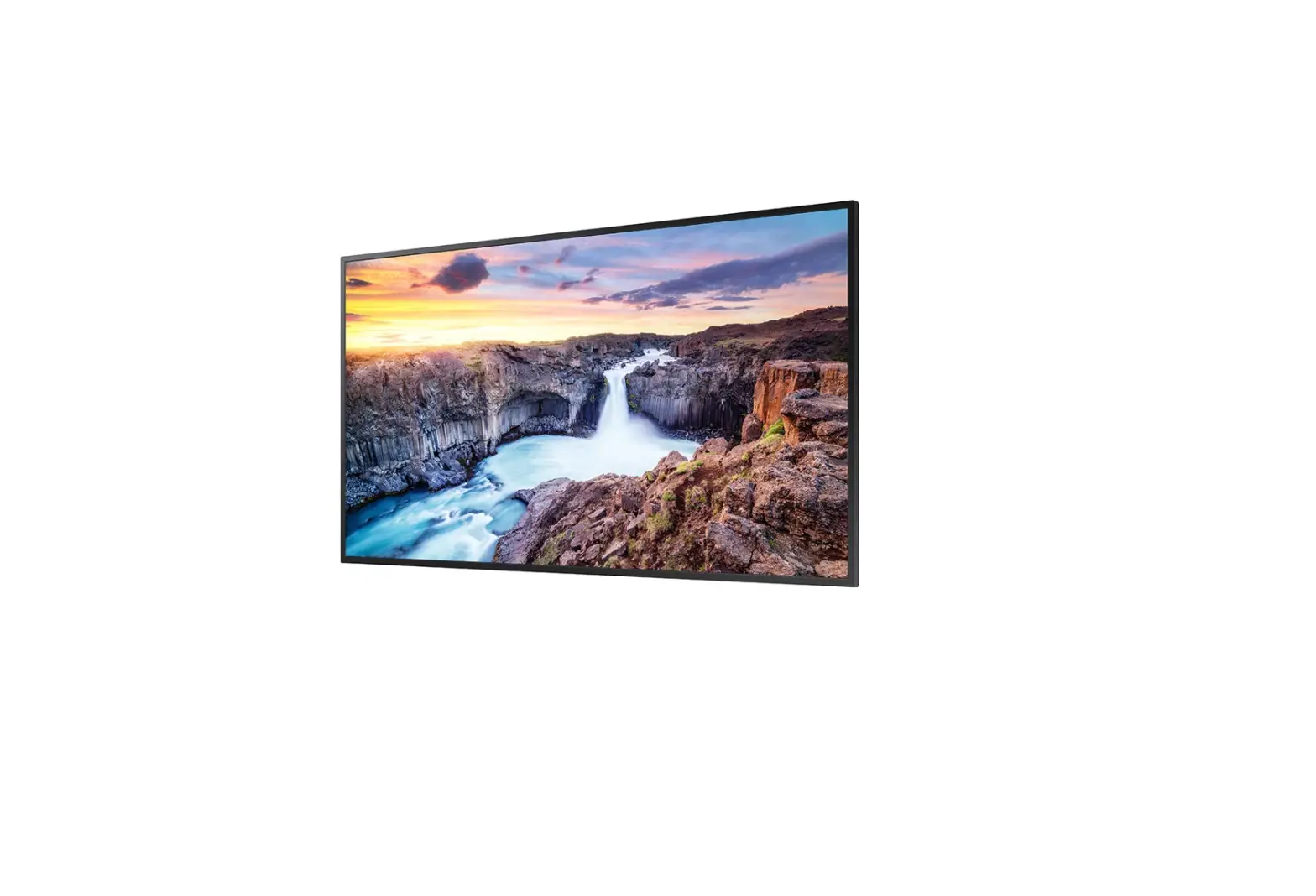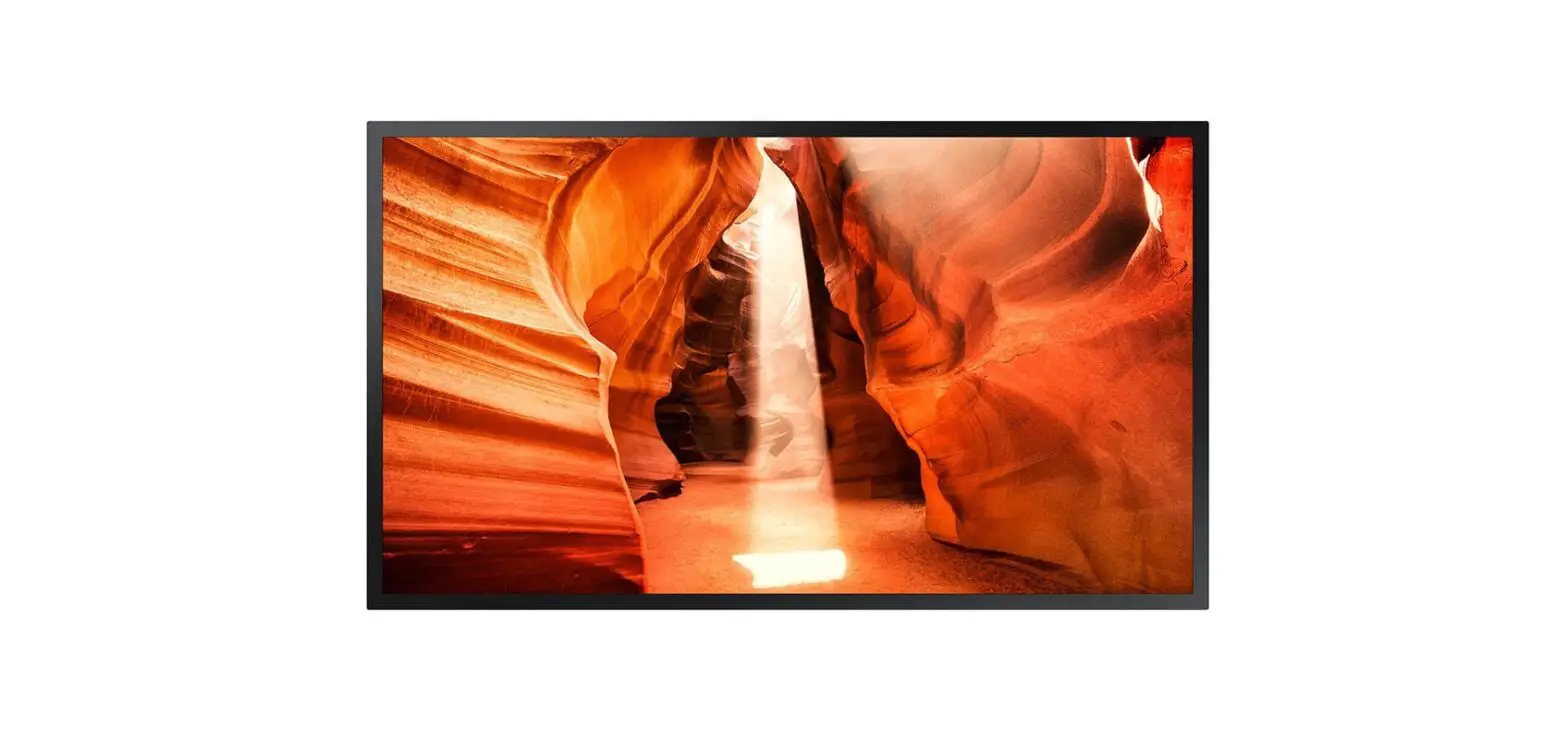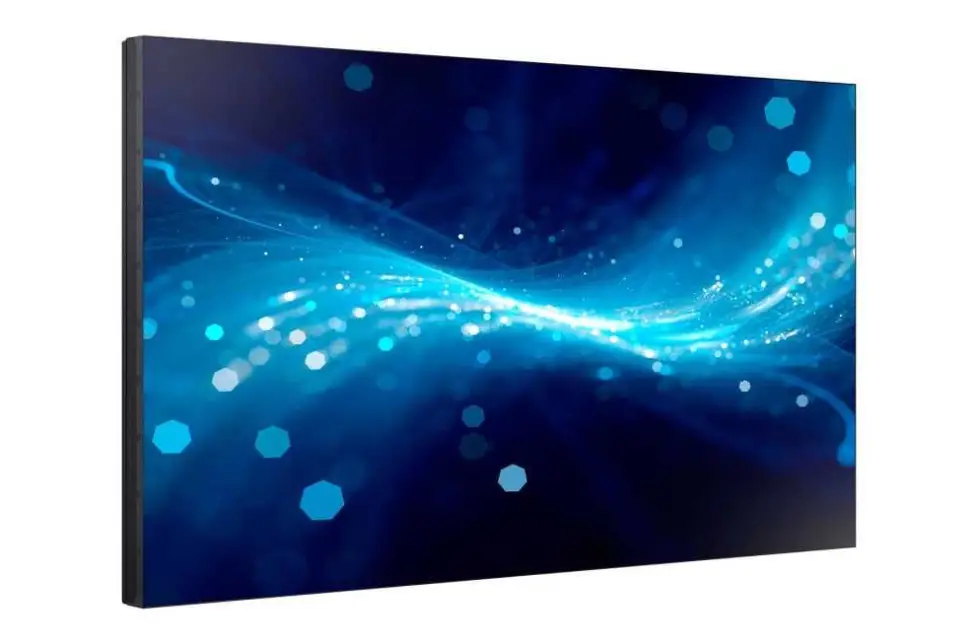

SAMSUNG VH55B-E 55 Inch Video Wall Display
* The colour and the appearance may differ depending on the product, and the content in the manual is subject to change without prior notice to improve the performance.
* Download the user manual from the following Samsung Website for further details. http://www.samsung.com/displaysolutions
Checking the Components
- Quick Setup Guide
- Warranty card (Not available in some locations)
- Regulatory guide
- Power cord
- Batteries (AAA x 2) (Not available in some locations)
- Remote Control
- DP cable
- RS232C adapter
- Wall Mount Adapter x 4 / Screw x 4
- External IR cable (Not available in some locations)
Contact the vendor where you purchased the product if any components are missing.
Components may differ in different locations.
Troubleshooting Guide
| Issues | Solutions |
| The screen keeps switching on and off. | Check the cable connection between the product and PC, and ensure the connection is secure. |
| No Signal is displayed on the screen. | Check that the product is connected correctly with a cable. |
| Check that the device connected to the product is powered on. |
Specifications
| Model Name | VH55B-E | VM46B-U | VM55B-U | VM55B-E | |
|
Panel | Size | 55 CLASS (54.6 inches / 138.7 cm) | 46 CLASS (45.9 inches / 116.8 cm) | 55 CLASS (54.6 inches / 138.7 cm) | 55 CLASS (54.6 inches / 138.7 cm) |
| Display area | 1209.6 mm (H) x 680.4 mm (V) | 1018.08 mm (H) x 572.67 mm (V) | 1209.6 mm (H) x 680.4 mm (V) | 1209.6 mm (H) x 680.4 mm (V) | |
| Power Supply | AC100-240V~ 50/60Hz Refer to the label at the back of the product as the standard voltage can vary in different countries. | ||||
|
Environmental considerations | Operating | Temperature : 0 °C – 40 °C (32 °F – 104 °F) Humidity : 10 % – 80 %, non-condensing | |||
| Storage | Temperature : -20 °C – 45 °C (-4 °F – 113 °F) Humidity : 5 % – 95 %, non-condensing | ||||
This is a class A product. In a domestic environment this product may cause radio interference in which case the user may be required to take adequate measures. (Supported models: VM46B-U, VM55B-U)
This device is a Class B digital apparatus. (Supported models: VH55B-E, VM55B-E)
* For detailed device specifications, visit the Samsung website.
* WARNING: Please ensure this product is inspected by yourself (to identify if there are any defects) prior to any installation. Any defect should be brought to the attention of Samsung as soon as discovered. Please do not install the product if it appears to have a defect. Any damage caused by carelessness in the process of installing the product will be treated as damage caused by yourself (and not a product defect). To determine whether or not this product has been installed Samsung will view evidence of the screw hole label being pierced (as well as any other cosmetic evidence of an installation).
The terms HDMI and HDMI High-Definition Multimedia Interface, and the HDMI Logo are trademarks or registered trademarks of HDMI Licensing Administrator, Inc. in the United States and other countries.
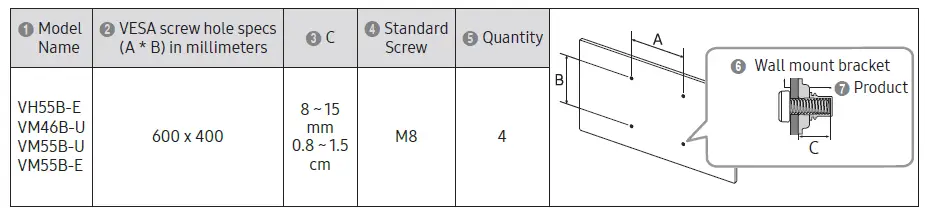
Wall Mount Kit Specifications
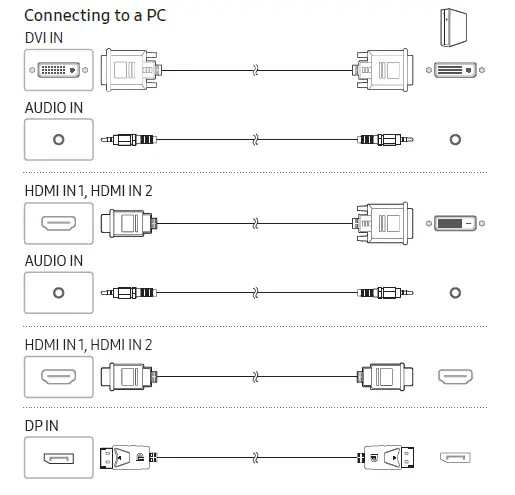
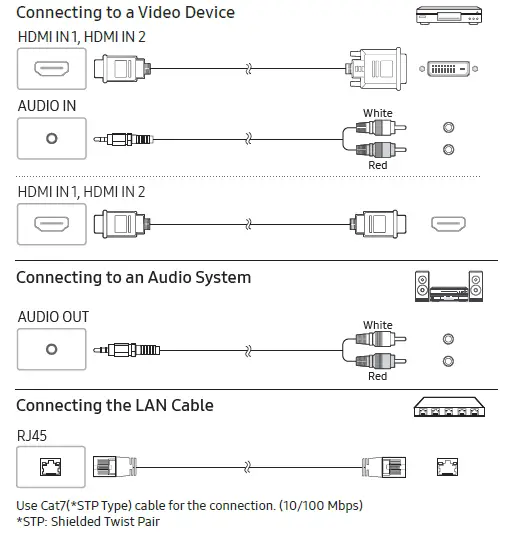
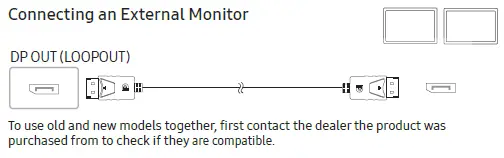
Connecting and Using a Source Device
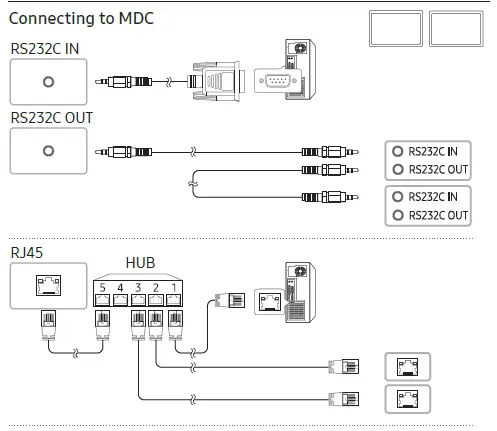
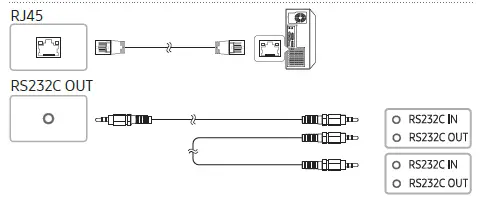
For details on how to use the MDC programme, refer to Help after installing the programme. The MDC programme is available on the website. http://www.samsung.com/displaysolutions
Contact SAMSUNG WORLD WIDE
Web site: http://www.samsung.com
| Country/Area | Customer Care Centre |
| ALBANIA | 045 620 202 |
| AUSTRIA | 0800 72 67 864 (0800-SAMSUNG) |
| BELGIUM | 02-201-24-18 |
| BOSNIA | 055 233 999 |
| BULGARIA | 0800 111 31 – Безплатен за всички оператори *3000 – Цена на един градски разговор или според тарифата на мобилният оператор |
| CROATIA | 072 726 786 |
| CYPRUS | 8009 4000 only from landline, toll free |
| CZECH | 800 – SAMSUNG (800-726786) |
| Samsung Electronics Czech and Slovak, s.r.o. V Parku 2323/14, 148 00 – Praha 4 | |
| DENMARK | 707 019 70 |
| ESTONIA | 800-7267 |
| FINLAND | 030-6227 515 |
| Country/Area | Customer Care Centre |
| FRANCE | 01 48 63 00 00 |
| GERMANY | 06196 77 555 77 |
| GREECE | 80111-SAMSUNG (80111 726 7864) only from land line (+30) 210 6897691 from mobile and land line |
| HUNGARY | 0680SAMSUNG (0680-726-7864) |
| IRELAND (EIRE) | 0818 717100 |
| ITALIA | 800-SAMSUNG (800.7267864) |
| KOSOVO | 038 40 30 90 |
| LATVIA | 8000-7267 |
| LITHUANIA | 8-800-77777 |
| LUXEMBURG | 261 03 710 |
| MONTENEGRO | 020 405 888 |
| NETHERLANDS | 088 90 90 100 |
| NORTH MACEDONIA | 023 207 777 |
| NORWAY | 21629099 |
| Country/Area | Customer Care Centre |
| POLAND | 801-172-678* lub +48 22 607-93-33* * (opłata według taryfy operatora) |
| PORTUGAL | 210 608 098 Chamada para a rede fixa nacional Dias úteis das 9h às 20h |
| ROMANIA | 0800872678 – Apel gratuit *8000 – Apel tarifat în reţea Program Call Center Luni – Vineri: 9 AM – 6 PM |
| SERBIA | 011 321 6899 |
| SLOVAKIA | 0800 – SAMSUNG (0800-726 786) |
| SLOVENIA | 080 697 267 (brezplačna številka) |
| SPAIN | 91 175 00 15 |
| SWEDEN | 0771-400 300 |
| SWITZERLAND | 0800 726 786 |
| TÜRKİYE | 444 77 11 |
| UK | 0333 000 0333 |
 Samsung US | Mobile | TV | Home Electronics | Home Appliances | Samsung US