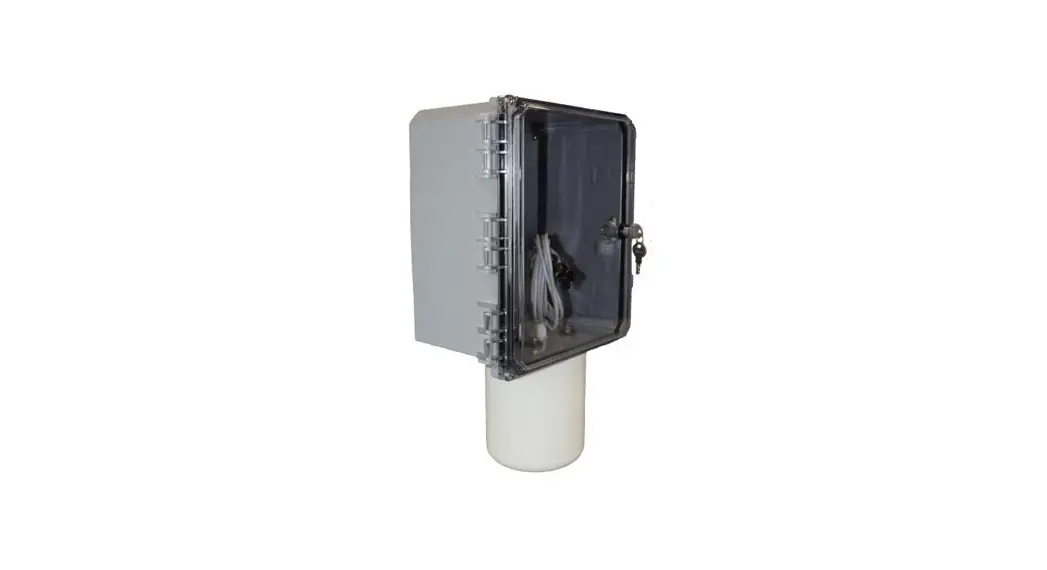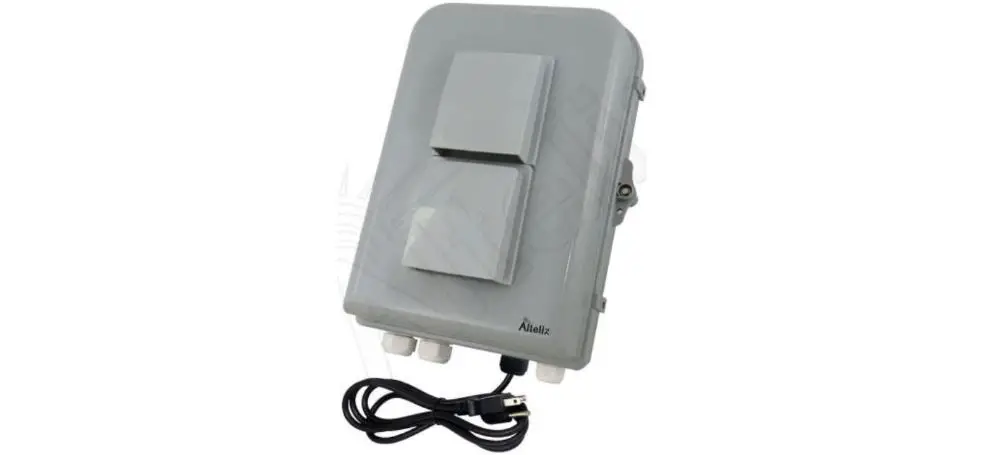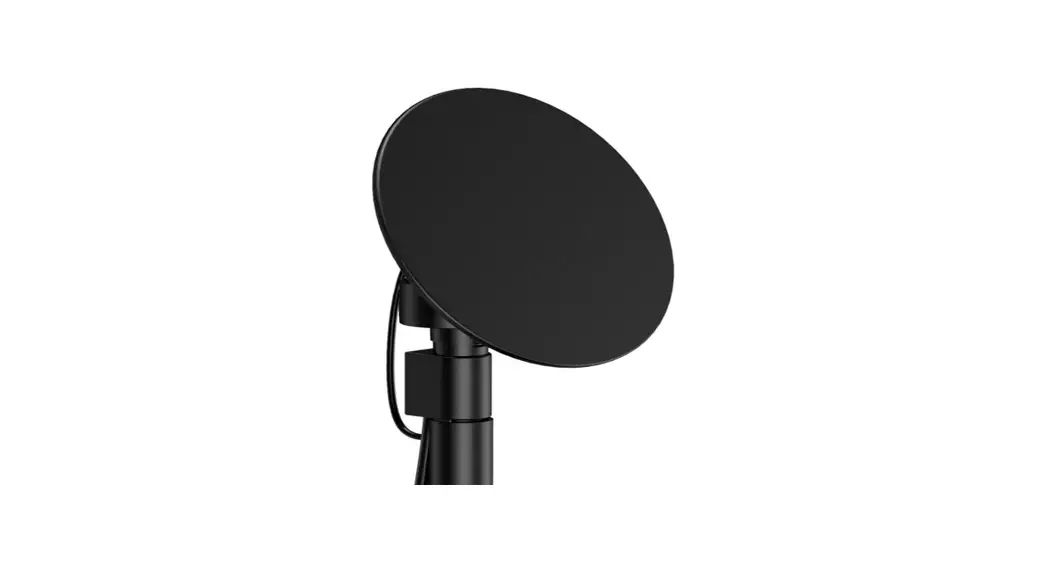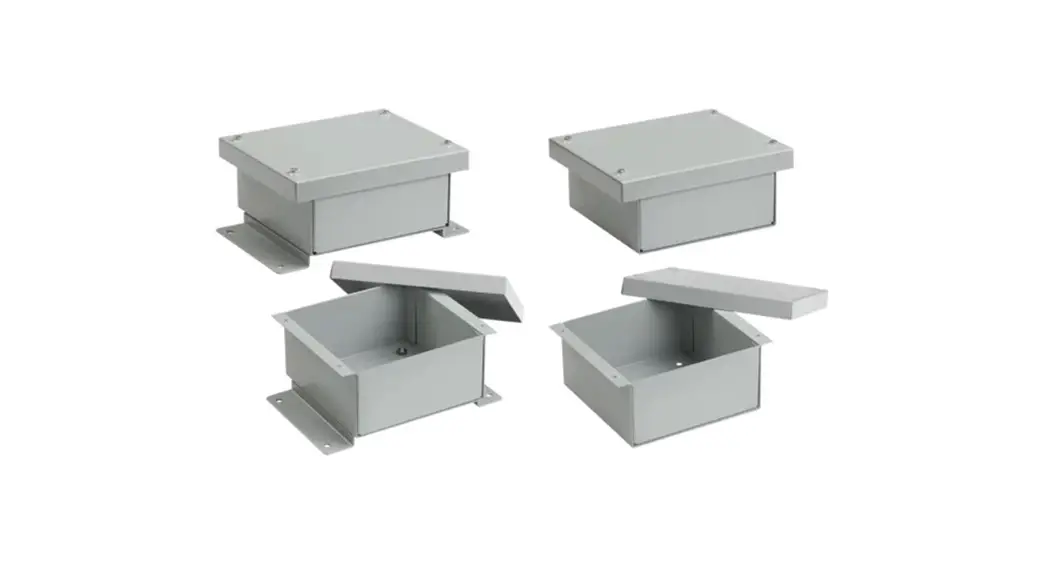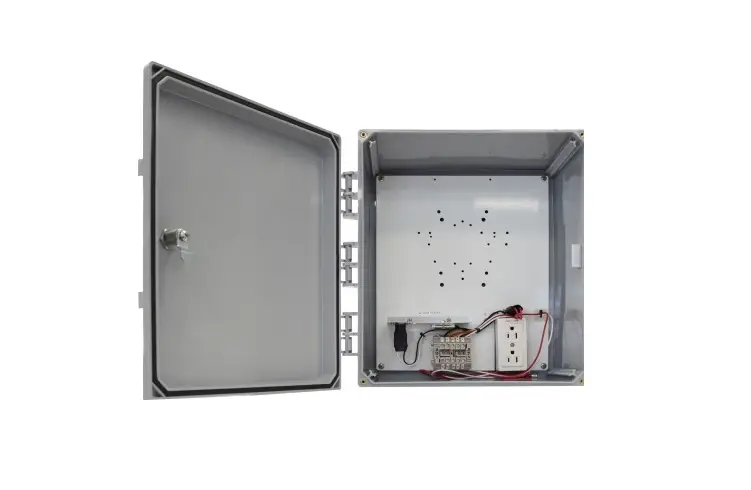
ventev 14x12x6 NEMA 4X Enclosure with Integrated Directional Antenna User Manual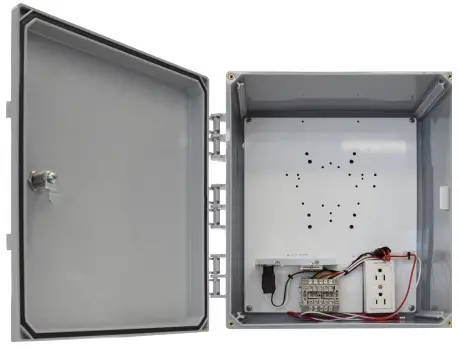
Mounting instruction
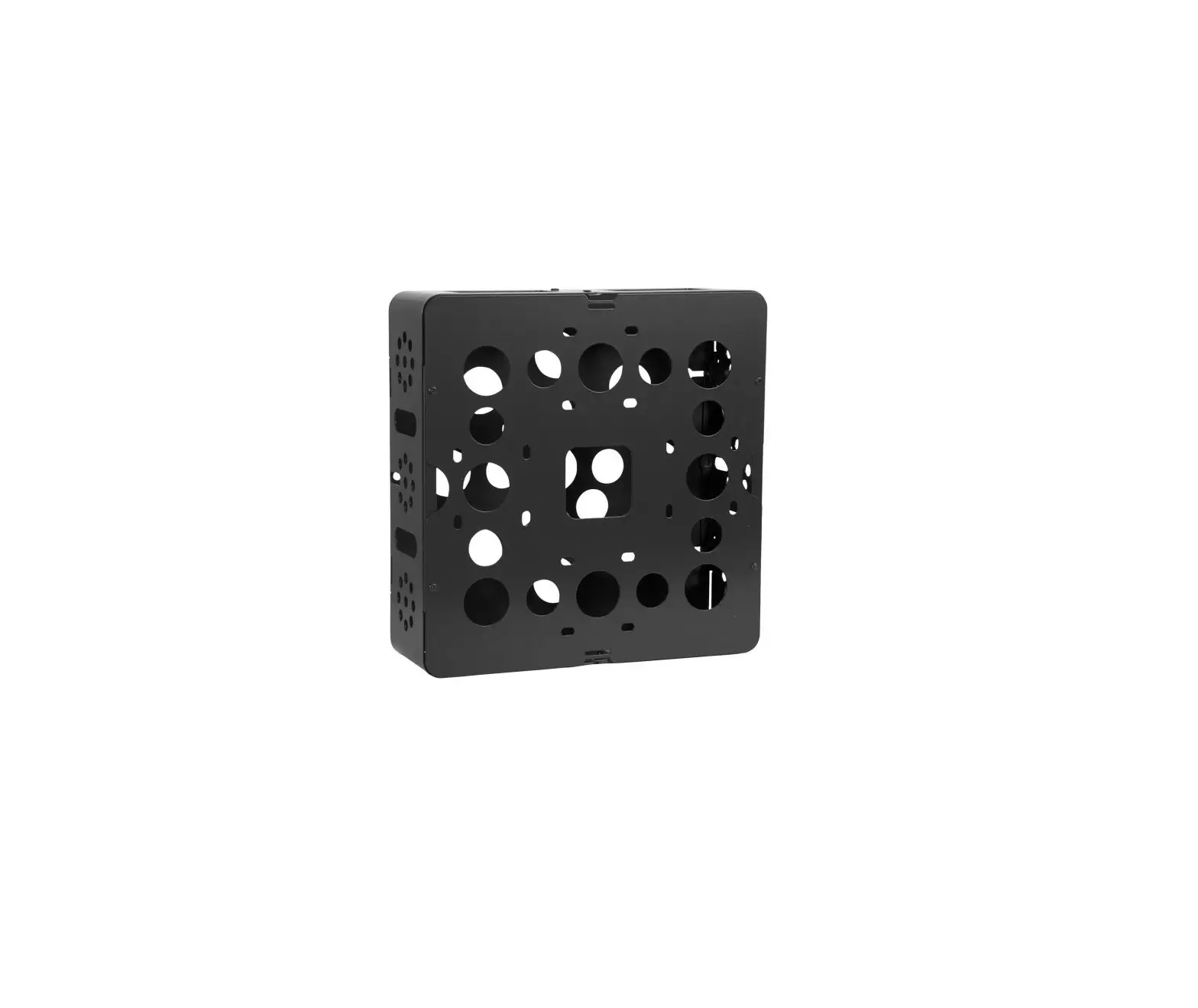
- Attach the mounting feet to the enclosure and hang enclosure in the desired location.
- Install the included cable gland on the box and run ethernet cable in.
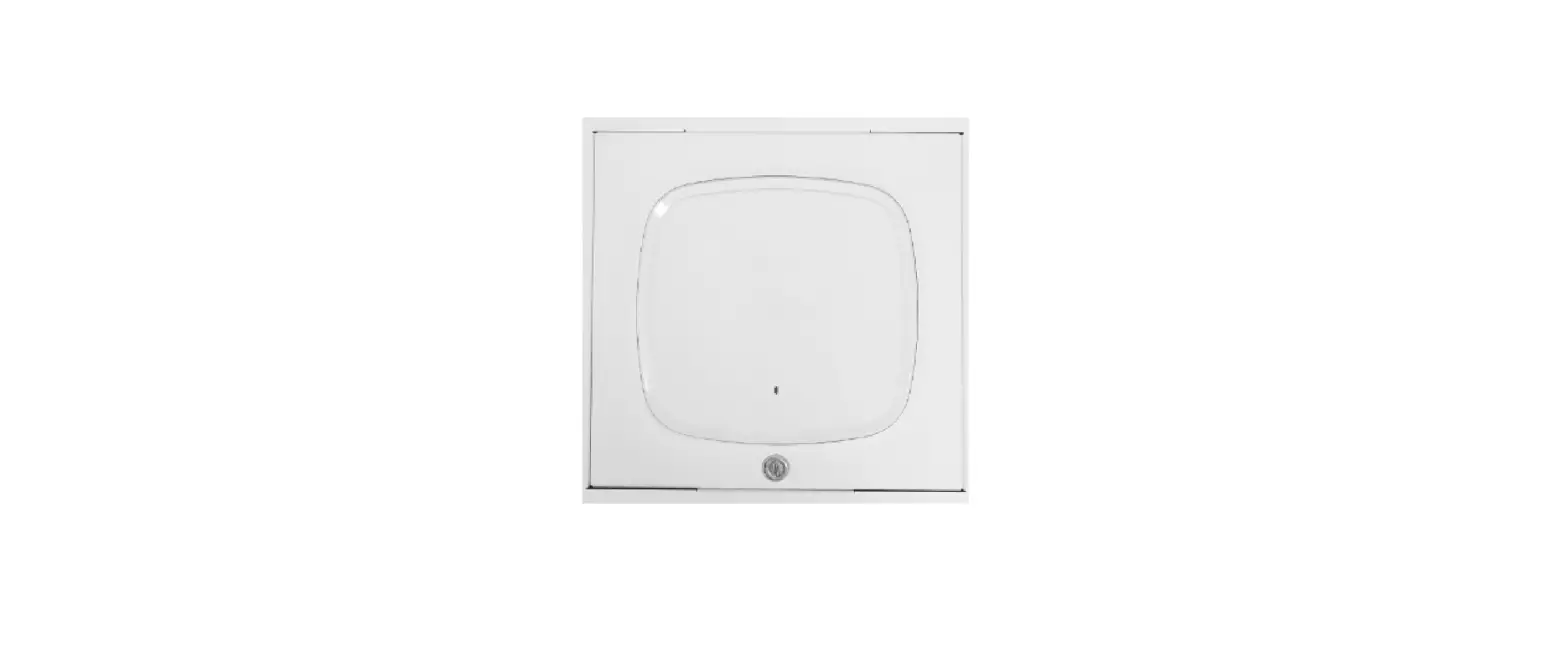
- This enclosure accommodates the 9130E access point. Orient the Cisco low profile bracket in orientation
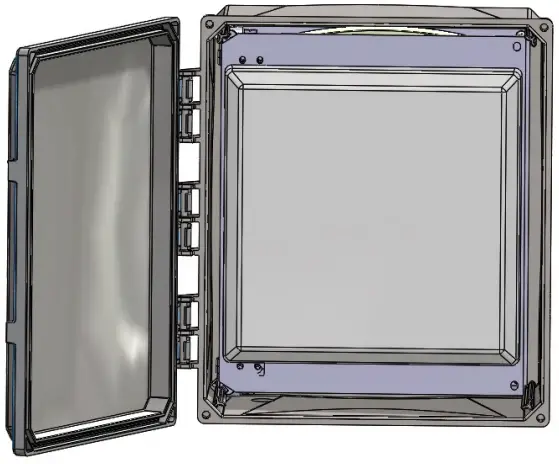
- Attach mounting bracket to the back plate using QTY (4) #8 screws. See Figure 1. The right 2 screws will need to be removed from the antenna swing out panel to allow access to the back plate.
Figure 1.
- Plug in the ethernet cable and then slide the access point into the mounting bracket.

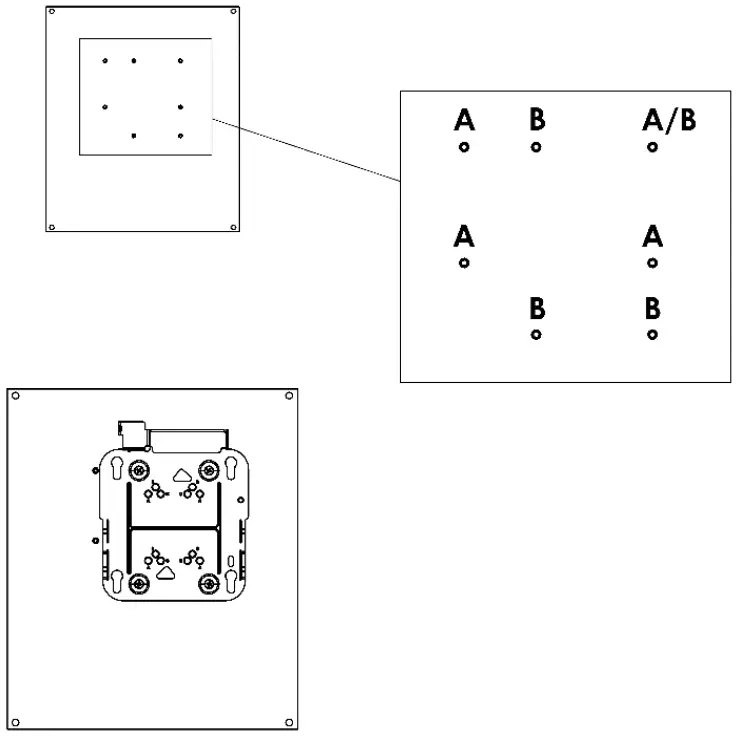
Figure 2.
- Connect the DART cable that is attached to the installed antenna on the separate swing out panel.
- Replace the 2 screws to hold down the antenna swing out panel.