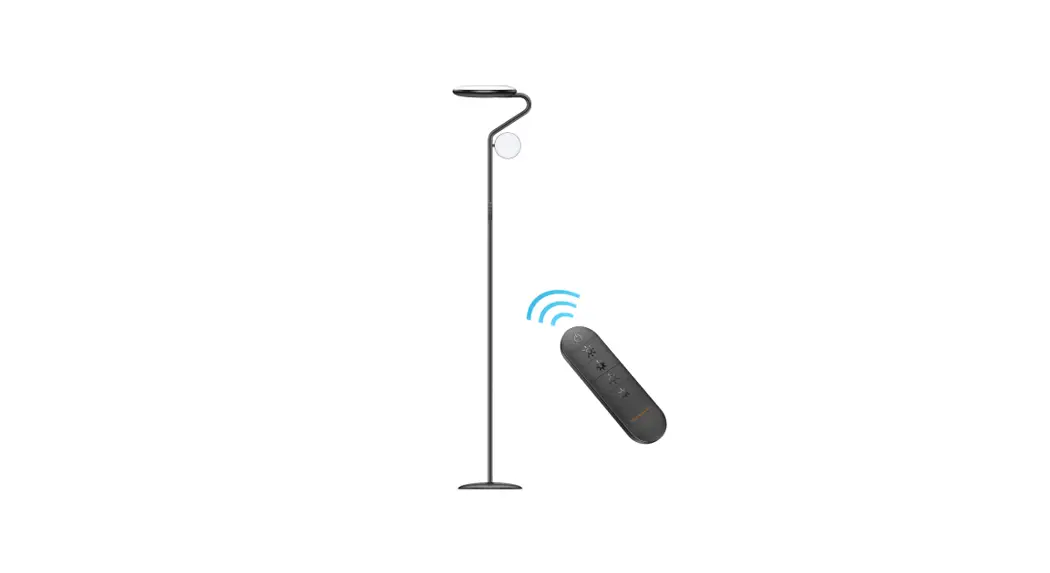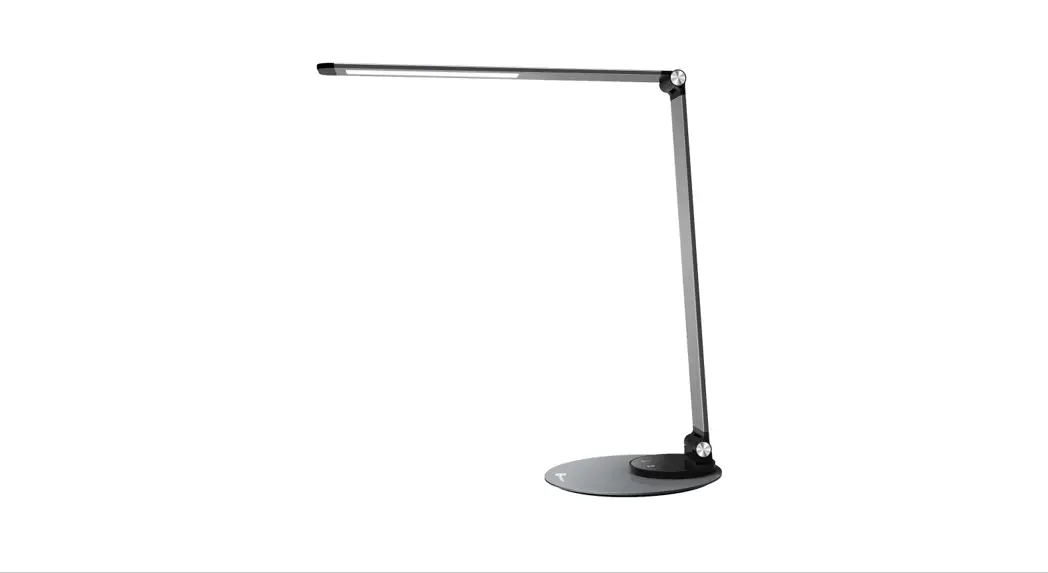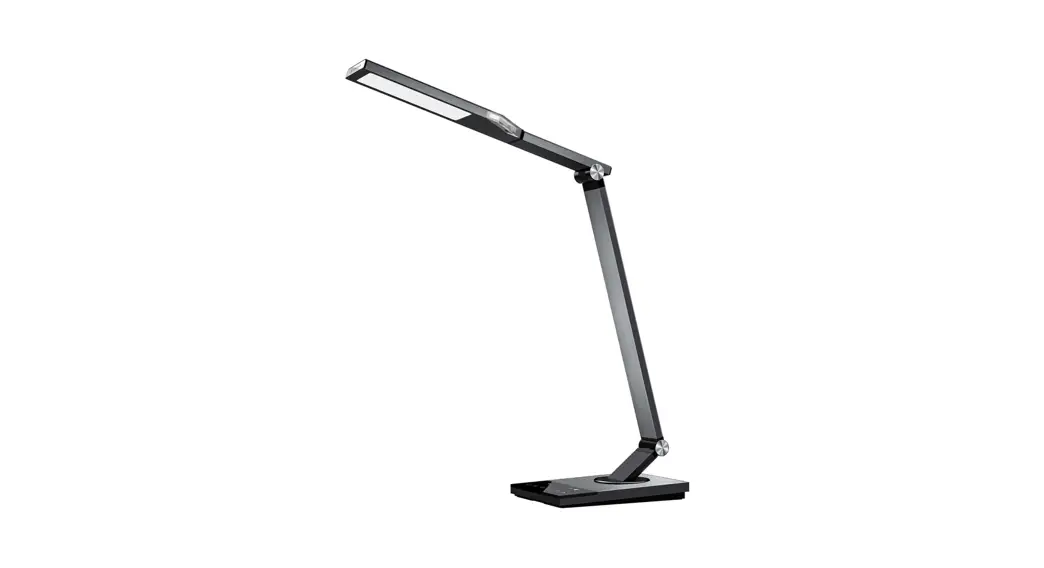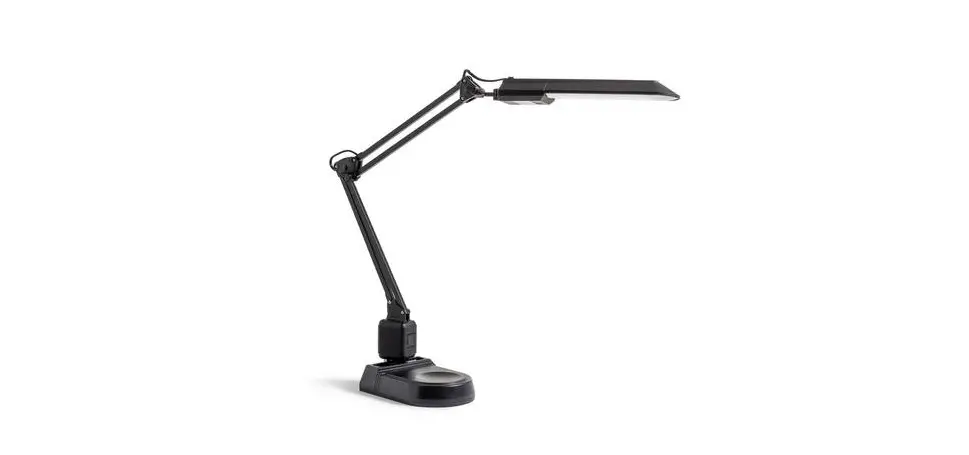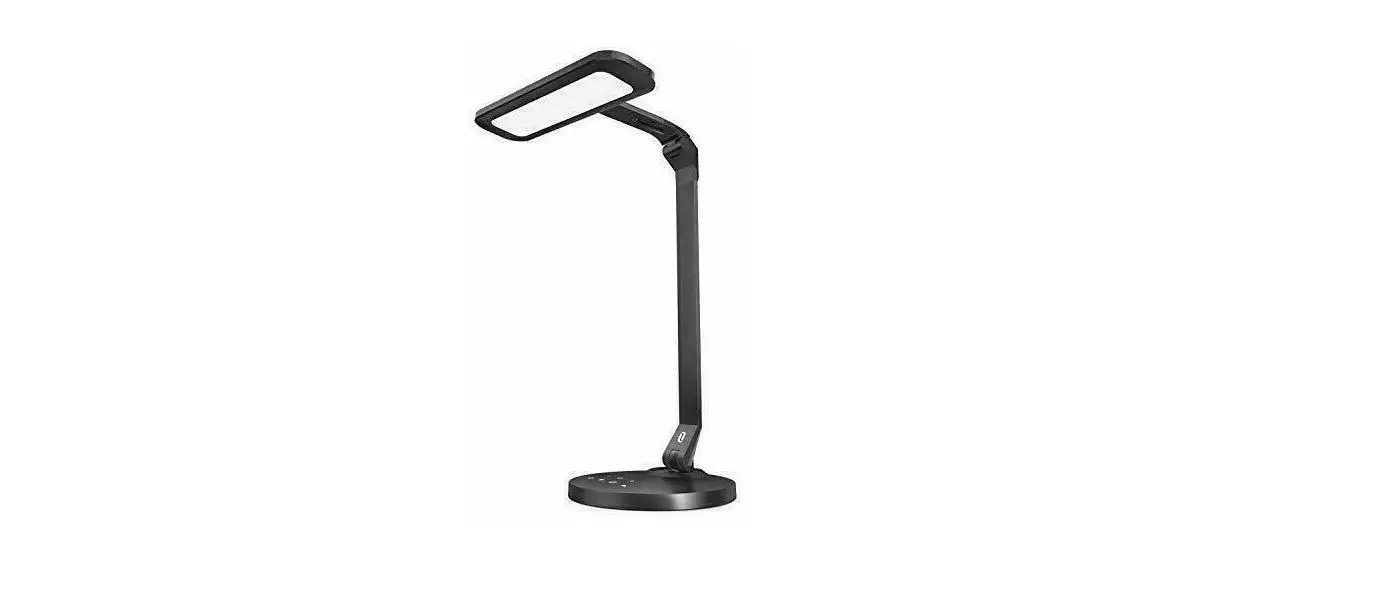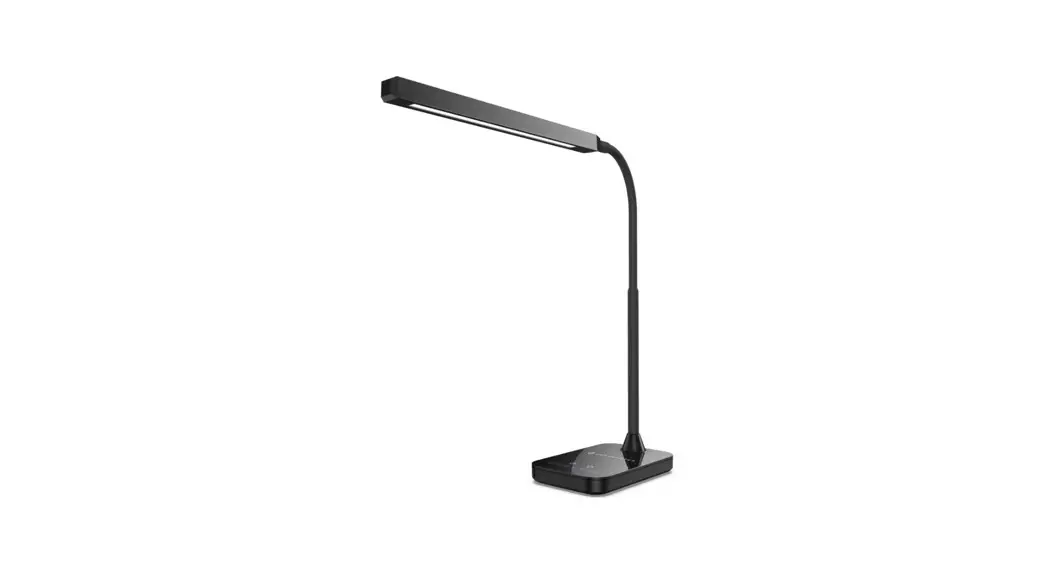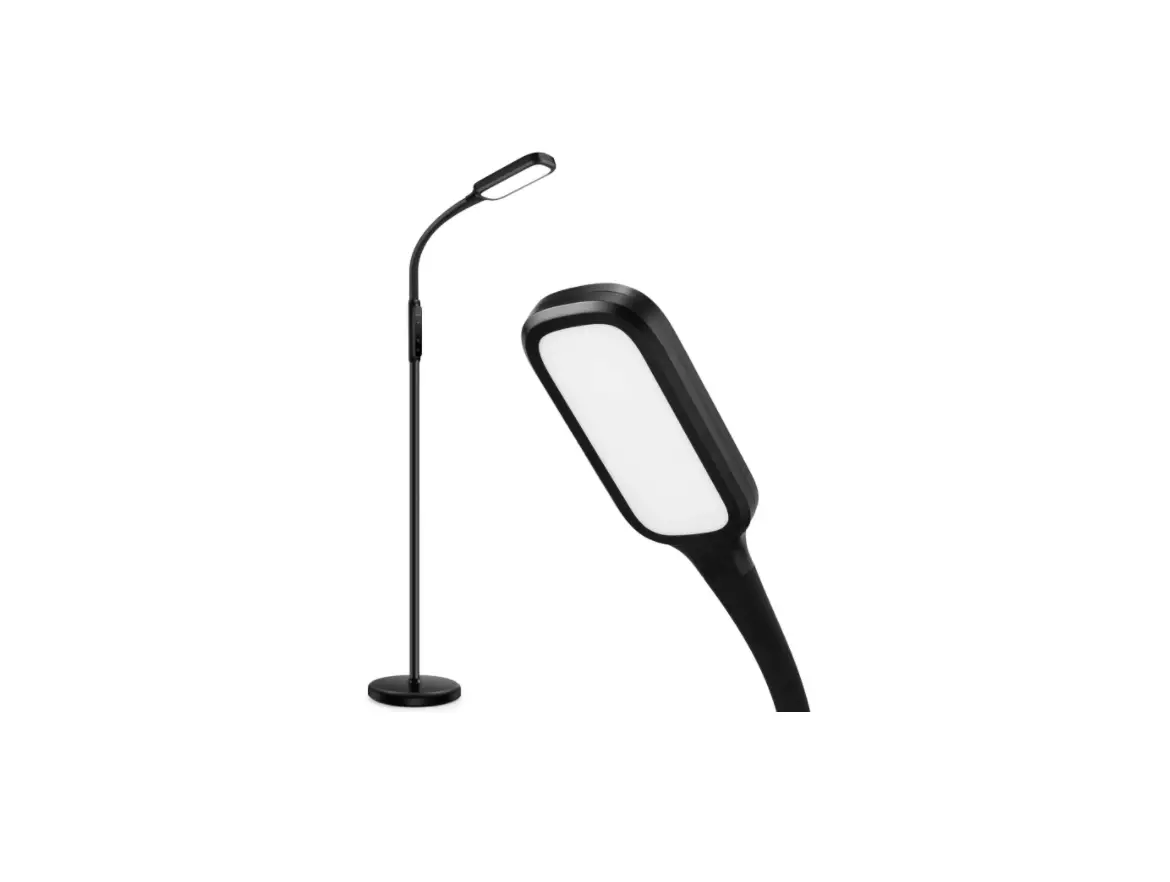

TAOTRONICS TT-DL046 LED Floor Lamp
EUROPE
E-mail:
[email protected](UK)
[email protected](DE)
[email protected](FR)
[email protected](ES)
[email protected](IT)
EU Importer: ZBT International Trading GmbH
Address: Halstenbeker Weg 98C, 25462 Rellingen, Deutschland
NORTH AMERICA
E-mail : [email protected](US)
[email protected](CA)
Tel : 1-888-456-8468 (Monday-Friday: 9:00 – 17:00 PST)
US Distributor: SUNVALLEYTEK INTERNATIONAL INC.
Address:46724 Lakeview Blvd, Fremont, CA 94538
MANUFACTURER
Manufacturer: Shenzhen NearbyExpress Technology Development Co.,Ltd. Address: 333 Bulong Road, Shenzhen, China, 518129
Learn more about the EU Declaration of Conformity:
https://www.taotronics.com/downloads-TT-DL046-CE-Cert.html
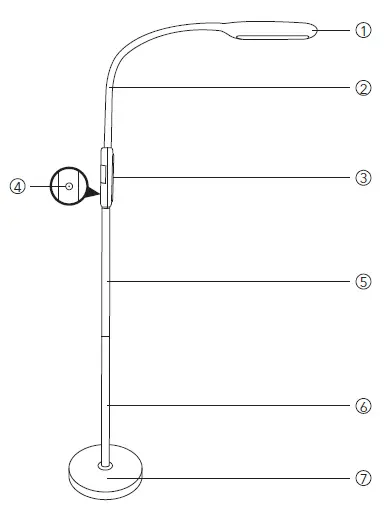
Product Diagram
- Lamp Head
- Gooseneck
- Control Panel
- Power Socket
- Pole Section #2
- Pole Section #1
- Base
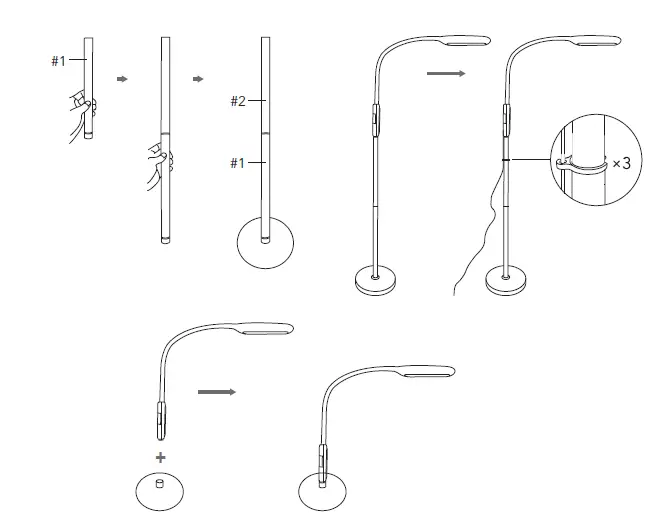
Assembly and Disassembly
Note:
- When connecting the sections, rotate in opposite directions with both hands and do not screw with too much force.
- You can choose to use different numbers of sections for different purposes and scenes.
- To disassemble, follow the assembly steps as above in the reverse order.
How to Use
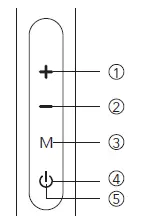
- Brightness +
- Brightness –
- Color Temperature Button
- Power / Timer Button
- Power Indicator
Standby Mode
Connect the lamp to a power source and it will enter standby mode. The Power Indicator on the Power Button will light up.
Power On / Off
Tap the Power Button to turn the lamp on / off.
Color Temperature / Brightness Adjustment
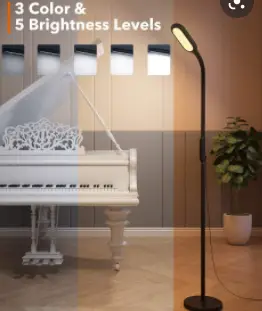
Tap the Color Temperature Button to cycle through 3 color temperature settings. Tap the Brightness + / – Button to adjust 5 levels of brightness in each color temperature setting.
Auto Shutoff Timer
Press and hold the Power / Timer Button for 2 seconds, the Power Indicator will start to flicker and activate a 60 minutes auto shut-off timer. Repeat this operation or press the Power / Timer Button to turn off the timer.
Adjust the Lamp Head
Note: Please do not turn the lamp head for over 180° to avoid damaging the gooseneck.
Specifications
| Model | TT-DL046 |
| Light Source | LED |
| Operate Voltage | DC 10V / 1.2A |
| Power | 12W |
| Color Temperature | 2800 – 3300K (Warm White) 4000 – 4600K (Natural White) 5000 – 5500K (Cool White) |
| Lumens | 1850 lm |
| CRI | >80 |
Caution
- Please do not dismantle the product by yourself, always ask a professional electrician or authorized technician for
- If you smell a bad odor or anything unusual, please turn off the unit
- Please do not remove the power cable with wet hands as it may cause an electric
- Do not put this unit near extreme heat sources, moisture, or corrosive
- Clean the lamp with a dry cloth when
- Please store the lamp in a dry and shady place if not being used for a long period of
- Use the original power adapter to power the A wrong input may damage the lamp.