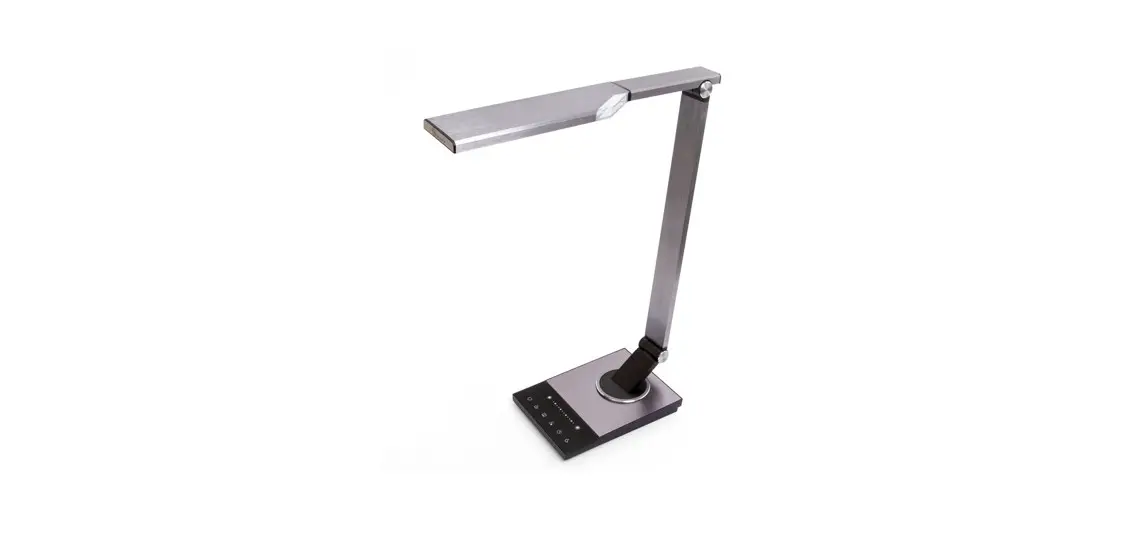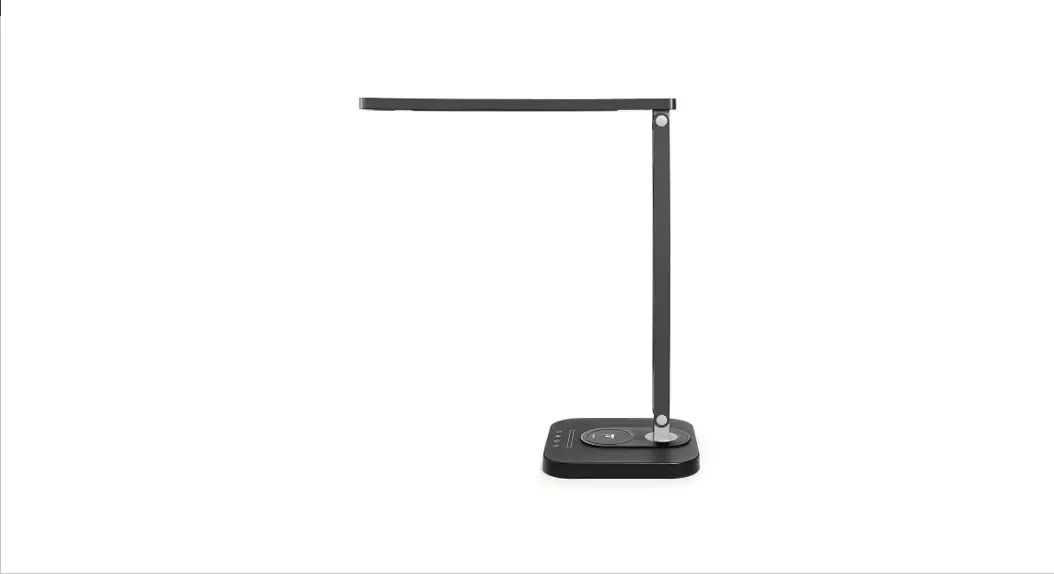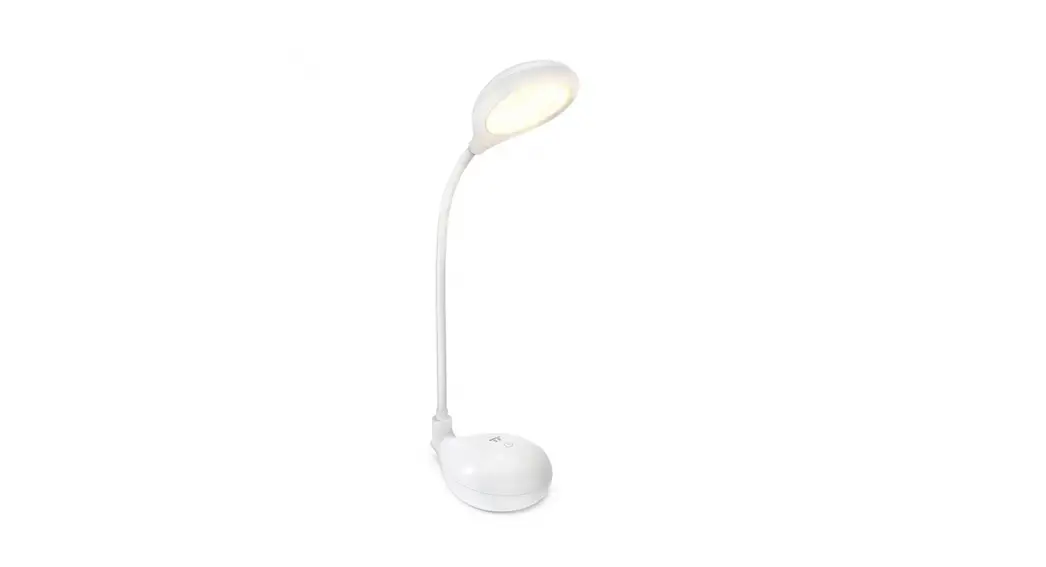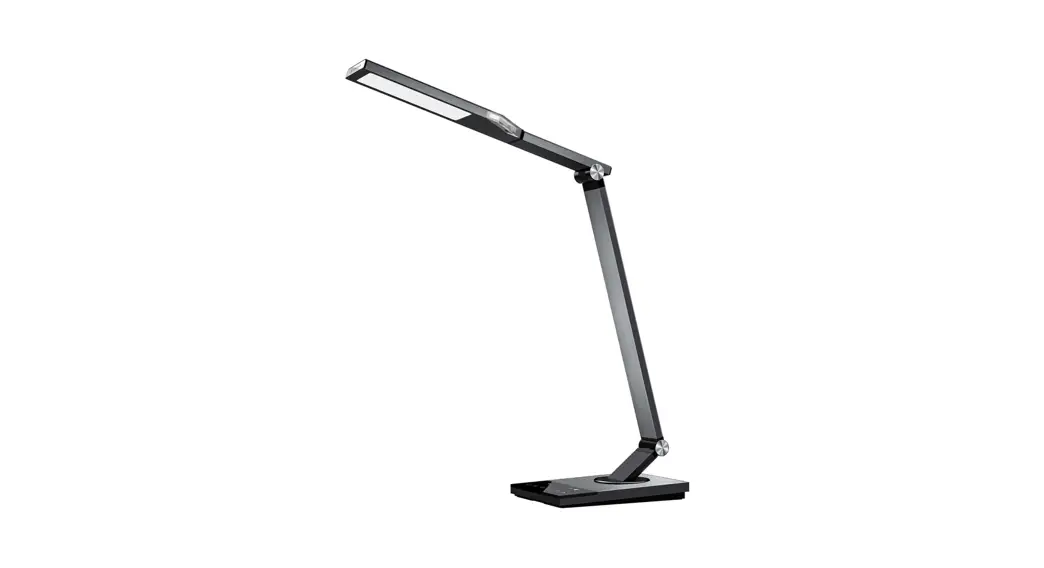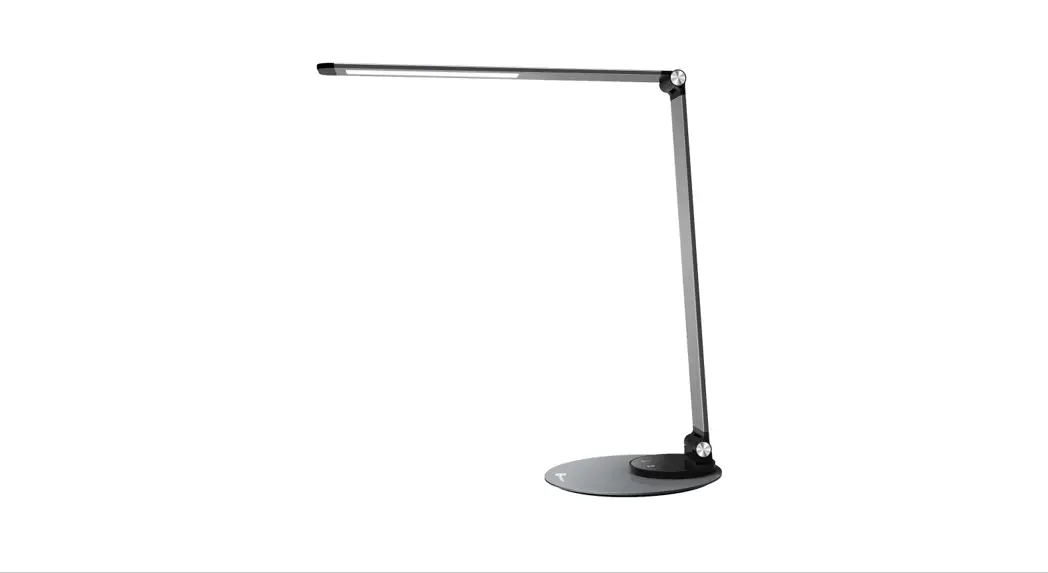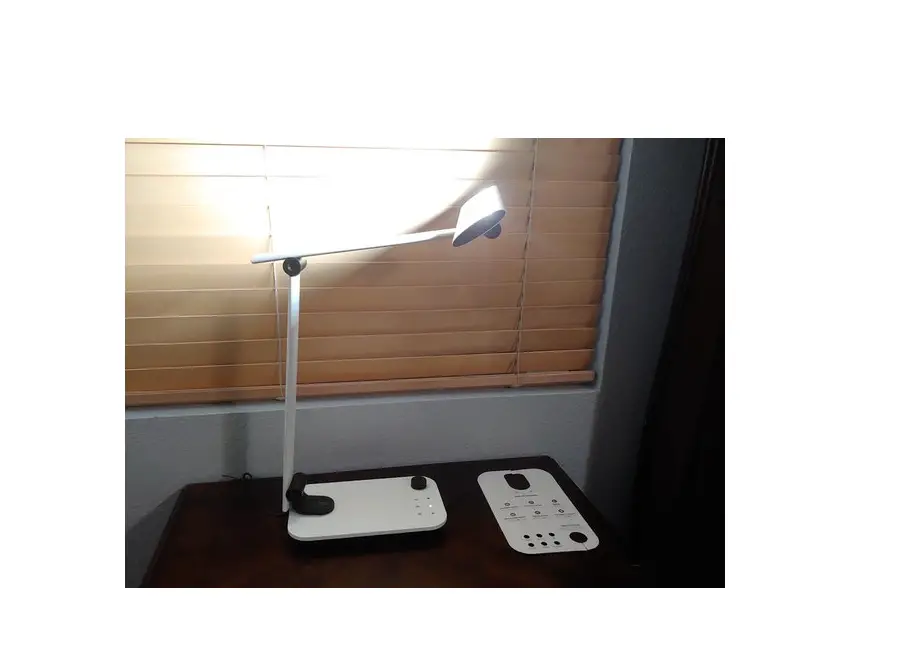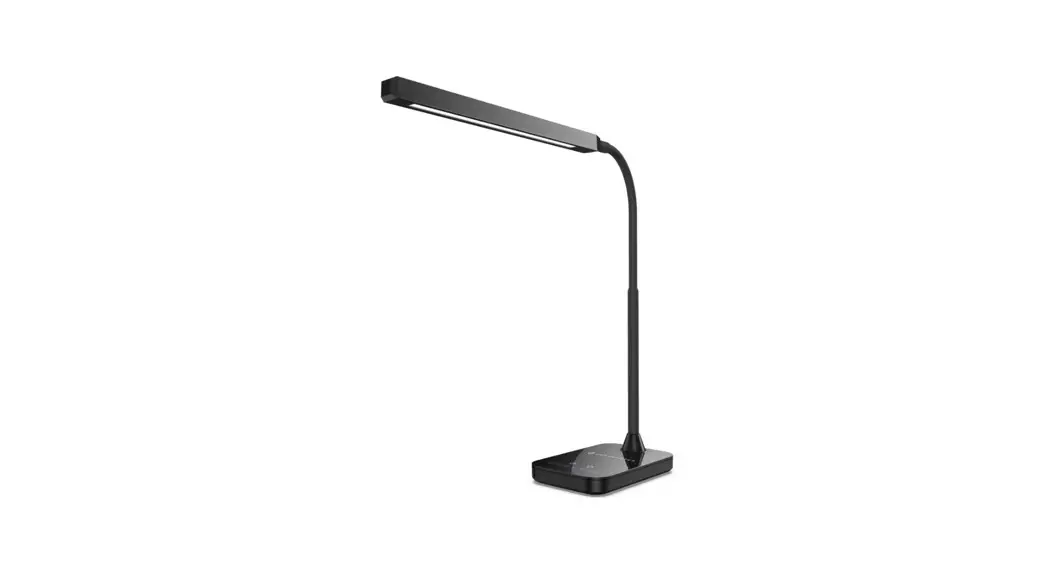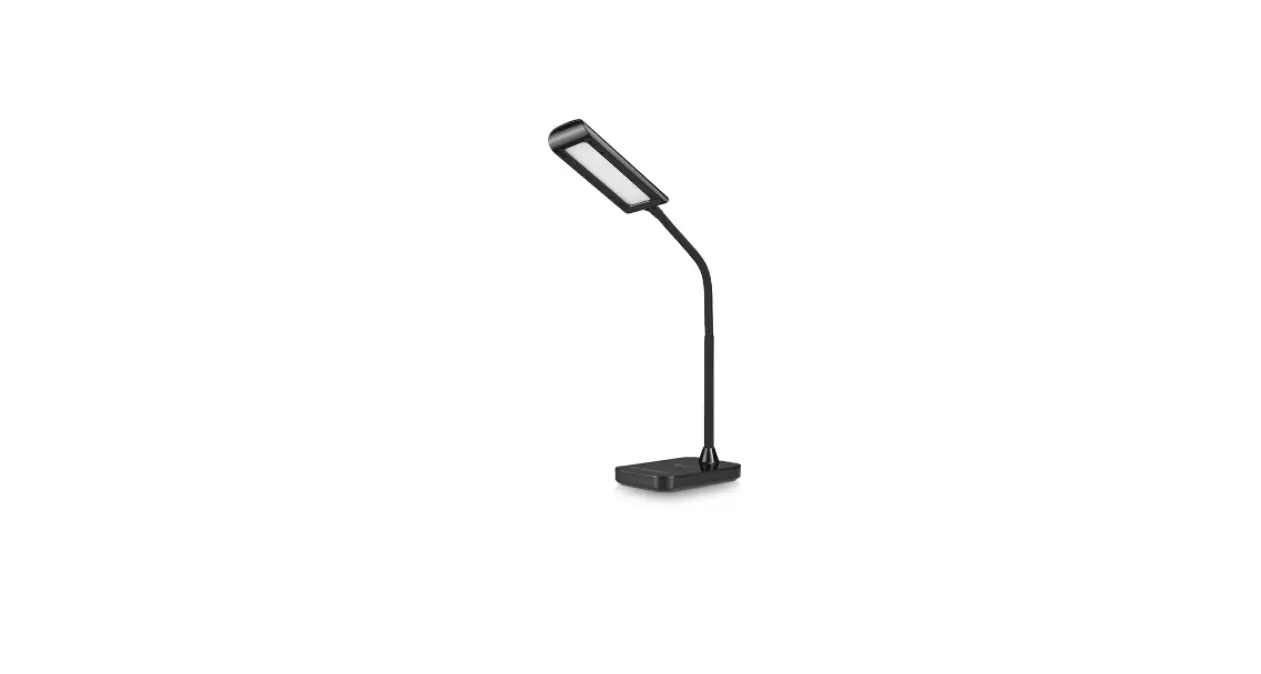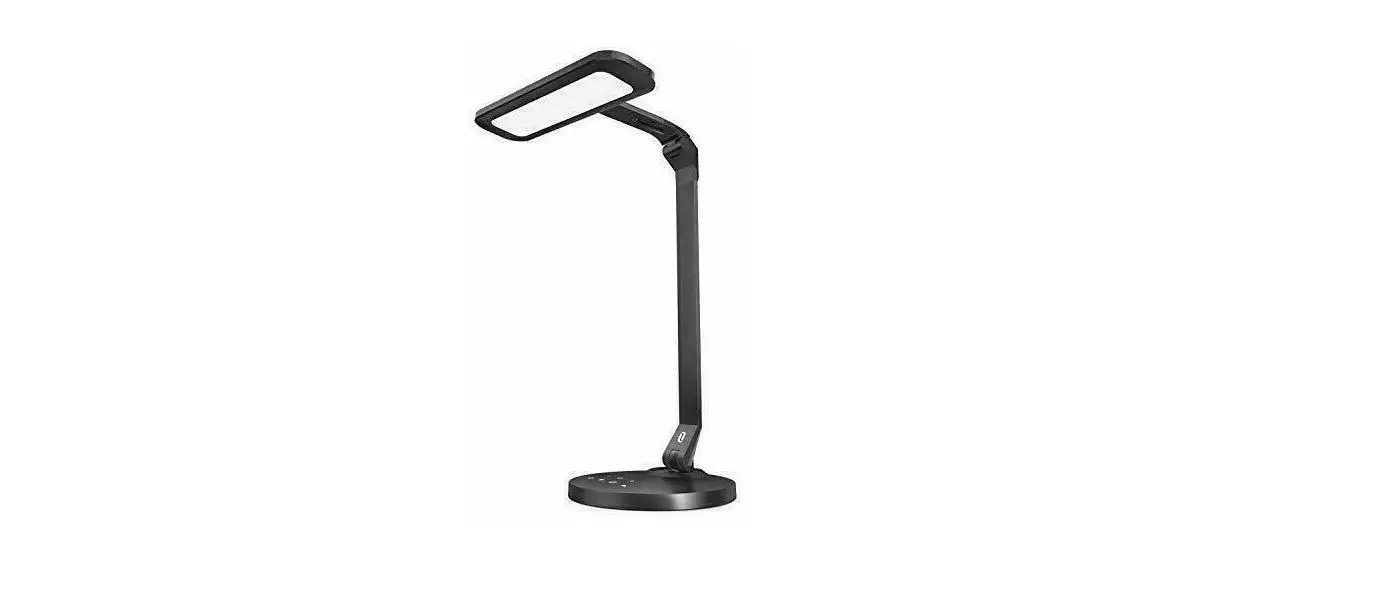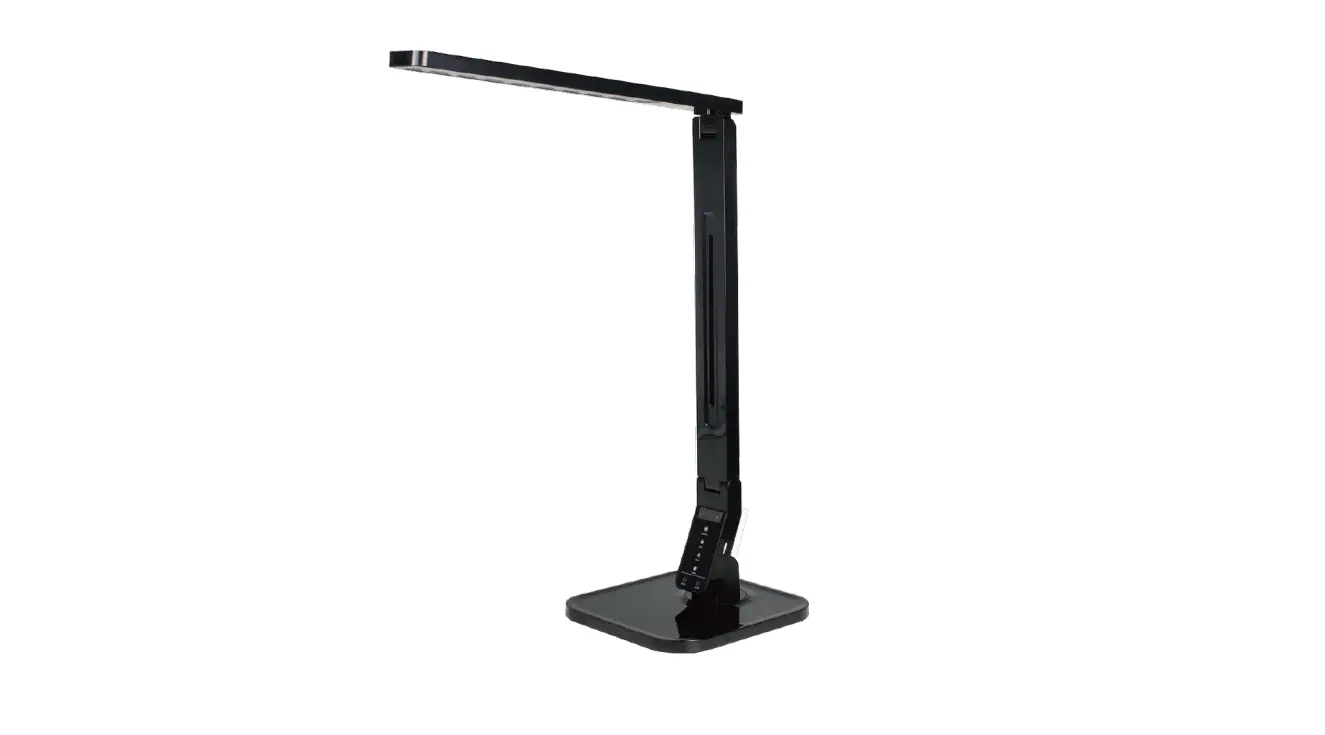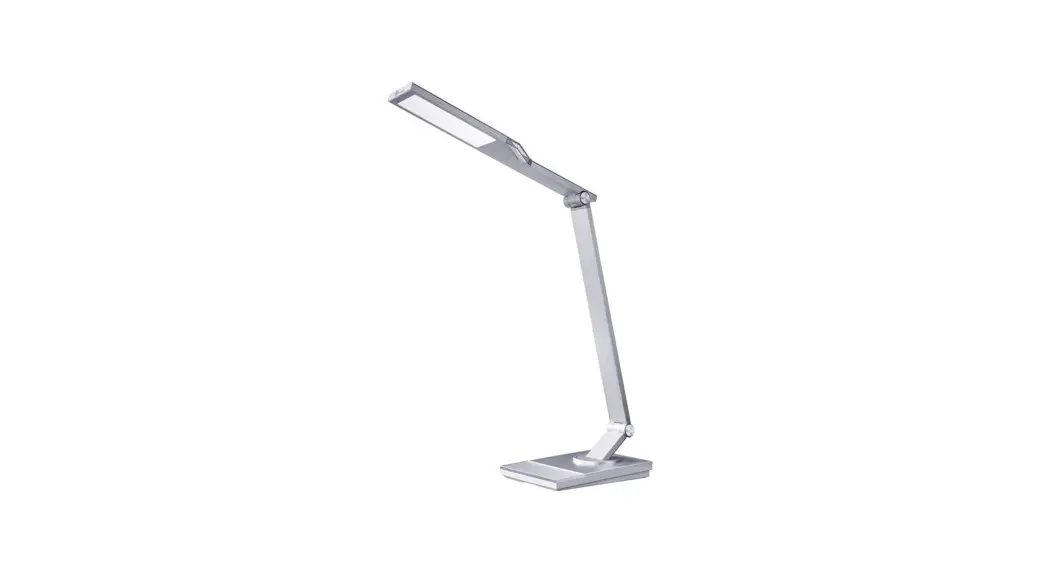
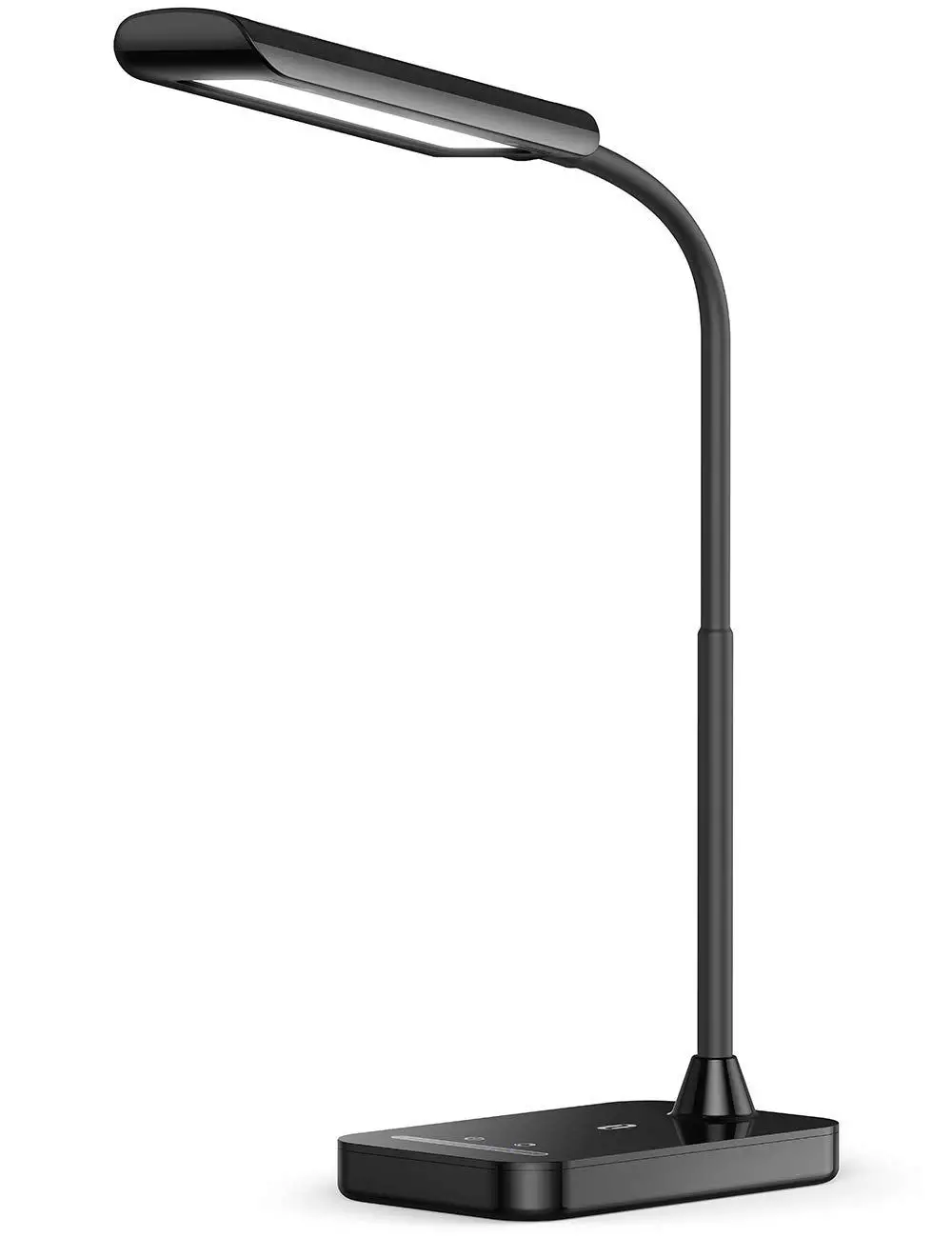
TAOTRONICS LED Desk Lamp
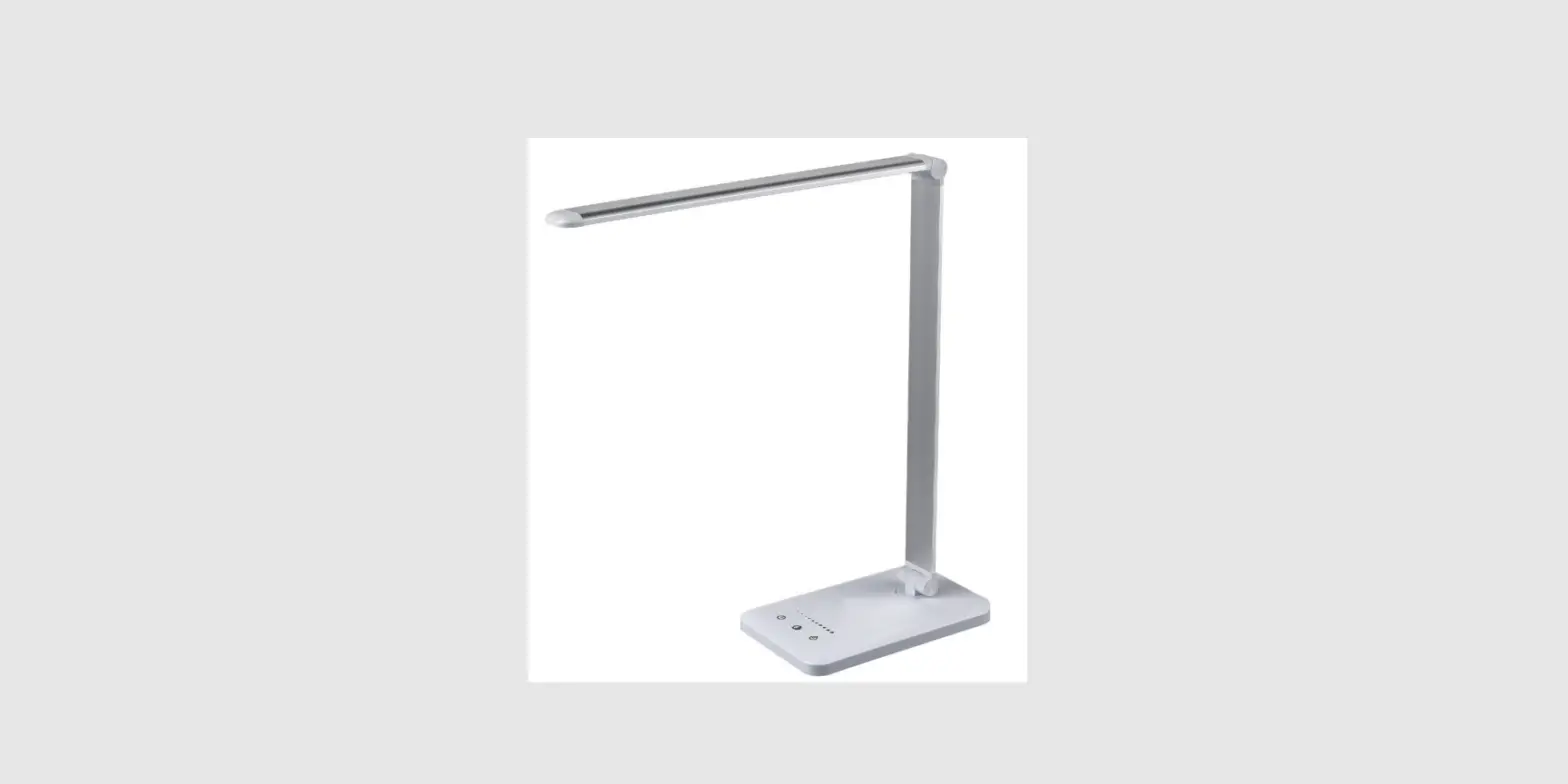
Product Diagram
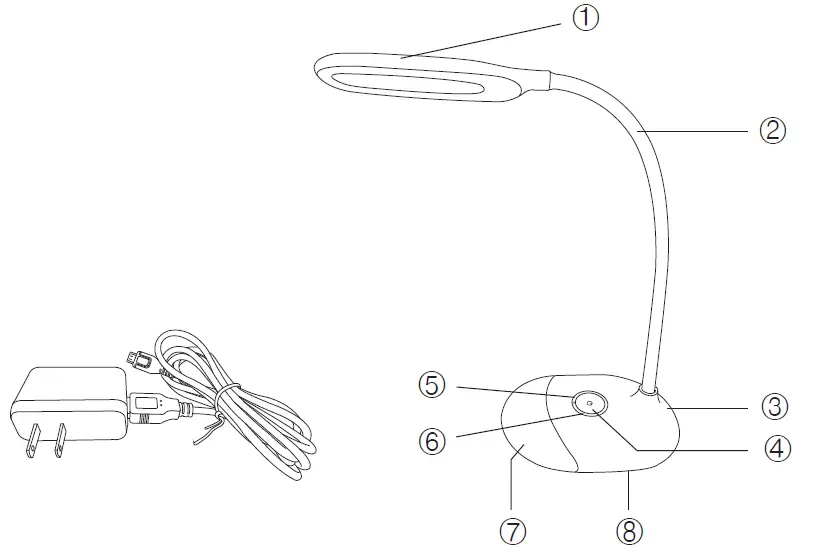
- Lamp Head (White Light)
- Lamp Arm
- DC Power Port
- White Light Power / Brightness Button
- Multi-color Light Power Button
- Color Slider (Multi-color Light)
- Multi-color Light
- Lamp Base
Specifications
| Model | TT-DL032 |
| Light Source | LED |
| Operating Voltage | DC 5V / 1A |
| Power | 7W |
| Color Temperature | 5000-5500K (White Light) |
| Battery Capacity | 1000mAh |
| Charging Time | 3 hours |
| Working Time (Built-in Battery) | Up to 6 hours |
| Lumens | 258 lm |
| Operating Temperature | -20°C to 40°C / -4°F to 104°F |
| CRI | > 80 |
Package Contents
- 1 x TaoTronics LED Desk Lamp (Model: TT-DL032)
- 1 x Power Adapter (With Detachable Micro USB Cable)
- 1 x User Guide
How to Use
The lamp enters standby mode by default once the battery is fully charged. When the battery is low, use the power adapter or connect the USB cable to any USB outlet with a 5V/1A output to charge the lamp.
White Light
Power On / Off
In standby mode, tap the White Light Power Button once to power on / off the white light.
Brightness Adjustment
The highest brightness is activated by default when you turn on the white light the first time after the battery is fully charged. Press and hold the White Light Power Button to adjust the brightness.
Multi-color Light
Power On / Off
Press the Multi-color Light Power Button to turn on / off the multi-color light.
Color Selection
Slide across the Color Slider to select from different colors corresponding to the color patterns on the slider.
Brightness / Color Memory Function
When the battery is not drained, the white light / multi-color light will resume the brightness / color of the last use.
Note: Set the white light to low brightness level when you turn it off to prevent glares.
Caution
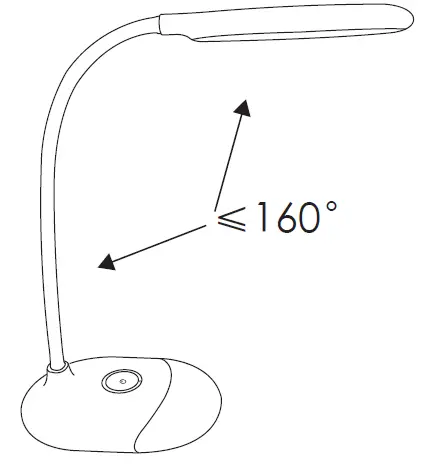
- The lamp head and arm is rotatable. Hold the lamp base by one hand and adjust the angle of the lamp within 160°.

- Rotate the lamp head and arm within the allowed range. Please do not swivel with excessive force to prevent damages.

 TaoTronics Official Site - Technology Enhances Life