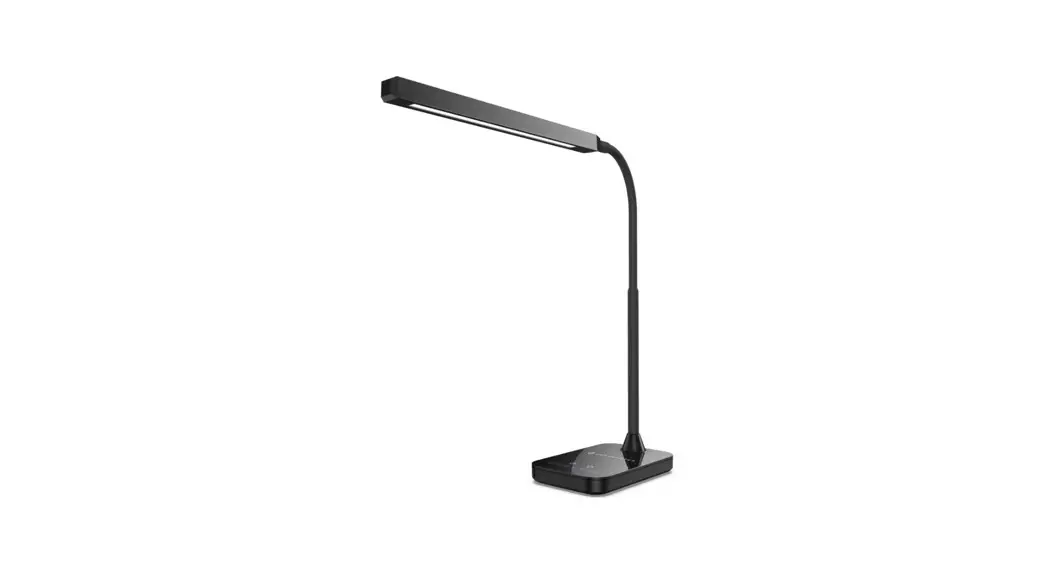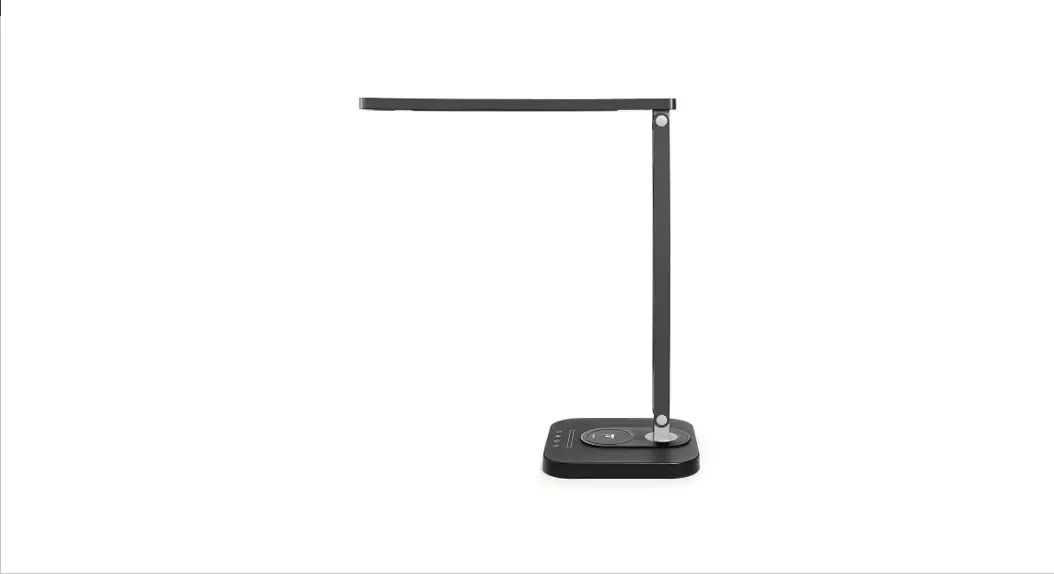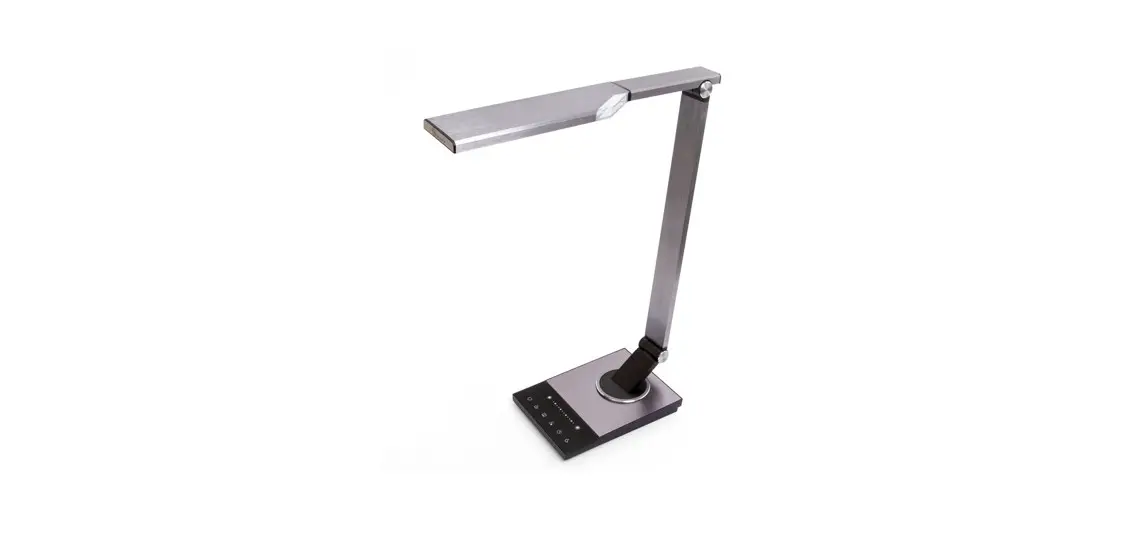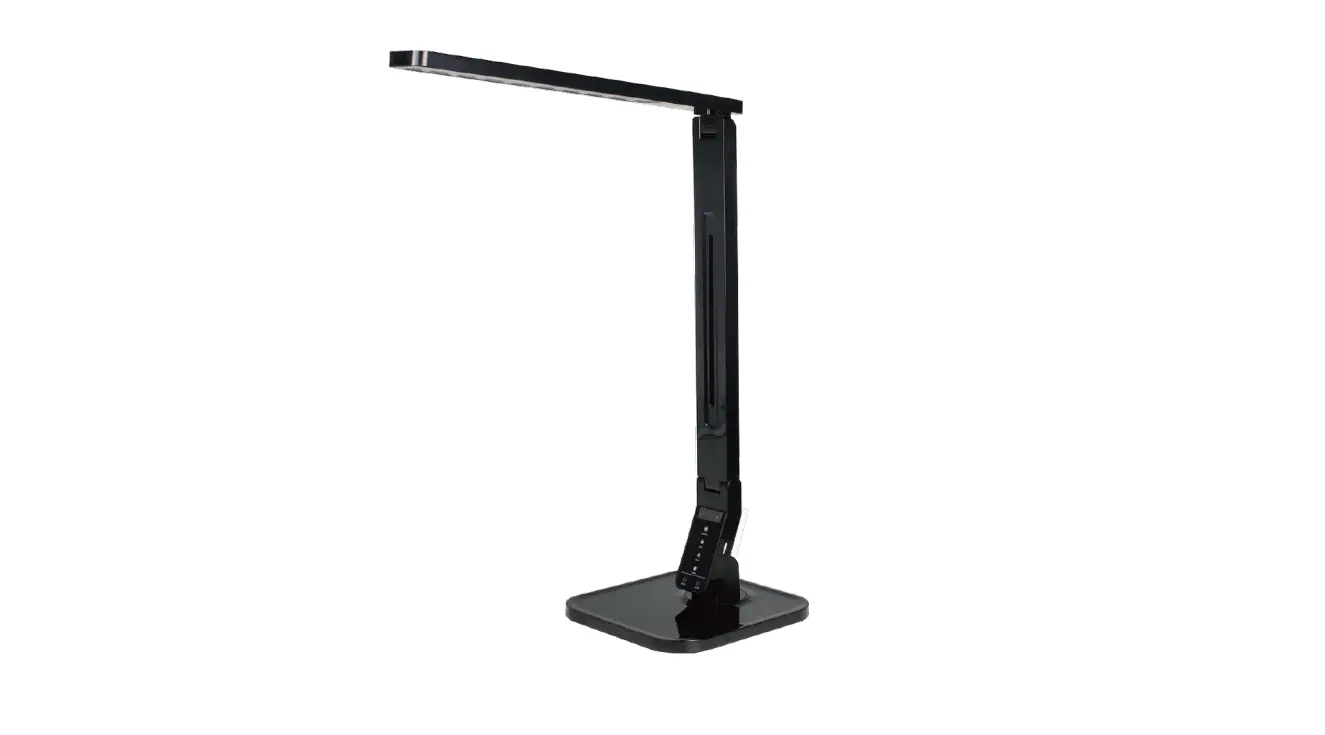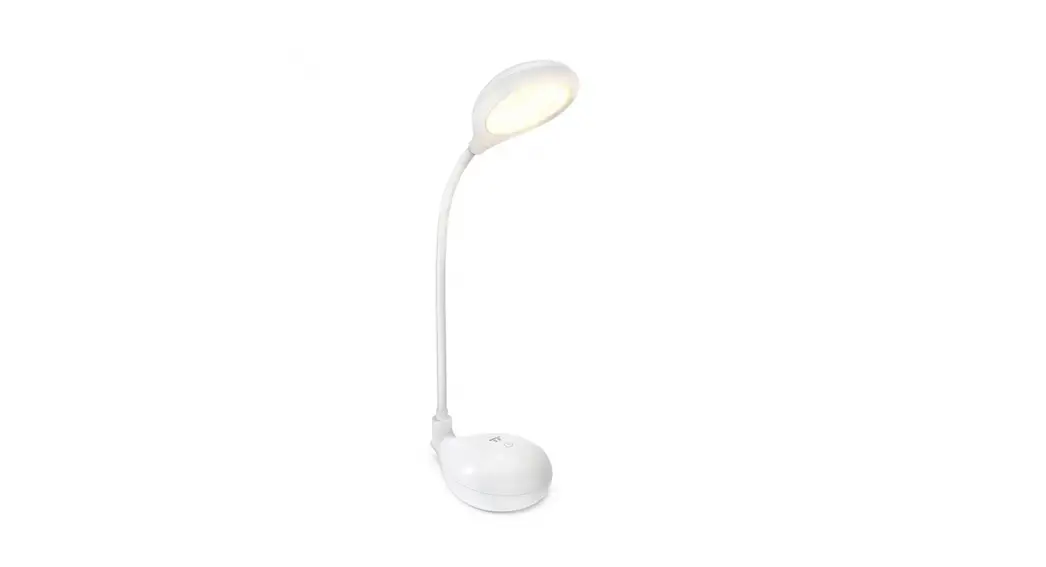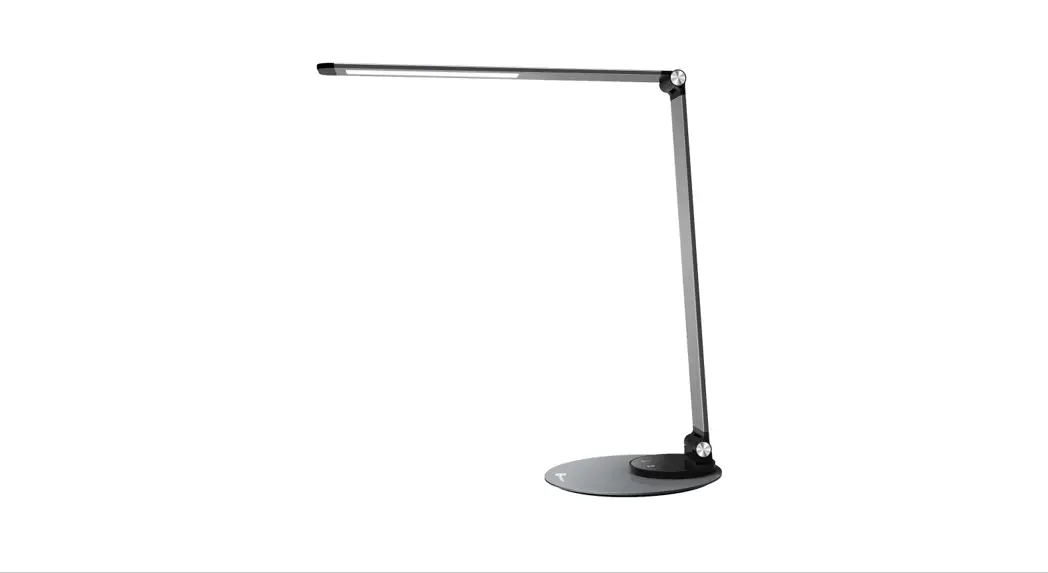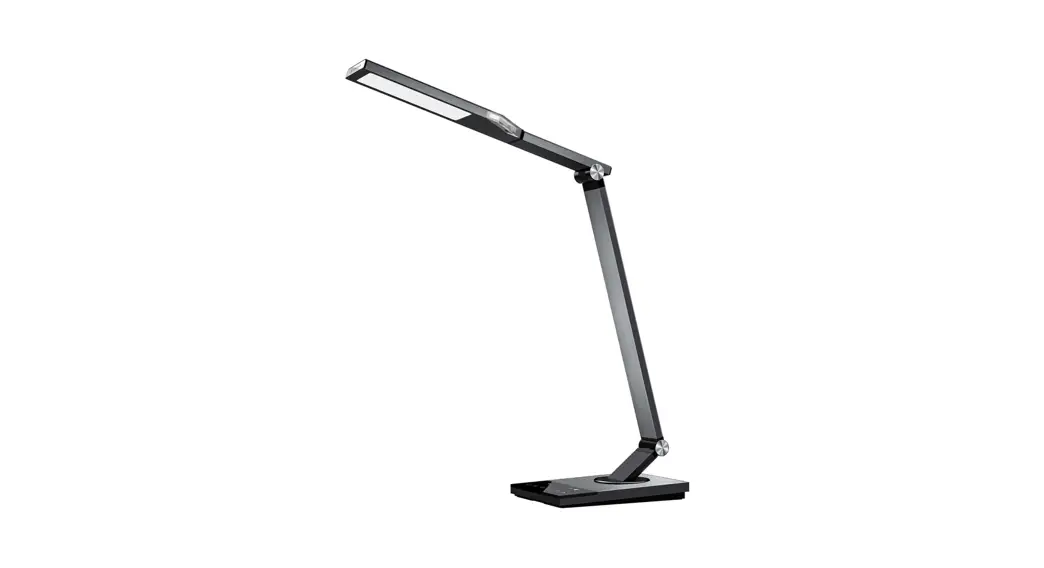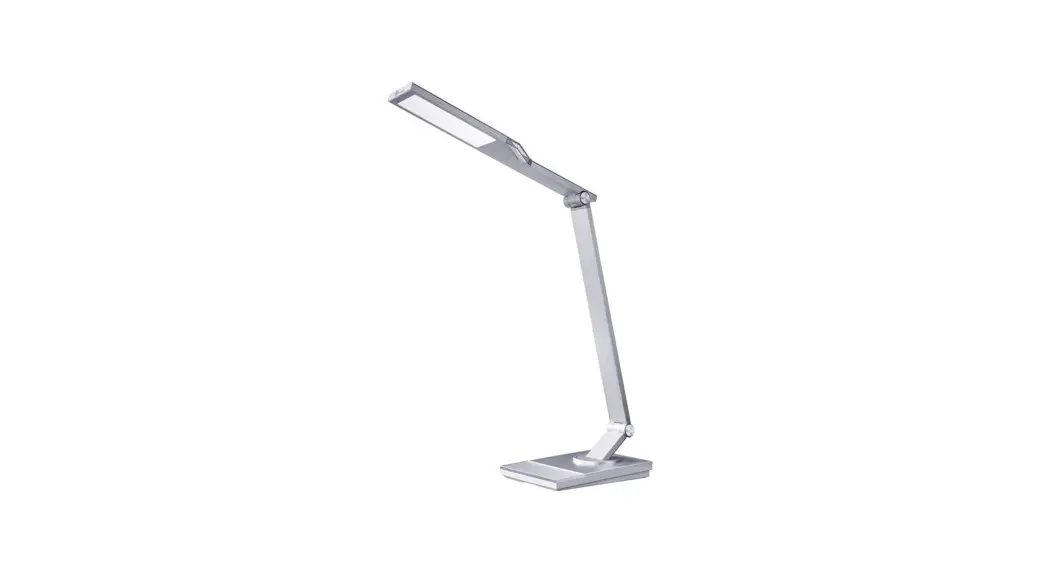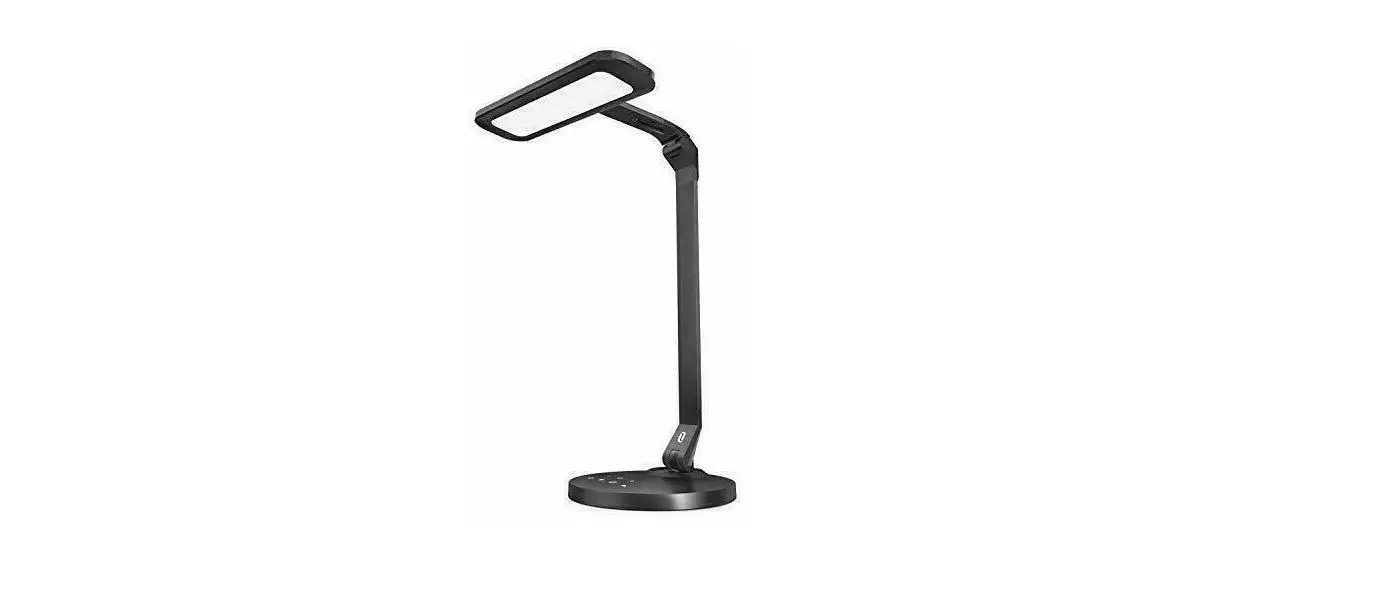

TAOTRONICS TT-DL064 LED Desk Lamp Pro
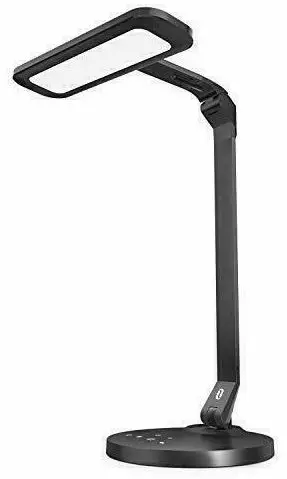
Package Contents
- 1 x TaoTronics LED Desk Lamp Pro (Model: TT-DL064)
- 1 x Power Adapter
- 1 x User Guide
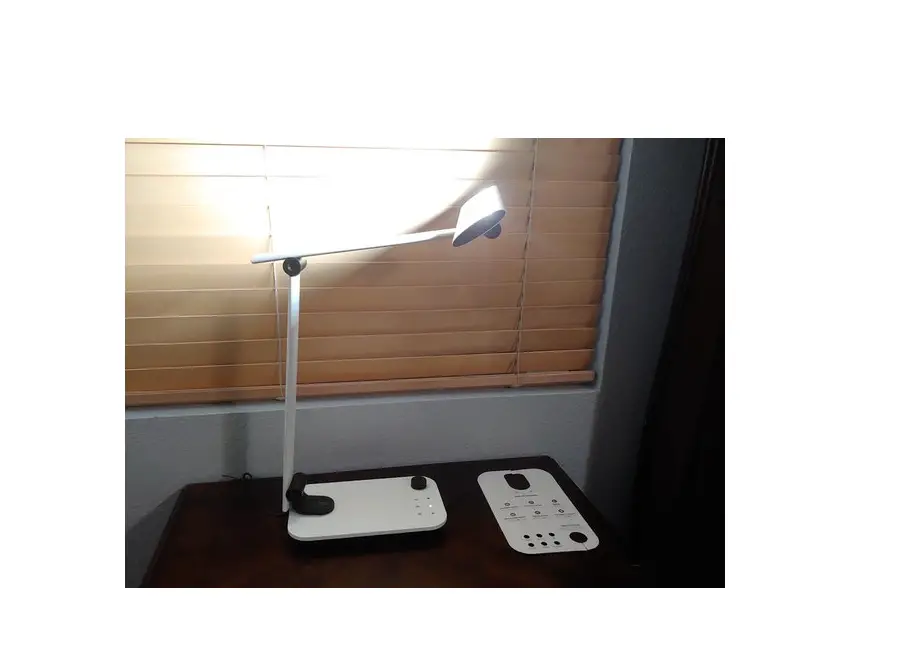
Product Diagram 
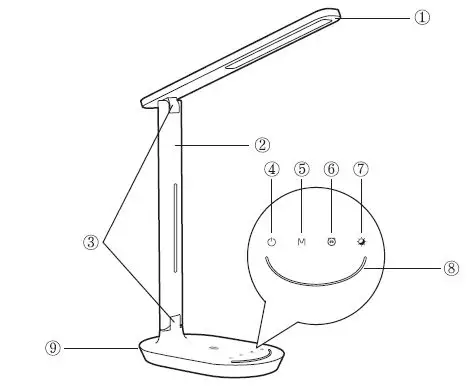
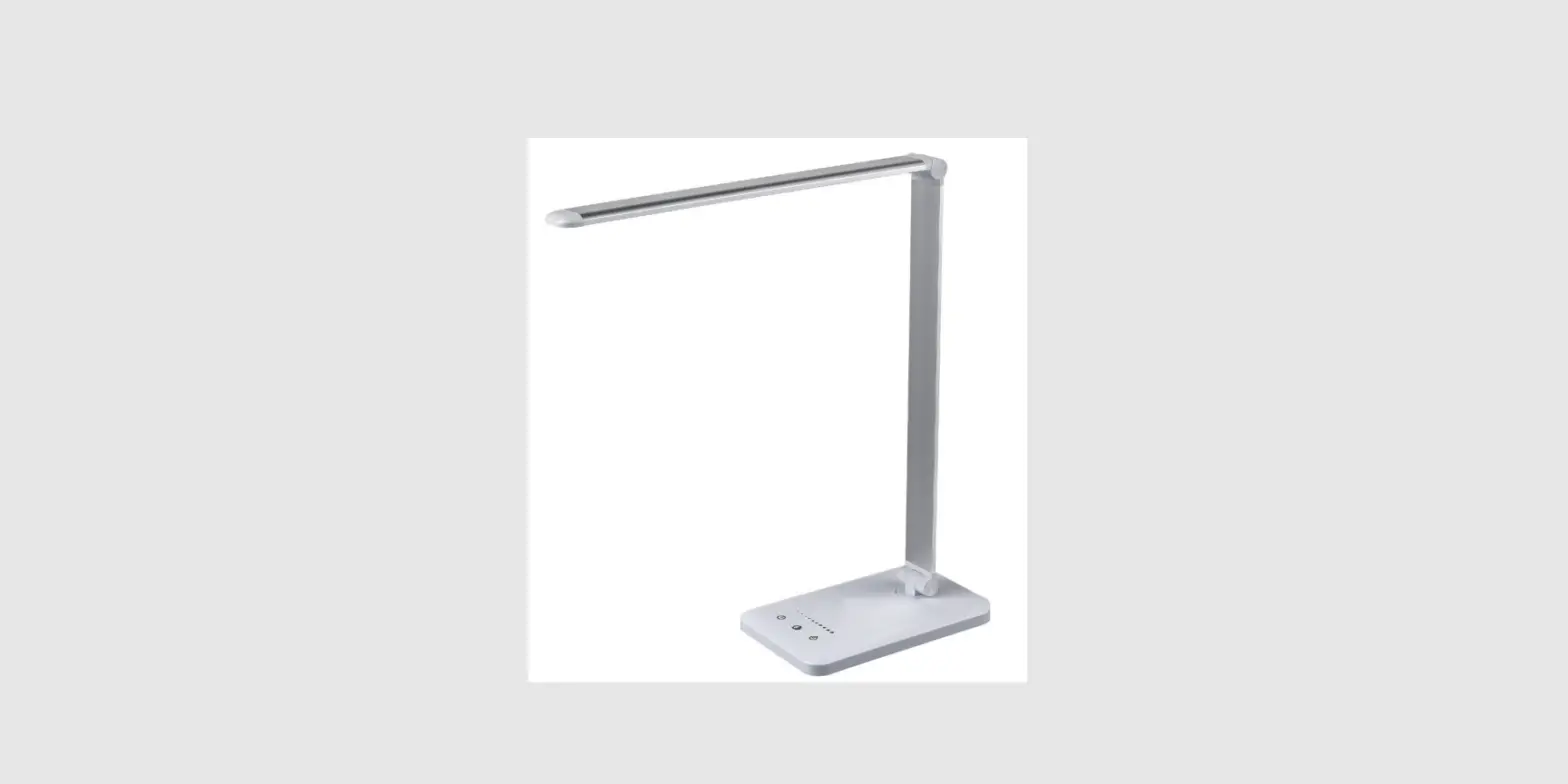
- Lamp Head
- Lamp Arm
- Tension Adjuster
- Power Button
- Color Temperature Button
- Timer Button
- Night Light Button
- Brightness Adjustment Bar
- Power Jack
Specifications
- Model TT-DL064
- Input DC 12V=1A
- Output5V=1A
- CCT 2700-6500K
- Power 12W
- CRI 80
HowtoUse
Power Button
Tap the turn on / off the lamp. It will automatically remember your last brightness and color temperature selection when turned on.
Color Temperature Button
Tap the button to adjust and cycle through the 4 color temperatures.
Timer Button
Tap the 2 button to turn on/off the timer for turning off the lamp. (Default: 60 minutes)
Night Light Button
Tap the button to turn on/off the night light.
Brightness Adjustment Bar
- Tap on the brightness adjustment bar to select a certain brightness.
- Swipe from left to right on the bar to increase the light brightness. Swipe from right to left to dim.
Caution
- Use only the supplied AC power adapter.
- Please do not dismantle the product by yourself, always ask a professional electrician or authorized technician for repairs.
- If you smell a bad odor or anything unusual, please turn off the unit immediately.
- Please do not remove the power plug with wet hands as it may cause electrical shock.
- It is not a toy. Keep away from children.
- Do not put this unit near any heat source or under direct sunlight.
- Clean the unit on a regular basis.
- Please store in a dry and shady place.
Troubleshooting Guide
| Troubleshooting Guide | ||
| Problem | Possible Cause | Solution |
|
The lamp does not light up | No power supply | Plug in the power adapter |
| Did not press the Power Button | Refer to the How to Use section | |
|
The touch panel is not responsive | Hands are wet | Tap the panel with dry hands |
| Voltage fluctuation causing panel failure | Disconnect power to restart the lamp | |
|
LED failure | LED component failed | Please contact the TaoTronics Support Team |
|
Bad smell | Power adapter failed | Please contact the TaoTronics Support Team |
| Short circuited | Please contact the TaoTronics Support Team | |
Warranty
TaoTronics products are covered by a 12 month limited warranty from the date of its original purchase. If any problems occur, please contact our support team. We can only provide after sales service for products that are sold by TaoTronics or TaoTronics authorized retailers and distributors. If you have purchased your unit from a different place, please contact your seller for return and warranty issues.